
Browser Image Tools
All in one image tools in your browser

Details
- Follow on
- Target Audience
- Pricing
- Free
- Platforms
Discovery signals
How AI and people discover Browser Image Tools on PeerPush
By AI reads among Design Tools tools
8,227 AI reads in the last 30 days, ranked against every Design Tools tool listed.About Browser Image Tools
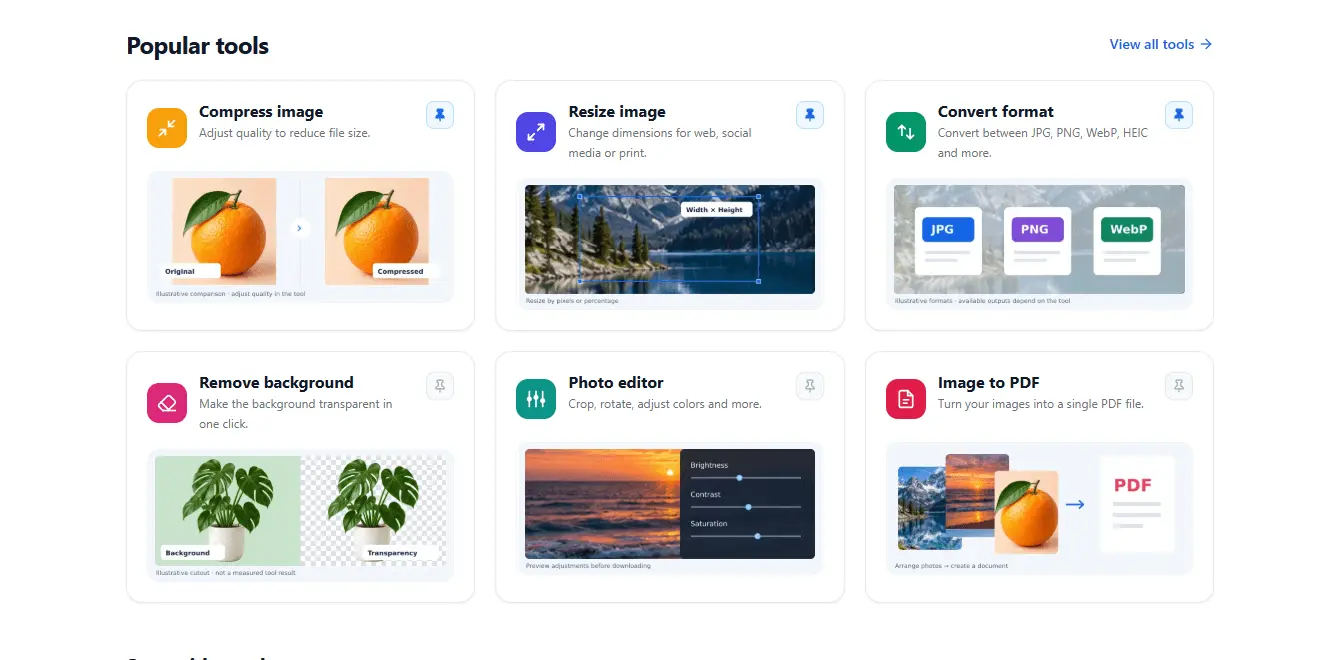
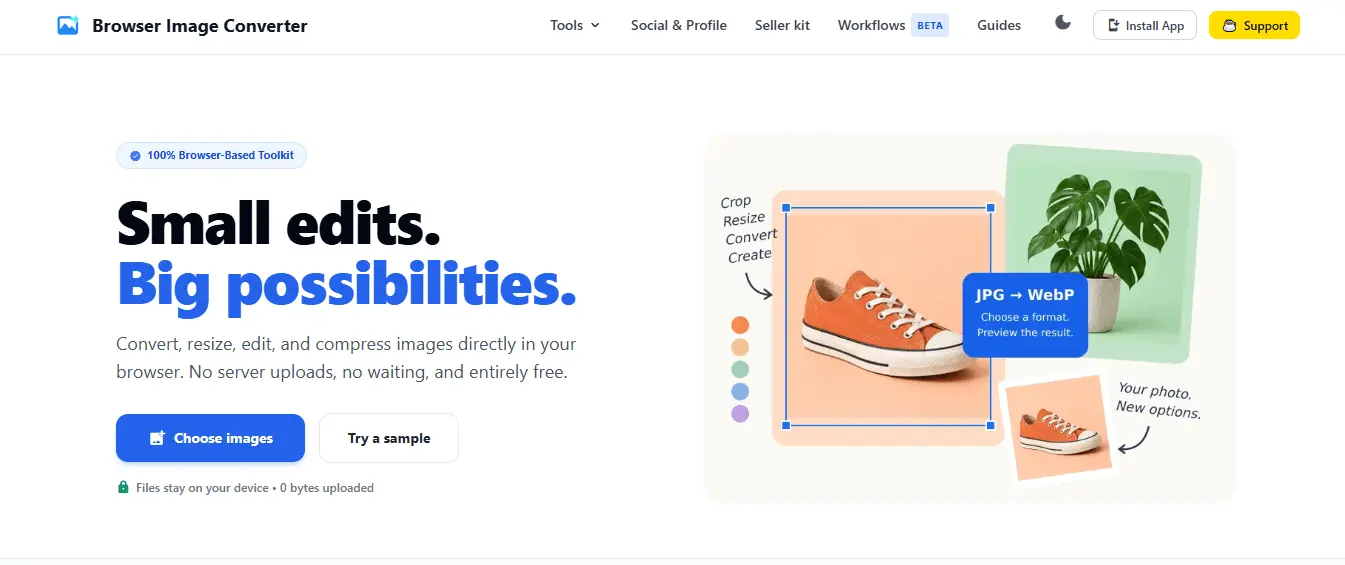
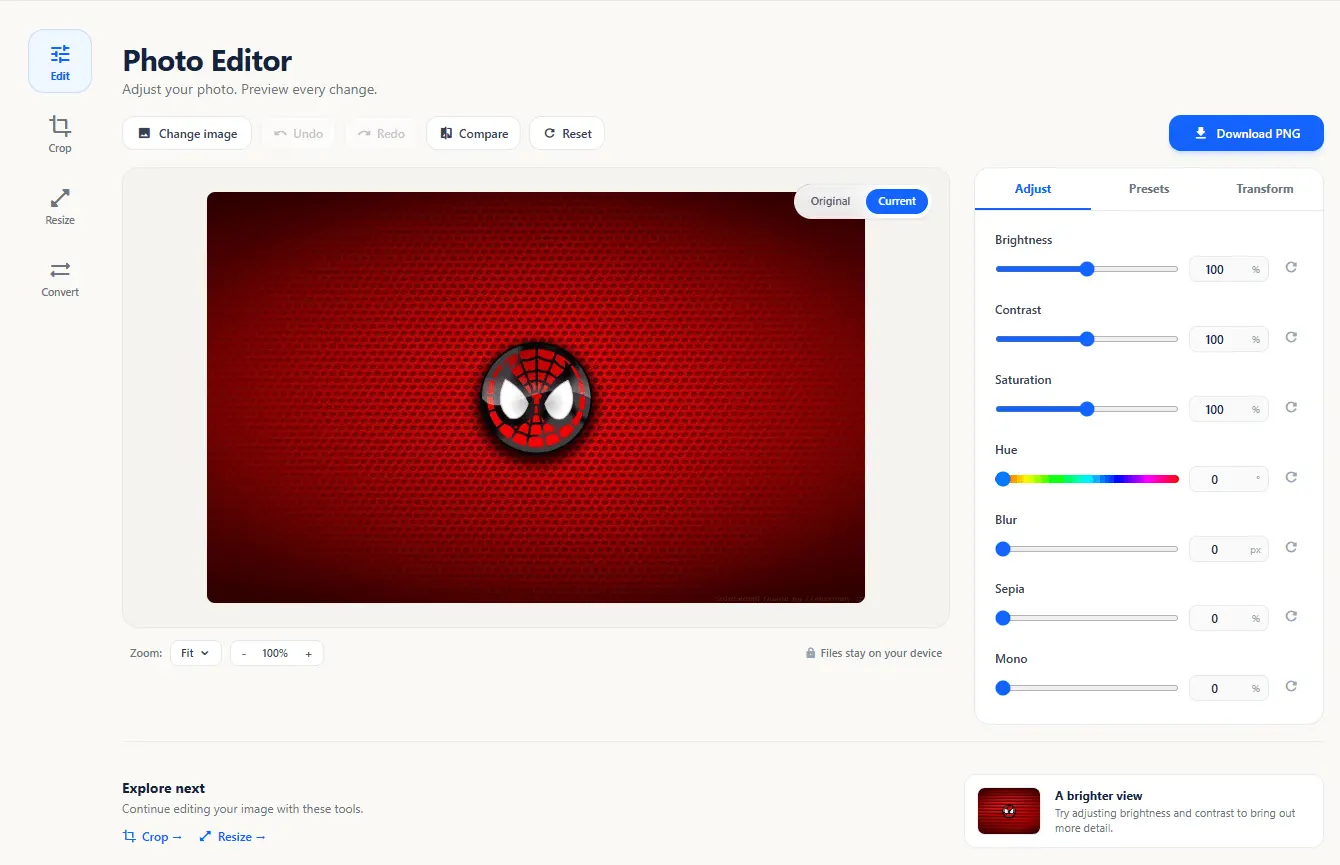
🚀 Introducing BrowserIMG, a private image toolkit that runs entirely in your browser. From quick edits to everyday image tasks, BrowserIMG brings everything into one place. You can resize, crop, compress, convert, upscale, remove backgrounds, extract text with OCR, create PDFs, process multiple images at once, and much more. 🔒 Private by default Your images stay on your device. Processing happens directly in your browser, so there’s no need to upload your files to a server or create an account. ⚡ 30+ tools in one place Image conversion, editing, compression, optimization, OCR, PDF creation, batch processing, and other useful image utilities. 💻 Simple and browser-based Pick a tool, drop in your image, make your changes, and get the result. No software installation or complicated setup. 🆓 Free to use I built BrowserIMG because I wanted a simple alternative to jumping between different websites for every small image task. Would love to hear what you think. Which tool would you use first? 👉 https://browserimgconverter.com/ #buildinpublic #indiehacker #webdevelopment #productivity #privacy #webtools
Discount Codes
FREE(-100% OFF)
Valid until Jan 15, 2040
Product Video
Watch a video demo of Browser Image Tools.
Screenshots
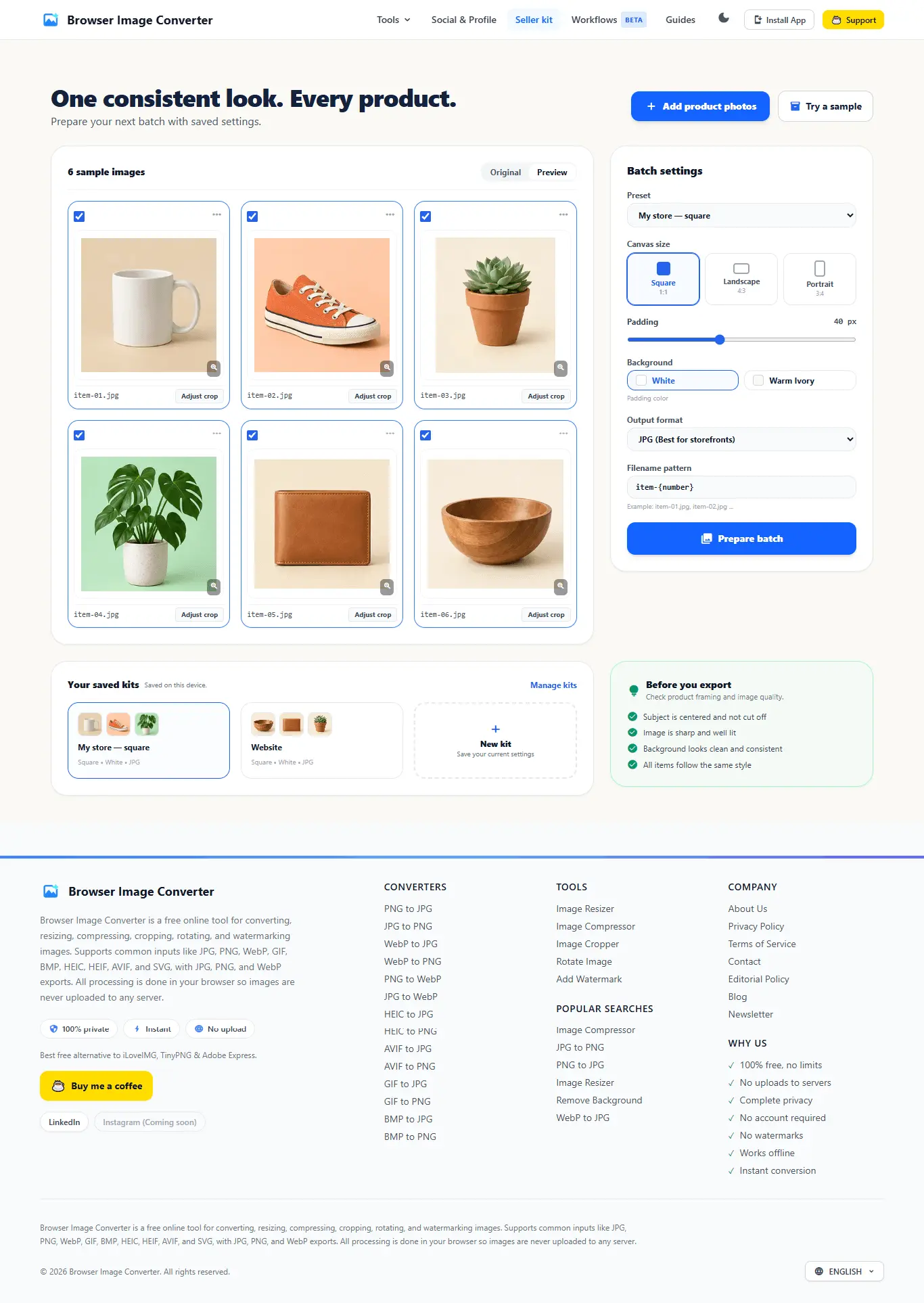
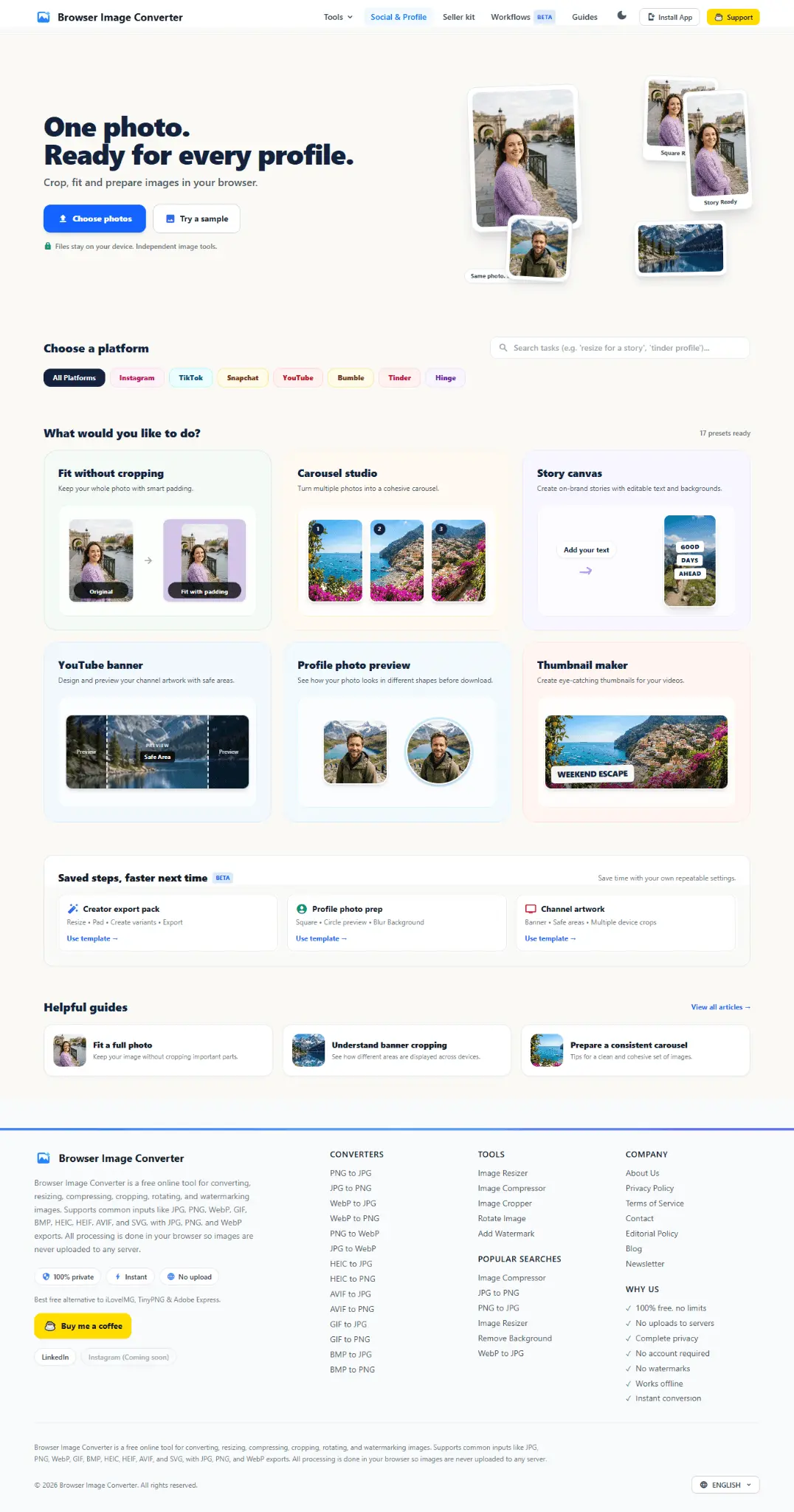

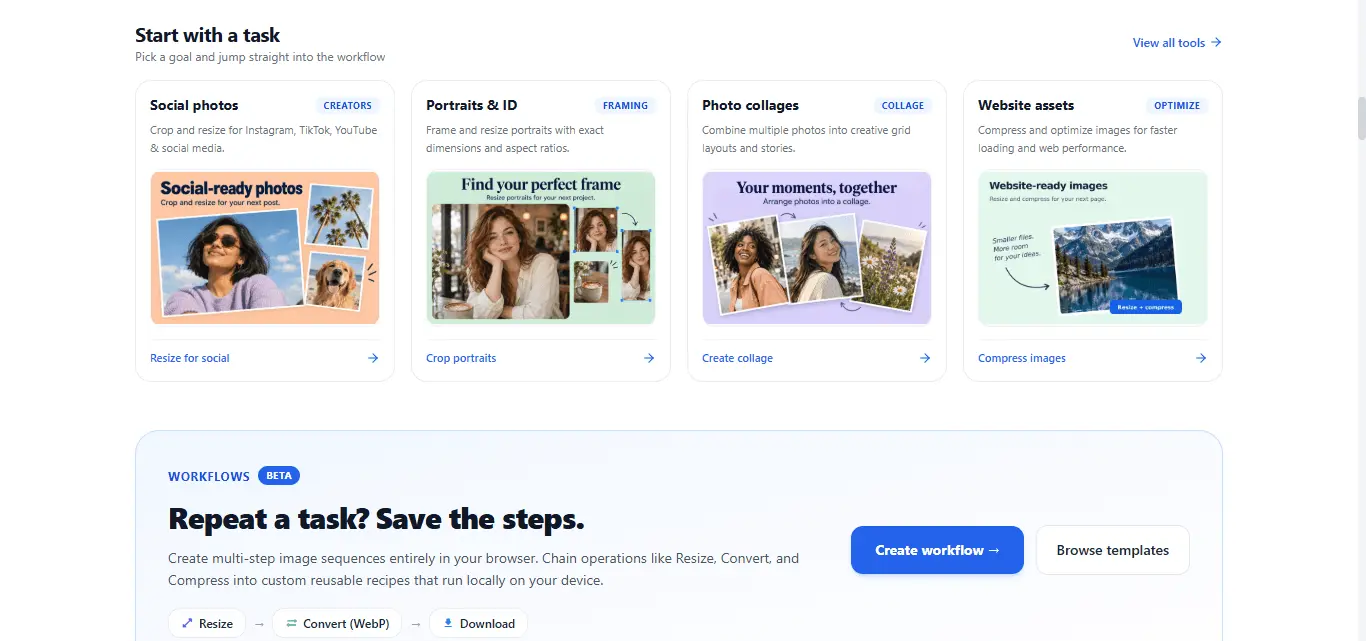
Reviews (5)
Average 3.0 out of 5
Based on 5 reviews


Whatever i tried worked fine for me, and I liked the depth of conversion options and the design.

It doesn't actually work. I tried to convert png to avif and it just renamed the image file. No real file conversion actually took place. And as with the other Browser Pdf Tools product, it also says that there are thousands of monthly users, yet Similarweb and others show much much fewer users. This seems like a total scam

I dont like it, dozens of better ones

Comments (2)
The all-in-browser workflow is nicely scoped; keeping files local while combining resize, crop, and format conversion makes this especially useful for quick one-off edits.
Interesting. I would love to explore more.