
Budlog
Widget-first budgeting on your home screen


Details
- Target Audience
- Spreadsheet BudgetersStudentsFamilies
- Pricing
- Subscription
- Platforms
- Mobile
- Featured in
- Best Tools for Spreadsheet Budgeters
Discovery signals
How AI and people discover Budlog on PeerPush
About Budlog
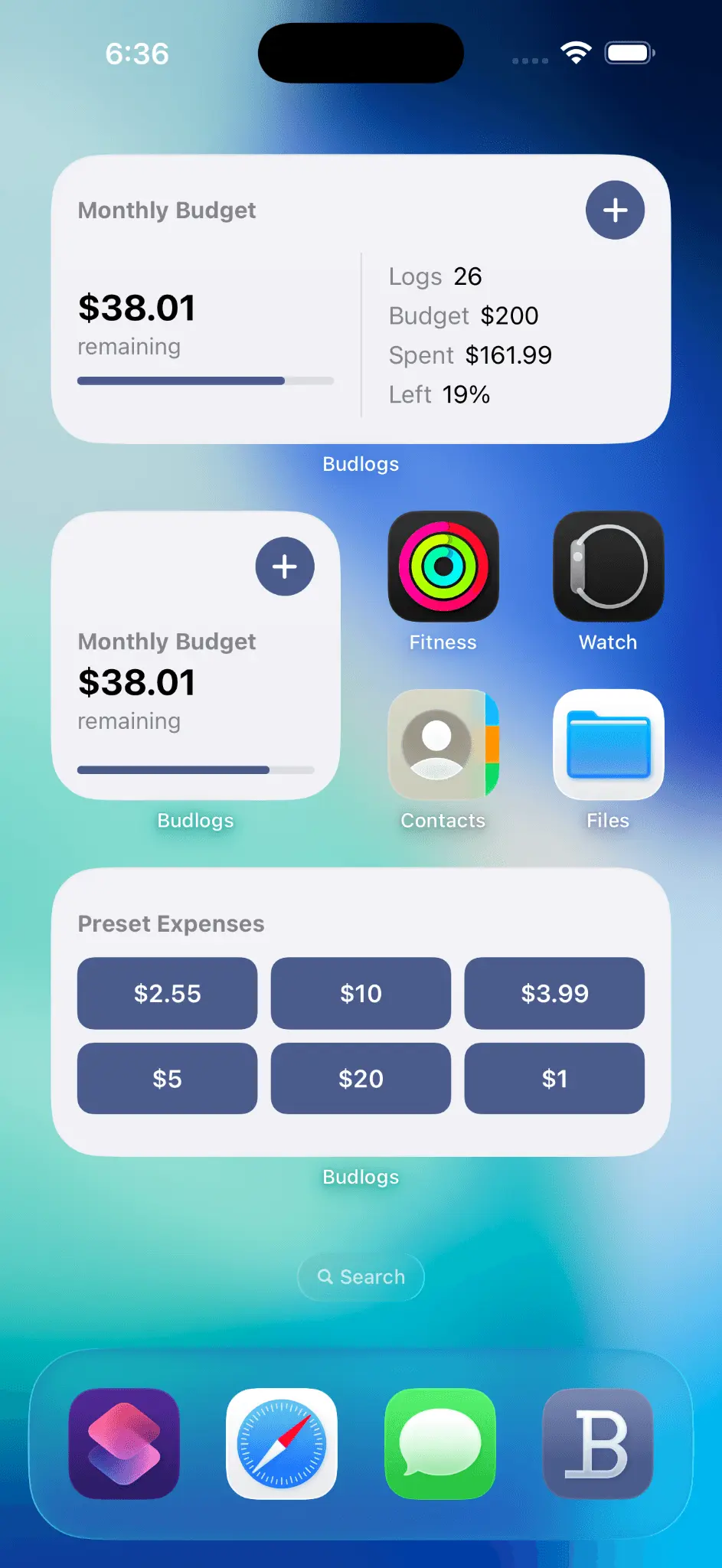
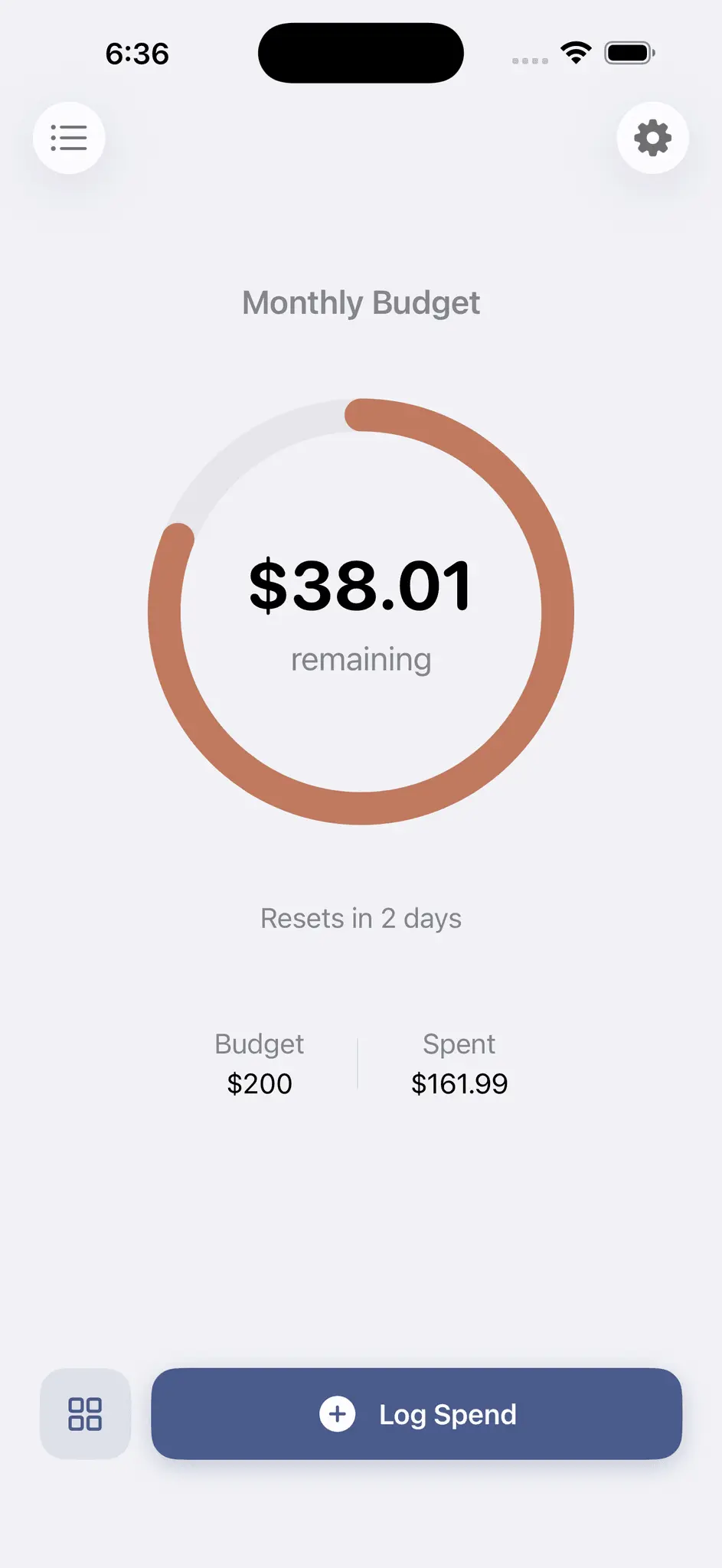
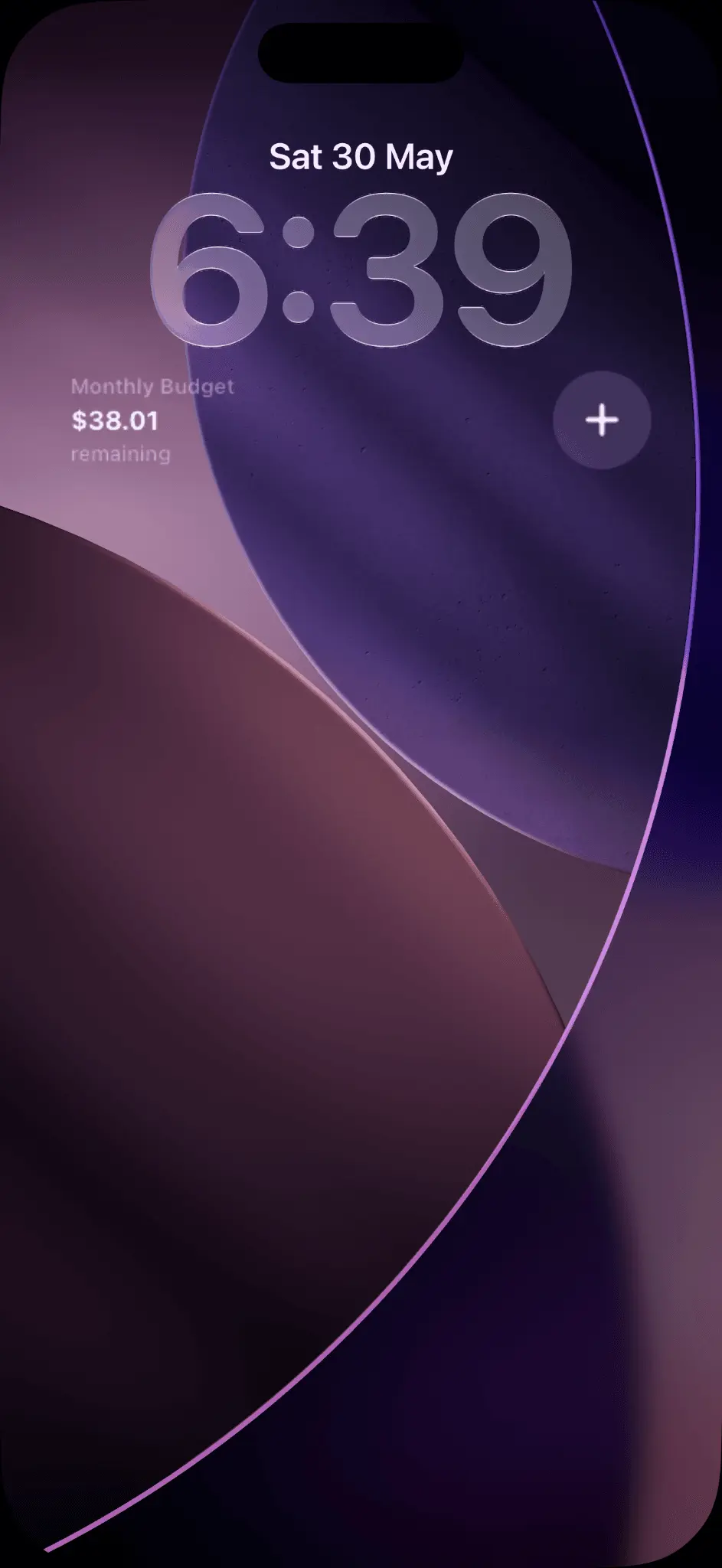
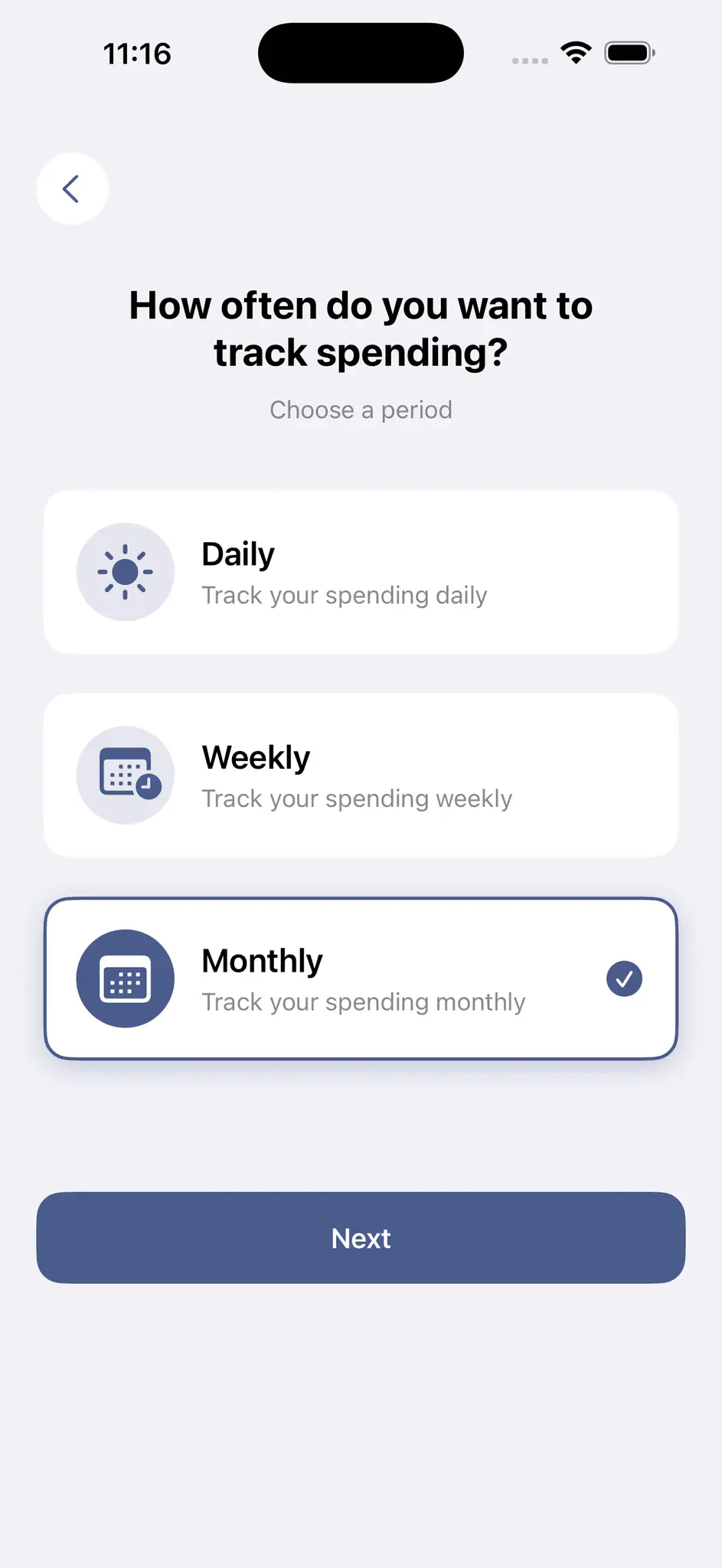
One number. What's left to spend. Visible on your home screen and lock screen for convenience. Stop budgeting like an accountant. Budlogs answers one question: how much can you still spend? Set a limit. Log what you spend. See what's left. No categories to pick. No transactions to label. No spreadsheet to maintain. Just tap your amount and get back to your day. HOW IT WORKS 1. Set a daily, weekly, or monthly spending limit 2. Log spending as you go 3. Check what's left — on your home screen, lock screen, or in the app WHY NO CATEGORIES OR LABELS? Most budget apps expect you to live like an auditor — labelling every coffee, categorising every purchase, colour-coding your life. That works for about a week. Then it becomes homework, and you stop. And once you stop, the app is useless. Here's the thing: knowing you labelled something "Food & Drink" doesn't help you decide whether you can afford dinner tonight. What helps is one number — what's left to spend. That's it. No breakdowns. No pie charts. No labels. Just your budget minus what you've spent. Budlogs is built around that one question: how much can you still spend? FEATURES * Home screen widgets — check what's left without opening the app * Lock screen widgets — glance at your remaining budget without unlocking your phone * Preset expenses — save frequent amounts, log them in one tap * Receipt scanning — share a photo, the amount is extracted on your device * Spending history — view your complete spending logs across all periods * 200+ currencies with proper formatting * Automatic reset — your limit resets on your schedule * Rollover — didn't spend it all? Carry the leftover into your next period * Siri Shortcuts — log spending with your voice, hands-free * Apple Pay auto-logging — tap to pay, and the amount is logged automatically * Fully private — no accounts, no cloud, no tracking. All data stays on your phone
Screenshots
Reviews (0)
No reviews yet. Be the first to rate this product!
Comments (0)
No comments yet. Be the first to share your thoughts!