
Cashcart
A lightweight, no-fee platform for selling digital products
Details
- Categories
- Creator EconomyE-Commerce
- Target Audience
- Content CreatorsFreelancersSolopreneurs
- Pricing
- Free
- Platforms
- Web
- Alternative To
 Linktree
Discovery signals
How AI and people discover Cashcart on PeerPush
About Cashcart
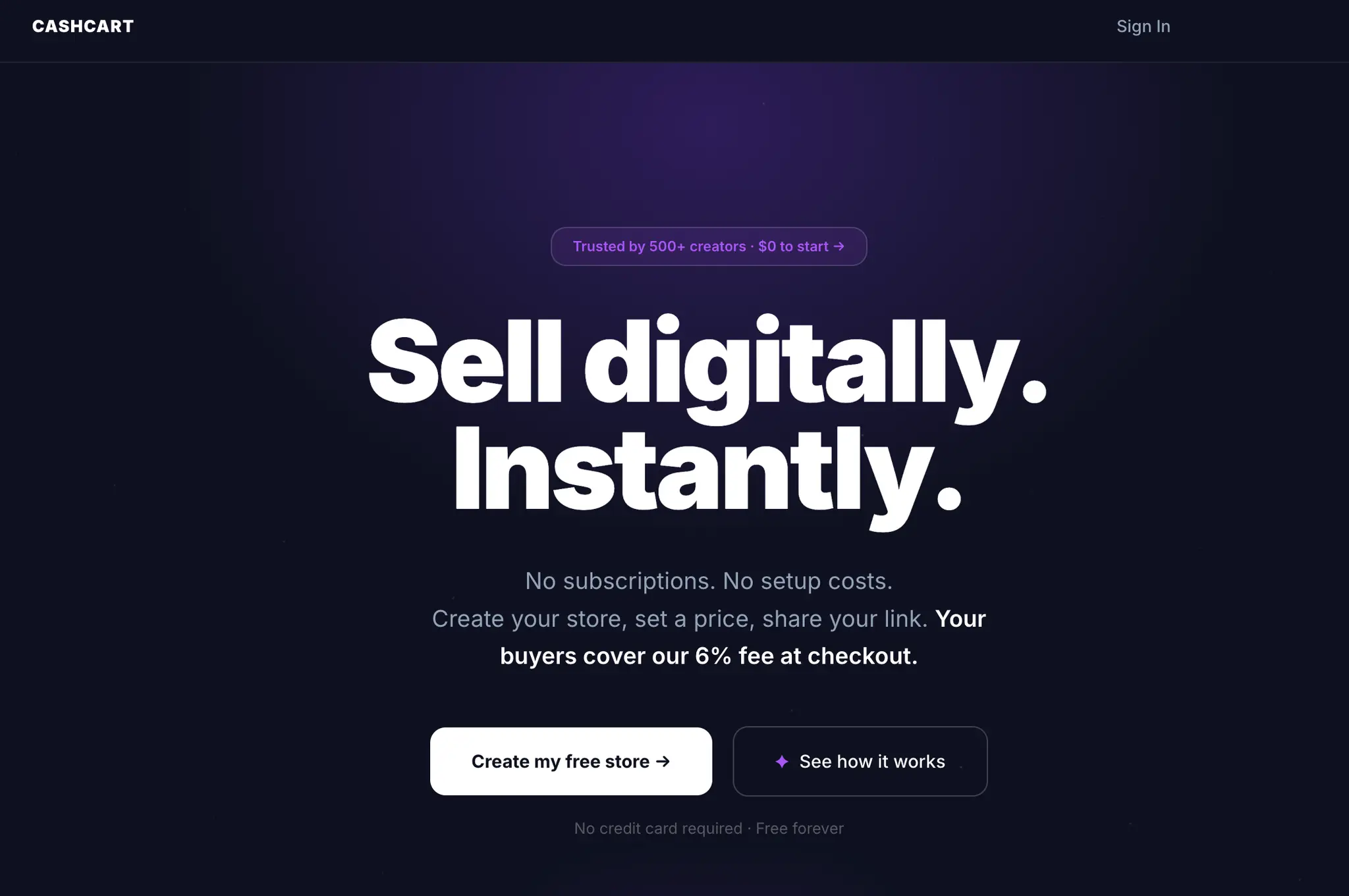
Tired of $29 a month subscription fees whether you make a sale or not? Try CashCart. CashCart provides a lightweight, streamlined solution for selling digital products. You can start selling your digital assets instantly using just one link. CashCart handles the checkout process with your buyers covering the 6% plus $0.30 per sale platform fee, ensuring you receive instant payouts for your digital sales.
Product Video
Watch a video demo of Cashcart.
Screenshots
Product Updates (7)
July 25th Updates
Onboarding improvements: New sellers now hear the Cashcart sale sound during signup, before they've even set up their store. It's a small moment, but it sets the right expectation before they get into the details. Form fields on the profile and store setup steps now keep their values if something goes wrong during submission, so you no longer lose what you've typed when there's a validation error. The Stripe Connect step now tells you upfront what to expect: roughly 3 minute set up, your legal name and bank details, and a clear note that we never see your banking information. Dashboard: Sellers who haven't connected Stripe yet now see a banner on their dashboard reminding them to set up payouts. It stays visible until they complete the process. Stripe Connect reliability: Fixed a bug where the settings page would incorrectly show "Connected" for sellers who had started but not completed the Stripe onboarding flow. The settings page now accurately reflects whether setup is finished, and shows a "Finish setup" prompt if it isn't. Fixed a crash that could occur when a seller tried to manage their payouts before finishing Stripe onboarding.
Comments (0)
No comments yet. Be the first to share your thoughts!
Compare-at Pricing
Requested by a Cashcart creator You can now add a compare-at price to any product. Set your regular selling price as normal, then add an optional higher "was" price alongside it. Buyers see the original price struck through next to the current price, so the saving is immediately obvious. Why we built it: One of our creators asked for a way to show when a product has dropped in price. The existing discount code system is great for sharing private codes with an audience, but there was no way to publicly signal that a product used to cost more. This fills that gap. For creators: If you've reduced a product's price, introduced launch pricing, or just want buyers to understand the value they're getting, compare-at pricing gives you a clean way to show it. Set it once in the product editor and it displays automatically on your store and product page. No codes, no friction. The selling price stays exactly as you set it. The compare-at price is display only, so there's nothing new to manage at checkout. For buyers: Shoppers browsing a creator's store can see at a glance when a product is priced below its usual rate. The original price appears struck through, the current price sits right next to it. Clear, honest, no guesswork. How to use it: Open any product in your dashboard and look for the new Compare-at Price field just below the regular price. Leave it blank and nothing changes. Add a figure higher than your selling price and it appears on your store immediately.
Comments (0)
No comments yet. Be the first to share your thoughts!
Deeper store insights for Creators and Sellers
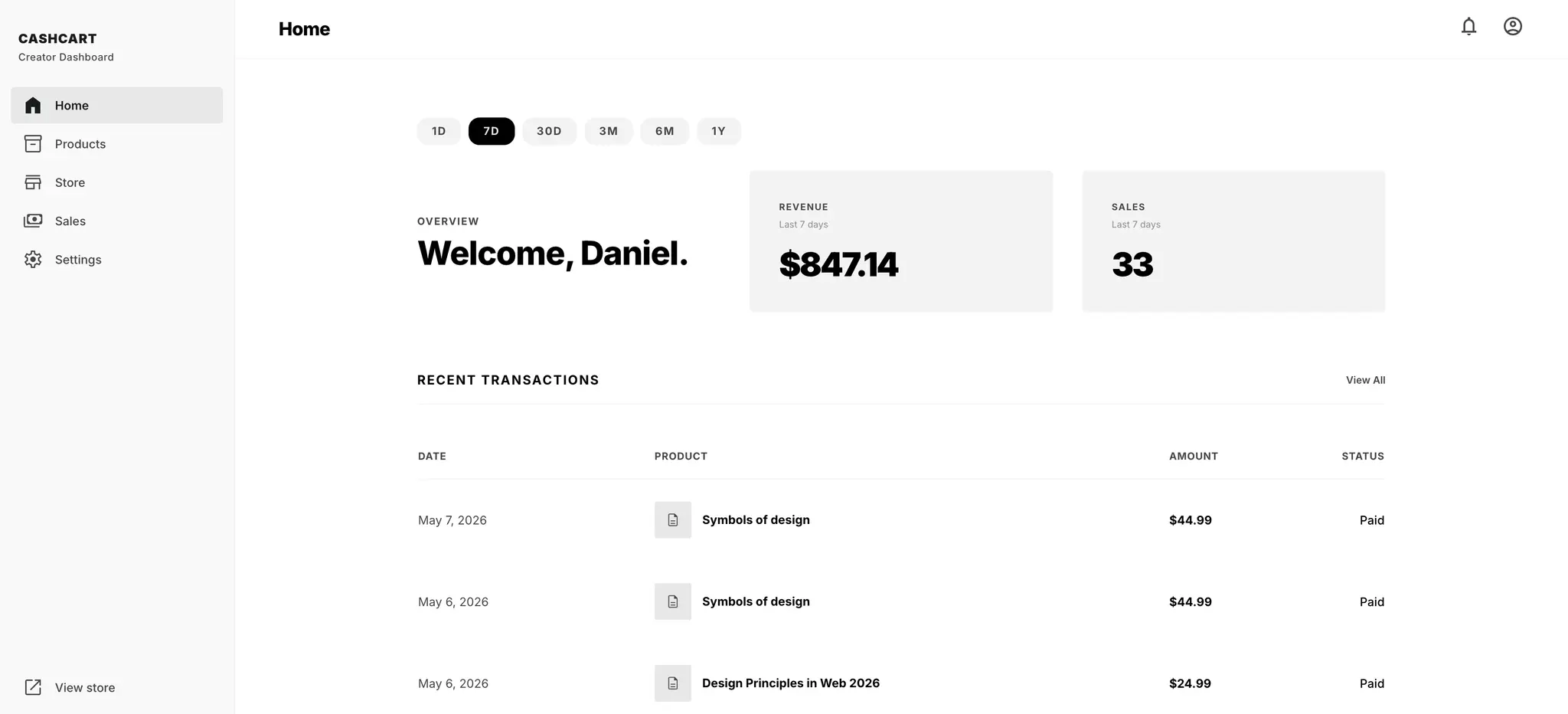
We've introduced live tracking of store visits and checkouts initiated so Creators can get in-time visibility into their store's performance. This update gives users the ability to see at a daily, weekly, monthly and quarterly view of how many people are visiting their store and initiating a checkout of their products. Coming directly as a product request by a user who wanted to track the effectiveness of their storefront, we rolled this update out with excitement today! Check it out on CashCart
Comments (0)
No comments yet. Be the first to share your thoughts!
Social links for creator storefronts
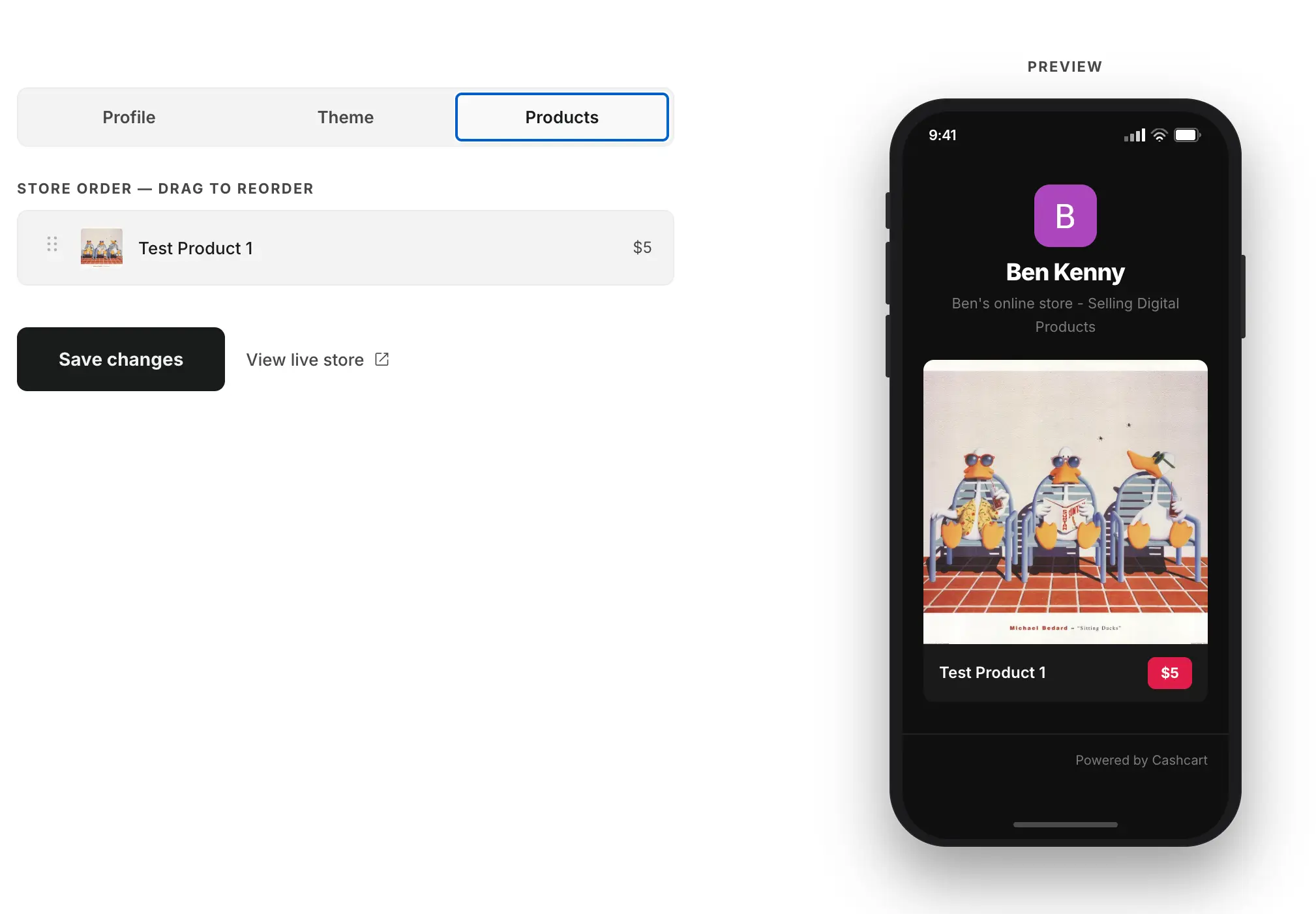
Creators can now add links to their Instagram, TikTok, YouTube, Twitter/X, and Facebook profiles from the Store settings page. Links appear as outlined icon circles just below the bio on the public storefront, and update live in the store preview as you type. If no links are added, nothing is shown.
Comments (0)
No comments yet. Be the first to share your thoughts!
Invite Friends and Discount Codes
Invite Friends: You can now share Cashcart directly from your dashboard. - At the bottom of the dashboard you'll find a new invite section. Hit Copy link to grab the URL, Email a friend to open a pre-written message in your mail app, or Share to send it via your phone's share sheet or any messaging app. Discount Codes: Sellers can now create percentage-based discount codes for buyers to use at checkout. Each code in your list has a toggle to enable or disable it on the fly. On any product page, buyers will see a Have a discount code? link below the price. They enter the code, hit Apply, and the price updates immediately to show the discounted total including the adjusted service fee. The code is verified again server-side when they proceed to checkout.
Comments (0)
No comments yet. Be the first to share your thoughts!
Instant payouts and automatic file delivery
Two updates that make selling on Cashcart faster from the moment a sale lands. Payouts go straight to your bank account. When a buyer completes a purchase, the money moves directly to your connected bank account via Stripe. There is no platform-held balance, no minimum threshold to clear, and no weekly payout window to wait on. What you earn is yours as soon as the transaction settles. Files reach buyers the moment they pay. As soon as a purchase completes, Cashcart automatically sends the buyer a download link. You don't need to manually fulfil anything or monitor your inbox. Whether your first sale happens at 2pm or 2am, the buyer gets what they paid for immediately. Together these improvements mean you can set up your store, share your link, and step away. Cashcart handles the rest.
Comments (0)
No comments yet. Be the first to share your thoughts!
CashCart now supports multiple currencies
You can now set your store currency to USD, AUD, NZD, GBP, EUR, or CAD. Head to your dashboard settings, pick your currency, and every product on your store will display in that currency from then on. Your buyers see prices in the currency you choose, and your payouts land in that same currency via Stripe directly to your bank account. For Australian creators, AUD is the default. For anyone selling internationally or building an audience in a specific market, you can switch to whatever makes sense for your buyers.
Comments (0)
No comments yet. Be the first to share your thoughts!
Reviews (2)
Average 4.0 out of 5
Based on 2 reviews

Comments (3)
@58259phil No support for bundles just yet, that can currently be done by adding a bundle product. Thank you for the support
@gopal Thank you. I'm always open to any feedback you have and appreciate you taking the time to check it out!
Excited to share more broadly the success CashCart has seen. Monthly subscription costs and selling fees hurt small creators. CashCart solves that.