
CatLoggBox
Hardware capture for inventory and audit workflows

Details
- Categories
- Pricing
- Freemium from $10
- Featured in
About CatLoggBox
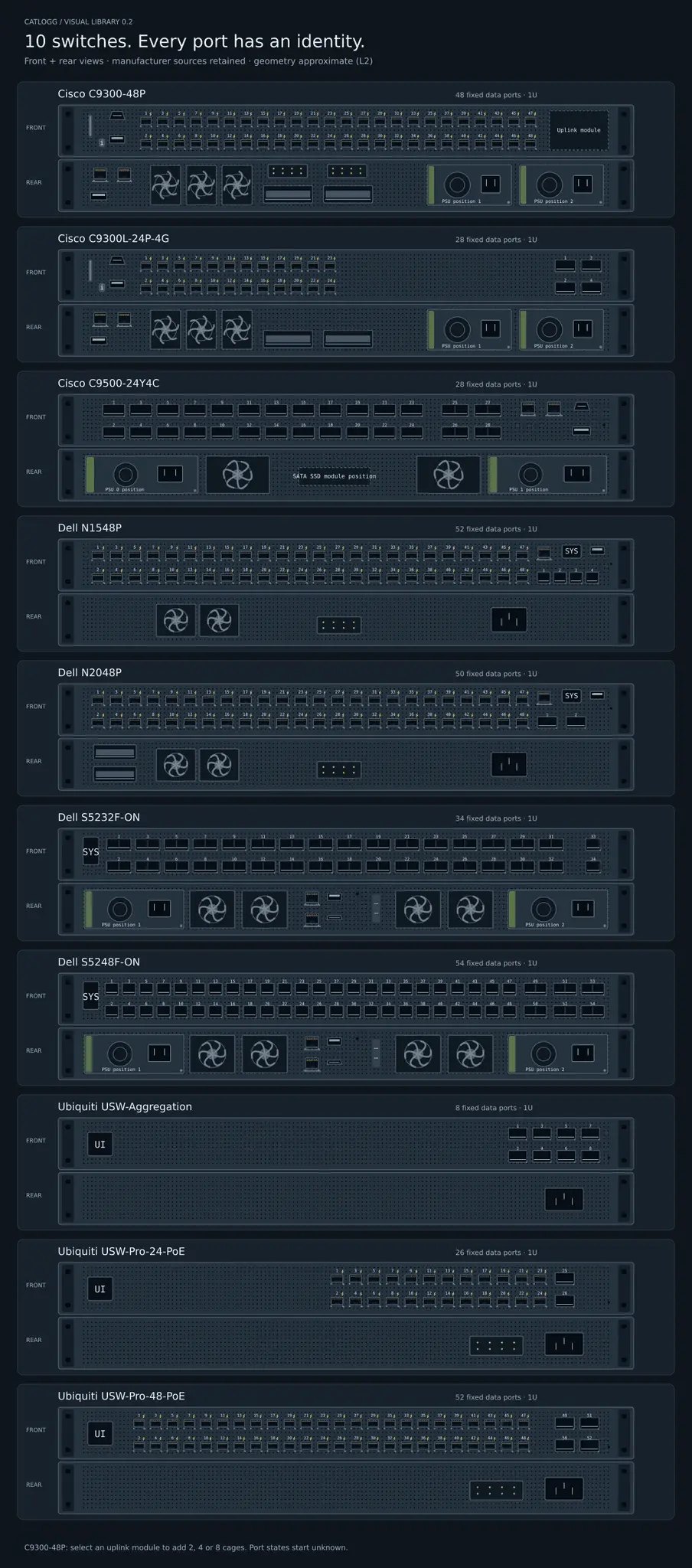
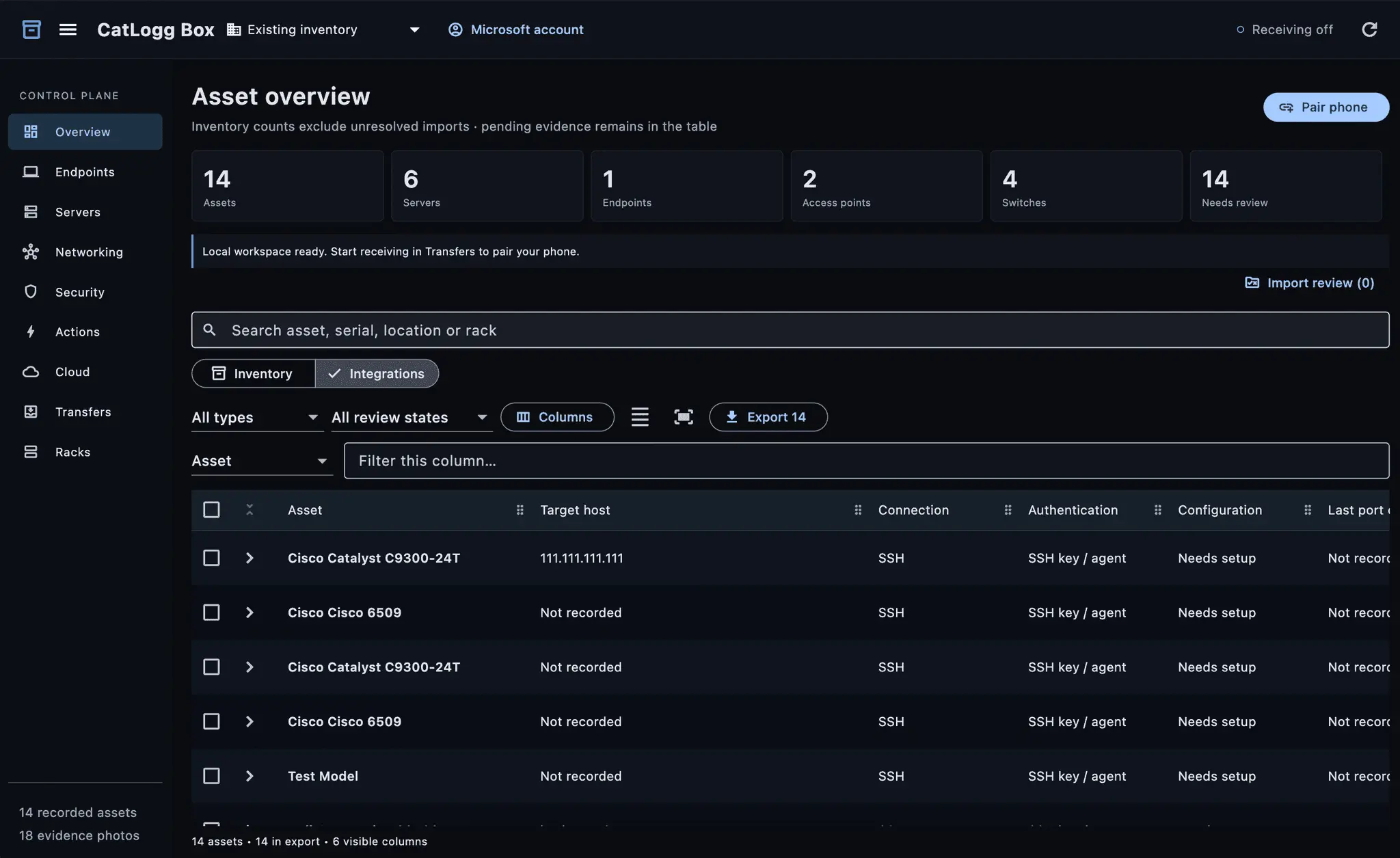
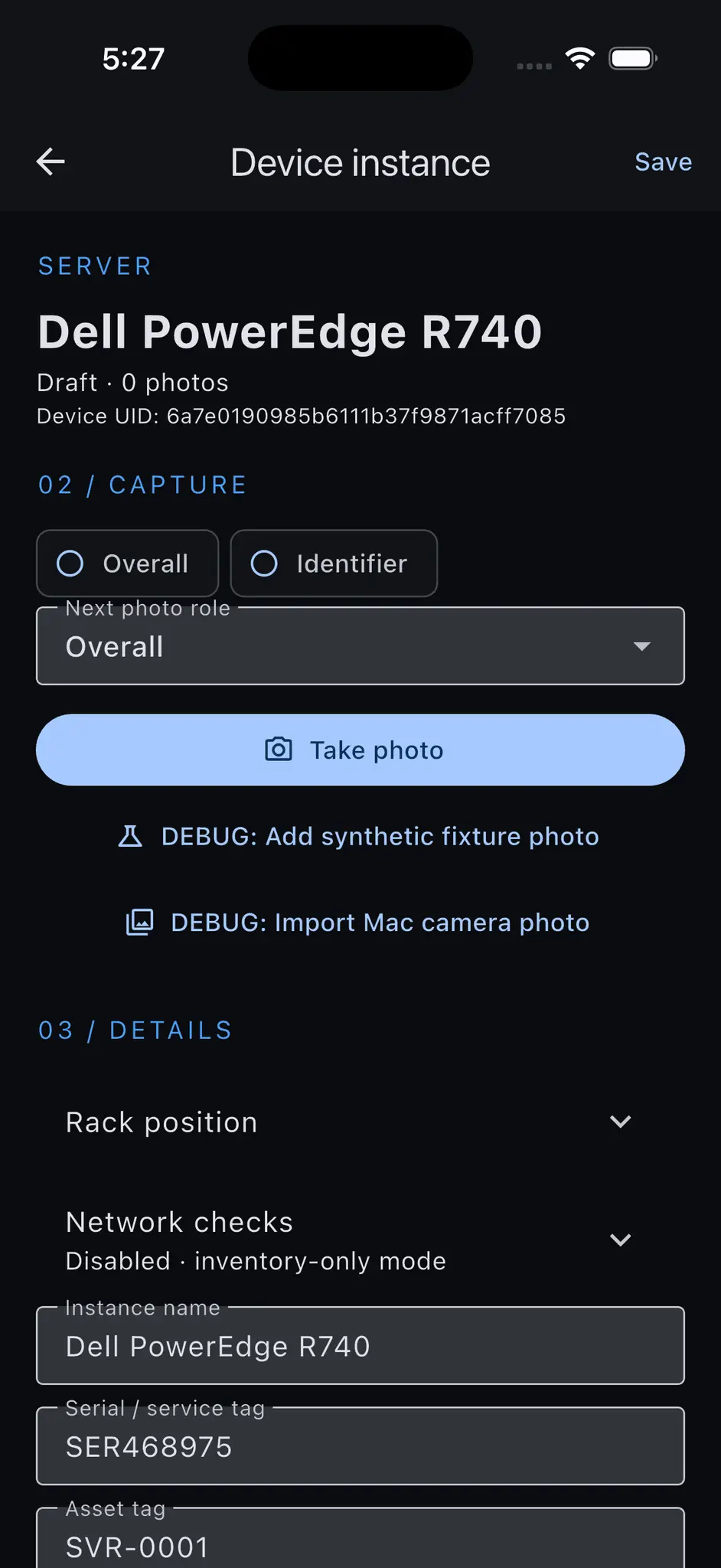
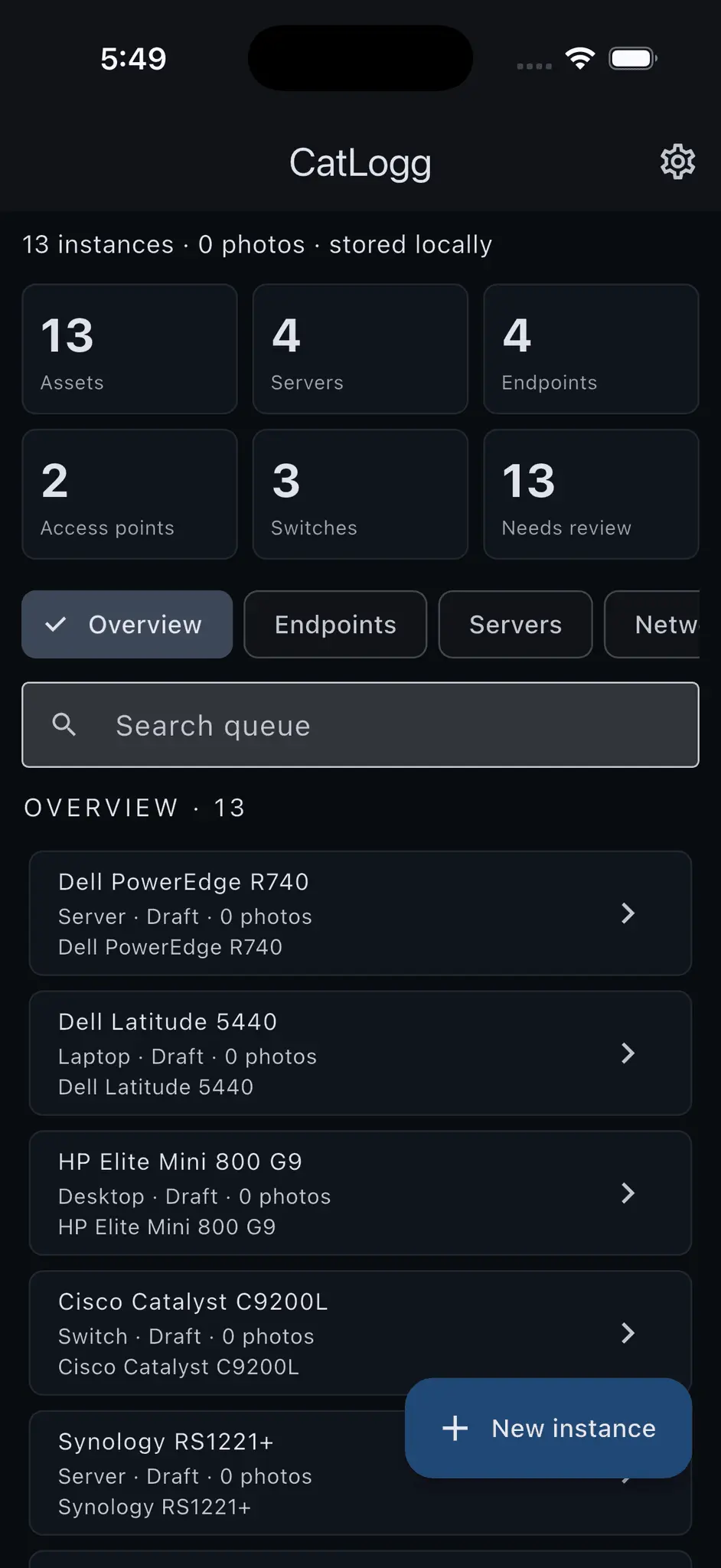
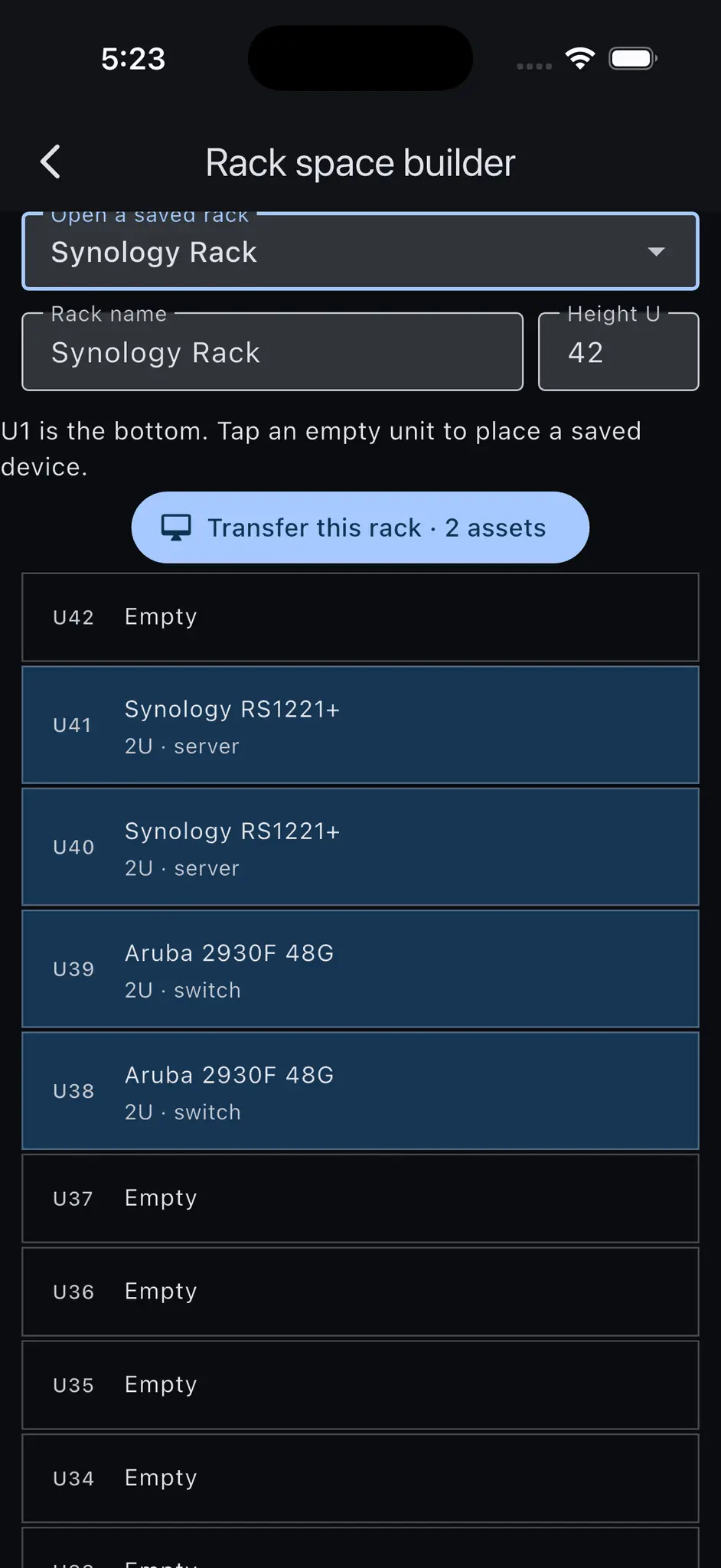
CatLogg + CatLoggBox • Mobile + Desktop Hardware Documentation Capture, validate, document, and manage physical infrastructure using CatLogg in the field and CatLoggBox at the workstation. • Desktop and Laptop Inventory Scan Serial Numbers, Asset Tags, QR codes, and barcodes to capture model, IP, assigned user, location, and other asset information. • Server Discovery and Documentation Identify server hardware, associate it with the correct chassis and configuration, and document management interfaces, storage, expansion hardware, and network connectivity. • Switches and Network Equipment Capture switches, routers, firewalls, access points, and other network equipment with per-port documentation for VLAN, purpose, connection, media type, and more. • Interactive Hardware Diagrams Use DeviceSpec-powered SVG representations with selectable ports, drive bays, power supplies, interfaces, risers, and expansion slots. • Custom Hardware Configuration Adjust DeviceSpecs to reflect installed NICs, drives, risers, GPUs, HBAs, power supplies, and other modular hardware instead of relying on generic model diagrams. • Rack Builder Place servers, switches, storage, UPS systems, patch panels, and other hardware into exact rack positions with front and rear views. • Physical Connectivity Mapping Document server-to-switch, switch-to-switch, firewall, WAN, patch-panel, and other physical connections down to the individual port. • Network Validation and Discovery Query reachable equipment to identify responsive hosts, exposed protocols, management interfaces, and discrepancies between physical and network-visible inventory. • Redfish Integration Use Redfish on supported servers to retrieve hardware, management, and configuration information with minimal manual entry. • Manufacturer Identification Use Serial Numbers and Service Tags to resolve manufacturer, family, model, generation, and supported hardware specifications. • Asset Tag Correlation Match internal Asset Tags against existing inventory databases to validate user, location, Serial Number, model, and asset assignments. • Hardware Catalog + DeviceSpecs Match discovered equipment against a normalized catalog of manufacturers and models with reusable structured hardware definitions. • Firmware Tracking Record firmware versions, associate them with the correct hardware, compare against supported releases, and identify systems requiring review. • Lifecycle and Support Status Track aging equipment, unsupported hardware, outdated firmware, and devices approaching or exceeding manufacturer support windows. • Environment Reconciliation Compare what technicians physically find against RMM, MDM, CMDB, PSA, inventory, and network-discovery records. • Discrepancy Detection Identify missing hardware, stale records, duplicate assets, incorrect assignments, relocated equipment, and undocumented devices. • Import and Export Move normalized inventory data into existing RMM, endpoint management, CMDB, PSA, and asset-management platforms through multiple export formats. • Customer and Site Organization Organize equipment by customer, site, building, floor, room, server room, closet, rack, or other physical location. • Technician-First Mobile Capture Scan hardware while walking the environment, store the information securely, and perform detailed validation later without carrying a laptop everywhere. • Physical-to-Digital Infrastructure Record Turn a walkthrough of the environment into a usable record of assets, rack placement, configuration, connectivity, firmware, and infrastructure status.
Screenshots
Reviews (0)

I personally use this system for my own contracting needs. Not having to carry my laptop around everywhere is so much simpler when walking into a new customer's facility.
Comments (1)
I'm happy to announce CatLogg - A tool designed to make walking the office to capture total hardware visibility a breeze!