
ClickBind
Mouse button mapping utility for macOS
Details
- Categories
- Use Cases
- Target Audience
- Platforms
Discovery signals
How AI and people discover ClickBind on PeerPush
About ClickBind
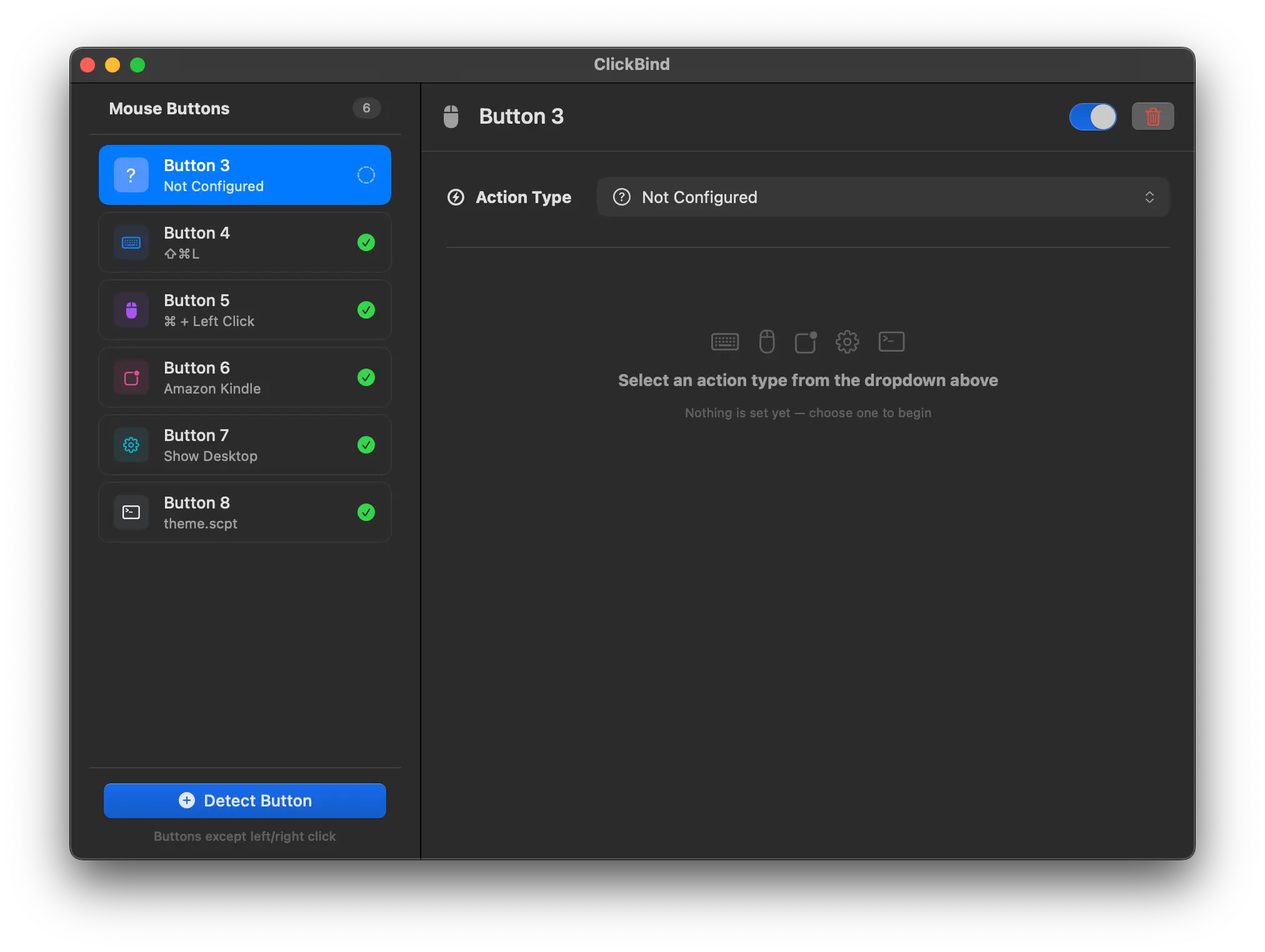
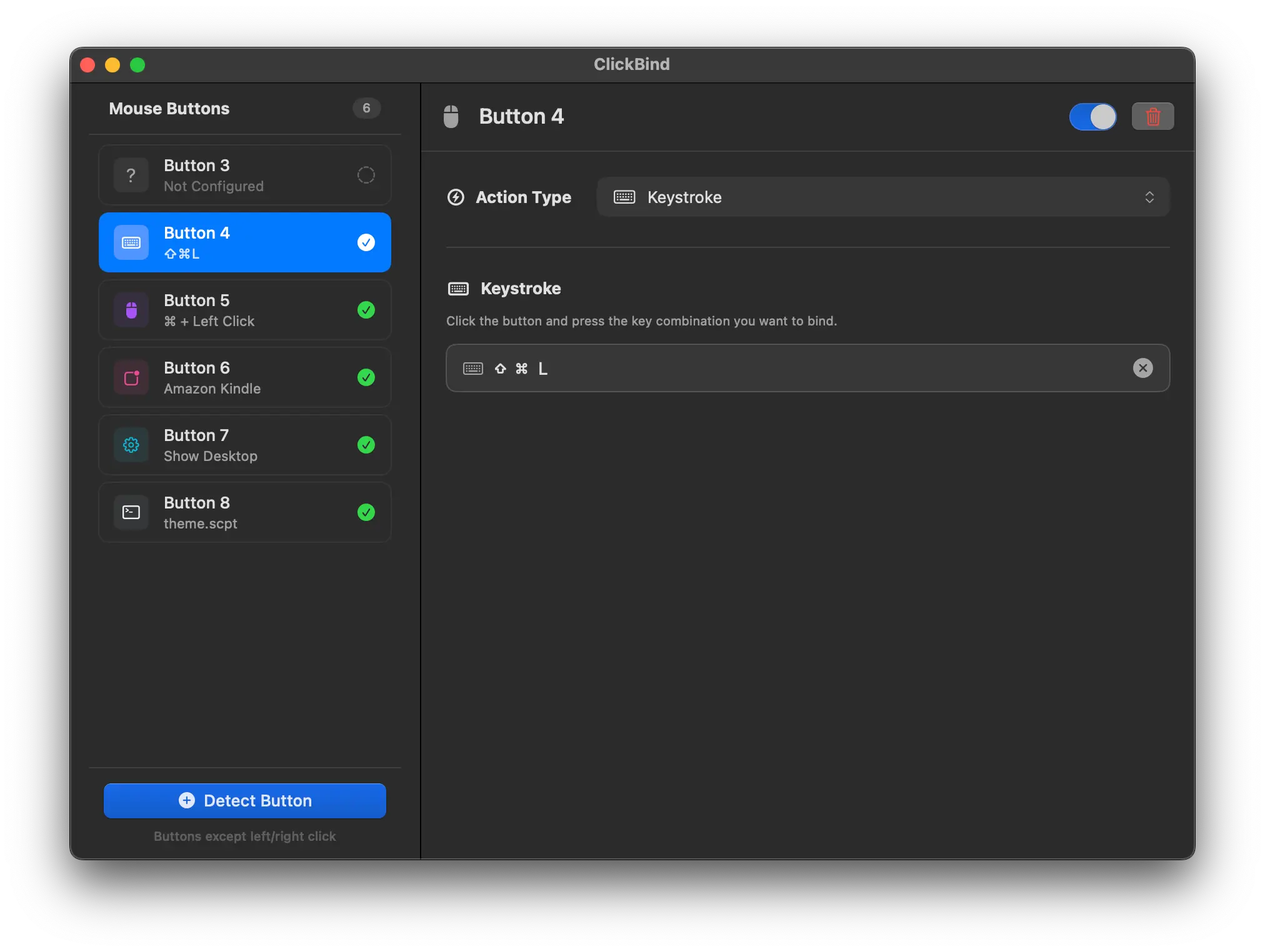
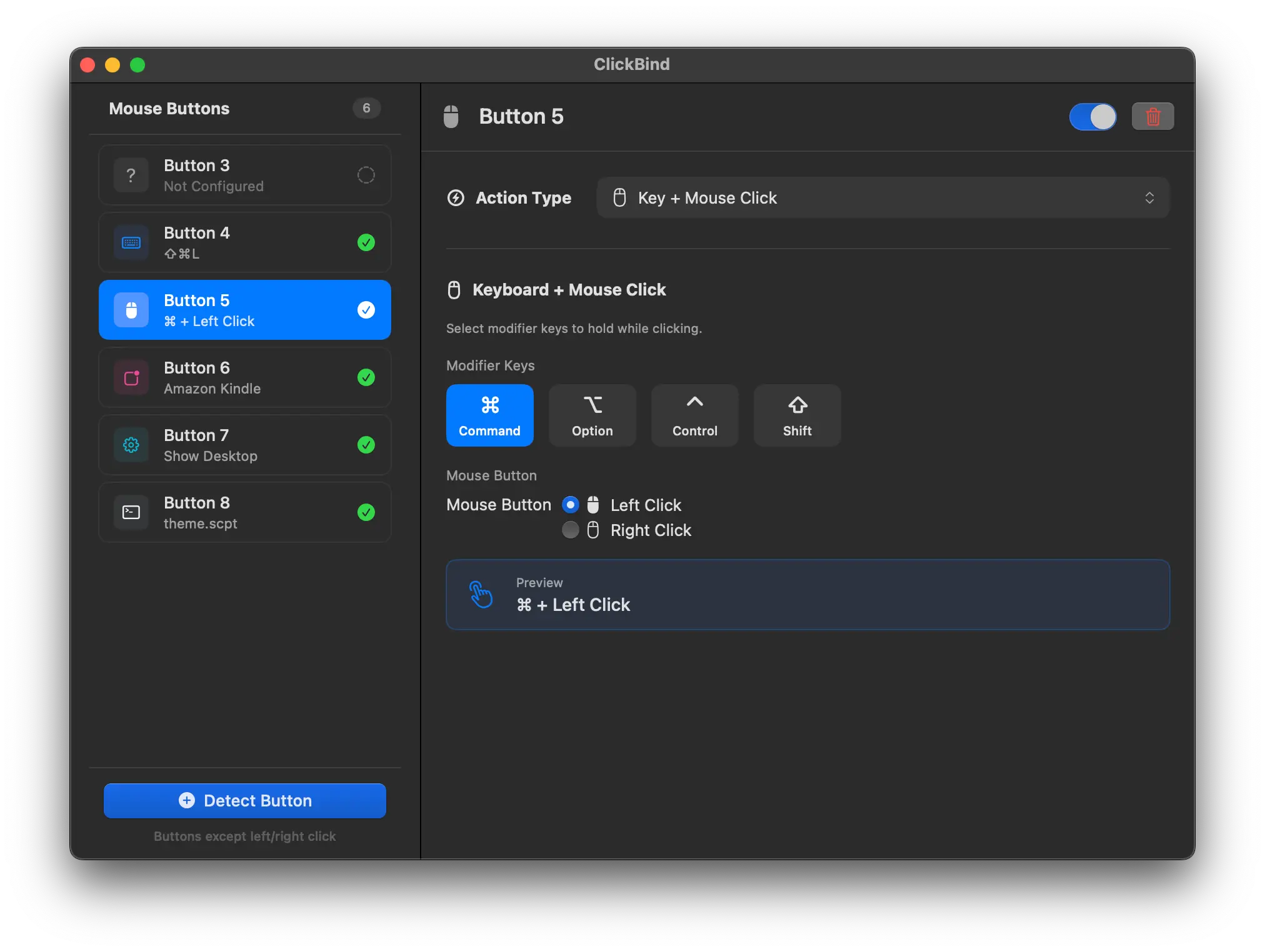
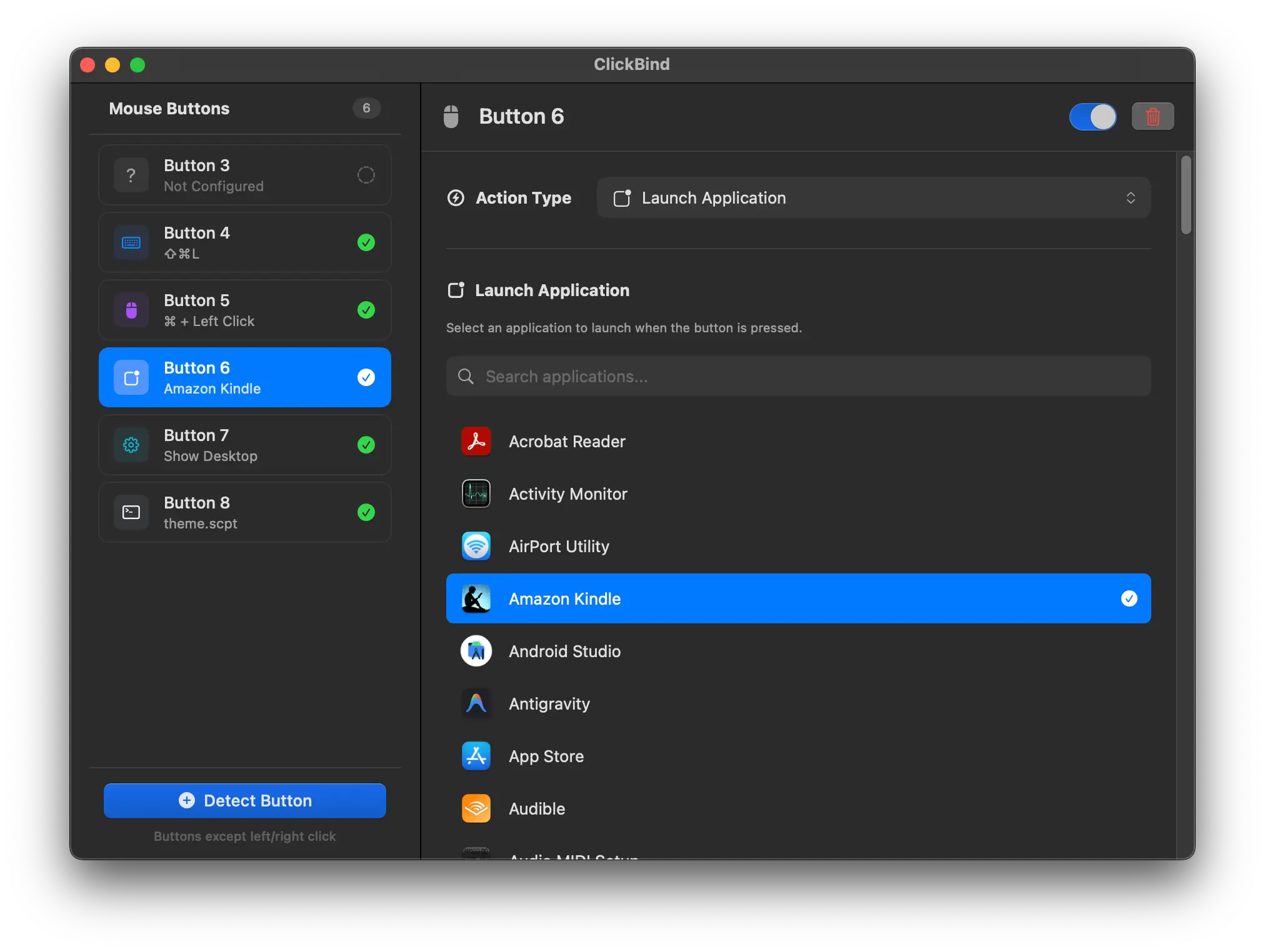
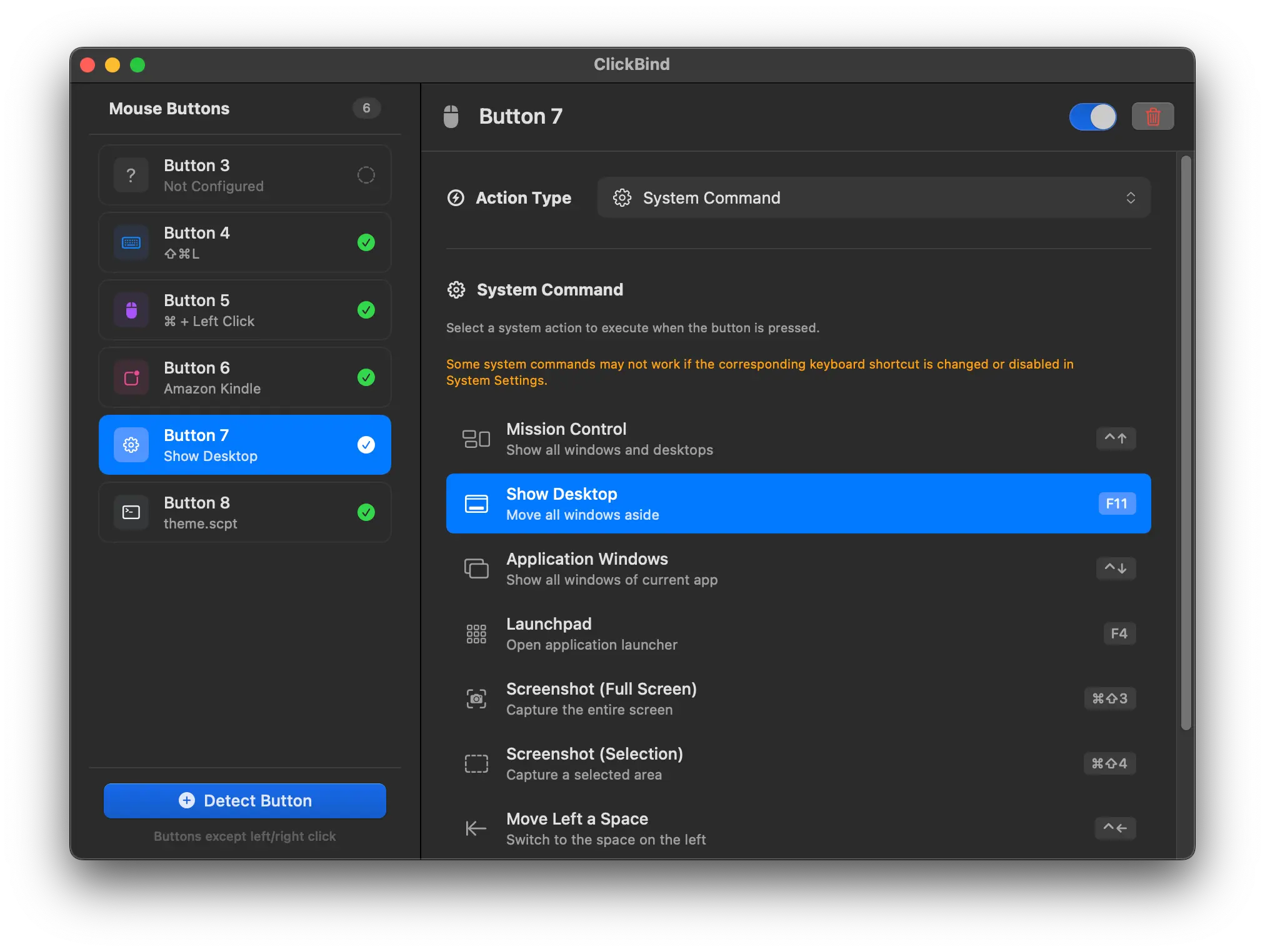
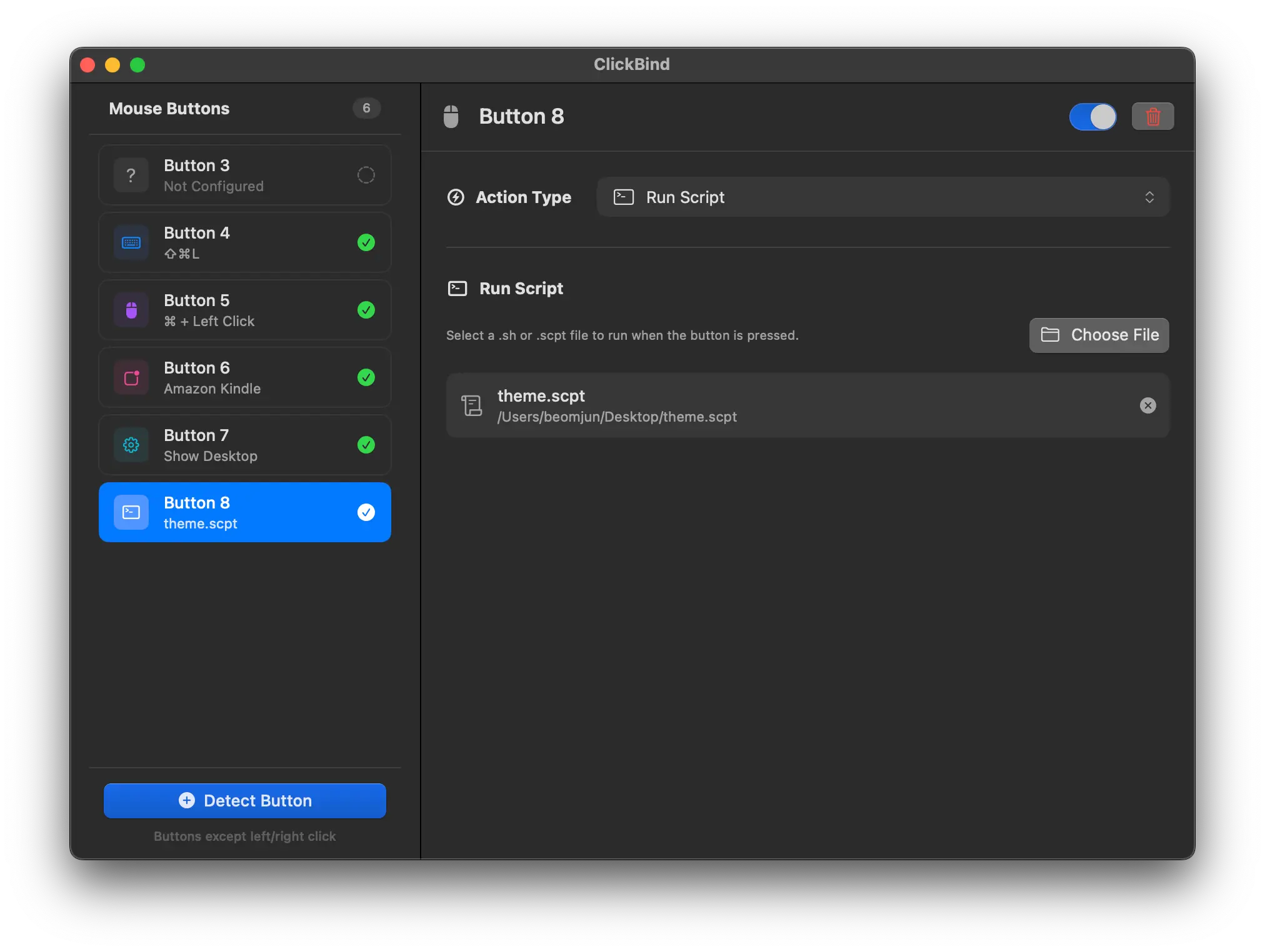
I built ClickBind because I was frustrated with the lack of good mouse button customization on macOS. Website: https://clickbind.app Free trial available $9.99 for lifetime license (30% launch discount: $6.99, until Jan 31, 2026) The free trial lets you customize one button, so I recommend testing it with the mouse button you want to customize before purchasing. The Problem: I use a Logitech MX Master 4 and G502, but I wasn't happy with the mouse customization options available on Mac. All I wanted was to assign custom functions to the extra buttons and keep my settings when switching mice. But nothing I found was exactly what I wanted. I figured others probably felt the same frustration, so I decided to build something for them and for myself. The Solution: ClickBind lets you bind any mouse button to: - Keystrokes: Any keyboard shortcut (⌘⇧L, ⌘+R, whatever) - Key + Click: Hold modifier keys while clicking (Cmd+Left-Click) - Launch Apps: One click to open any application - System Commands: Mission Control, Show Desktop, and more - Run Scripts: Execute shell scripts or AppleScript Your settings stay with ClickBind, not your mouse switch devices anytime without reconfiguring. Supports extra buttons on mice that send standard HID signals to macOS. Tested with Logitech G502 and MX Master 4 so far. It's a native macOS app, lightweight, and runs in the menu bar. No account needed, no telemetry, works offline.
Screenshots

Reviews (0)
No reviews yet. Be the first to rate this product!
Comments (2)
Good job! Keep going!
Built with Swift/SwiftUI as solo dev. Happy to answer any questions and thank you all feedback :)