
Comoji
Slack-style emoji shortcuts for Mac apps

Details
- Follow on
- Categories
- Use Cases
- Target Audience
- Pricing
- Free
- Platforms
- Alternatives
 Raycast alternatives
Discovery signals
How AI and people discover Comoji on PeerPush
- ChatGPT
- Perplexity
- Claude
- +4 other AI crawlers
Reads by these AI engines
Crawlers behind these engines read this listing on PeerPush.About Comoji
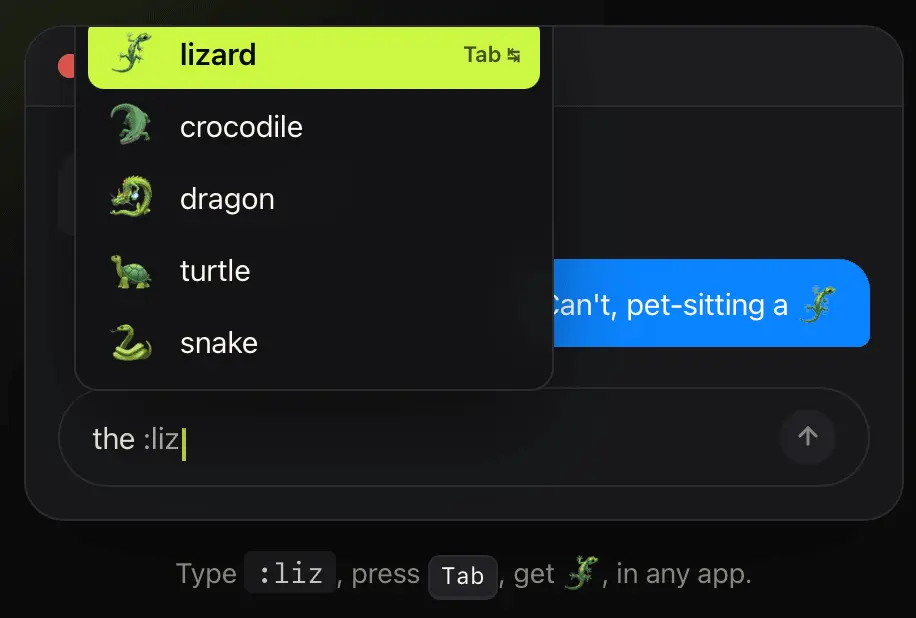
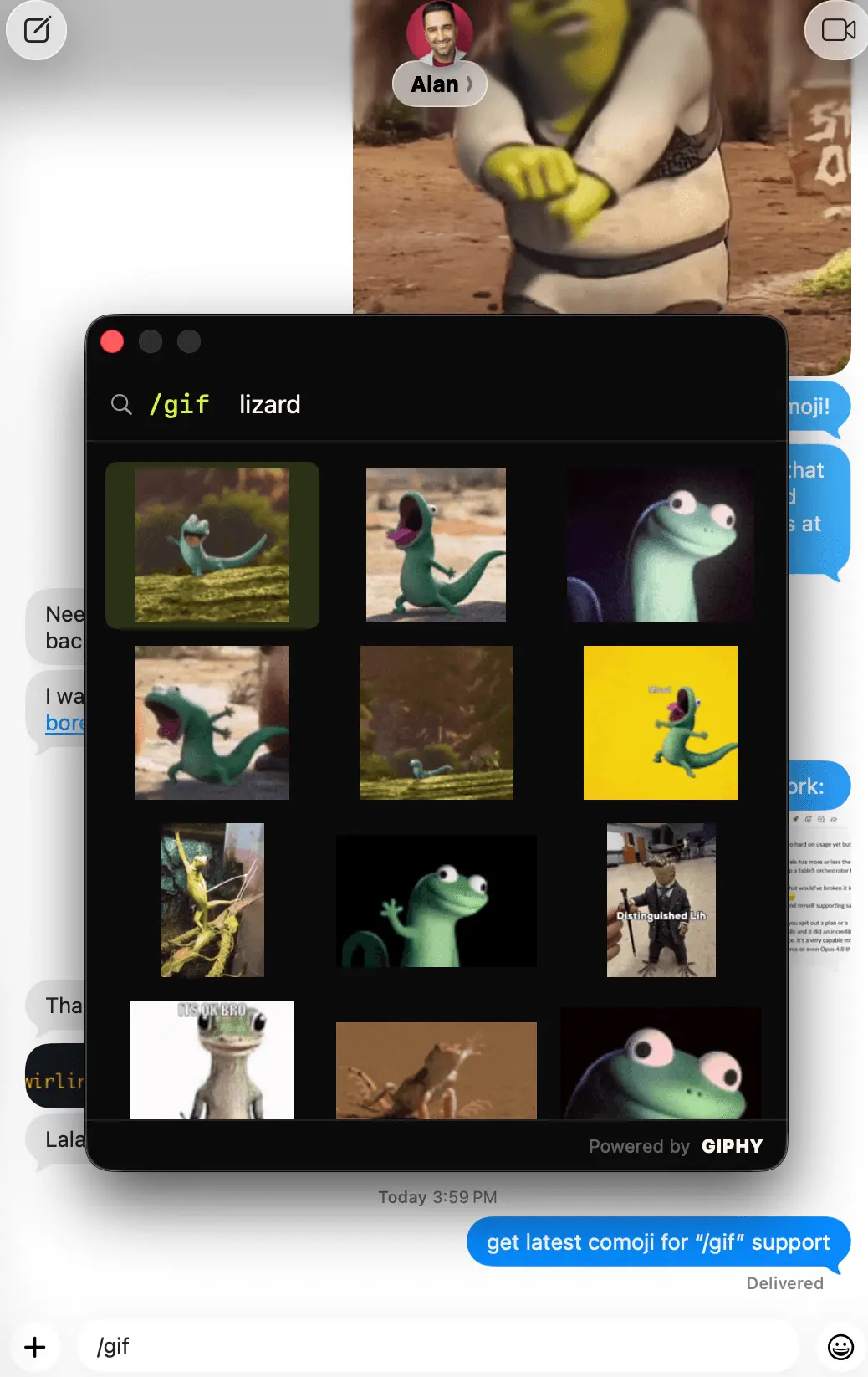
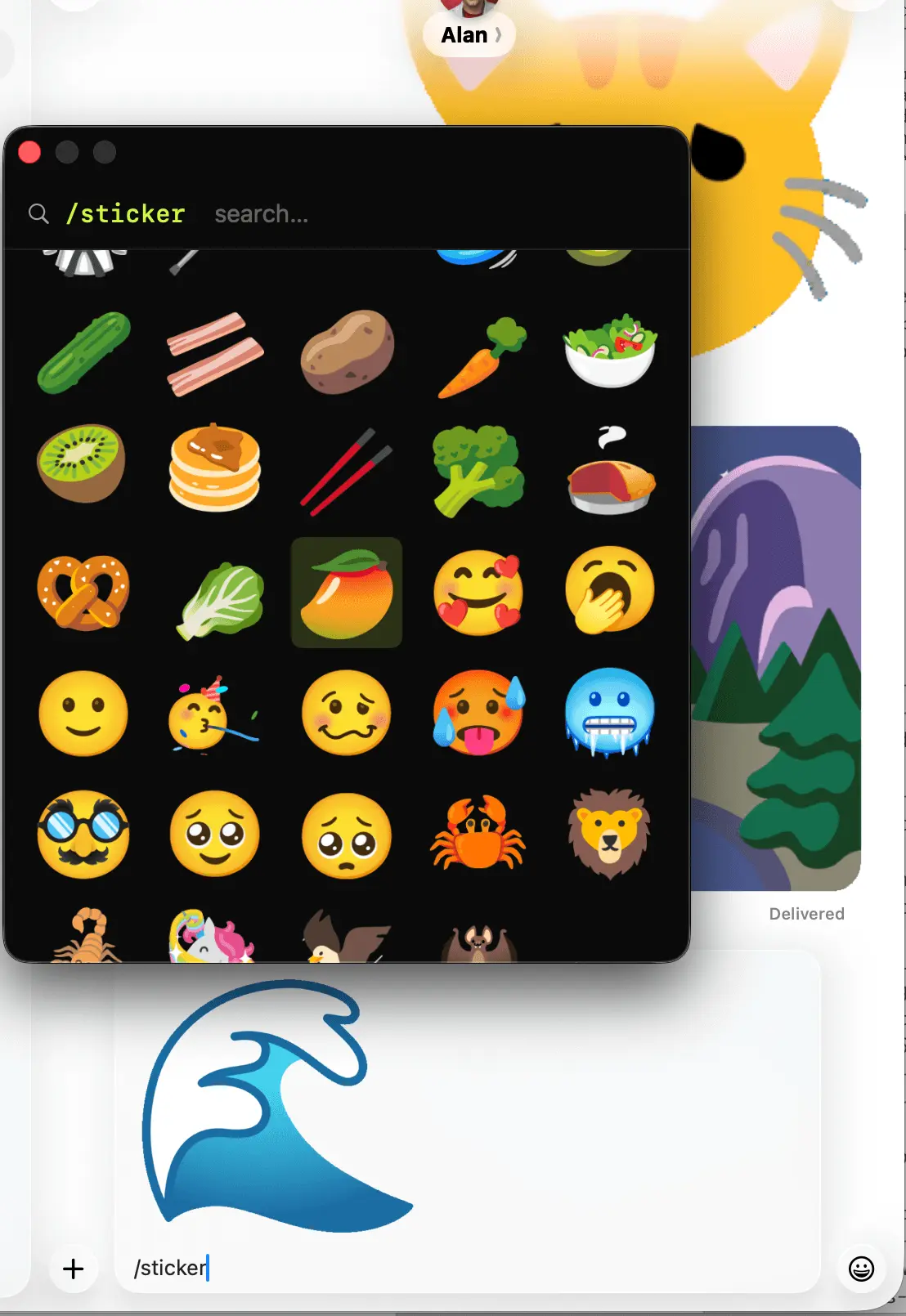
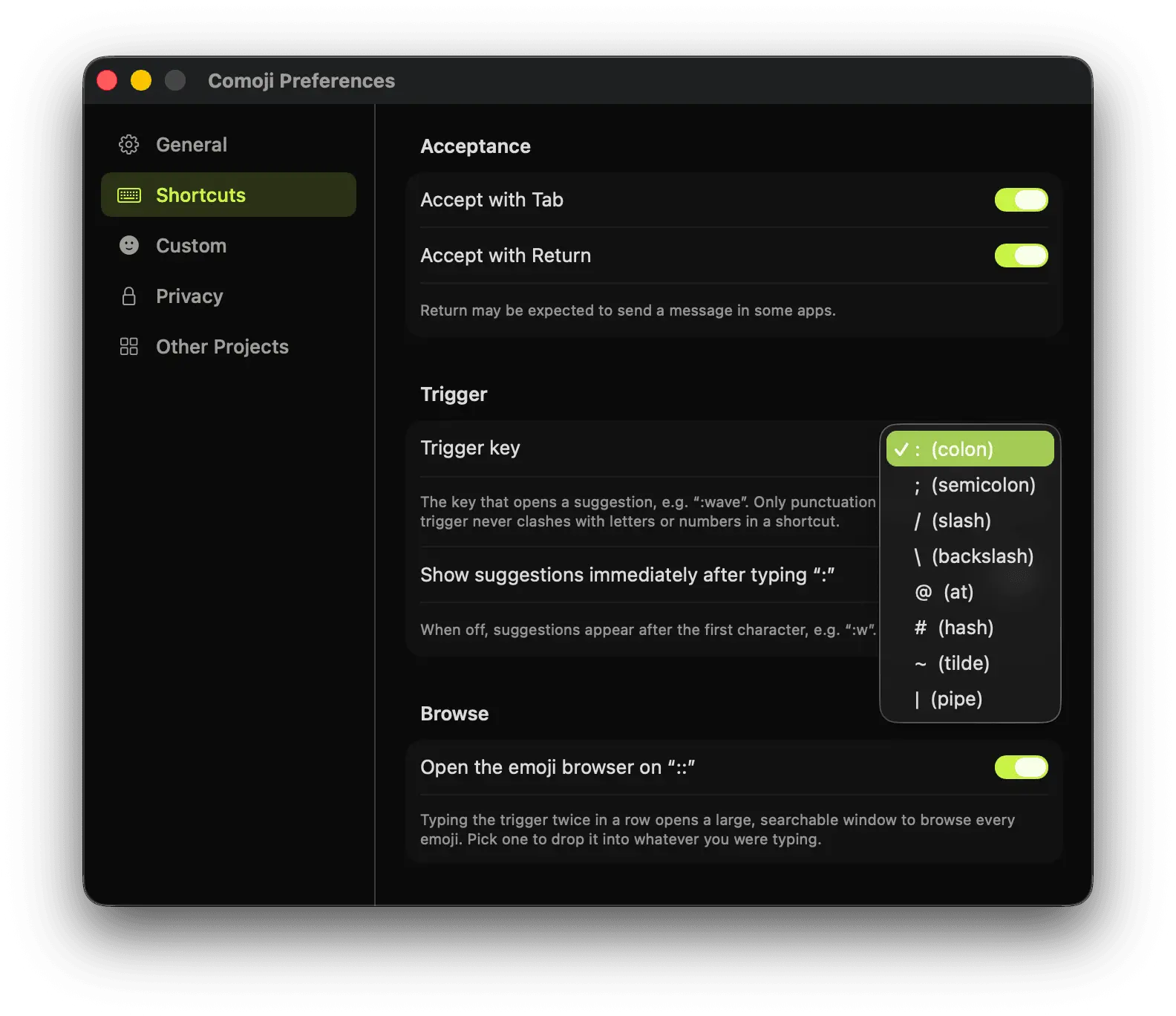
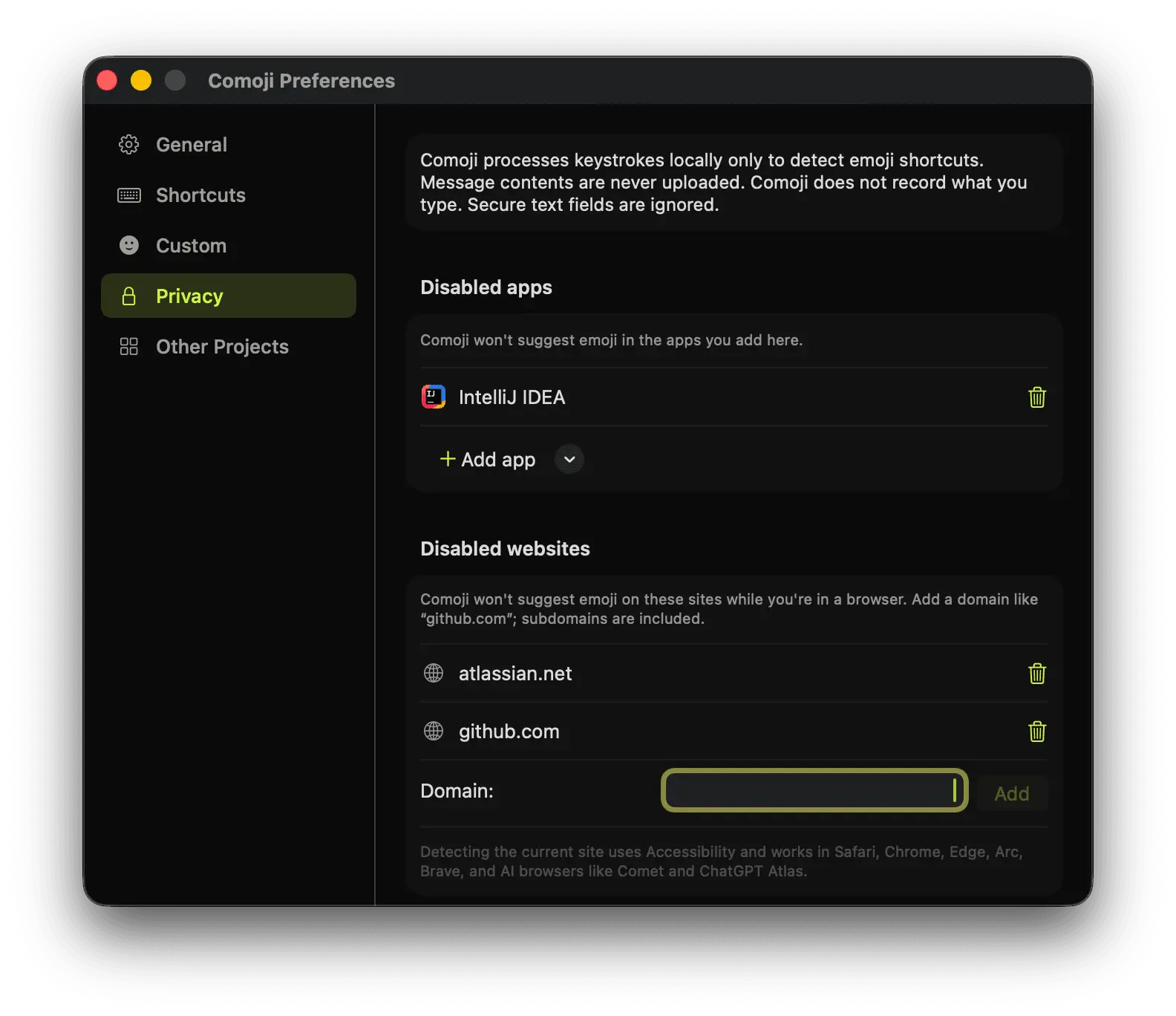
Comoji is a menu bar application that brings Slack and Discord-style shortcuts to the macOS ecosystem. It allows you to use familiar colon-based emoji syntax and slash commands in standard applications such as Apple Mail, Messages, Notes, and other text fields across macOS. By typing a keyword like :liz and pressing Tab, Comoji instantly replaces the shortcut with the corresponding emoji character. You can also use commands like /gif to quickly search for and insert animated GIFs without leaving your current workflow. Designed for people who communicate frequently through text, Comoji brings the speed and convenience of modern workplace chat applications to the entire Mac experience. Whether you are writing emails, taking notes, messaging friends, drafting documents, or working in your favorite productivity apps, Comoji lets you use the same expressive shortcuts you already know from Slack, Discord, and other communication platforms. Comoji runs quietly in the macOS menu bar and works seamlessly in the background. It provides a lightweight, privacy-focused experience without requiring browser extensions, third-party keyboards, or changes to your existing applications. Emoji replacement and shortcut handling happen locally on your device, keeping your workflow fast and uninterrupted. The app includes support for thousands of standard emoji characters and familiar aliases, making it easy to find the emoji you want without searching through menus or memorizing keyboard shortcuts. Instead of opening emoji pickers or scrolling through categories, simply type the word that describes what you need and continue writing. Beyond emoji, Comoji brings the expressive features of modern chat platforms to the broader Mac ecosystem. GIF shortcuts make it easy to find the perfect reaction, joke, or visual response by typing a simple command like /gif thumbs up, then inserting the result directly into your conversation or document. Comoji is built around speed, simplicity, and consistency. It bridges the gap between the communication tools people use every day and the rest of macOS, bringing familiar shortcuts everywhere you type. Whether you are a developer accustomed to Slack workflows, a professional communicating with teams, a student taking notes, or anyone who uses emoji and GIFs as part of everyday communication, Comoji makes digital expression faster, easier, and more natural on Mac.
Screenshots

Reviews (0)
No reviews yet. Be the first to rate this product!
Comments (2)
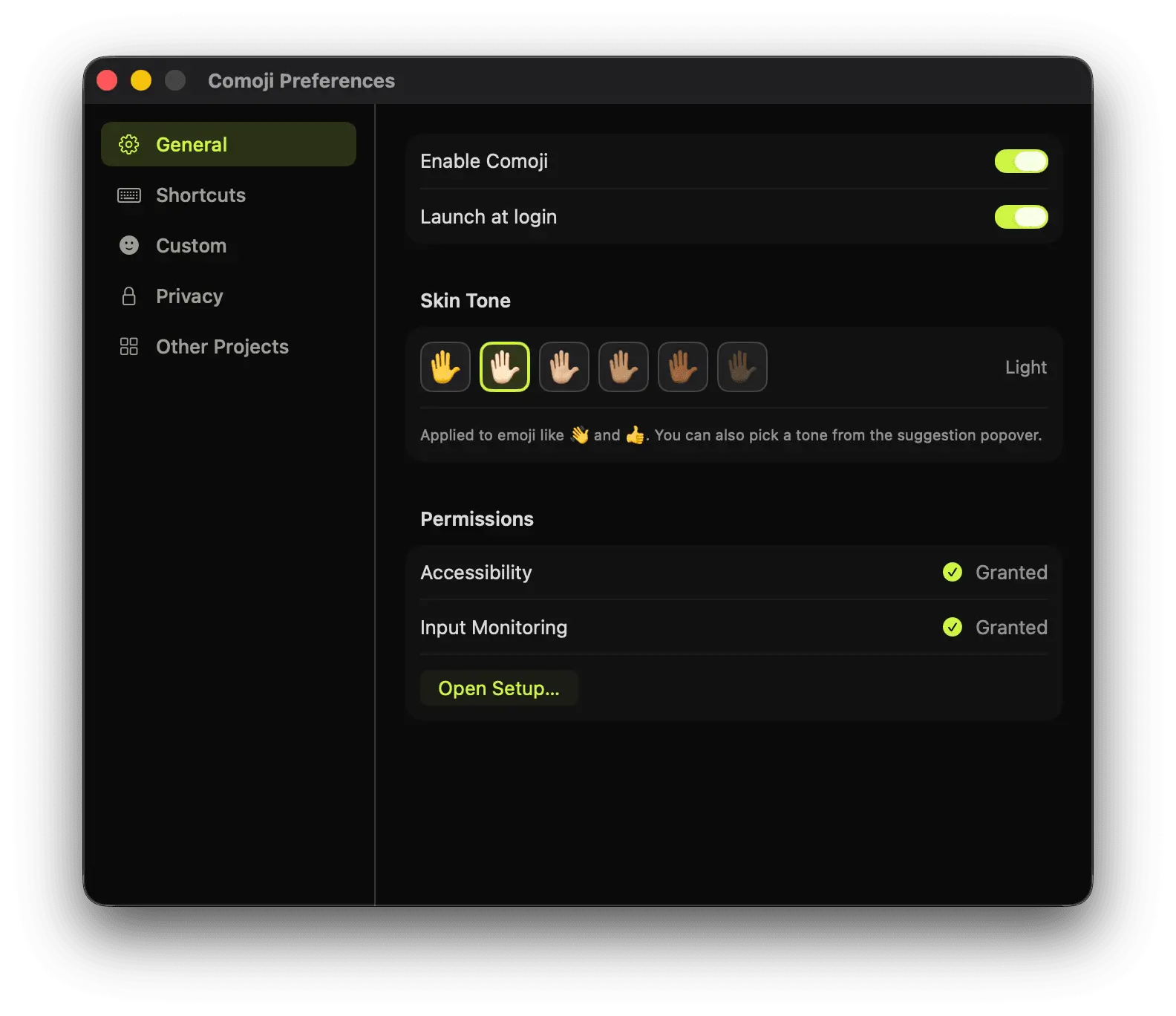
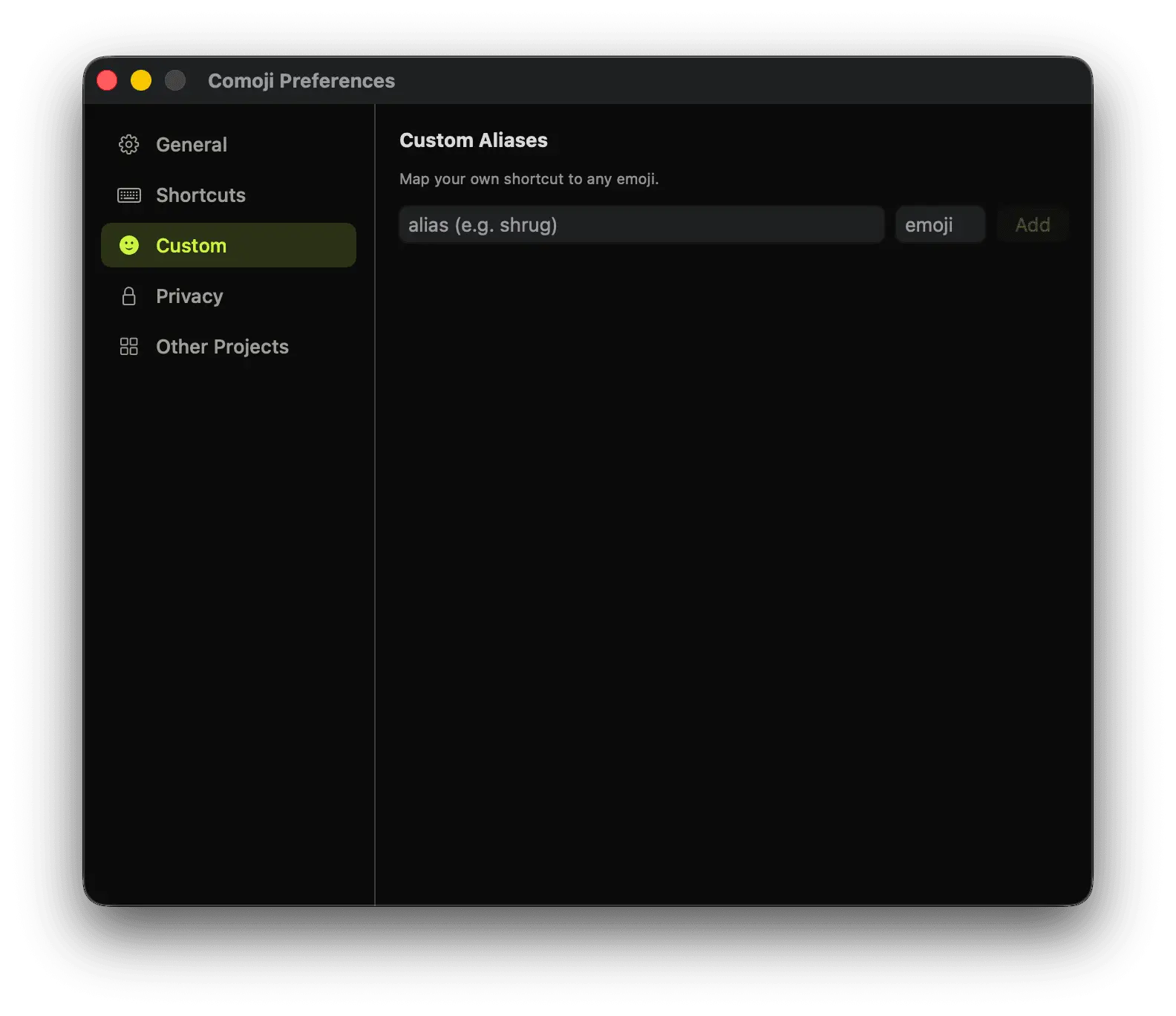
I use the same few emoji in almost every post and the mac picker is slow every single time. :salute and tab would actually save me something. is the shortcut list editable, I would want my own names on them.
Comoji is a fun little free tool that brings a much needed feature to macOS, and I couldn't live without it at this point. Slack- and Discord-style colon emojis are essential to quick communication.