
CursorClip
Create Professional Screen Recordings Easily with Auto Zoom
Details
- Follow on
- @CursorclipLinkedIn
- Target Audience
- Founders & CEOsEducatorsContent Creators
- Platforms
- Desktop
About CursorClip
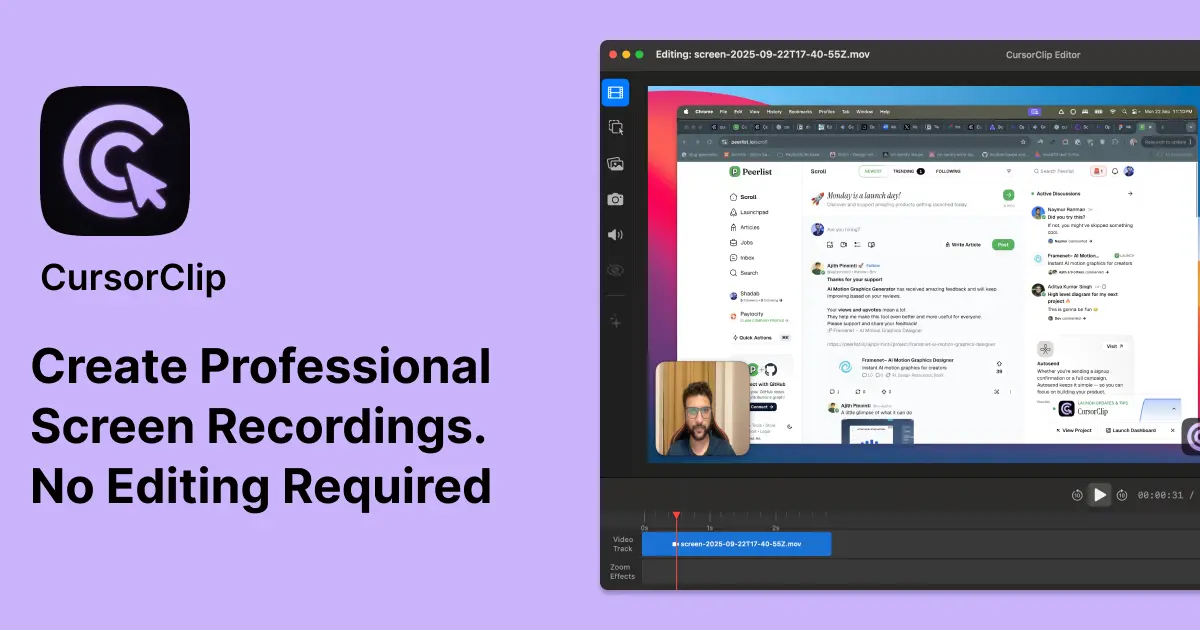
CursorClip is a super lite native macOS screen recorder with auto-zoom effects. Perfect for creating professional product demos, tutorials, and walkthroughs without spending hours editing. Unlike other screen recording tools, CursorClip launches in under 2 seconds, records smoothly, and automatically zooms/pans to highlight your actions, making every recording look polished and engaging. Key features: 🎥 Auto-zoom for cinematic screen recordings ⚡ Lightweight native macOS app (launches instantly) 💸 One-time purchase, no subscriptions 🔒 Works offline, fully private ✅ Free lifetime updates CursorClip is built for founders, makers, and educators who want to share their products or ideas with professional-quality recordings.
Screenshots
Reviews (0)
No reviews yet. Be the first to rate this product!
Comments (0)
No comments yet. Be the first to share your thoughts!