DayFiles Private PDF Editor
Privacy-first PDF tools for web, iOS, iPad, MacOS & Android



Details
- Follow on
- Target Audience
- Pricing
- Freemium from $1.99
- Featured in
- Alternatives
 ILovePDF alternatives
Discovery signals
How AI and people discover DayFiles Private PDF Editor on PeerPush
About DayFiles Private PDF Editor
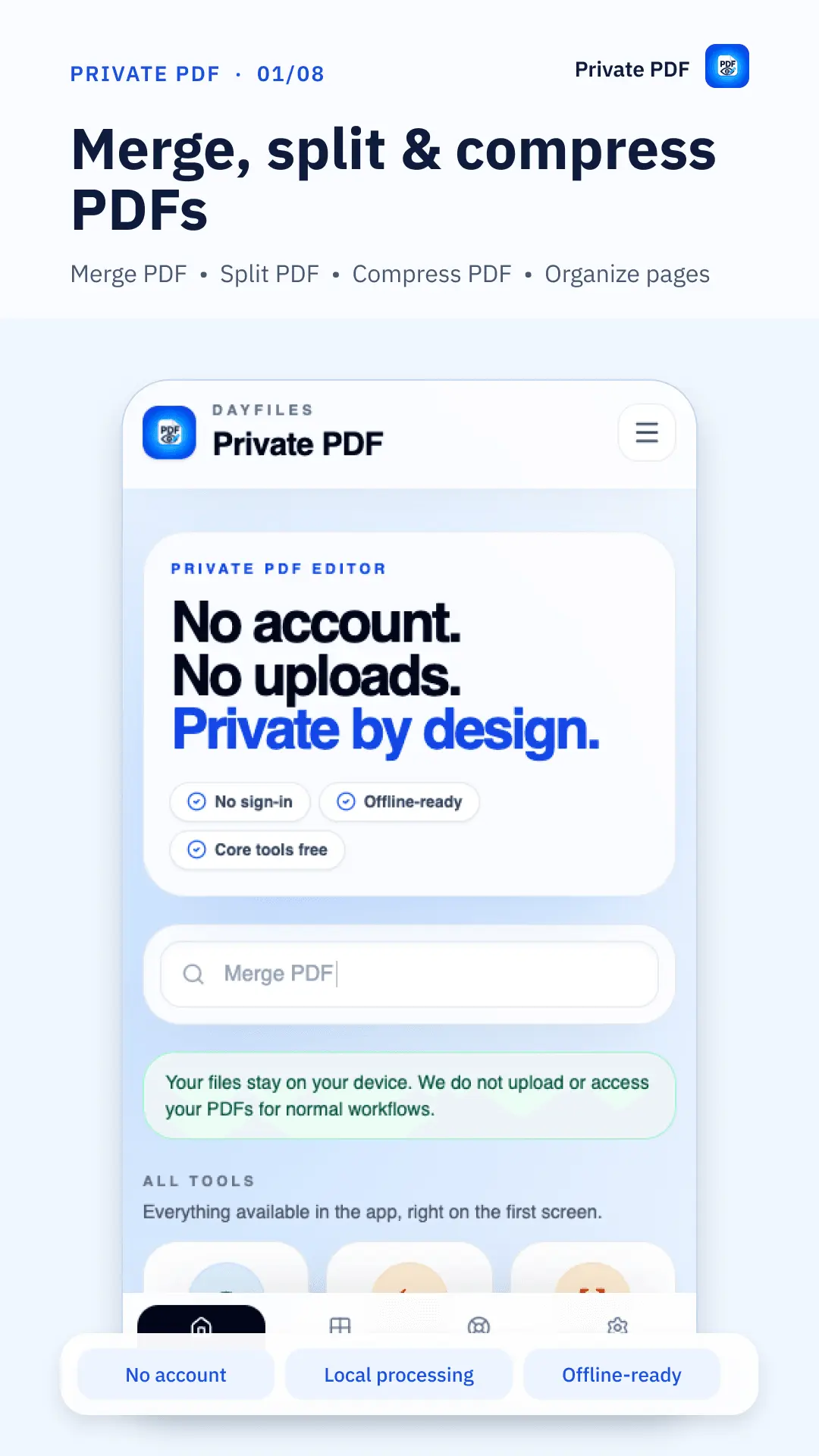
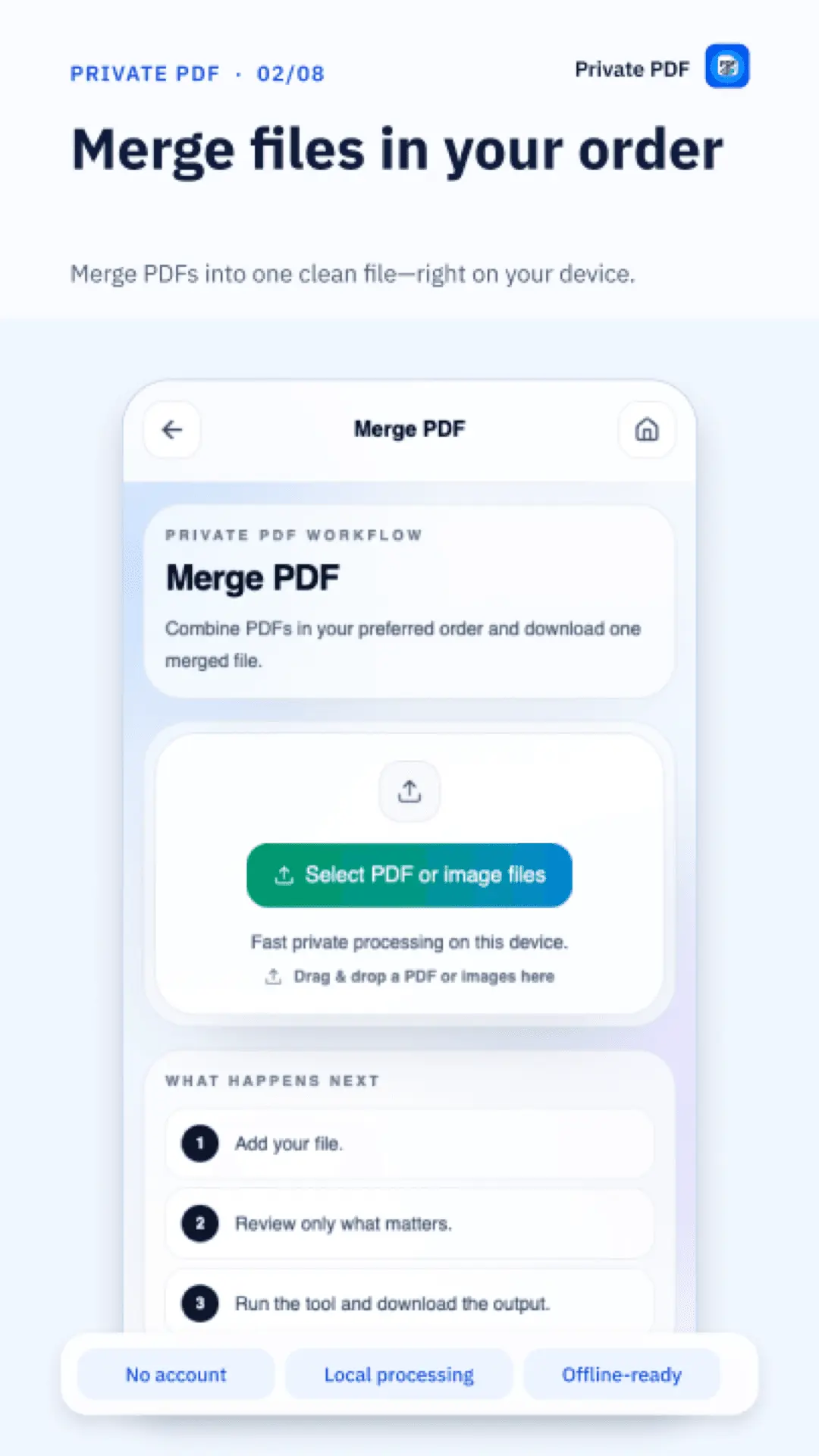
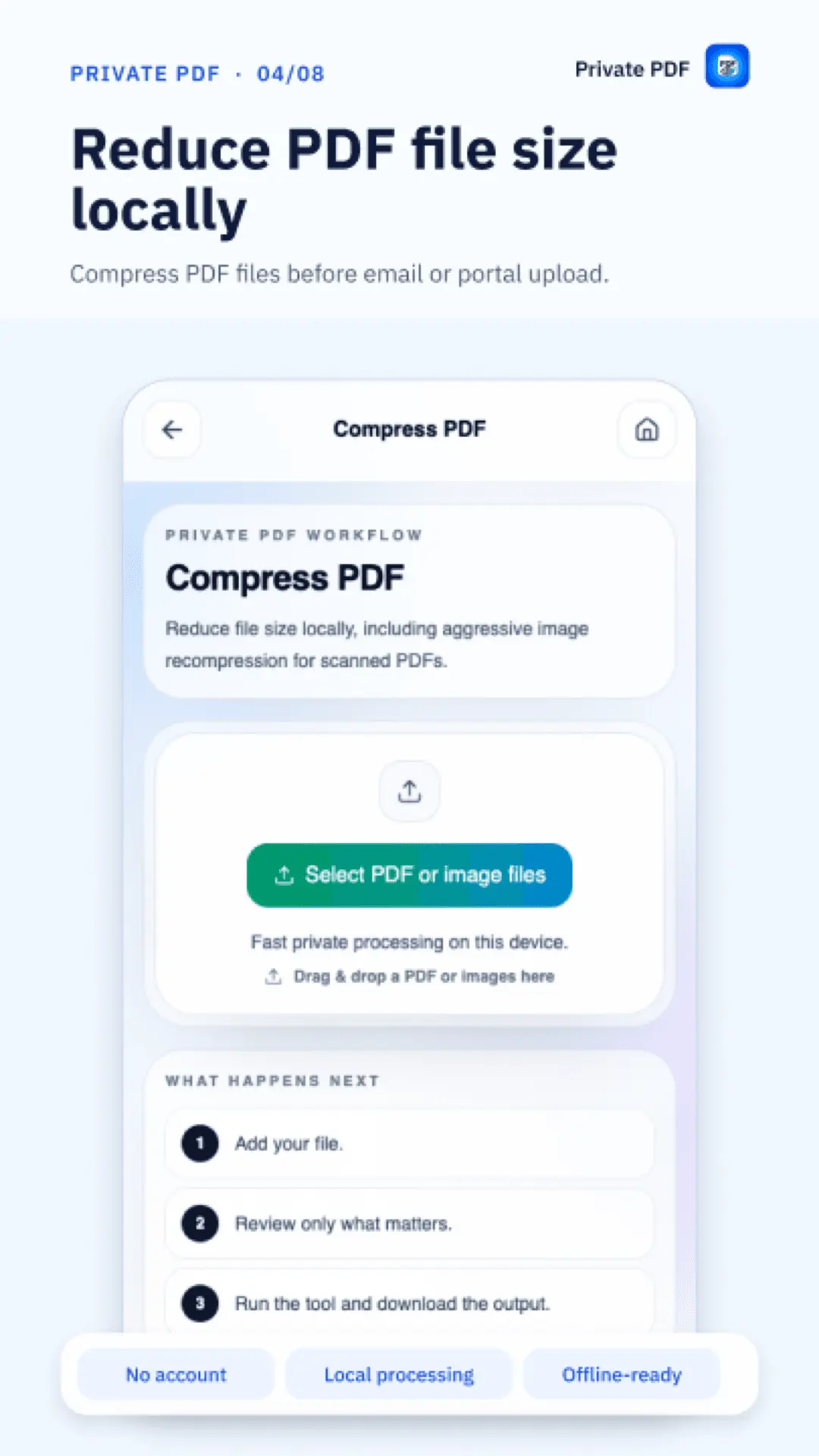
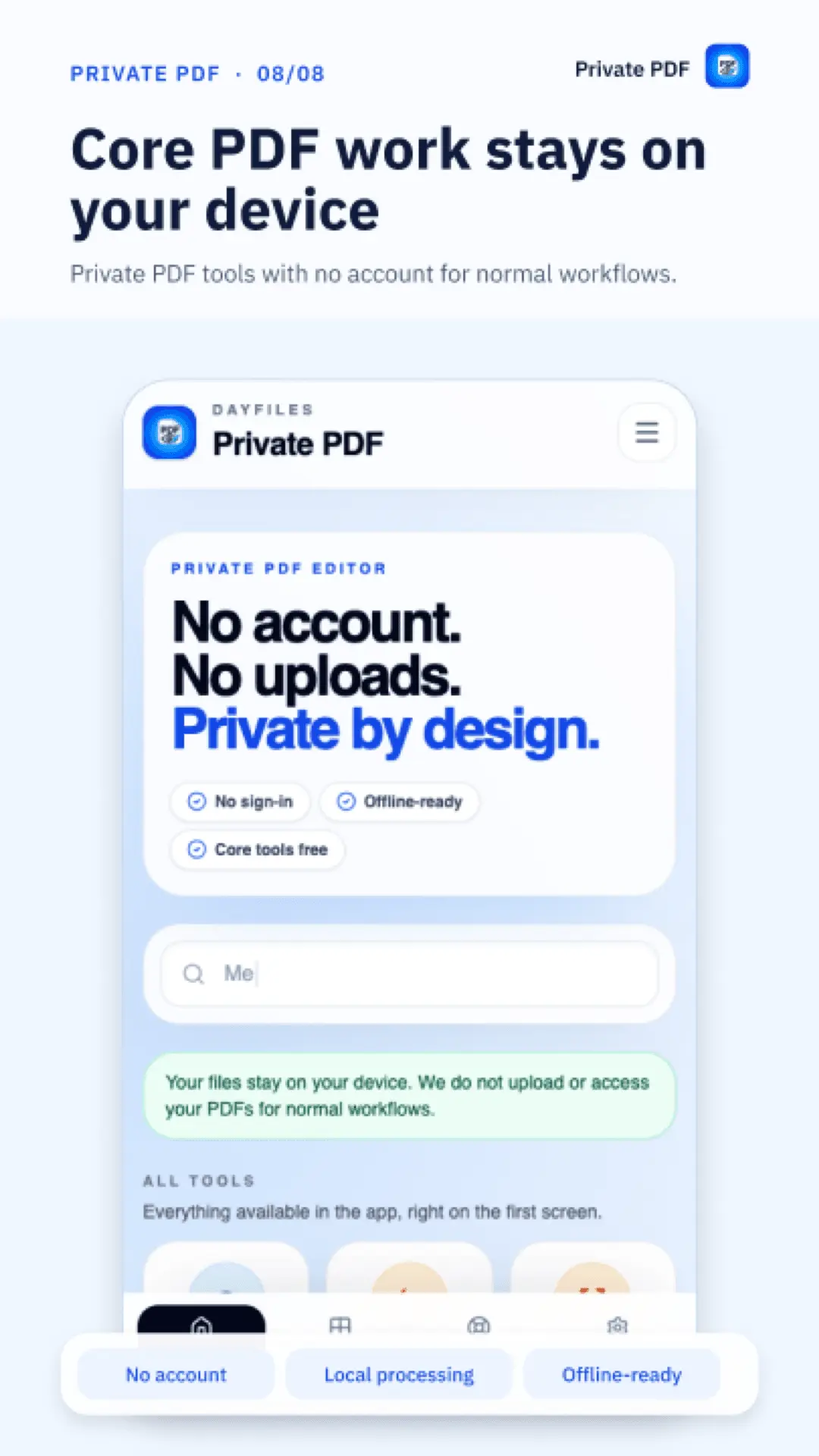
DayFiles Private PDF Editor brings everyday PDF tools together in a privacy-first workspace. Prepare documents for sharing, organize long files, complete forms, and make edits directly in your browser or through the Android and iOS apps. With DayFiles, you can: • Merge multiple PDFs into one document. • Split a PDF to keep or share only the pages you need. • Compress PDFs to reduce file size when possible. • Reorder, rotate, and remove pages. • Edit PDFs, fill forms, and add signatures. • Redact sensitive information before sharing. • Convert files for different tasks. • Recognize printed English text in scanned documents with OCR. Supported workflows process documents locally on your device instead of uploading them to a server. This keeps routine PDF work close to you, whether you are handling personal paperwork, study materials, or work documents. The web app requires no account, so you can open it and get started without a signup process. Existing free PDF workflows remain free. Private PDF for Android and iOS brings supported tools to phones and tablets and is offline-ready after installation. The apps include ads and optional Premium purchases. Ads and purchase prompts do not block selecting, editing, processing, exporting, or sharing your files. From combining attachments into one PDF to completing a form or extracting a few useful pages, DayFiles helps you turn everyday document tasks into files ready for their next step.
Screenshots
Reviews (1)
Average 5.0 out of 5
Based on 1 review

Comments (1)
I built DayFiles so everyday PDF work can stay on your device. The web app is live, Android is available now, and iOS is coming soon. Feedback on your most-needed PDF workflow is welcome.