
DiffSee
Private visual text comparison for documents, code, and JSON
Details
- Use Cases
- Target Audience
- Pricing
- Free
- Platforms
Discovery signals
How AI and people discover DiffSee on PeerPush
By AI reads among Writing & Documentation tools
455 AI reads since launch, ranked against every Writing & Documentation tool listed.About DiffSee
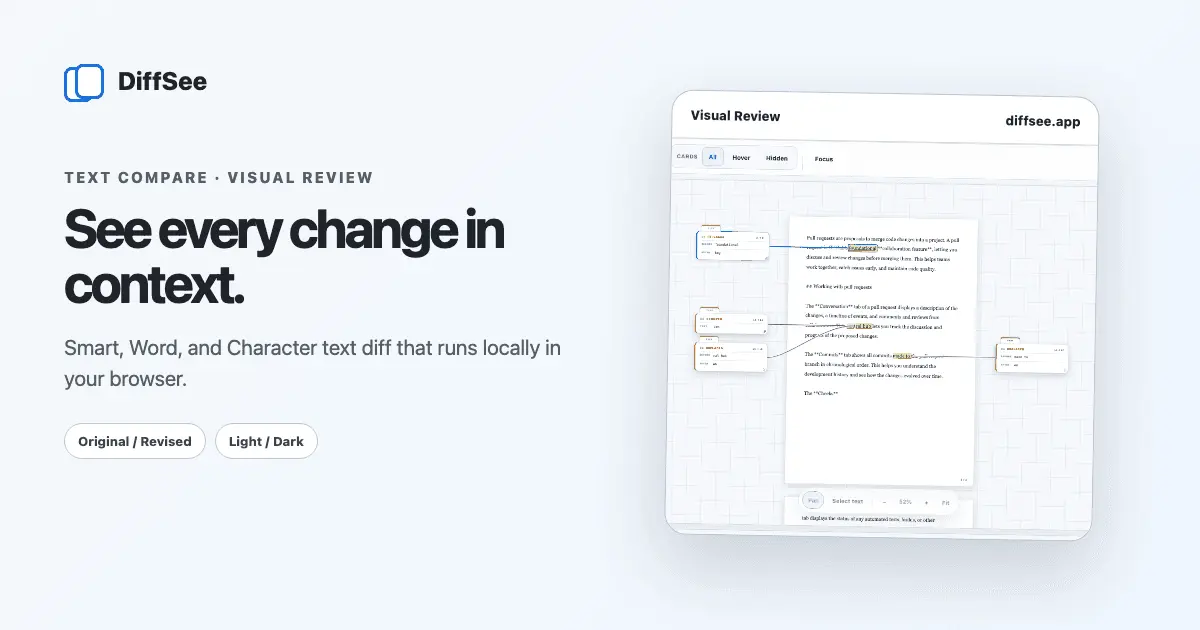
DiffSee is a free online tool for comparing two versions of text. Paste text or open local files to quickly see what was added, removed, or changed. Smart mode groups related edits so they are easier to read, while Word and Character modes help you check smaller details. Use it for documents, policies, contracts, product copy, translations, code, JSON, settings, logs, and QA reviews. Your text stays in your browser and is not uploaded. No account is needed. DiffSee supports up to 150,000 characters on each side.
Screenshots
Reviews (2)
Average 5.0 out of 5
Based on 2 reviews

Keeping every comparison in the browser, with no account and no uploads, makes this safe to use for contracts or private code. The Change Map and the Panel mode for long edits help a lot when there are dozens of changes to step through, and the separate JSON, YAML and XML diff is a welcome extra. The listing only describes plain text comparison, so mentioning the structured data tools and image exports there would show its full range.

Keeping all comparisons in the browser with Smart, Word and Character modes makes this a handy, privacy-minded diff tool for docs and JSON.
Comments (2)
Keeping the diff entirely in-browser is a solid privacy choice for contracts and logs. Could Smart mode also be exposed as a shareable local report, say an exported HTML file, for QA reviews?
DiffSee is live — compare documents, copy, code, JSON, and more while keeping your text private in the browser. I’d love to hear whether the visual review makes changes easier to understand.