Do Not Distracted — Focus OS
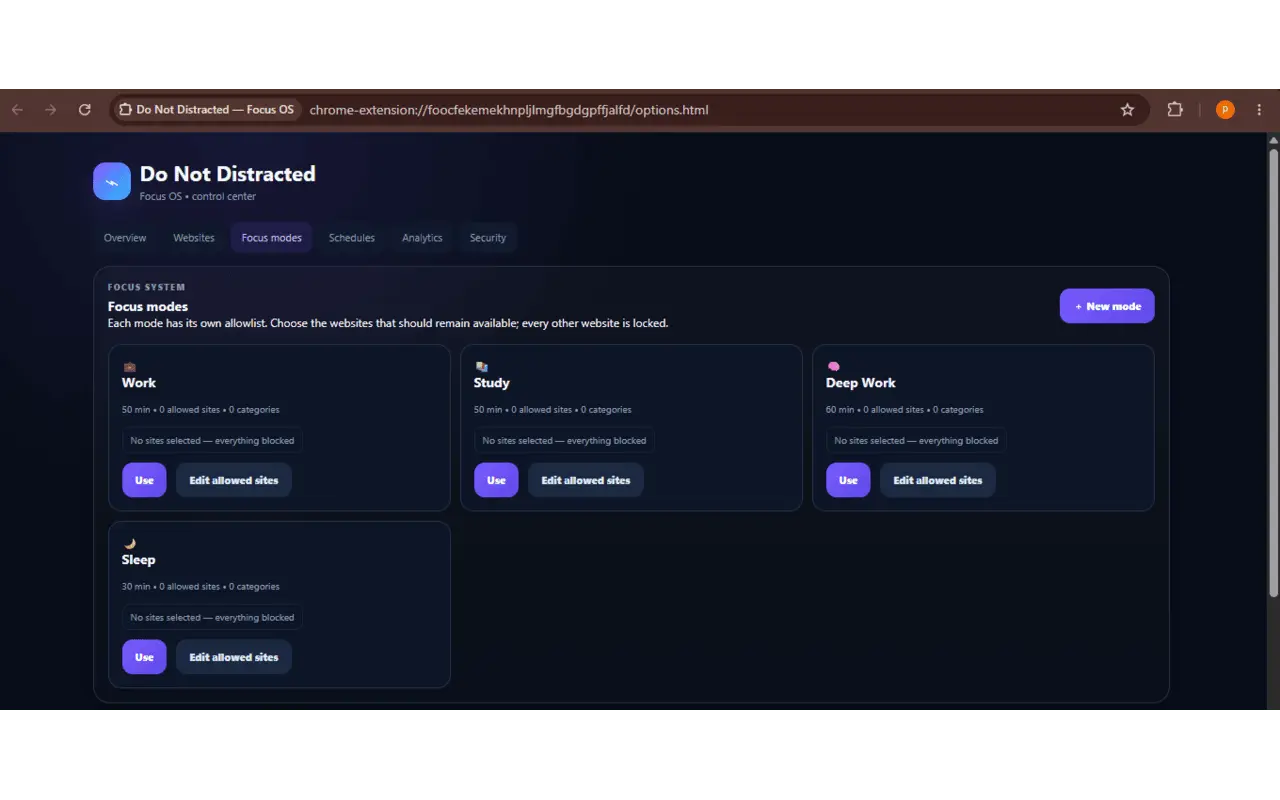
focus mode:- user choose which websites be available by mode

Details
- Follow on
- Categories
- Use Cases
- Target Audience
- Pricing
- Free
- Platforms
Discovery signals
How AI and people discover Do Not Distracted — Focus OS on PeerPush
- ChatGPT
- Perplexity
- Claude
- +4 other AI crawlers
Reads by these AI engines
Crawlers behind these engines read this listing on PeerPush.About Do Not Distracted — Focus OS
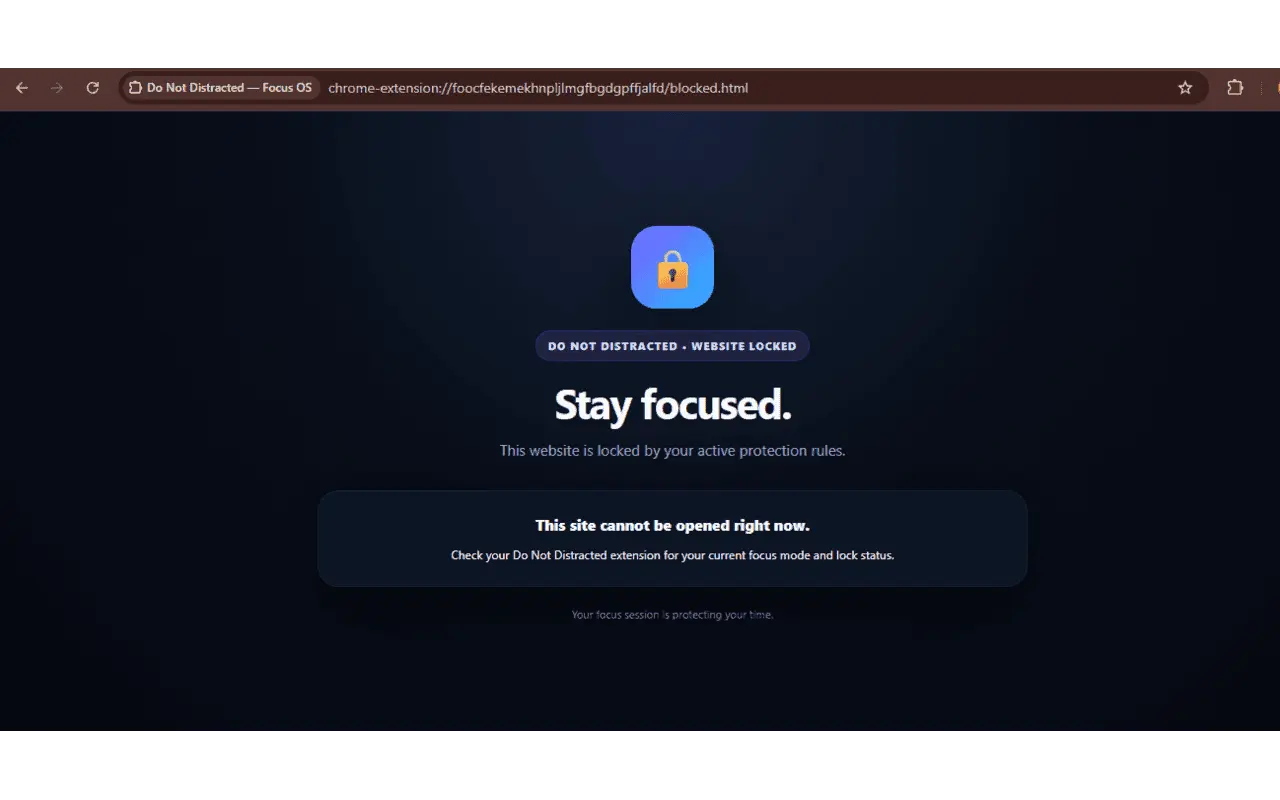
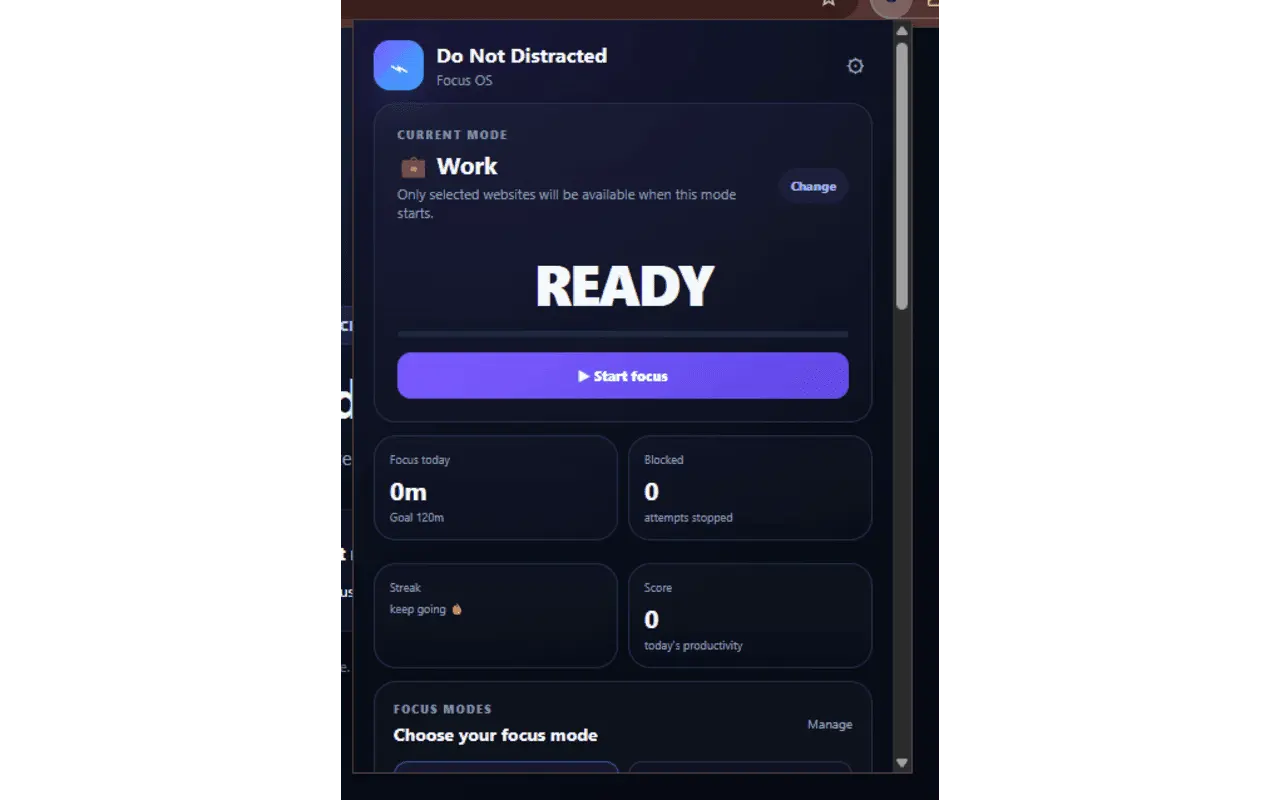
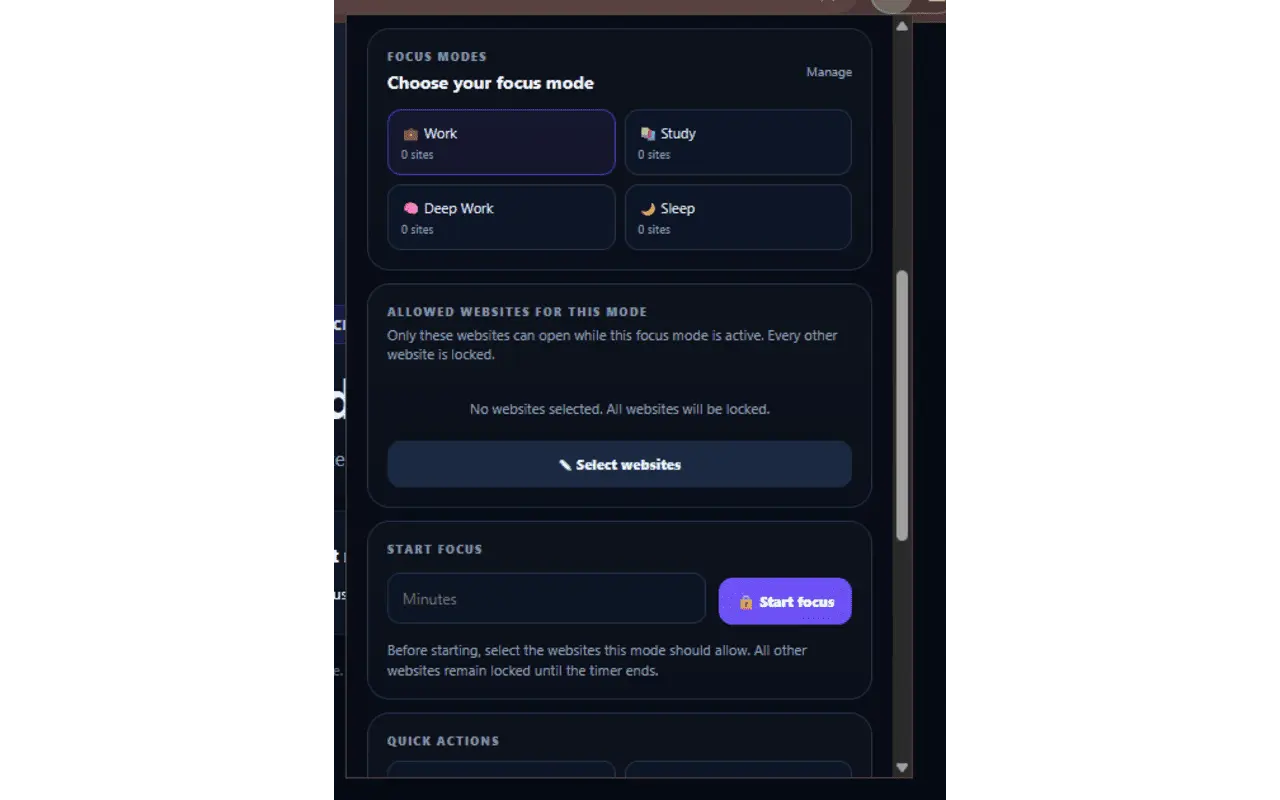
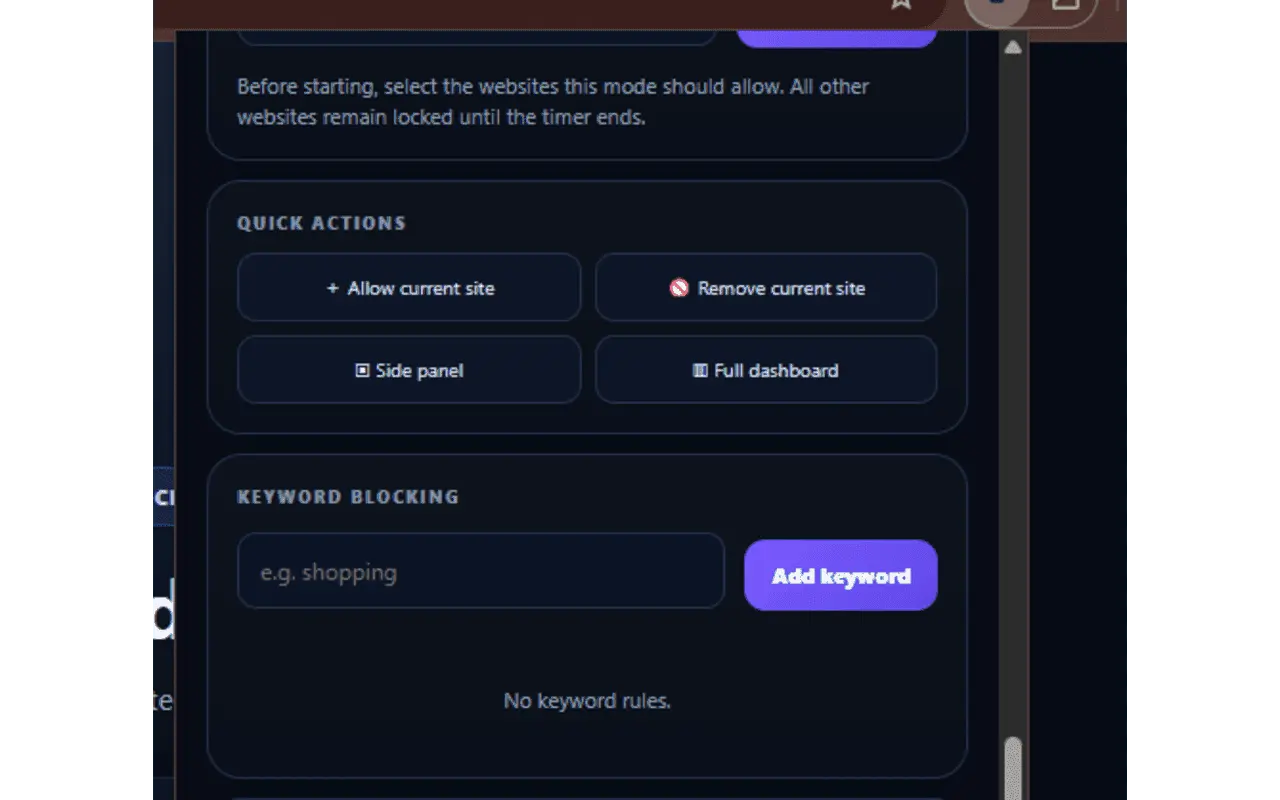
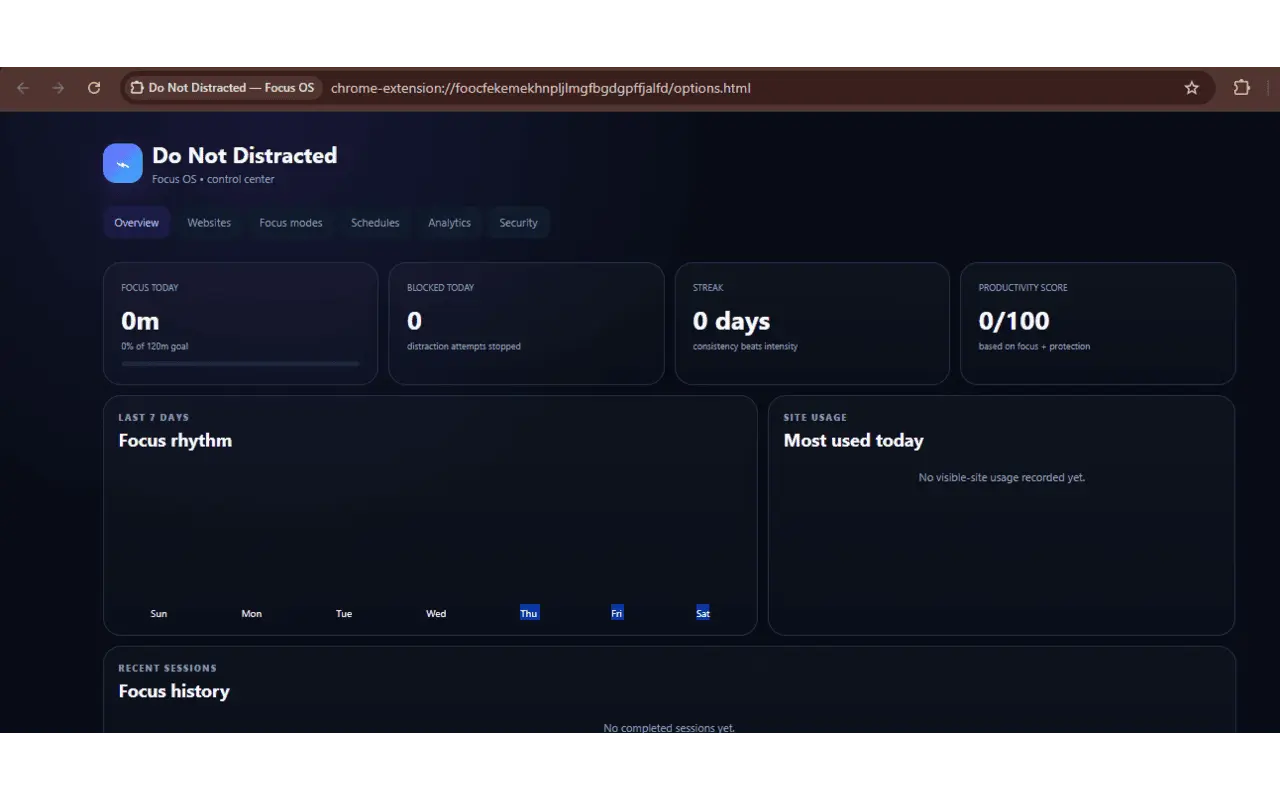
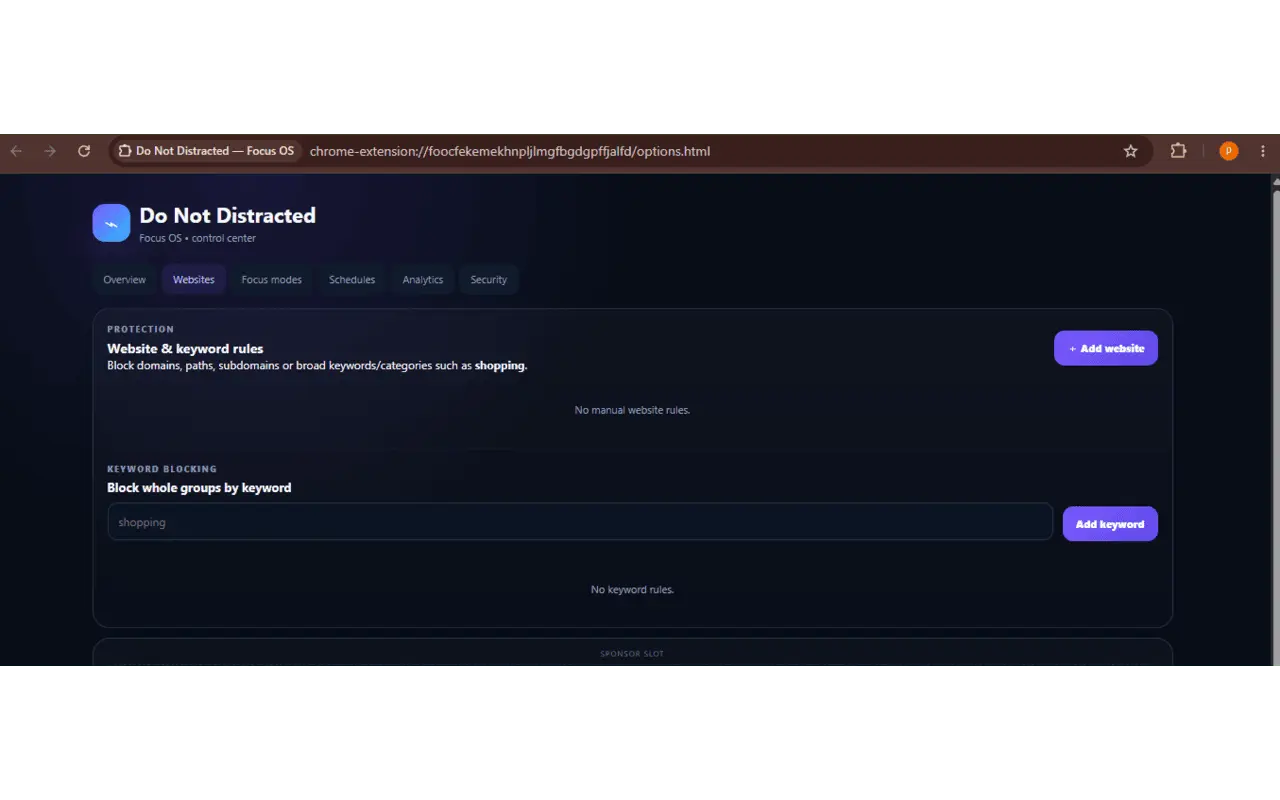
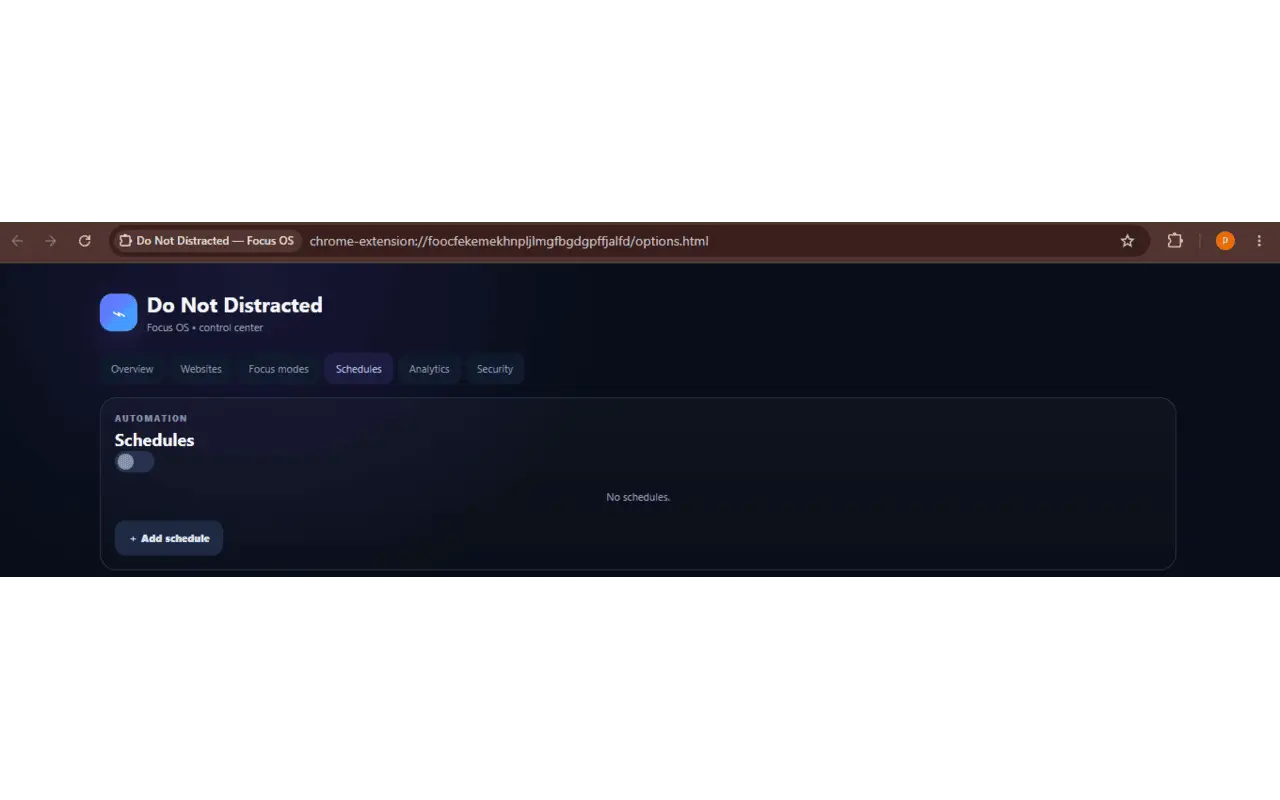
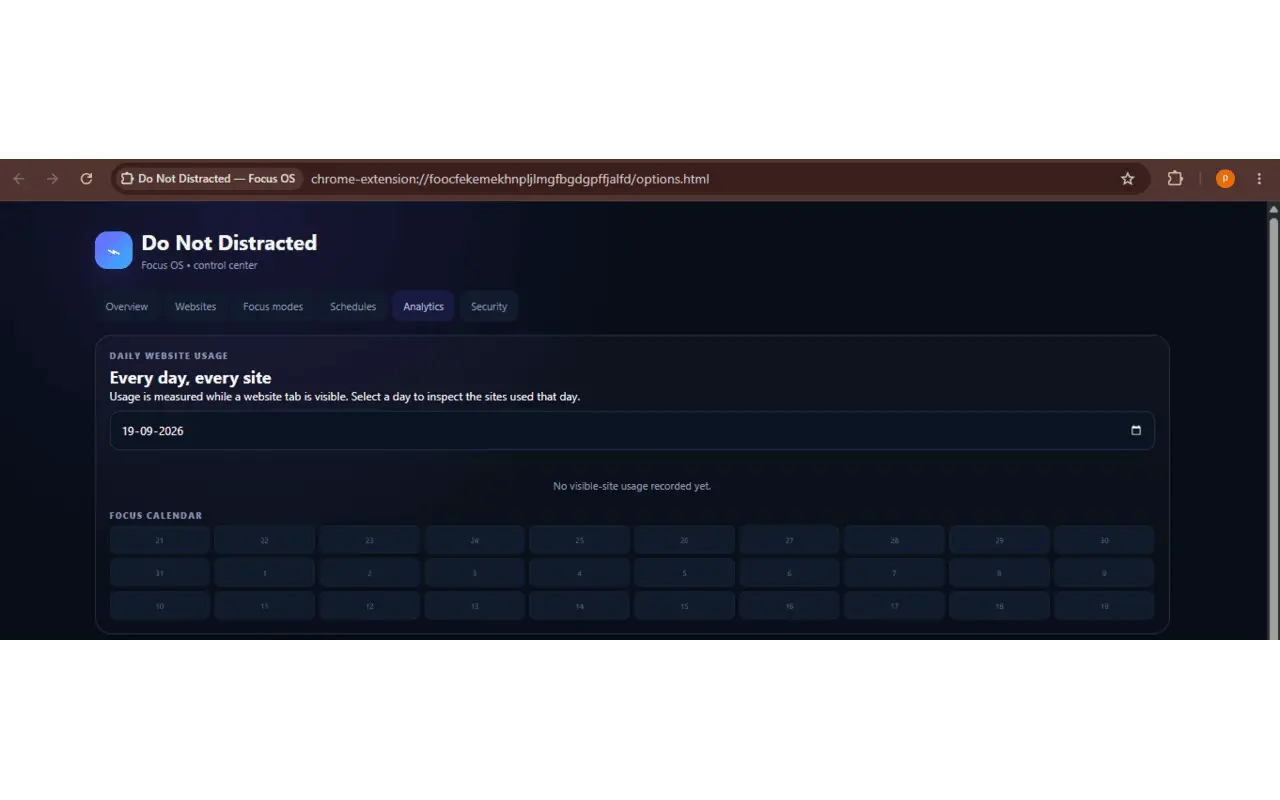
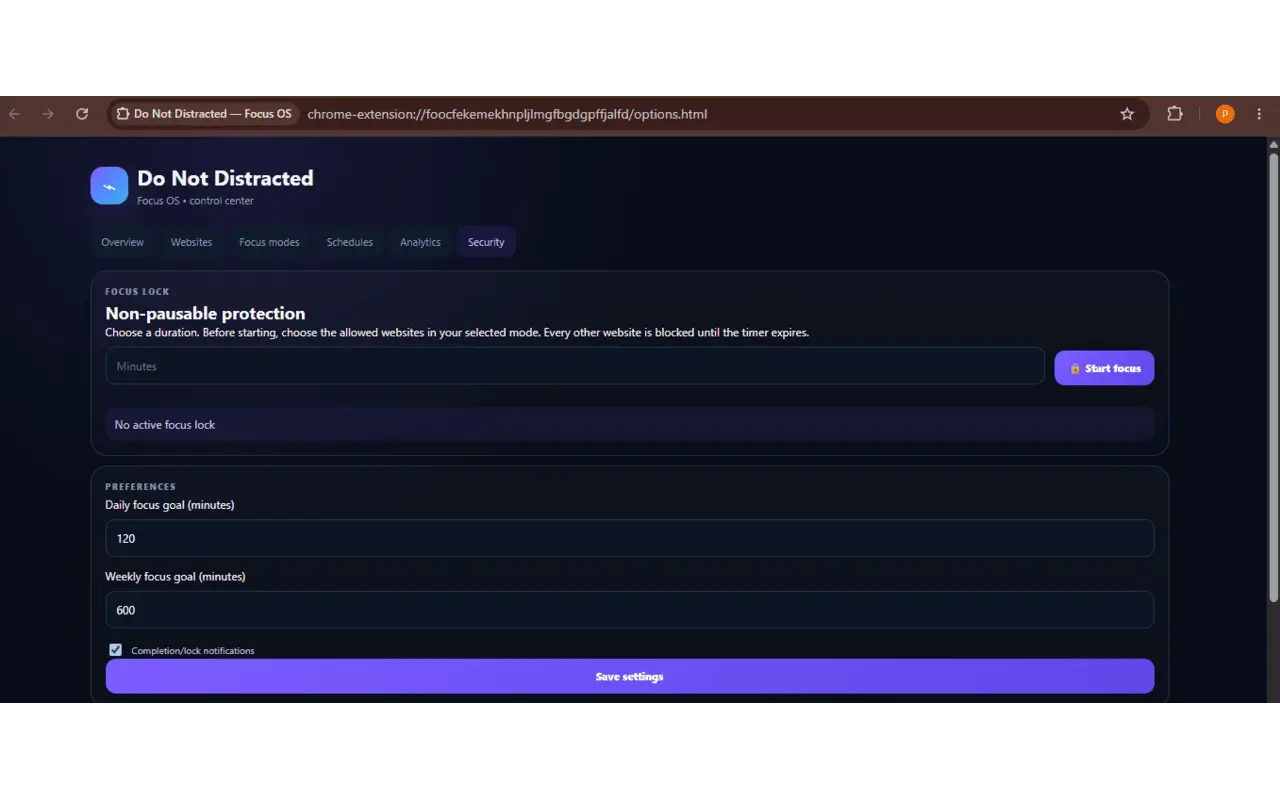
focus blocker: all websites are locked by default, and each focus mode lets the user choose which websites and categories available Do Not Distracted — Focus OS Do Not Distracted — Focus OS helps you create a more controlled browsing environment by restricting distracting websites and allowing you to focus on the websites you need. When protection is active, websites are restricted by default. You can create a Focus Mode and choose which websites and categories should remain available for your current task. Whether you are working, studying, coding, or completing a personal project, Focus OS helps you set up your browsing environment before you begin. How It Works Create or select a Focus Mode, configure the websites and categories you need, and start a focus session. Focus OS applies your selected settings to help restrict websites outside your configured environment. You can customize your focus experience according to the task you are working on. Focus Modes Create different browsing environments for different activities. Each Focus Mode can have its own allowed websites and categories, giving you greater control over the content available during a session. Website and Keyword Protection Focus OS supports website restrictions and keyword-based protection. Recognized keywords can be used to identify supported website categories, while custom keywords can help match websites through their URLs. This allows you to manage unwanted browsing without having to configure every website individually. Focus Lock Focus Lock provides a timed focus session designed to prevent ordinary interruptions. Once a locked session starts, you cannot pause, stop, shorten the timer, change the active Focus Mode, or modify its allowed websites during the lock. The session ends automatically when the selected duration expires. Configure your focus settings before starting a locked session, then dedicate the scheduled time to your task. Scheduled Focus Modes Use scheduling to configure Focus Modes for particular days and times. This helps you organize your browsing environment around recurring activities and routines. Focus Goals and Productivity Focus OS includes tools for tracking focus activity and productivity progress. You can review focus-related information, session history, goals, and other available statistics to better understand your habits over time. Browser Controls The extension provides convenient controls through its popup, Chrome Side Panel, context-menu actions, and keyboard shortcuts. These features allow you to manage focus settings and access important controls while using Chrome. Designed for Focused Work Do Not Distracted — Focus OS is built for people who want more control over their browsing environment and fewer digital distractions. Set up your focus environment before you start, restrict unwanted websites, and dedicate your session to the task that matters. Do Not Distracted — Focus OS Your browser. Your focus.
Product Video
Watch a video demo of Do Not Distracted — Focus OS.
Screenshots
Reviews (2)
Average 4.5 out of 5
Based on 2 reviews

Comments (0)
No comments yet. Be the first to share your thoughts!