
Dock Groups
Your Dock, your rules. Simple and clean.

Details
- Use Cases
- Target Audience
- Pricing
- Freemium from $9.99
- Platforms
Discovery signals
How AI and people discover Dock Groups on PeerPush
About Dock Groups
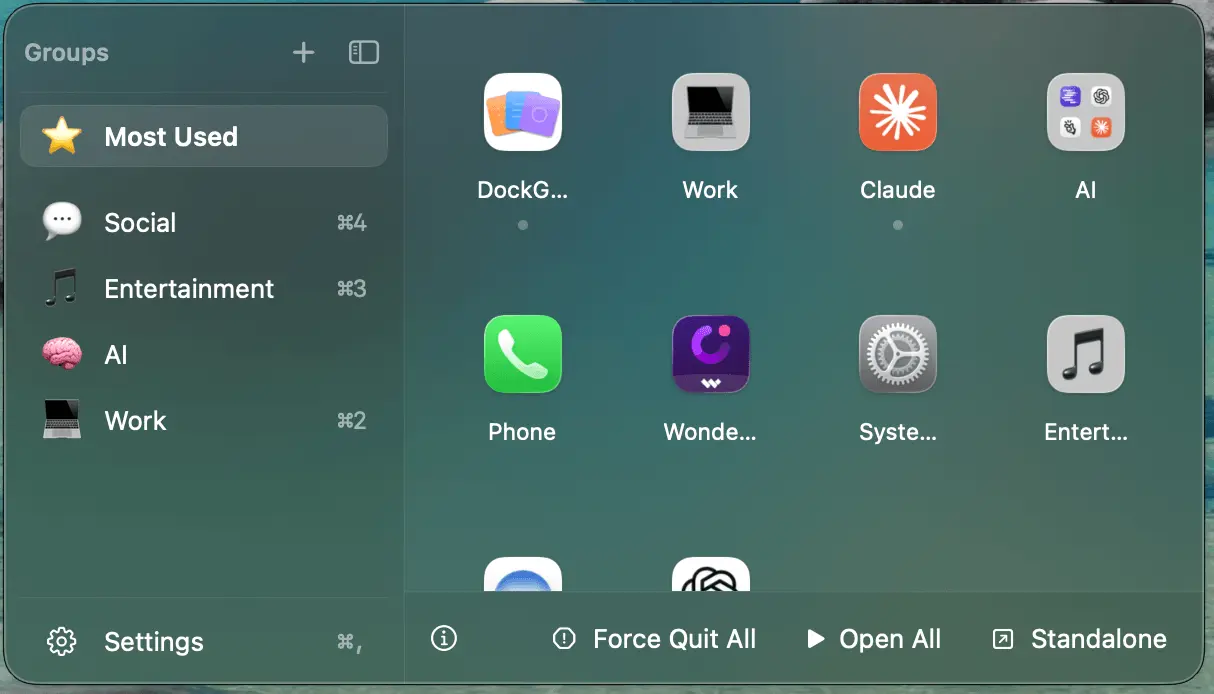
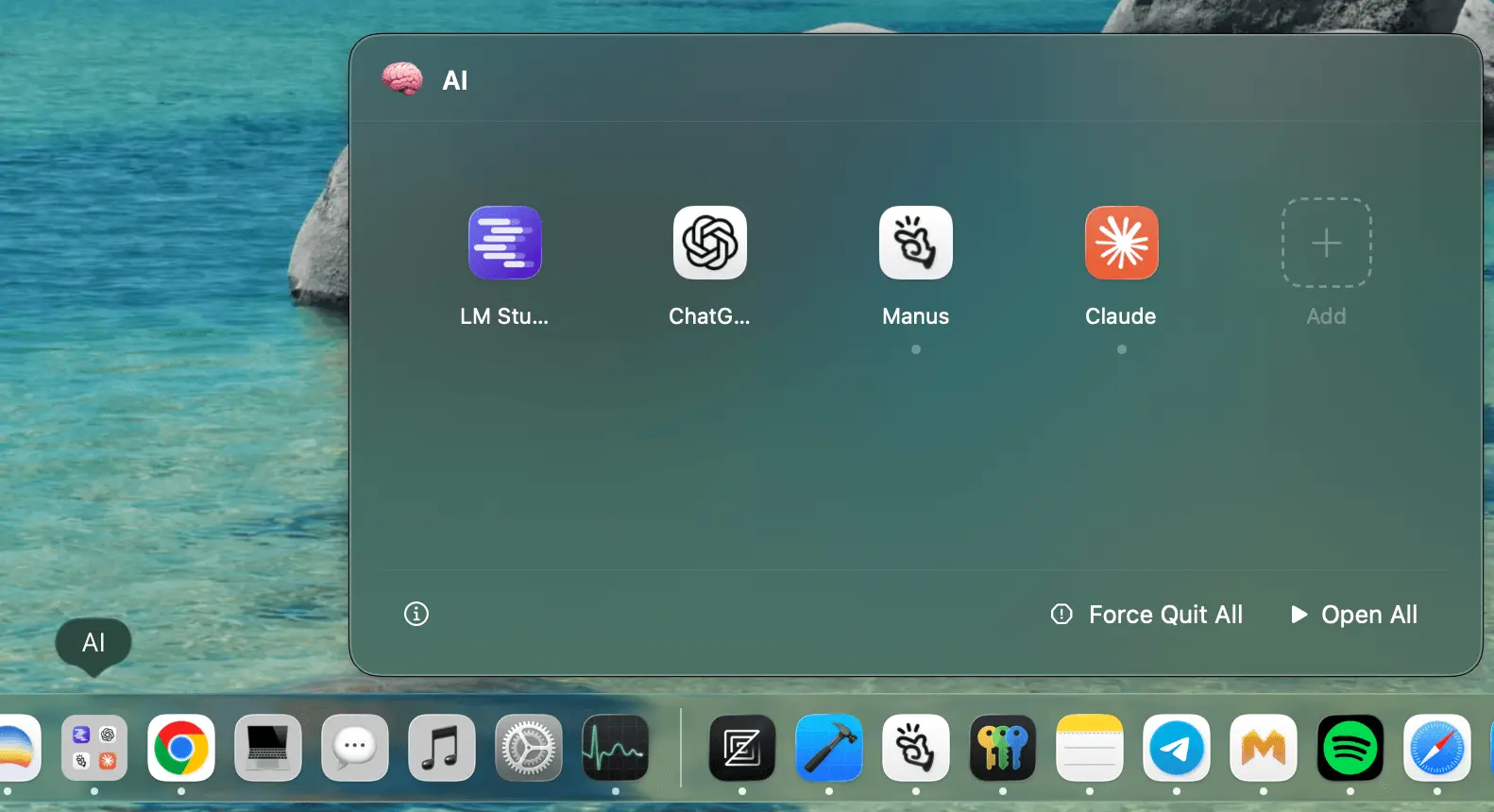
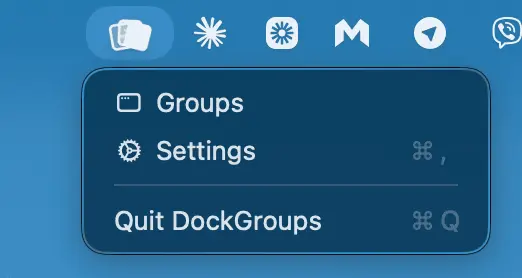
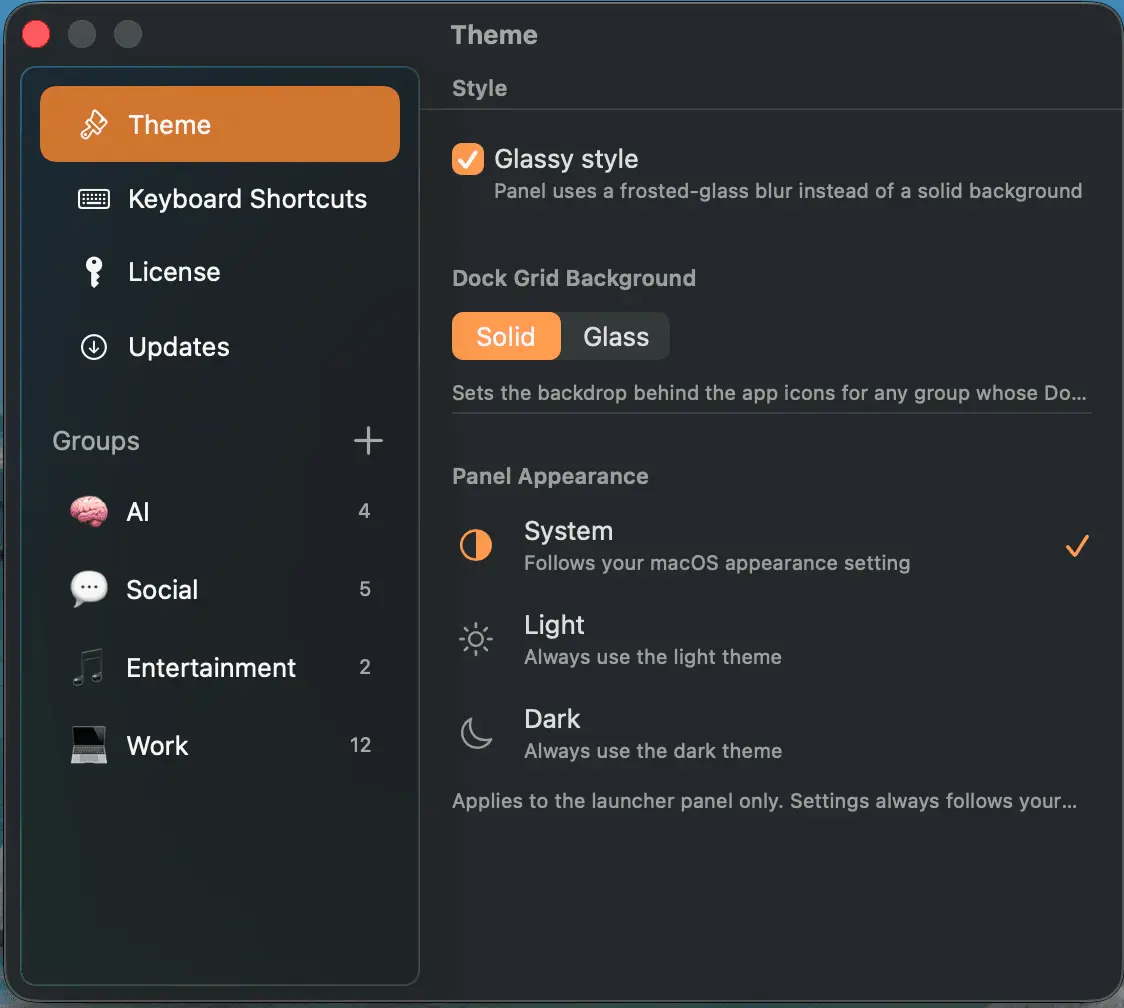
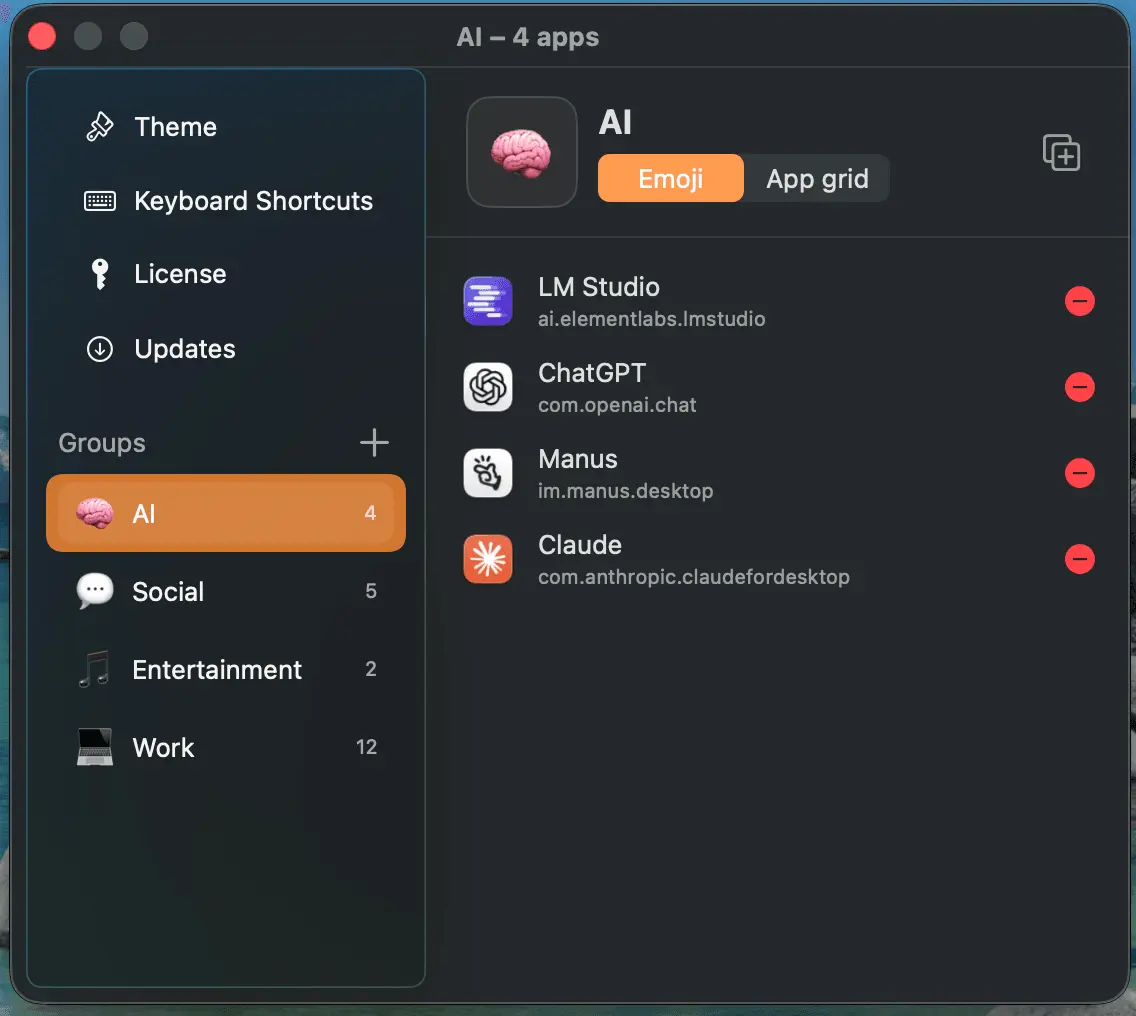
App Groups - Organize apps into named groups, each with a custom emoji icon, stored by bundle ID. - Pin important groups to the top of the sidebar. - Create and delete groups directly from the main panel — no detour into Settings. - Default starter groups (Work, Creative, Utilities) appear on first launch. - Group data is saved atomically with owner-only file permissions, and the app tolerates missing fields so updates never wipe your groups. The Floating Panel - A panel anchored next to your Dock that positions itself correctly whether your Dock sits at the bottom, left, or right of the screen. - Opens from the Dock icon or the menu bar; closes automatically when it loses focus. - A collapsible sidebar toggles between full labels (with shortcut badges) and a compact icon-only rail. - Frosted-glass or solid panel style, plus System / Light / Dark themes. Open All / Close All — the signature feature - Open All launches every app in a group with a small stagger (so macOS doesn't choke on simultaneous launches). - Close All does the reverse, and this is something no competing dock app offers: - Plain click → hides every app in the group - ⌥-click → quits them gracefully - ⌘-click → force-quits them - Live indicators show which apps in a group are currently running, and clicking a running app restores its windows — including minimized ones. Most Used (dynamic group) - A self-maintaining group showing your most-launched apps. - Tracks launches passively system-wide with no permissions required, and excludes system processes. In-Panel App Management - Add and remove apps right in the panel grid. - Drag to reorder apps within a group. - Right-click any app for Quit, Force Quit, or Show in Finder. - Drop a file onto an app icon to open it with that app. Keyboard Shortcuts - ⌘1–9 switches groups inside the panel. - ⌥⇧1–9 are true system-wide hotkeys that work even in full-screen apps — with no Accessibility or Input Monitoring permissions needed. - Shortcuts are fully remappable, with conflict detection and inline badges. Menu Bar Mode - An optional menu bar icon for quick access without using the Dock. Privacy & Auto-Update - All your data (groups, usage stats) stays local — no cloud, no accounts. - The only optional network signal is anonymous update statistics (app version, build, macOS version — no IP, no identifiers), which you can turn off in Settings → Updates. - Updates are cryptographically signed and verified on your Mac; the app ships with an Apple privacy manifest declaring no tracking.
Discount Codes
20% OFF(-20% OFF)
Valid until Dec 31, 2026
Screenshots
Reviews (0)
No reviews yet. Be the first to rate this product!
Comments (0)
No comments yet. Be the first to share your thoughts!