
DockFlow
Switch Between Dock Presets on macOS Instantly

Details
- Follow on
- Categories
- Use Cases
- Target Audience
- Platforms
Discovery signals
How AI and people discover DockFlow on PeerPush
- ChatGPT
- Claude
- +2 other AI crawlers
Reads by these AI engines
Crawlers behind these engines read this listing on PeerPush.About DockFlow
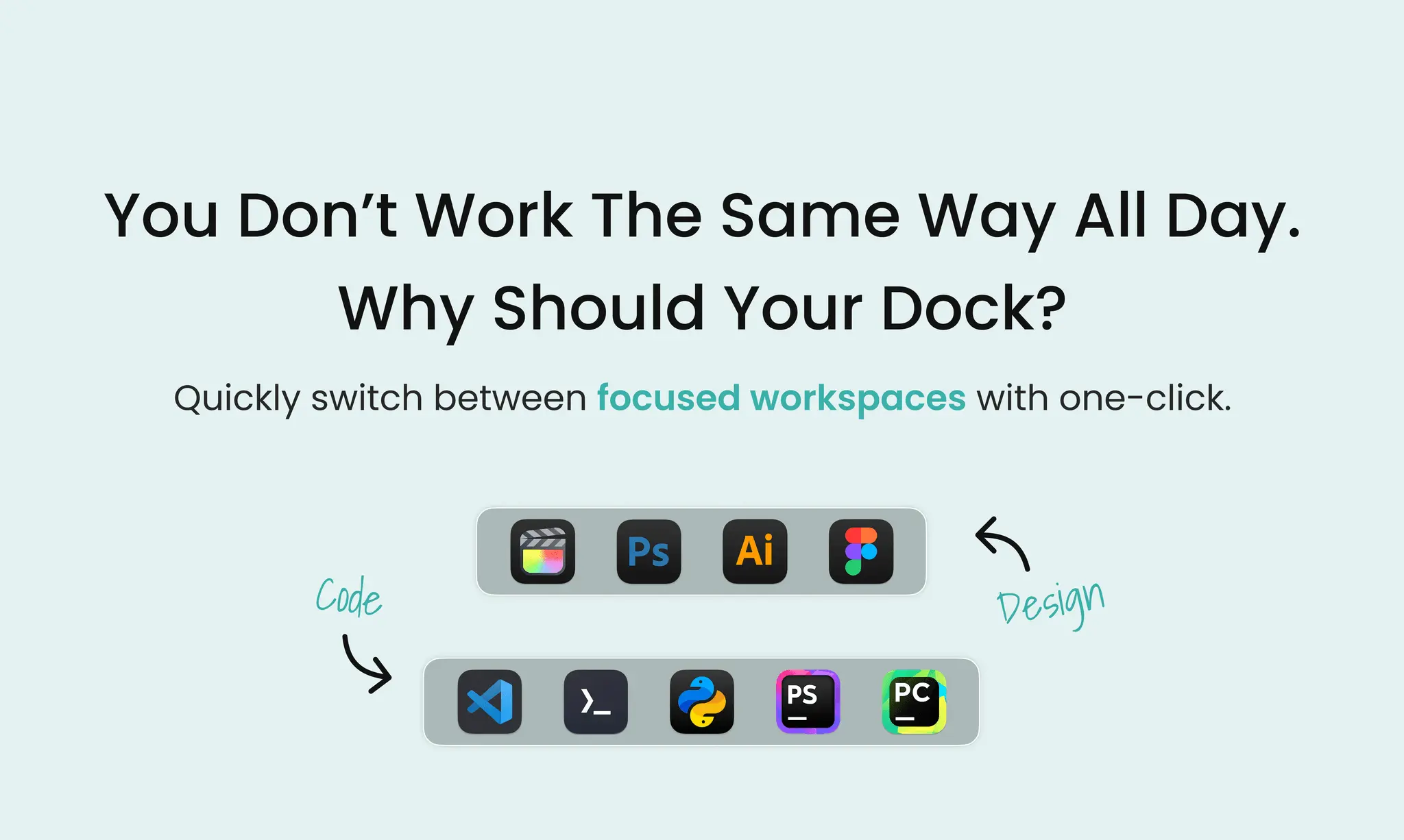
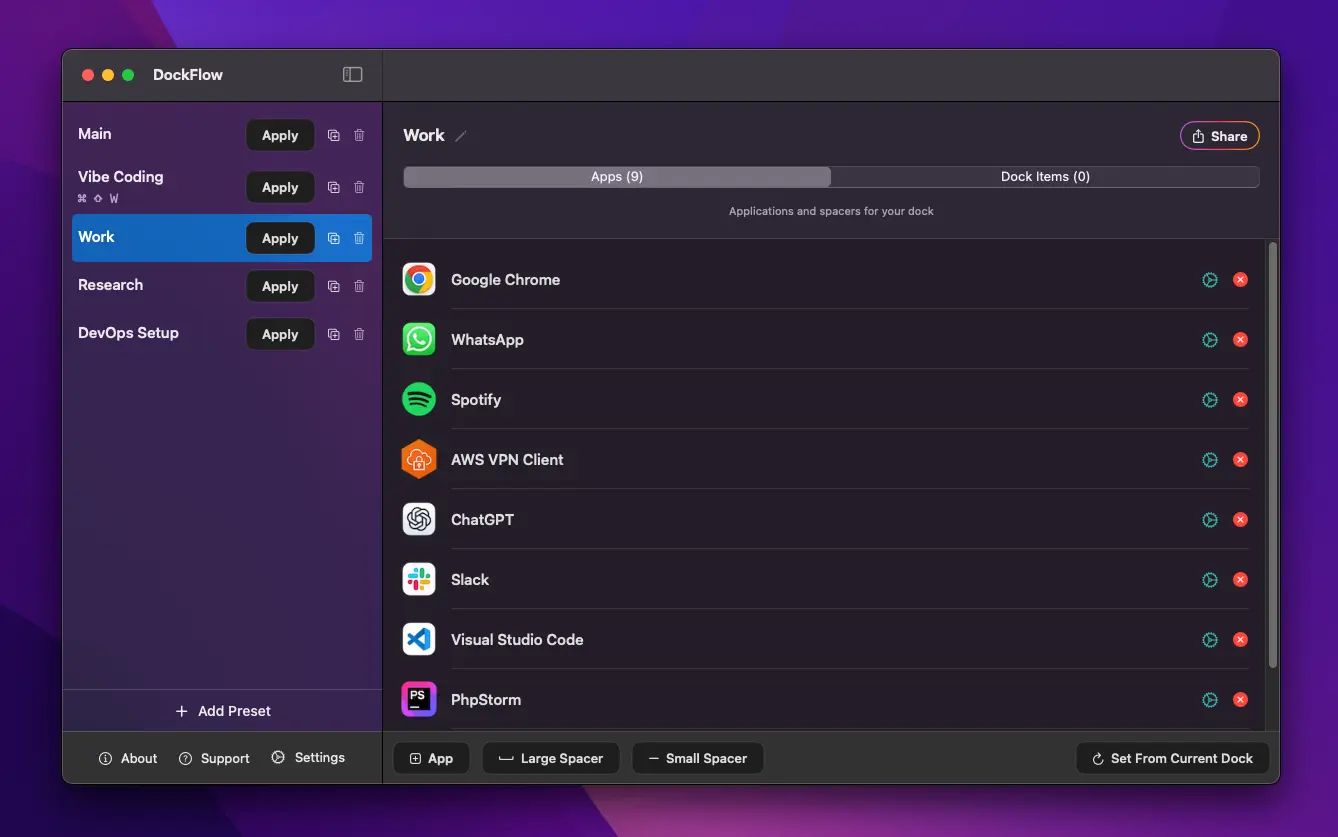
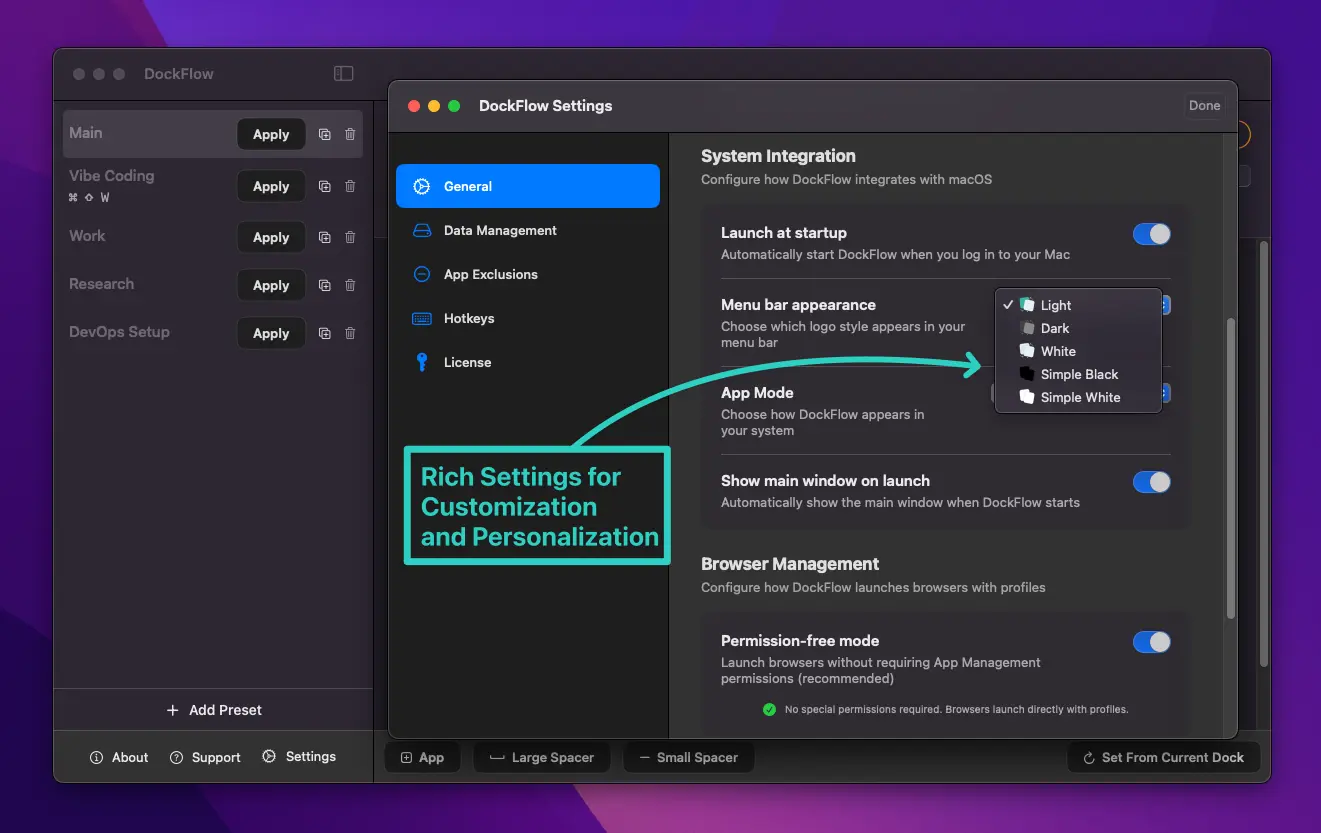
DockFlow is a powerful macOS productivity app that lets you save multiple Dock presets and instantly switch between them, streamlining your workflow. Whether you’re coding, designing, writing, or gaming, DockFlow automatically launches the apps you need and closes the ones you don’t - transforming your Dock to suit the task at hand. Designed for multitaskers, freelancers and professionals juggling projects and macOS power users, DockFlow eliminates the hassle of manually rearranging your Dock, saving you valuable time and boosting focus. Simply create customized Dock preset for each of your workflows and switch between them with a single click or customizable hotkey. DockFlow operates securely without requiring special permissions and works flawlessly on macOS 13.5 and above.
Screenshots
Product Updates (1)
V1.50 Is live!
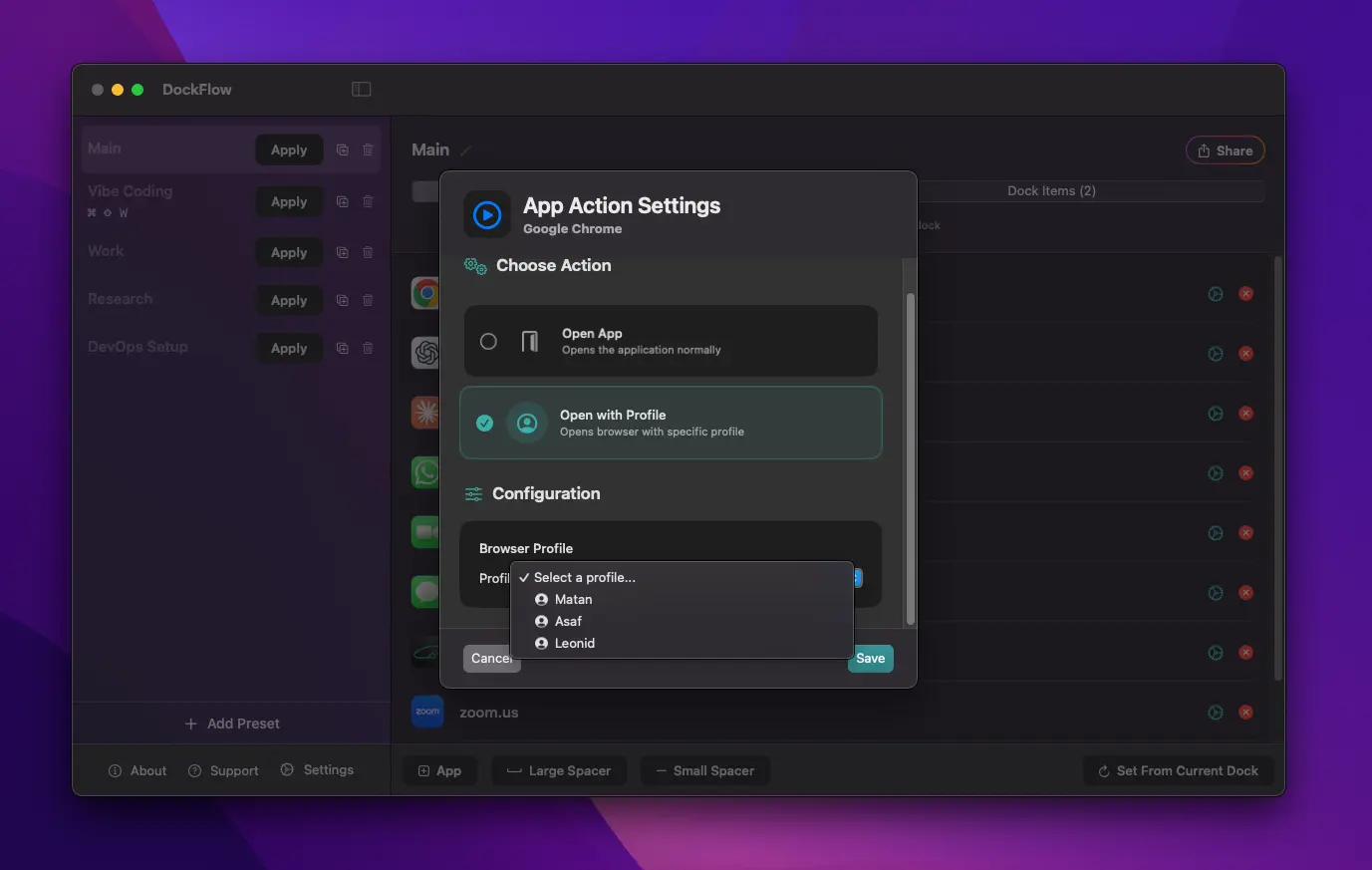
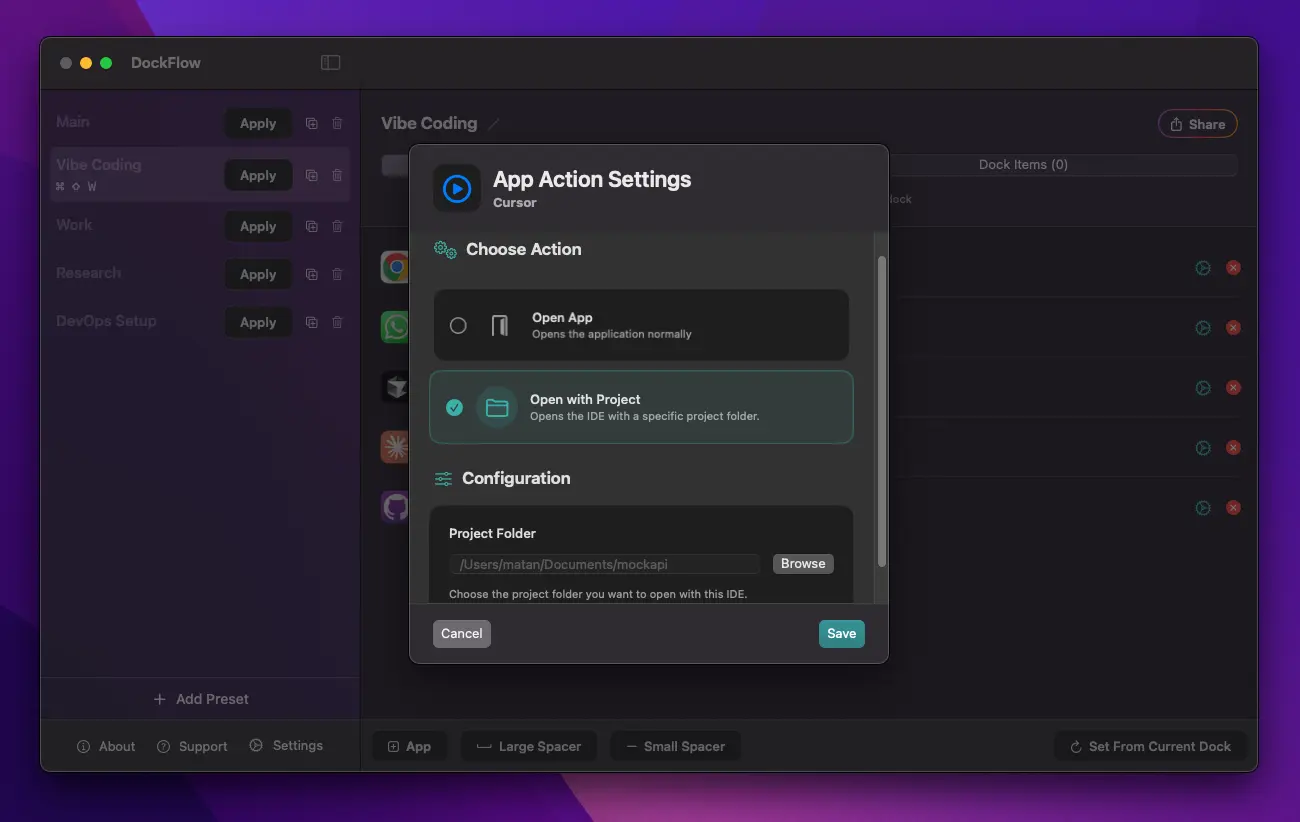
After a few weeks in beta testing, I am glad to share that V1.50 is live! And with it, you got a long-requested feature: Browser profile app action! You can now launch a spacipic browser profile when switching between dock presets 🔥 I will tell you all about this new feature in this update. 😄 Until now, you could launch specific projects in your IDE per dock preset. Now, you can also open dedicated Browser Profiles automatically when you switch docks. Supported Browsers: Google Chrome, Microsoft Edge, Brave, Vivaldi, Arc, Firefox.
Comments (1)

Reviews (0)
No reviews yet. Be the first to rate this product!
Comments (1)
WIsh there was a Windows version to try it out!