Douga
a drawing program that thinks in frames

Details
- Follow on
- Use Cases
- Target Audience
- Pricing
- Freemium from $25
- Platforms
- Featured in
Discovery signals
How AI and people discover Douga on PeerPush
- ChatGPT
- Perplexity
- Claude
- +4 other AI crawlers
Reads by these AI engines
Crawlers behind these engines read this listing on PeerPush.About Douga
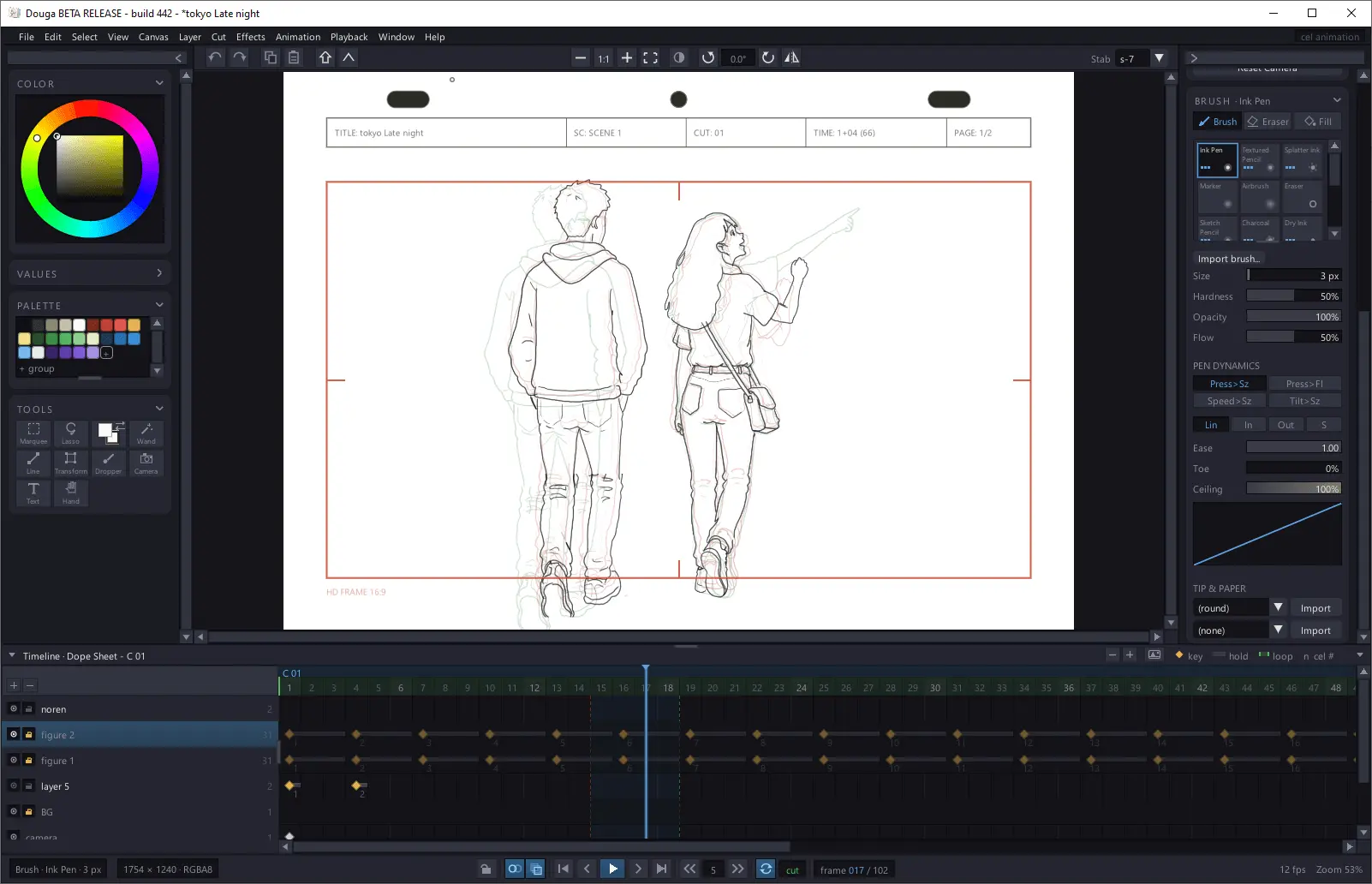
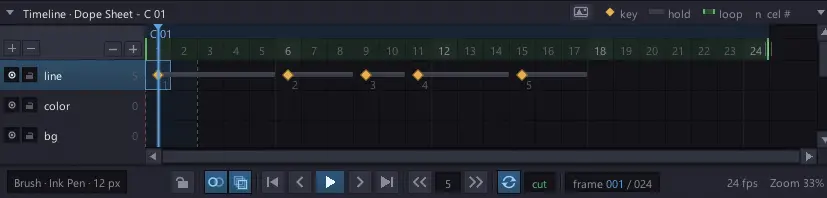
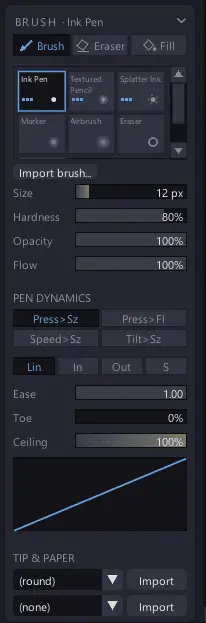
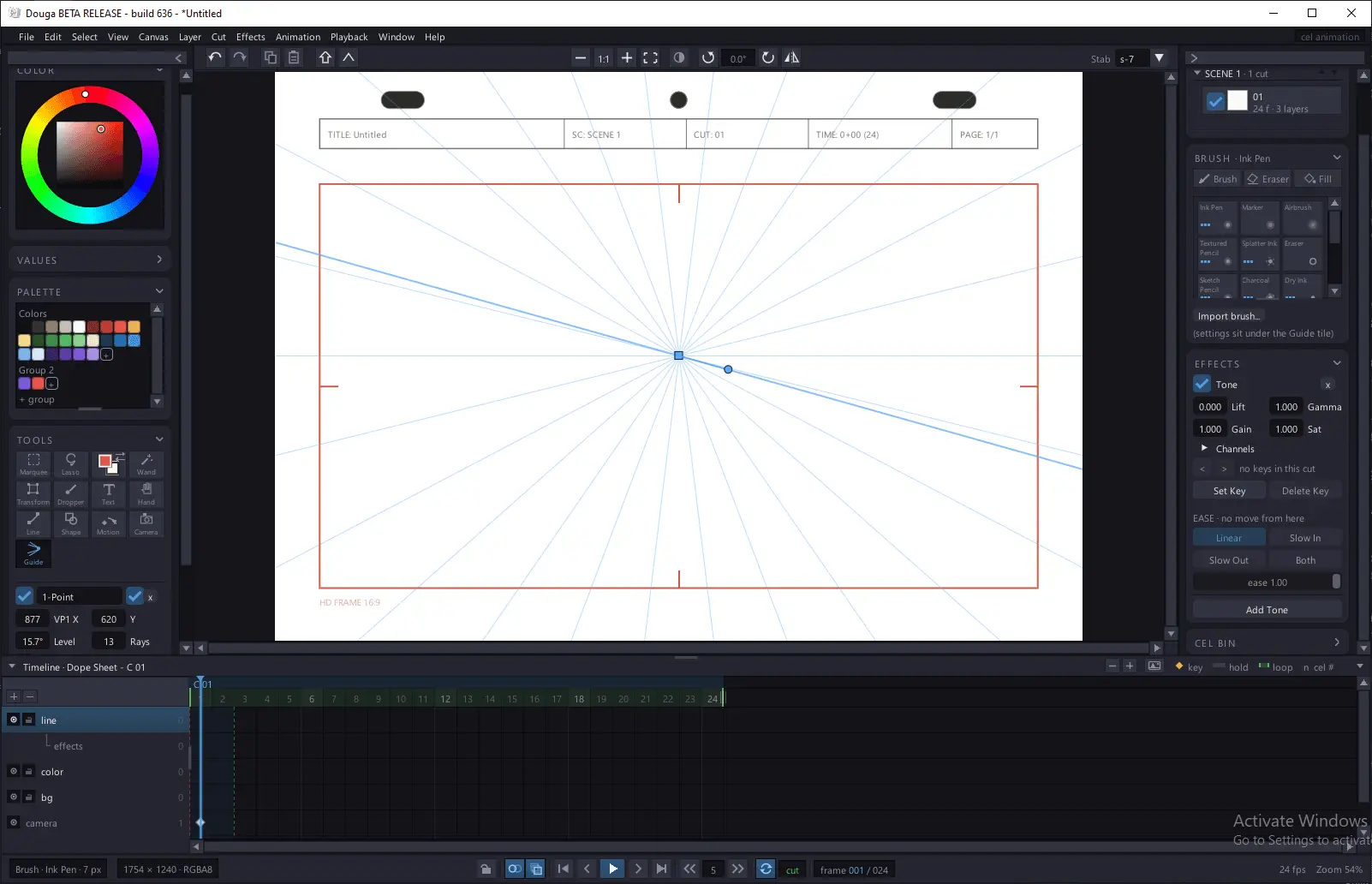
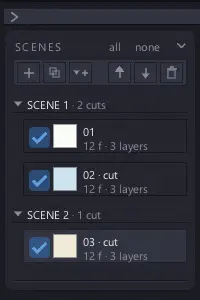
Douga is a hand-drawn 2D cel animation program for Windows. A pen-first canvas and a real dope sheet in one window, so the drawing half and the timing half of the job happen in the same place instead of in two programs. It's a ~3MB download with no installer and no account. Draw a frame, tap forward, draw the next one. Every feature works for free; a $25 key just takes the small mark off your exports. Dope sheet. Every layer's keys and holds on one sheet. Drag a hold to stretch it, move a block to another row, expose on ones, twos or threes. One click turns the sheet into an animatic of every cut. Light table. Onion skin up to ten drawings each way, on one layer or all of them. Lift a neighbor off the pegs to slide or turn it into place, then drop everything back. Hold R and the drawings flip under your hand like paper. Brushes. A stabilizer that keeps a long slow line steady, a stocked shelf, and a brush creator for tip shape, paper grain, and how the line answers pressure, speed and tilt. Share brushes as .dbrush files. Krita and SAI brushes import with the converter add-on. Scenes and cuts. A project holds scenes, and each scene holds cuts with their own timing, camera and length. Layers belong to the film, so a held background is one drawing however many cuts use it. Color. Paint on a cel layer remembers which swatch made it, so editing the swatch recolors the whole film. Palettes save as .dpal for the next one. Layers. Nine blend modes, opacity, alpha lock, clipping and folders. Draft layers show on the canvas and in the onion skin but never export, which is where roughs and model sheets go. Motion. Every layer has its own peg bar. Move, turn or scale it on keys and the frames between ease from key to key, so you can build multiplane shots the camera alone can't do. Effects. Blur, levels, mosaic, noise and smoothing, previewed live on the canvas, plus a per-layer color grade that keys across a cut. Guides. Perspective and grid guides per cut, with direction-lock snapping. Sound. wav and mp3 clips get their own rows under the sheet with the waveform drawn in. Re-cue, trim, mute, and scrub the playhead to hear it. In and out. Export a PNG sequence, GIF, APNG or H.264 MP4 with sound, on paper or transparent. The X-sheet prints to PDF or goes out as XDTS. Images, sequences, GIFs, video for rotoscoping, Krita files, wav and mp3 all come in. Record the screen or a timelapse while you draw. Your work survives a crash. Douga snapshots the open project while you draw and offers it back on the next launch. Saves and renders run in the background. One hand on the pen. Two-finger tap to undo, three to redo, pinch to zoom, twist to turn the paper. Sticky Shift and Ctrl for the hand holding the tablet. Still in beta, and I ship builds most weeks.
Screenshots
Reviews (0)
No reviews yet. Be the first to rate this product!
Comments (1)
i make douga. i wanted to draw a frame, tap forward, and draw the next one without the program getting in the way. bugs and requests to r/douga, i read all of it.