
Export to Figma
Export any website to Figma as fully editable layers

Details
- Follow on
- Categories
- Use Cases
- Target Audience
- Pricing
- Freemium
- Platforms
Discovery signals
How AI and people discover Export to Figma on PeerPush
About Export to Figma
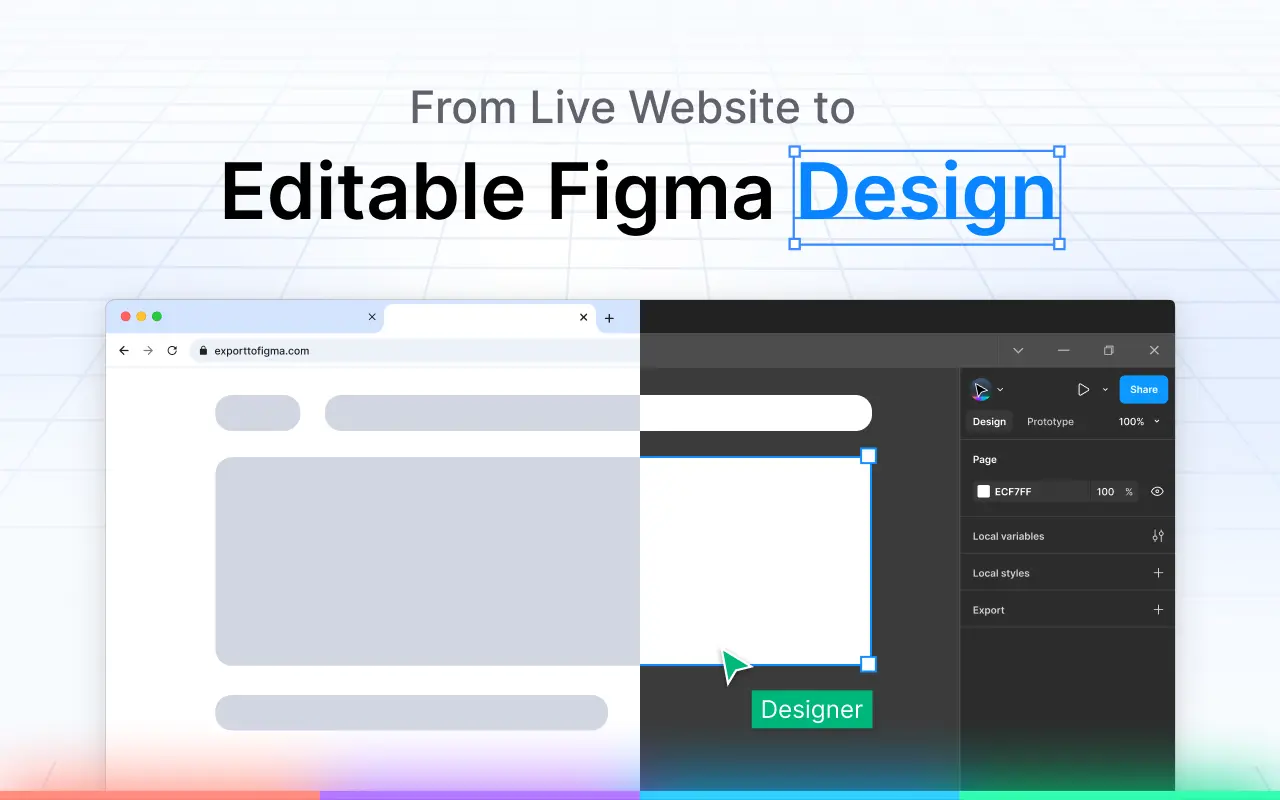
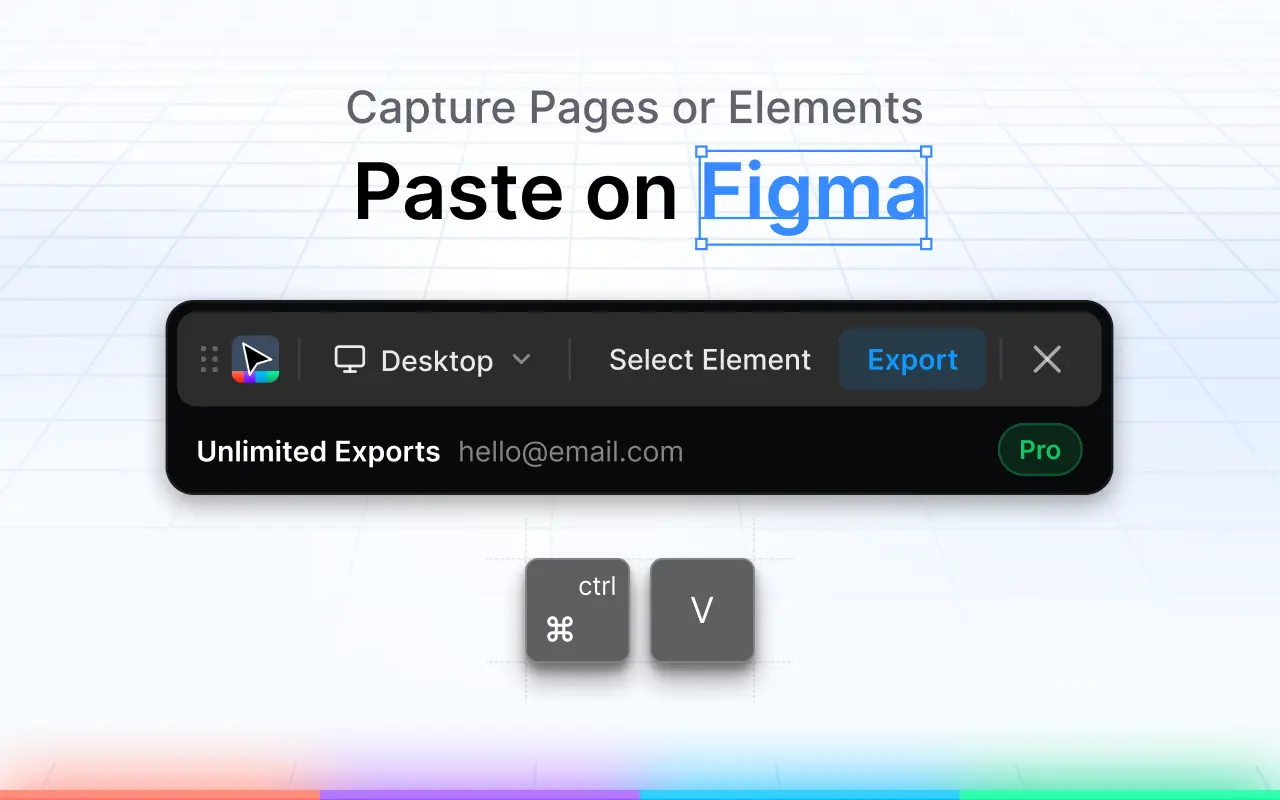
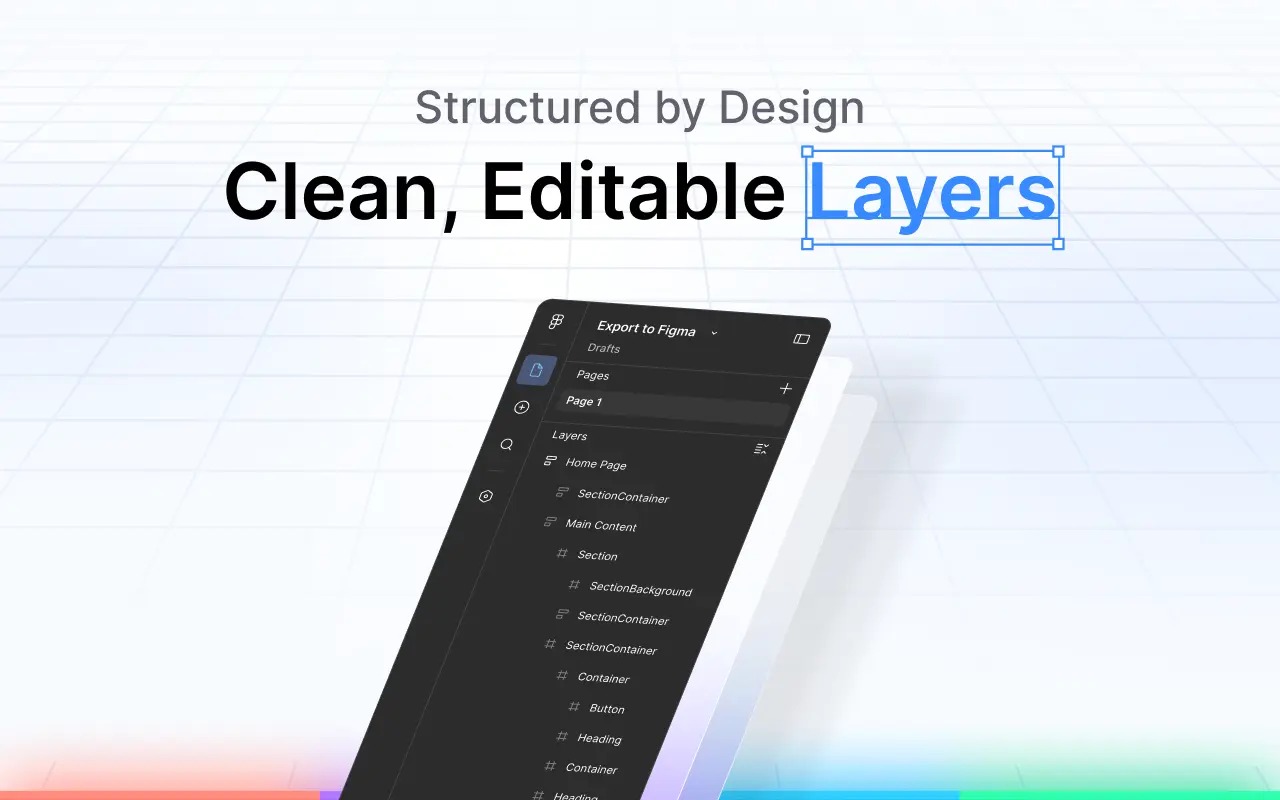
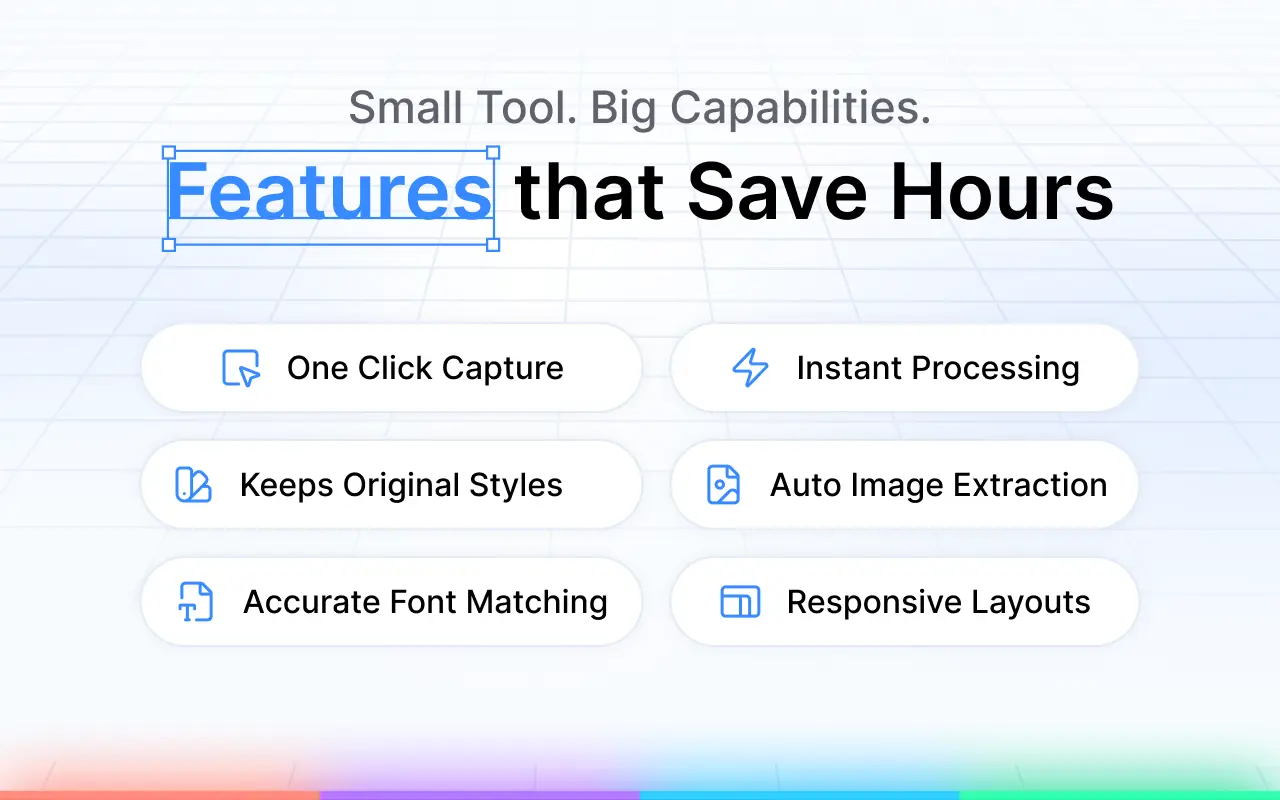
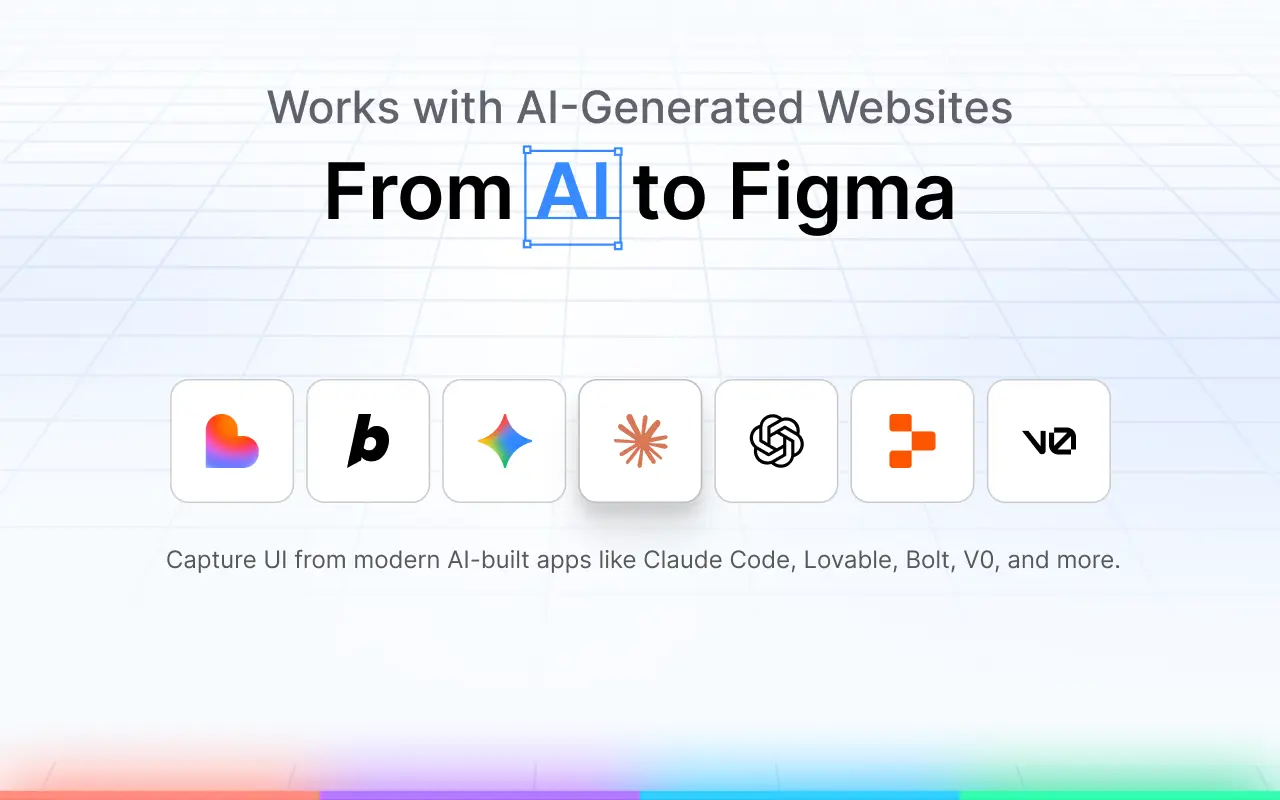
You can export any website to Figma as fully editable layers in just one click. This tool helps you preserve fonts, colors, images, and auto-layout settings during the transfer. By transforming live websites into Figma components, you can streamline your design workflow and start your prototyping process with existing web assets quickly and efficiently. Key features: * Capture full pages or individual elements * Editable layers with proper structure * Preserved colors, spacing, and typography * High-quality image extraction * Responsive layout support * Works with real and AI-generated websites Instead of manually recreating layouts, you can capture a page or section and start working from a structured design.
Screenshots
Reviews (7)
Average 4.9 out of 5
Based on 7 reviews


Tried it - its pretty impressive honestly. Few kinks in pasting but thats expected (all Figma tools have the same issue, thats not issue on your side).


Very easy to use, and it’s magical! Glad I found this .


Comments (2)
Interesting. I will give it a try soon.
I usually screenshot a live site and rebuild from scratch in Figma — painful. One-click export with fonts, colors, and auto-layout preserved is exactly the handoff dev/design teams need, especially for AI-generated pages.