
FakeCam
Virtual webcam for Windows from video or image files

@fakecam
Details
- Categories
- Video & Audio Tools
- Use Cases
- Video CreationTeam Collaboration
- Target Audience
- Remote Workers
- Pricing
- Free
- Platforms
- Desktop
- Featured in
- Best Video Creation Tools
Discovery signals
How AI and people discover FakeCam on PeerPush
About FakeCam
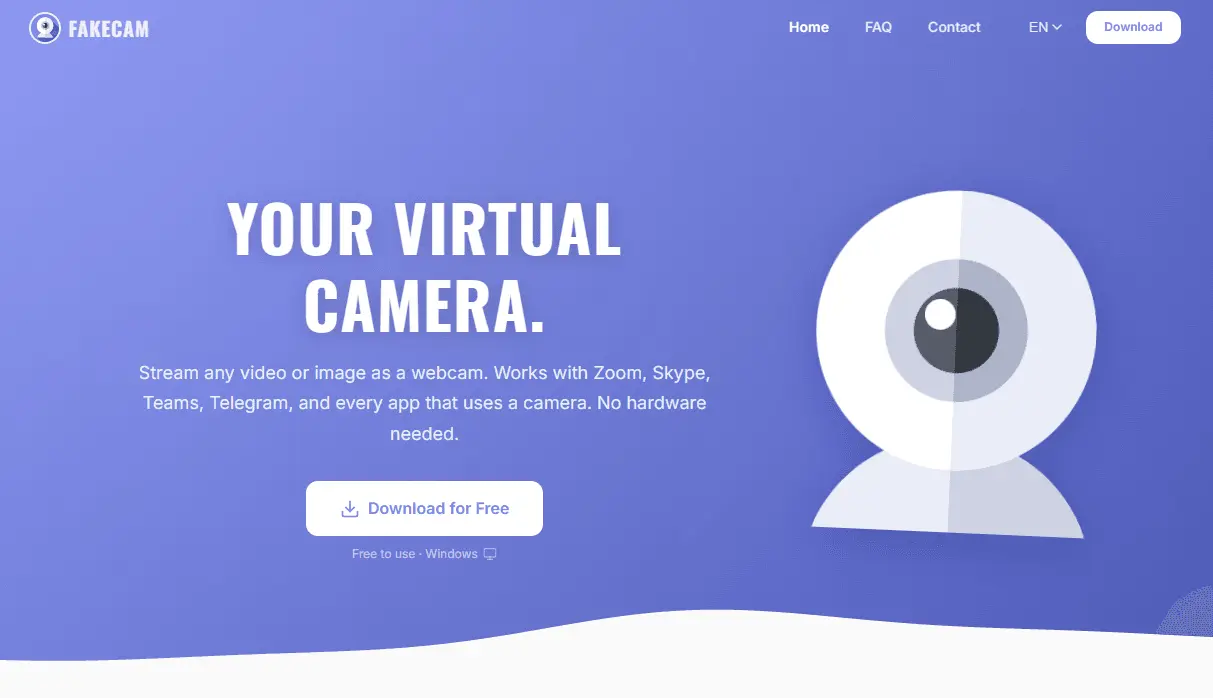
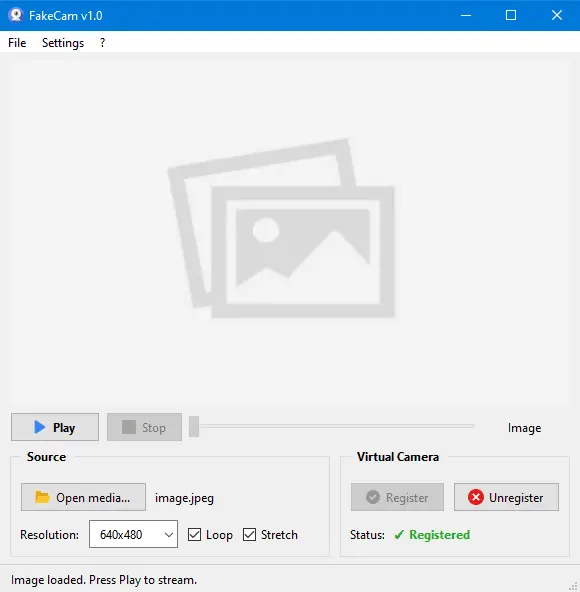
FakeCam is a lightweight virtual webcam app for Windows. It lets you stream any video or image file as your camera feed in apps like Telegram, Zoom, Skype, Microsoft Teams, Discord, and more. Load an MP4 and it loops as your webcam. Drop a JPG and it stays as a static camera output. Any app that uses your webcam will see FakeCam as a regular camera. No account, no subscription, no ads, no tracking. Download, run, and stream. Everything runs locally on your machine. 25MB, portable, works offline. Topics: - Productivity - Video - Windows - Developer Tools - Tech
Screenshots
Reviews (1)
Average 5.0 out of 5
5.0
Based on 1 review
5
1
4
0
3
0
2
0
1
0

Comments (1)
Hey everyone! I built FakeCam because I was tired of complicated virtual camera tools that require accounts, subscriptions, or install a ton of bloatware.