
Faster OCR
Image to text

Details
- Categories
- Target Audience
- Platforms
Discovery signals
How AI and people discover Faster OCR on PeerPush
- ChatGPT
- Perplexity
- Claude
- +3 other AI crawlers
Reads by these AI engines
Crawlers behind these engines read this listing on PeerPush.About Faster OCR
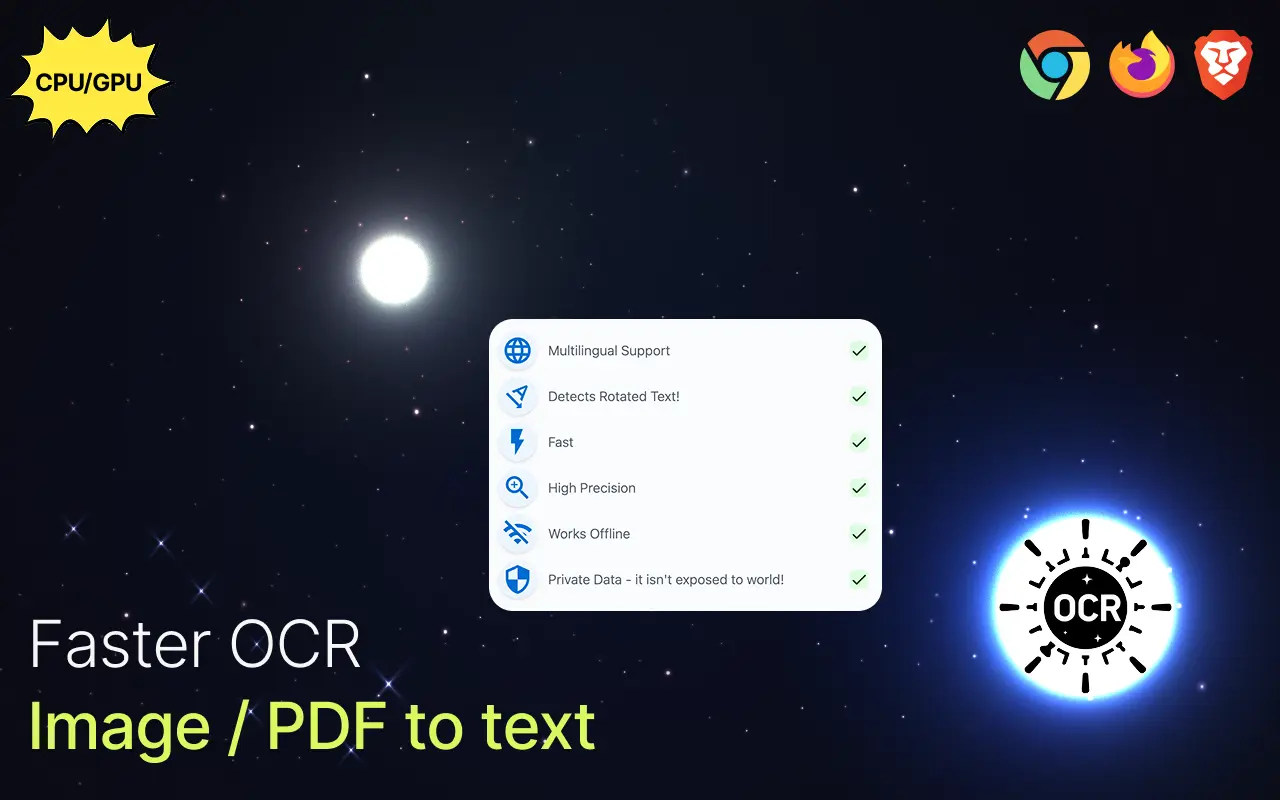
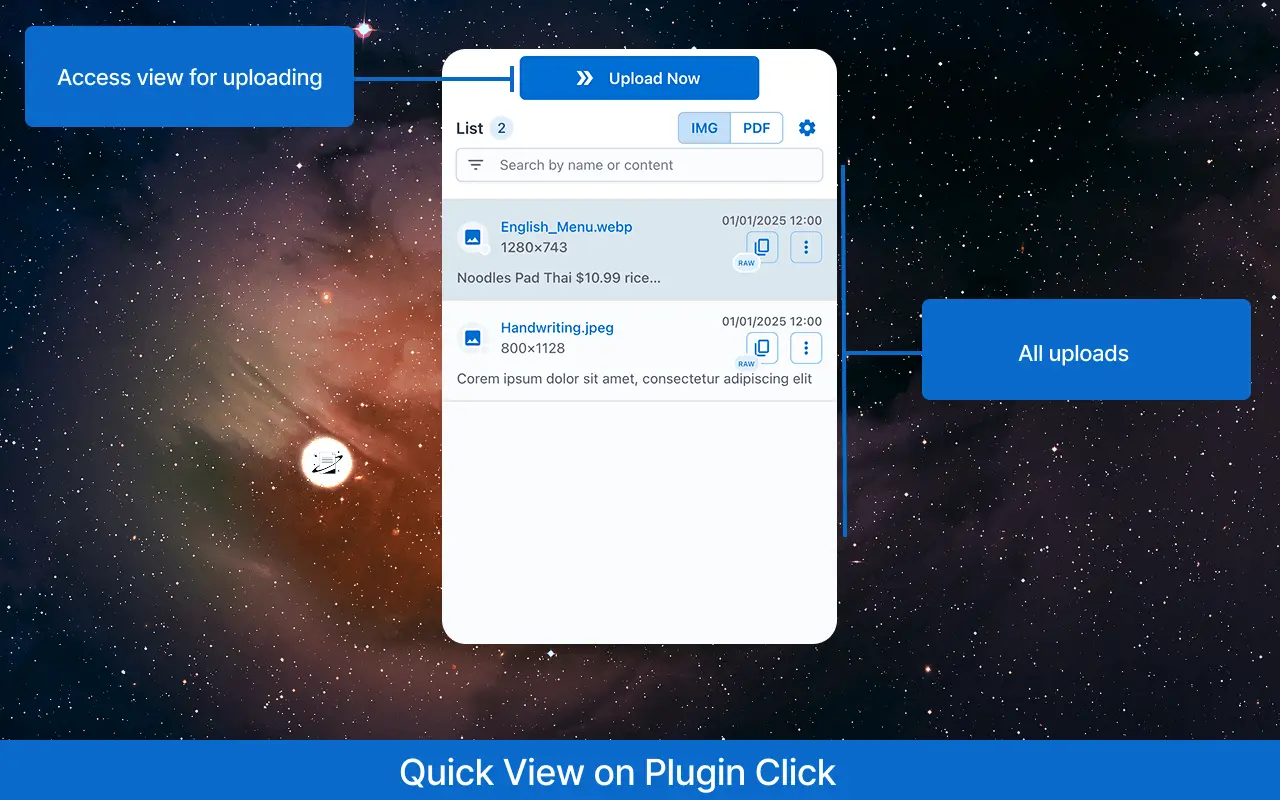
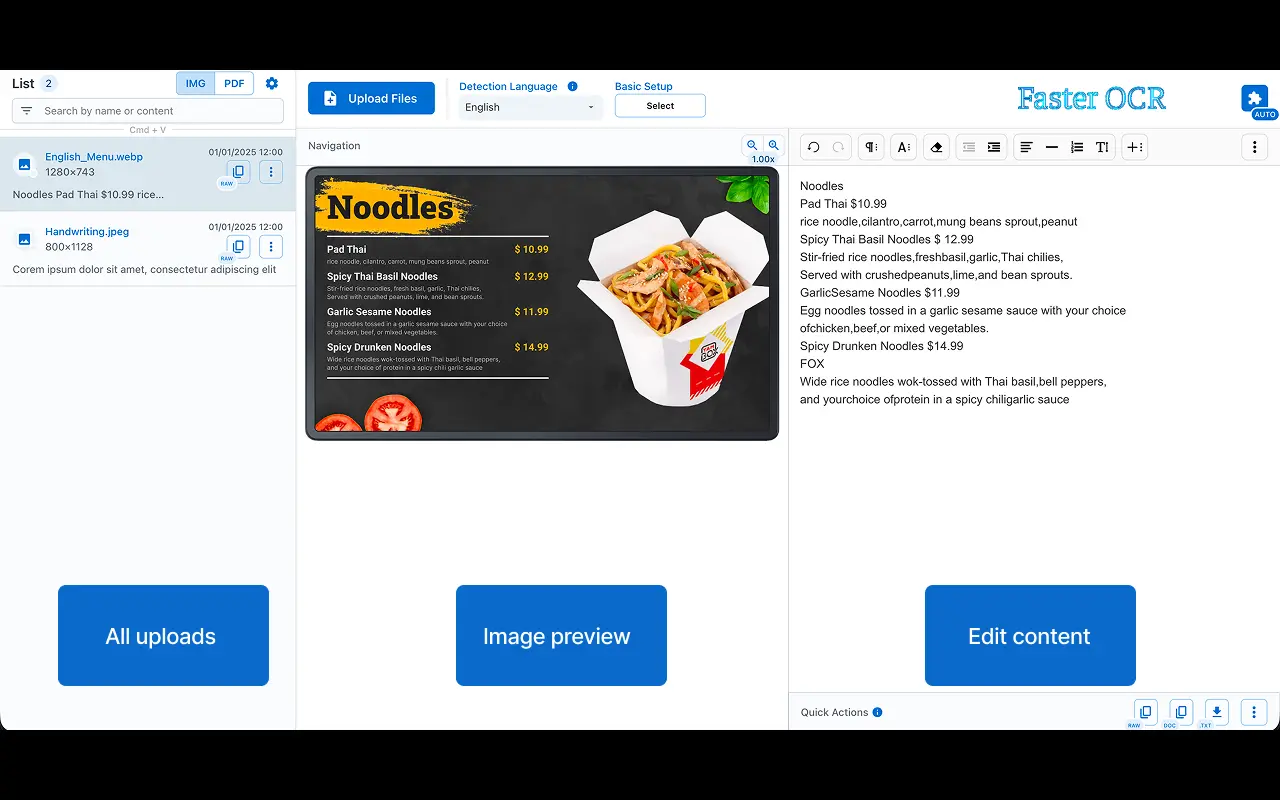
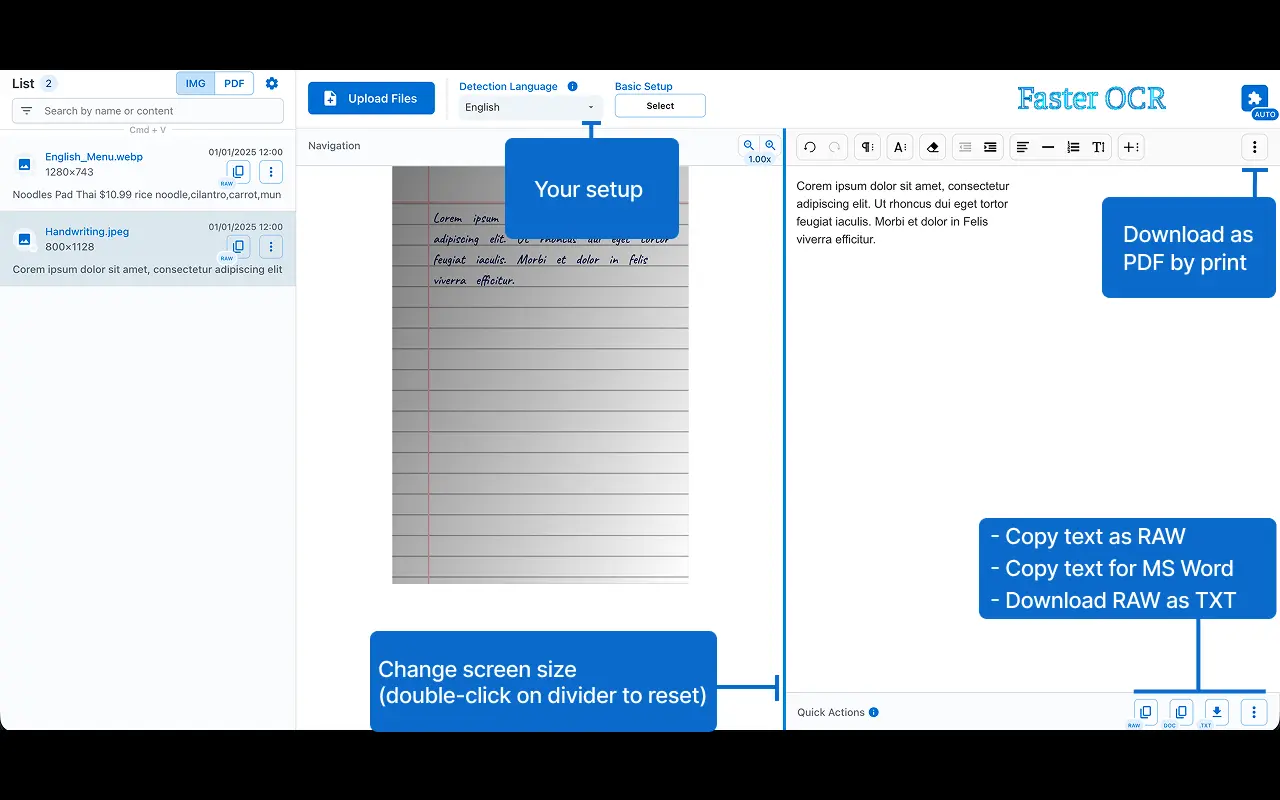
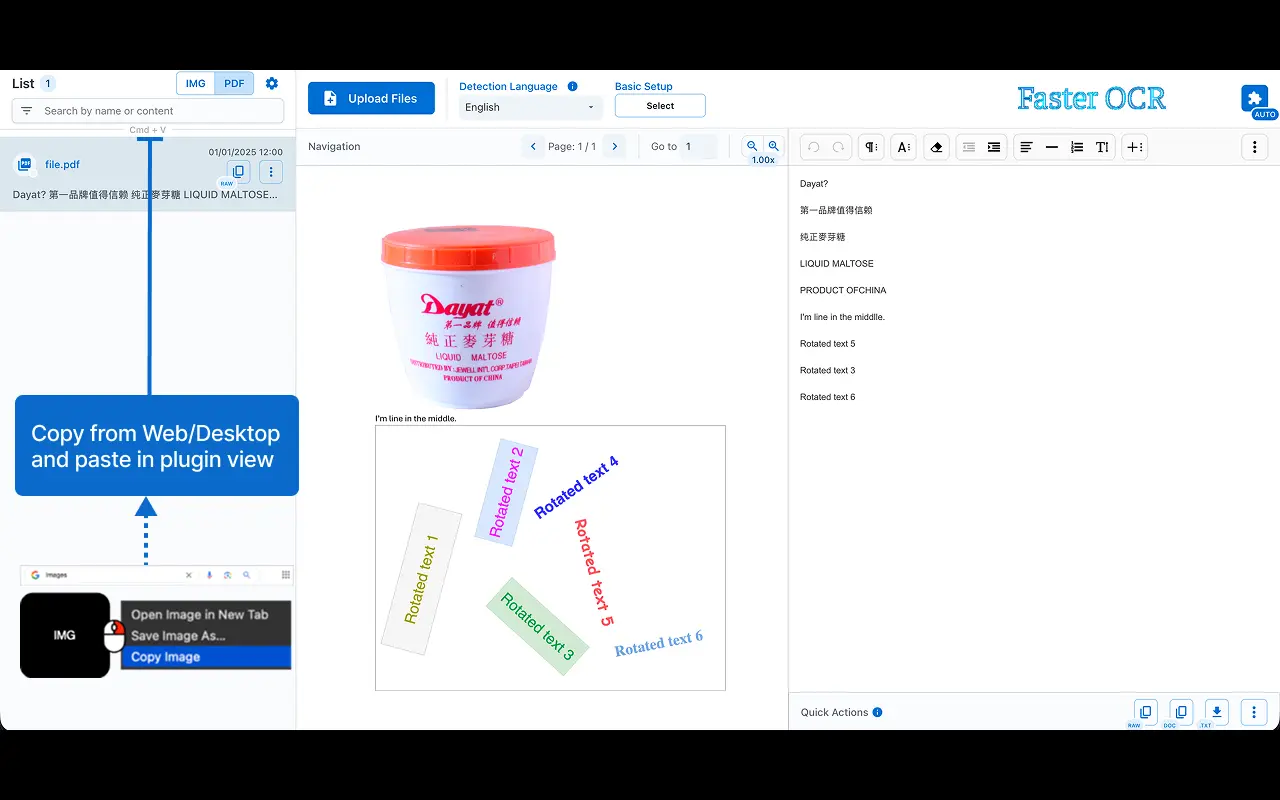
Faster OCR improves your workflow by extracting text from images and PDFs that may contain images, all while ensuring that your data stays secure and is never exposed online. Languages: English - Chinese [中文] - Japanese [日本語] - Korean [한국어] - Arabic [العربية] - Tamil [தமிழ்] - Devanagari [देवनागरी] Features: • ⚡ Performance: quickly converts images to text without delays(file not sent to internet). • 🎯 Precision: delivers highly accurate results. • 🔒 Offline Functionality: operates entirely offline, ensuring your data stays private. • 🌍 Multilingual: handles multiple languages. • 🔄 Text Rotation Detection: captures and processes rotated text. • 🔨 Detection Scale: adjust scale to impact the detection accuracy. You can edit the processed content directly in the editor. • 📝 Copy Options: use the [RAW] icon to copy the plain text or [DOC] for editors like MS Word. • ⏳ Processing Speed: depends on your system resources and file size. • Paste files from your clipboard for processing: Ctrl/Cmd + V Note: compatibility may vary across devices 😢. Also, it can be used with True Paper plugin to increase detection accuracy.
Screenshots
Reviews (0)
No reviews yet. Be the first to rate this product!
Comments (0)
No comments yet. Be the first to share your thoughts!