
FileBolt
Private P2P file transfer with end-to-end encryption

Details
- Use Cases
- Target Audience
- Pricing
- Free
Discovery signals
How AI and people discover FileBolt on PeerPush
About FileBolt
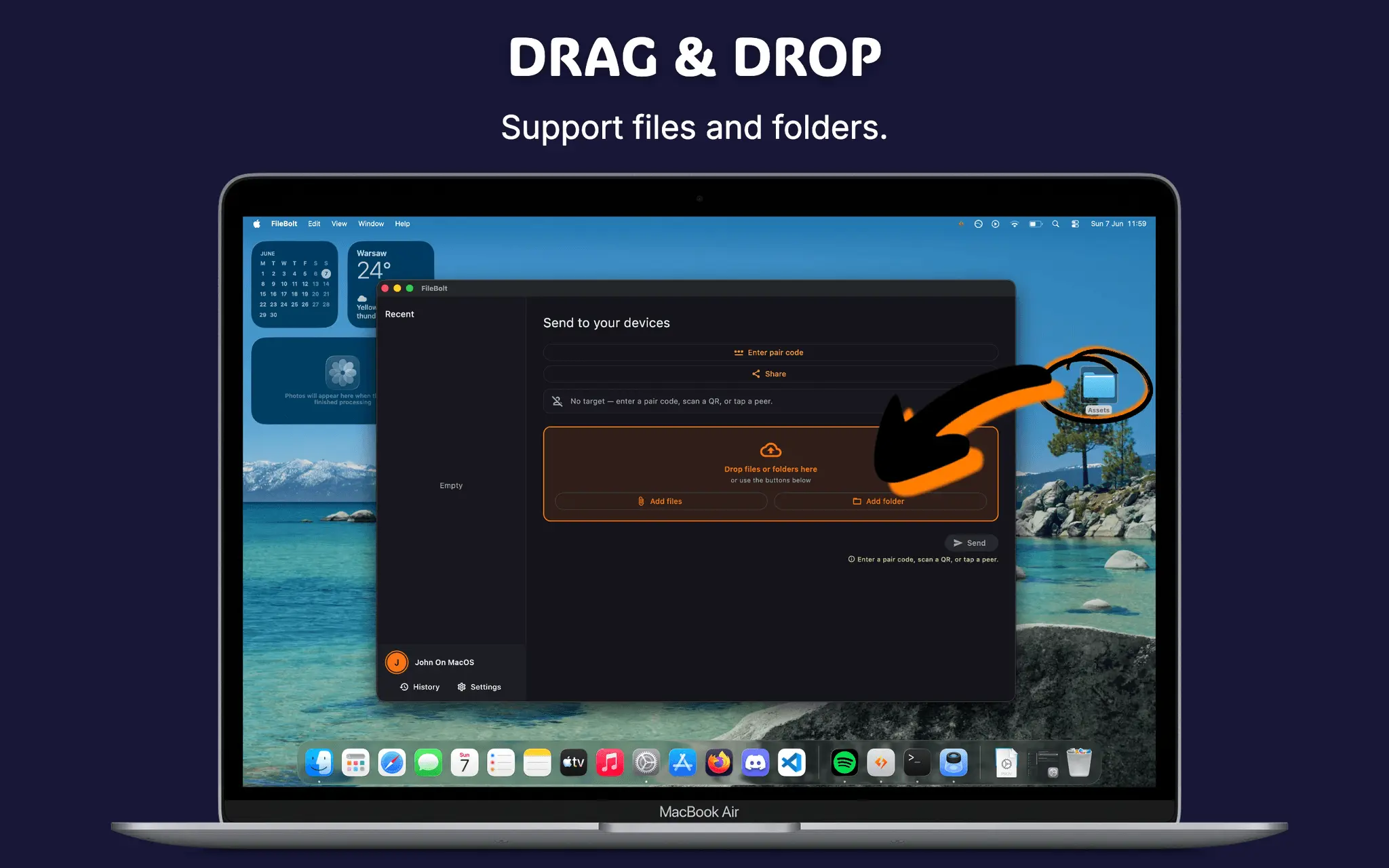
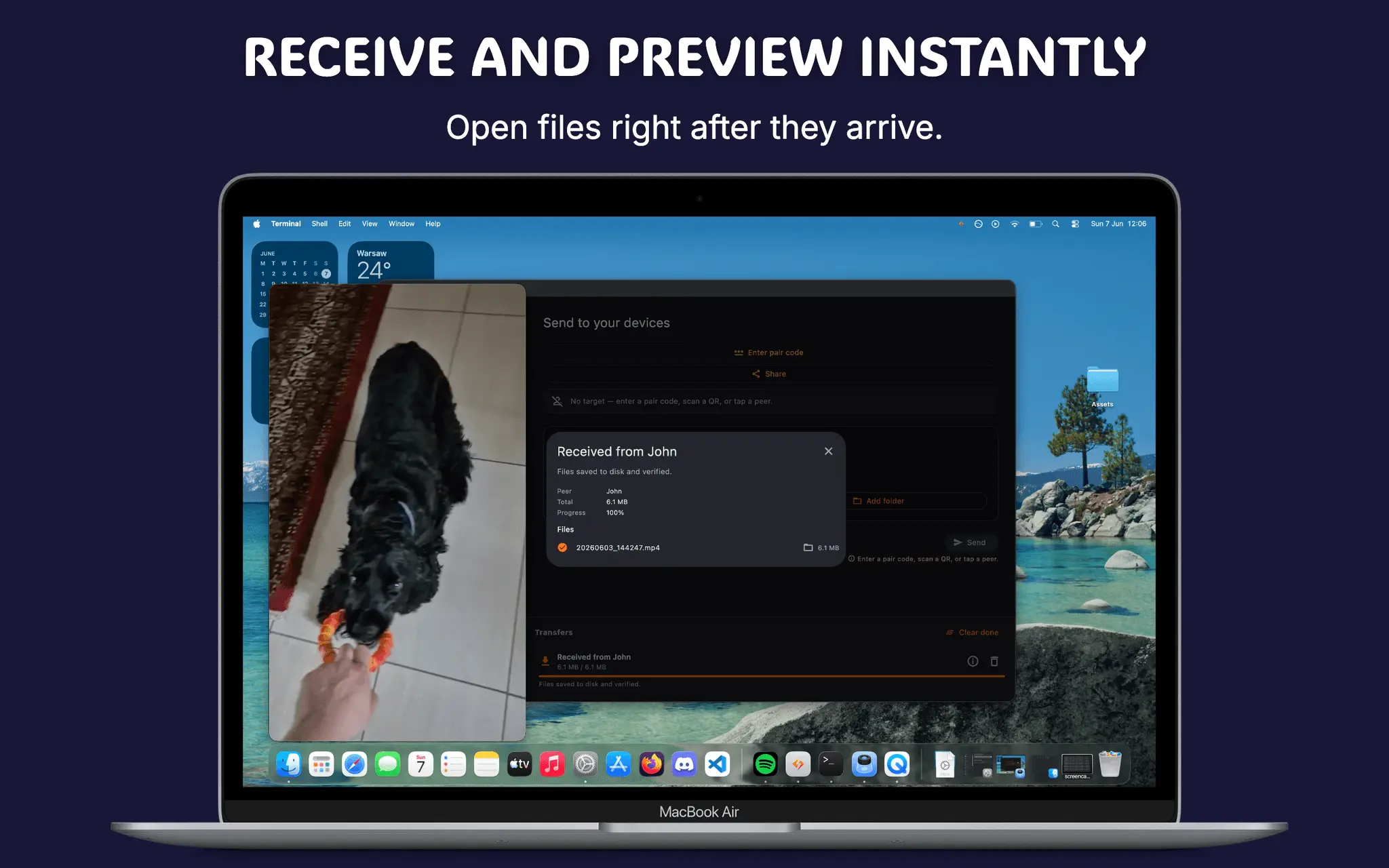
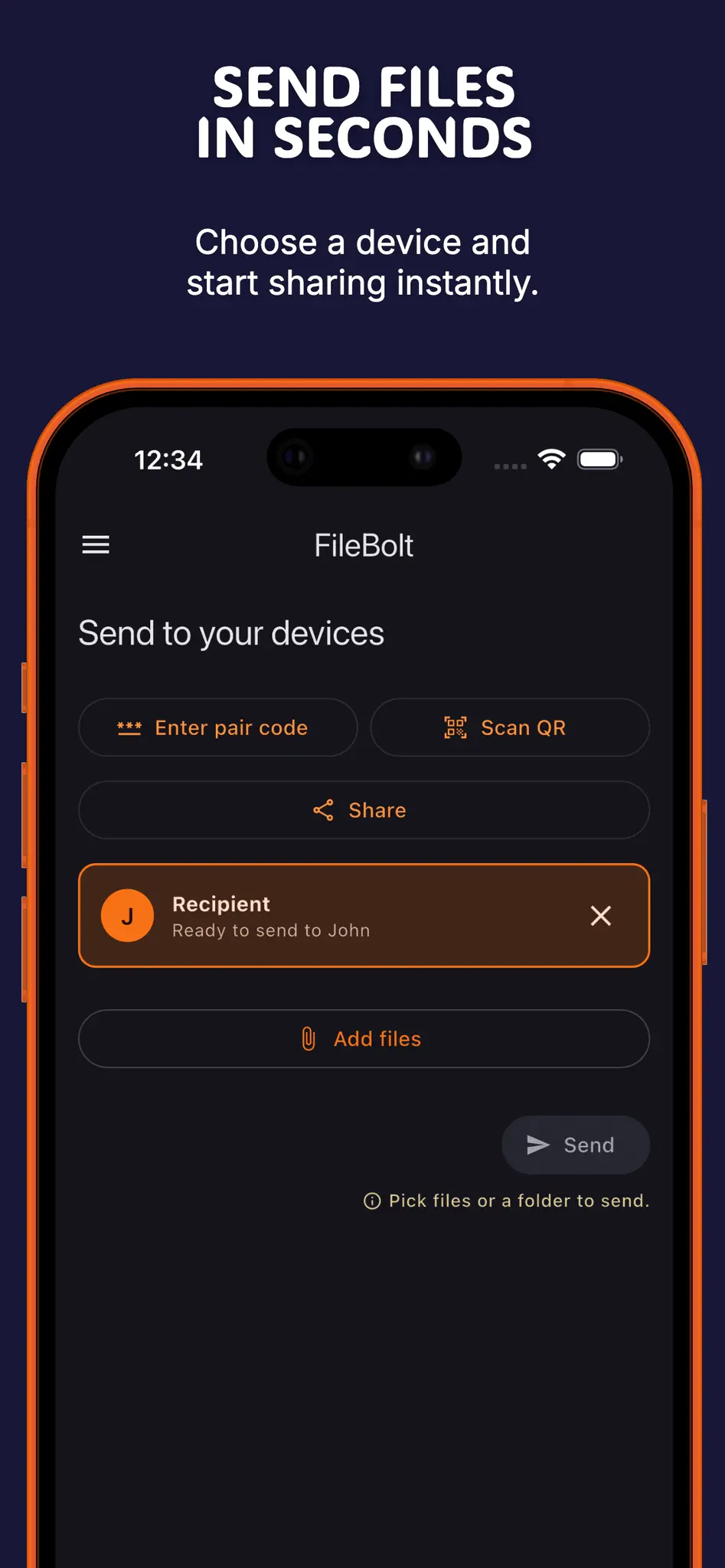
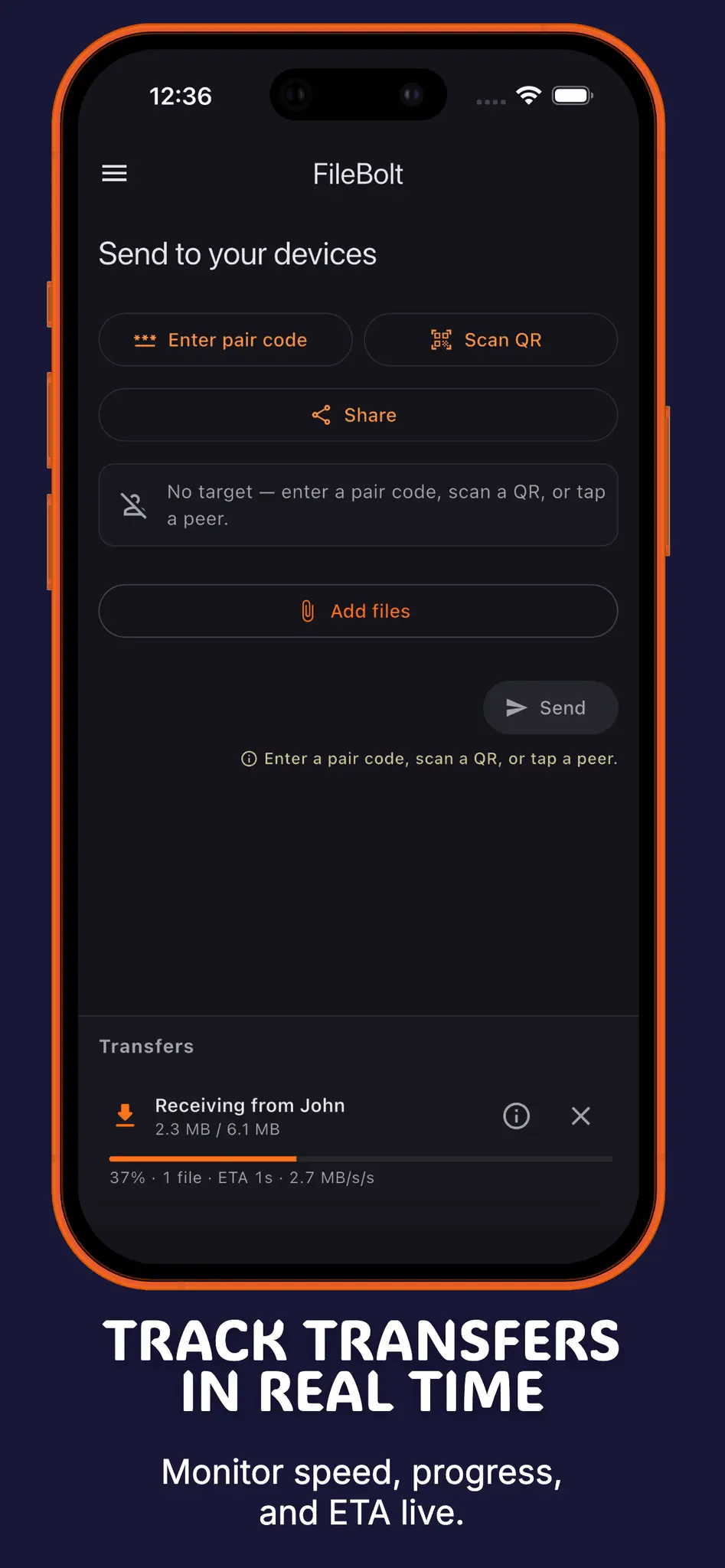
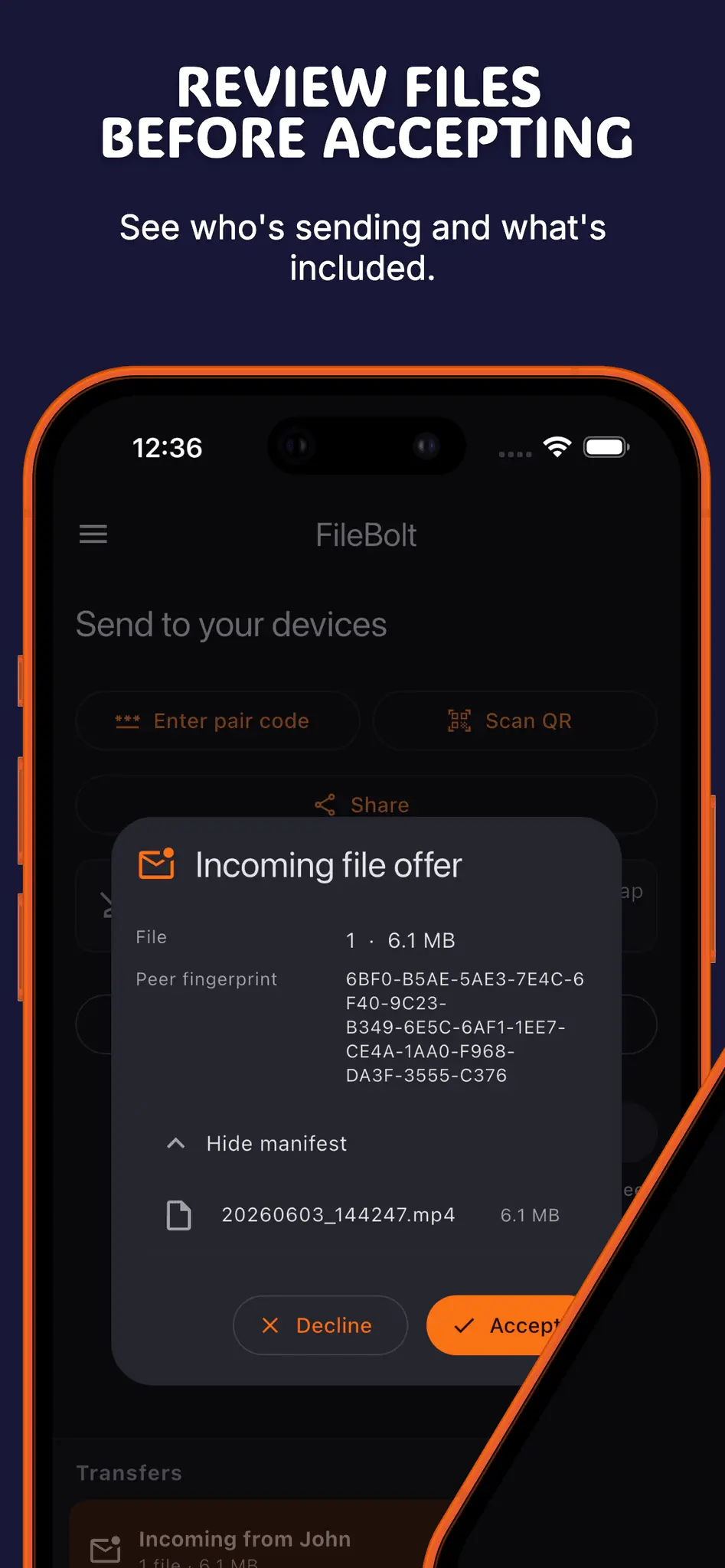
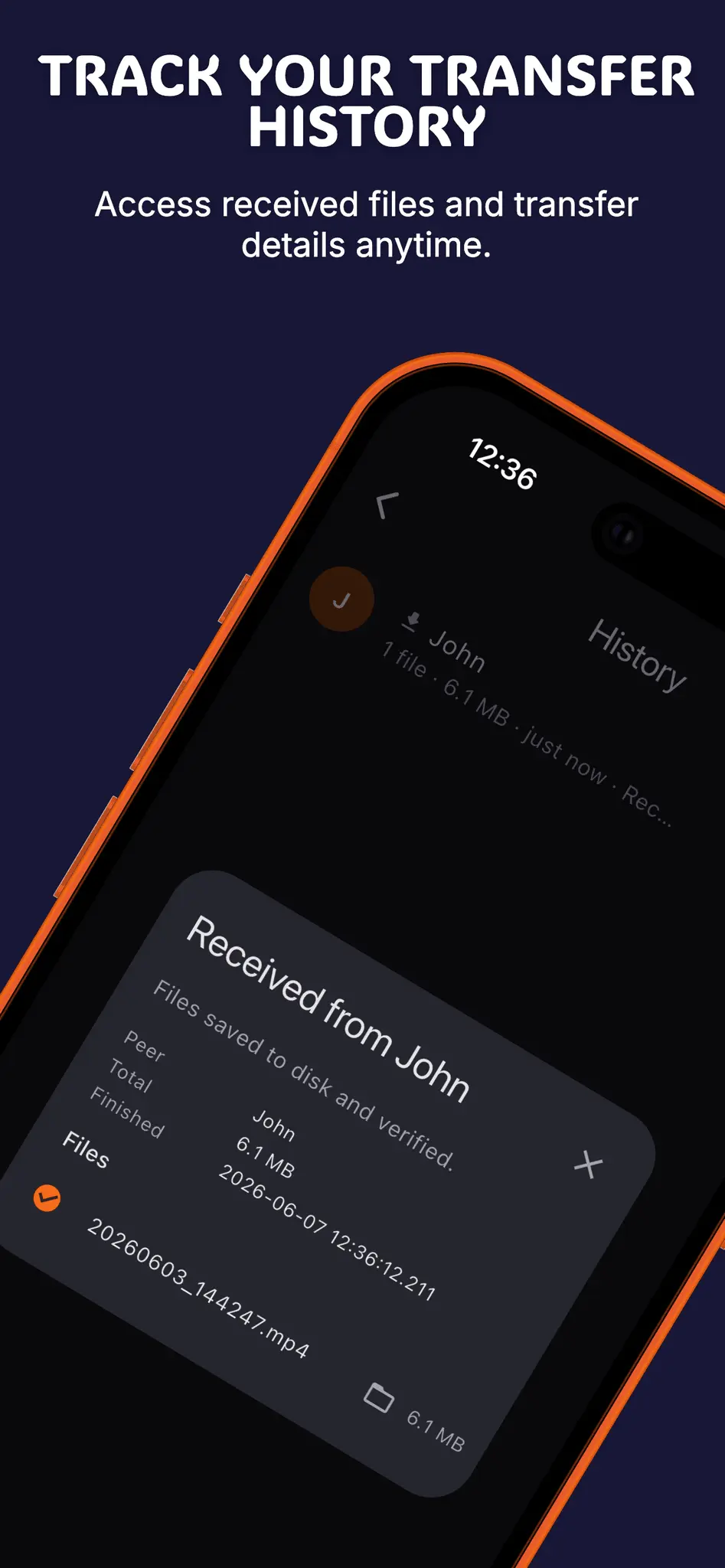
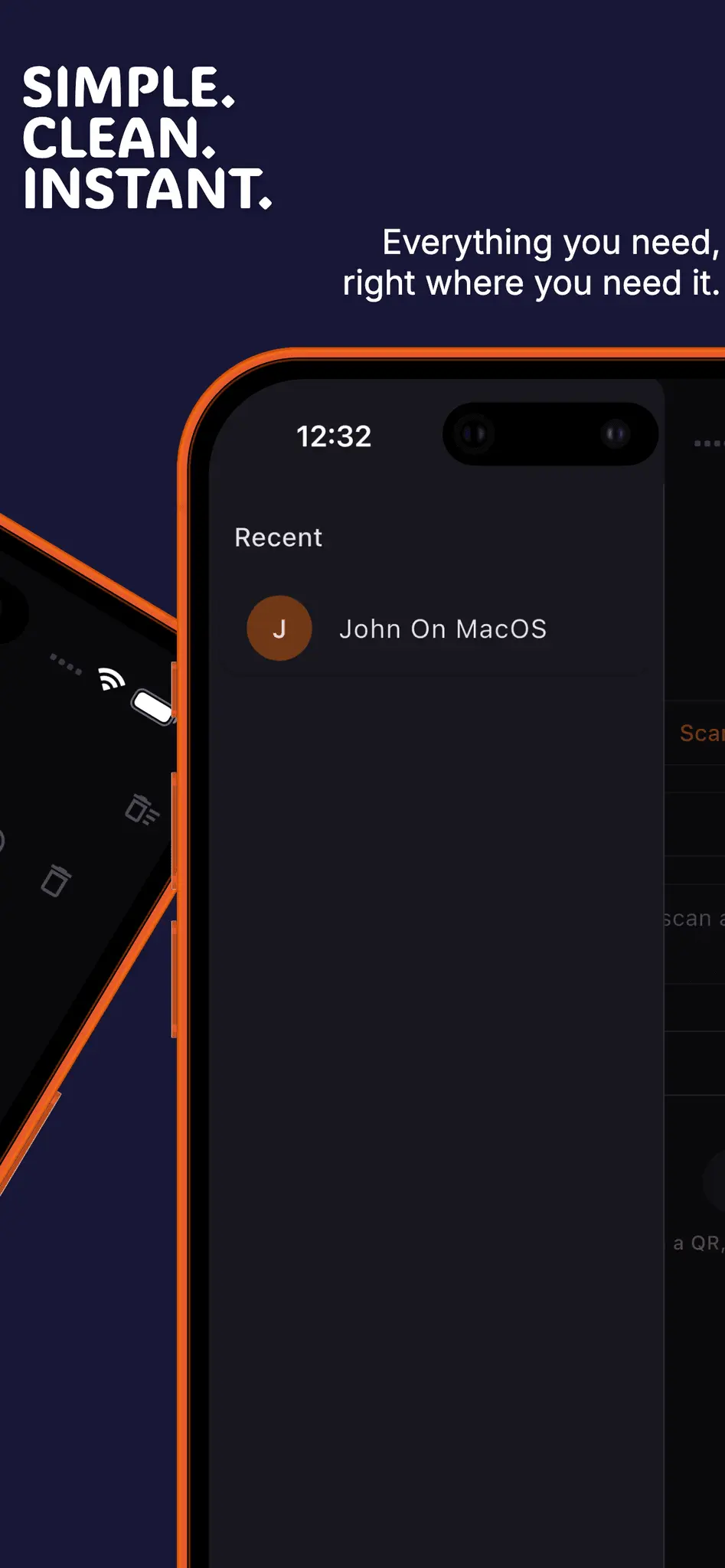
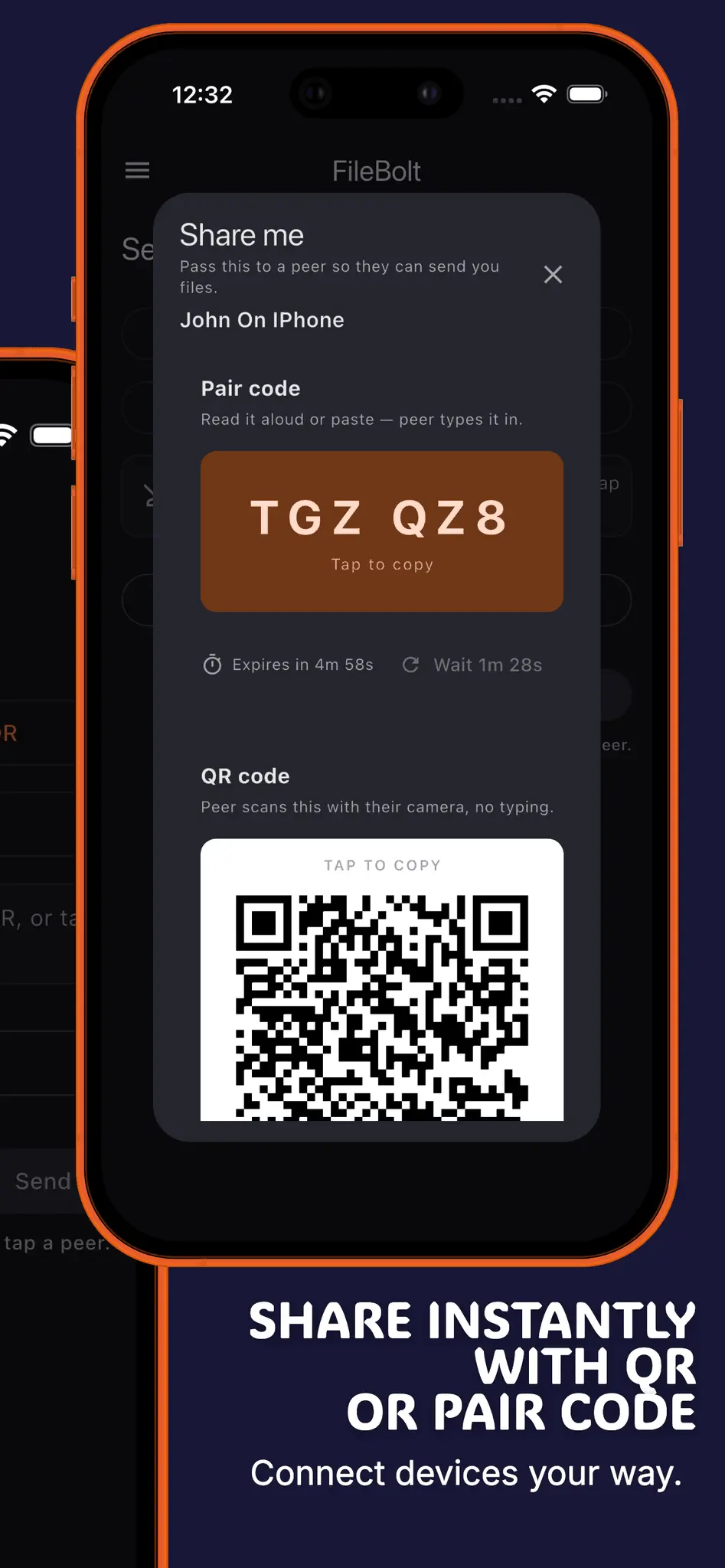
FileBolt is a private, no-account file transfer app for sending files and folders directly between devices. It is built for the simple moments when you need to move something from one device to another without signing up, uploading everything to cloud storage, or leaving your files sitting on someone else’s server. Pair devices with a QR code or a short 6-digit code, choose the files or folders you want to send, and start the transfer. FileBolt works across Android, iOS, macOS, Windows, Linux, and the web, so you can send a file from your phone to a laptop, from a desktop to a browser, or between devices running completely different operating systems. When devices are on the same Wi-Fi, FileBolt can use local network discovery for fast LAN transfers. When direct connections are blocked by restrictive networks or firewalls, it can fall back to an encrypted relay that forwards traffic without storing your files. Transfers use encrypted WebRTC data channels, and FileBolt does not require accounts, ads, or cloud storage for your files. The goal is simple: open the app, pair two devices, send files or folders, and get back to what you were doing.
Screenshots

Reviews (0)
No reviews yet. Be the first to rate this product!
Comments (0)
No comments yet. Be the first to share your thoughts!