
Finderlock
Encrypt Mac files with Touch ID no cloud, no fees

Details
- Follow on
- Categories
- Use Cases
- Target Audience
- Pricing
- Freemium from $49
- Platforms
Discovery signals
How AI and people discover Finderlock on PeerPush
- ChatGPT
- Perplexity
- Claude
- +3 other AI crawlers
Reads by these AI engines
Crawlers behind these engines read this listing on PeerPush.About Finderlock
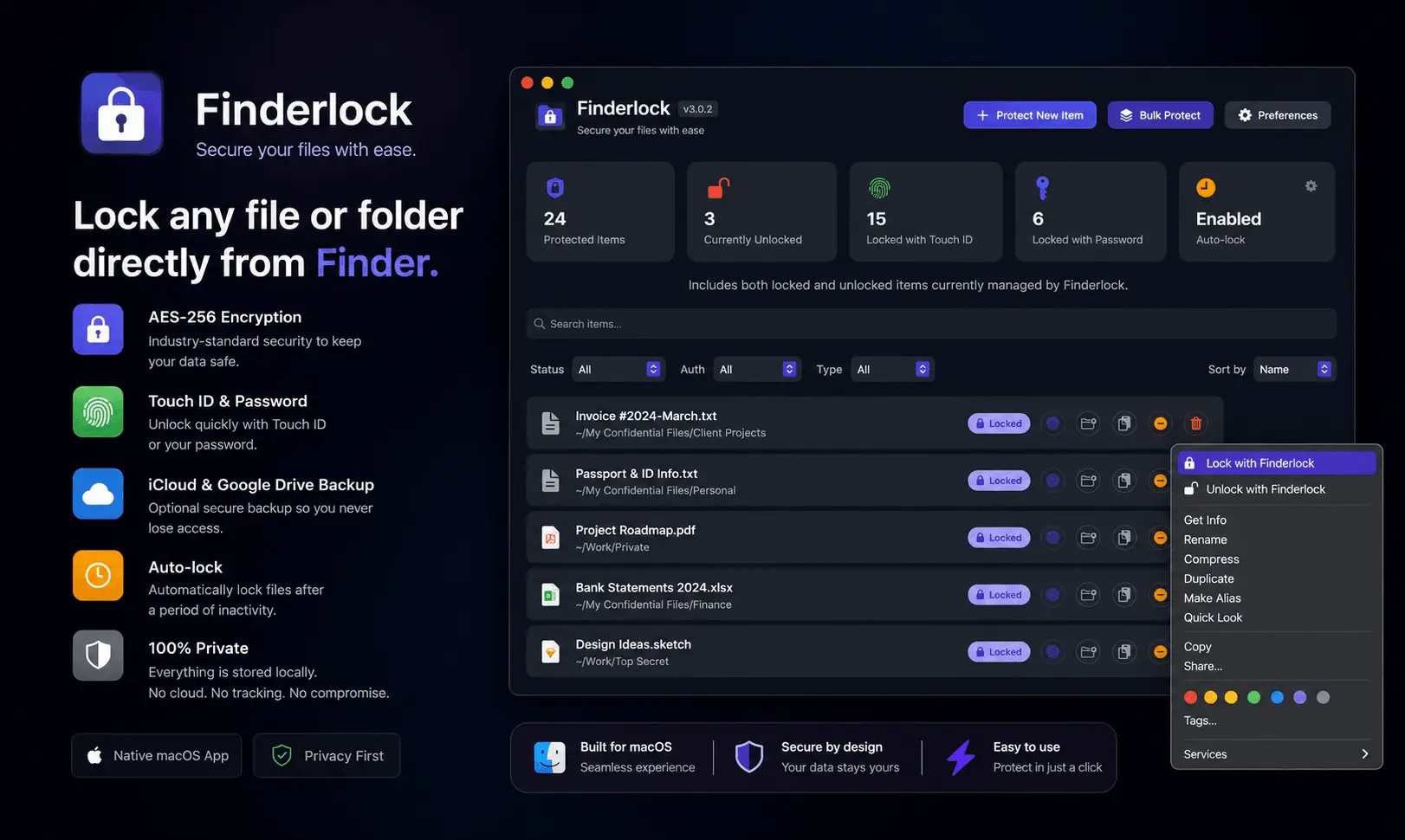
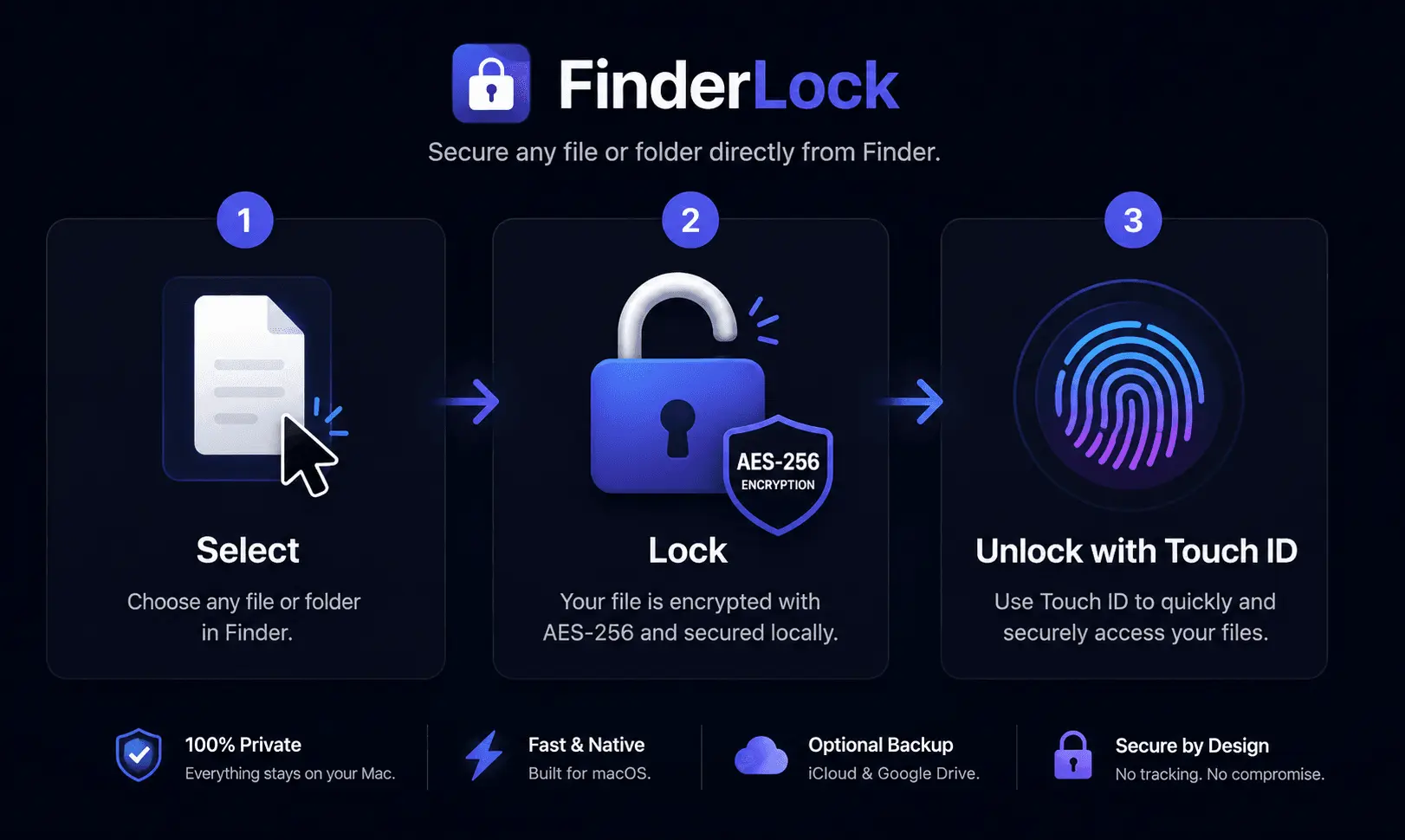
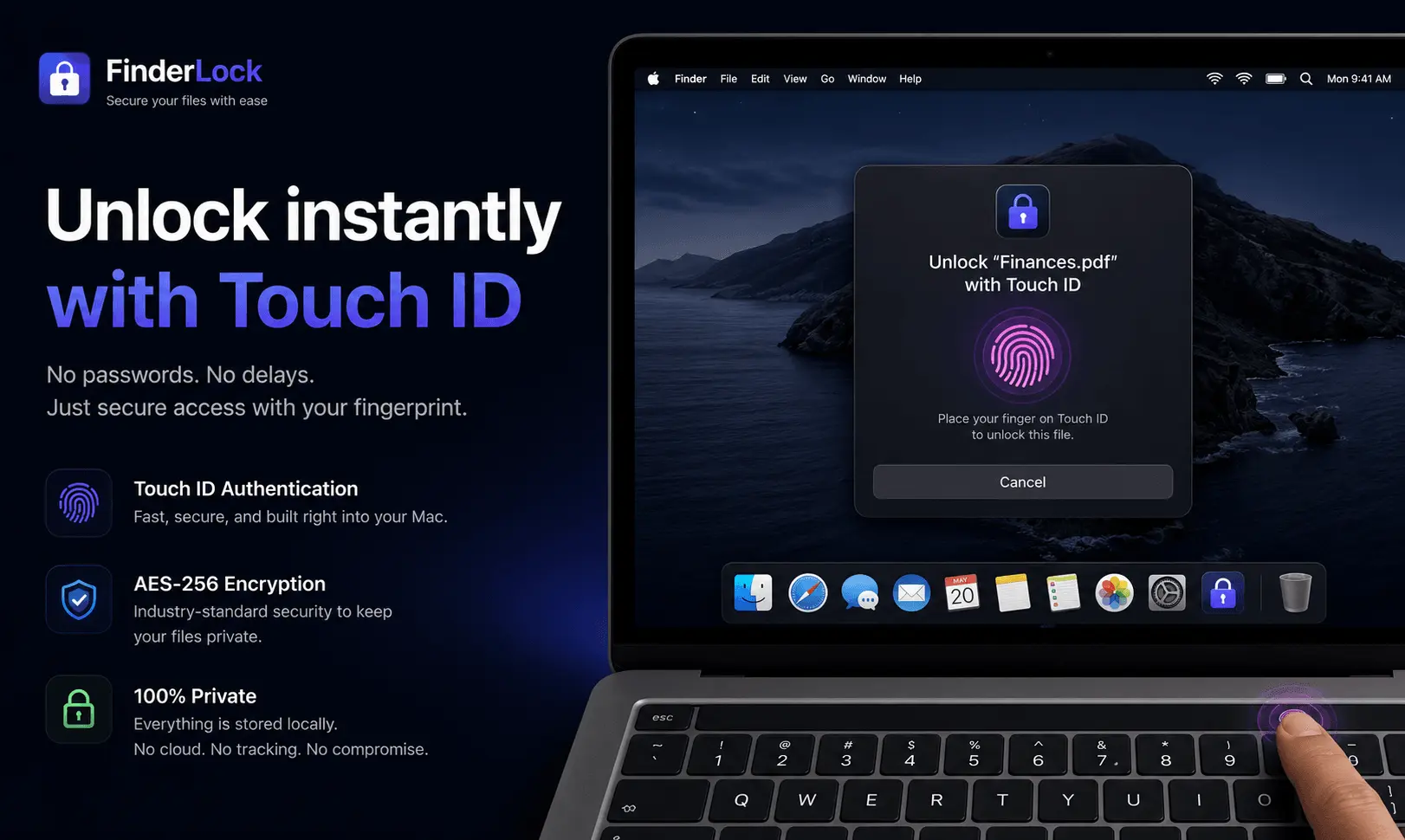
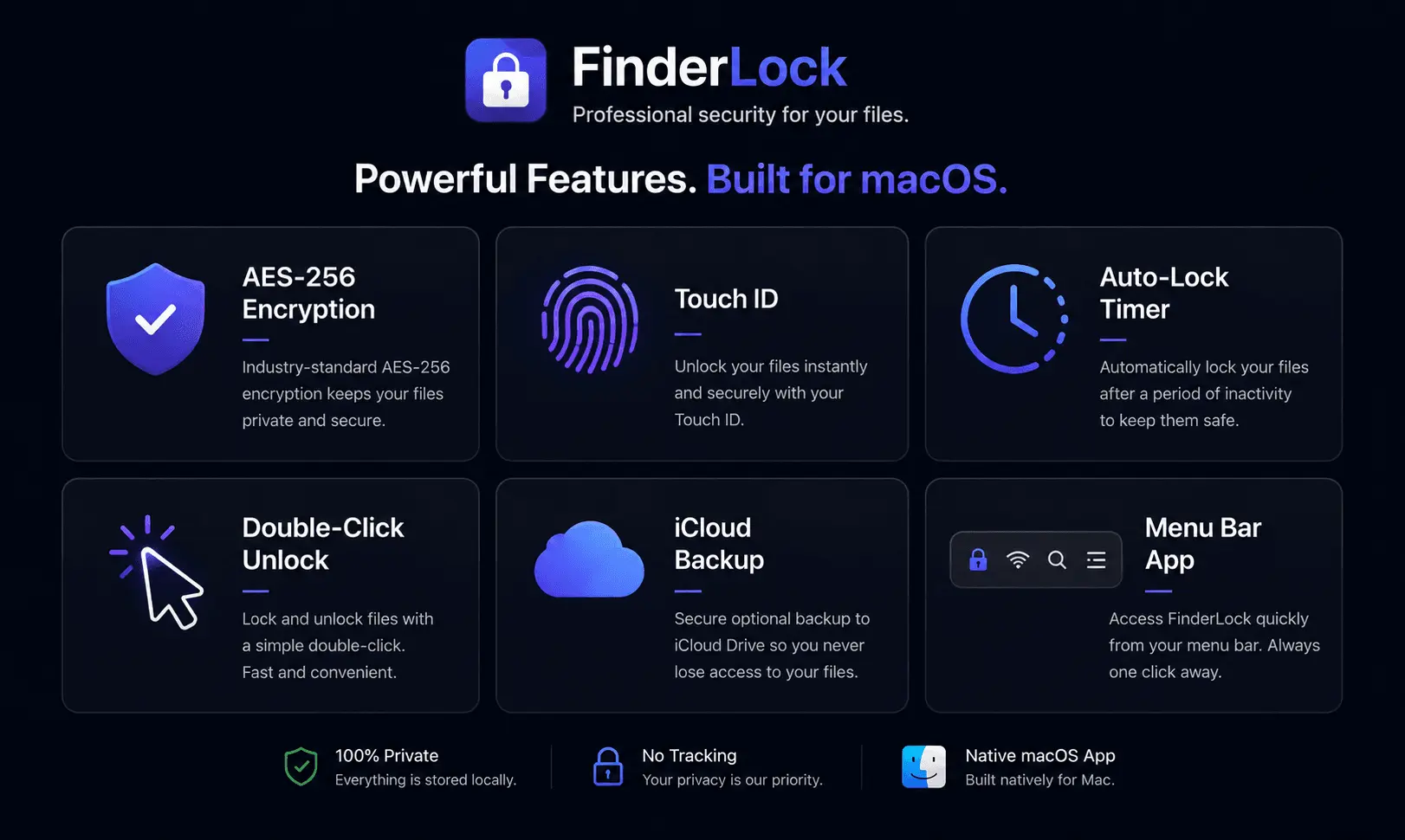
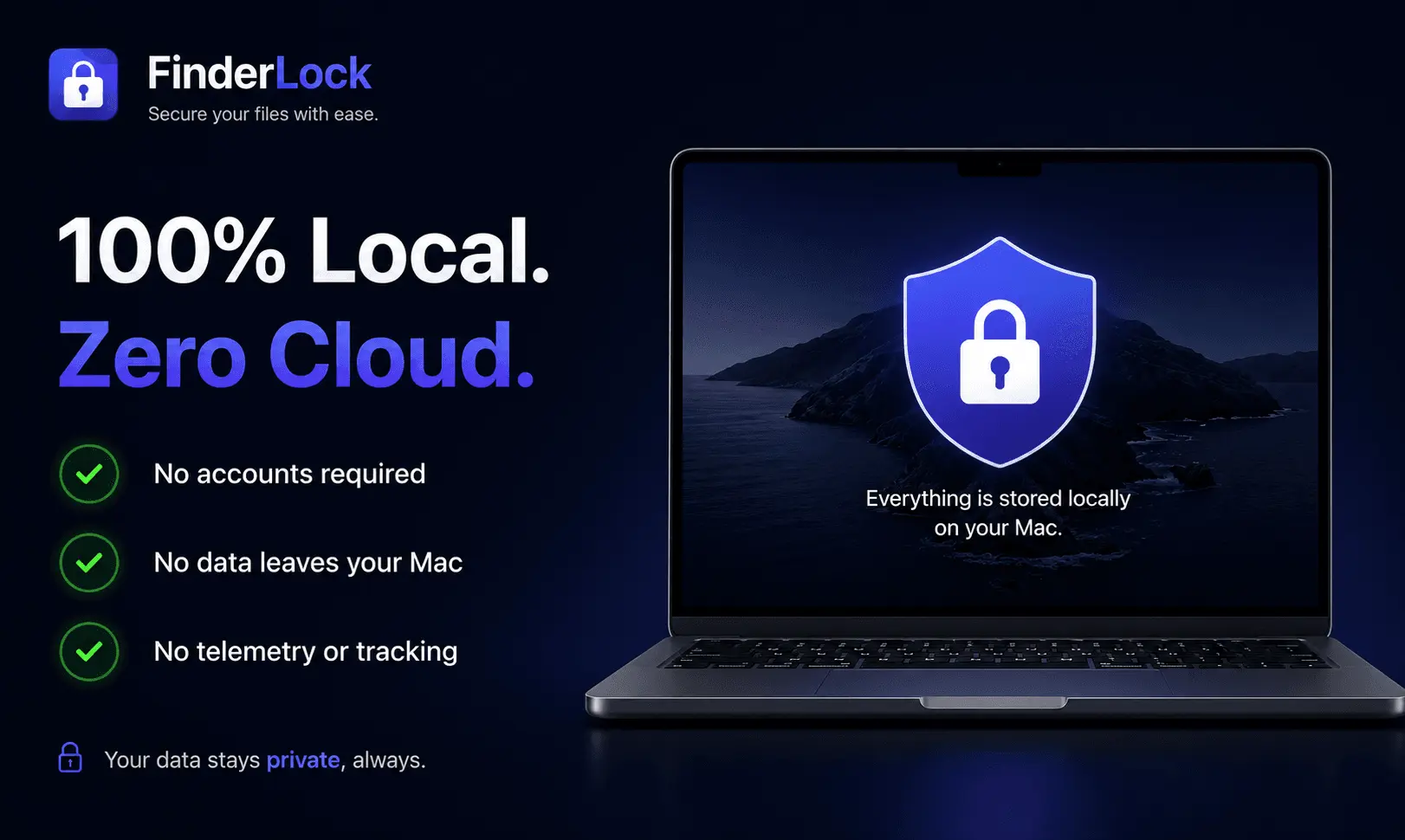
Finderlock is a native macOS app that protects your files and folders with Touch ID and AES-256 encryption — right from Finder. Just right-click any file to lock it, then unlock with your fingerprint or password. No Terminal, no disk images, no learning curve. Key features: • One-click protection directly in Finder's right-click menu • Touch ID biometric unlocking (or master password) • AES-256 encryption built on macOS's proven disk image format • Double-click any locked file to unlock instantly • Auto-lock timers and "lock on close" for hands-off security • Menu bar dashboard to manage all protected items • Secure file shredder with multi-pass overwrite • Optional encrypted iCloud and Google Drive backups Why it's different: Finderlock runs 100% locally — no cloud dependency, no data collection, no account required. It's a one-time purchase, not a subscription. Your files stay yours, and the app keeps working forever. What you get: Peace of mind that sensitive files client work, financial docs, private keys, personal data are protected even if your Mac is lost, stolen, or shared. Free forever for up to 3 items, with paid plans for unlimited use. Requires macOS 13 Ventura or later. Universal (Apple Silicon + Intel).
Product Video
Watch a video demo of Finderlock.
Screenshots
Product Updates (1)
v3.0.3 Instant folder locking, smarter Touch ID & a cleaner look
FinderLock 3.0.3 is out! 🚀 This release is all about making locking feel faster and smoother, based on your feedback. What's new: ⚡ Instant locking for large folders Lock a big folder and it's protected right away — encryption now finishes in the background instead of making you wait. 🔐 Smarter Touch ID Files protected with Touch ID always unlock with Touch ID, even if you've disabled it in Preferences. No more lockout surprises. 🎨 Cleaner, more native look New native lock icon on protected files, and the encrypting indicator now correctly shows "Encrypting…" or "Decrypting…" depending on what's happening. 🛠️ More control Added Preferences toggles to hide "Secure Shred" and "Open FinderLock" from the Finder right-click menu — keep your context menu as clean as you like. 🛡️ Safer than ever Improved crash recovery means files in transit during an unexpected quit are safely restored on next launch. Also fixed a rare issue where the same file could be added twice with different protection methods. Plus a bunch of smaller polish and reliability fixes throughout. As always: 100% local, no cloud, no subscription. One-time purchase. Thanks to everyone sending feedback keep it coming! 🙏
Comments (0)
No comments yet. Be the first to share your thoughts!
Reviews (1)
Average 5.0 out of 5
Based on 1 review


Comments (2)
Great simple idea! Thank you!
Hey everyone! 👋 I'm Abdelhak, the maker of FinderLock. I built it because protecting files on Mac always meant Terminal commands or clunky disk images. FinderLock makes it one right-click Touch ID