
FleurNotes
A modern notetaking app on Windows. 🌷

Details
- Follow on
- Target Audience
- Pricing
- Free
- Platforms
- Alternatives
 Notion alternatives
 Obsidian alternatives
Discovery signals
How AI and people discover FleurNotes on PeerPush
By AI reads among Writing & Documentation tools
710 AI reads in the last 30 days, ranked against every Writing & Documentation tool listed.About FleurNotes
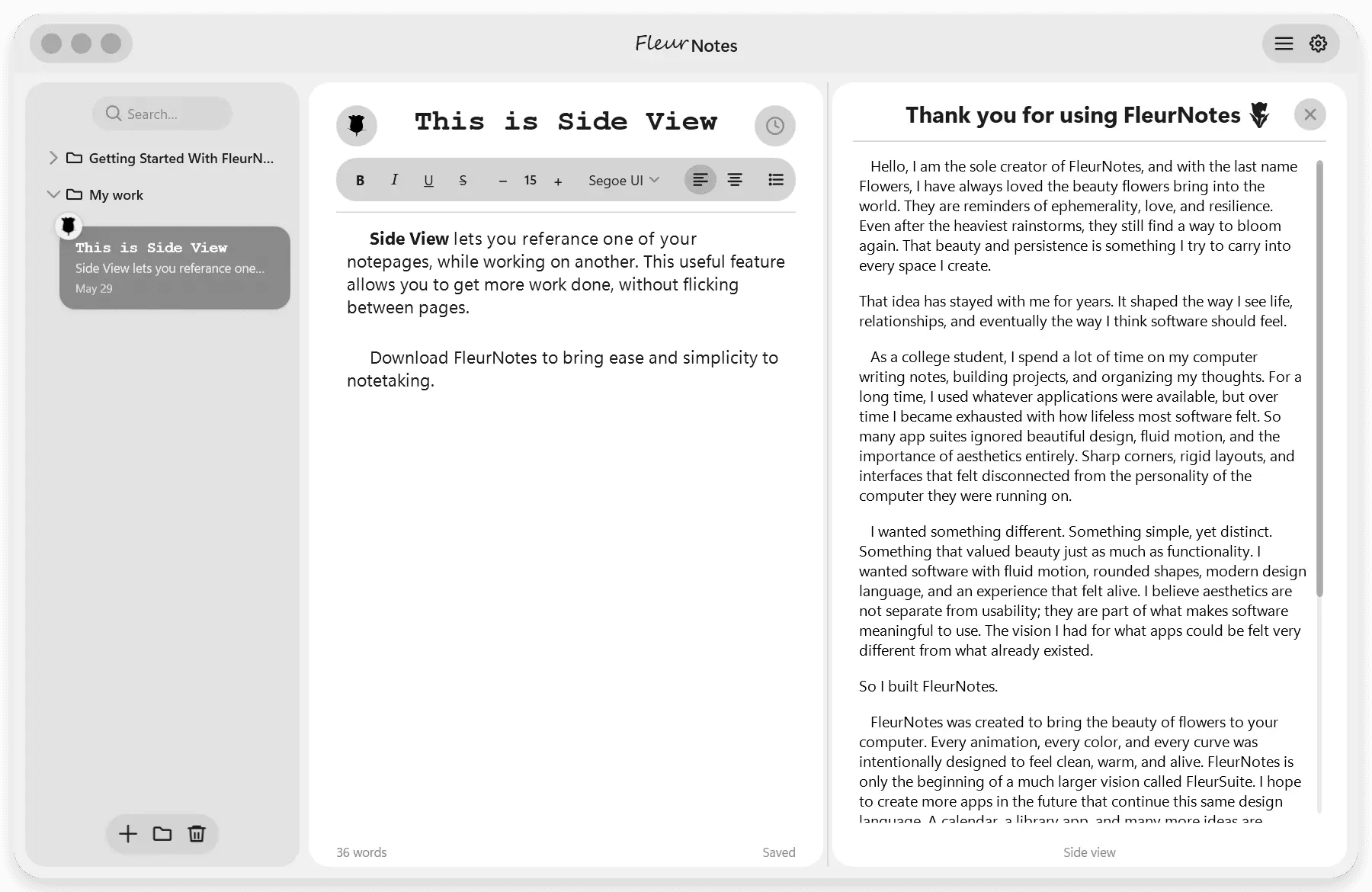
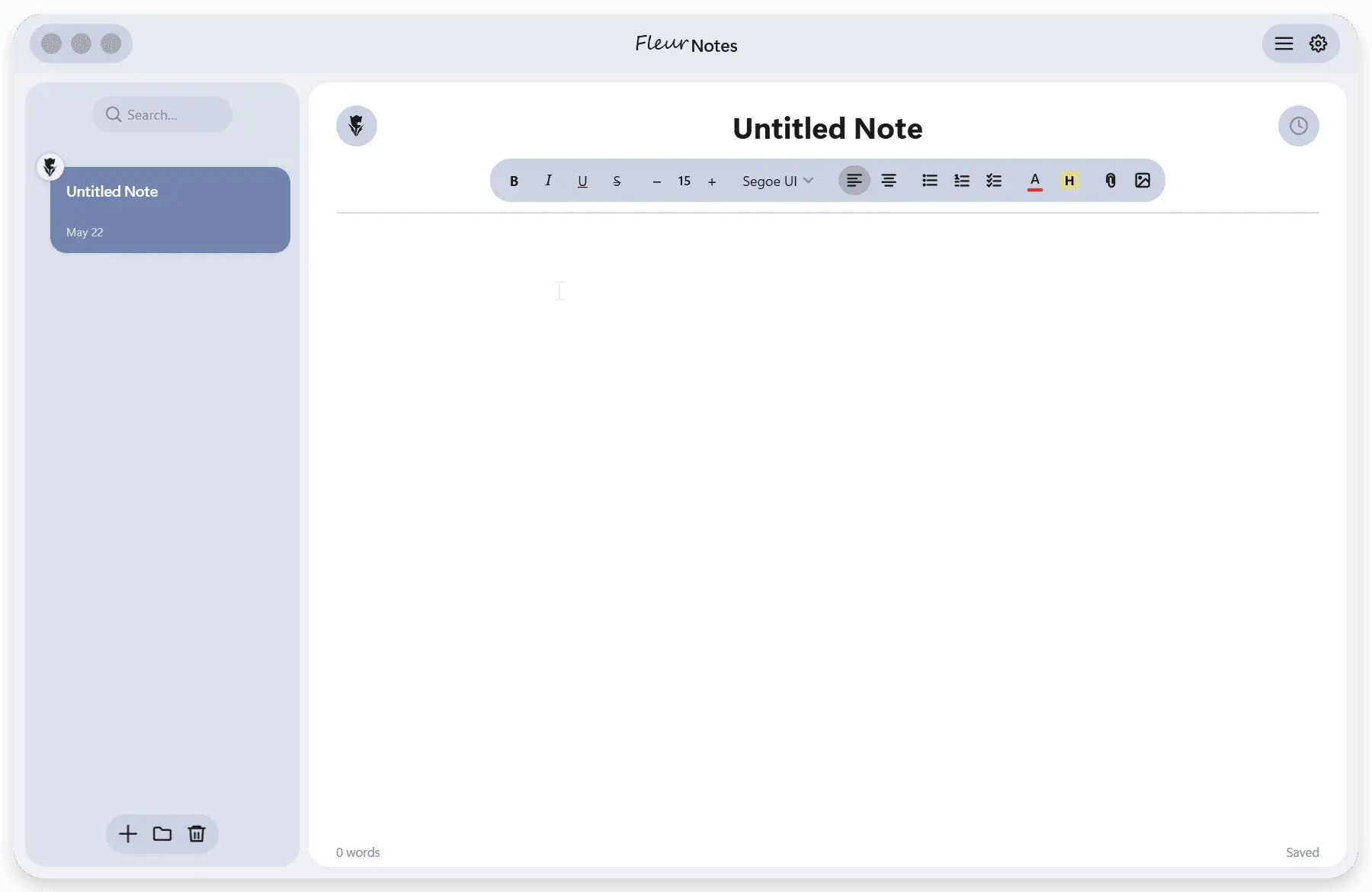
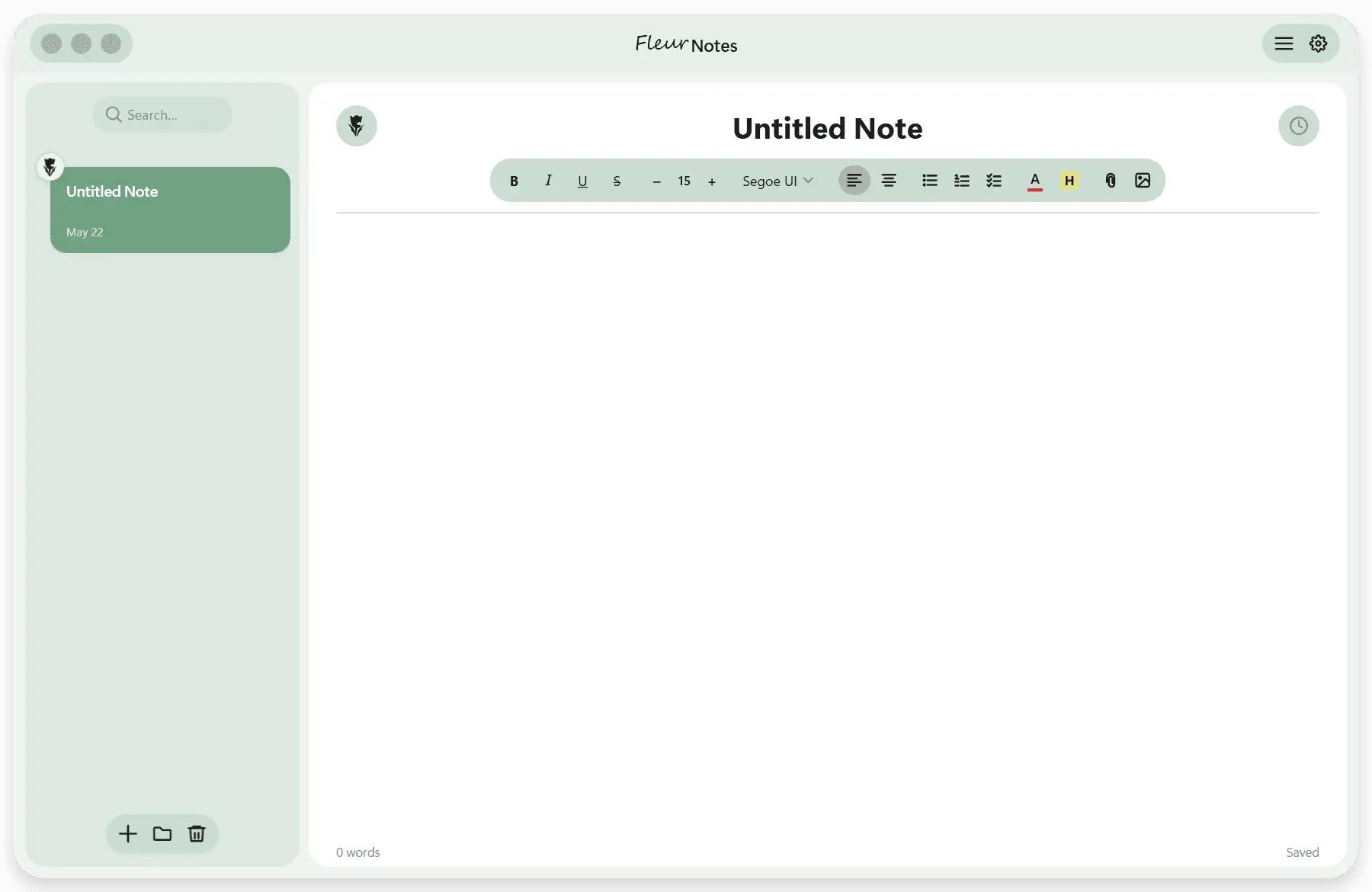
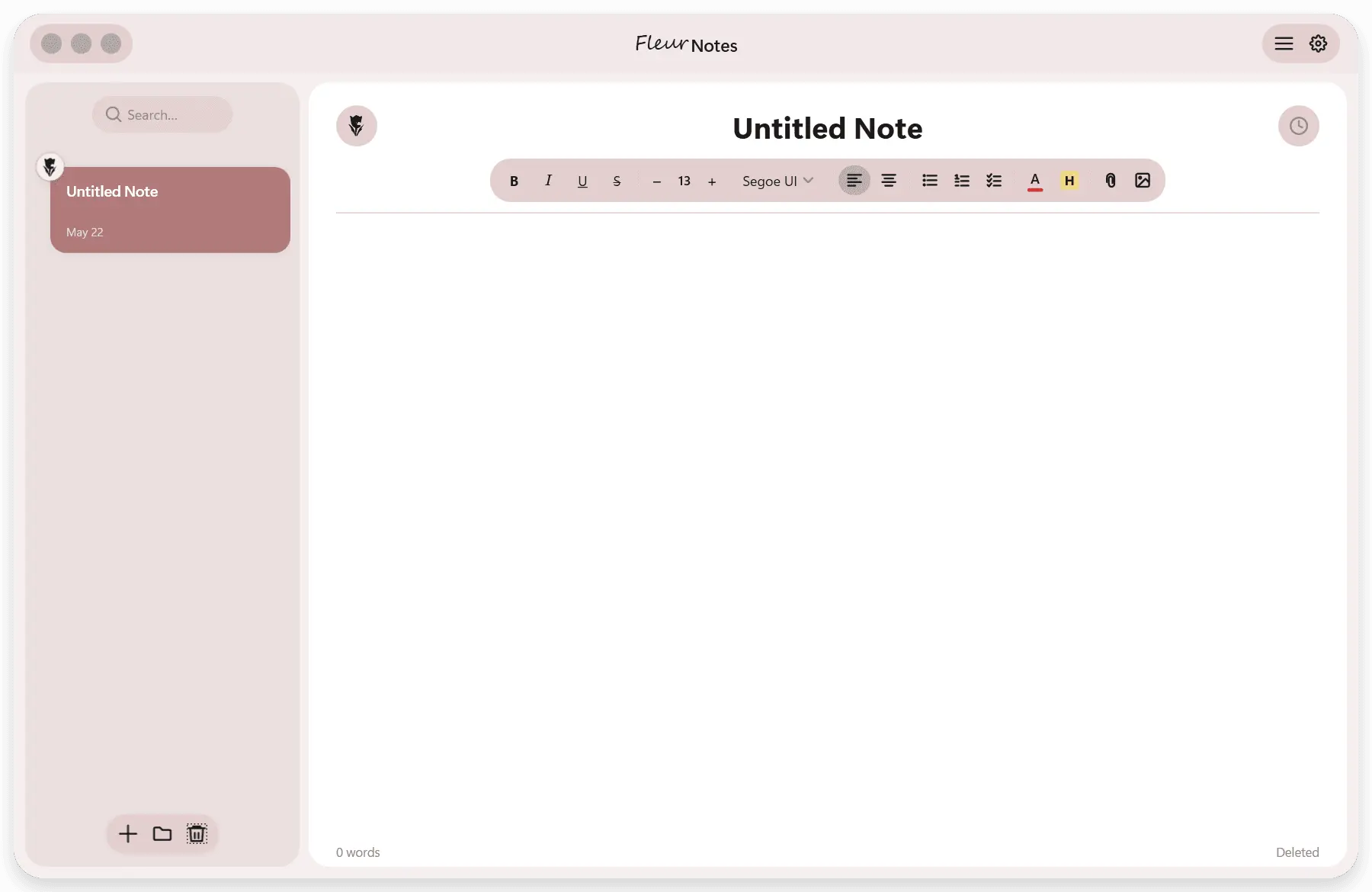
FleurNotes is a fully on-device note-taking app, specifically made to rival all major note-taking apps in aesthetics, privacy, and functionality. The '/' Menu - While typing, write a / to summon a popup that allows you to change text styling, insert images, or link notes together. Folders - Organize your notes into folders. Right-click or use the + button in the sidebar to create, rename, or delete folders. Rich Text Editing - Bold, italic, underline, text color, highlight, font size, and font family are all available in the formatting toolbar above the editor. Images and Attachments - Drag and drop images directly into a note, or attach files from the toolbar. Images can be rounded, shadowed, and repositioned inline. Themes - Choose from Accent (follows your Windows accent color), Monochrome, or a fully custom color. Open Settings and go to Themes to switch. Find and Replace - Press Ctrl+F to search within a note, or Ctrl+H to open find and replace. Version History - FleurNotes saves snapshots of your notes every 30 seconds. Click the history icon in the toolbar to browse and restore any previous version. Flower Emoji - Each note card shows a small flower emoji you can customize. Click it to change it to any flower in the collection. Storage - All your notes live in a single data.json file, not as individual files. Go to Settings and then Storage to change where that file lives, export notes to PDF, or manage your data.
Screenshots
Reviews (0)
No reviews yet. Be the first to rate this product!
Comments (2)
FleurNotes is an elegant solution for Windows users seeking a modern notetaking experience. The minimalist design and smooth performance make capturing thoughts effortless and enjoyable daily.
I appreciate any and all feedback! Thank you!!! 💐