
Flow Teleprompter
The Windows teleprompter you didn't know you needed.

Details
- Categories
- Video & Audio Tools
- Target Audience
- Content CreatorsEducatorsEntrepreneurs
- Pricing
- Freemium
- Platforms
- Desktop

 Teleprompter Pro alternatives
Discovery signals
How AI and people discover Flow Teleprompter on PeerPush
- ChatGPT
- Perplexity
- +3 other AI crawlers
Reads by these AI engines
Crawlers behind these engines read this listing on PeerPush.About Flow Teleprompter
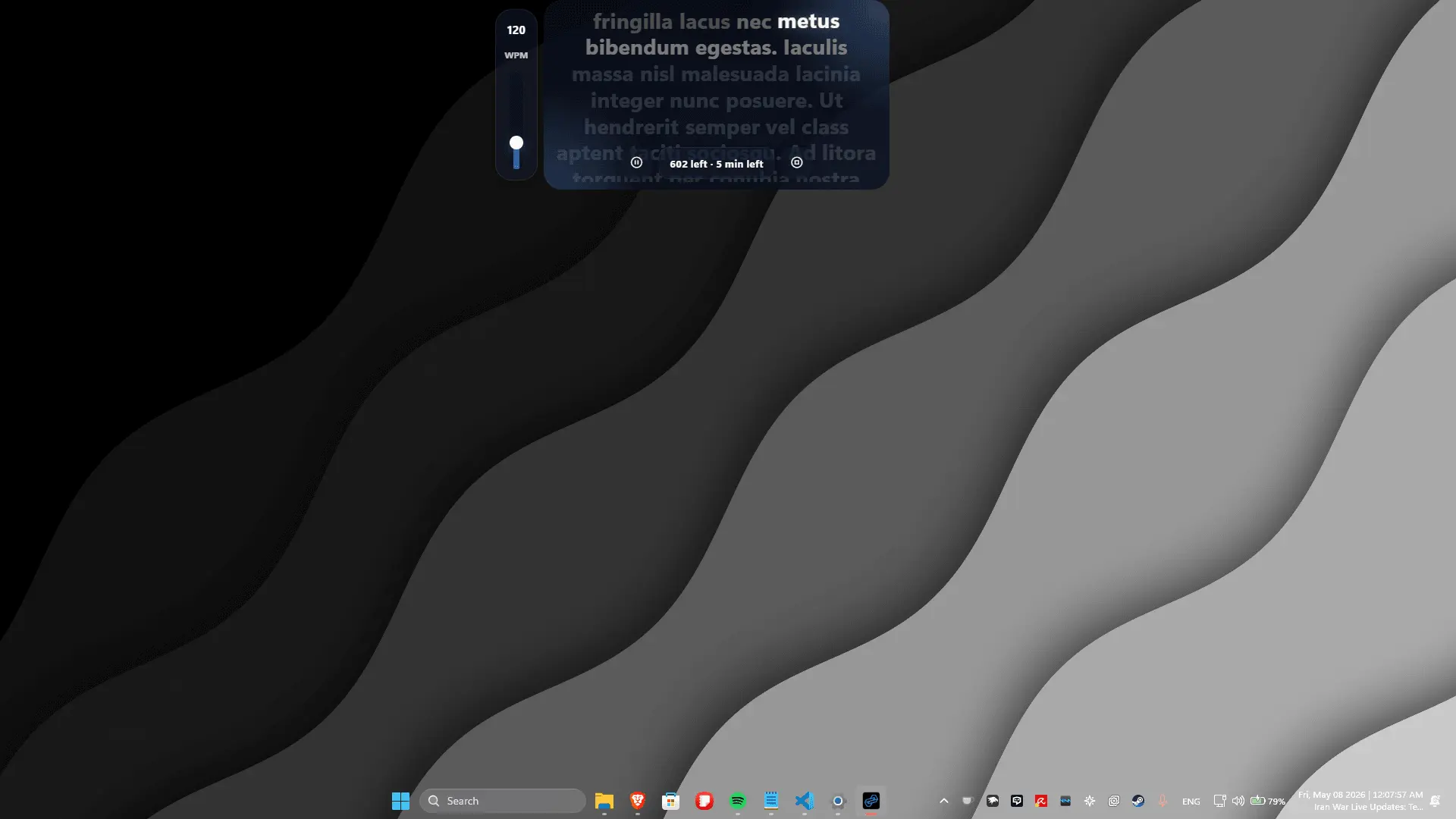
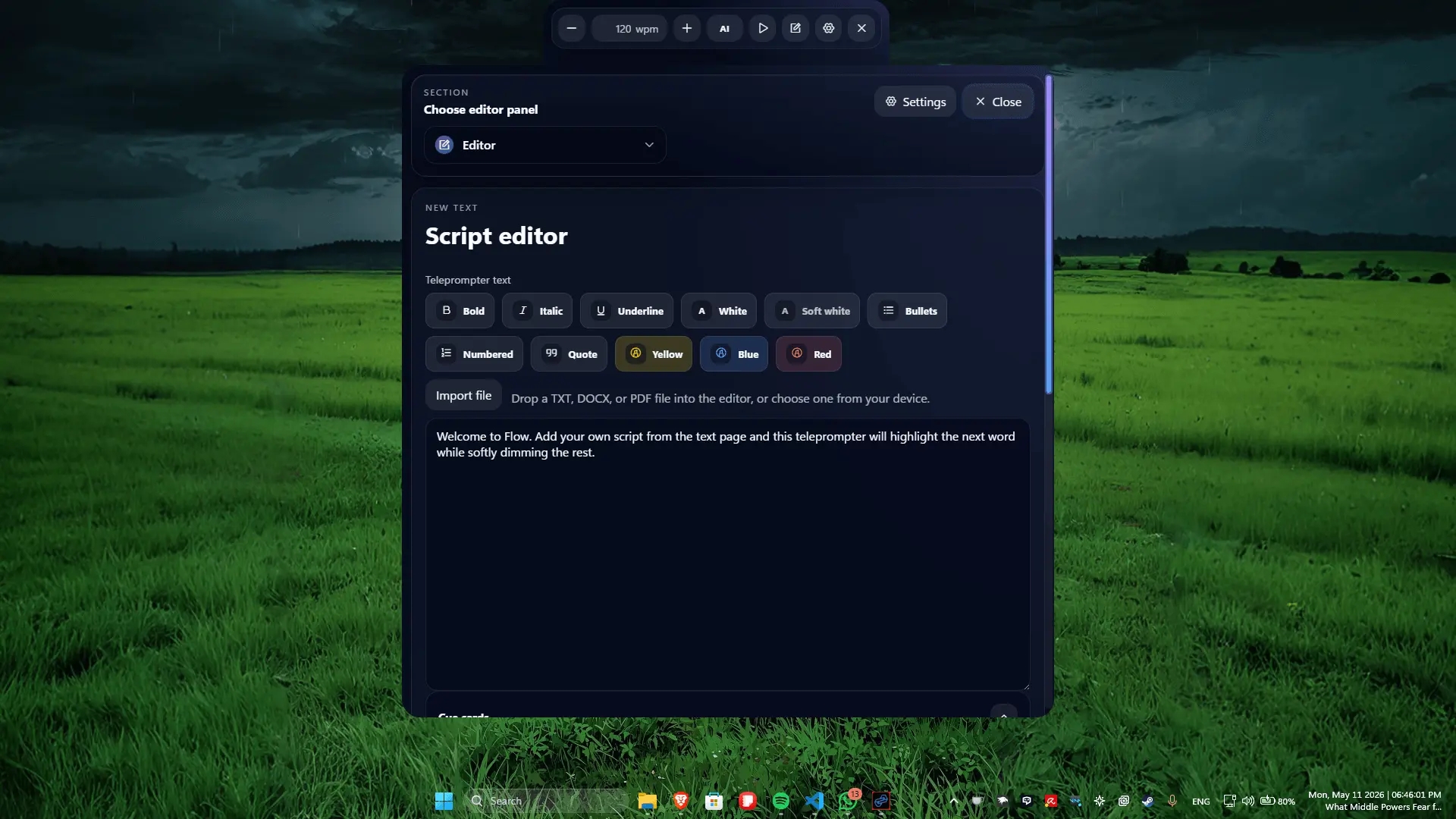
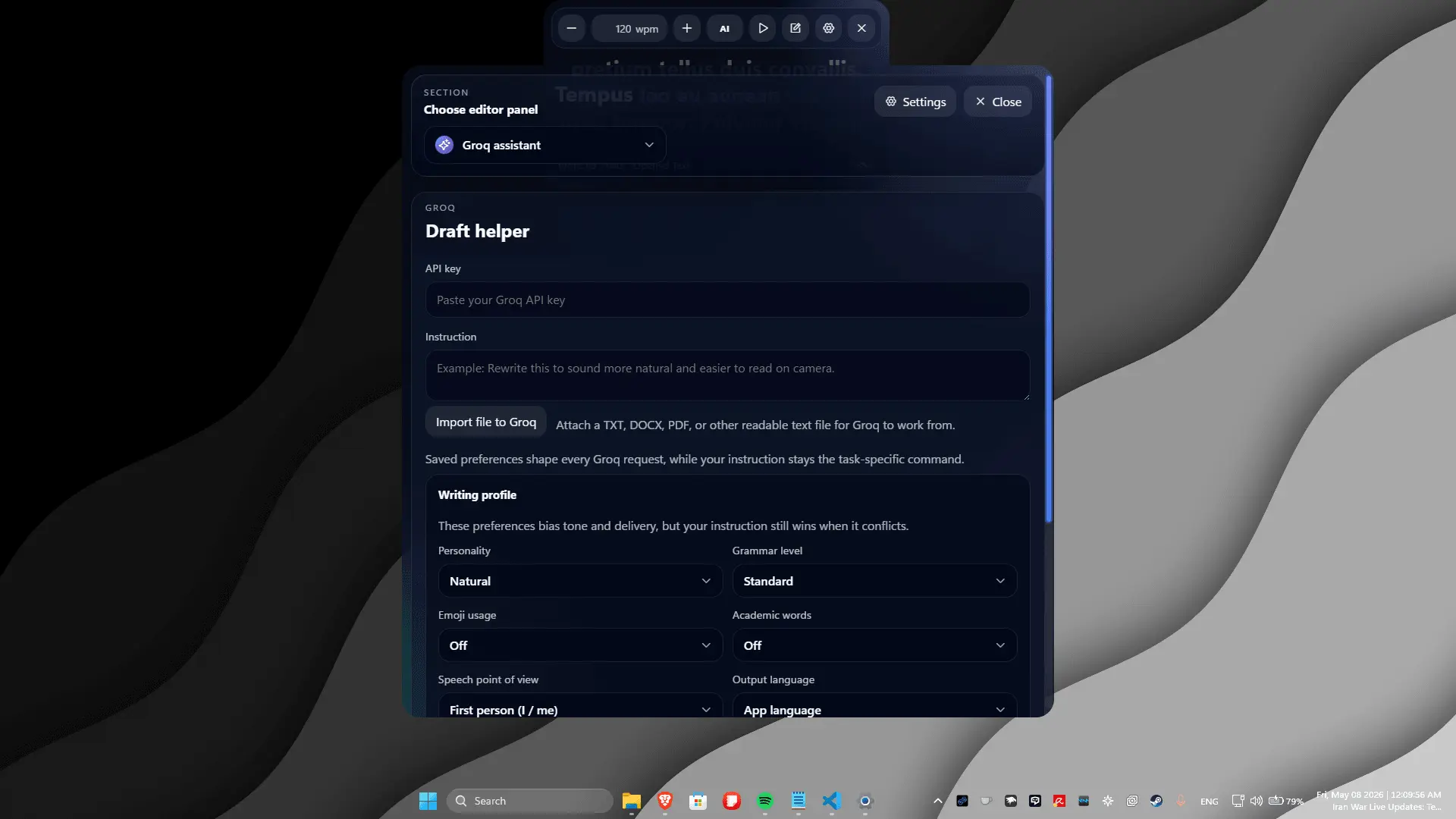
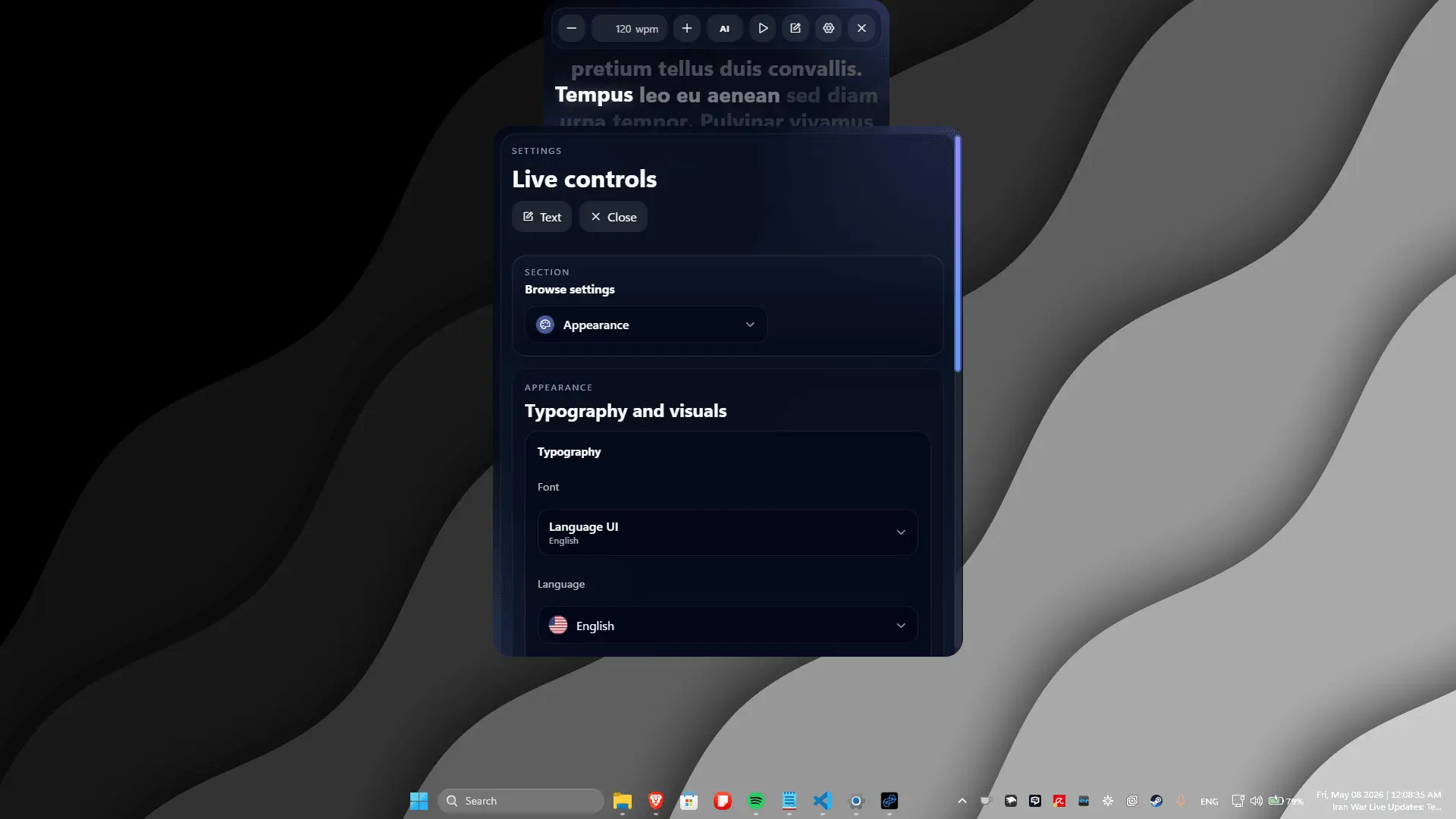
Flow is a free Windows app designed for creators, educators, and professionals who are tired of clunky web tools, browser tabs, and rigid prompting setups. Instead of fighting with web layouts or fighting a moving wall of text, Flow turns your PC into a dedicated, streamlined presentation hub built specifically for desktop performance. It brings everything you need into a single workspace, giving you complete control over how you write, edit, and deliver your content without ever leaving the app. At the core of the experience is an intuitive environment that blends deep script editing with seamless playback management. You can draft and tweak your scripts on the fly with the built-in editor, manage remote message handling during live production, and leverage optional Groq integration to instantly optimize or rewrite your text when you need a sharper angle. It is designed to get completely out of your way, giving you a clean visual focus so you can maintain natural eye contact with your camera and connect with your audience. Flexibility is built into every feature. Whether you prefer to control the scrolling pace manually to match your specific style or let the built-in voice tracking automatically follow the cadence of your natural speech, the software adapts to you, not the other way around. It is an entirely lightweight, native desktop tool that eliminates setup friction, removes the mechanical feel of traditional prompting, and provides exactly what your recording workflow has been missing.
Screenshots
Reviews (0)
No reviews yet. Be the first to rate this product!
Comments (1)
Hey everyone! I built Flow because I couldn't find a lightweight, native Windows prompter that just worked without clunky web layouts at the time. Excited to hear your thoughts and feedback!