
Gemini Exporter - Gemini to Word, PDF
Save Gemini chats to Word, PDF and Google Docs with ease

Details
- Target Audience
- Platforms
Discovery signals
How AI and people discover Gemini Exporter - Gemini to Word, PDF on PeerPush
About Gemini Exporter - Gemini to Word, PDF
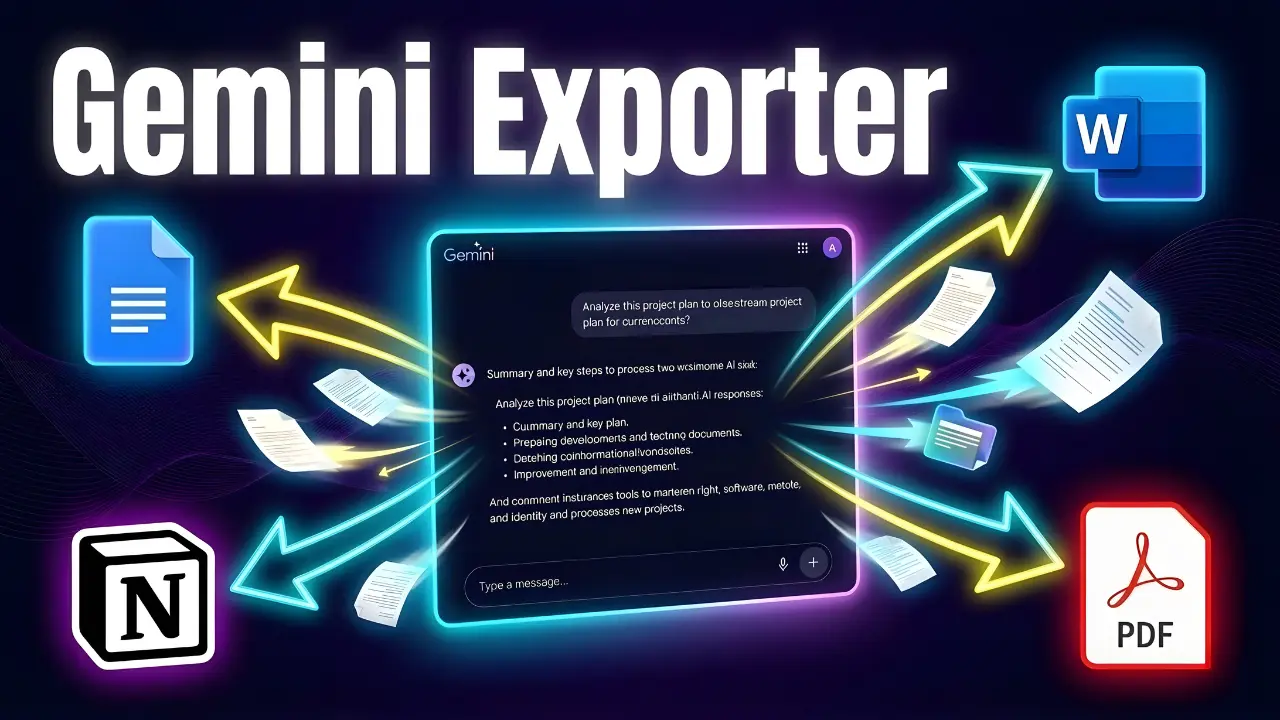
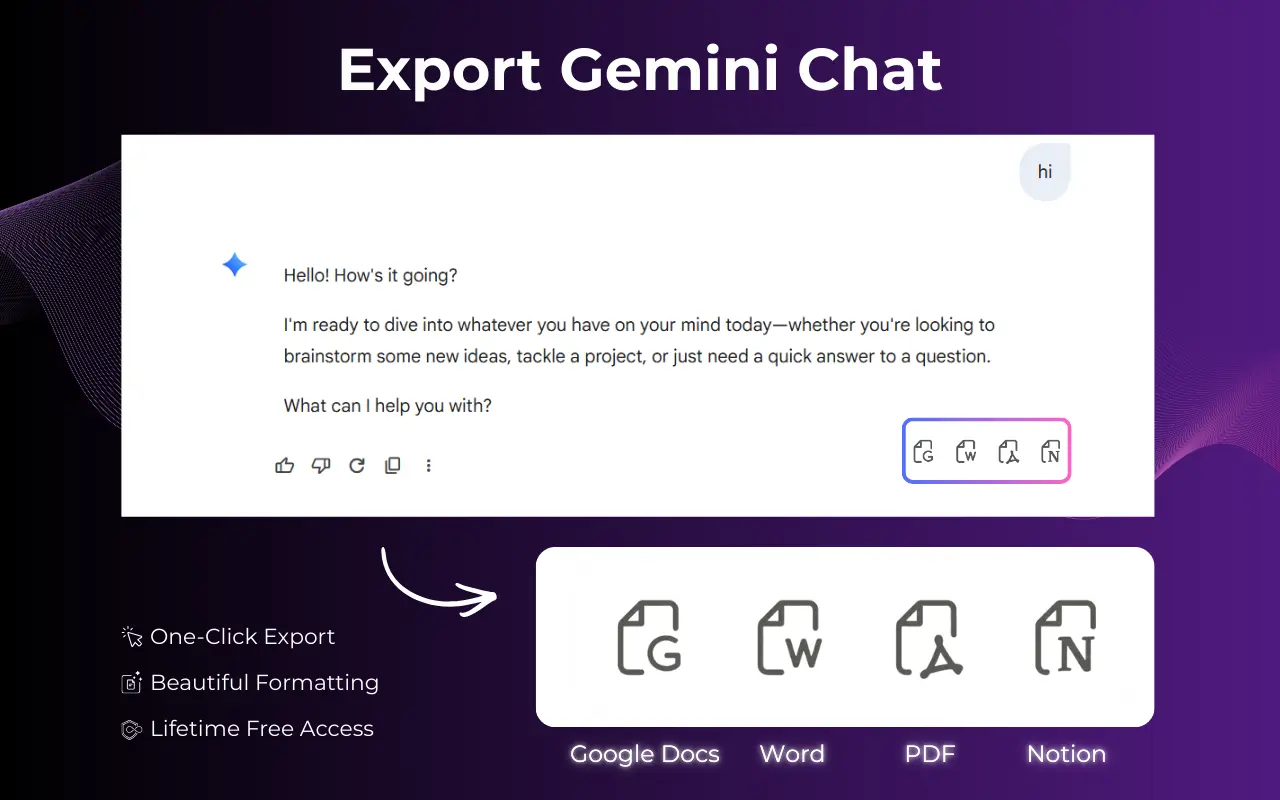
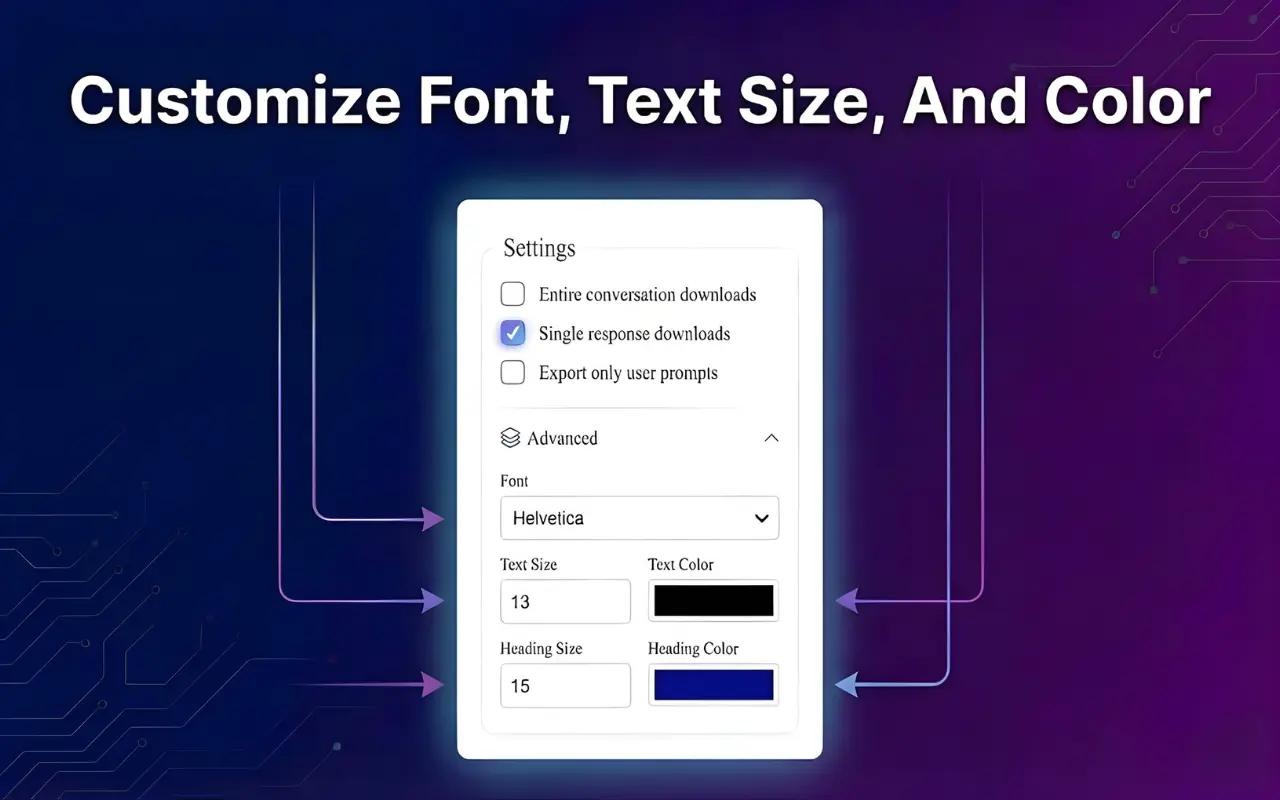
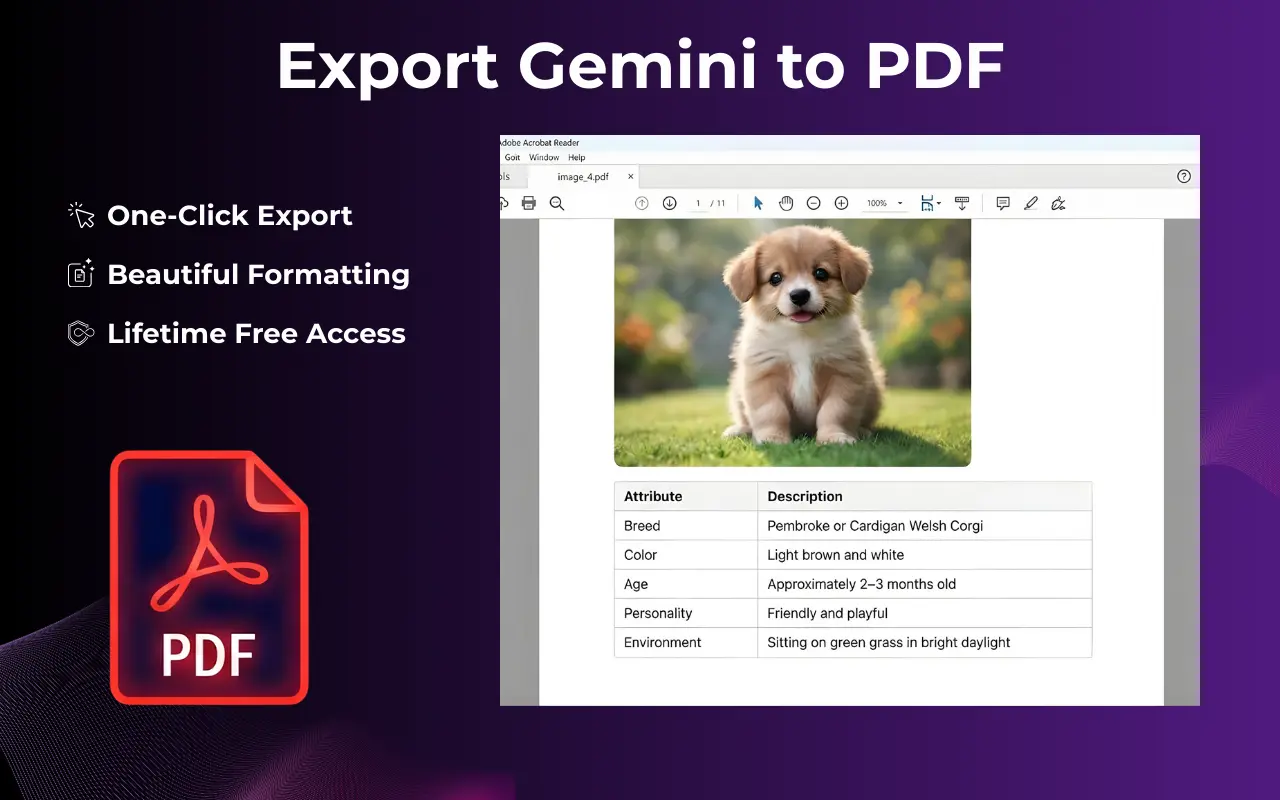
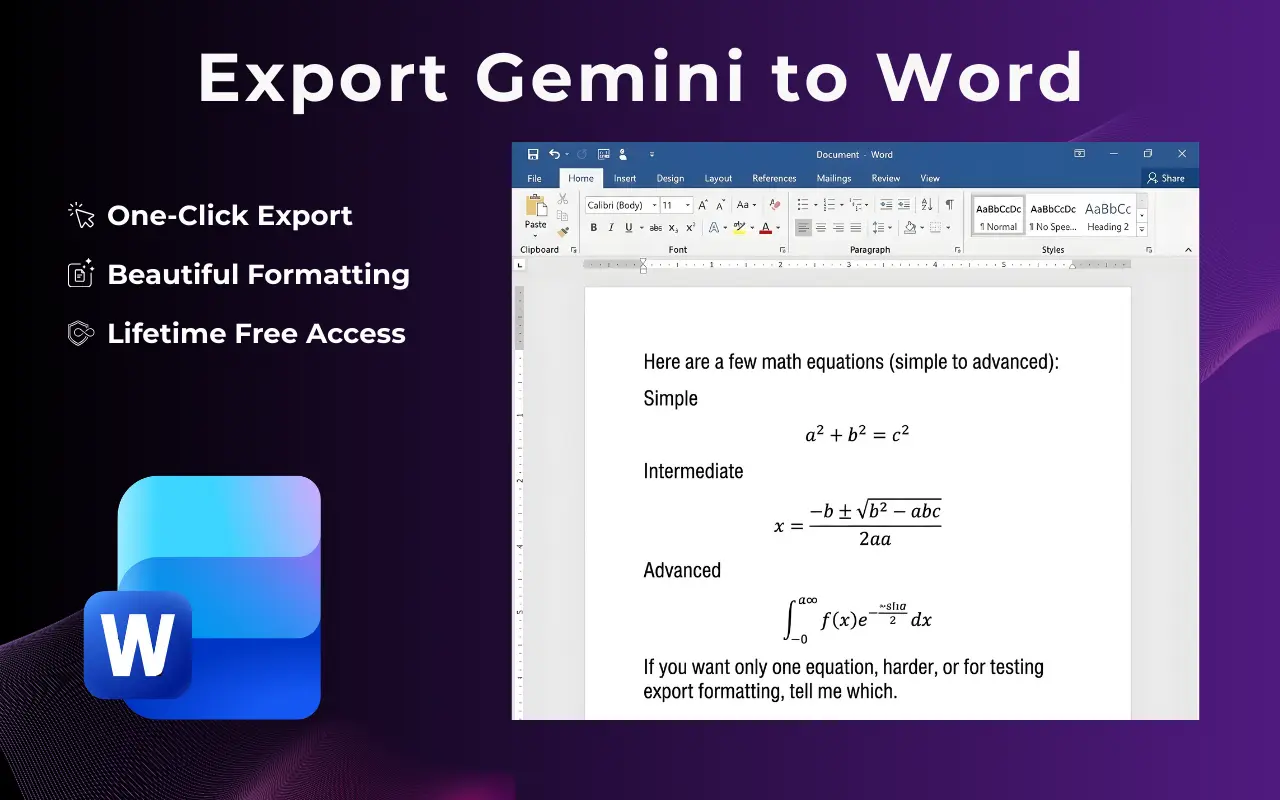
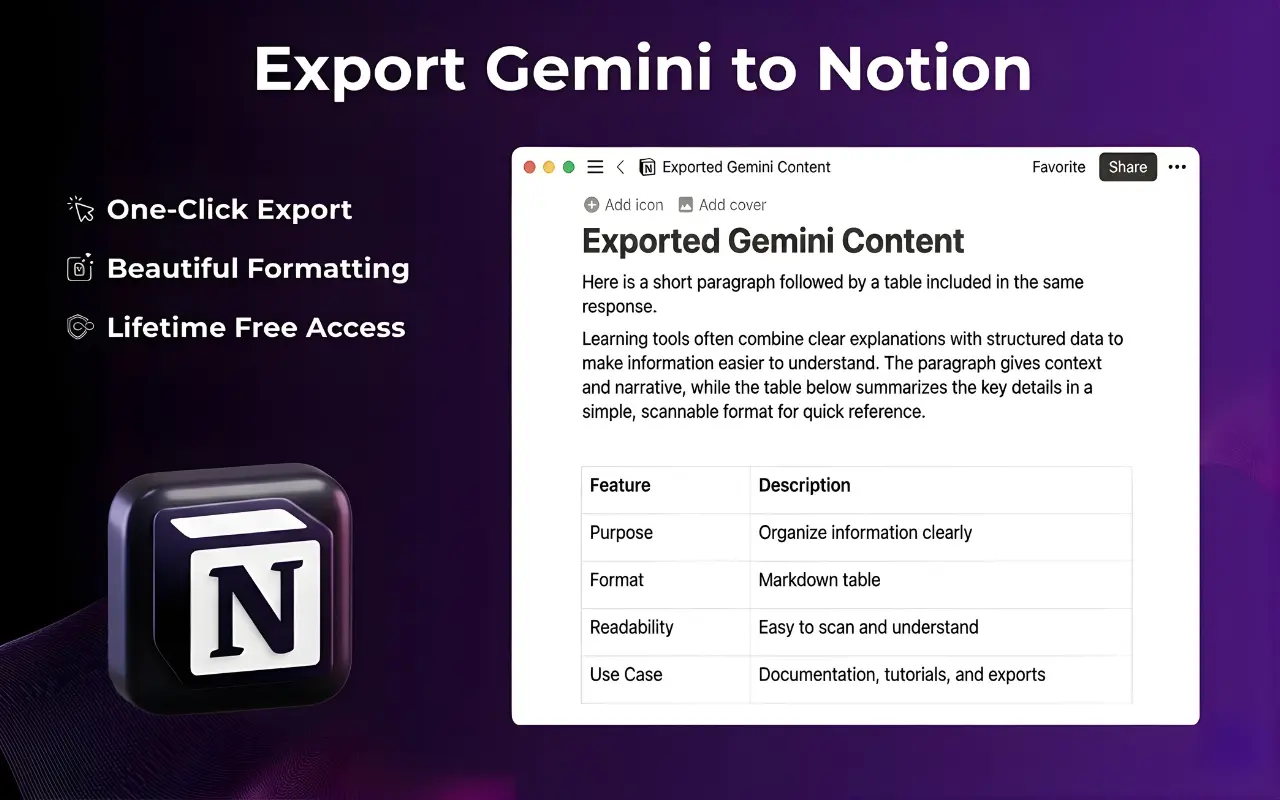
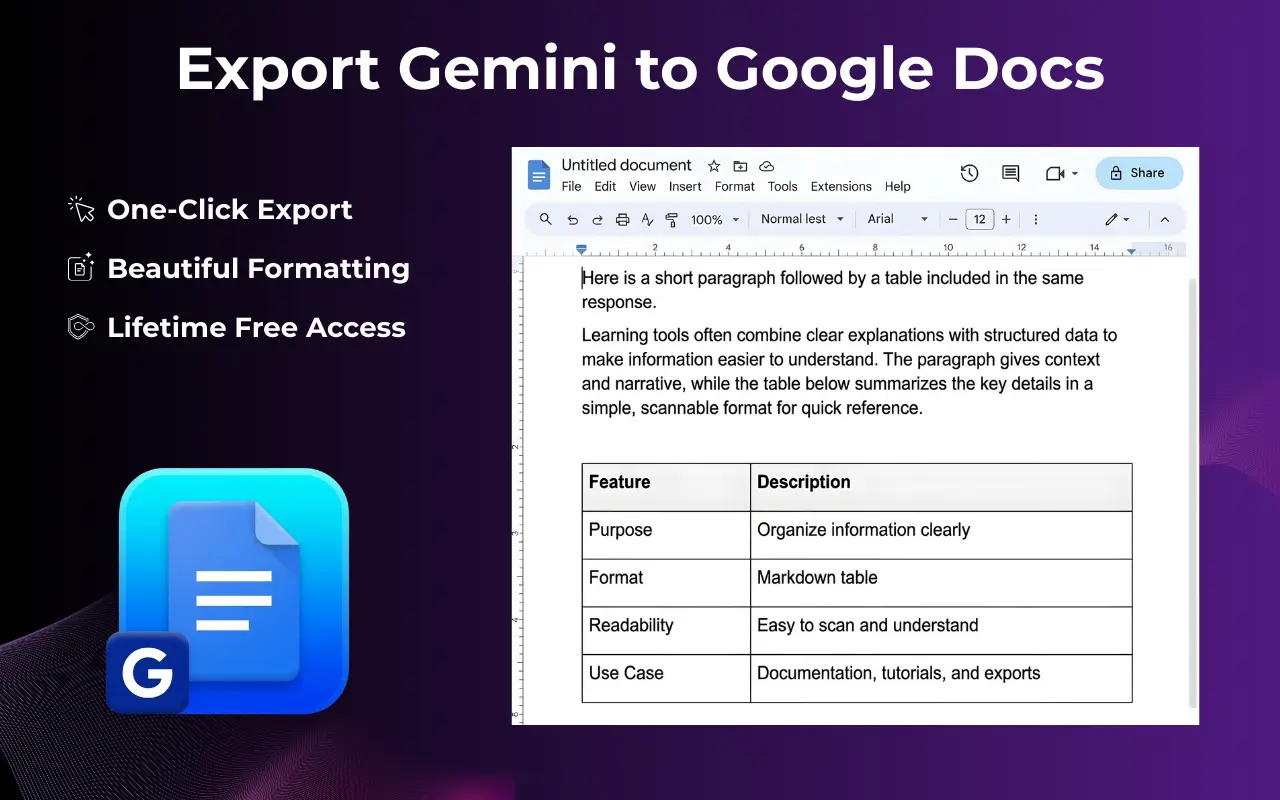
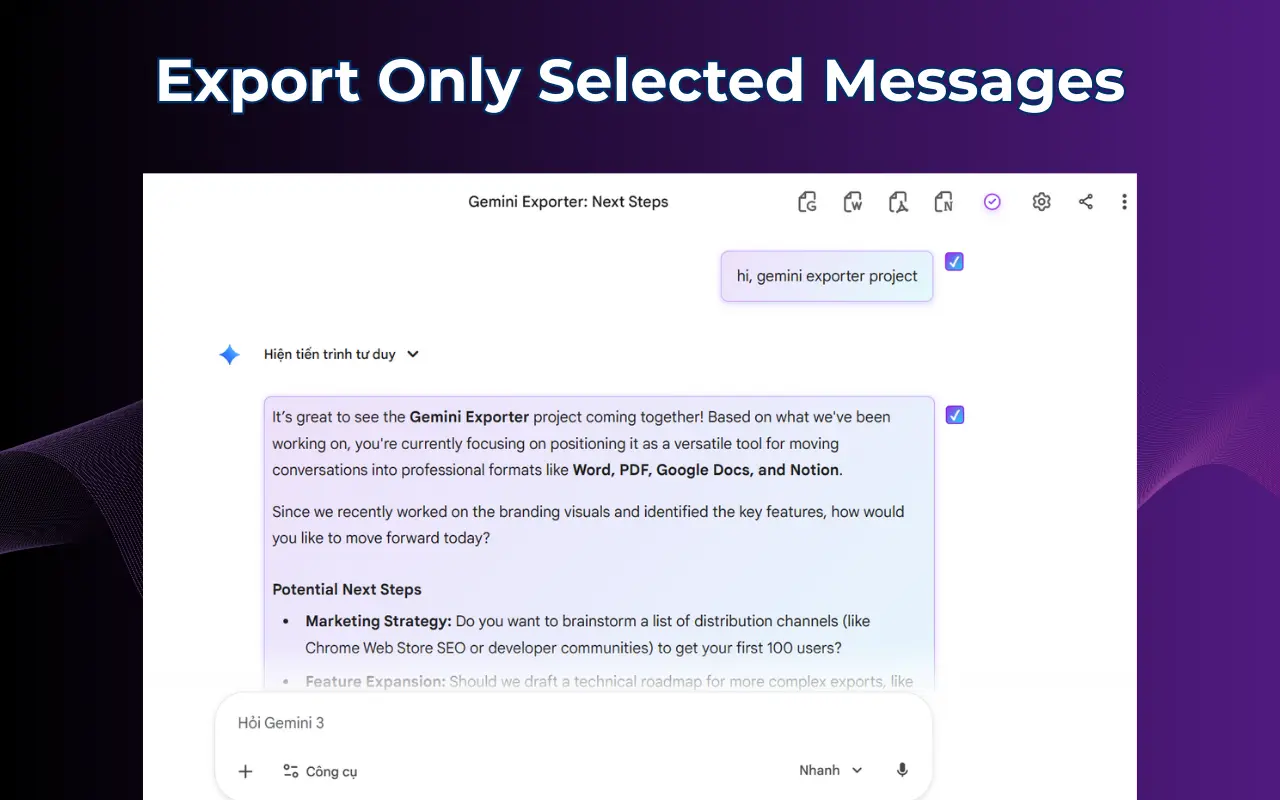
Gemini Exporter is a powerful tool designed to streamline the process of saving your Gemini chats into various document formats with just one click. This Chrome Extension allows users to export their entire chat history or selected conversations into PDF, Word (DOCX), Google Docs, or Notion. It offers customization options for font, size, and text color, ensuring that your exported documents maintain a professional and consistent appearance. Key Features: - Gemini to Word: Save conversations as editable Word documents with a cleaner layout than copy-pasting, preserving headings, paragraphs, code blocks, and lists. - Export to PDF: Ideal for sharing, printing, archiving, or compliance, with consistent fonts and spacing. - Export to Google Docs: Co-edit with your team, perfect for content planning and meeting notes. - Gemini to Notion: Send chats to a Notion page for building a knowledge base, great for project documentation. - Export selected or full history: Choose ONE conversation (selected messages) or export the full chat thread. - Style Settings: Customize font family, size, and color before exporting to create templates for different audiences. Use Cases: - Writers & Marketers: Save drafts and content briefs for editing. - Sales & Support: Export conversations for follow-ups and onboarding documents. - Students & Researchers: Use chat history as study material and citations. - Product Teams: Move decisions into Google Docs or Notion for easy searchability. - Consultants & Freelancers: Deliver polished Word/PDF outputs to clients quickly. - With Gemini Exporter, you can eliminate the chaos of manual copy-pasting and formatting, saving time and ensuring consistency across all document outputs.
Screenshots
Reviews (0)
No reviews yet. Be the first to rate this product!
Comments (1)
I made a small extension that lets you export the whole conversation or only the messages you want, tweak font/size/colors, and send it out as PDF, Word, Google Docs, or Notion.