
gitGost
Anonymous Git contributions for GitHub and GitLab

Details
- Use Cases
- Code Development
- Target Audience
- Software DevelopersOpen Source Maintainers
- Pricing
- Free
Discovery signals
How AI and people discover gitGost on PeerPush
About gitGost
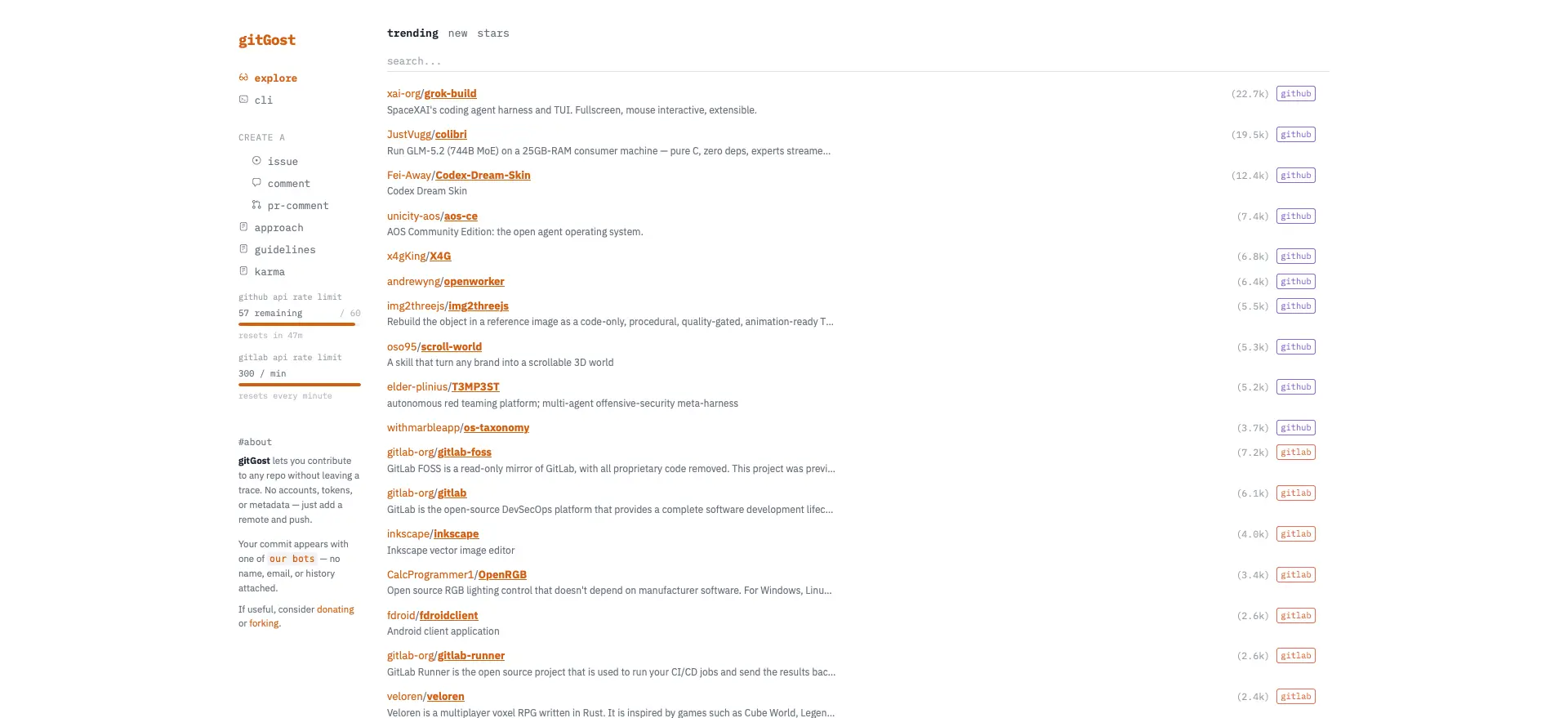
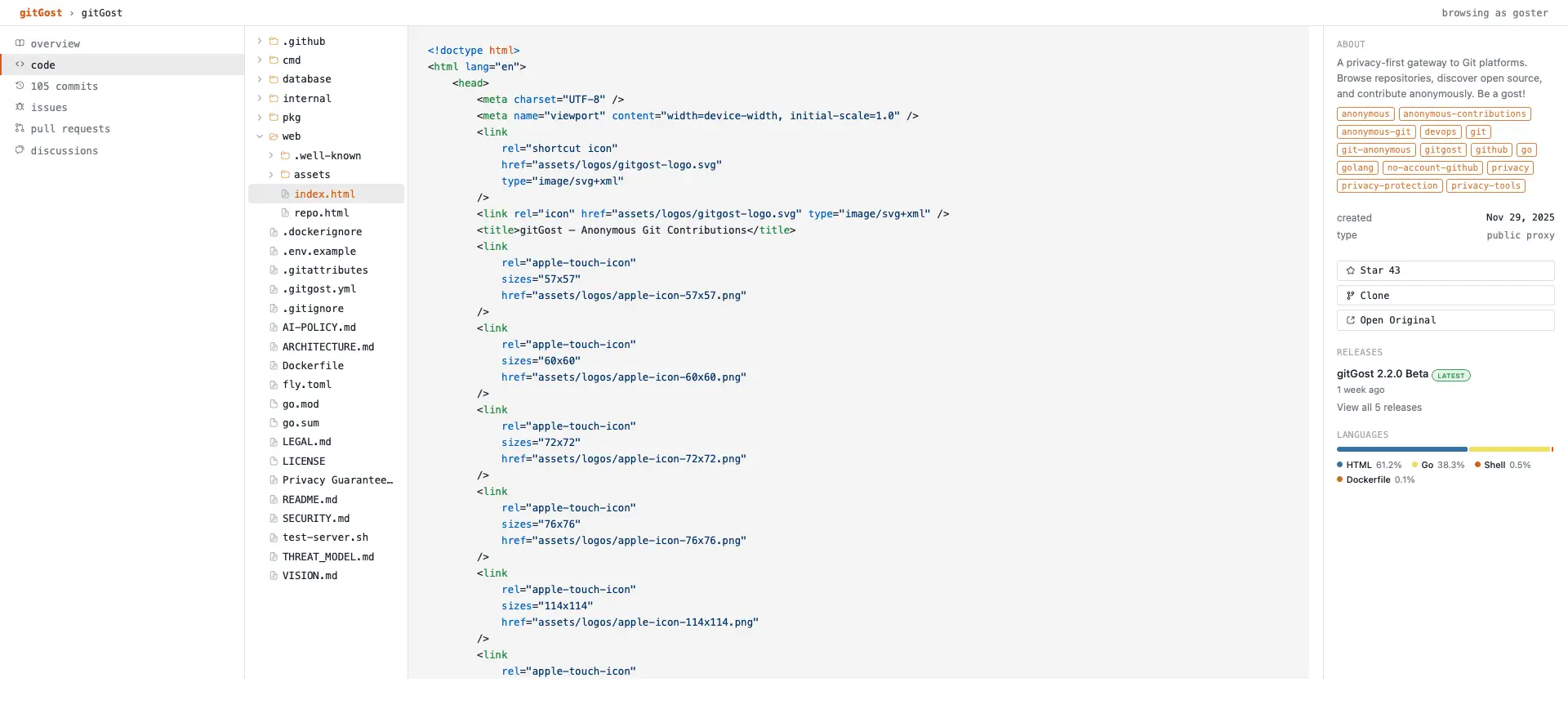
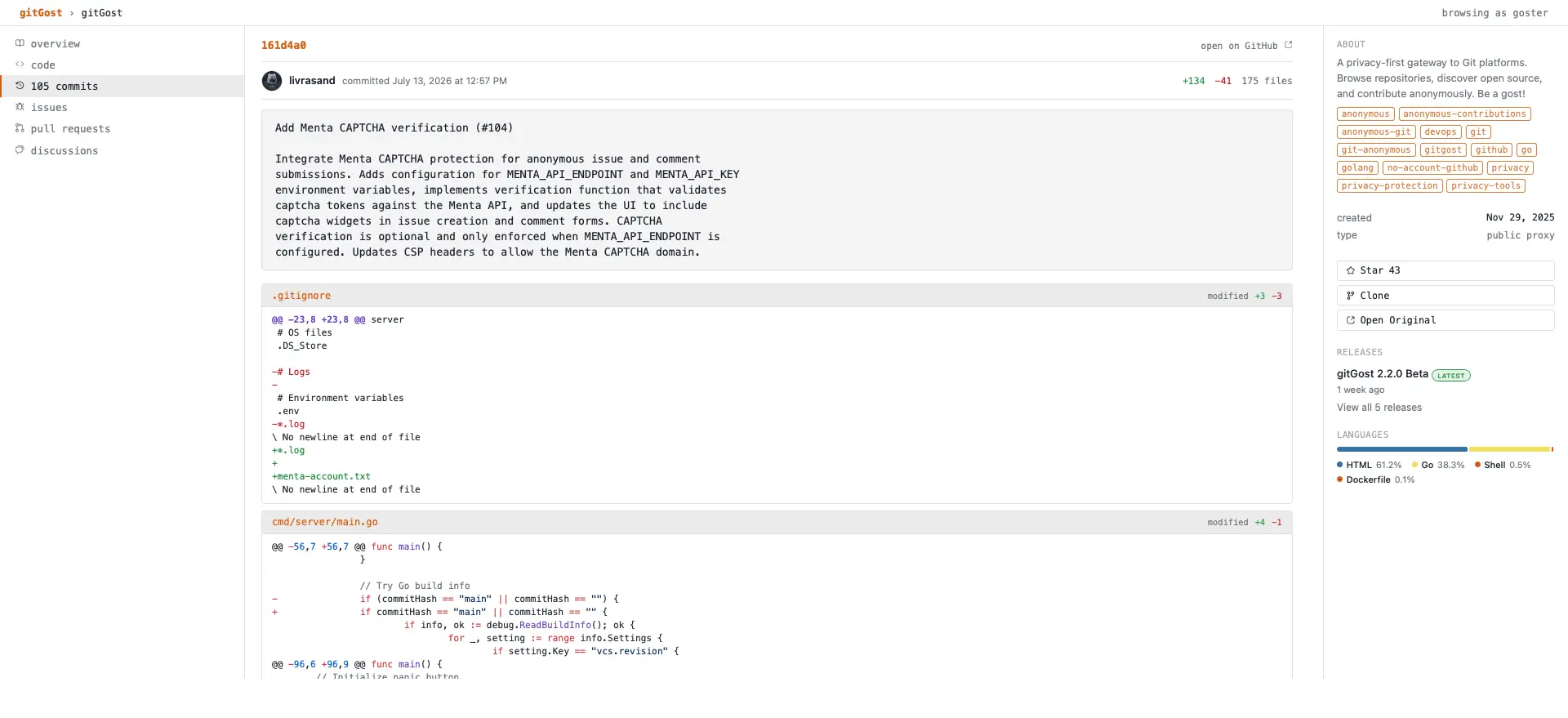
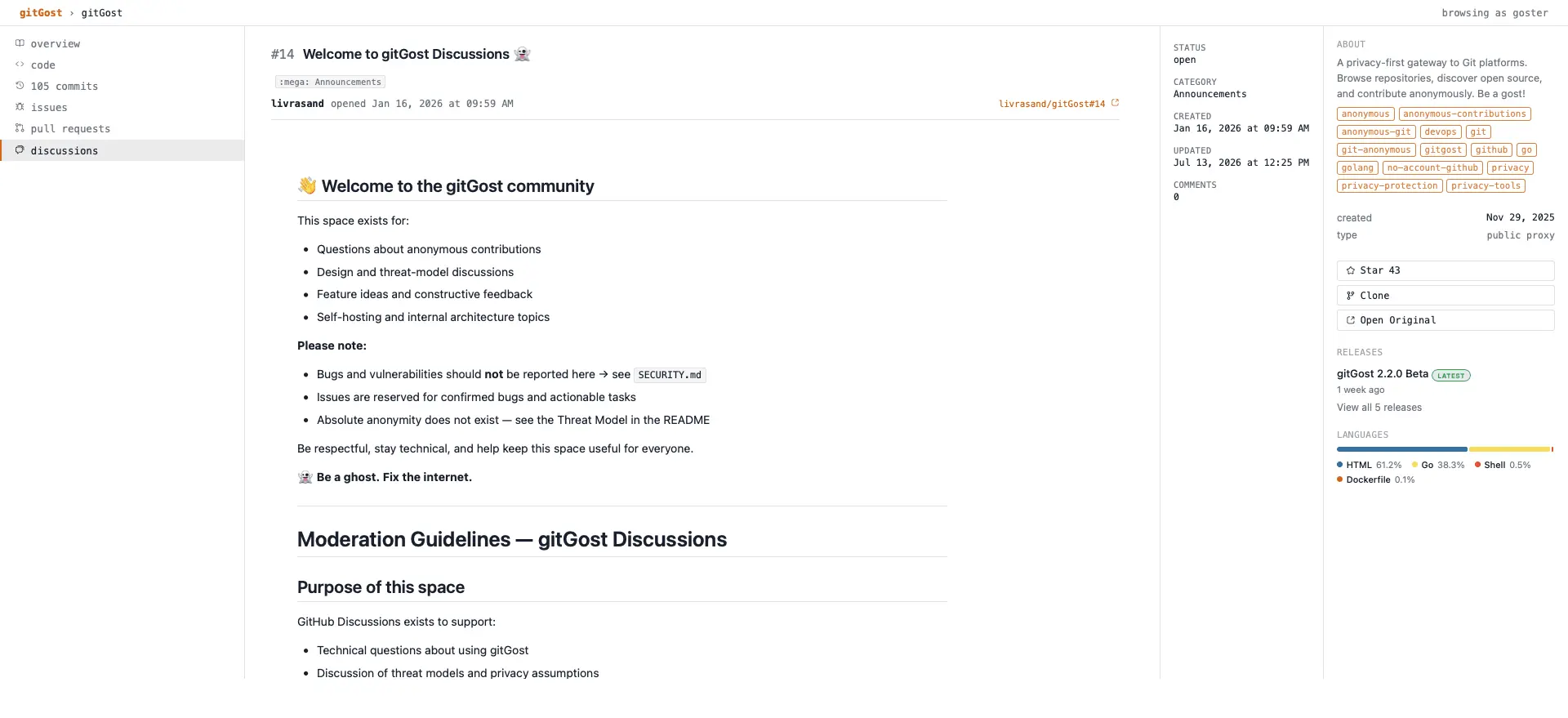
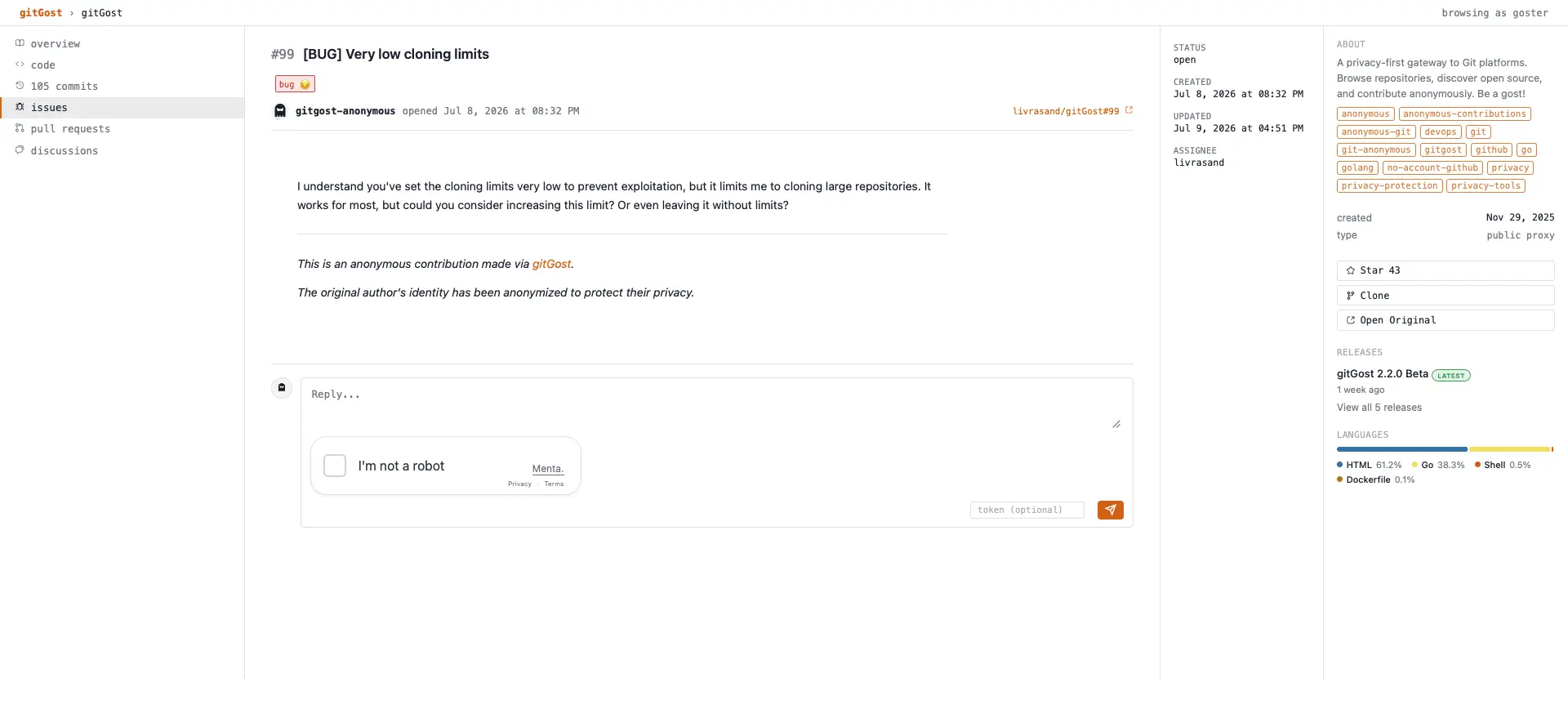
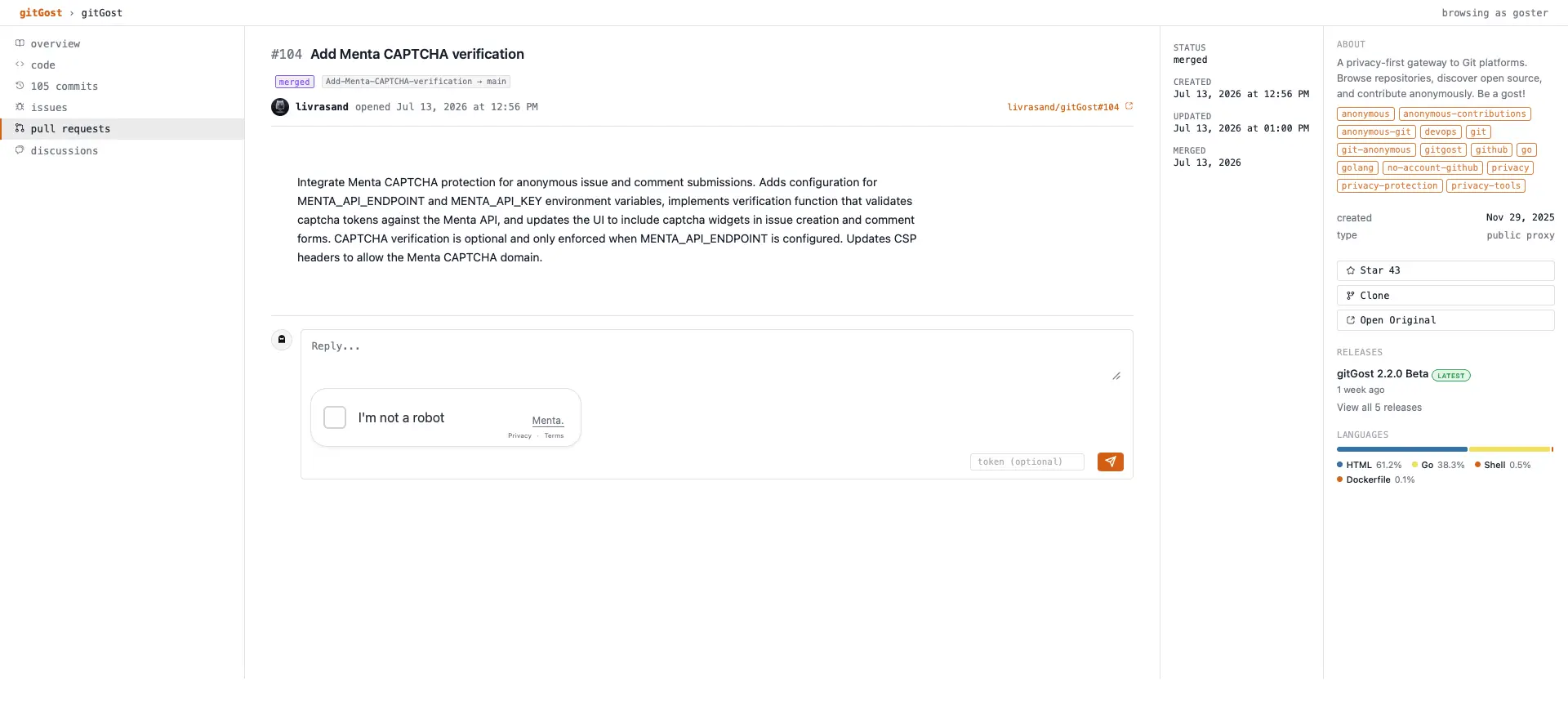
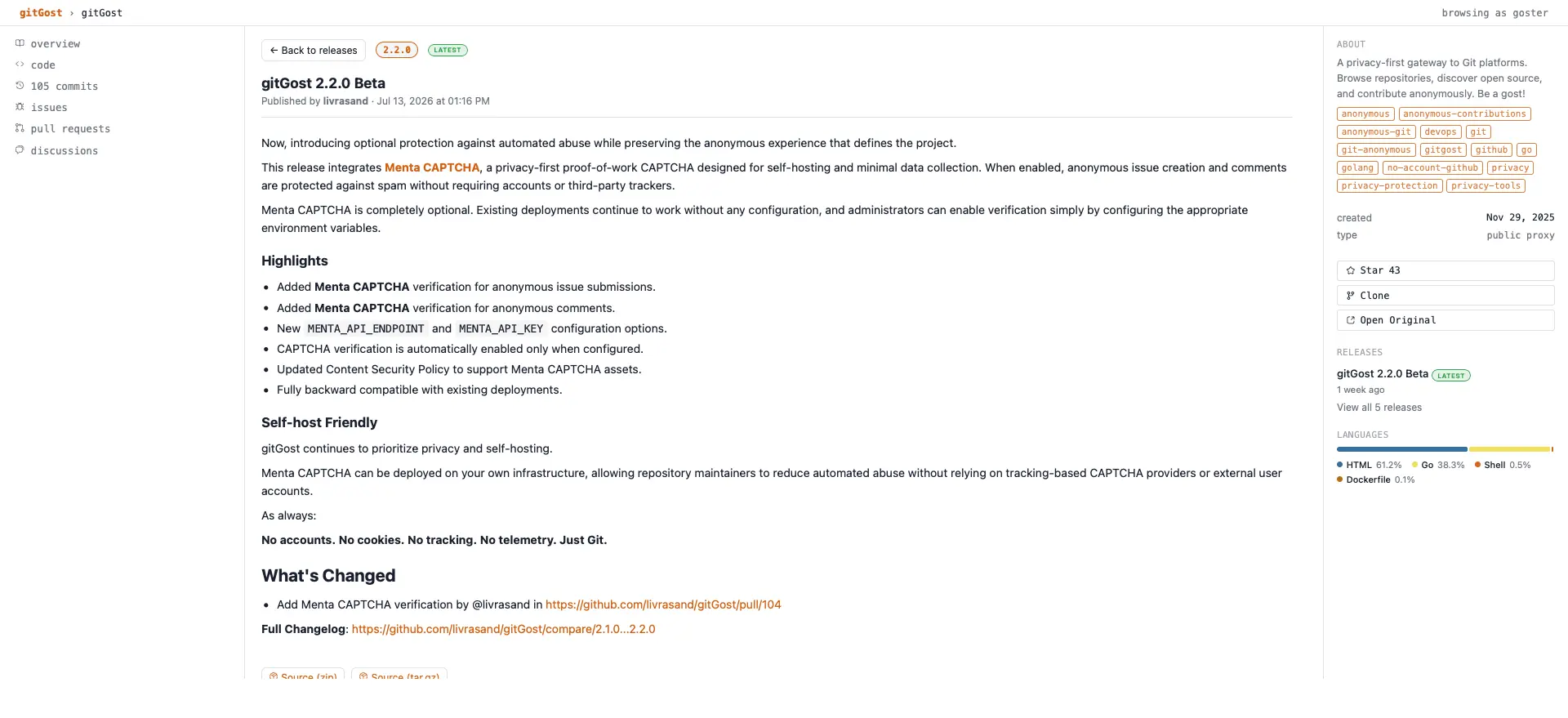
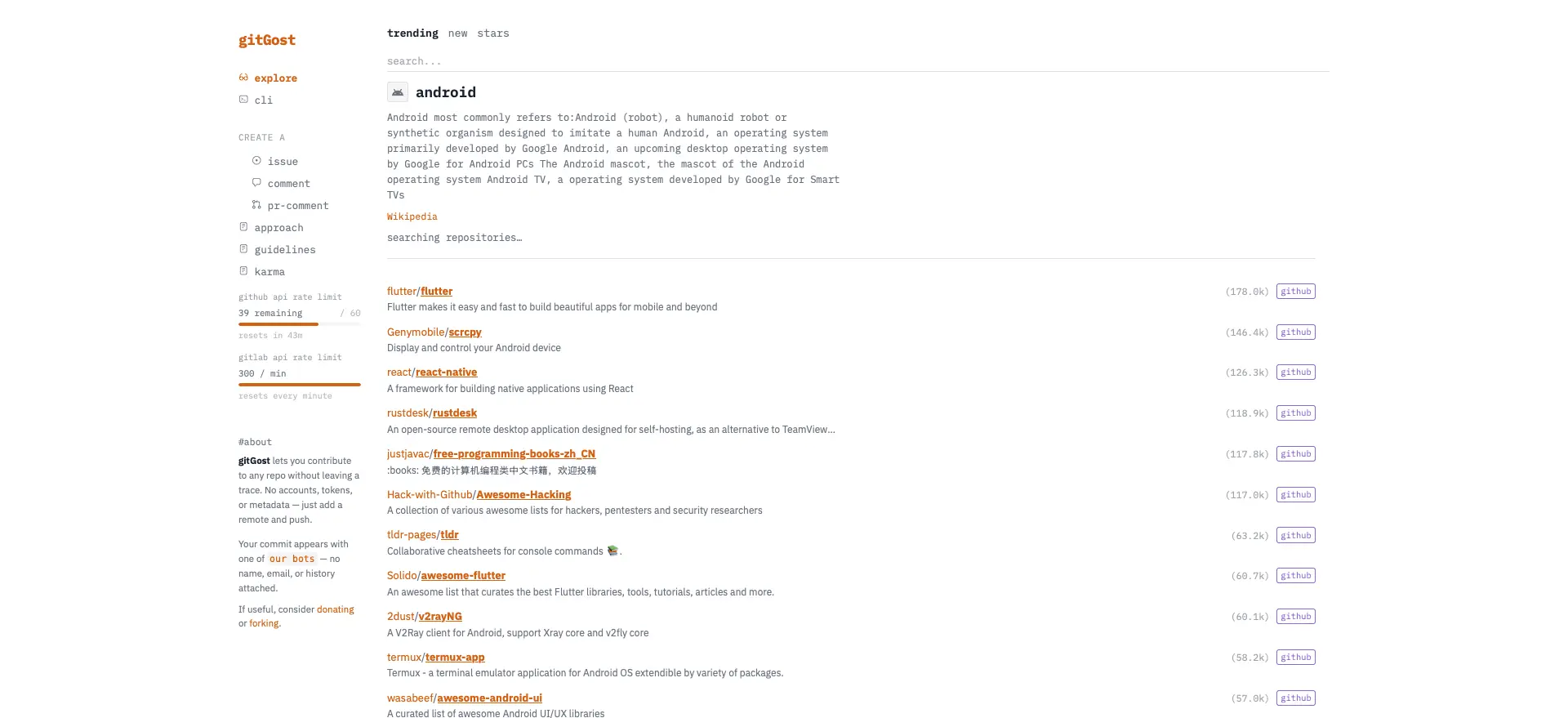
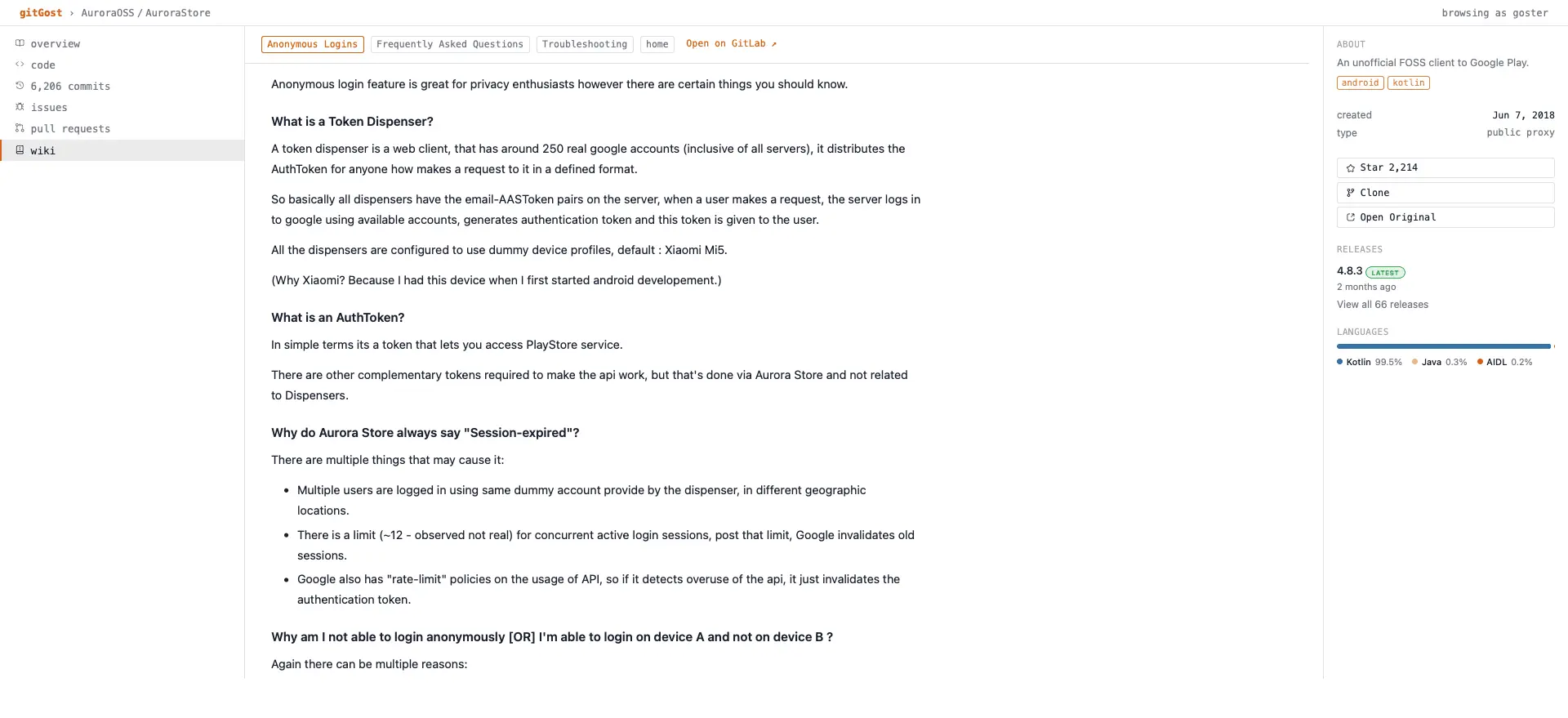
gitGost lets you contribute to public Git repositories without exposing your personal identity. Built with a privacy-first approach, gitGost works without requiring an account, personal access token, or browser extension. It acts as a privacy layer between you and the Git platform, allowing you to browse repositories, inspect code and history, submit changes, open pull requests, report issues, and participate in discussions while keeping your personal Git identity out of the public contribution. What makes gitGost different? * Anonymous contributions — Push code and open pull requests without attaching your personal GitHub or GitLab identity. * No account required — Start contributing with a Git remote. No registration, tokens, or profile are required for the default workflow. * Metadata protection — gitGost removes identifying commit metadata such as author name and email before the contribution reaches the public platform. * Browse without an account — Explore repositories, files, branches, commits, releases, issues, pull requests, discussions, wikis, and more without logging in. * Multiple Git platforms — GitHub, GitLab, and Codeberg are supported, with additional forges planned. * Works with Git itself — Use the terminal, scripts, CI/CD, Docker, or any workflow that can use Git. * Self-hostable — gitGost is fully open source under AGPL-3.0, so you can audit the code, run your own instance, and control your own deployment. * Privacy with transparency — gitGost does not claim perfect anonymity. Its Threat Model clearly documents what it protects against, what it cannot protect against, and the assumptions users should understand. What can you actually do? You can use gitGost to: * Fix a typo without attaching your personal identity to the contribution. * Submit documentation and code improvements anonymously. * Open issues and participate in discussions without using your personal account. * Contribute to projects where exposing your identity may be undesirable. * Browse public repositories without creating an account. * Use Git normally while gitGost handles the connection to the public forge. In other words, gitGost separates your Git identity from your public contribution. Your contribution can appear through gitGost's anonymous identity instead of your personal Git account. Privacy is not magic. Your IP address is still visible to the gitGost server, and other information such as coding style, timing, or metadata contained inside files can potentially identify you. For stronger network-level privacy, gitGost recommends using Tor or a VPN and following its Threat Model. And gitGost goes beyond anonymous contributions The project also includes GREN (gitGost for Resilient Networking), which makes Git operations more tolerant of unstable connections by allowing long-running operations to run in the background, pause, resume, queue, and retry. And with gitGost Forge, repositories can be stored on hardware you physically own, such as an ESP32, while gitGost provides the connection layer to the public internet. The goal is simple: Your code should be yours to contribute, yours to keep, and yours to control. gitGost — Be a ghost. Fix the internet.
Screenshots
Reviews (0)
No reviews yet. Be the first to rate this product!
Comments (0)
No comments yet. Be the first to share your thoughts!