
Hey Listen
Full-screen alerts for your calendar events

Details
- Categories
- Productivity & Notes
- Target Audience
- Remote WorkersIT Leaders / Engineers
- Pricing
- One-time from $19.99
- Platforms
- Desktop
Discovery signals
How AI and people discover Hey Listen on PeerPush
- ChatGPT
- Perplexity
- Claude
- +3 other AI crawlers
Reads by these AI engines
Crawlers behind these engines read this listing on PeerPush.About Hey Listen
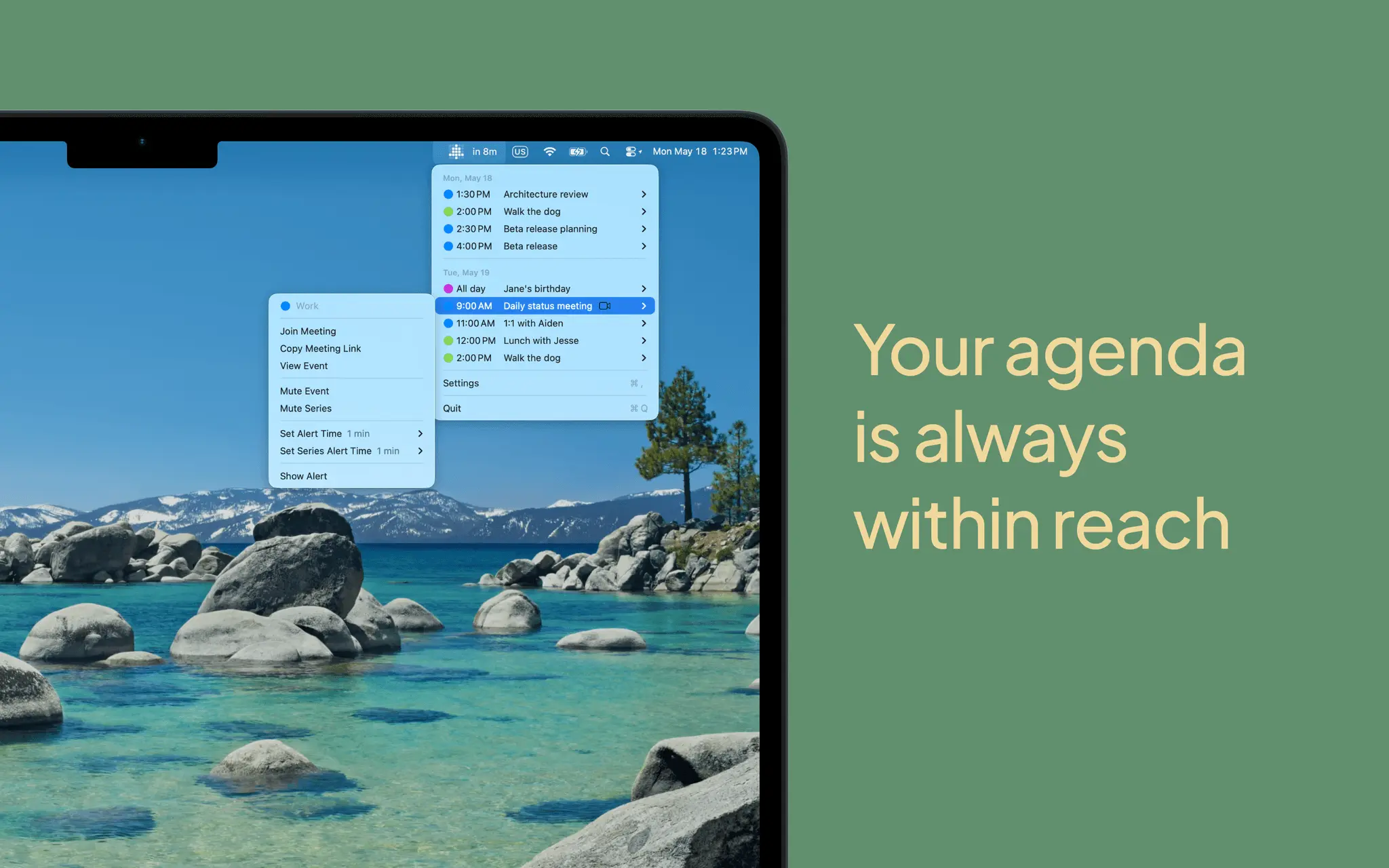
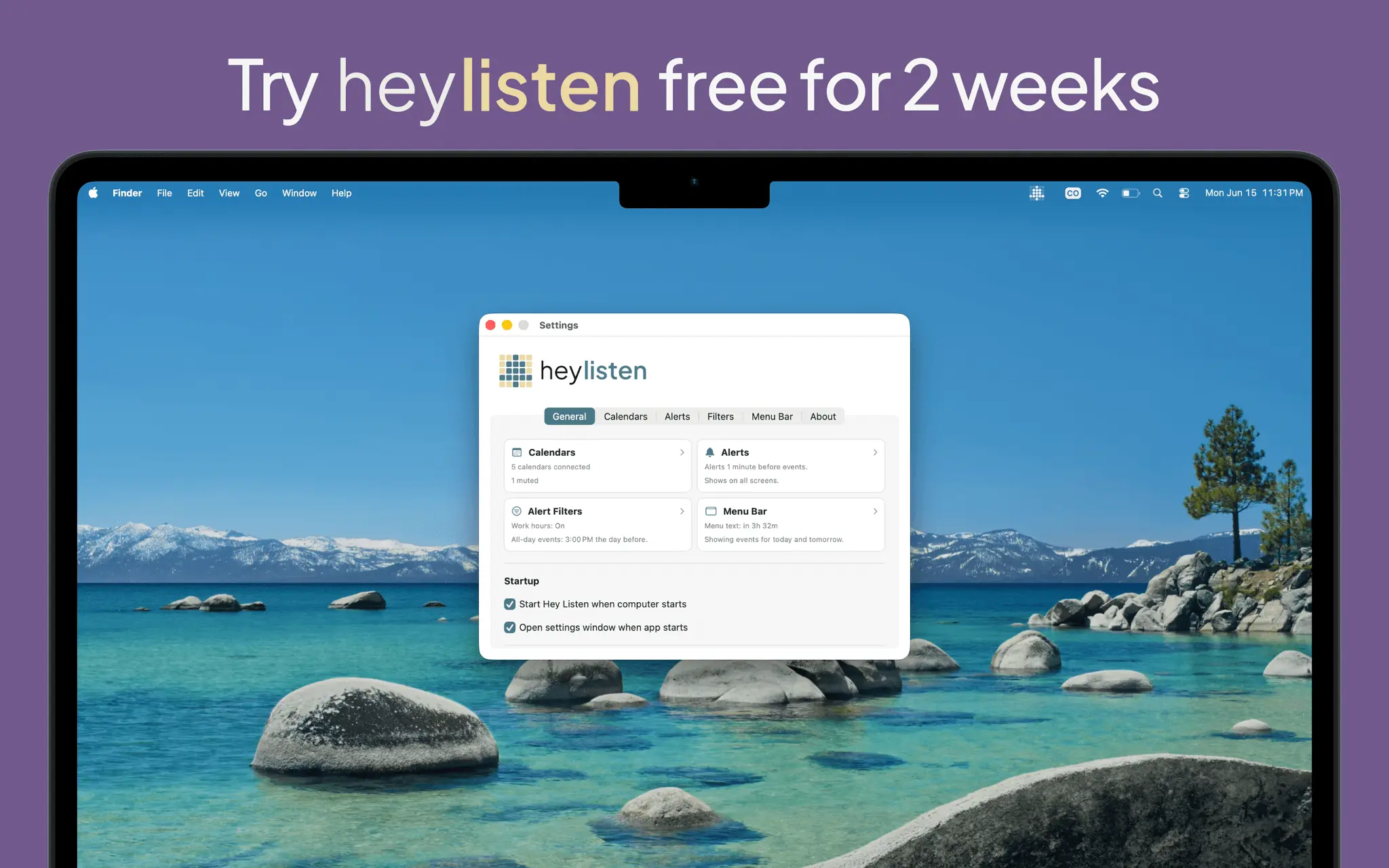
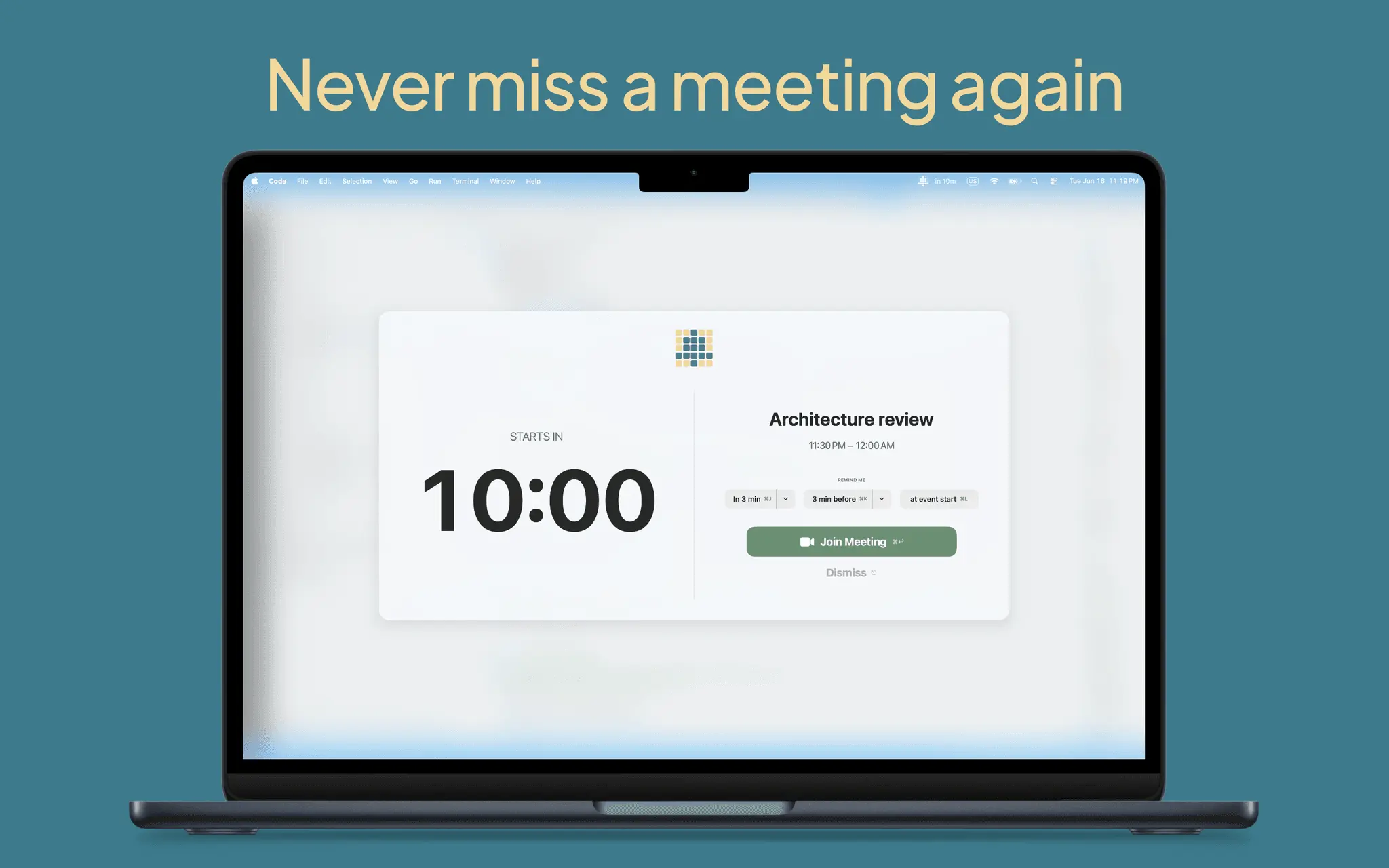
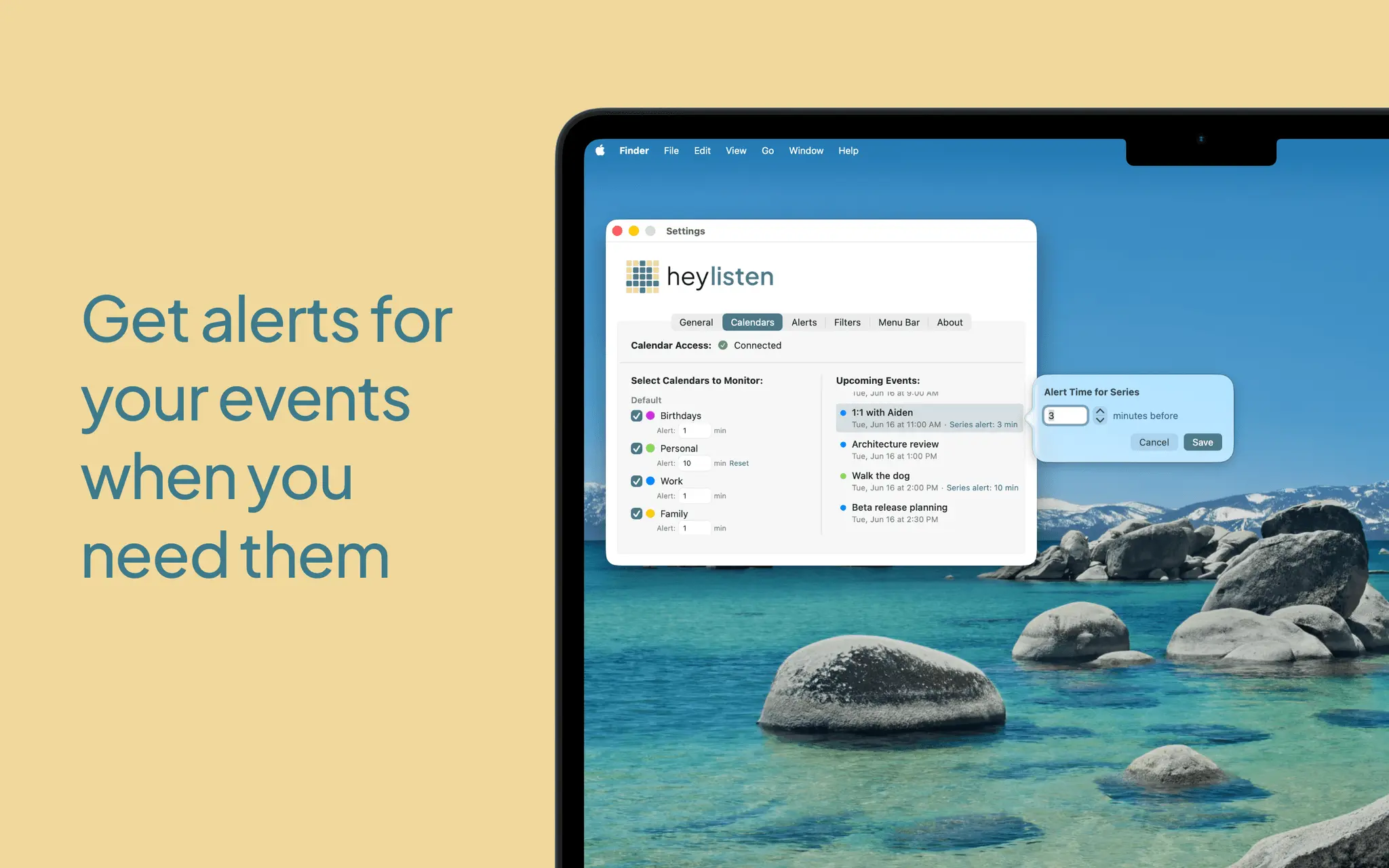
Hey Listen is a macOS desktop utility designed to prevent missed meetings by firing a full-screen alert before every calendar event. The notification is designed to be impossible to miss, ensuring visibility even during periods of deep focus or heads-down work. ----- You're locked in. Time disappears. The meeting started ten minutes ago. Hey Listen makes sure that doesn't happen again. It lives in your menu bar and throws a full-screen alert before every calendar event - impossible to miss, even when you're deep in focus. **Built for people who lose track of time** If you've ever resurfaced from deep work to find an "are you coming to the meeting?" message, Hey Listen is for you. The alert takes over your screen. It shows the event title, a live countdown ("Starts in 4 minutes"), and a one-click button to join. You don't have to glance at your menu bar to catch it. You can't miss it. **One click to join** Hey Listen automatically detects Zoom, Google Meet, Microsoft Teams, and other meeting links in your events. The Join Meeting button is right there in the alert - no tab-scrambling. Prefer Zoom and Teams to open in their native apps instead of the browser? One toggle. **Snooze that fits the moment** Adaptive snooze options, not one rigid timer. Snooze for a minute or two. Snooze until a minute or two before the event. Snooze until the event starts. Snooze options adjust based on how far away the meeting is. Get a warning alert early so you can get ready, then another alert when the meeting is about to start so you don't miss it. **Keyboard shortcuts** Alerts include customizable keyboard shortcuts. Join your meeting or snooze for a couple of minutes to finish what you're doing before the meeting starts without taking your hands off the keyboard. **Granular control, when you need it** Set a default alert time, then override it per calendar, per recurring series, or per individual event. The most specific setting wins. Give your "Work" calendar 15 minutes of lead time while everything else stays at 5. Need extra warning for one specific standup? Set it on that event. **Mute what doesn't need an alarm** Silence individual events, entire recurring series, or any event whose title contains a phrase you define. "Focus Time", "Birthday", "Lunch" - mute them once and never get pulled out of flow by them again. **Filter by what matters** Limit alerts to your work hours and days. Skip events you've declined. Skip all-day events - or include them with a custom day-of or day-before reminder. Decide once how you want to be interrupted, then stop thinking about it. **A menu bar that earns its space** Click the icon for upcoming events grouped by day, color-coded by calendar. Pick how the menu bar label reads: "Next at 3:00 PM", "in 3h 32m", or just the time. When a meeting is in progress, the label shows how much of it is left. Click any event to join, view full details, mute it, or set a custom alert time - without opening a window. **Privacy, the way Mac apps should do it** Hey Listen reads your calendar locally through Apple's EventKit. No accounts. No analytics. No tracking. Nothing leaves your Mac. **Lightweight** No dock icon. No background noise. Just a menu bar app that does one thing well. ----------- **Try it free** 14-day free trial with full features. One-time purchase after that - no subscriptions. Future updates included.
Screenshots
Reviews (0)
No reviews yet. Be the first to rate this product!



Comments (0)
No comments yet. Be the first to share your thoughts!