
Inkline Text Editor
Open and format huge JSON, CSV and XML files in seconds
Details
- Follow on
- @compilererrors
- Categories
- Developer Tools
- Target Audience
- Software DevelopersSystem AdministratorsBackend Developers
- Pricing
- One-time
- Platforms
- Desktop
Discovery signals
How AI and people discover Inkline Text Editor on PeerPush
By AI reads among Developer Tools tools
723 AI reads in the last 30 days, ranked against every Developer Tools tool listed.About Inkline Text Editor
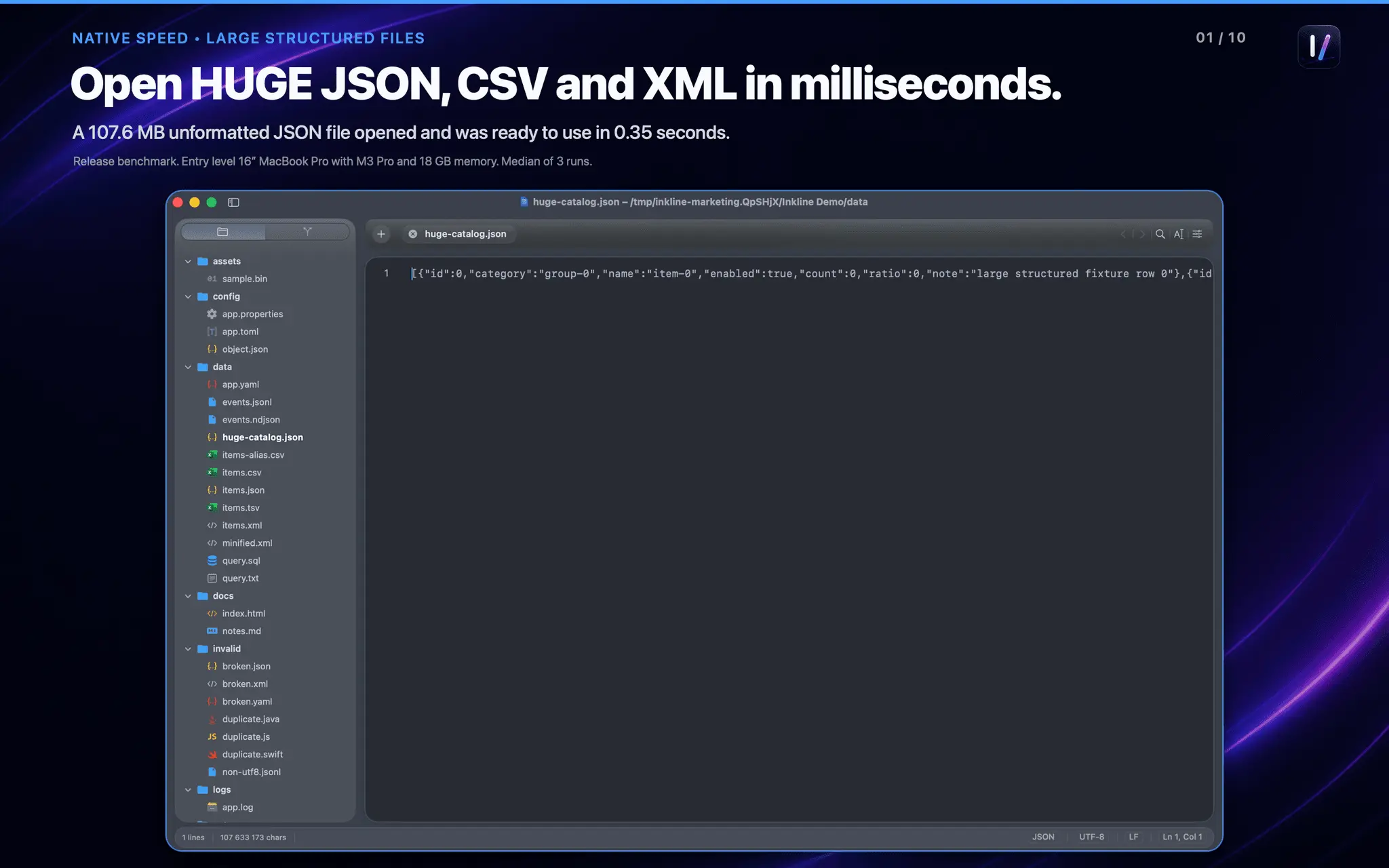
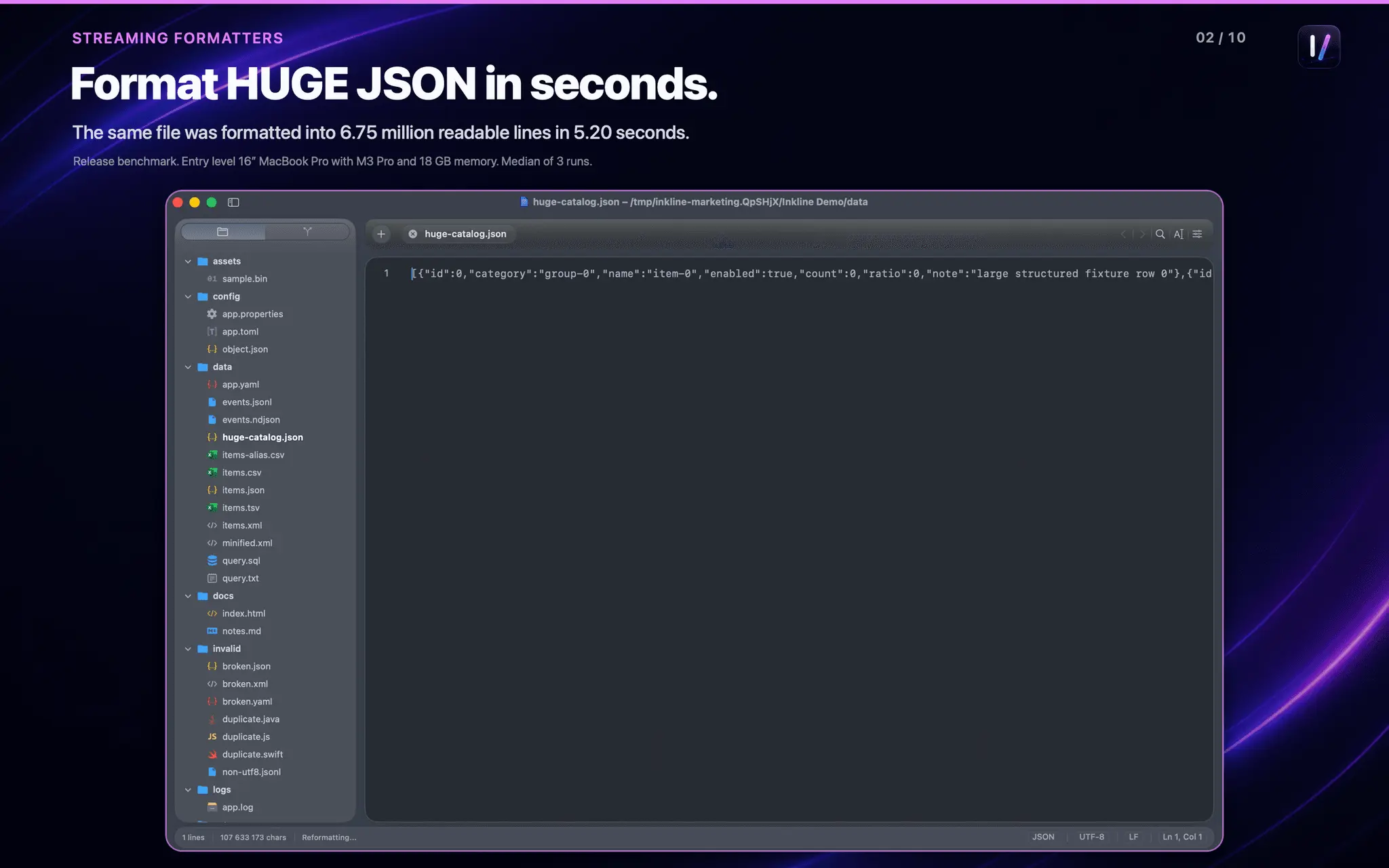
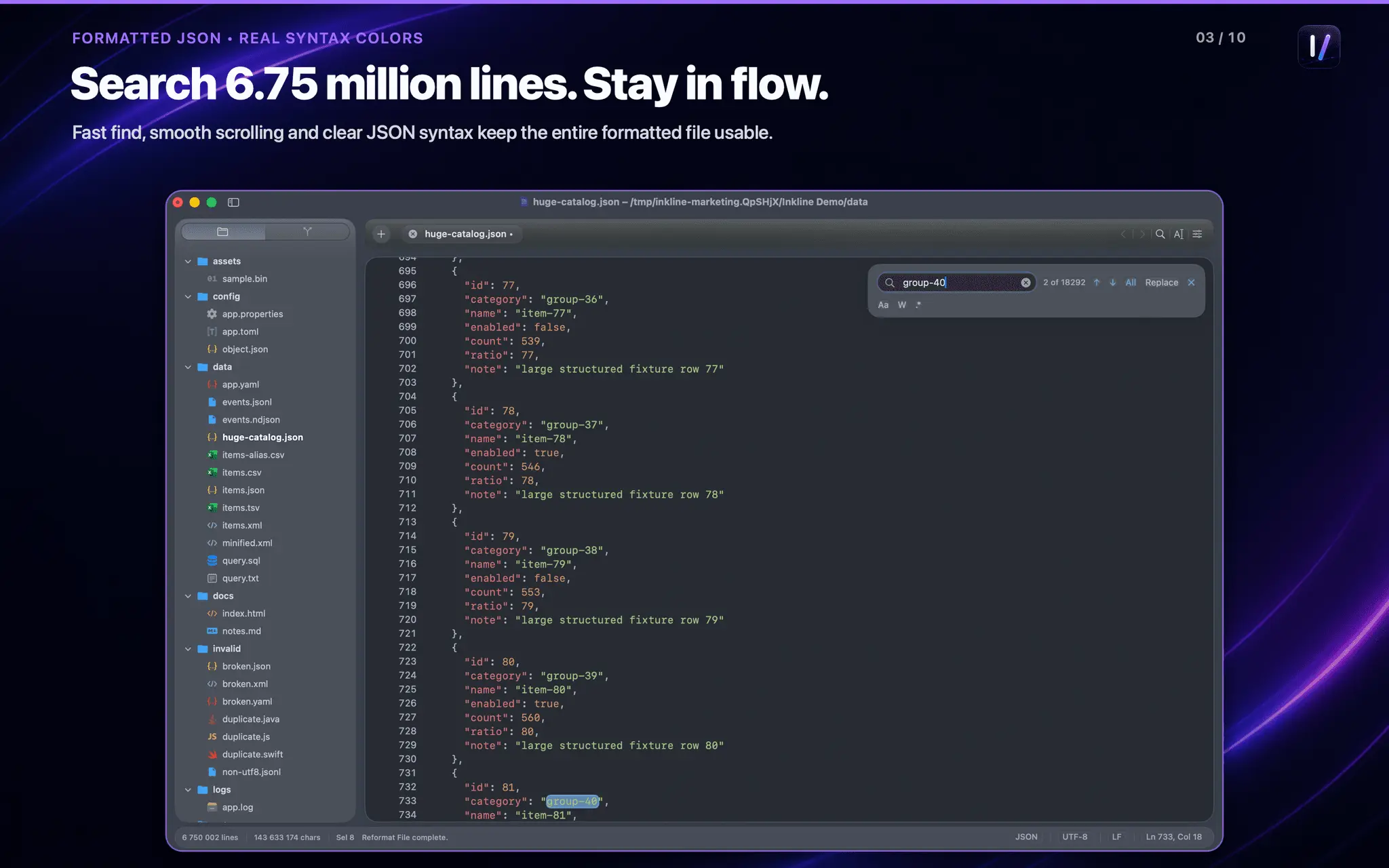
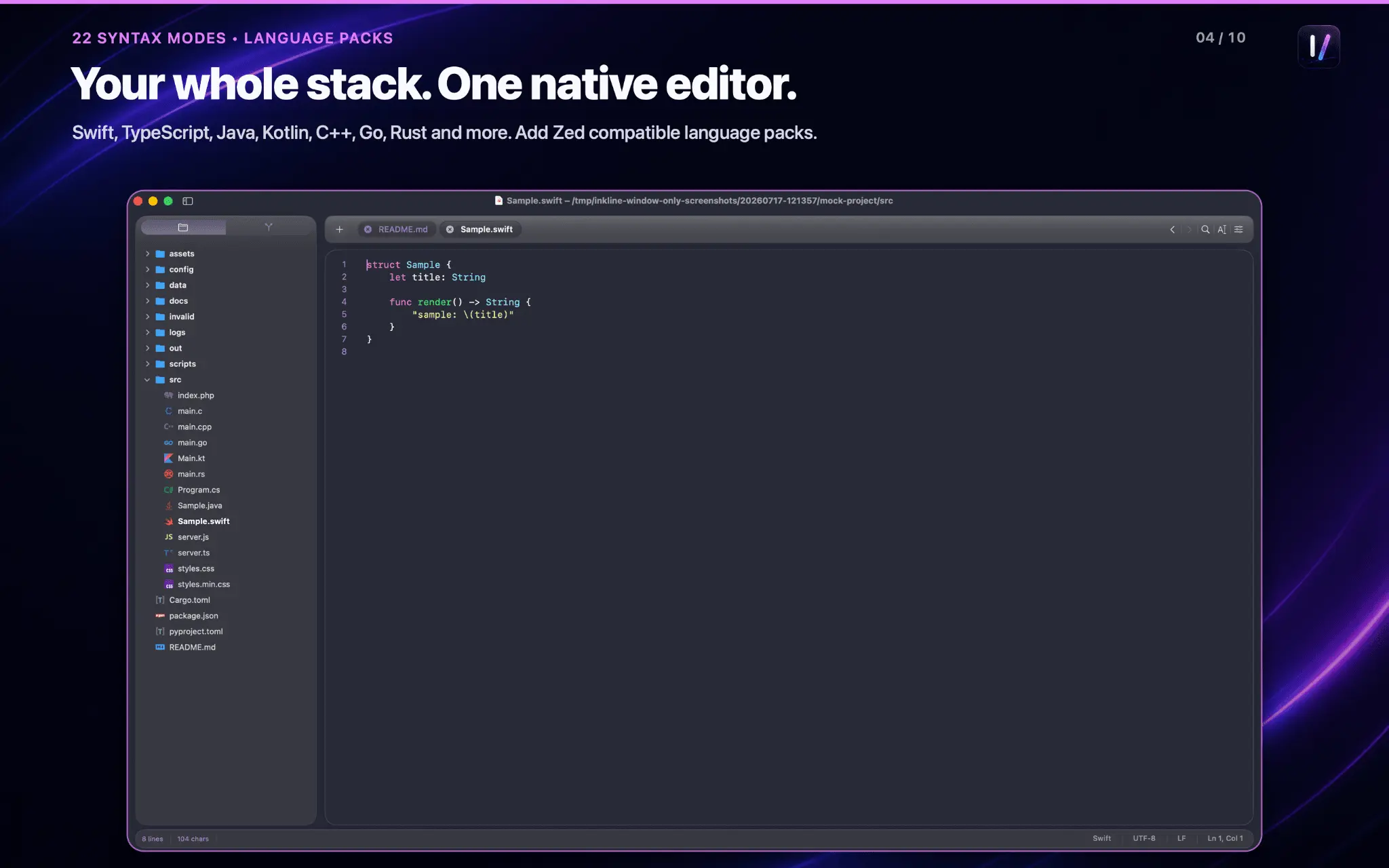
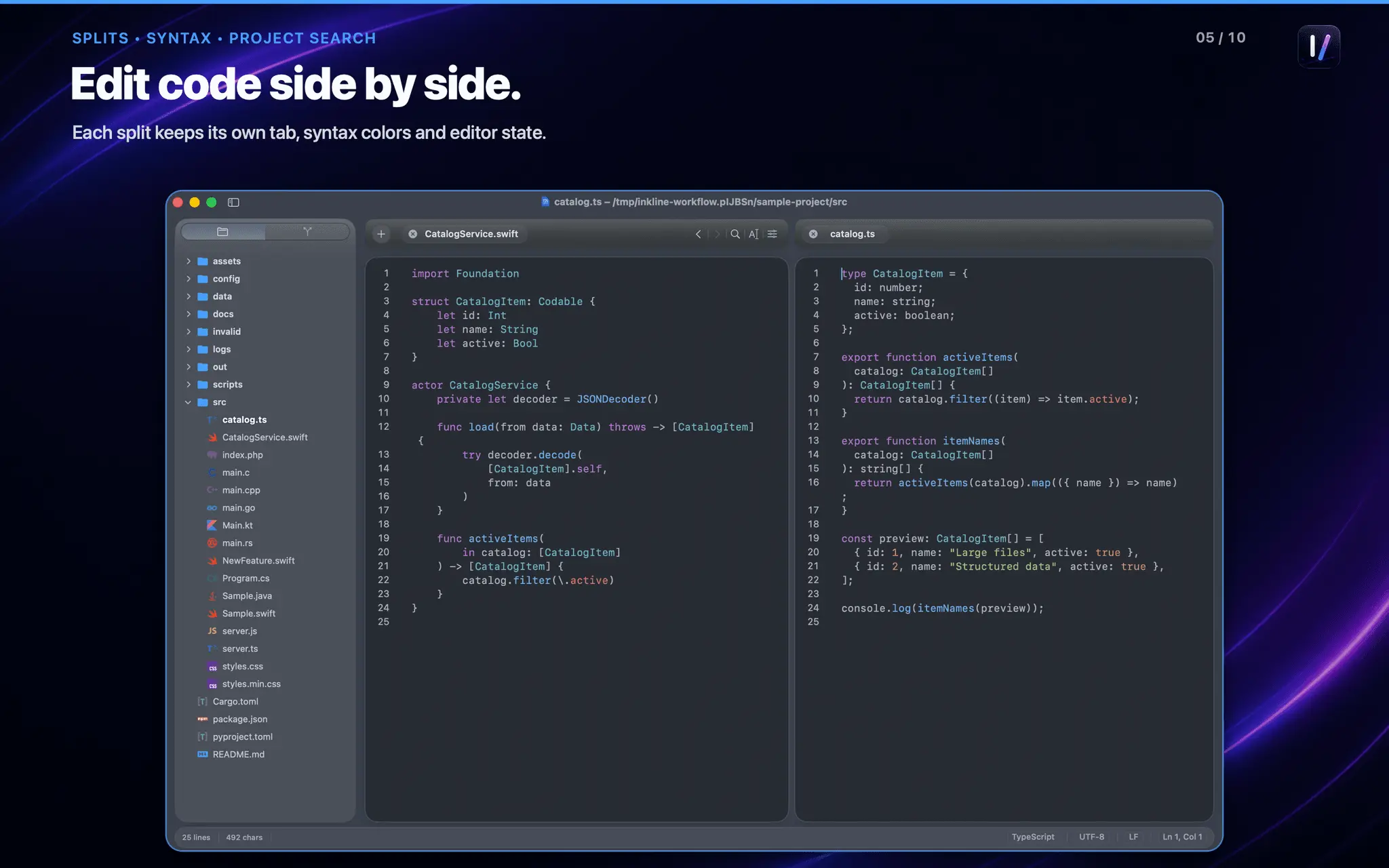
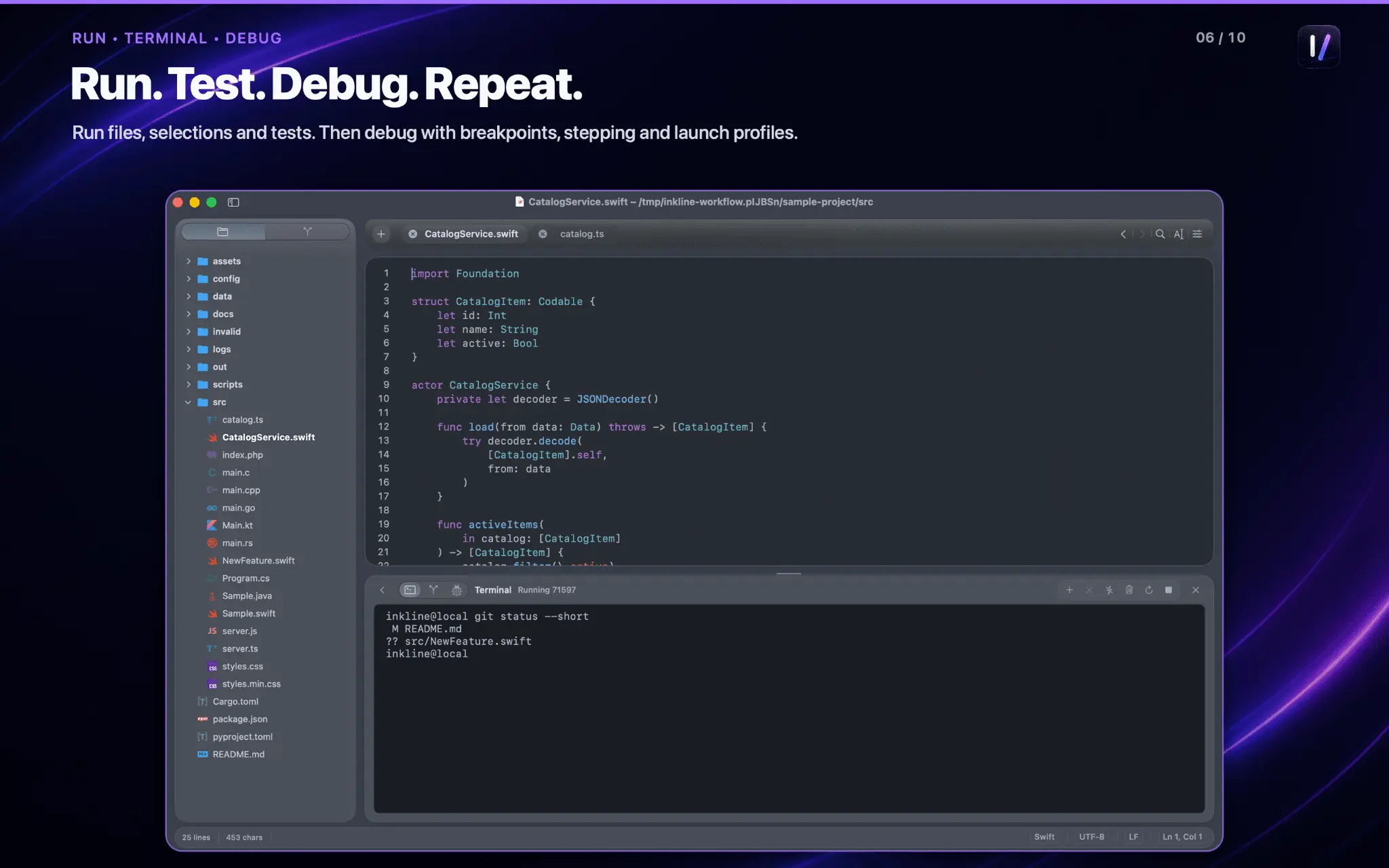
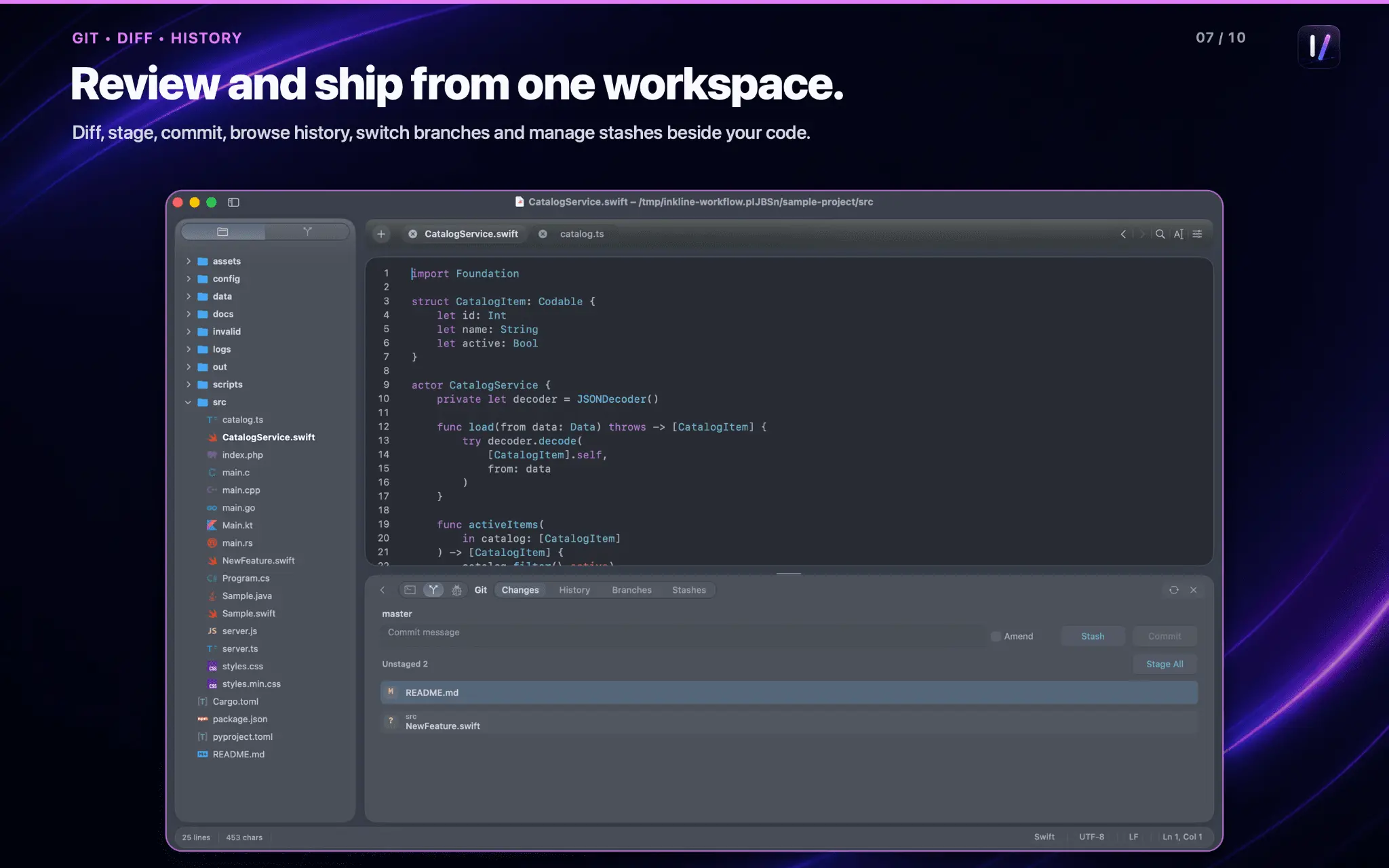
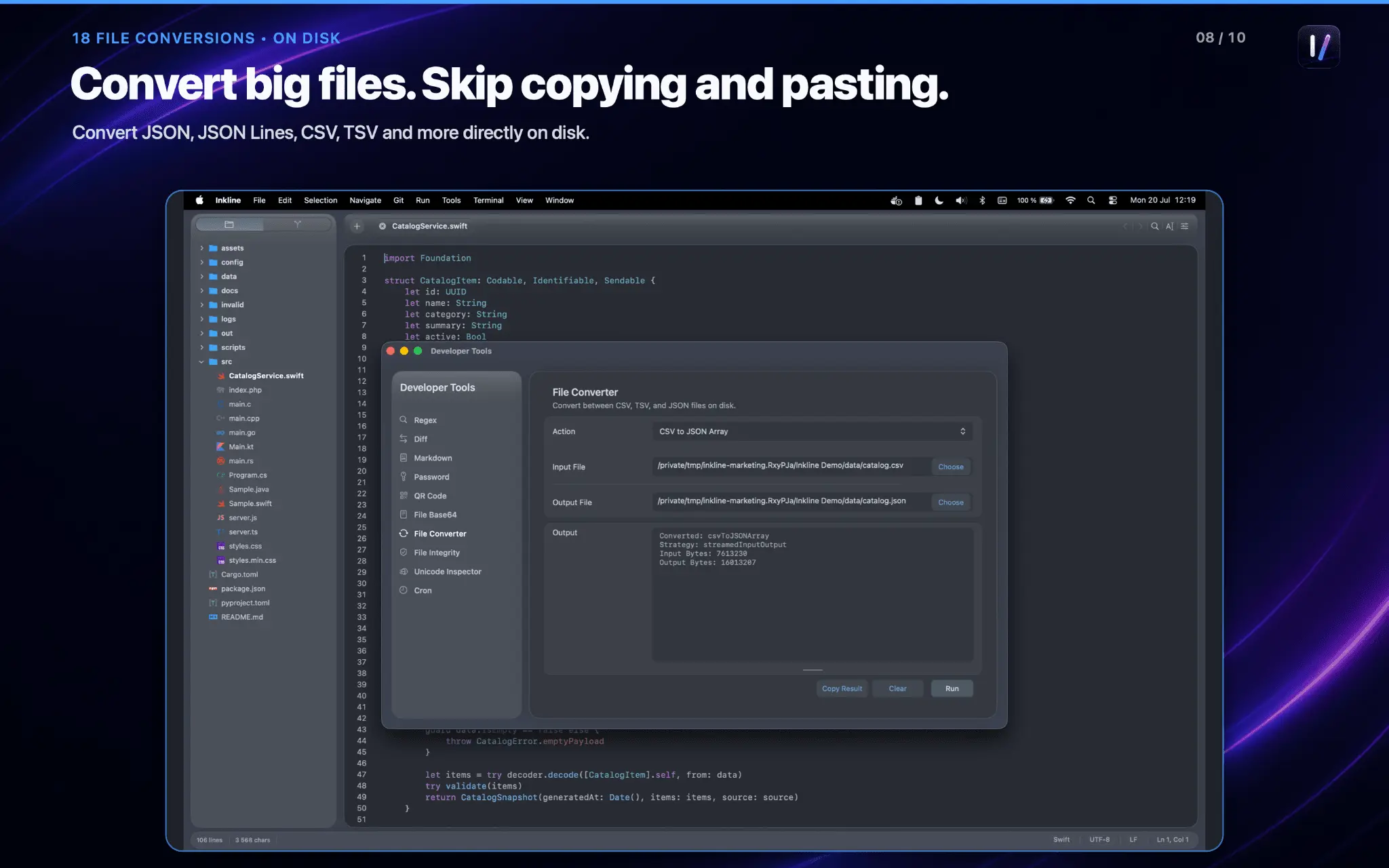
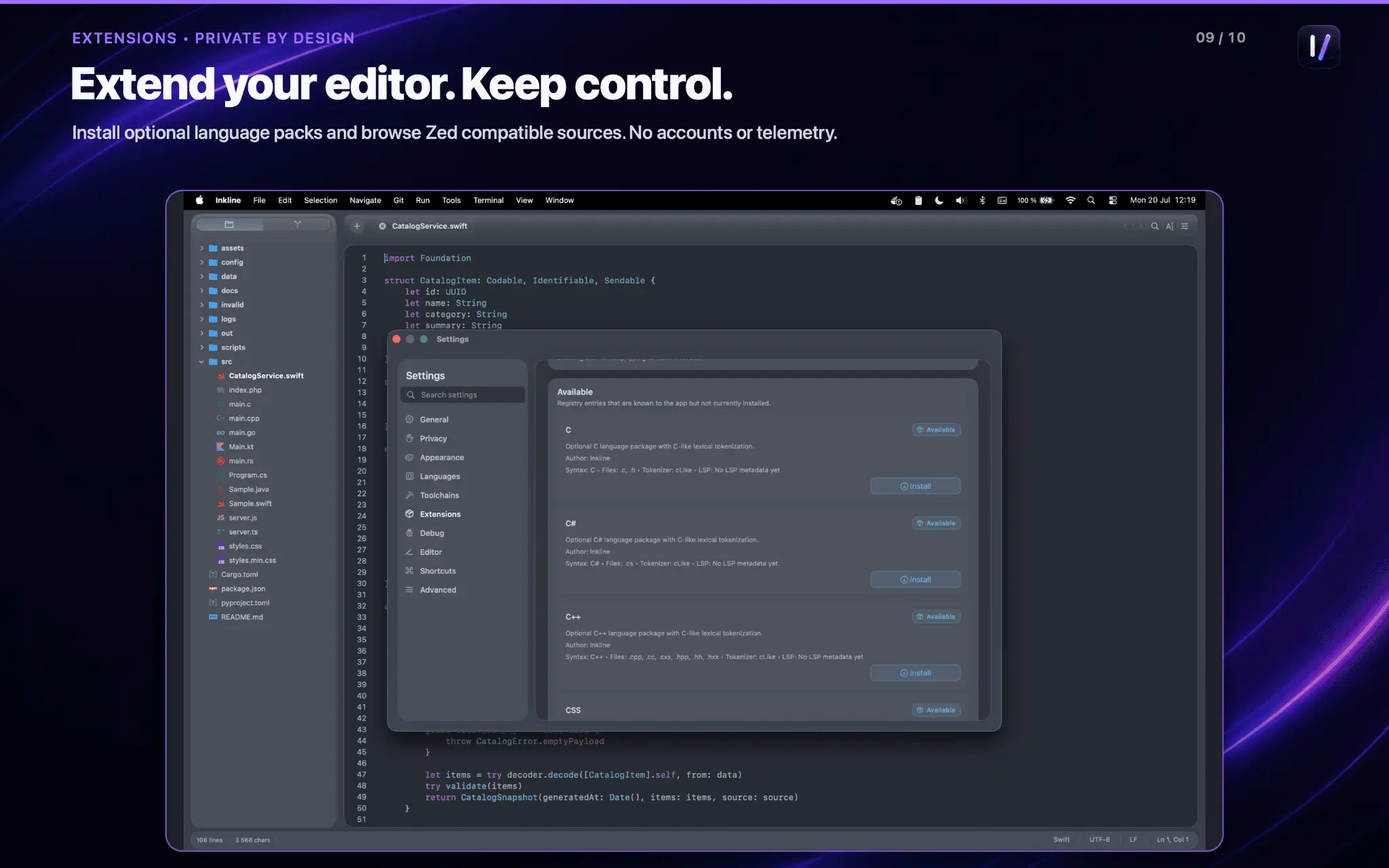
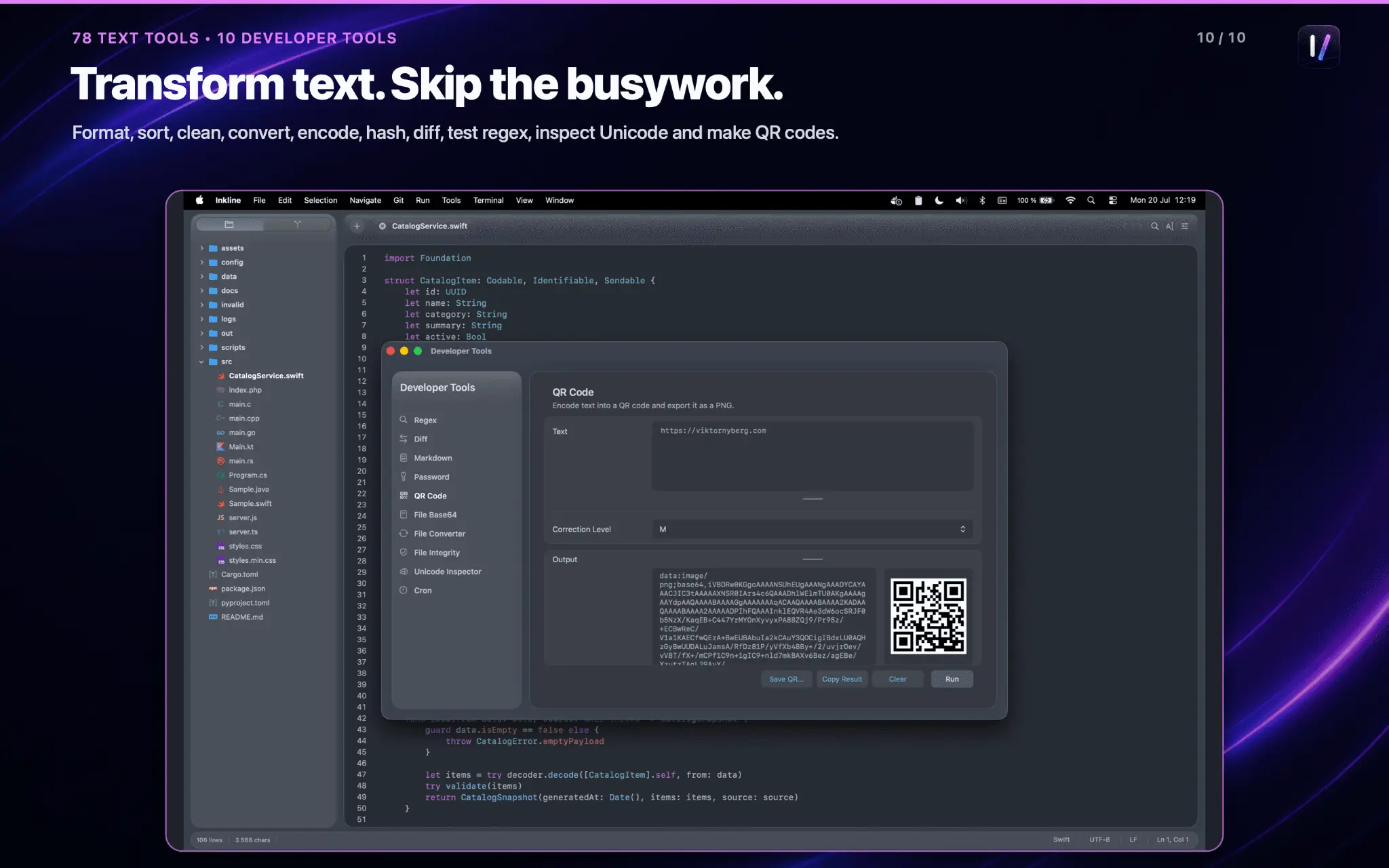
Inkline is a native macOS text editor built for developers working with huge structured files. I built it because I constantly ran into editors that became slow, consumed a lot of memory or simply crashed when opening large JSON responses, CSV exports, XML documents and log files. The goal was simple. Huge files should open instantly. During development I focused almost entirely on performance. In my testing, Inkline opens unformatted JSON, CSV and XML files larger than 300 MB in milliseconds, and formats huge JSON files in under 20 seconds on my entry-level Apple M3 MacBook Pro. Even while formatting, the application remains responsive instead of freezing for minutes. Inkline isn’t trying to replace a full IDE. It’s built for the moments when you simply need to inspect, search, format or edit a huge file without waiting for indexing, language servers or dozens of extensions to load. Features include: • Extremely fast loading of huge JSON, CSV, XML and log files • JSON formatting for very large documents • Syntax highlighting • Fast search • Editing without unnecessary memory usage • Support for JSON, CSV, XML, YAML, logs, source code and plain text • Native macOS interface • Lightweight with no subscriptions Typical use cases include inspecting API responses, Kubernetes logs, exported databases, generated datasets, configuration files and application logs. Inkline is also designed to work together with my other developer tools. Rune can save Kubernetes logs and open them directly in Inkline for searching or editing. QuikZip can open files directly from archives, launch Inkline with a single click and save the edited file back into the archive without manually extracting everything. The philosophy behind Inkline is simple. Large files should never stop you from getting your work done. Open them, search them, format them, edit them and move on.
Discount Codes
Promo code for app store(-100% OFF)
Valid until Dec 1, 2027
Screenshots
Product Updates (1)
Version 1.5 in review
Opening and format 100MB json in 168 & 84 ms. Huge file 10GB json opened in 23ms! Working in big, huge and enourmous datasets is no problem anymore
Comments (0)
No comments yet. Be the first to share your thoughts!
Comments (1)
I built Inkline because I got tired of editors slowing down or crashing on huge JSON, CSV and XML files. After a lot of optimization it’s finally out. Let me know what you think or what workflows you’