
LeakCheck
Check passwords and detect data breaches

Details
- Categories
- Cybersecurity & PrivacySecurity
- Target Audience
- Private persons
- Pricing
- Free
- Platforms
- Desktop
- Featured in
- Best SecurityBest Security Scanning Tools
Discovery signals
How AI and people discover LeakCheck on PeerPush
By AI reads among Cybersecurity & Privacy tools
2,324 AI reads in the last 30 days, ranked against every Cybersecurity & Privacy tool listed.About LeakCheck
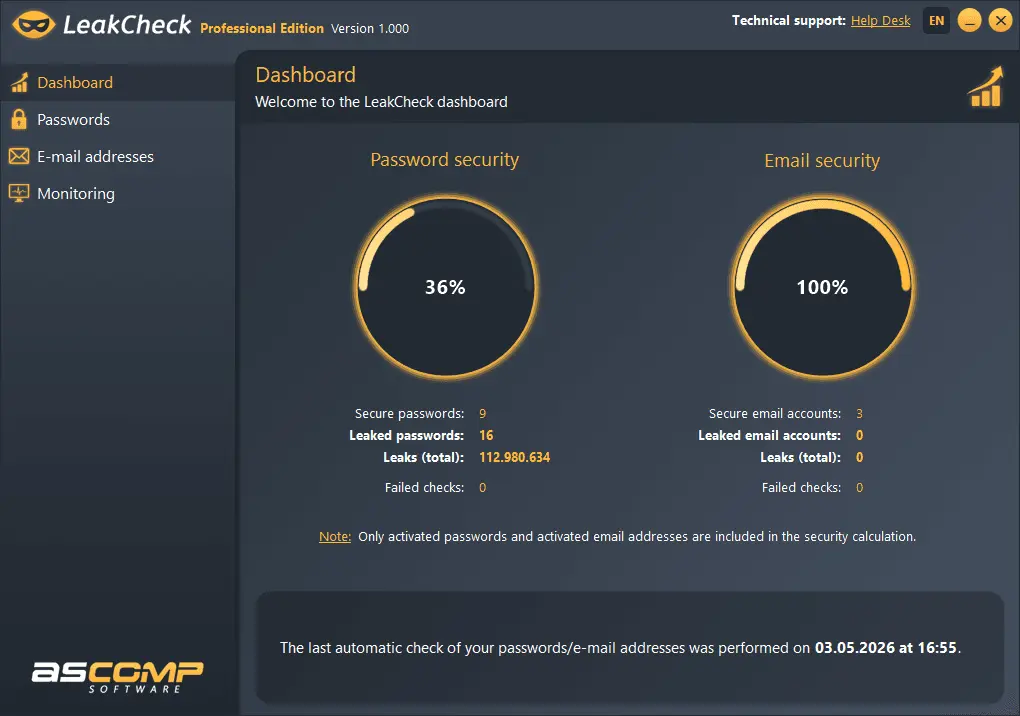
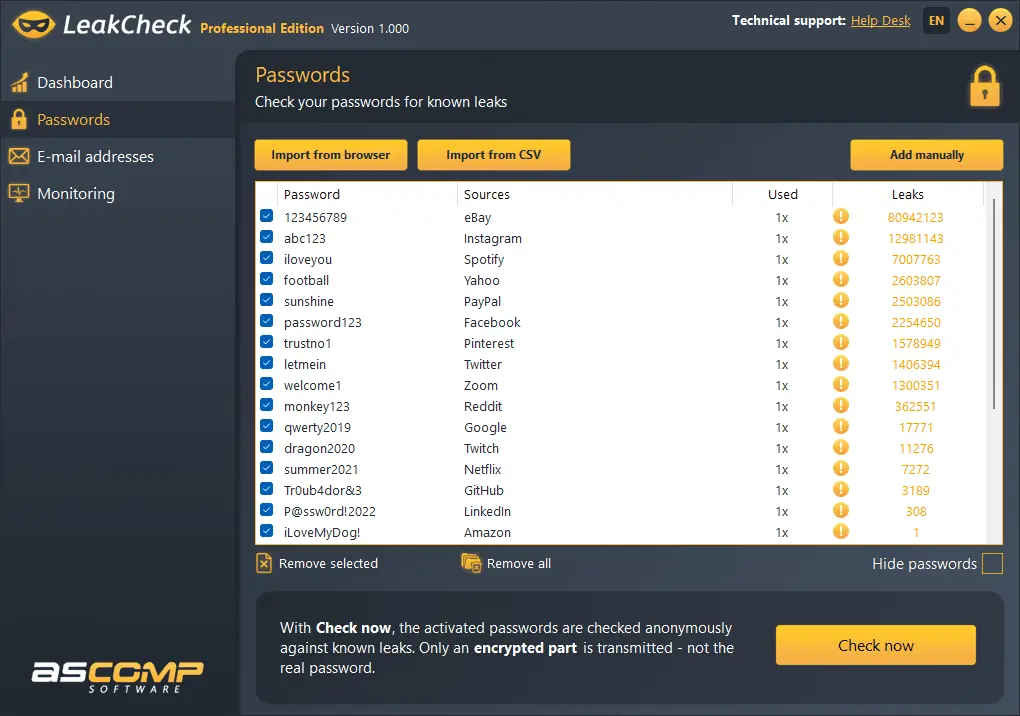
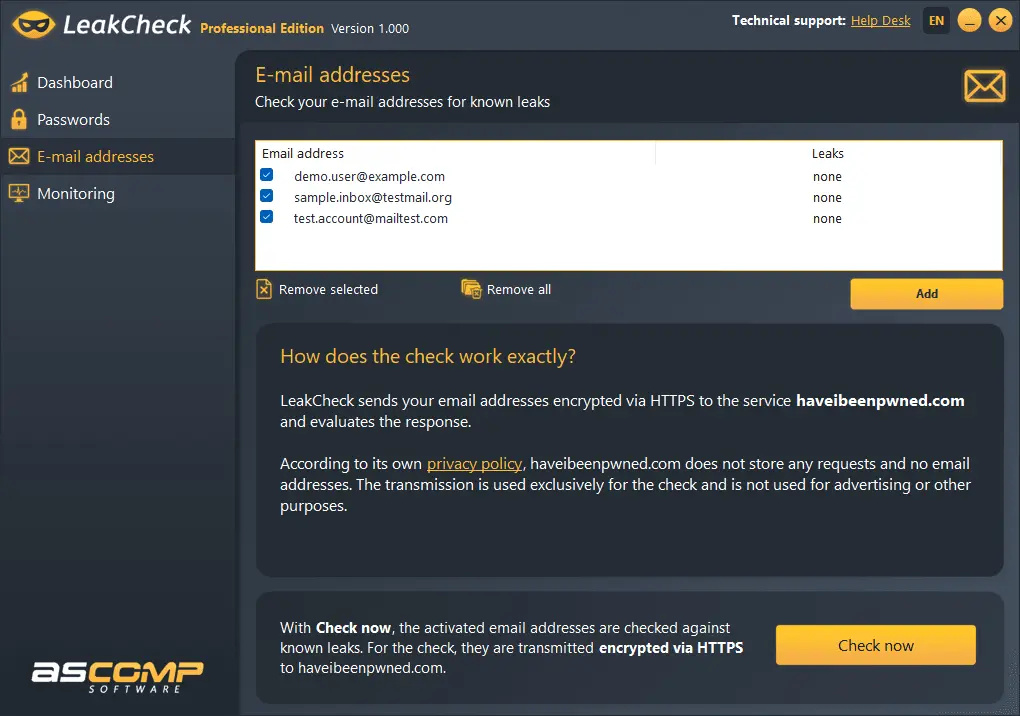
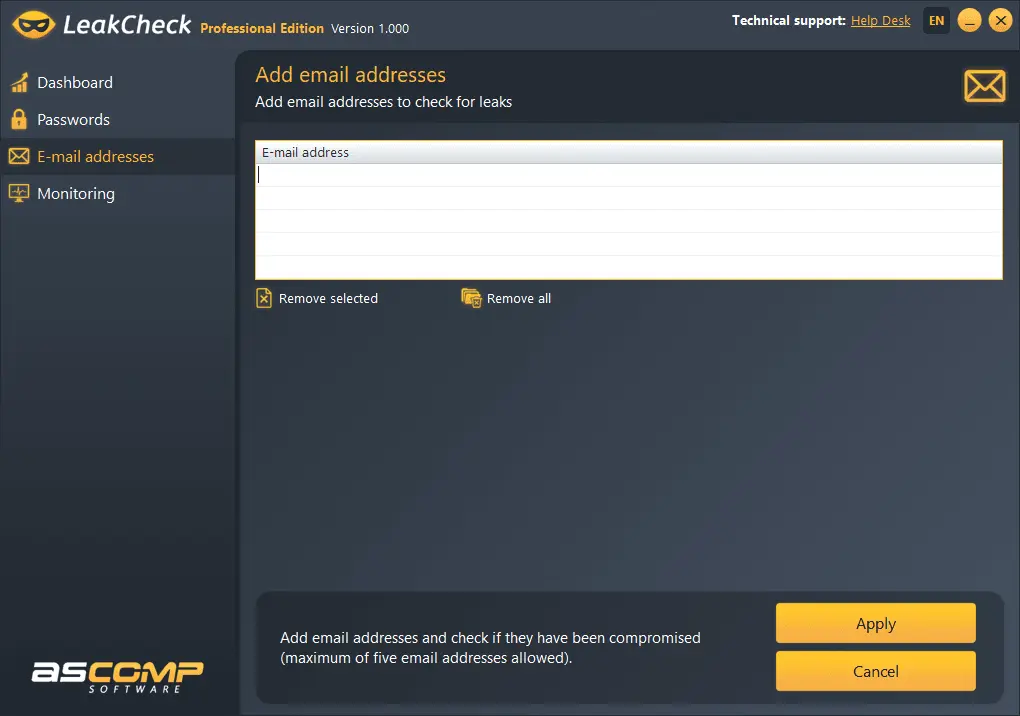
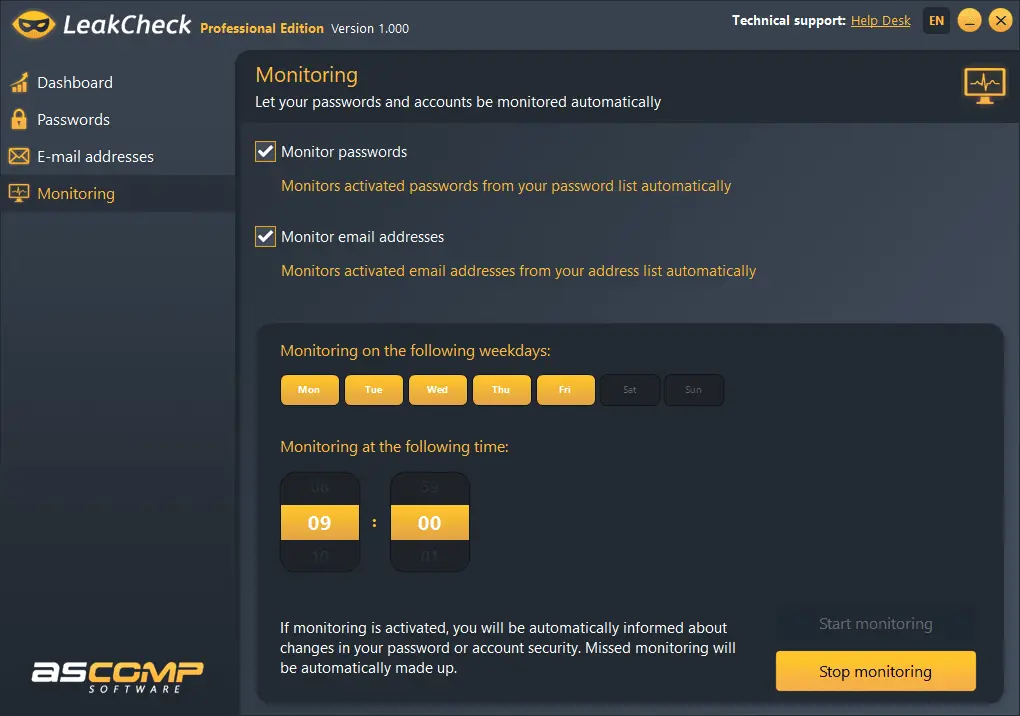
Discover LeakCheck, the user-friendly Windows software for protecting your digital identity. With LeakCheck, you can securely check your passwords and email addresses for known data breaches – quickly, intuitively, and directly on your PC, without any sensitive data leaving your system. A special highlight: the integrated password check. LeakCheck securely matches your passwords against the Have I Been Pwned database and instantly shows whether your credentials have been compromised. This allows you to identify risks early and take action in time. With the Professional Edition, you also benefit from automatic monitoring of your passwords and email addresses – whenever a new data breach is detected, LeakCheck opens automatically and notifies you immediately. A special feature: the secure k-anonymity check method. Your passwords are never transmitted in plain text – instead, only an anonymized hash fragment is sent to the Have I Been Pwned API. This ensures reliable results without compromising your security. Whether simple or complex passwords – LeakCheck checks all entries quickly and reliably against millions of known data breaches. With LeakCheck, simply add your email addresses to the monitoring list and check them against the Have I Been Pwned database with a single click. For each affected address, you instantly see which data breaches it has appeared in – including the name, title, and date of each breach. This keeps you fully informed about all risks and allows you to respond quickly and effectively.
Product Video
Watch a video demo of LeakCheck.
Screenshots
Reviews (0)
No reviews yet. Be the first to rate this product!
Comments (1)
We are very excited to announce the launch of LeakCheck!