
Quibr
Turn every newsletter edition into a week of social posts

Details
- Follow on
- Categories
- Target Audience
- Pricing
- Freemium
- Platforms
 Hypefury alternatives
 Buffer alternatives
 Typefully alternatives
Discovery signals
How AI and people discover Quibr on PeerPush
- ChatGPT
- Perplexity
- Claude
- +4 other AI crawlers
Reads by these AI engines
Crawlers behind these engines read this listing on PeerPush.About Quibr
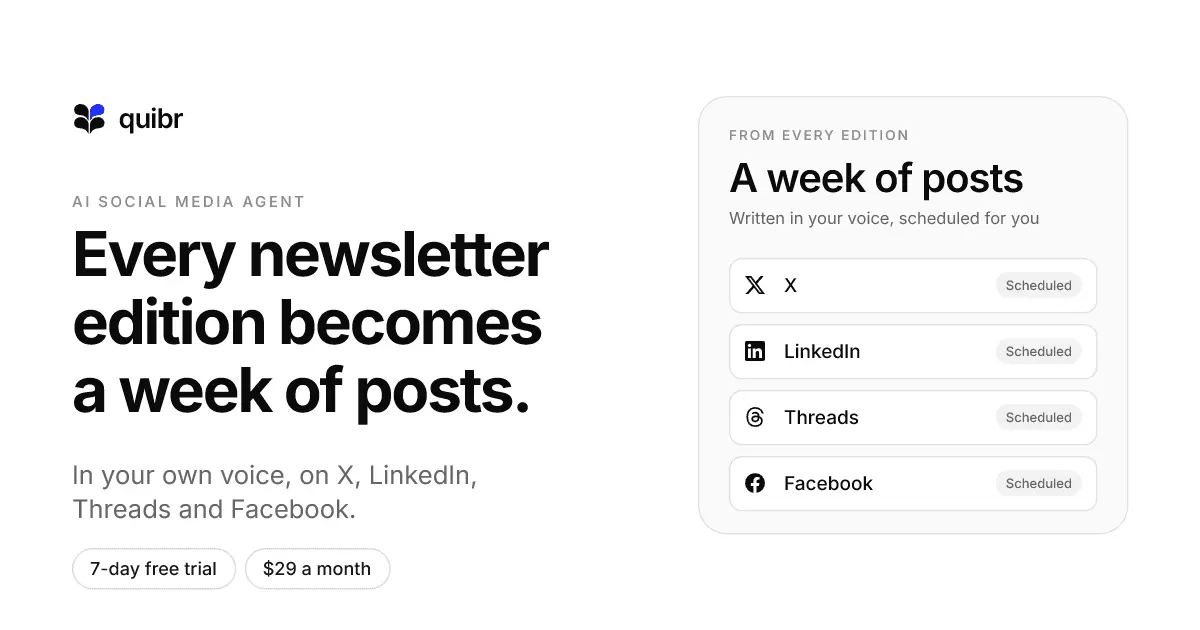
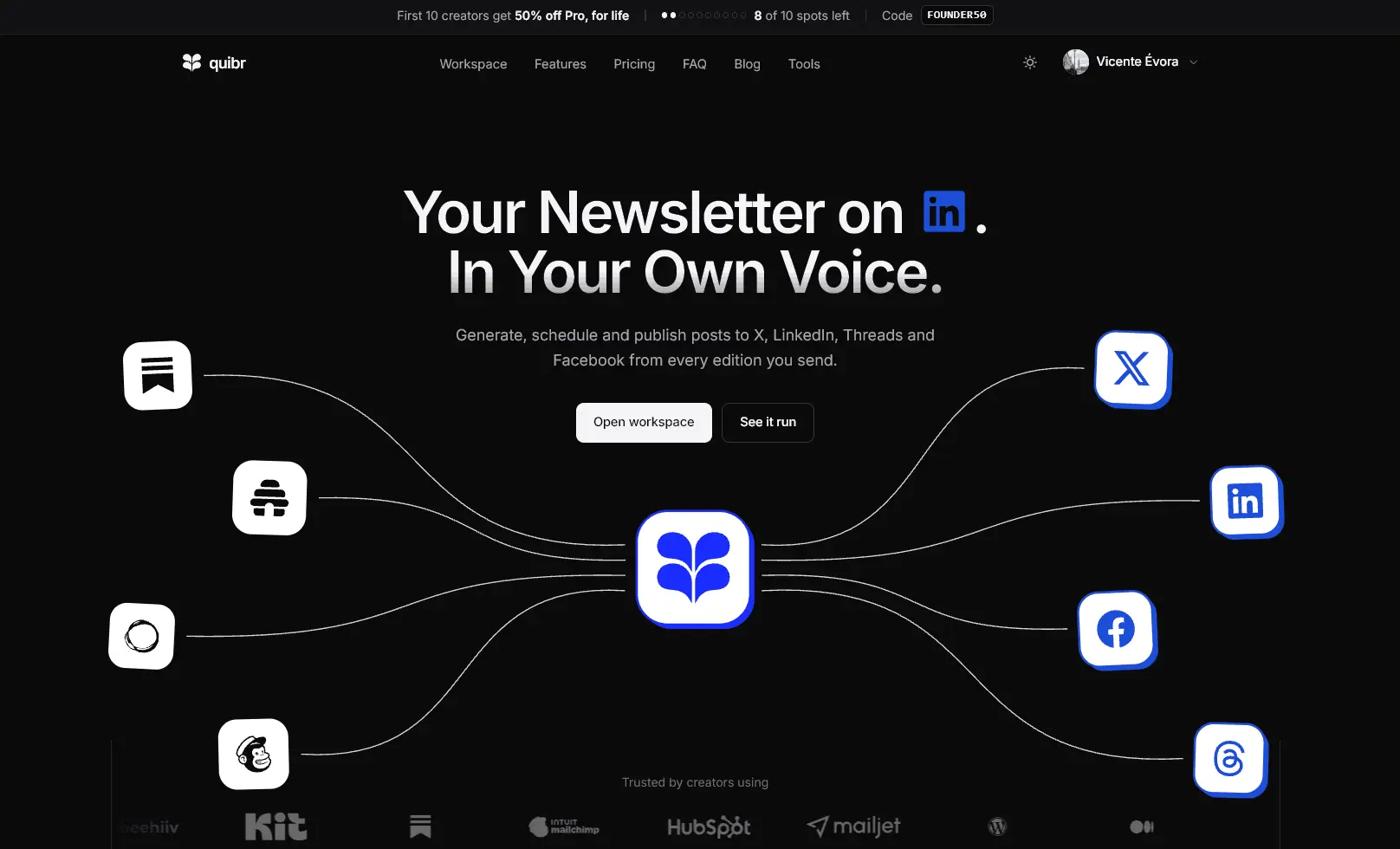
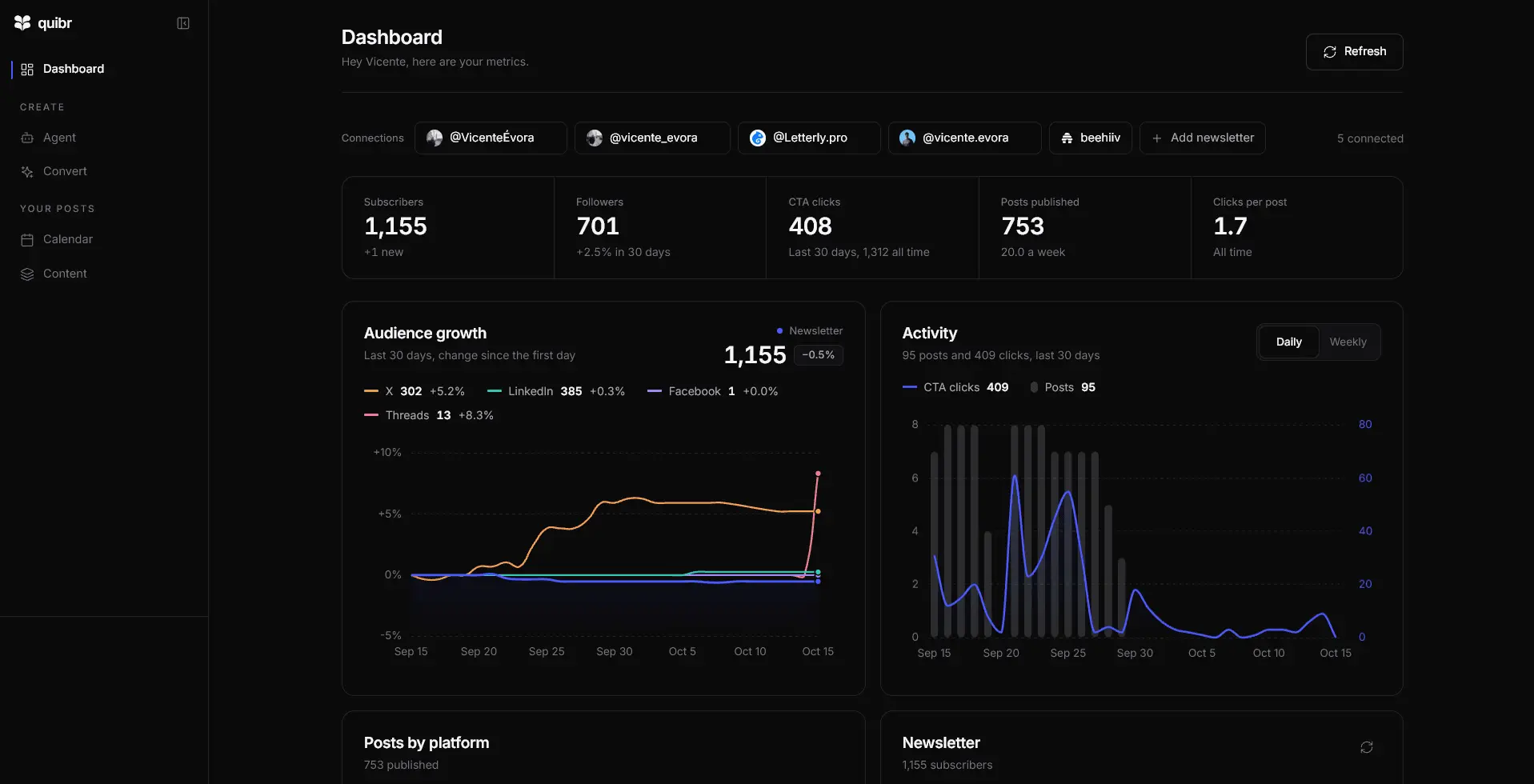
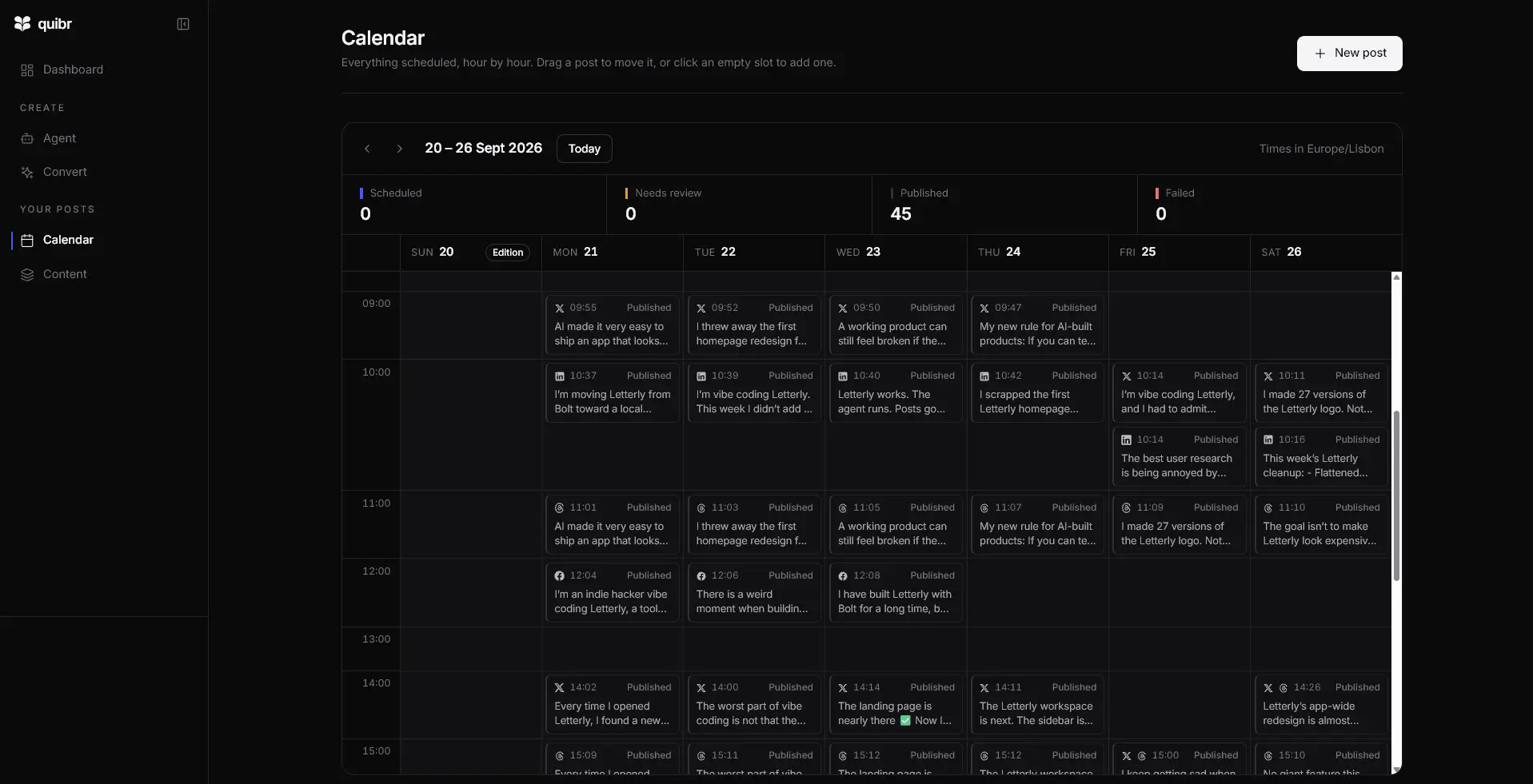
Quibr (quibr.so), formerly Letterly, is an AI social media agent for newsletter creators. What it is Quibr watches your newsletter's RSS feed. When a new edition goes out, it writes posts for X, LinkedIn, Threads and Facebook from it, spreads them across the week and publishes them. You set it up once and go back to writing. Who it's for - Solo newsletter creators with 500 to 5,000 subscribers who publish every week. - Writers on beehiiv, Substack, Ghost, Kit or Mailchimp, or any newsletter with an RSS feed. - Founders and indie hackers who write a build-in-public newsletter. How it works 1. Connect your newsletter's RSS feed once. 2. Add a voice persona for each platform, built from posts you have already published, so the posts sound like you. 3. When a new edition goes out, Quibr writes the posts and schedules them across the week. 4. Choose how much control to keep: approve every post, step in during an approval window, or let it run on full auto, with an emergency stop. Price $29 a month for everything, with a seven-day free trial.
Screenshots
Reviews (0)

Comments (0)
No comments yet. Be the first to share your thoughts!