
LocalSafeBox
Digital offline vault with Excel XLSX data import & export

Details
- Target Audience
- Private persons
- Pricing
- Subscription
- Platforms
- Mobile
Discovery signals
How AI and people discover LocalSafeBox on PeerPush
By AI reads among Mobile Apps tools
531 AI reads in the last 30 days, ranked against every Mobile Apps tool listed.About LocalSafeBox
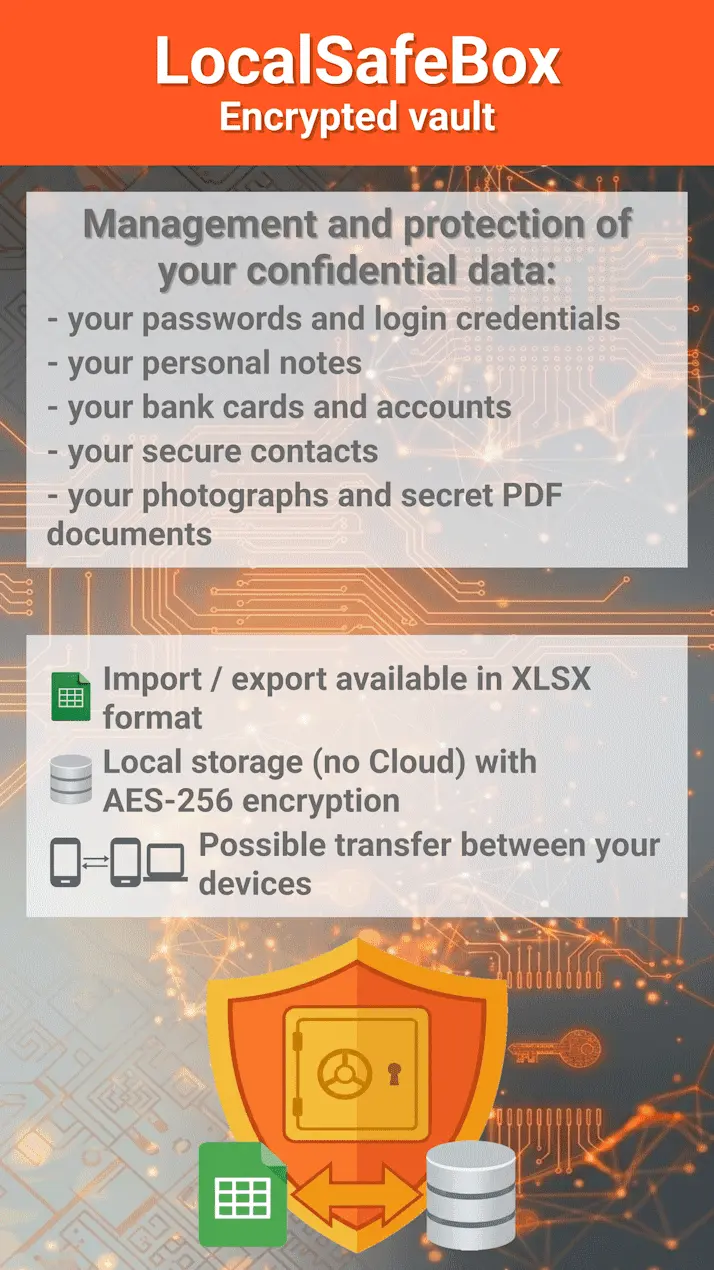
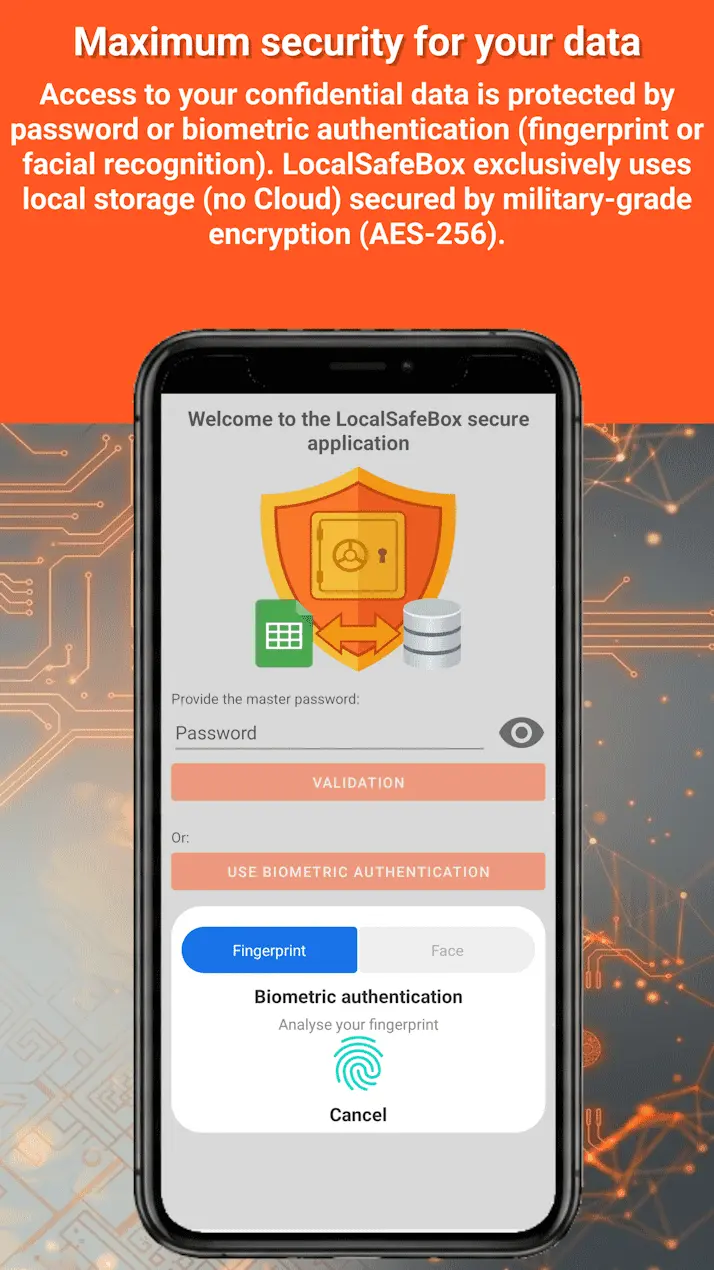
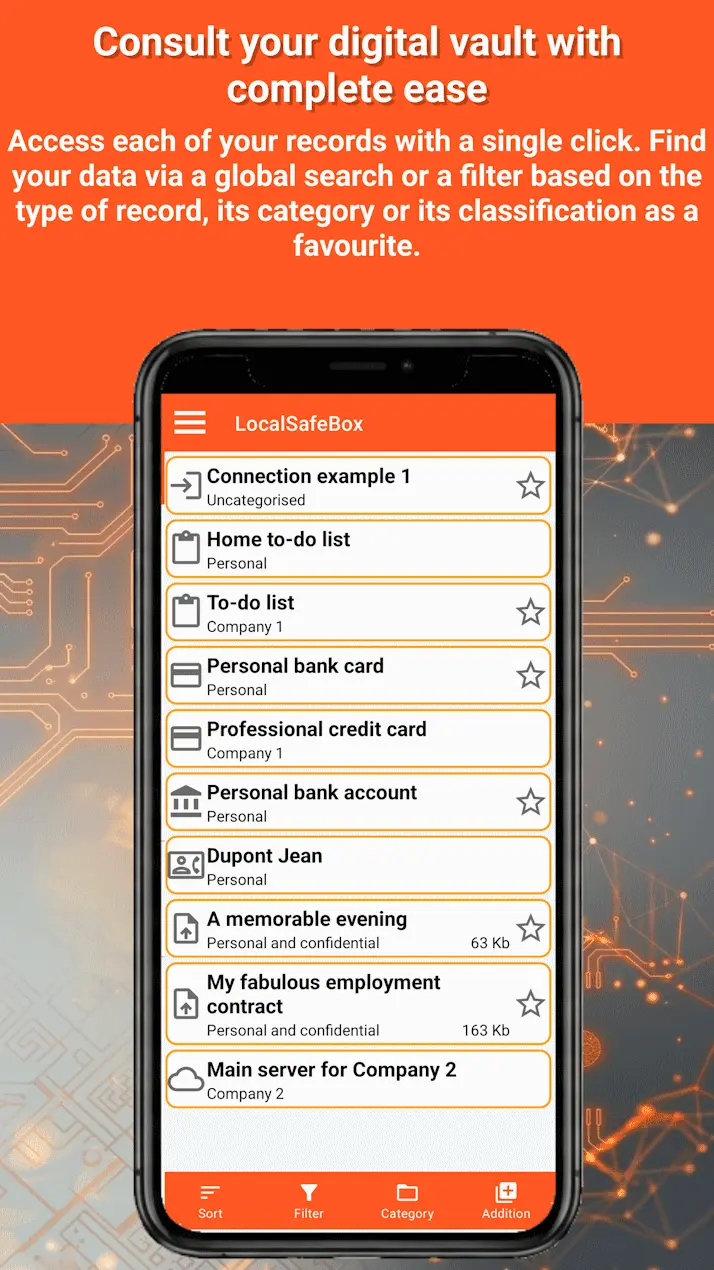
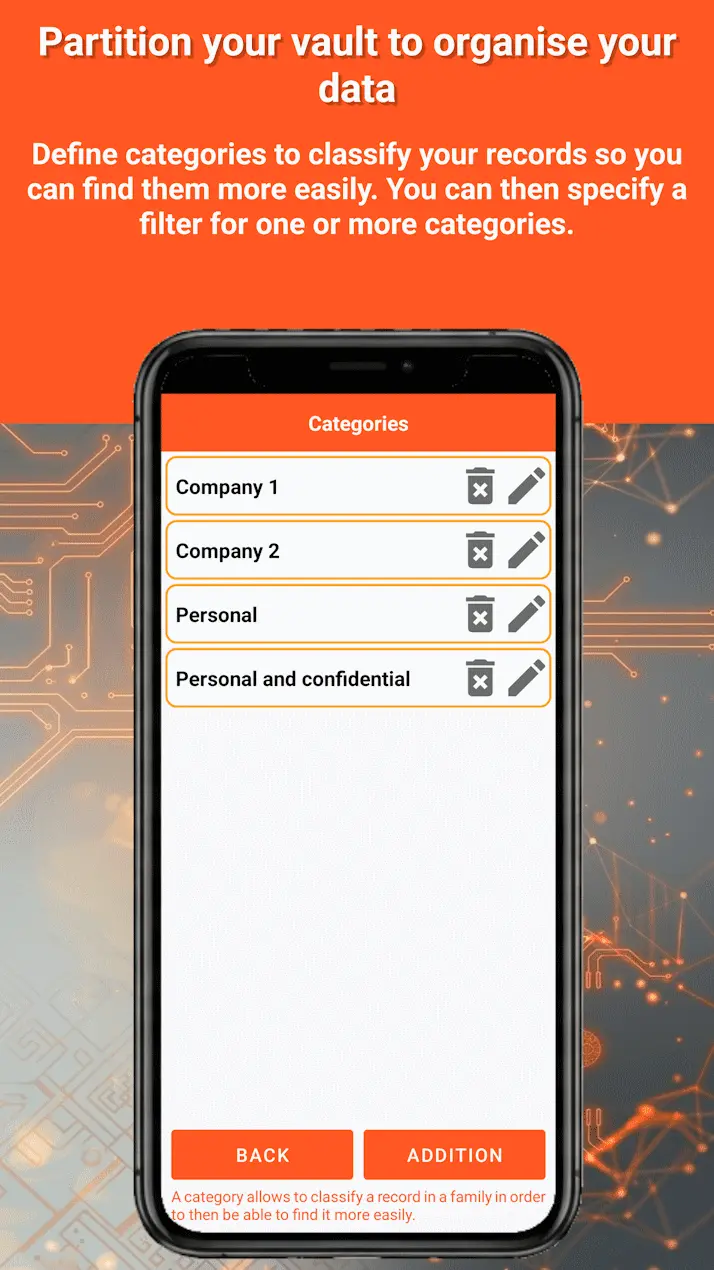
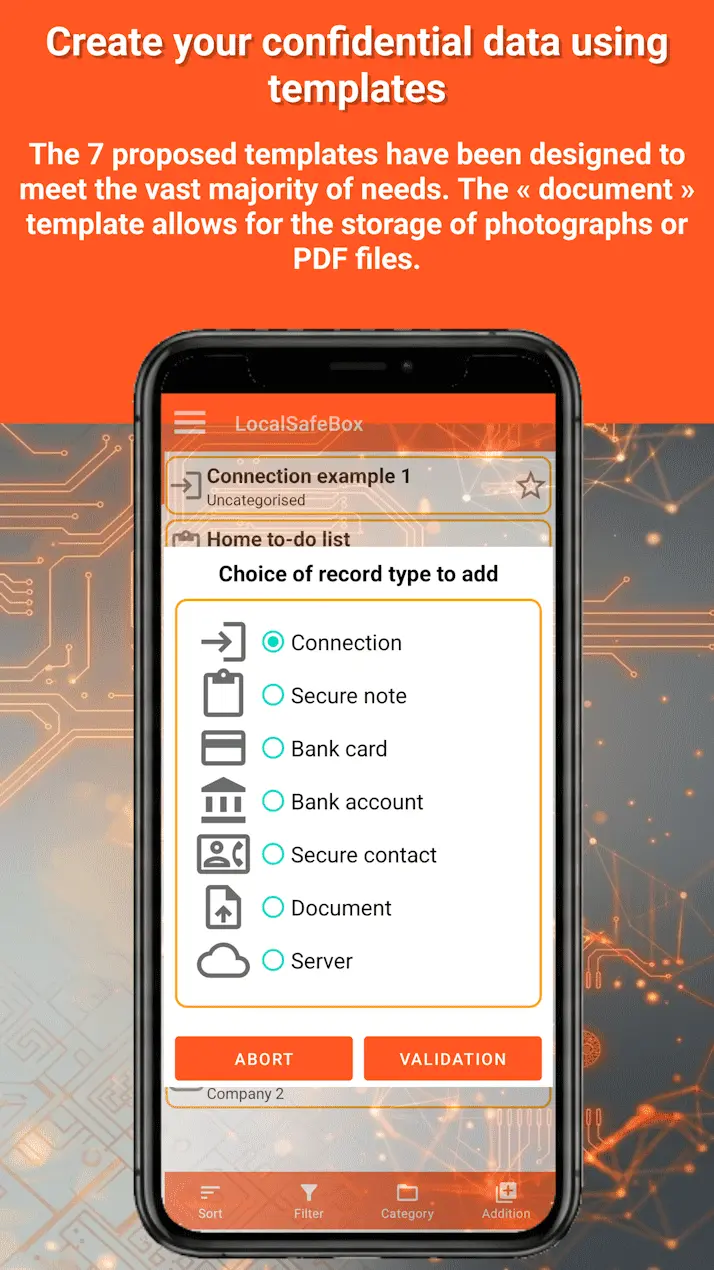
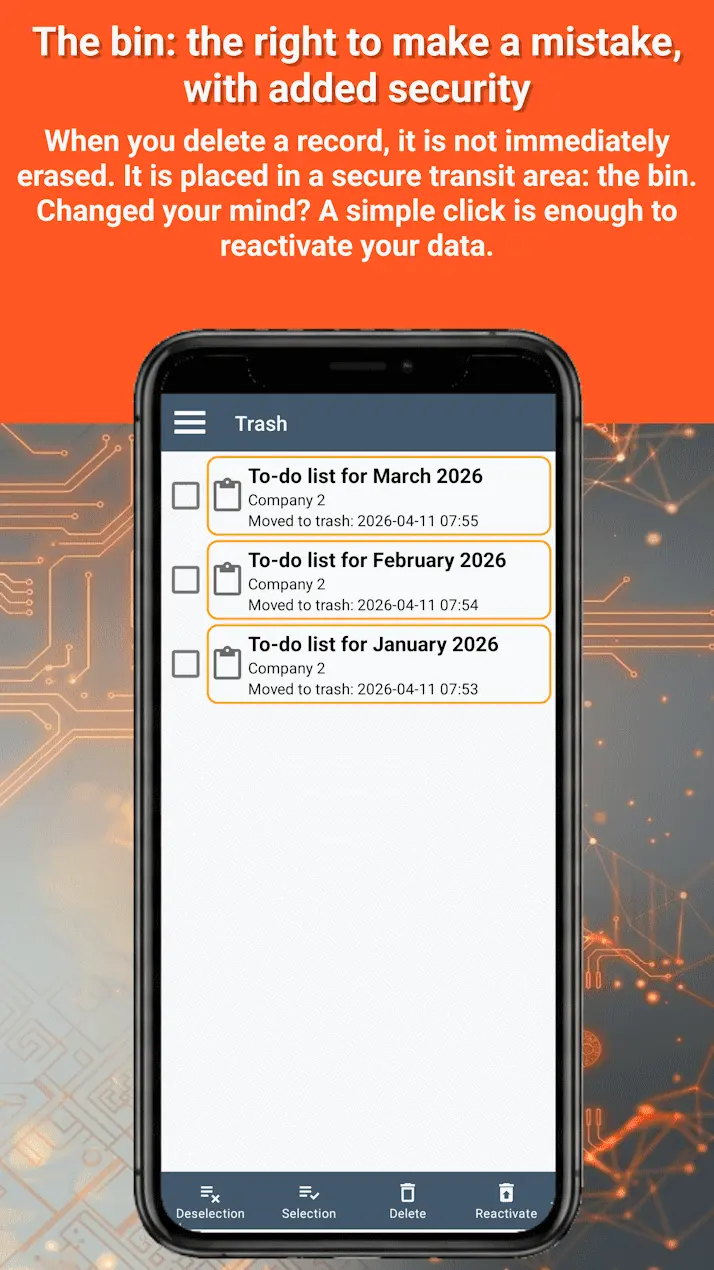
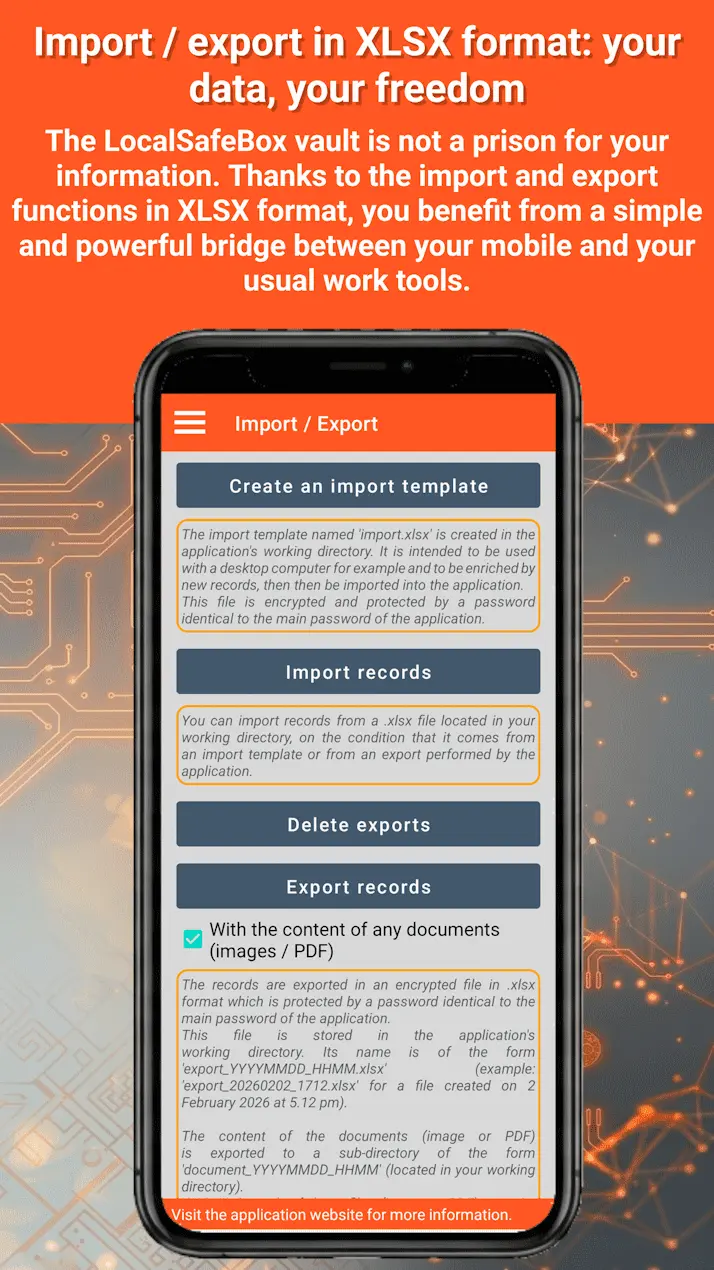
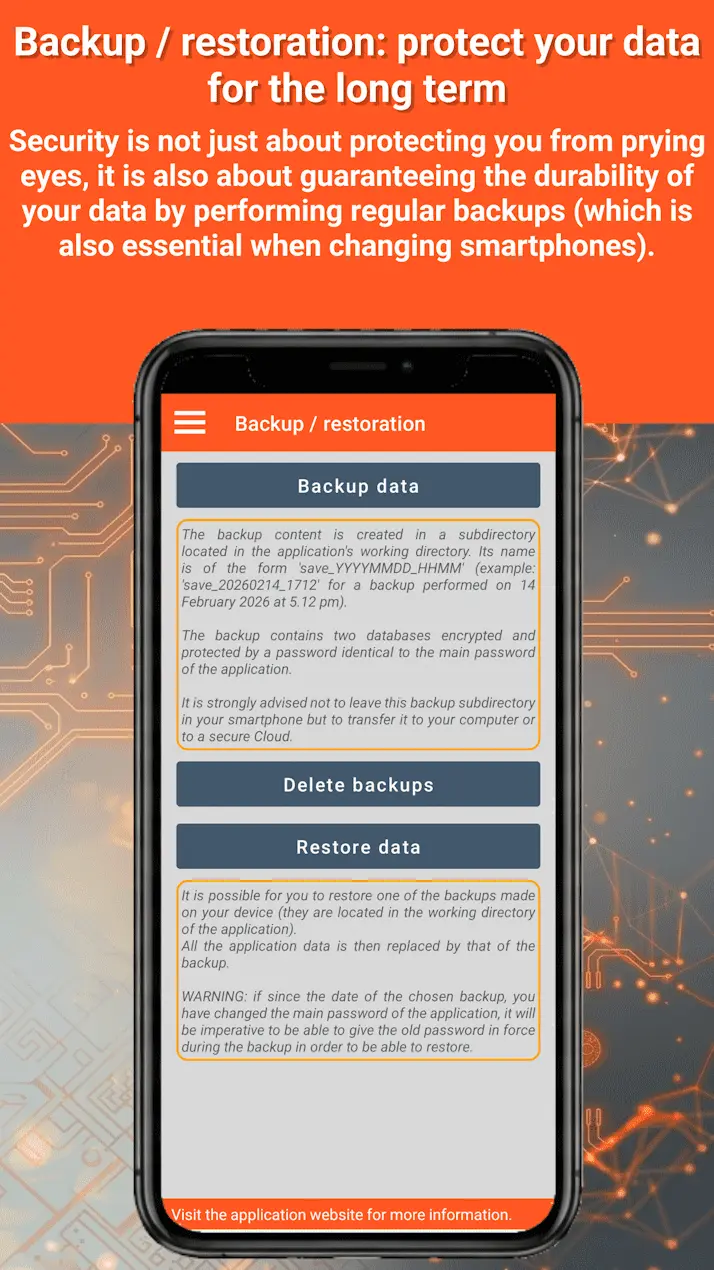
Harness the power of an Excel-connected vault (XLSX): LocalSafeBox is the ideal solution for demanding users who want to manage their data in bulk without the cloud. Thanks to its advanced Excel (XLSX) import and export functions, you can fill, modify, backup and restore your entire digital vault from your computer or smartphone using a simple encrypted Excel spreadsheet. Discover the pillars of our security and private offline vault solution: 📊 1. Ultra-complete Excel (XLSX) import and export and encrypted backup - Bulk import: already have hundreds of passwords or credentials? Integrate them instantly into the offline vault app using our Excel import feature. A clear, structured XLSX spreadsheet template is directly provided. - Secure export: export all the contents of your encrypted offline vault into a standard Excel file (XLSX) to view or edit it on your computer. - Backup encryption: to maintain absolute security, your backup files are themselves encrypted locally and password-protected. - Quick restore: easily backup and transfer your digital vault in case of change, loss or theft of your smartphone. 🔒 2. Offline vault and AES-256 encryption - No server: your privacy does not depend on any remote server. All your sensitive data and imported Excel spreadsheets (XLSX) are stored exclusively local to your device. - Military-grade encryption: the app relies on a database protected by the AES-256 protocol. This leak-proof offline architecture guarantees that your secret information and files can only be decoded by you. 🔑 3. Your vault records manager - Smooth organisation: benefit from tools for categorisation, favouriting, sorting and dynamic filtering. - Cloud-free file storage: secure your photos (JPEG, PNG or WEBP formats) as well as your confidential PDF documents (contracts or reports) away from prying eyes. - Instant search: find any secret password, document or row of your imported Excel spreadsheet (XLSX) thanks to the fast global search. ⚙️ 4. Bespoke settings and security - International interface: available in 54 languages with dark or light theme depending on your graphic preferences. - Enhanced security: avoid mistakes thanks to a built-in security recycle bin and configure an automatic app lock after a customisable period of inactivity. Why choose LocalSafeBox? ✓ Bulk data management via the import / export of encrypted Excel XLSX files. ✓ Zero network, no server, no cloud: total protection against remote hacking and web data leaks. ✓ Ideal for storing passwords and secret data, archiving confidential PDFs and hiding private photos in a 100% local manner. ✓ Built-in maintenance tools to optimise the speed of the encrypted database. Download LocalSafeBox today, create your secret space and keep peace of mind thanks to a digital vault connected to the flexibility of an Excel spreadsheet (XLSX). For more information visit our official website: https://www.dataslatitudes.com/localsafebox/index.php Any questions? Contact our hotline: [email protected] #Vault #PrivacyProtection #passwordmanager #SelfHosted #offline #nocloud #androidapps #cybersecurity #passwordlessauthentication #android #Excel #xlsx
Screenshots
Reviews (0)
No reviews yet. Be the first to rate this product!
Comments (0)
No comments yet. Be the first to share your thoughts!