Locksy: Tab Locker & Password Protection
Lock sensitive tabs with password, fingerprint, or Face ID

Details
- Follow on
- Target Audience
- Remote WorkersPrivate personsBusiness Owners
- Pricing
- Freemium from $2.99
About Locksy: Tab Locker & Password Protection
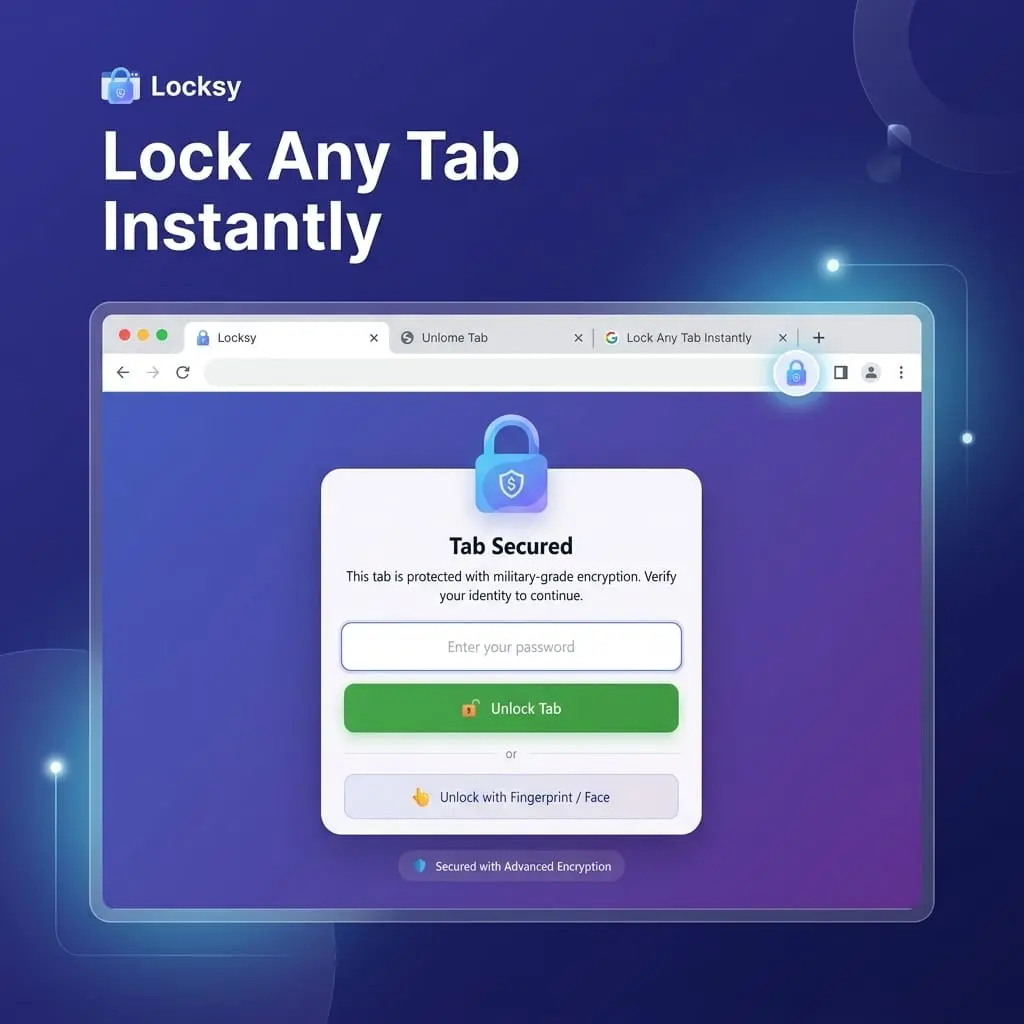
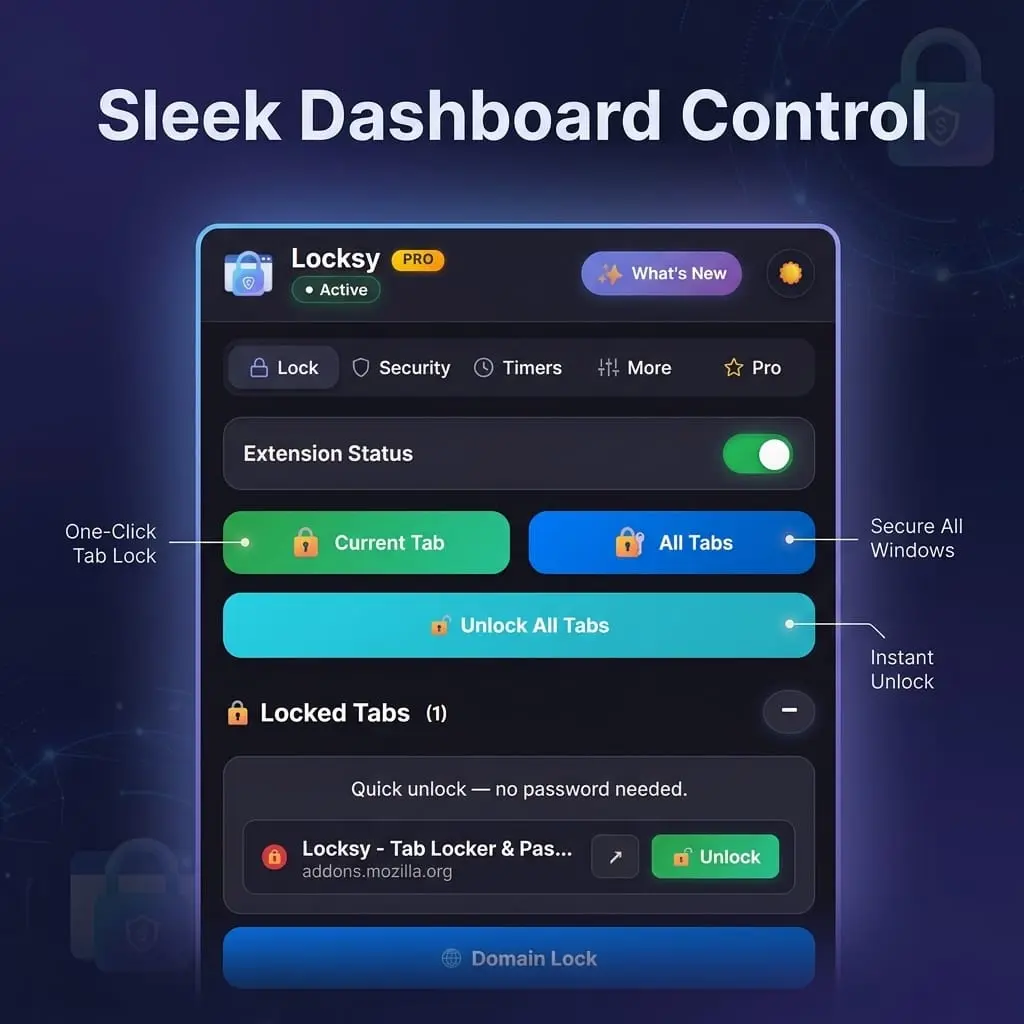
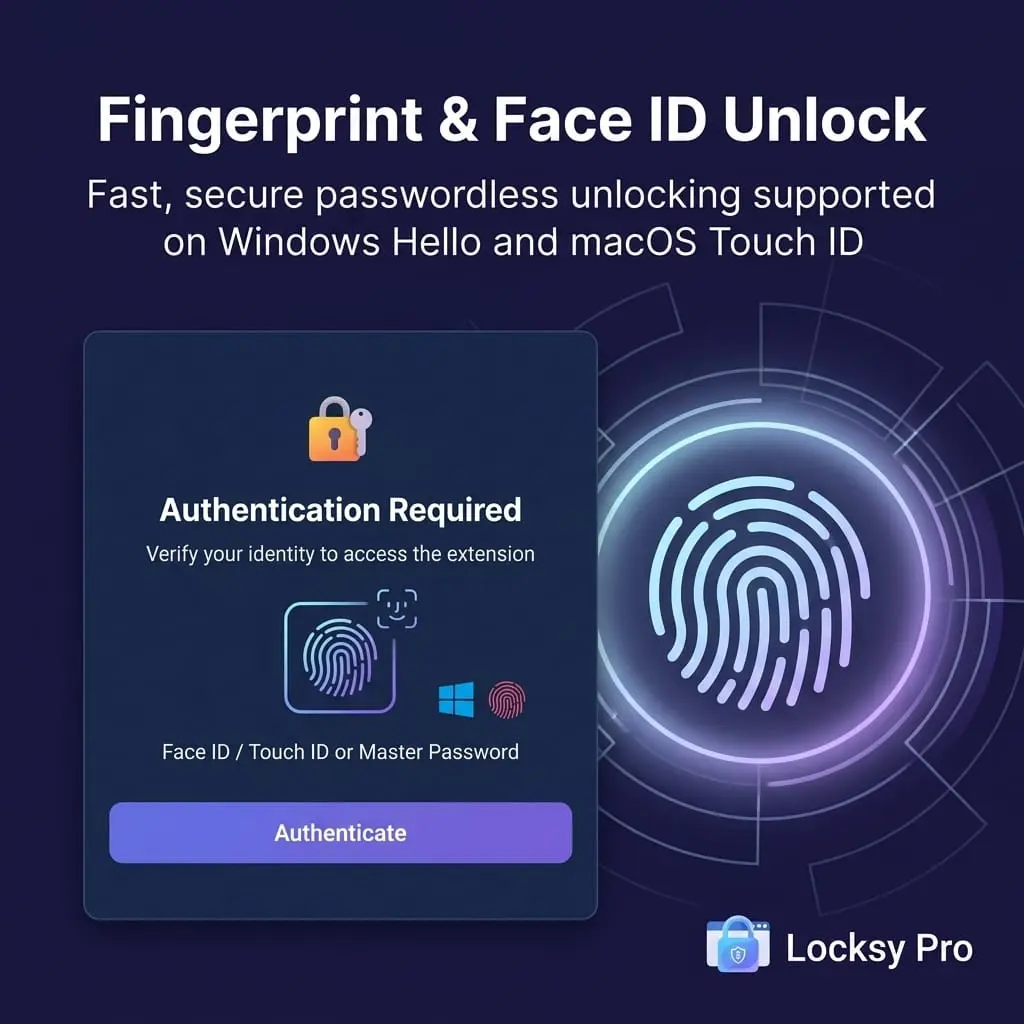
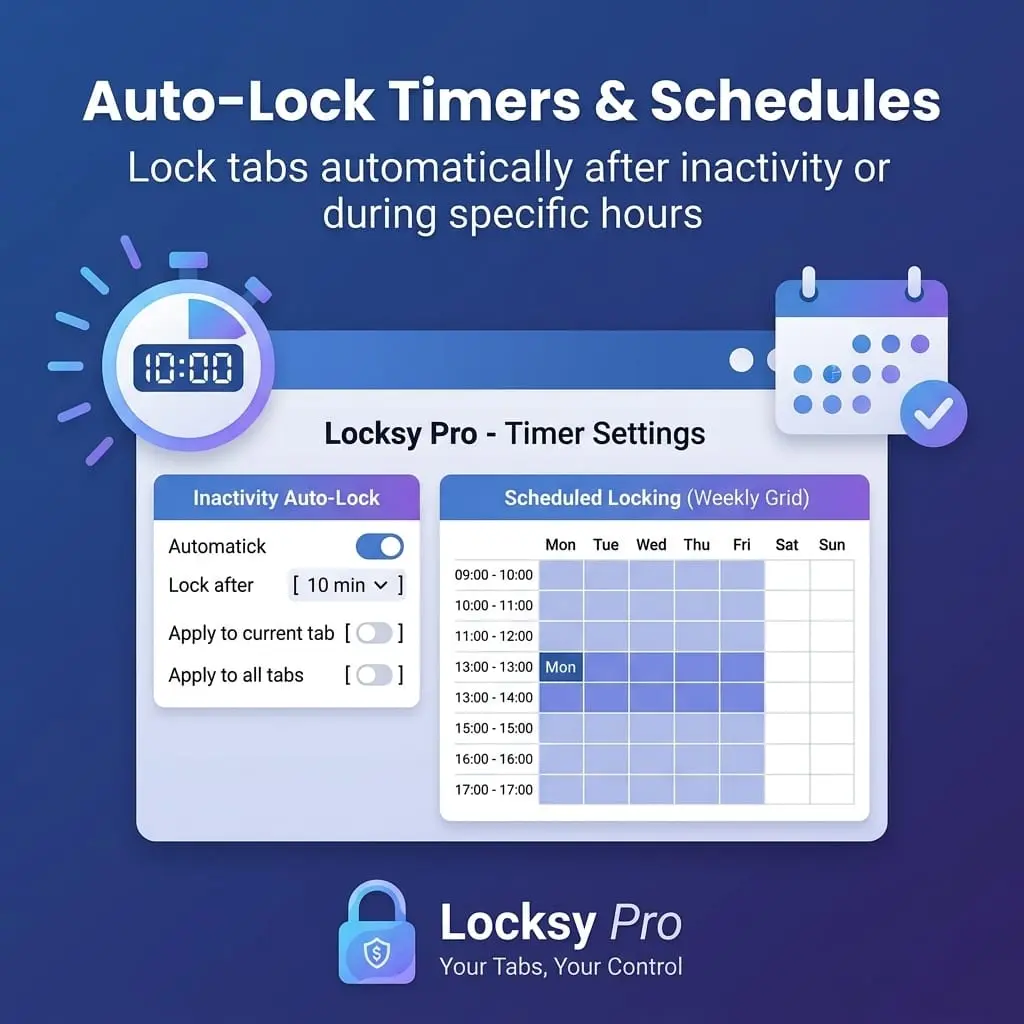
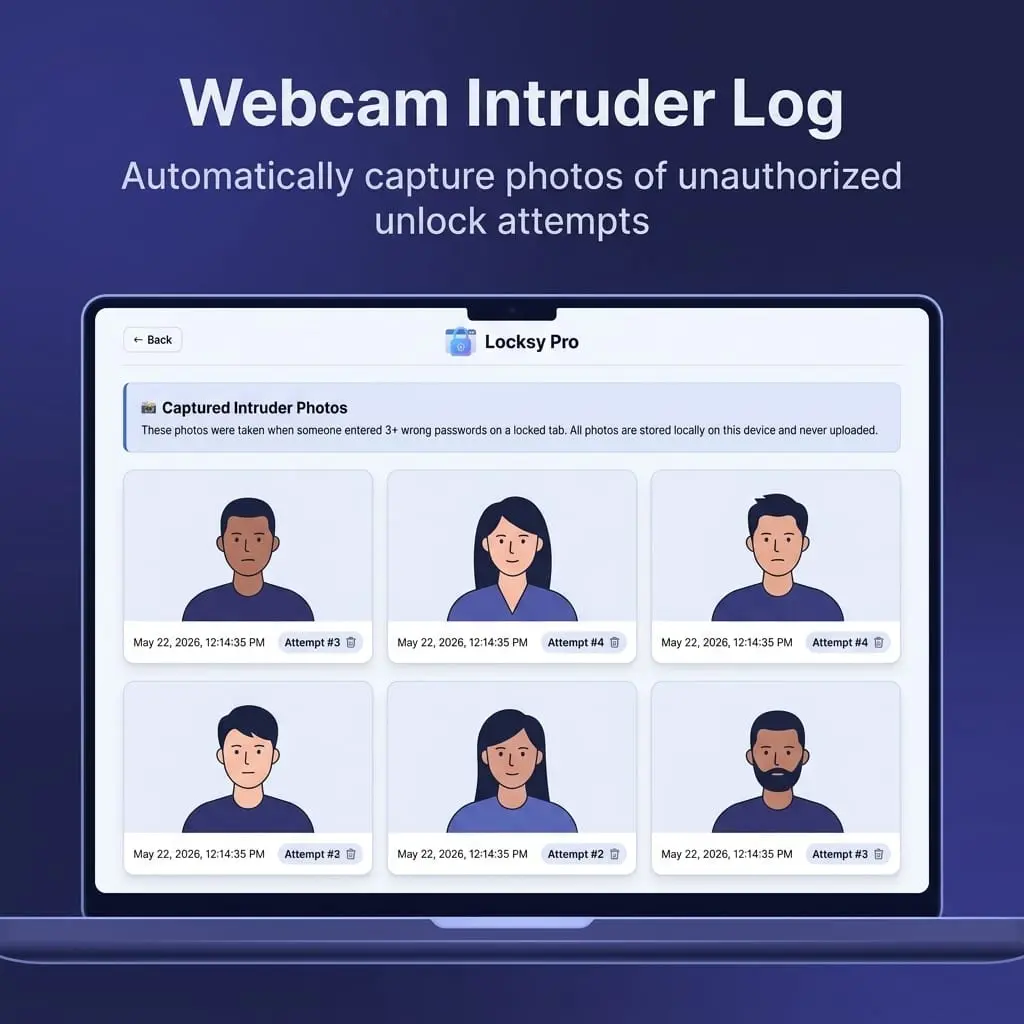
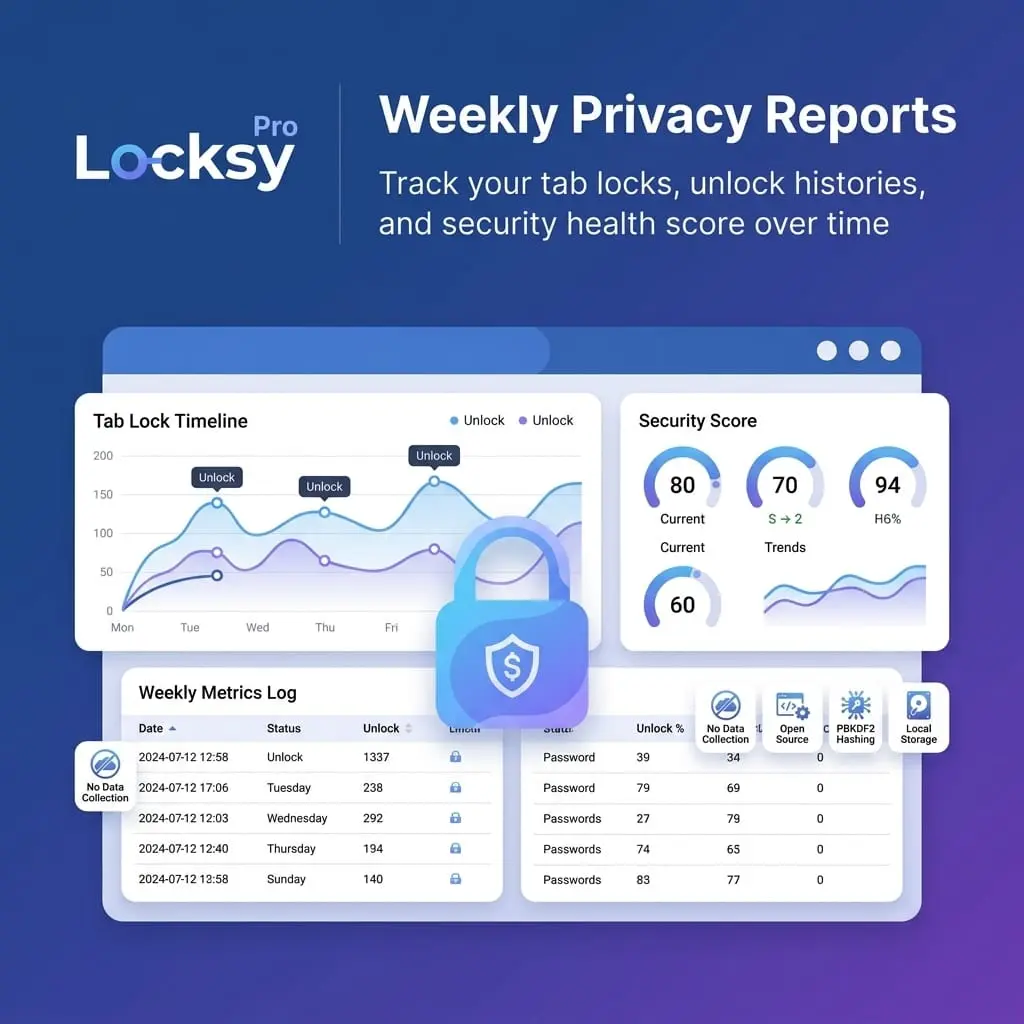
Locksy is the ultimate privacy and tab-locking extension designed to keep sensitive websites, confidential documents, and personal chats secure from prying eyes, accidental exposure, and shoulder surfers. With Locksy, you can lock any tab in a single click using a master password or instant biometric authentication (Touch ID, Face ID, and Windows Hello). 🚨 THE PROBLEM: WHY DEVICE LOCKS AREN'T ENOUGH Most privacy breaches don’t happen through sophisticated remote hacks—they happen right over your shoulder: • Screen Sharing Disasters: You share your browser window during a Zoom, Teams, or Google Meet presentation, and personal tabs (banking, Slack, healthcare records, private email) are exposed to everyone on the call. • Shoulder Surfing in Public: Working in coffee shops, libraries, airports, or co-working spaces leaves your screen vulnerable to anyone walking by. • Brief Moments Away: Locking your entire operating system (Win+L / Mac Lock) every time you grab coffee is tedious, interrupts your background music, pauses large downloads, and breaks your workflow. • Shared Computers: Handing your laptop to a colleague, partner, or family member gives them instant access to every logged-in session in your browser. 🛡️ THE SOLUTION: GRANULAR, INSTANT BROWSER PROTECTION Locksy gives you precision privacy. Instead of locking down your entire operating system, you protect only what is sensitive while everything else stays open and active. ⚡ KEY FEATURES & CAPABILITIES 1. Biometric Unlock (Touch ID, Face ID & Windows Hello) Unlock your secured tabs instantly using your fingerprint or facial recognition with native WebAuthn integration. Fast, effortless, and password-free when you need speed. 2. Domain-Based Auto-Lock Set rules for sensitive domains (e.g., your bank, crypto exchanges, WhatsApp Web, or internal admin dashboards). The moment these URLs open, Locksy immediately locks them in the background. 3. Inactivity & Scheduled Timers Configure custom inactivity countdowns. If you step away from your desk without locking your tabs, Locksy automatically secures them after your chosen duration. 4. Stealth & Decoy Modes Don't want people to know you have something hidden? Enable Decoy Mode. Instead of a password prompt, snoops see a realistic 404 Error page, a blank screen, or a maintenance notice. 5. Intruder Photo Capture If someone repeatedly attempts to guess your password while you're away, Locksy's break-in detector silently snaps a webcam photo of the intruder with a timestamp and stores it securely for your review. 6. Instant Panic Hotkey Need to hide sensitive content immediately? Press a single keyboard shortcut to instantly lock all designated tabs or blur the active screen within milliseconds. 🔒 PRIVACY-FIRST & 100% OFFLINE ARCHITECTURE Unlike other productivity or security tools that route your activity through cloud servers: • Zero Telemetry & Zero Analytics: We do not track your browsing history, visited URLs, or passwords. • 100% Local Execution: Everything runs client-side directly on your device. • Bank-Grade Local Cryptography: Passwords and security tokens are hashed and validated locally using standard WebCrypto APIs (PBKDF2 with SHA-256). • No Third-Party Ads or Trackers: Completely clean, offline code. 🎯 WHO IS LOCKSY FOR? • Remote Workers & Digital Nomads: Protect personal and client work while in public co-working spaces and coffee shops. • Presenters & Team Leads: Keep private tabs safely hidden while sharing screens during video meetings. • Finance & Crypto Traders: Keep portfolios and banking portals locked behind biometrics even while the browser remains open. • Anyone on Shared Hardware: Ensure family members or coworkers cannot stumble into your private accounts. Get started with Locksy today—experience seamless, offline tab security without disrupting your workflow.
Screenshots
Reviews (0)
No reviews yet. Be the first to rate this product!
Comments (1)
Today, we're a 5k+ Locksy family! Lock browser tabs with password or biometrics in 1 second. 100% offline, zero telemetry. Would love to hear your feedback and ideas!