Loggd
An all-in-one gamified life tracker: habits, tasks, goals, f



Details
- Use Cases
- Target Audience
- Pricing
- Freemium from $6
- Featured in

 Todoist alternatives
 TickTick alternatives
 Notion alternatives
Discovery signals
How AI and people discover Loggd on PeerPush
By AI reads among Mobile Apps tools
1,094 AI reads in the last 30 days, ranked against every Mobile Apps tool listed.About Loggd
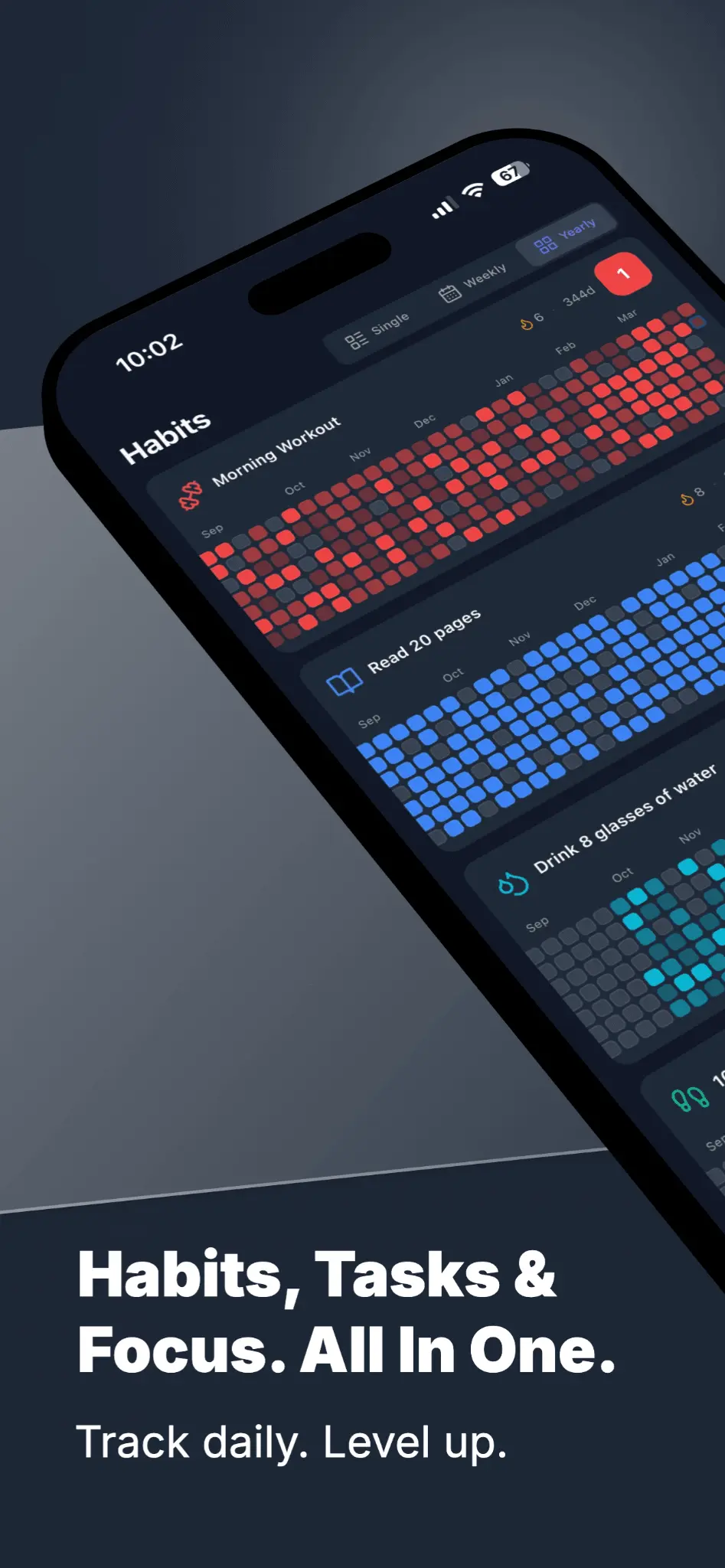
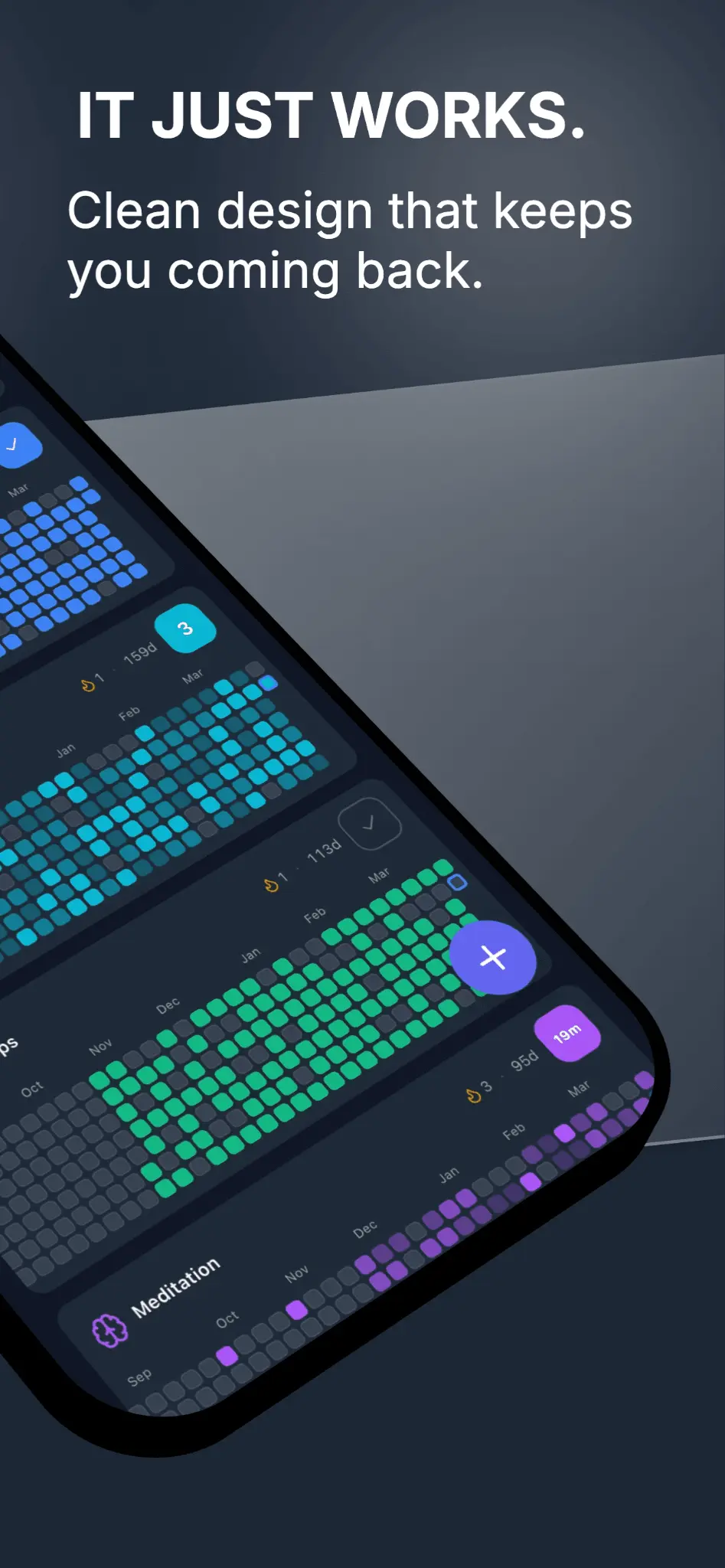
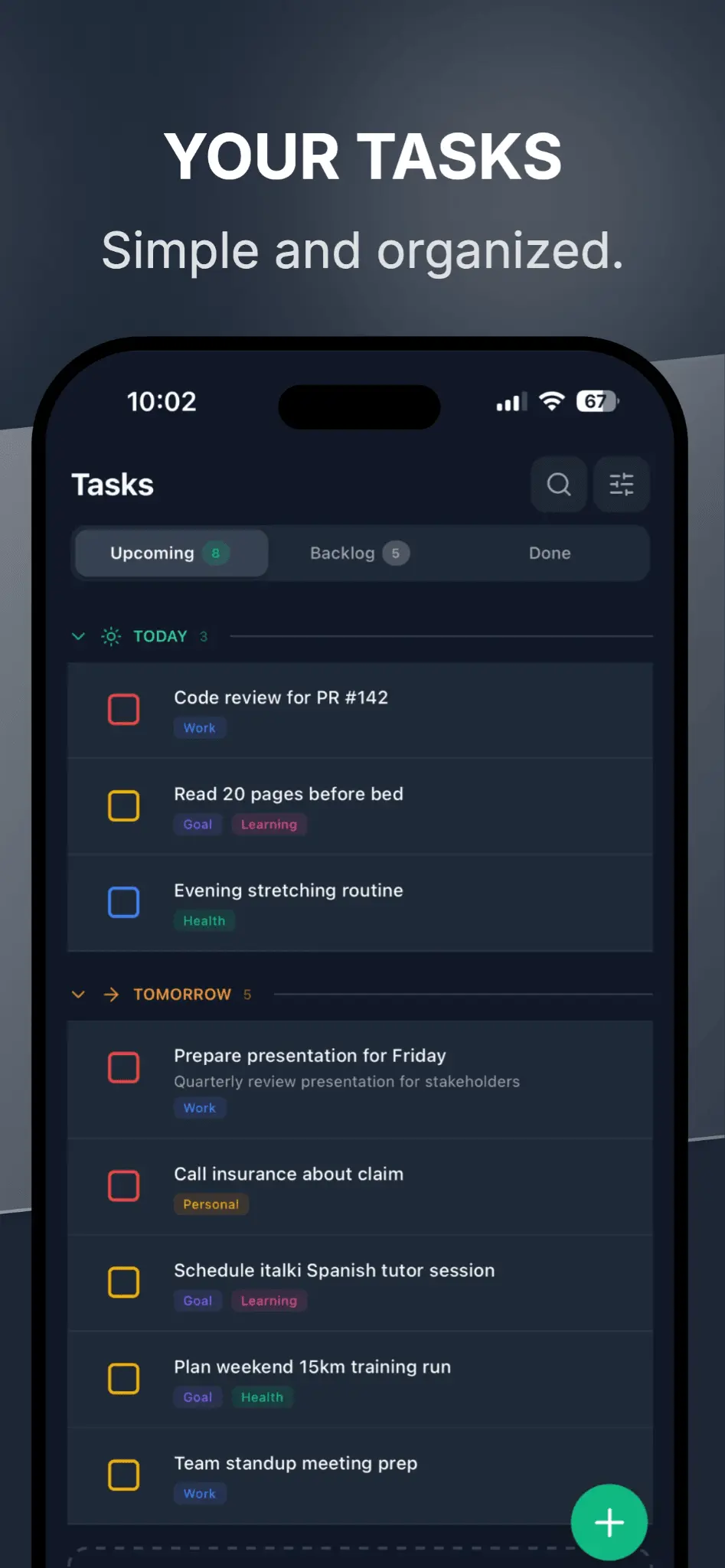
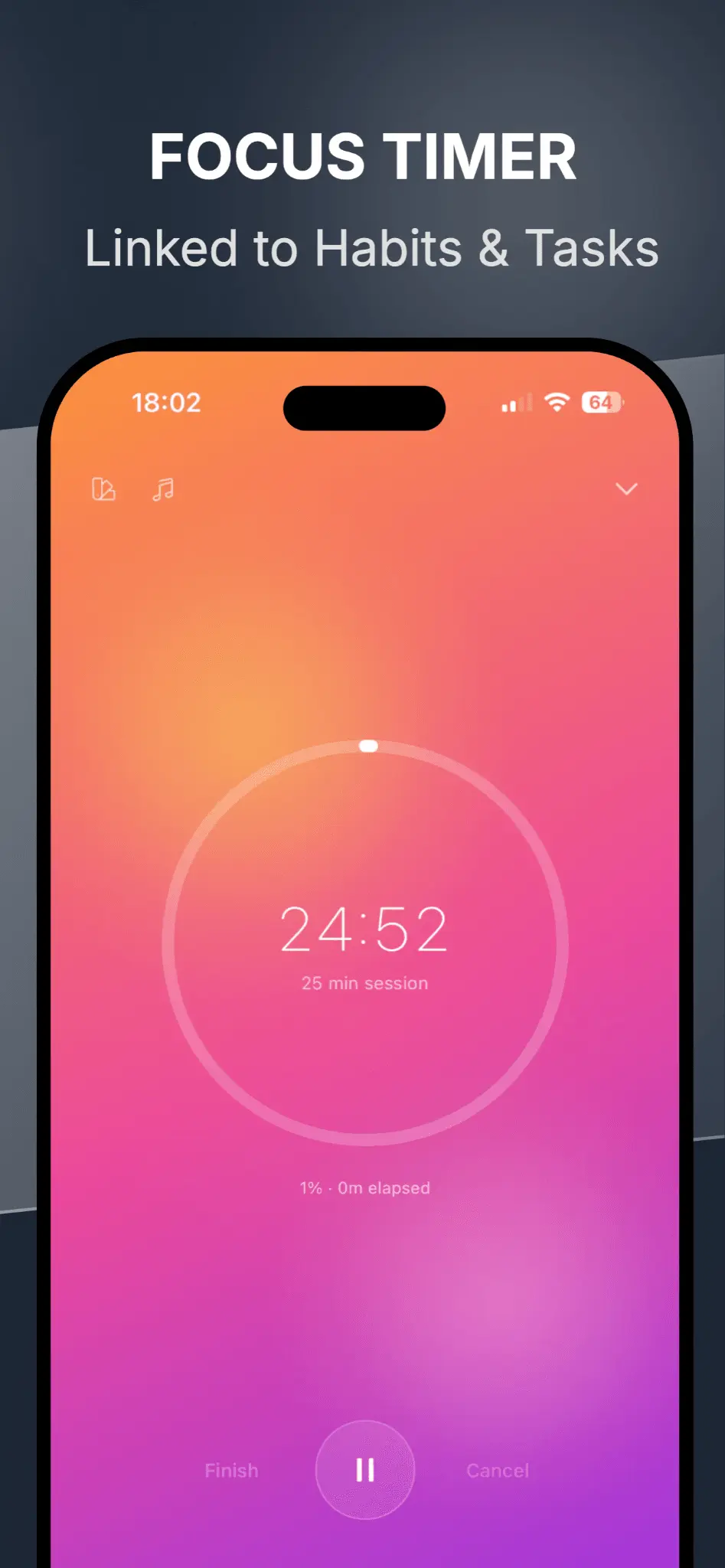
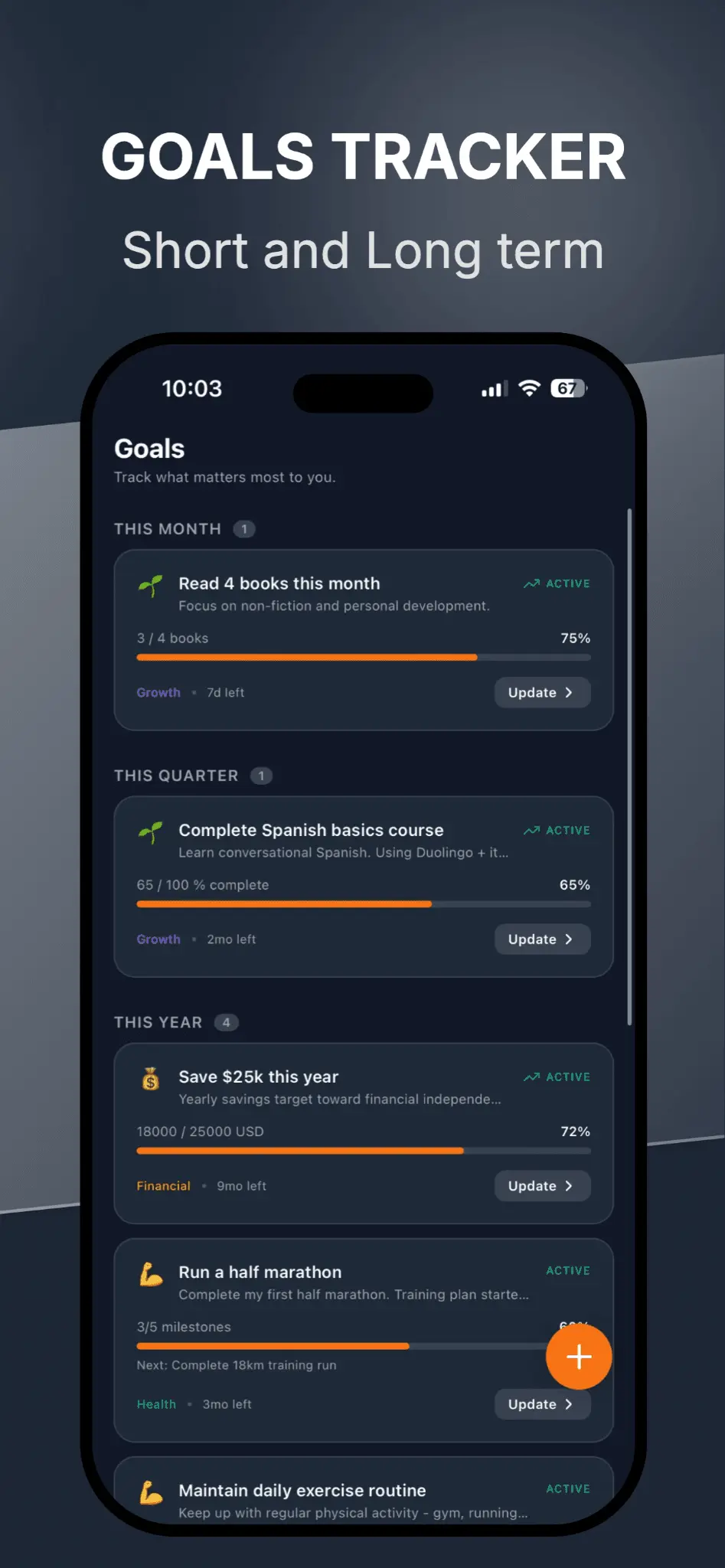
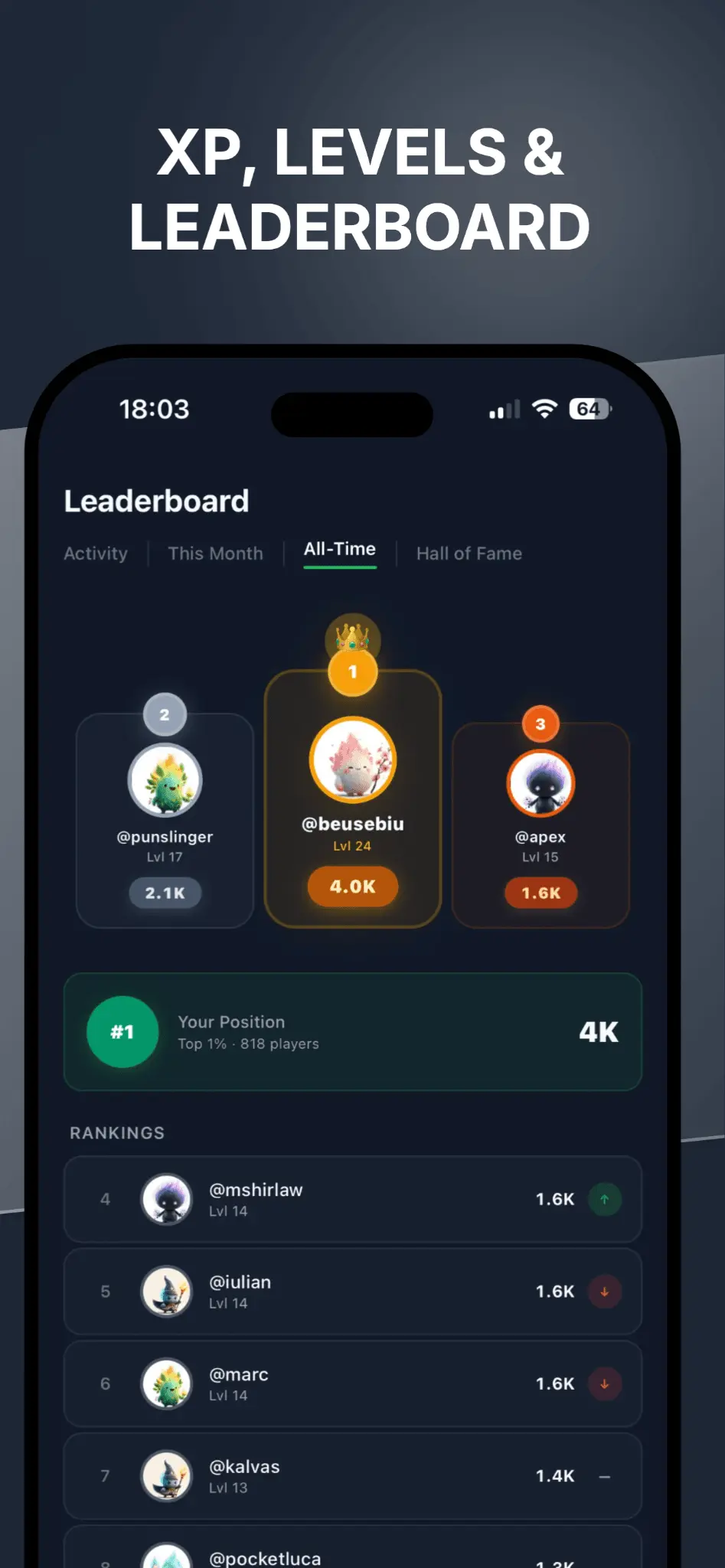
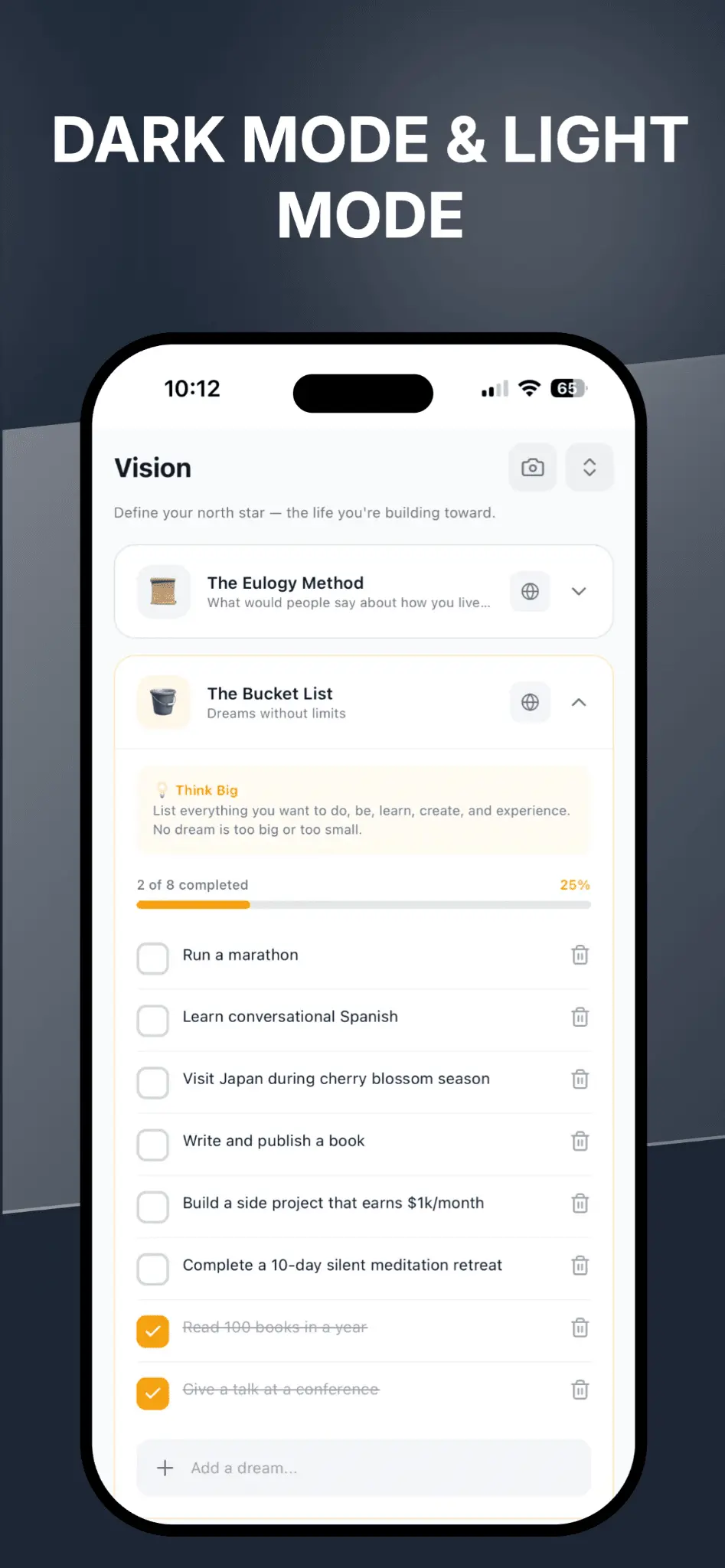
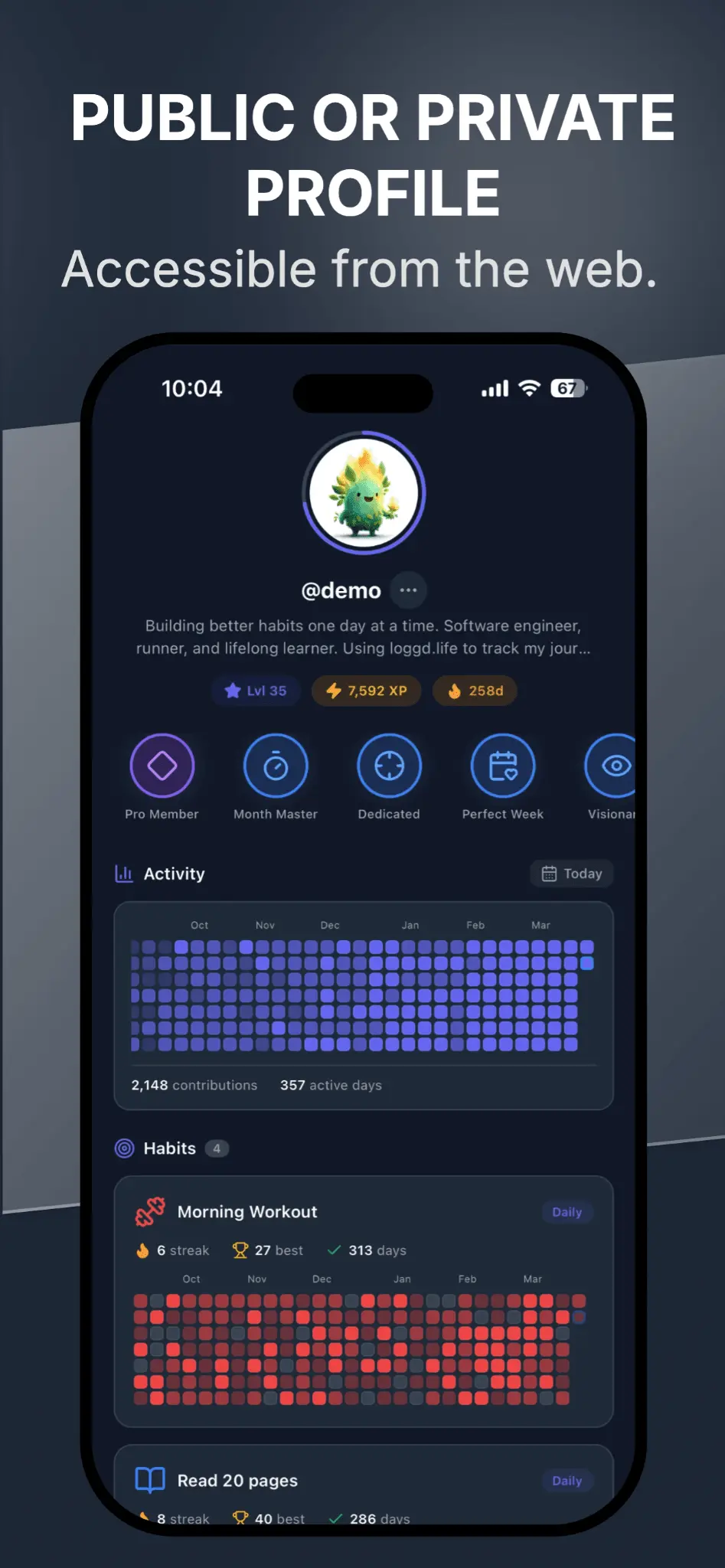
Loggd is an all-in-one, gamified life tracker that brings your habits, tasks, goals, focus timer, journal and notes into one dashboard. Every action earns XP, builds streaks and lights up a GitHub-style year grid, so staying consistent feels like a game you want to win. Plan your day around a single main focus, break big goals into milestones across five life areas, run Pomodoro focus sessions, and reflect with morning and evening journal prompts. A vision module helps you think longer-term, and hierarchical notes keep everything in one place. The gamification layer (XP, 100 levels, 65+ badges and monthly leaderboards) is what makes it stick. Loggd syncs in real time across web, iOS and Android on one account, with alarm-based reminders and a Live Activity on iOS. It even connects to Claude AI, so you can add tasks, check off habits and log goal progress just by talking to it. Free to start, with Pro plans and a limited lifetime option.
Screenshots
Product Updates (6)
New on the Loggd web app: notifications that clear themselves
Hardly anyone clicked to mark notifications as read, so most web accounts carried a pile of unread ones. Now that happens on its own. Open the Notifications page and whatever it shows counts as read after a moment. New ones sit on top under "New" and keep their new look until you leave, so you can still tell what you hadn't seen. On a desktop, resting the mouse on the bell shows the latest ones in a small panel, and the badge clears from any page. When a notification is about a number, like a new level or a streak, the number sits right in its icon. Same account on web, iOS and Android.
Comments (1)

New in Loggd: iPad, and first levels that come sooner
Loggd now runs on iPad, with a side menu and screens made for the bigger display, in portrait and landscape. The first levels are easier to reach, and earning a badge now gets its own screen. Points got simpler too: a habit or a reflection pays in full today and for the last few days, with no more half points. The focus timer takes a length you type yourself now, and a running session comes back after you restart the app. Same account on web, iOS and Android.
Comments (1)

Awesome update! Native iPad support with a dedicated sidebar makes a huge difference for daily planning on a bigger display.
New in Loggd: your day on the iPhone Lock Screen
iPhone apps can't set your wallpaper, so the latest Loggd update works around that. The server draws your day, habits and tasks, as a picture at a private link, and a Shortcut fetches it every morning and sets it as your Lock Screen. Pick a style and a background, and it handles Chinese, Japanese, Korean, Arabic, Hebrew and Thai text too. It's part of Pro. The same update brings iPhone Home Screen widgets you can tick without opening the app, and habits that fill themselves in from Apple Health, like water and workouts. Same account on web, iOS and Android.
Comments (0)
No comments yet. Be the first to share your thoughts!
What Loggd looks like right now: today, the timer, milestones, notes
One idea has been pulling the app in the same direction for a while: when you open Loggd, you should see today and nothing else. Today. Habits and tasks for the day in one list, with a line at the top when a streak is about to break. The focus timer. 25 minutes, and you can point a session at a habit or a task before you start, so the time lands somewhere instead of disappearing. Goals as milestones. "Run a half marathon" is too big to tick, so it sits as five smaller ones and only the next one is ever in front of you. Notes. They live next to the habits now, instead of in a second app you open once and never go back to. Ticking things off still earns points, points still unlock characters, and the characters still sit on a leaderboard that resets every month. Same account on web, iOS and Android. The web side is Laravel and Vue; the apps started as a PWA and are React Native now.
Comments (0)
No comments yet. Be the first to share your thoughts!
Over 70 paying users
Loggd is at 7,143 registered users, and over 70 of them pay for it. Same app on web, iOS and Android: habits, tasks, goals, a focus timer and notes in one place. Finishing things earns points, and the points unlock characters. There is a monthly leaderboard too, for anyone who needs a reason not to skip today.
Comments (4)

Congrats on passing 70 paying users! The year grid is such a good hook. Seeing a whole year of streaks at once is a great motivator.

@flowerexecution Thank you. A full year in one screen is the part I would not give up either. A gap is hard to argue with when you can see the whole thing at once.

The 365-day grid is what makes the consolidation pay — five apps can't show you that. Liked the demo too — you can see how it looks and feels. How does it decide priority when there's a lot being tracked?
Nothing decides it for you. You set priority on a task yourself, high, medium or low, and pick the day it lands on. Anything without a day sits in the backlog. Habits just repeat, so they fill the grid on their own.
7,000 people, three platforms
Loggd passed 7,046 registered users at the end of August, across web, iOS and Android. The mobile apps started life as a PWA and run on React Native now. Still the same idea. One square a day, and the whole year on one screen.
Comments (0)
No comments yet. Be the first to share your thoughts!
Reviews (22)
Average 5.0 out of 5
Based on 22 reviews
The 365-day grid tracker is such a clever hook—seeing the whole year of streaks at once makes consistency feel like a game instead of a chore. Great UI and solid cross-platform sync!


The year grid is such a clever hook — seeing a whole year of streaks at once makes consistency feel like a game, not a chore. Congrats on 70+ paying users, solo dev to solo dev, that's inspiring. 🙌
360 day grid tracker
Bringing habits, tasks, and goals together with a playful twist makes everyday progress feel more rewarding!

Been checking in daily just to keep my grid green

Cool design & charts!

Simple but useful
Wooow the best App ever ! Nuclear power 🚀
Comments (3)
Does the Claude AI connector work on the free plan, or only on Pro? The listing says free to start but doesn't say which features need Pro.
@galdayan1895 Pro only. The connector checks for an active Pro plan on every request, so from a free account Claude gets an access error back.
Solo dev here. Built Loggd because tracking my life across five apps felt like homework. Wanted one place where habits, tasks, goals and focus all feed a single graph. Happy to answer anything.