
Loqua
Context-aware AI voice typing and dictation

@official1626
Details
- Follow on
- @LoquaAI
- Categories
- AIProductivity & Notesaudio
- Use Cases
- Voice Dictatingscreen understanding
- Target Audience
- adhd adultsWritersRemote Workers
- Pricing
- Freemium
- Platforms
- Desktop
Discovery signals
How AI and people discover Loqua on PeerPush
About Loqua
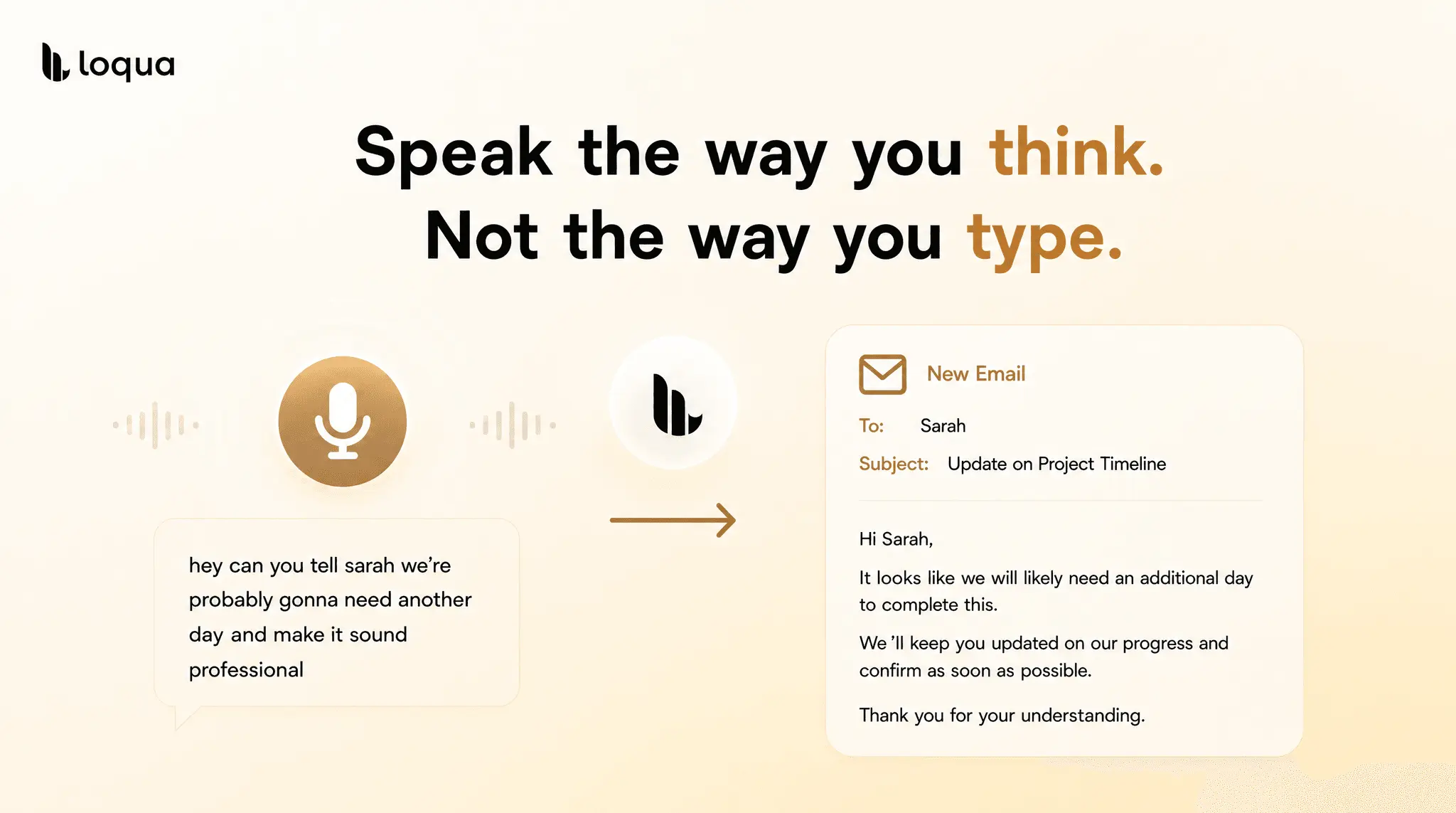
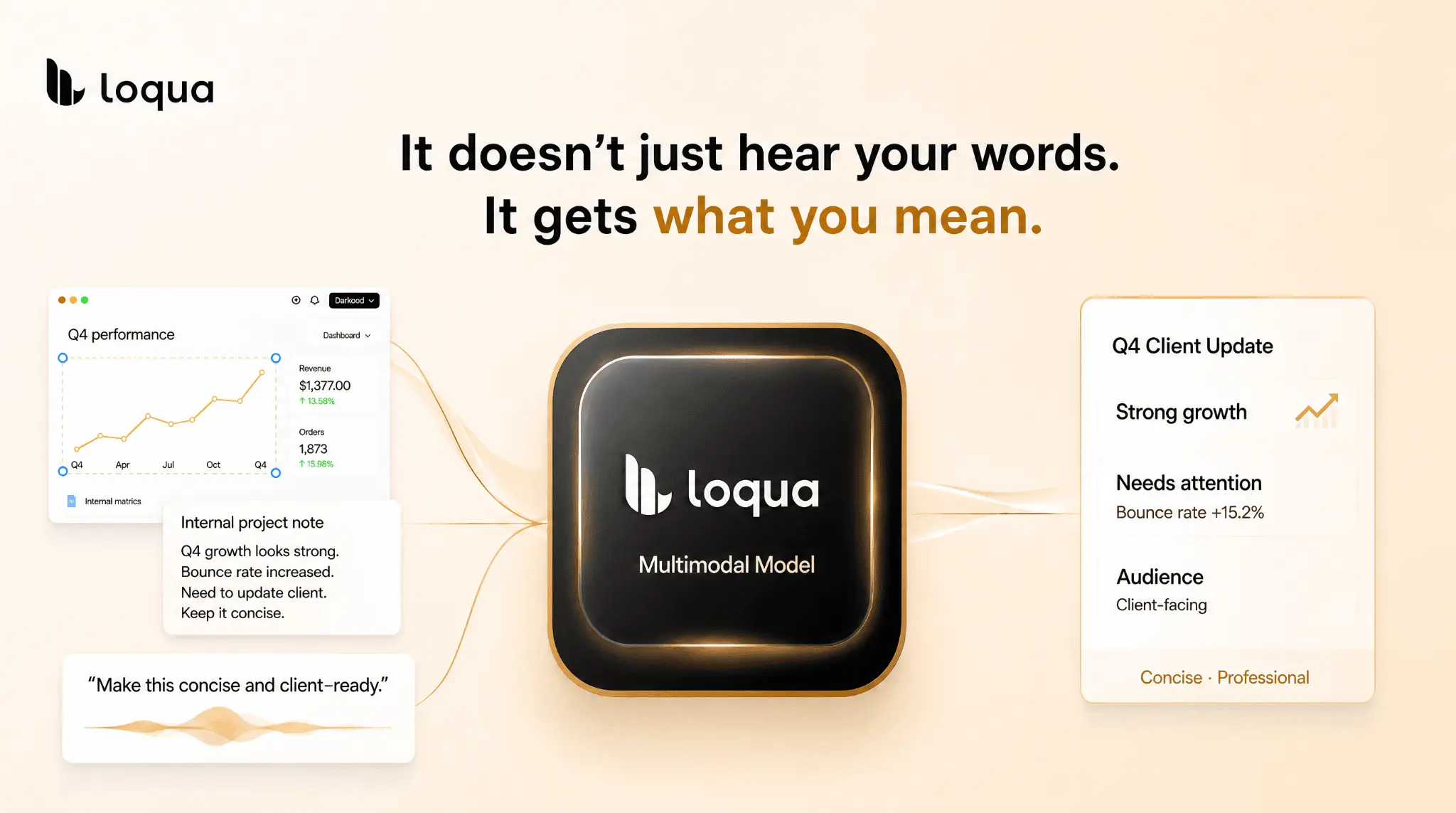
Loqua is a context-aware voice typing and dictation software application designed to understand intent rather than just literal speech. Built specifically for Mac and Windows platforms, it provides intelligent speech-to-text capabilities that adapt to the user's context.
Product Video
Watch a video demo of Loqua.
Screenshots



Reviews (6)
Average 5.0 out of 5
5.0
Based on 6 reviews
5
6
4
0
3
0
2
0
1
0

@official1626Owner

Nice product

cheap and fast


As a student, I feel that I have greatly improved the efficiency of my study, whether I am attending classes or taking notes.

This software greatly improves my input and output efficiency. It can help me to output structured text, which is very suitable for office work.
Comments (2)
Voice input transforms documentation workflows - no context loss from stopping to type. Context-aware dictation is a game-changer for meeting transcription and rapid thinking capture.
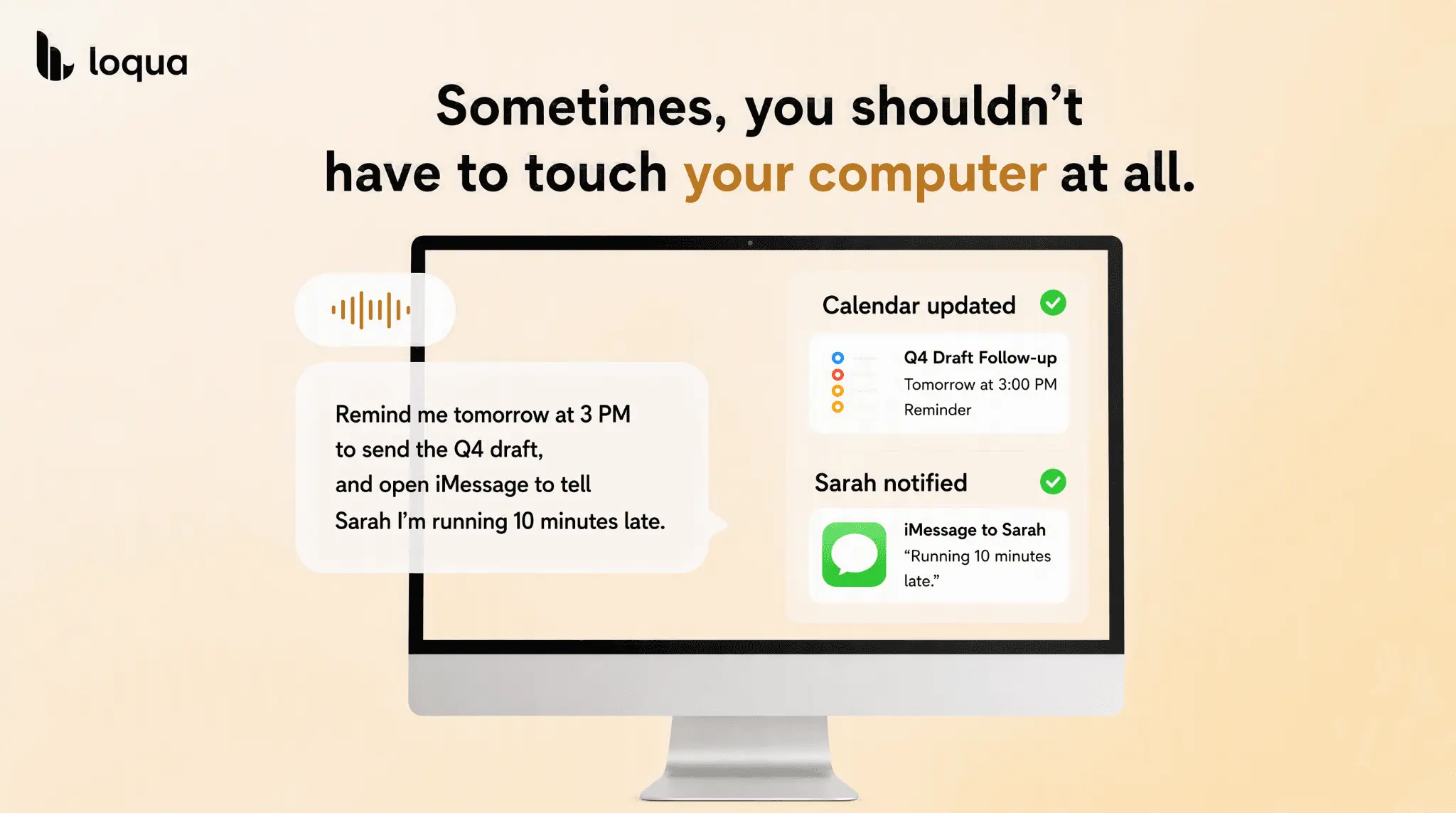
Just say what you want, and Loqua understands your app, screen, language, and tone — dictate in Gmail, ask about a chart you're looking at, tell Codex or Claude Code what to change, set reminders, etc