
Map4 Relay
LinkedIn outreach pipeline from invite to booked call

Details
- Follow on
- Target Audience
- Pricing
- Subscription from $9
About Map4 Relay
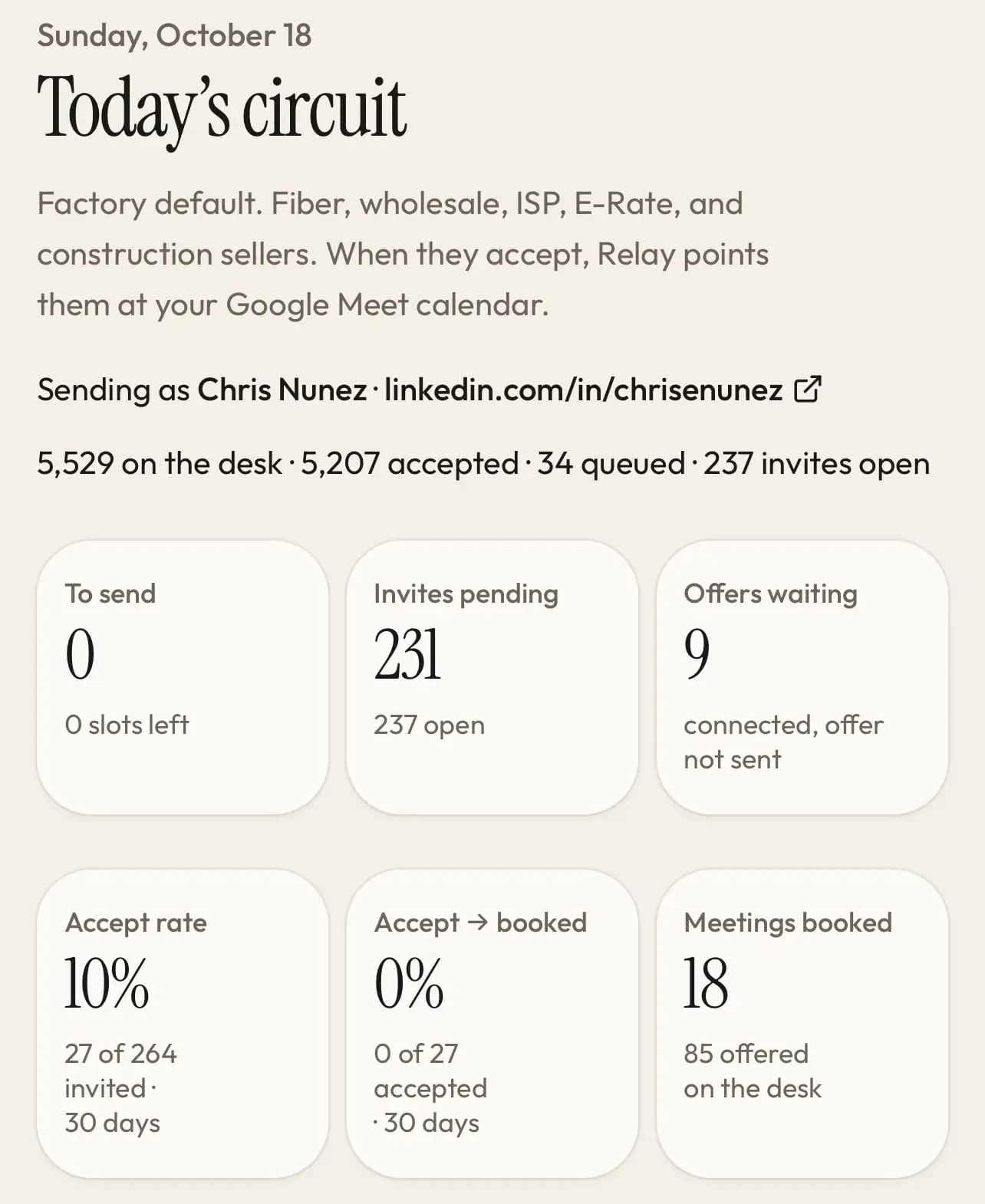
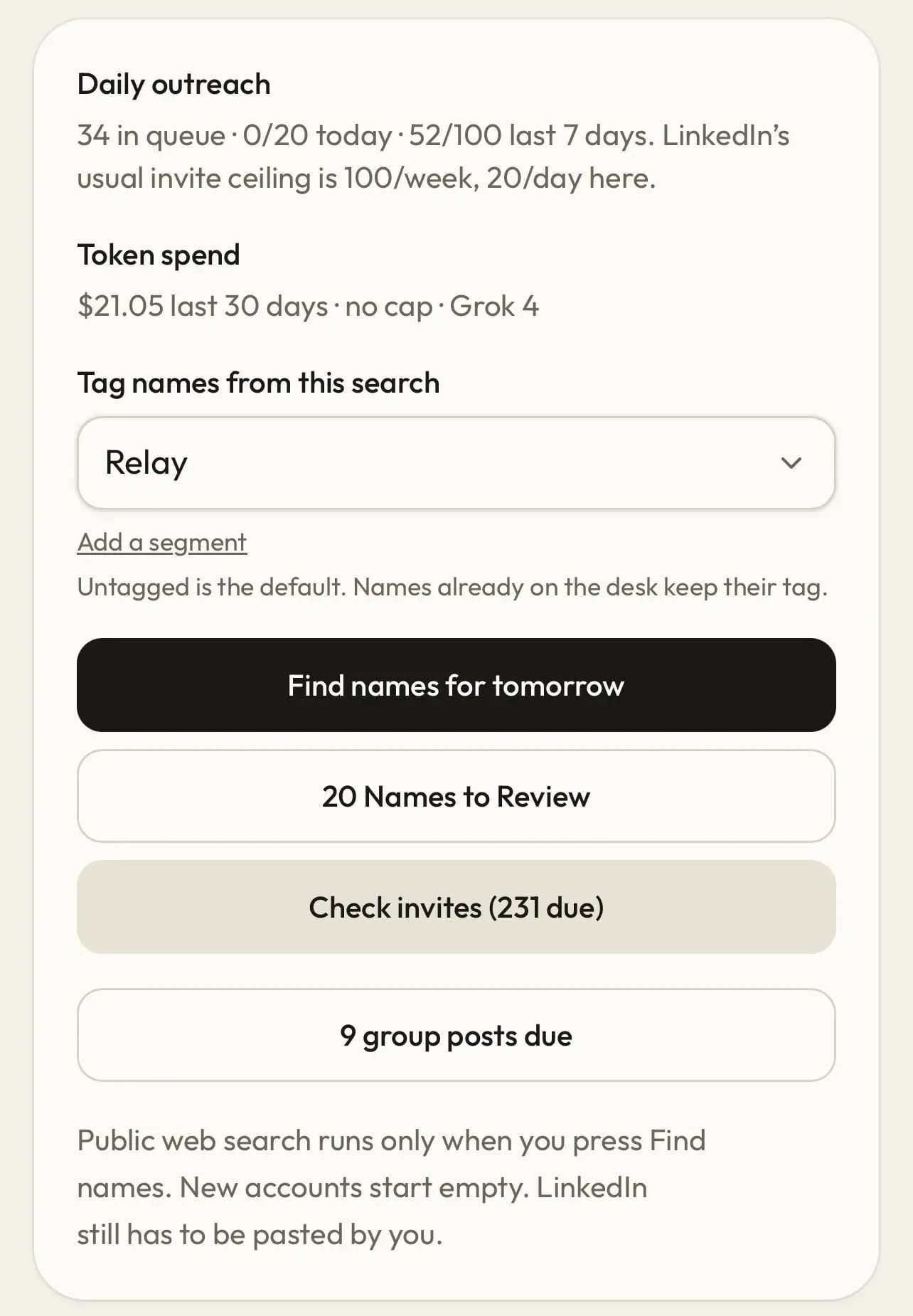
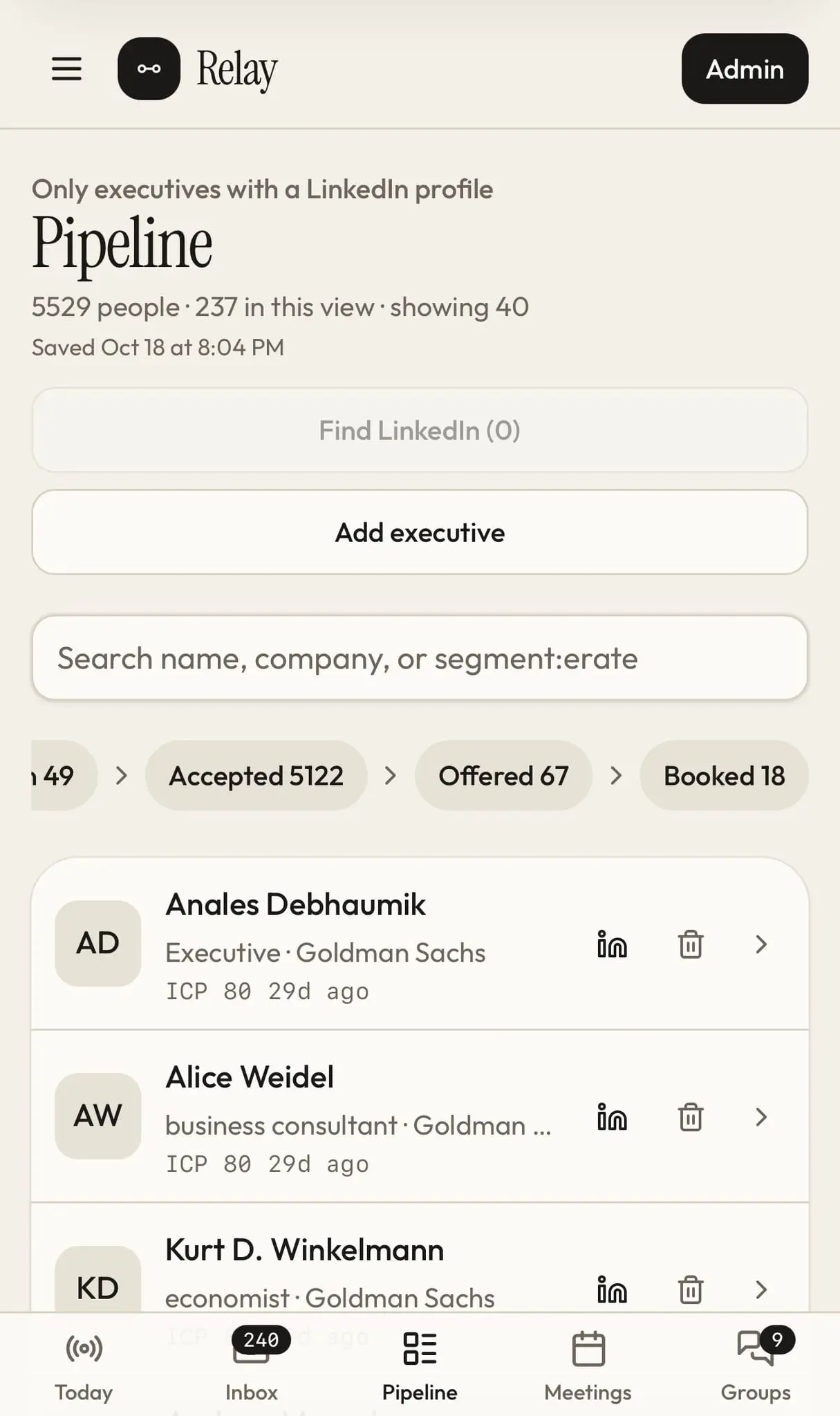
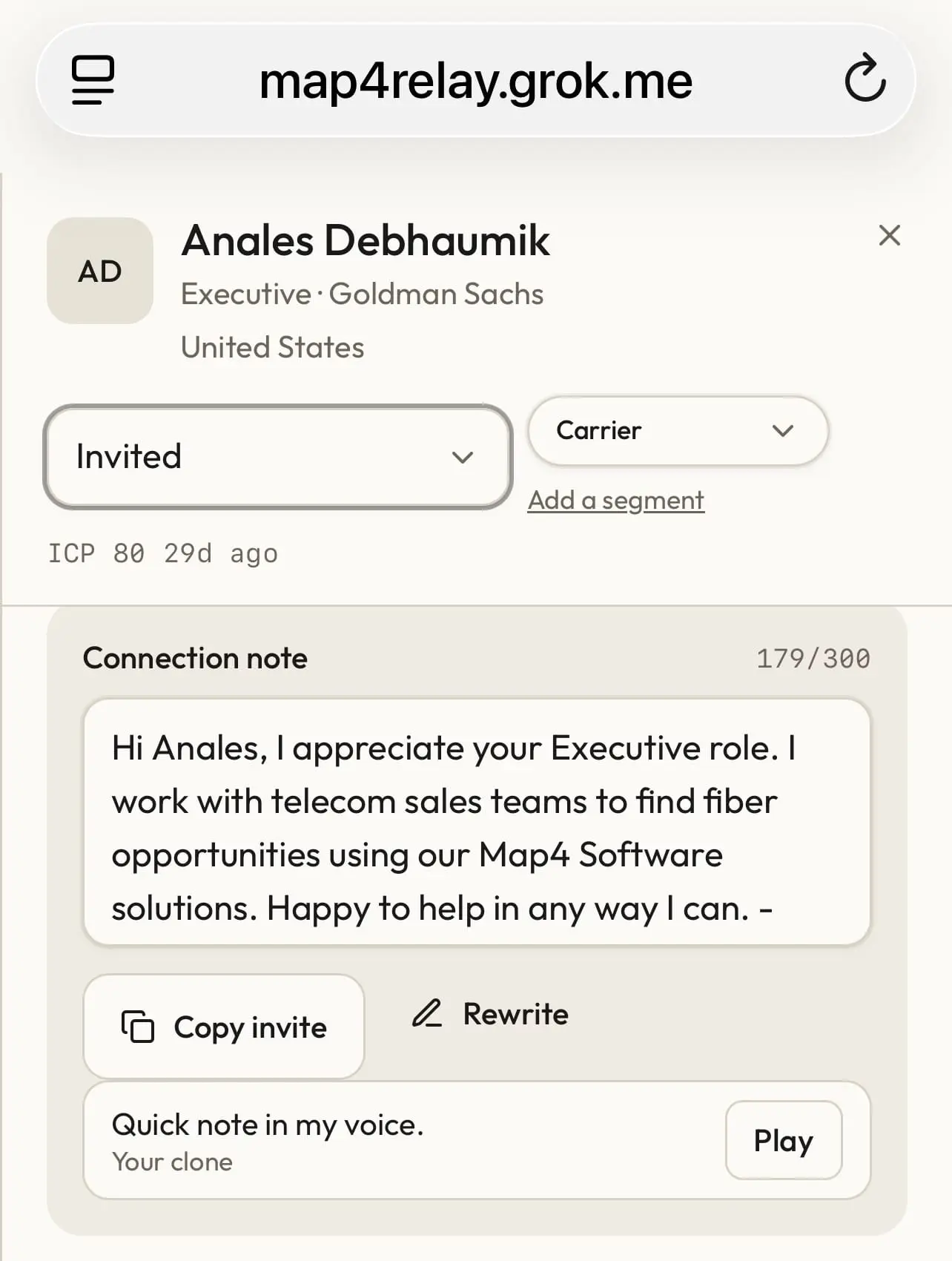
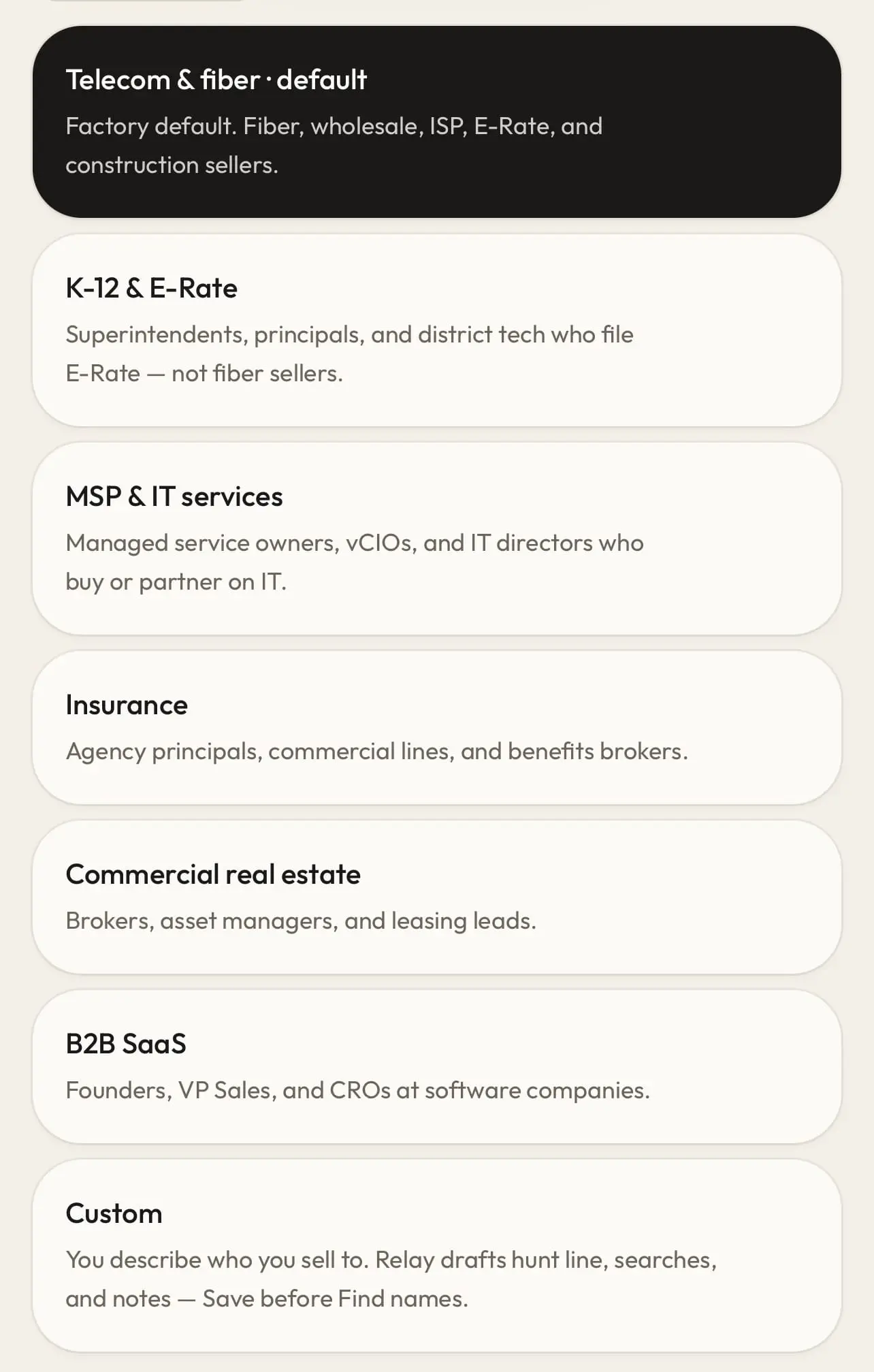
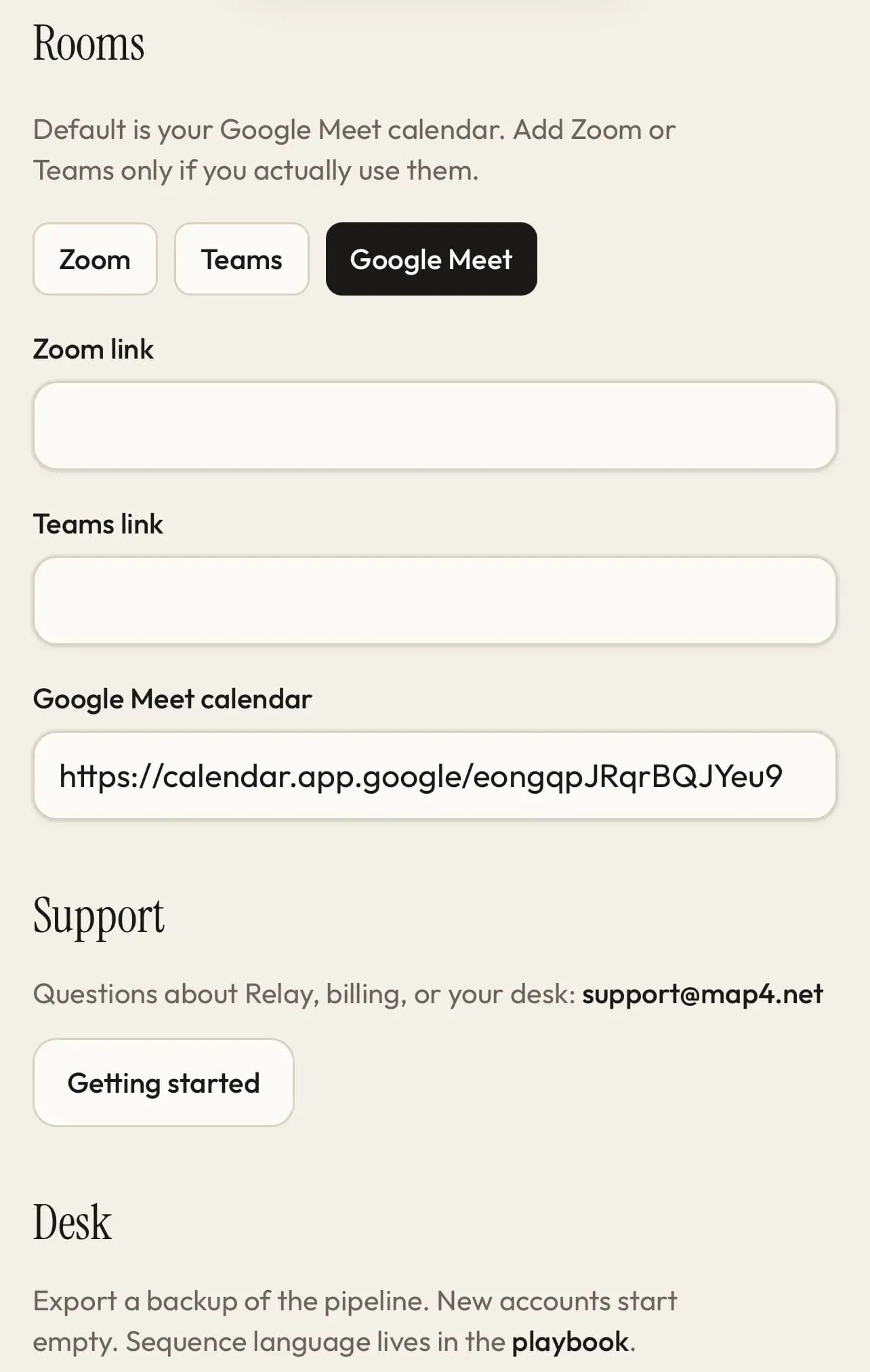
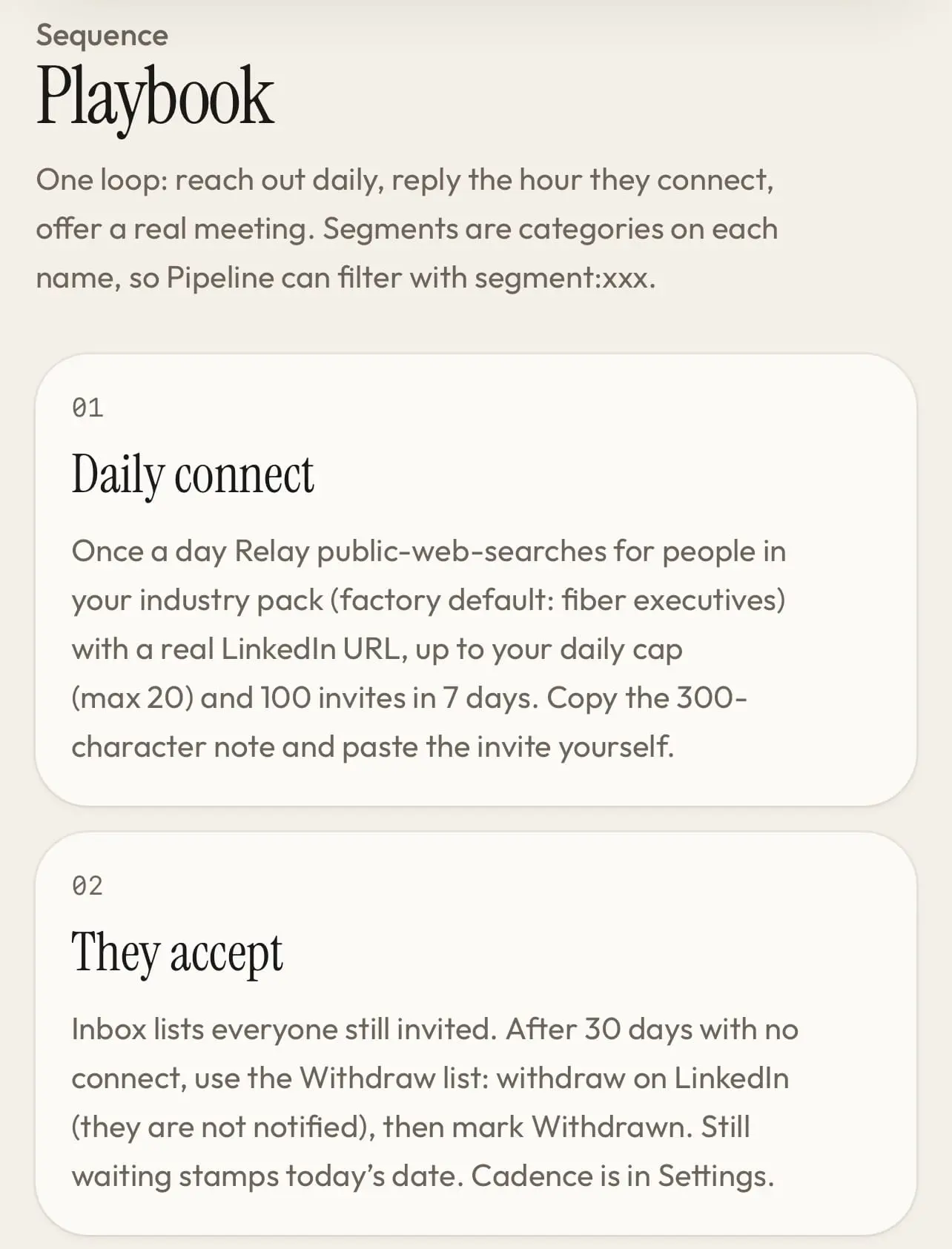
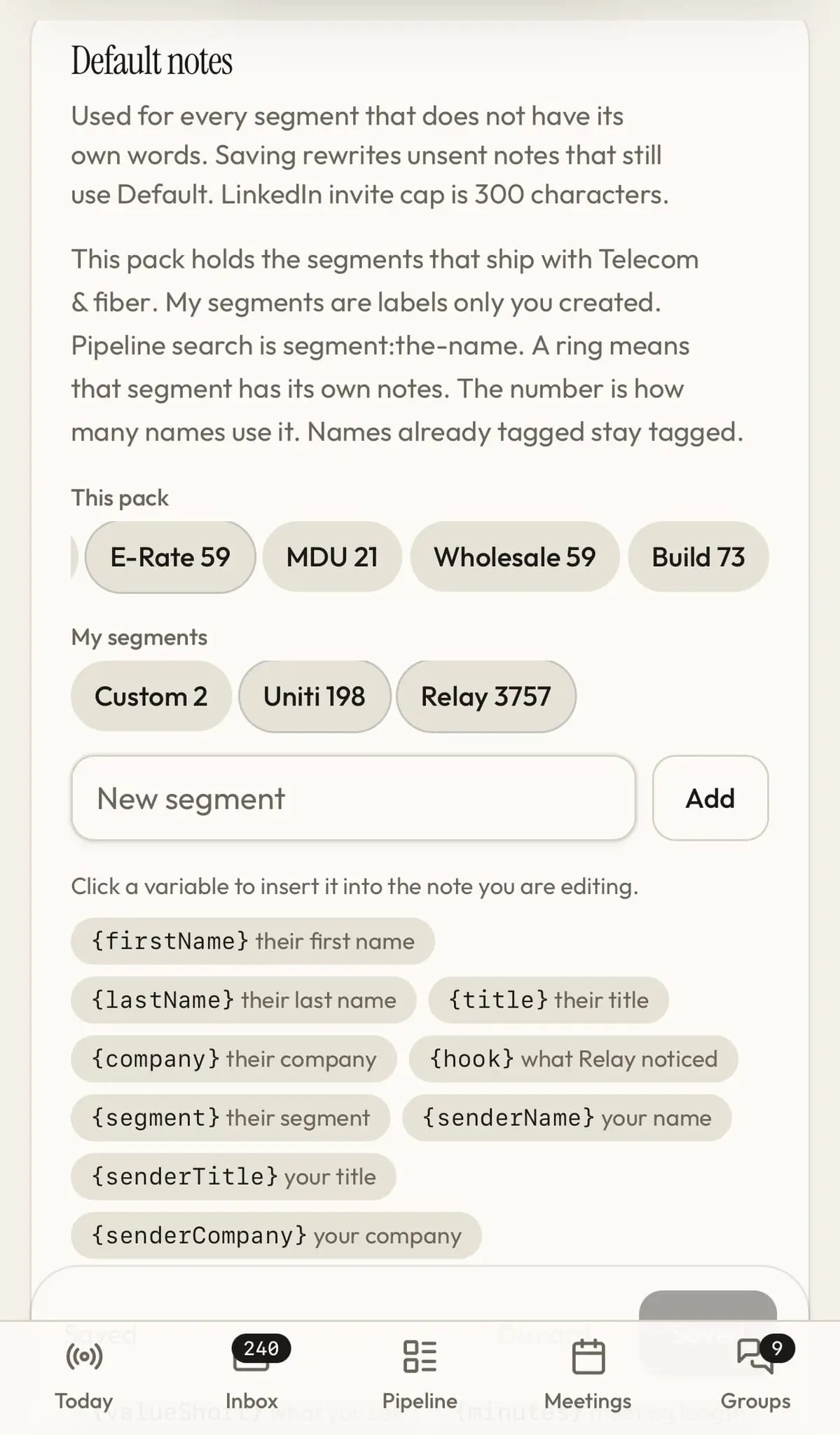
Relay builds a private pipeline of public LinkedIn profiles, drafts short personalized connection notes and meeting offers, and tracks each person from queued invite through acceptance, follow-up, and booked call. You paste the messages into LinkedIn yourself, so you stay within LinkedIn's rules. How do you find new customers? 1. Linkedin does not want you to stay organized. They want screen time. 2. I needed a way to use my 5,000 connections to find new clients without paid ads and stay organized. 3. I was spending 3-4 hours a day posting, engaging etc for past year it worked I got four big clients but it is not sustainable. 4. Now I use Relay. Find the executive. Write the note. Track them to a booked call. Relay is the daily desk for sellers who still send their own LinkedIn notes. It finds public profiles, drafts an invite, a meeting offer, and a tickle to keep engagement. Then Relay keeps track of your pipeline from invite to booked. You paste into LinkedIn yourself — Relay never logs in as you. Relay is not a bot and will not get you banned. One loop. The whole day. Most tools scrape a list and stop. Relay is the shift: who to invite, what to say, who accepted, who needs a meeting, and who has gone quiet. Find names for your market Start from an industry pack — telecom, wholesale, education, construction — or describe your own buyers. Relay looks up public LinkedIn profiles and fills today’s queue, up to the daily cap. A playbook for each segment Default words cover everyone. examples include Carrier, E-Rate, or a partner tag like Uniti and write a different invite, meeting offer, and tickle for each segment. Saving rewrites notes you have not sent yet. Import connections you already have Download Connections.csv from LinkedIn on a desktop, then import it. Relay keeps the date you first met them and updates the current title and company. We never share or sell your data with anybody. Bring leads in from a partner Drop in a JSON file from another system. Their segment tag stays on the card, so you can run that book of business on its own playbook. We never share or sell your data with anybody. Tickle before they go cold Accepted connections get a short personal note on a 10-day clock. Copy it, open their profile, and Relay stamps the date so you do not ping the same person twice in a week. Check invites, then withdraw Inbox lists who is still pending, oldest first. Mark each one checked and pick up tomorrow. After 30 days with no connect, withdraw on LinkedIn and mark it here. They are not notified. On the Map4 National Map Map4's primary business is helping the telecom sales rep find qualified leads. This is a tie-in to help them. Used for Telecom Industry pack setting. See if the motion is working Accept rate and accept-to-booked are counted on invites you sent in the last 30 days, not on years of old connections you imported. Relay Notes. You still send them. Invite, meeting offer, and tickle. Short enough to paste. Edit the playbook, then copy from the card. Relay never types into LinkedIn for you. Invite · fiber Hi Dana — I noticed you are VP Network at Northline Fiber. I work with fiber sales teams on wholesale and enterprise builds. Happy to help in any way I can. Meeting offer · after they connect Hi Dana — thanks for connecting. If a 30-minute intro is useful, grab a time on my Google Meet calendar. Happy to switch to Zoom or Teams. Tickle · 10 days later Hi Dana — it’s been a bit. I noticed the Midwest middle-mile work. If anything is moving on your side, happy to be useful. Same day · LinkedIn groups A short question, observation, or resource for the groups you actually post in. No calendar link in the comments. It sits on Today with the invites. Examples only. The playbook is yours — rewrite it per segment before you send. Why this does not get you banned You stay the sender Relay finds, drafts, and tracks. You paste. No browser bot, no auto-send, no scraping from inside a logged-in LinkedIn session. One LinkedIn profile per desk. Volume stays inside the usual ceiling The desk stops you at 20 invites a day and 100 in seven days. Free LinkedIn accounts get a 200-character note and a warning when the monthly noted-invite allotment is used up. After that, send the invite blank. Withdraw what never connects Open invites that sit for 30 days belong back in your weekly allowance. Withdraw 30–50 a day on LinkedIn, mark them Withdrawn here, and wait three weeks before you ask again. Partners see the score, not the names A partner group shows 30-day invite counts, accept rate, and meetings booked. The pipeline stays on your desk. They never see who you wrote. PRICING Same desk. Three ways to find names. Every plan includes the pipeline, playbooks, imports, tickle, and the invite cap. The trial is Basic Search for 14 days, no card. Pick the search when you subscribe. STARTER $9 /mo The daily desk. Find names on the included search — enough to fill a 20 day queue of publ
Screenshots

Reviews (0)
No reviews yet. Be the first to rate this product!
Comments (0)
No comments yet. Be the first to share your thoughts!