
Marv
An AI cursor companion that shows you what to click

Details
- Categories
- AIProductivity & NotesPersonal Assistant
- Use Cases
- AI Agents
- Target Audience
- Windows Users
- Pricing
- Freemium
- Platforms
- Desktop
Discovery signals
How AI and people discover Marv on PeerPush
About Marv
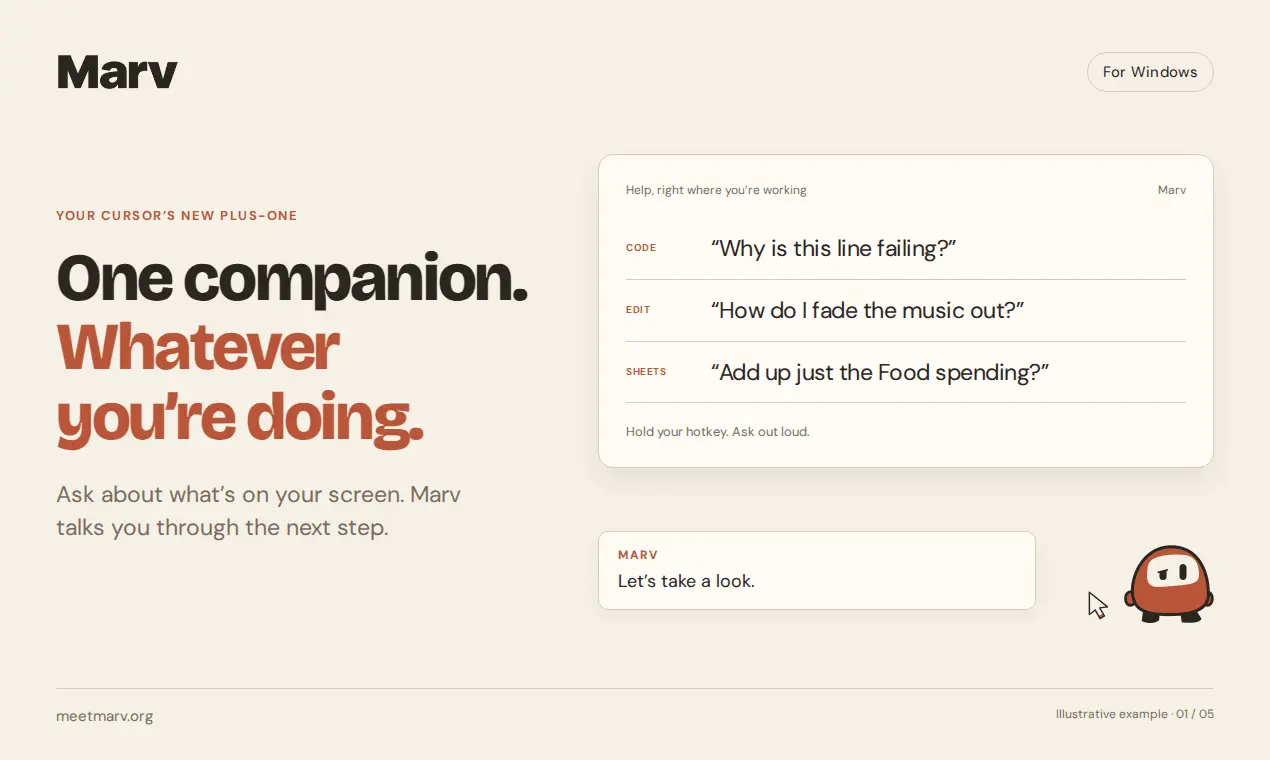
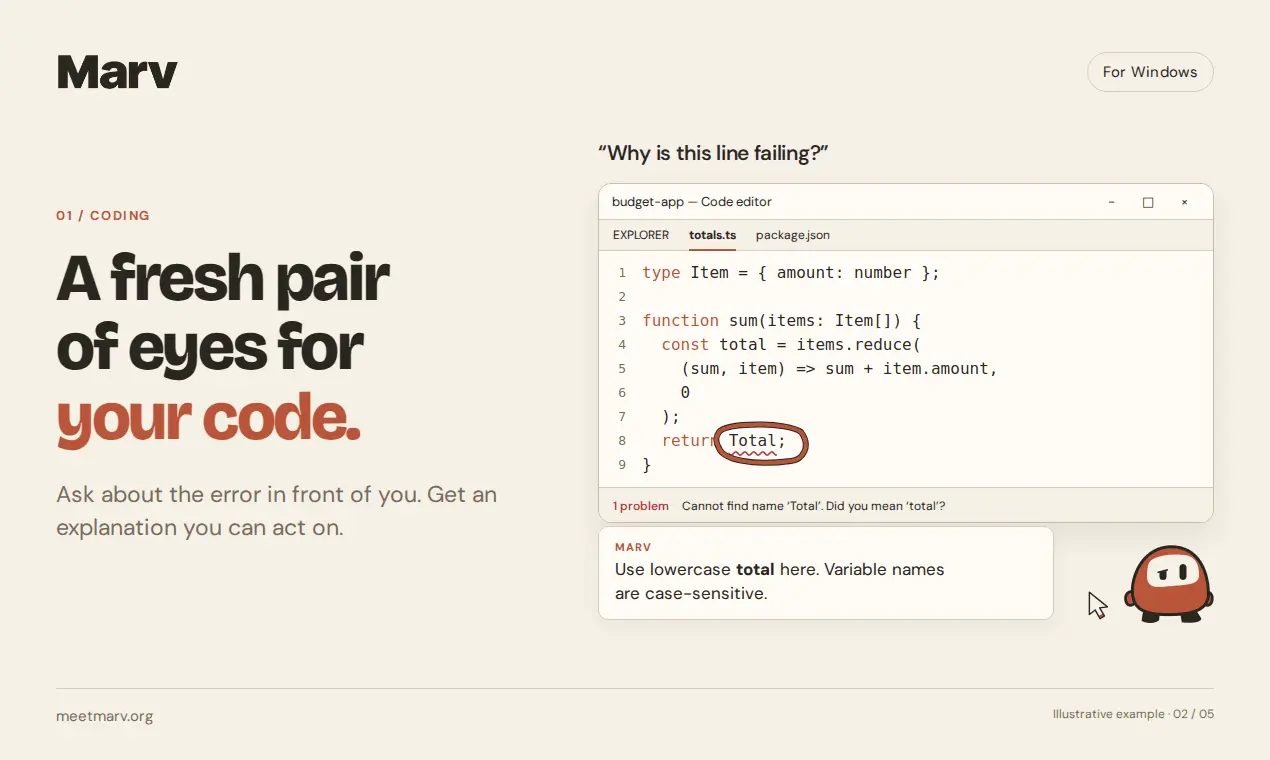
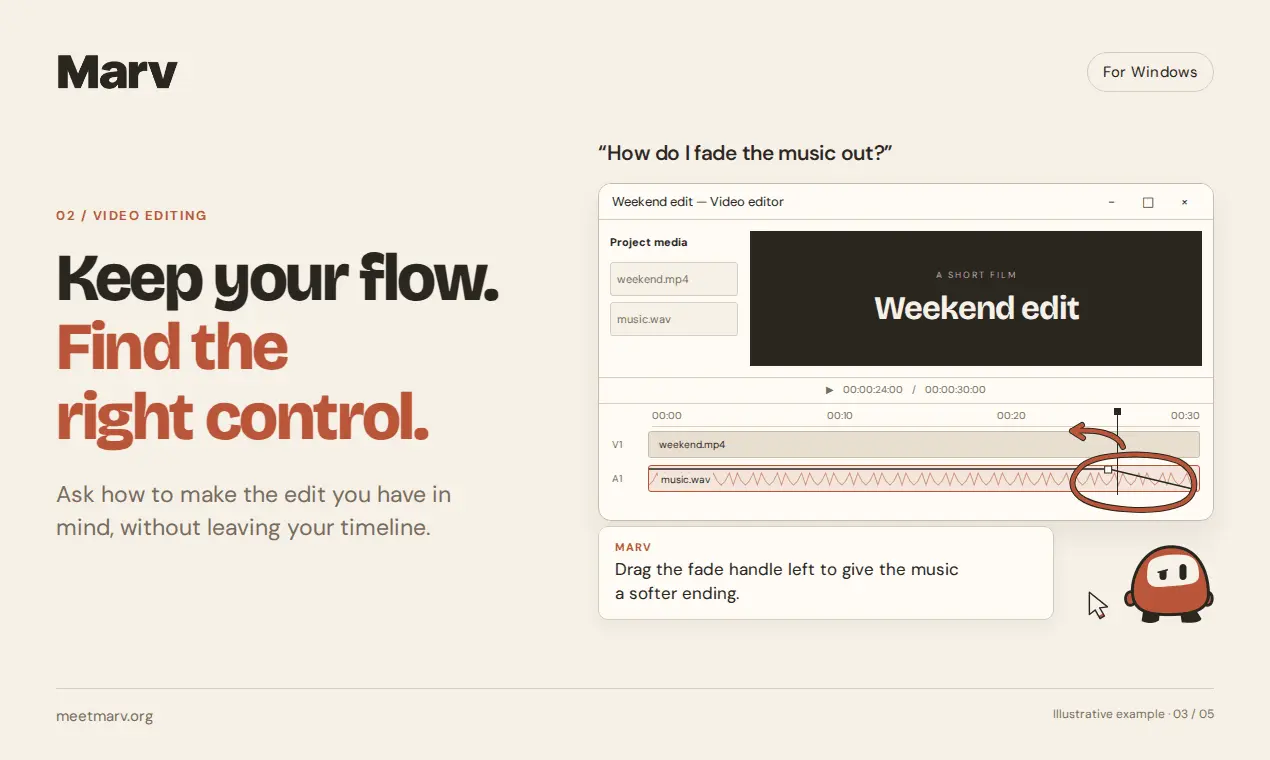
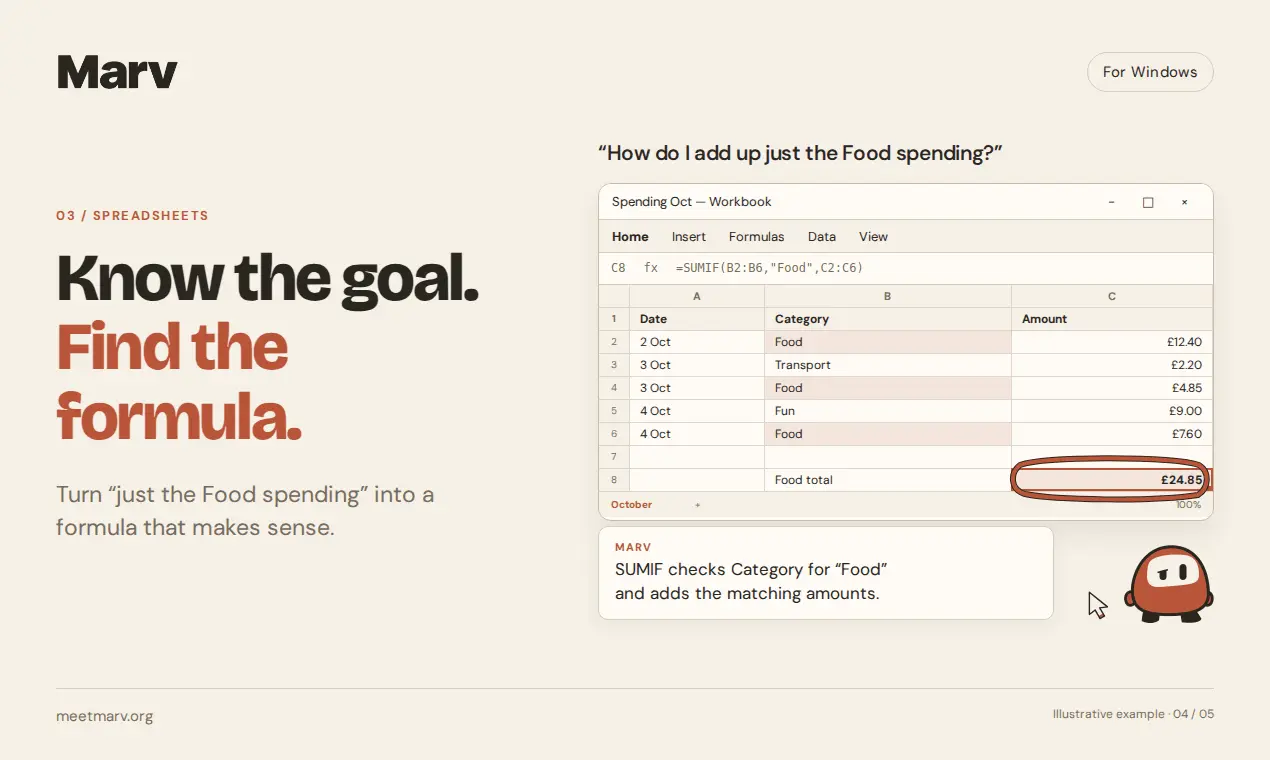
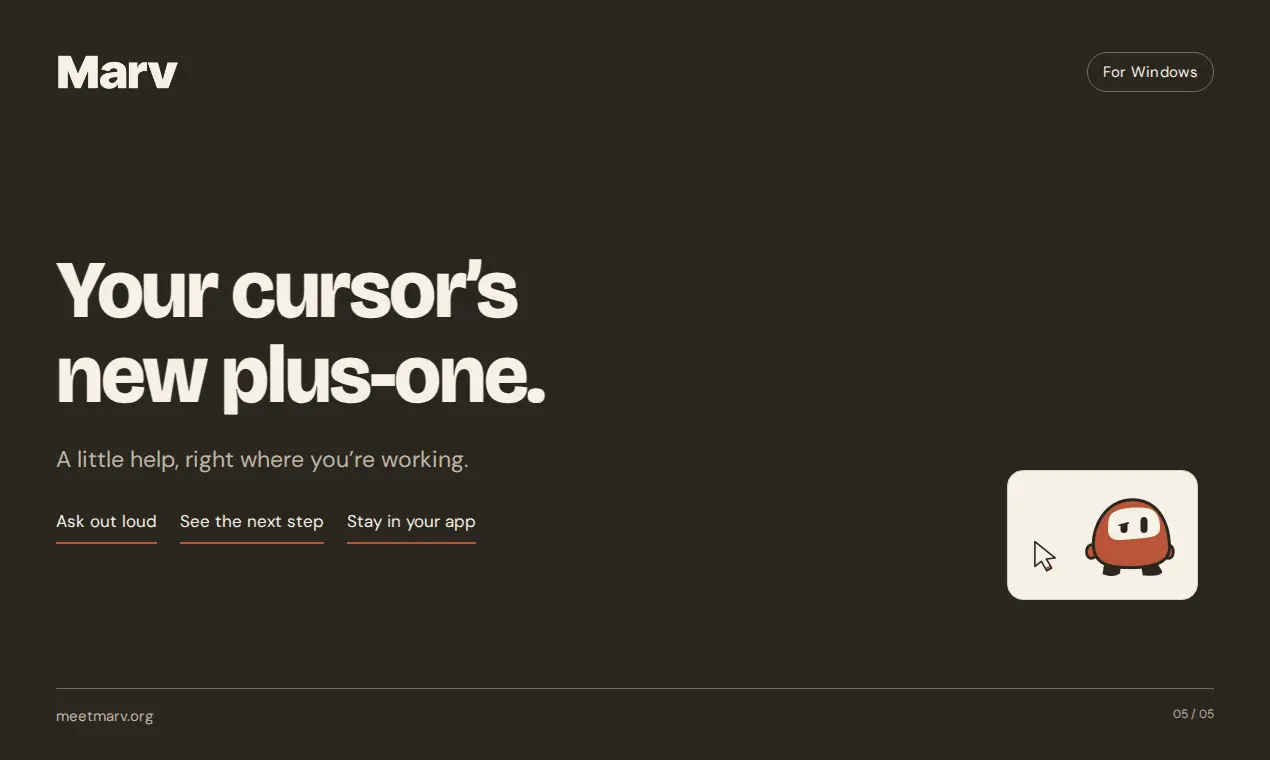
Meet Marv, your cursor's new plus-one. Hold a hotkey and ask about anything on your screen. Marv answers out loud while drawing arrows, circling buttons and writing notes right on your screen, and the highlights stay put on the right line when you scroll. Stuck on a task? Marv walks you through it one step at a time. Turn a messy file into a flowchart, sketch a drum pattern, or dictate straight into any app with the right spellings. Hand Marv a bigger job, like cutting a clip or turning a folder of receipts into a dashboard, and carry on while it works in the background. You choose which apps and sites Marv can never see.
Product Video
Watch a video demo of Marv.
Screenshots
Reviews (0)
No reviews yet. Be the first to rate this product!
Comments (2)
The arrows staying put when you scroll is a nice touch. Does Marv read the app’s accessibility tree to find buttons, or work from screenshots? Curious how it does on apps with unlabeled icon buttons.
@fermentory it uses both! plus if it is really stuck documents on the app etc.
@cameronmchardy12 Nice, using both makes sense. The docs fallback is clever too. Good luck with the launch!
Hey, I’m Cameron. I’ve been building Marv for Windows. The idea came from a pretty simple frustration: you’re looking at an app, you know what you want to do, but you have no idea which button or set