
MConverter: Convert Files & Compress PDF
Securely convert large video, audio, and image files online


Details
- Follow on
- Target Audience
- Pricing
- Freemium
 CloudConvert alternatives
 ILovePDF alternatives
 Freeconvert alternatives
 Convertio alternatives
Discovery signals
How AI and people discover MConverter: Convert Files & Compress PDF on PeerPush
By AI reads among Design Tools tools
14,851 AI reads in the last 30 days, ranked against every Design Tools tool listed.About MConverter: Convert Files & Compress PDF
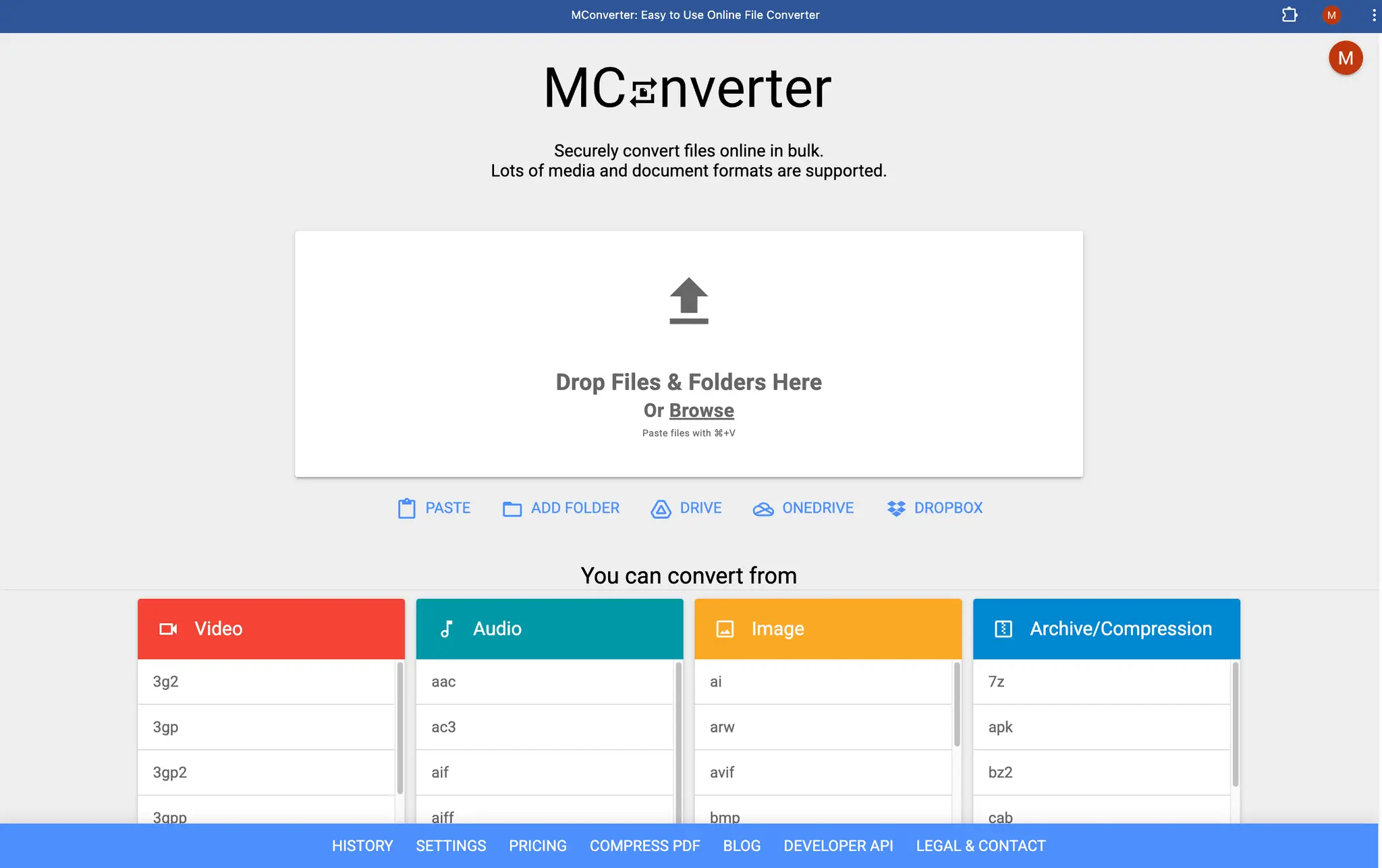
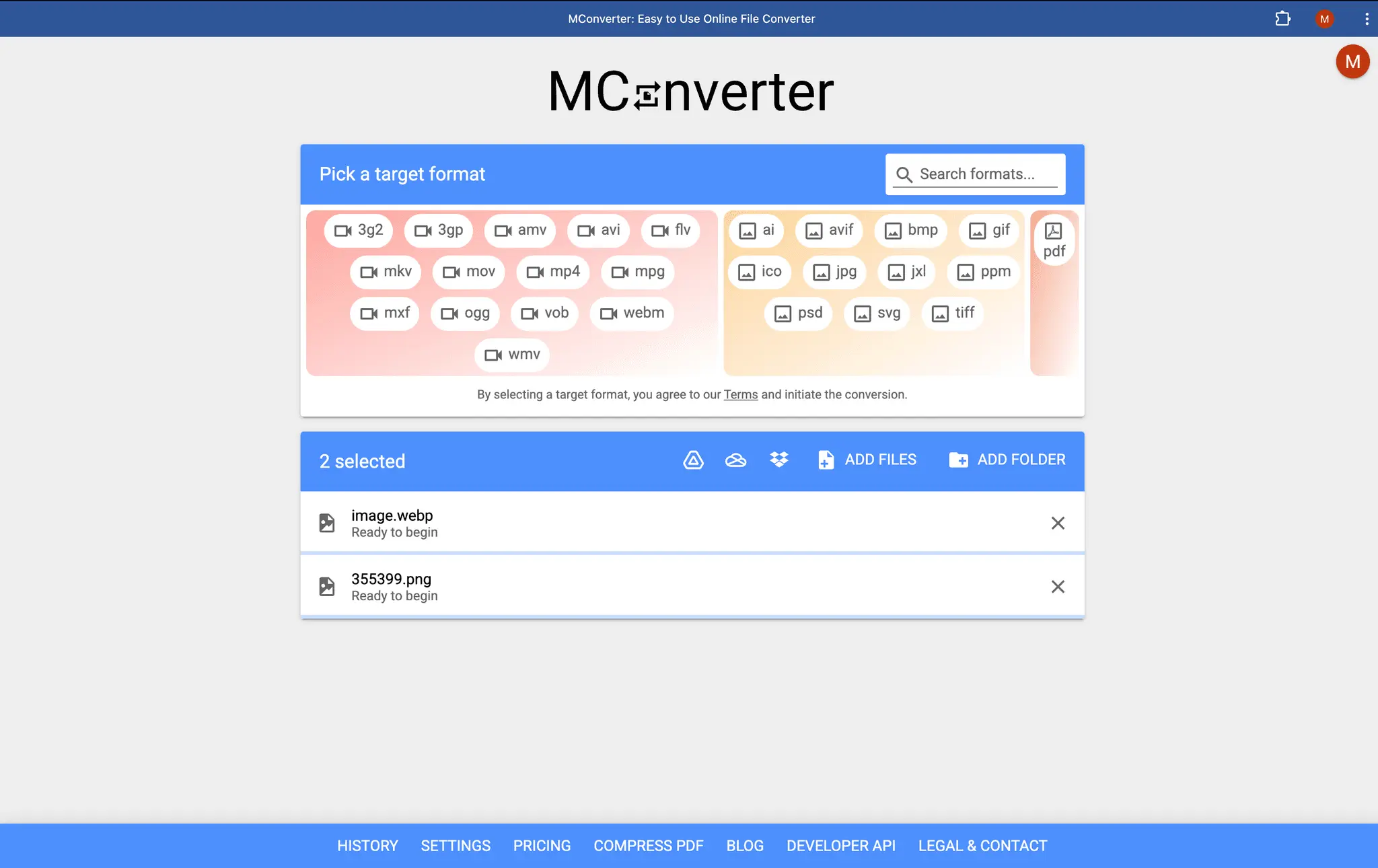
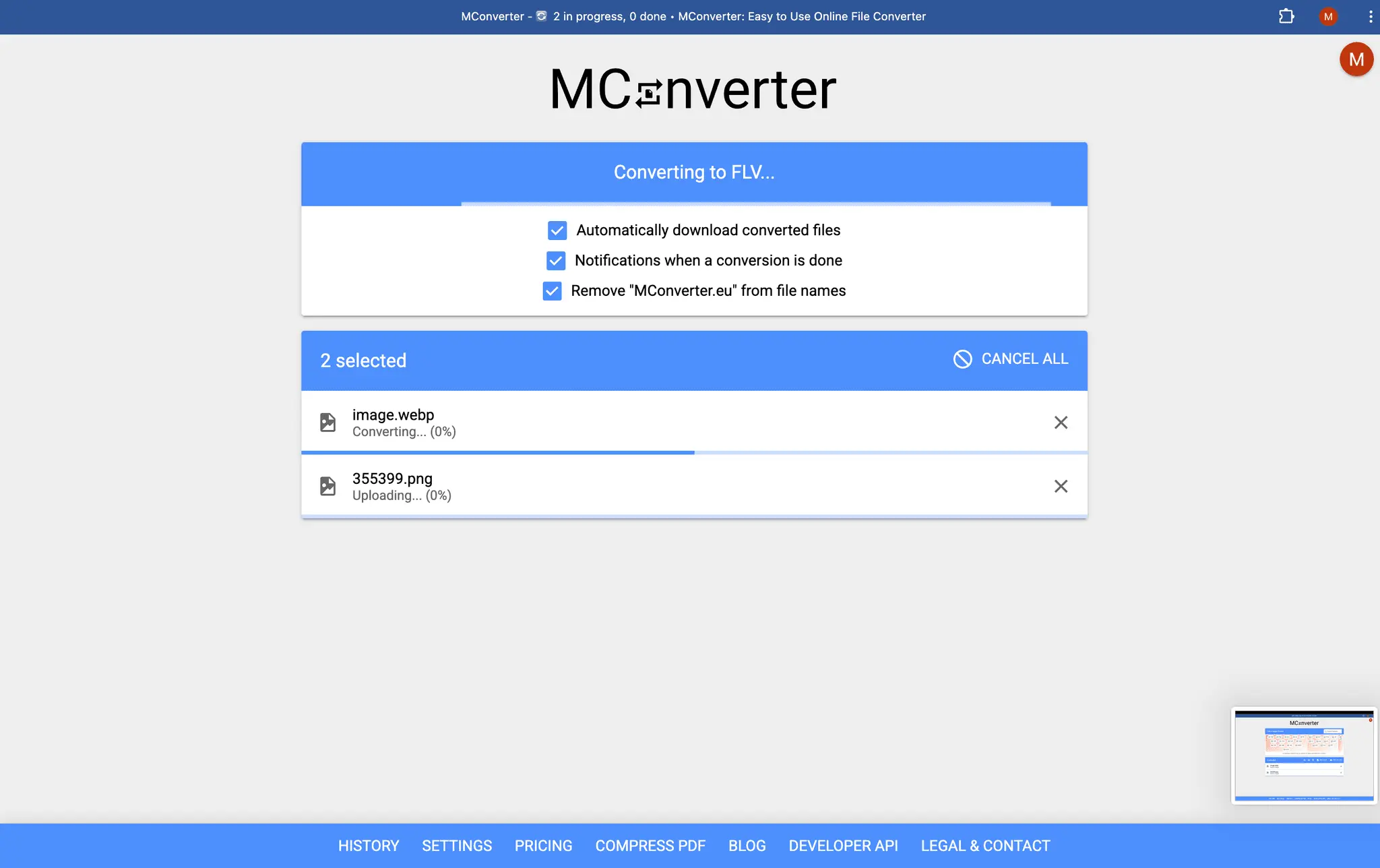
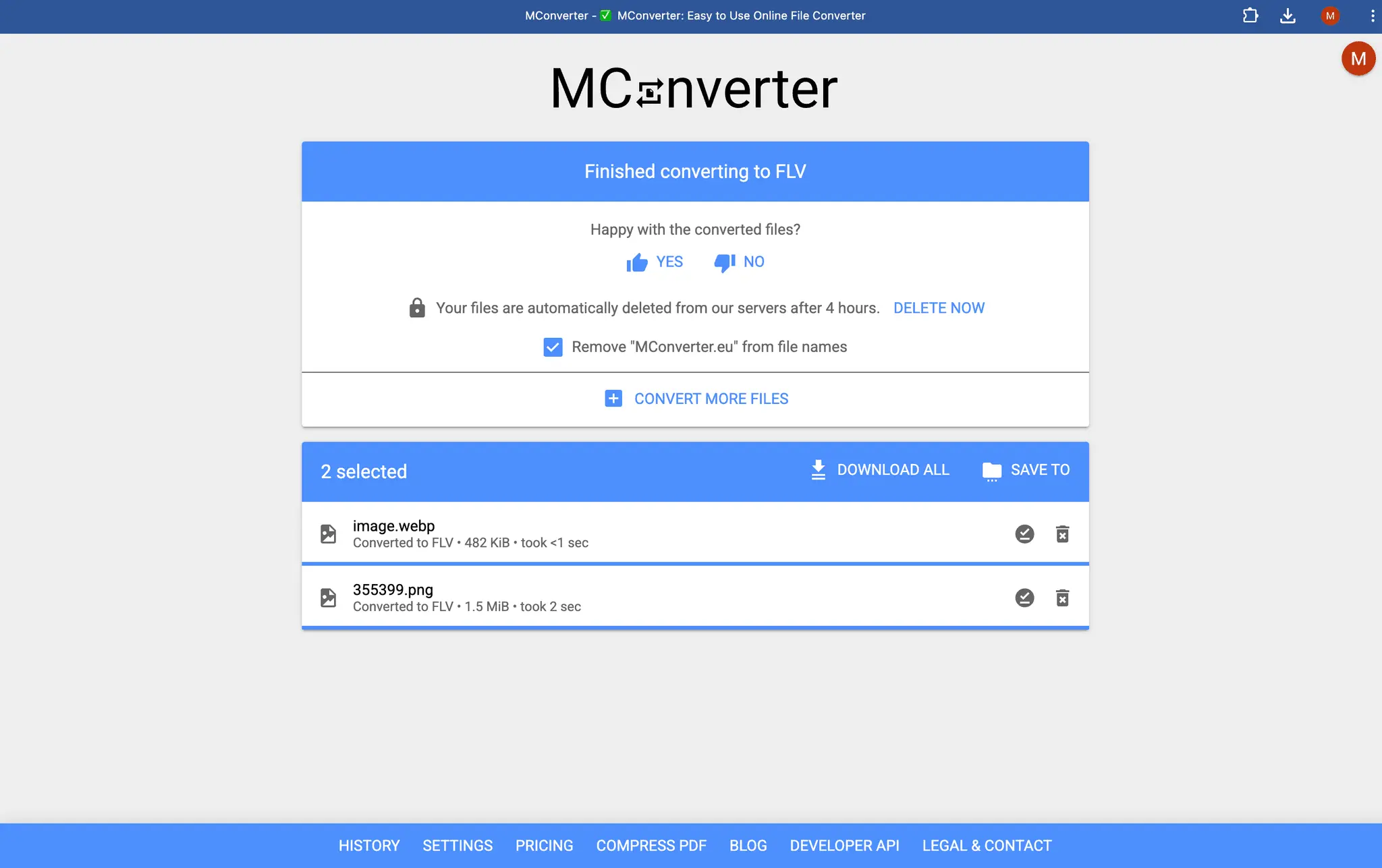
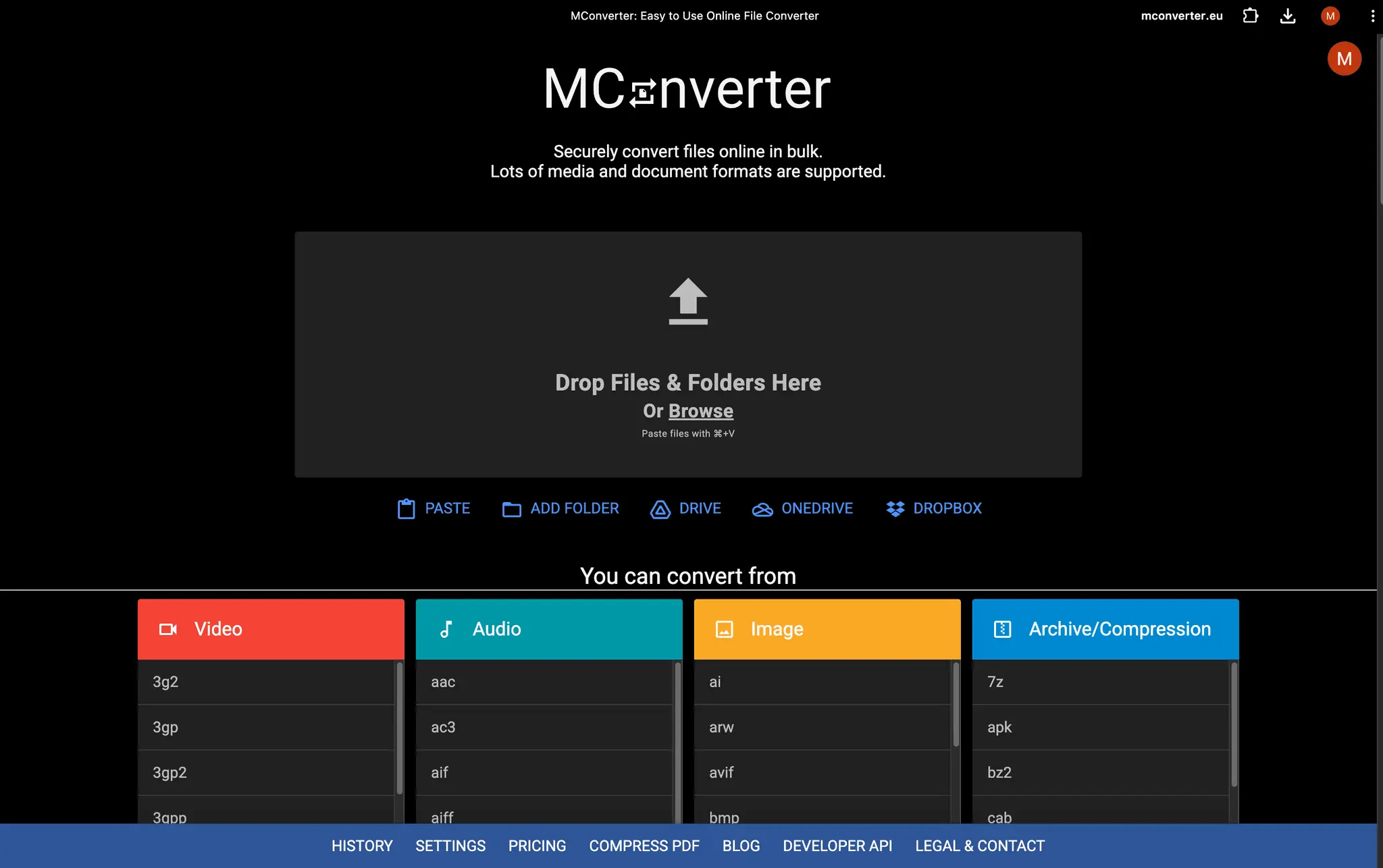
MConverter is an easy-to-use online file converter and PDF compressor designed to make file handling fast, flexible, and convenient. It lets you convert files in bulk across a wide range of categories, including video, audio, images, e-books, office documents, subtitles, PDFs, and archive files. Whether you need a quick one-off conversion or want to process many files at once, MConverter is built to simplify both everyday tasks and larger workflows. It supports many popular formats, including modern image formats such as AVIF, JPEG XL, WebP, HEIC, TIFF, and more, making it useful for both common and specialized conversion needs. MConverter is especially strong at batch processing and large-file conversion. You can convert multiple files at once, work with entire folders, and handle large files up to 10 GB, which makes it practical for media-heavy projects, document workflows, and archive management. This makes the app suitable not only for simple personal use, but also for users who regularly work with bigger files and need a dependable bulk conversion tool. In addition to format conversion, MConverter can also compress PDF files and reduce their size by up to 90%, helping you save storage space and create easier-to-share documents without extra complexity. The interface is designed for speed and convenience. You can select files and folders from virtually anywhere: drag and drop them in, browse for them manually, paste them directly from the clipboard with Ctrl+V, or import them from cloud storage services such as Google Drive, OneDrive, and Dropbox. Converted files can then be saved directly to the folder you choose, helping you stay organized and avoid unnecessary extra steps. On supported platforms, MConverter also integrates smoothly with the Share menu and can be opened directly from File Explorer, making conversions feel like a natural part of your workflow instead of a separate process. Whether you are converting media, preparing documents, shrinking PDFs, or organizing large batches of files, MConverter offers a simple but powerful way to get the job done. Its combination of broad format support, bulk conversion tools, large file handling, folder support, flexible file import options, and direct saving makes it a practical all-in-one solution for users who want file conversion to be fast, straightforward, and reliable.
Discount Codes
10% OFF ALL PLANS(-10% OFF)
Valid until Dec 31, 2026
Screenshots
Product Updates (1)
Major improvements to most file conversions 🎉
I’m excited to announce a big update to our conversion engine that’s just been released to all MConverter users. Tons of bugs have been fixed and improvements have been made to pretty much all supported formats. Some noteworthy changes include: - Creating animated JPEG XL (JXL) images is now supported. They can be converted from all video formats, animated GIF and WebP, as well as vice-versa. - Easily export all image frames from animated AVIF files. You can get them as a sorted ZIP of PNGs, for example, or as layers in a PSD file. AVIF animations can also be exported to pages in a PDF. - You can now convert animated WebP to animated AVIF. - Significantly improved the processing speed when creating AVIF animations from a video or animated GIF. - Image metadata (such as EXIF, date taken, GPS location, etc.) is now consistently kept by default in the converted file when converting image-to-image. This behavior allows you to easily free up space by converting your JPG images to more efficient formats, such as WebP, AVIF, and JPEG XL. After doing that, you can delete the original JPG files, knowing that no image quality or metadata has been lost. ...and many others. For more details, see https://mconverter.eu/blog/major-conversion-improvements-may-2026/
Comments (4)

Bulk conversion across video, audio, images, e-books and subtitles in one tool is rare. The PDF compression is a handy extra for everyday paperwork.

Reviews (89)
Average 4.8 out of 5
Based on 89 reviews
Handles a very wide range of formats, and bulk processing saves real time versus one-off converters. Large video and audio files are the pain point it targets. A clearer file-size limit note would be a plus.
MConverter.eu represents one of the most exceptionally refined, intelligently engineered, and operationally efficient file conversion platforms presently available within the global digital utility ecosystem. From both a technical and user-experience perspective, the platform demonstrates a remarkably sophisticated fusion of computational precision, interface elegance, processing velocity, and multi-format interoperability. Its architectural simplicity is deceptively powerful, concealing beneath its streamlined user interface a deeply capable and highly adaptive conversion engine engineered to support an extraordinary range of digital transformation requirements. ★★★★★ 5/5 Stars — Exceptional in Every Respect. What immediately distinguishes MConverter.eu from many competing file conversion systems is its extraordinary balance between accessibility and technical sophistication. The platform is neither cluttered nor burdened by excessive procedural friction. It is IMPRESSIVE!

I miss the tools that just work with no additional clutter. This is one of them. Recommend

I use it for more specific formats and never dissapoints.
Comments (23)
Does it keep the original file quality when compressing PDFs?
Is there also a subscription tier ?
@yoda Yes, in addition to the free tier, there's also MConverter Plus, Pro and Max
Can I convert a PPT onto PDF ?
@dasak Yes, you can do that, in bulk too: https://mconverter.eu/convert/ppt/pdf/
What file formats are supported for video files ?
@socapex395 Currently, these are supported: 3G2, 3GP, AMV, AVI, FLV, MKV, MOV, MP4, MPEG, MPG, MXF, OGG, VOB, WebM, WMV. Anything you need that's missing?
Yet another one
@hobapi6251 Fair point 😅 it's become quite crowded in the file processing space. What sets MConverter apart from the new players is that it's not vibe coded and it actually works.
What about files larger than 10 GB ?
@pafeb65702 Great question! Support for larger files is planned. Do you have any specific file formats in mind where you need over 10 GB? Large videos?
What's is the difference between this and the other similar online free tools ?
@yoxoh36702 MConverter has a simple interface without annoyances and unnecessary steps, focused on speed. It also integrates much more with the OS than other online tools: in File Explorer, native Share To MConverter, notifications, etc.
Does it also work with .ogg file extension?
@wofecih331 Yes! MConverter supports converting from and to .ogg, see here: https://mconverter.eu/convert/ogg/
works as advertised!
@ragentagent Glad to know it's working well for you!
following this useful product
@ricewine Thanks for your support!