
MediaFlowSwift
Video footage manager for Mac, from card to archive

Details
- Categories
- Use Cases
- Target Audience
- Pricing
- Subscription from $4.99
- Platforms
Discovery signals
How AI and people discover MediaFlowSwift on PeerPush
About MediaFlowSwift
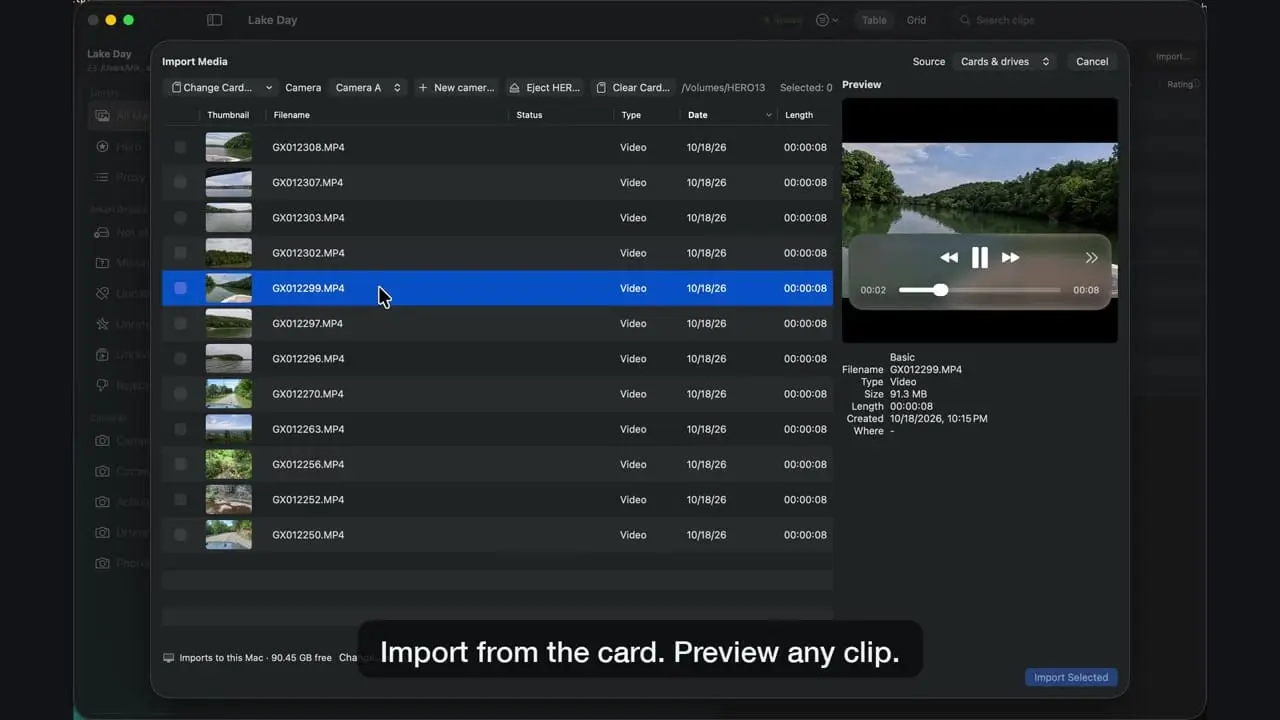
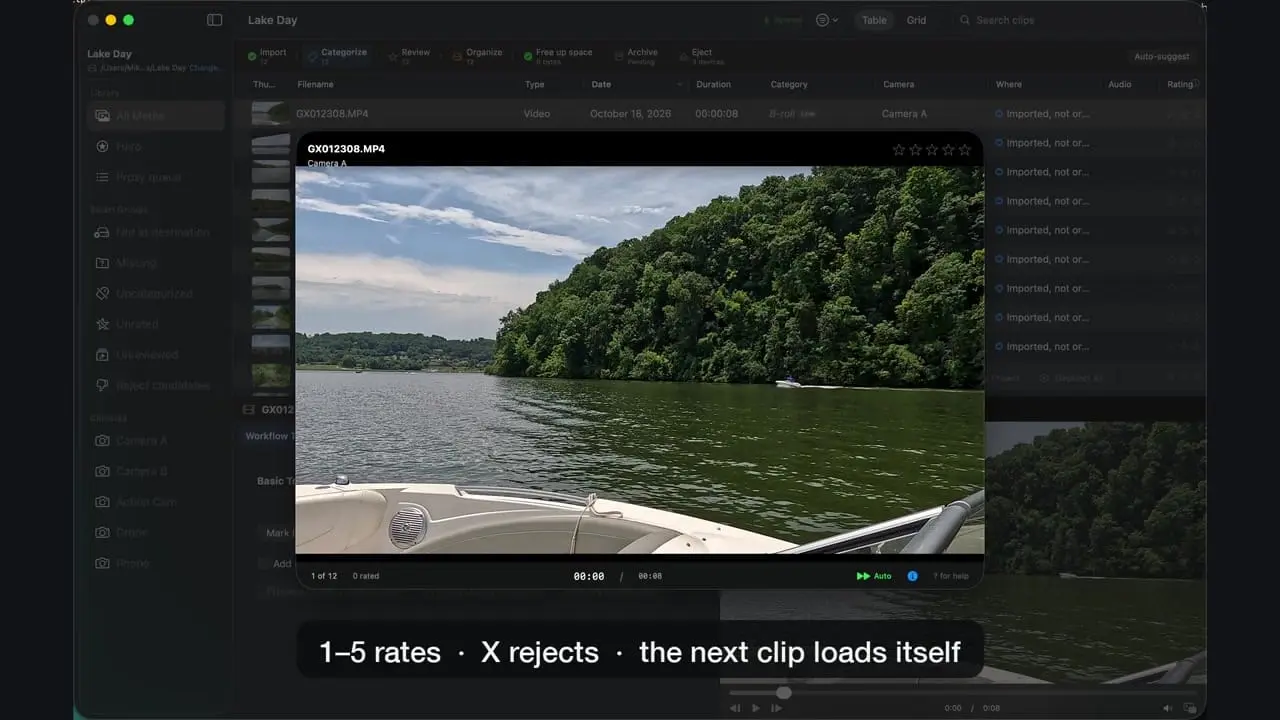
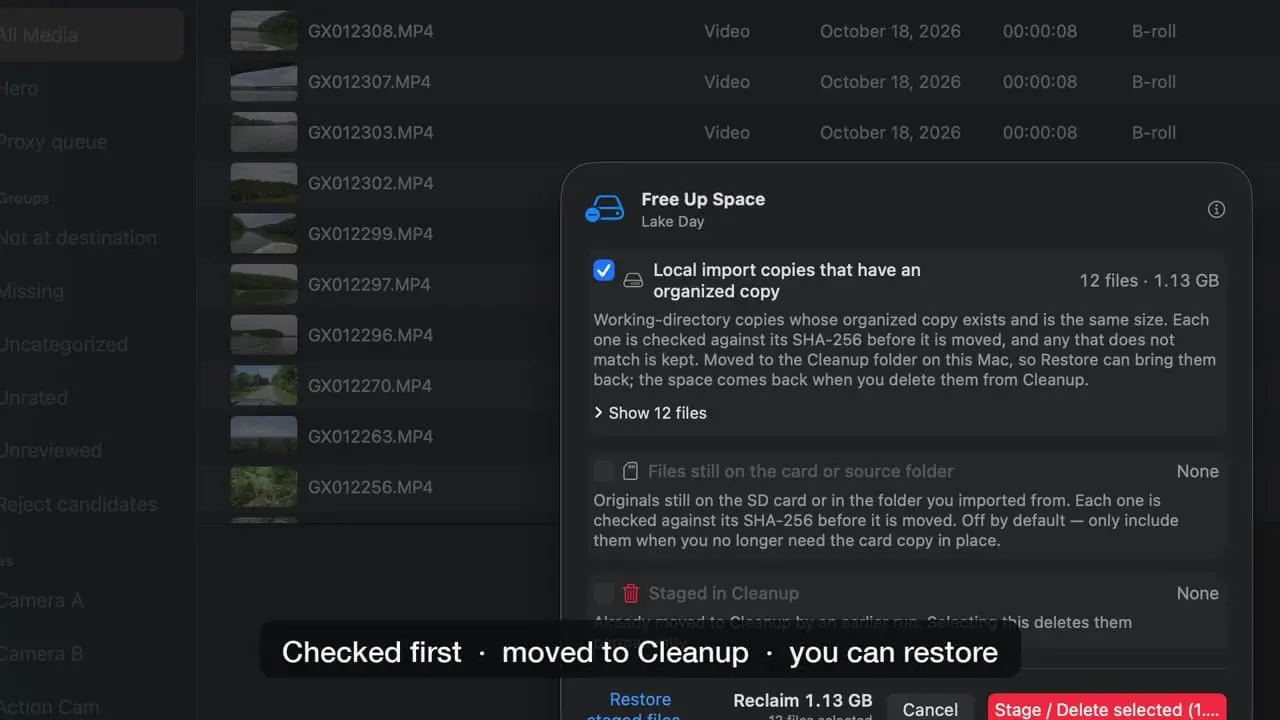
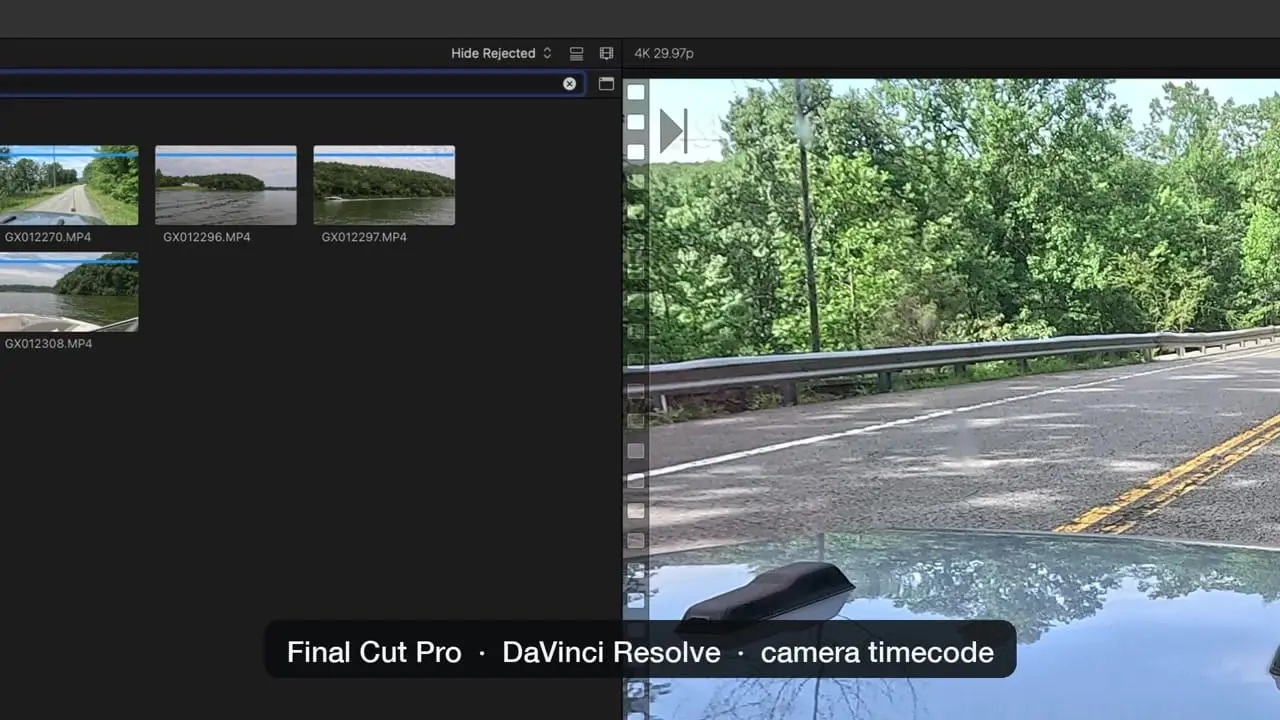
Every clip from the card to the archive, accounted for. MediaFlowSwift is a footage manager for video creators on the Mac. It offloads the footage from a shoot and keeps track of every clip after that. How it works, in seven steps: 1. Import: offload cards, USB drives, folders, an iPhone or a camera over USB. 2. Categorize: your own categories, with suggestions if you want them. 3. Review: frame-accurate preview, star ratings, tags and notes. 4. Organize: clips are copied into category folders at the project's destination. 5. Free up space: working copies are removed only after the copy is checked against the original. 6. Archive: to numbered drives, with a record of what is where. 7. Eject: cards and drives ejected with one click. Also included: search a clip by what was said in it (speech is transcribed on your Mac), GPS scenes and a shoot map, proxies for footage on a network share, an editing-drive round trip, a shared database across Macs, and PDF/HTML/CSV hand-off reports. Studio Pro drafts a YouTube title, description, chapters and tags from what you say. No account and no usage data. Projects are plain files in folders you choose. Runs on Macs with Apple silicon, macOS 13 or later. 14-day free trial of the full app, no card. Then $4.99 a month or $49.99 a year (Studio), or $9.99 a month or $99.99 a year (Studio Pro).
Product Video
Watch a video demo of MediaFlowSwift.
Screenshots
Reviews (0)
No reviews yet. Be the first to rate this product!
Comments (1)
"Every clip from the card to the archive, accounted for" speaks to the quiet fear of losing a shot during offload. Covering import, review, archive and publishing in one Mac app should take a lot of stress out of shoot days.