
NanoClip
Clipboard history, snippets, and automation for macOS

Details
- Categories
- Target Audience
- Pricing
- One-time from $10
- Platforms
- Alternatives
 Paste alternatives
 Maccy alternatives
 Raycast alternatives
Discovery signals
How AI and people discover NanoClip on PeerPush
- ChatGPT
- Perplexity
- Claude
- +4 other AI crawlers
Reads by these AI engines
Crawlers behind these engines read this listing on PeerPush.About NanoClip
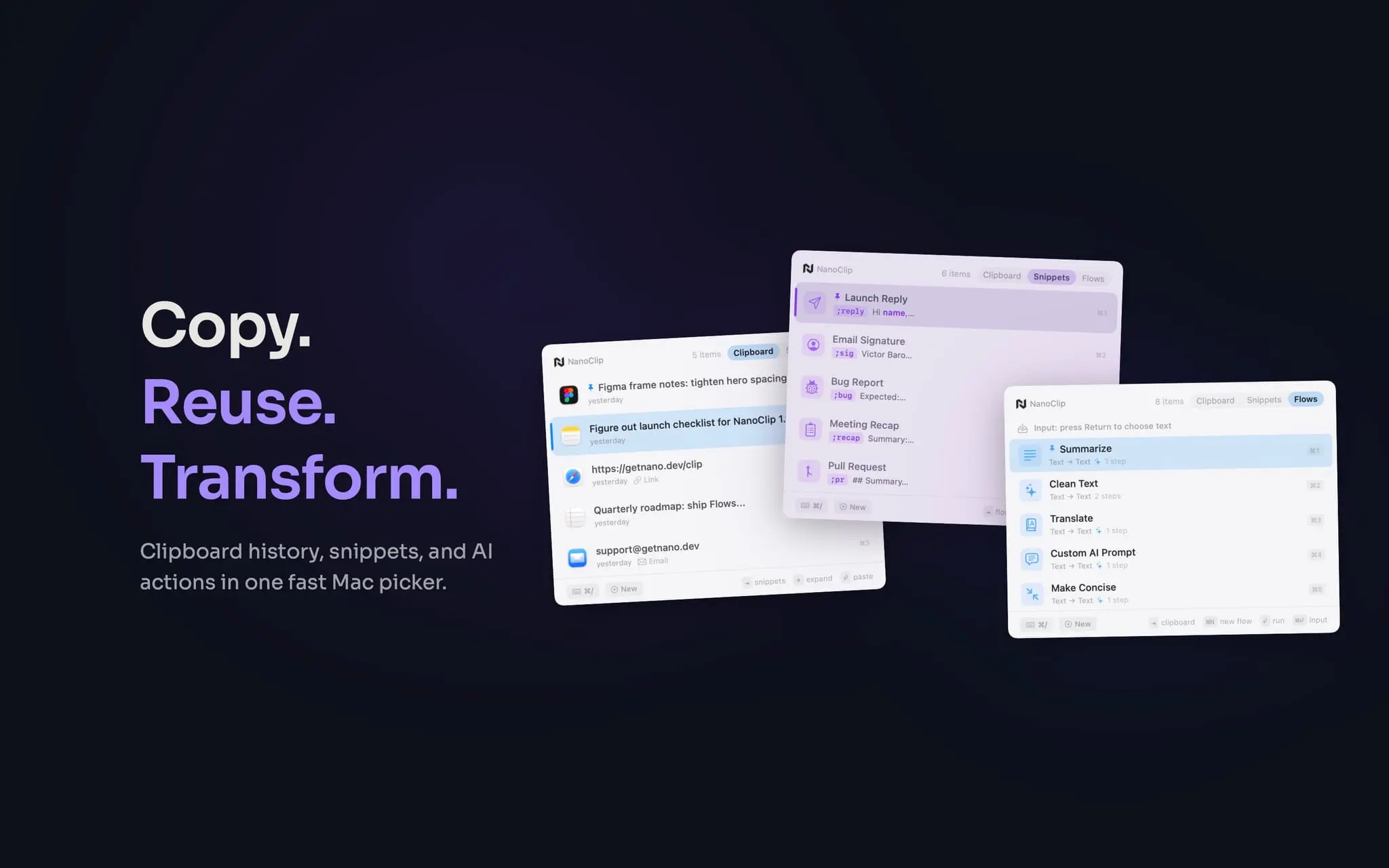
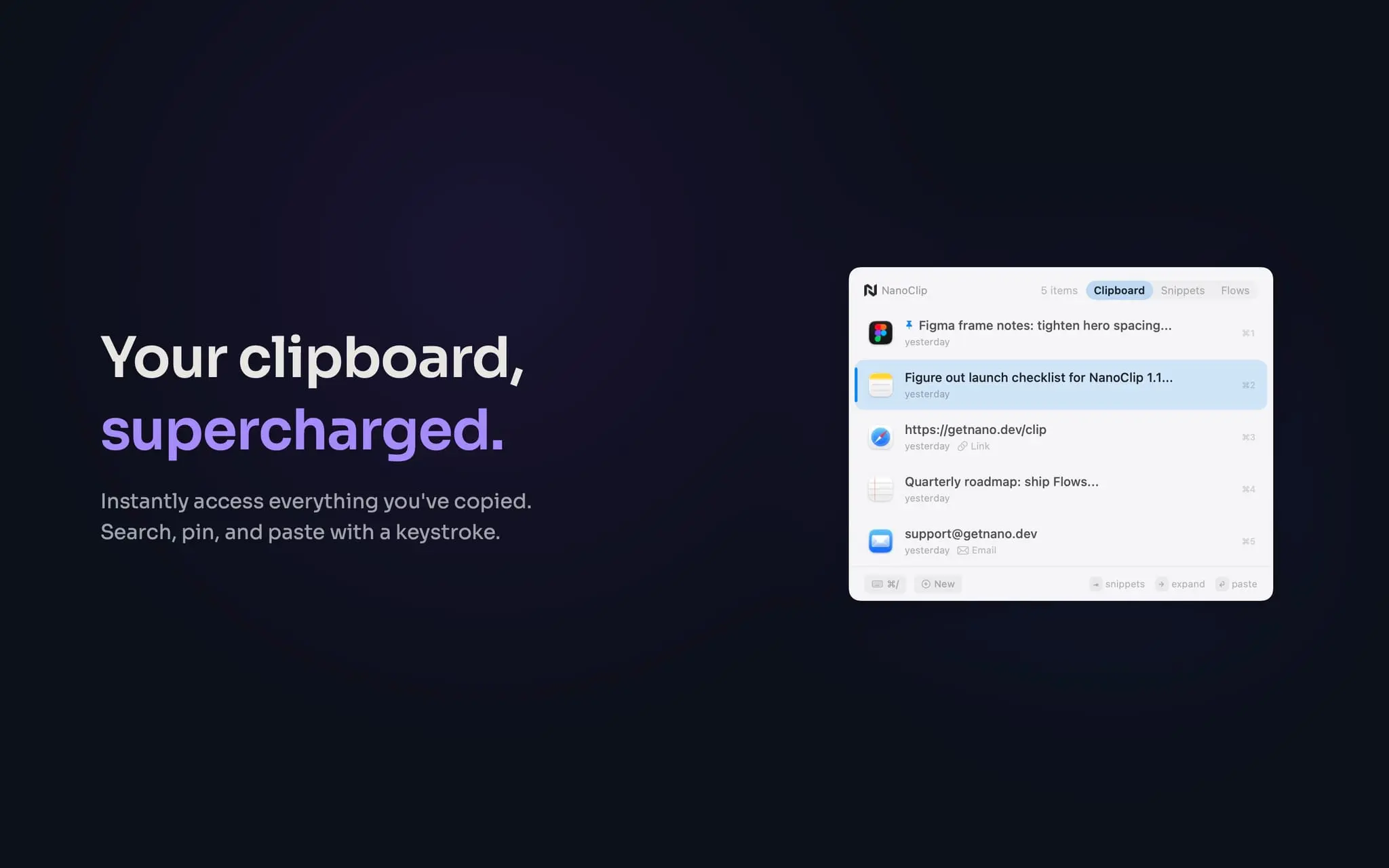
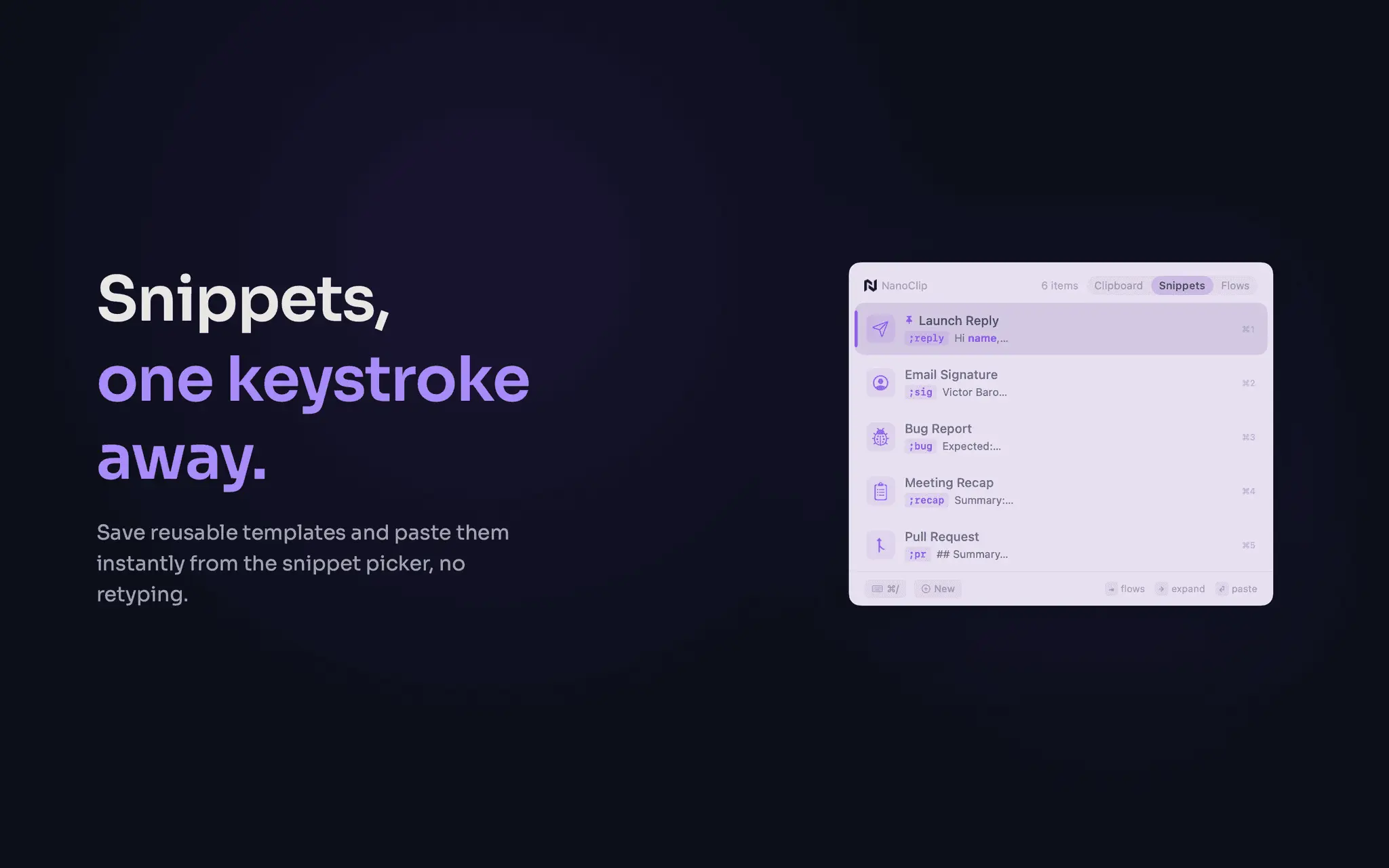
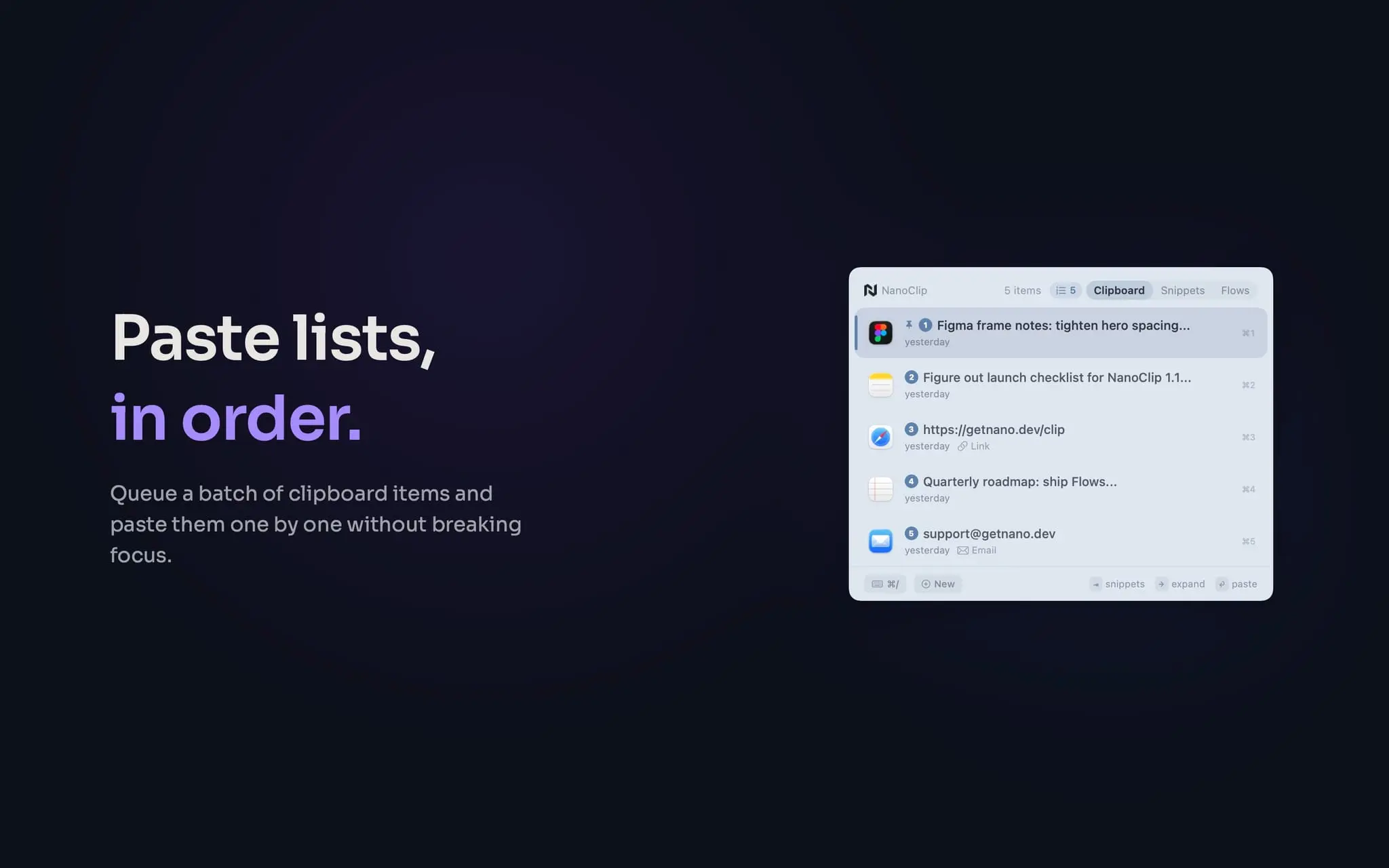
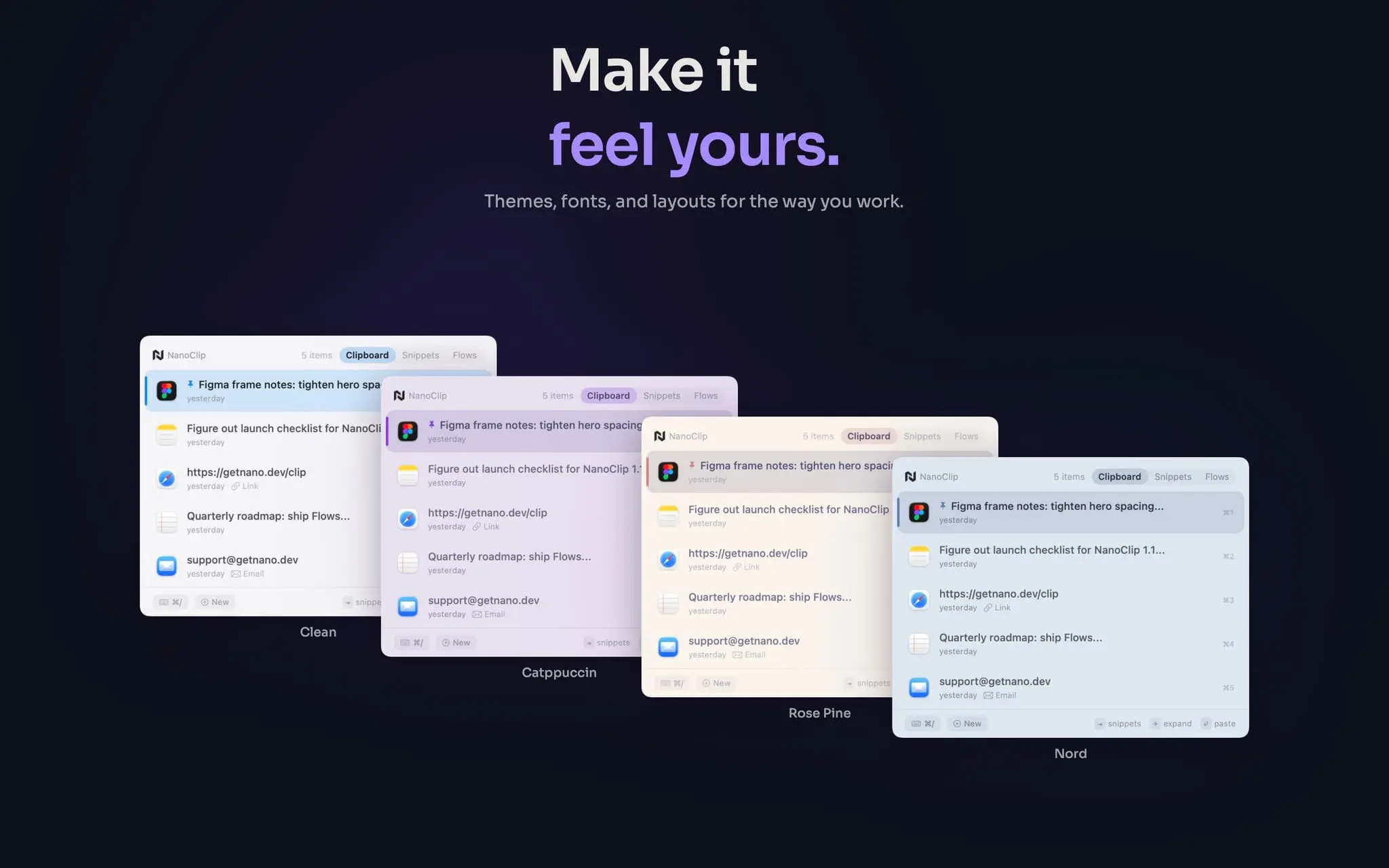
NanoClip is a lightweight clipboard manager for macOS that helps you find, reuse, and transform anything you copy. Instead of keeping only your latest copied item, NanoClip saves your clipboard history and makes it instantly searchable from anywhere with a single keyboard shortcut. It supports text, links, rich text, code, images, GIFs, files, colors, and more, with inline previews so you know exactly what you are about to paste. NanoClip also includes smart snippets for text you use often, like email replies, signatures, prompts, support messages, code blocks, URLs, and reusable notes. Snippets can expand automatically, helping you avoid typing the same things over and over. For more advanced workflows, NanoClip includes automation flows that can process clipboard content before you paste it. You can use built-in flows or create your own to clean up text, summarize content, extract information, format links, run OCR, prepare AI prompts, and automate repetitive clipboard-based tasks. Flows can run with local or cloud AI providers, depending on how you prefer to work. NanoClip is built to stay out of the way. It lives quietly on your Mac, opens quickly, works well from the keyboard, and is designed for people who copy and paste all day: developers, writers, support teams, students, marketers, creators, and anyone who works with text, links, files, or repeated content. Unlike subscription-based clipboard tools, NanoClip is available with a simple one-time purchase. The free version includes the essentials, while NanoClip Pro unlocks unlimited clipboard history, unlimited snippets, custom flows, pinning, themes, custom fonts, content obfuscation, sequential paste, and iCloud sync across Macs. NanoClip solves three common Mac productivity problems in one focused utility: losing things you copied, retyping the same content repeatedly, and manually cleaning or transforming text before pasting it. It gives your Mac clipboard memory, structure, and automation, without adding bloat.
Product Video
Watch a video demo of NanoClip.
Screenshots


Reviews (4)
Average 4.5 out of 5
Based on 4 reviews

The clipboard history and snippets look practical for speeding up repeat workflows; a few more macOS automation examples would make the value even clearer.
Loving the workflows! I just resized a few images in a heartbeat! I also love the little sounds, nice touch.

My new favorite!!!

Very minimal, solid UI.
Comments (3)
A unified clipboard history with snippets and automation looks especially useful for keeping repetitive macOS workflows fast; I’d be curious how search handles large histories.
Really like the UI choices for this app, very simple!
@cepholotech Thank you!
A fast, lightweight clipboard manager for macOS. Clipboard history, smart snippets, AI-powered flows, and no subscription. Happy to answer questions!