Neon Trail
Customizable neon cursor trails for macOS

Details
- Categories
- Use Cases
- Target Audience
- Pricing
- One-time from $6
- Platforms
Discovery signals
How AI and people discover Neon Trail on PeerPush
About Neon Trail
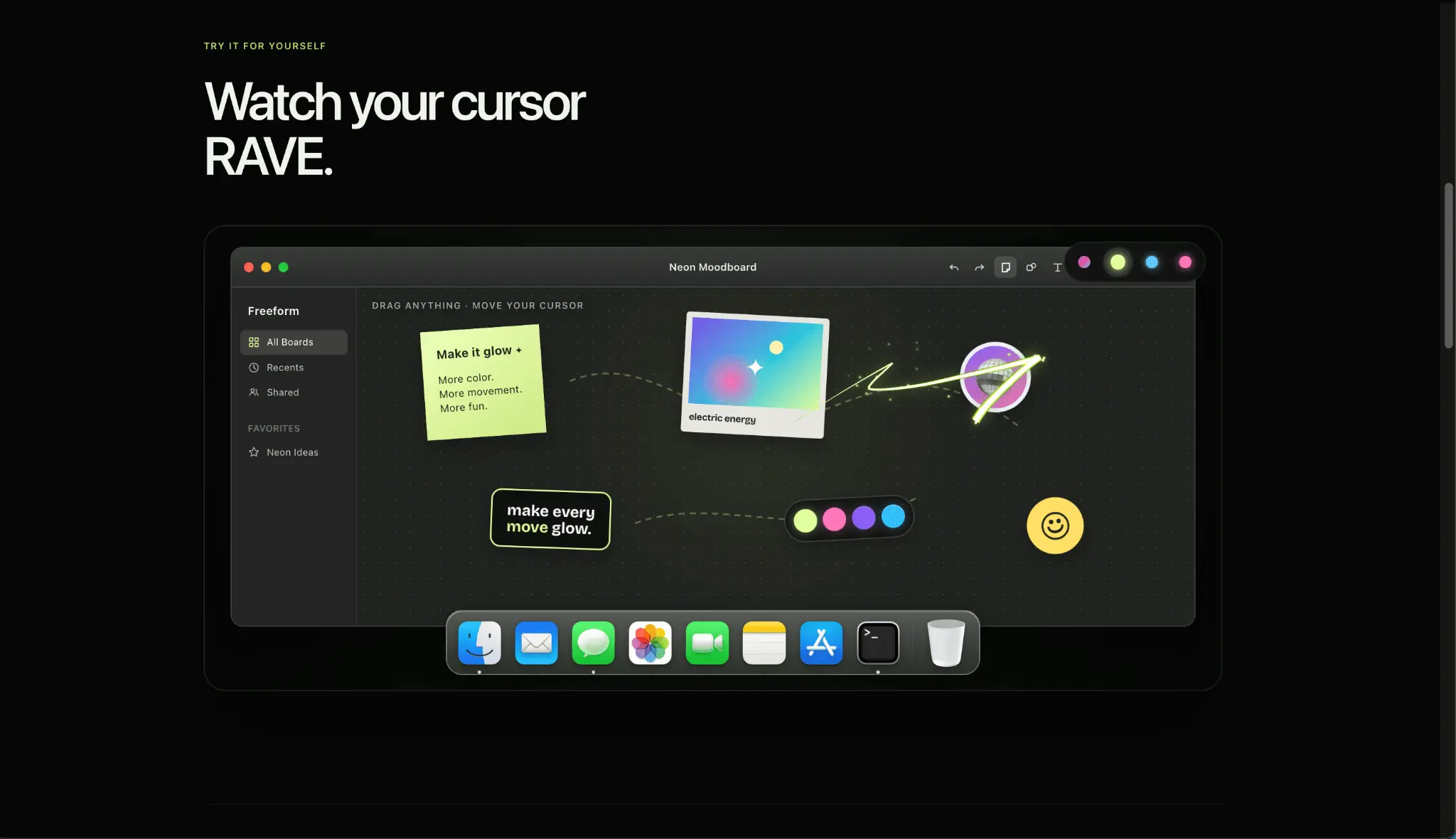
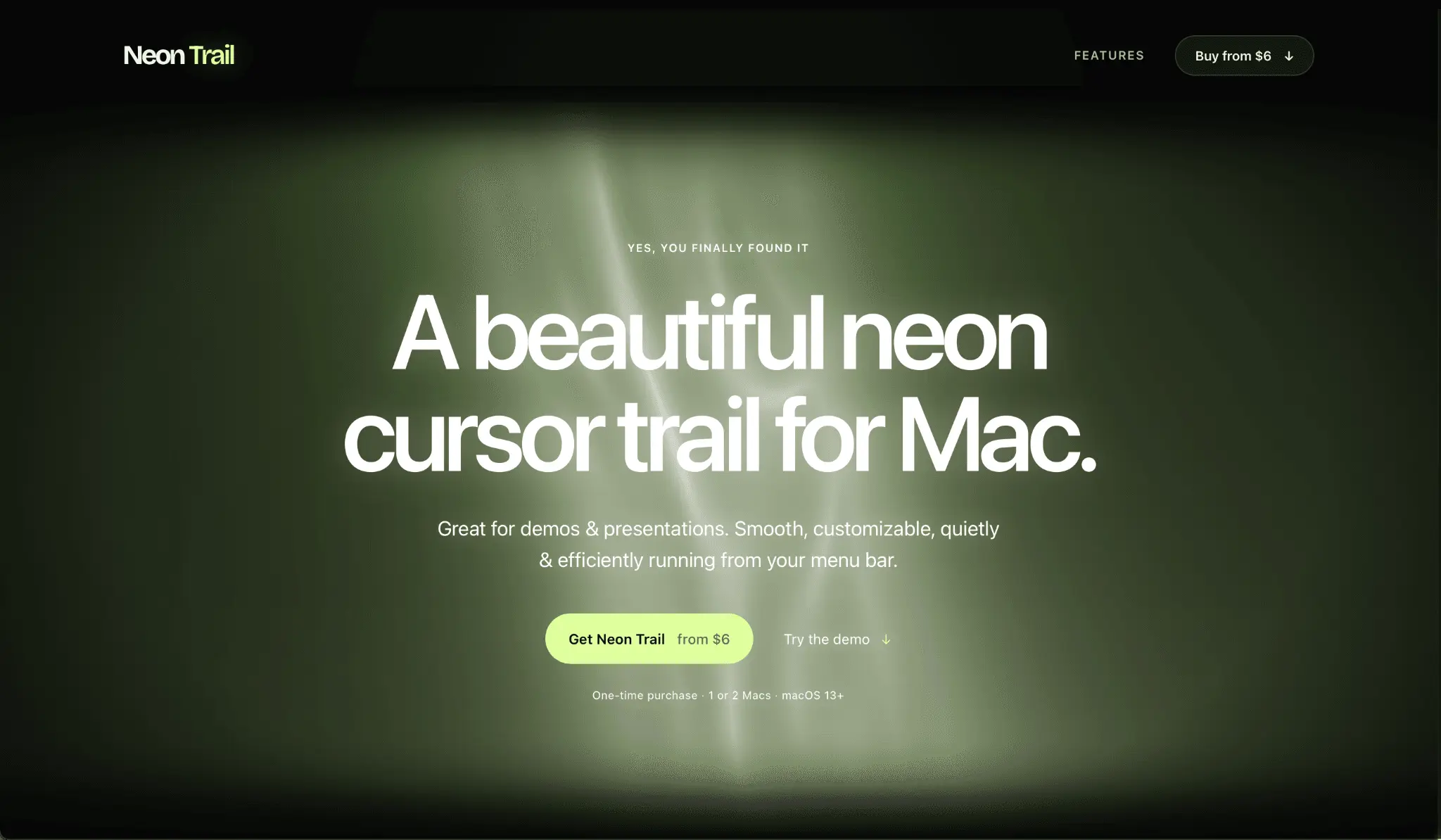
The iPhone Duo is a useful reminder that Apple can still rethink a familiar object. It folds open, changes shape, and makes the iPhone feel new again. Meanwhile, the cursor on a Mac remains a small black-and-white arrow that has barely changed while the rest of the desktop has become increasingly personal. That mismatch stands out once you have put any care into your setup. You choose a wallpaper, arrange the Dock, keep certain menu-bar apps around because they look right, and probably have opinions about how much visual noise you can tolerate. The cursor moves across all of it, yet it still looks as if it belongs to a completely different computer. Neon Trail is my answer to that gap: a small Mac menu-bar app that adds a customizable neon trail behind the existing cursor. [Put the plain cursor-to-Neon Trail clip here. Let the movement make the point before any overlay text appears.] A cursor trail should look considered, not merely loud There are plenty of visual effects that announce themselves immediately and become irritating just as quickly. A good trail needs a bright centre, a soft outer glow, and a tail that fades away before it clutters the screen. It should make a dark desktop feel richer without turning a calm workspace into a gaming setup. Neon Trail gives you control over the parts that change that feeling: colour, width, length, taper, follow speed, glow, and sparks. A short orange trail can feel warm and understated. Blue is cleaner and more restrained. Pink is deliberately less restrained, which is sometimes the whole point of downloading a cursor effect in the first place. The settings are immediate because the only sensible place to judge a colour is on your own desktop. A preset that looks perfect against a black wallpaper may not work with the bright photo or light-mode setup you actually use every day. It changes a detail you see all day The appeal is not that a cursor trail makes a sweeping promise about productivity. It does something smaller and more honest: it gives the most default-looking element of your Mac some personality. The effect runs across your apps, sits in the menu bar, and ignores mouse input, so clicking and dragging still feel completely normal. You are not replacing the pointer with a novelty icon or switching into a special presentation mode. You are simply giving the cursor a visual presence that finally matches the rest of the setup. It also looks great when you share a screen or record a short product clip, but that is a side benefit. The reason to keep it on is that the normal cursor starts to look oddly unfinished without it. Try the interactive demo at getneontrail.com and see which preset works with your desktop. Neon Trail is $10 once for two Macs and works on macOS 13 and later.
Screenshots
Reviews (0)
No reviews yet. Be the first to rate this product!
Comments (1)
I’d love the honest take: which trail color would you actually leave on all day, and what would make this a must-have instead of a nice-to-have?