nodeterm
Run coding agents and terminals on an infinite canvas

Details
- Categories
- Use Cases
- Target Audience
- Platforms
Discovery signals
How AI and people discover nodeterm on PeerPush
About nodeterm
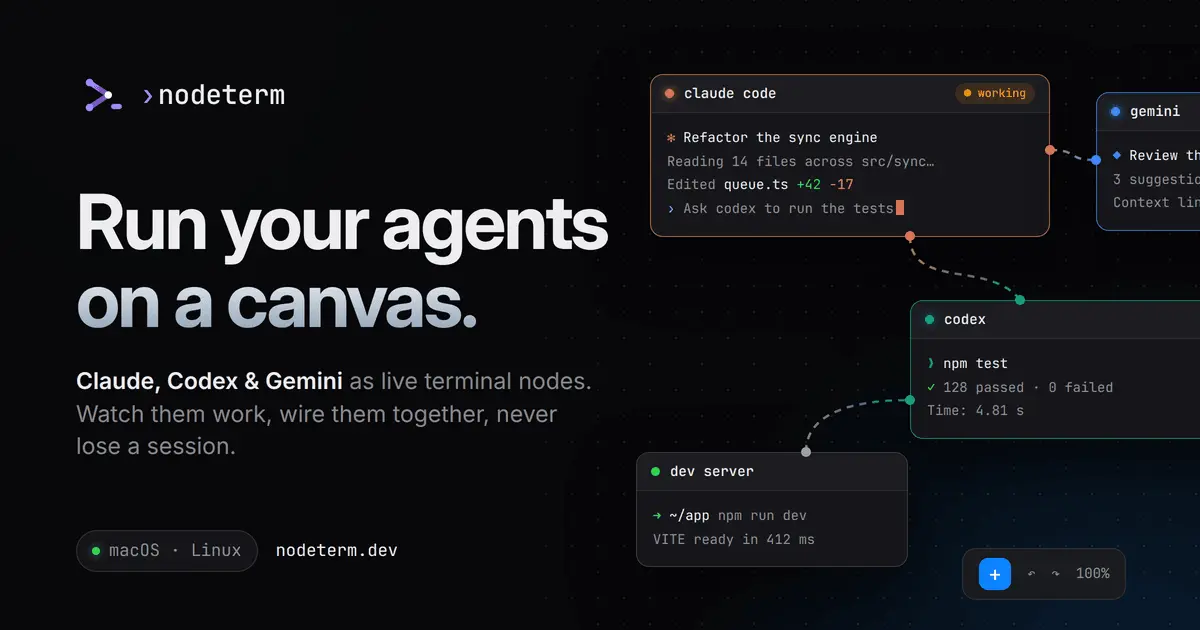
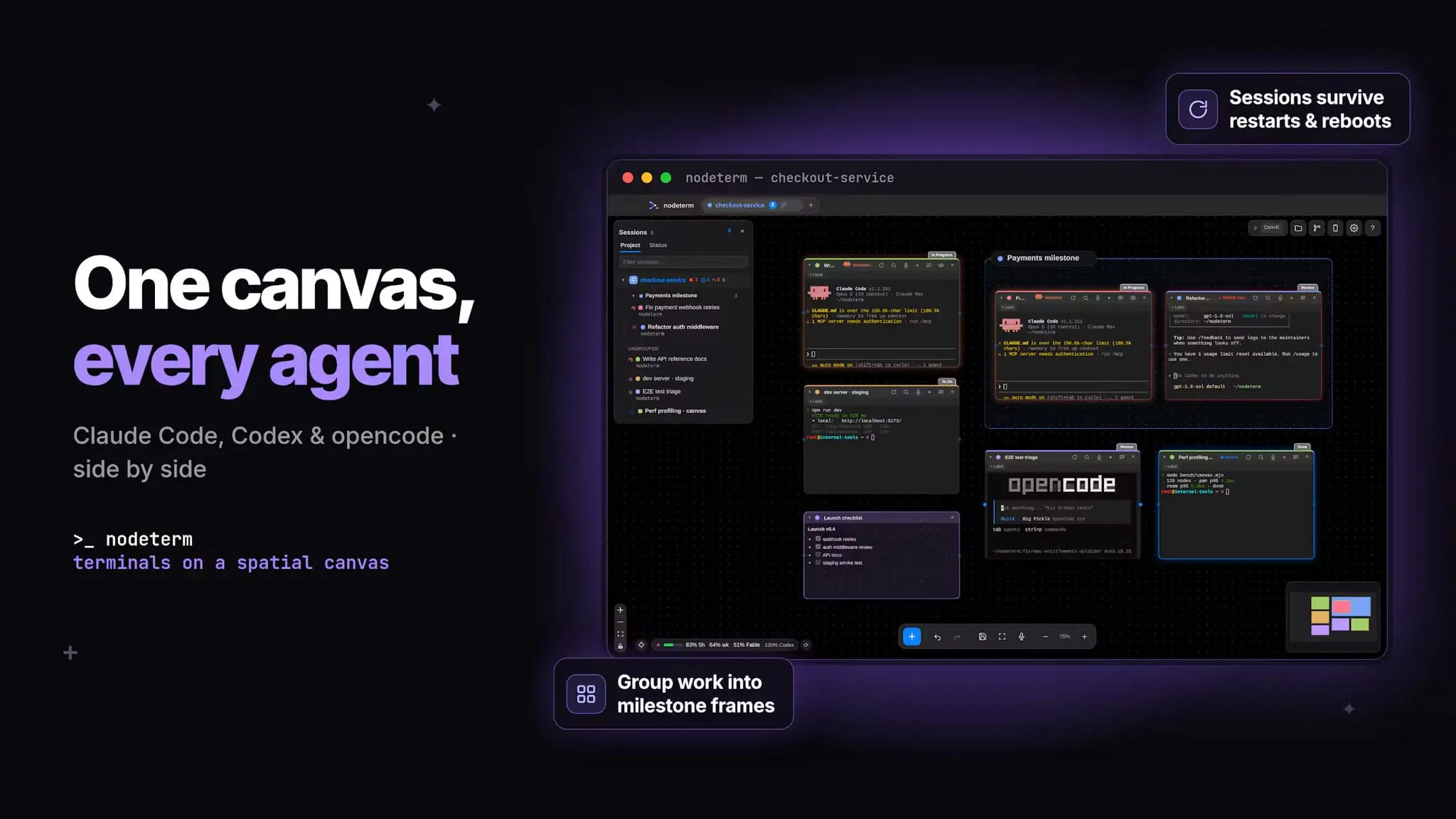
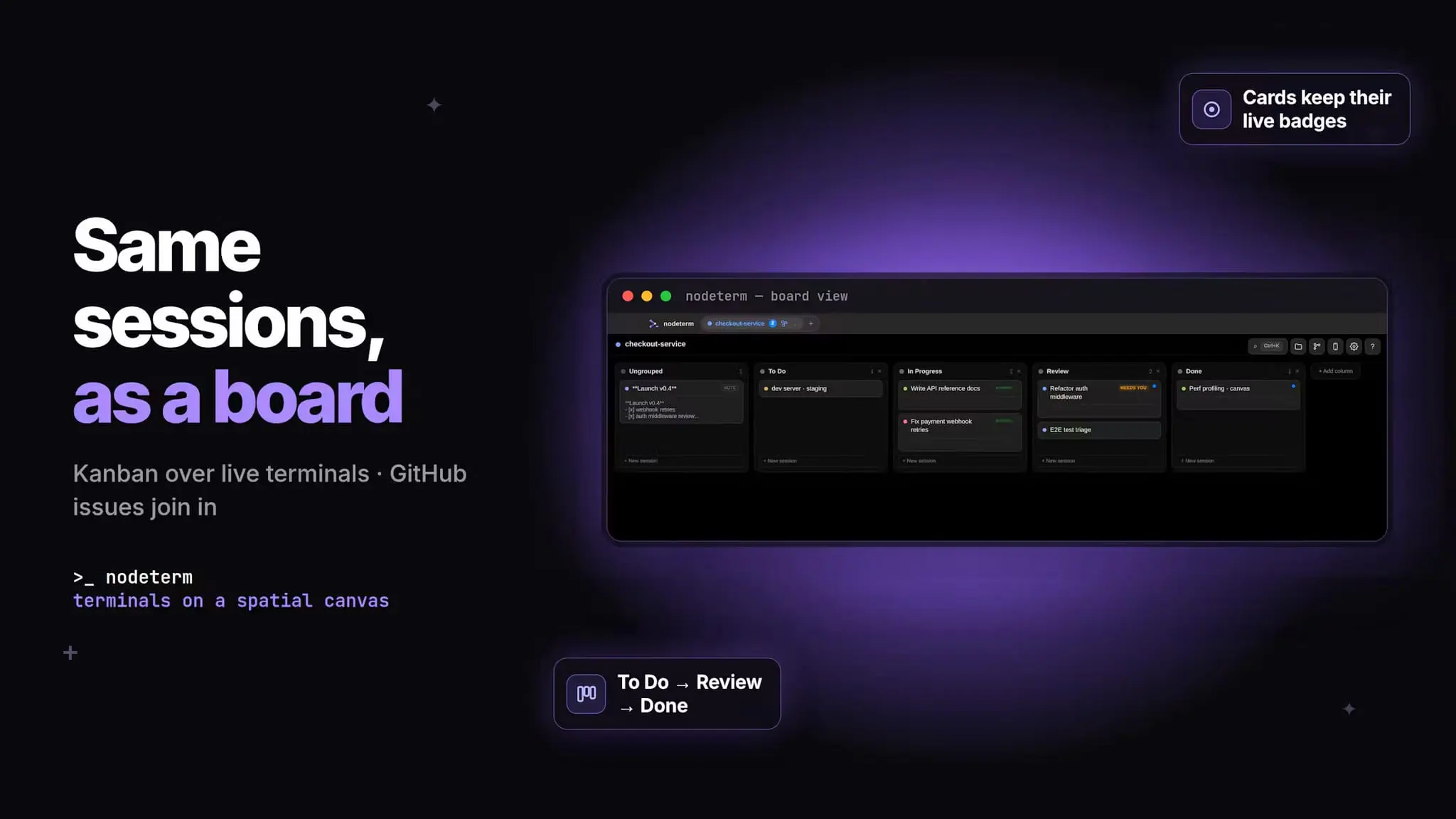
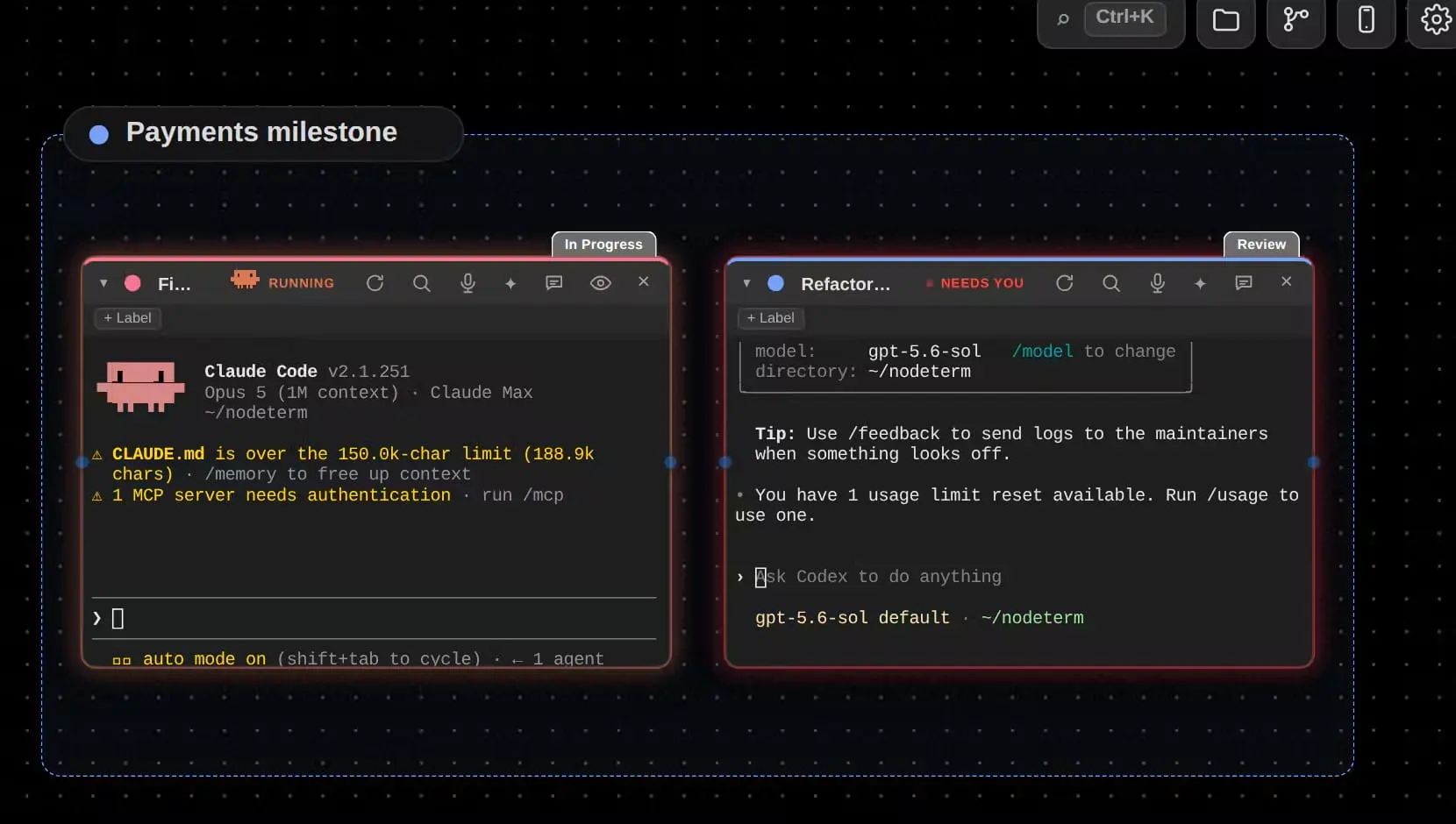
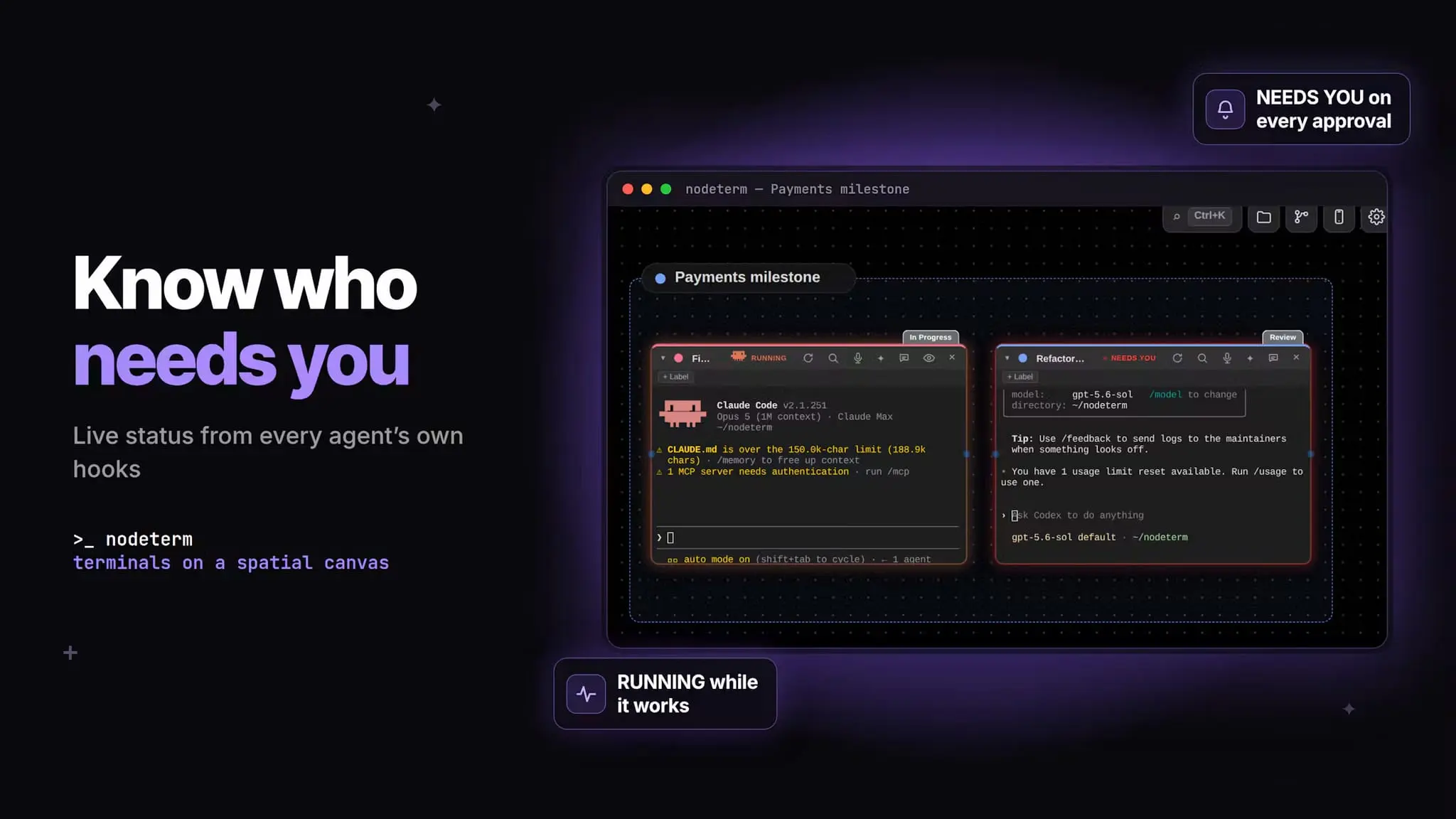
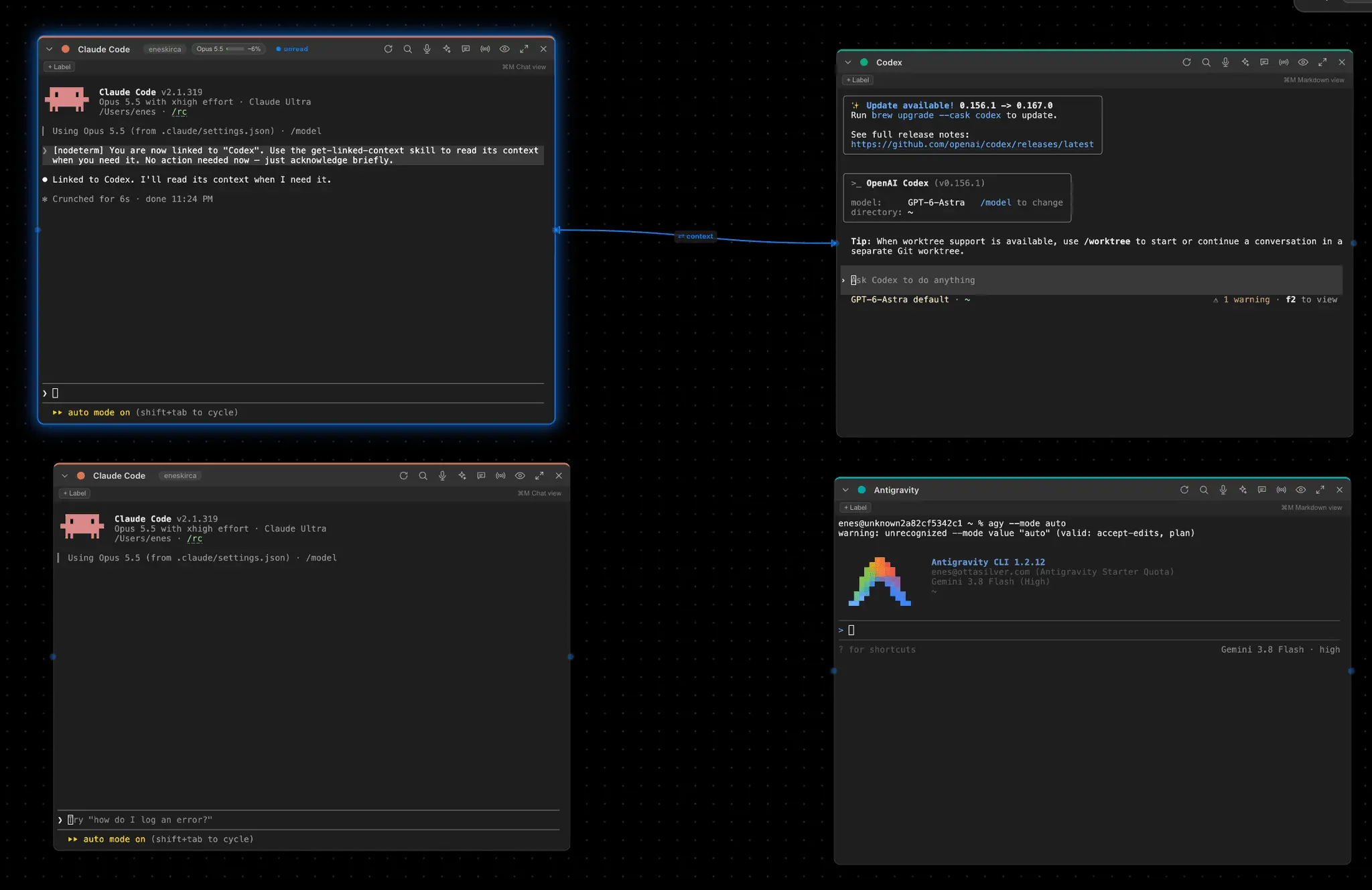
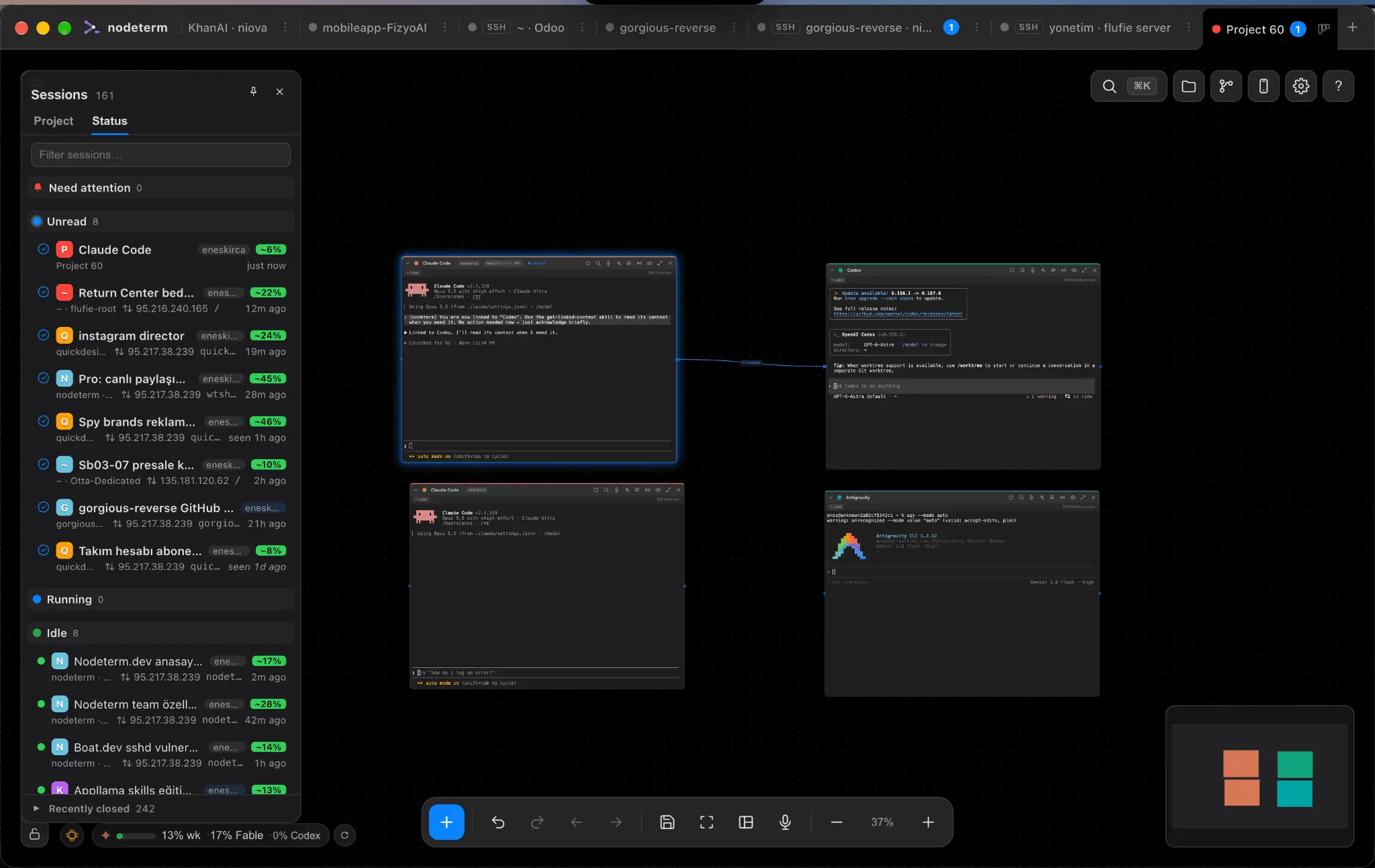
My goal is simple: build something genuinely useful for everyone. I originally built this tool just to improve my own productivity. I was using the native Mac Terminal, but managing multiple projects — especially projects I connect to remotely over SSH — had become a complete nightmare. On top of that, I was also keeping VS Code open mostly for Git, which was adding even more overhead to my machine. So, as a solution, I built a program with Claude where I could manage all of my terminals on a single canvas. But things got a little out of hand 😅 I kept adding features, and it eventually turned into something close to an autonomous development environment. So, what can you actually do with it? Your terminals are persistent. You can close the app, lose your connection, reconnect over SSH, and continue with the exact same layout and sessions. You can connect to a server over SSH and manage all of its terminals as if they were local. Drag & drop, images, and everything else still work. You can continue your sessions from your phone. Git operations like push, pull, commit, etc. are built in. Terminals can communicate with each other. You can connect their contexts, and with skills, one terminal can read or use information from another terminal’s context when needed. You can also do orchestration. For example, you can tell one terminal: “Start a Claude Code session for the frontend and act as the orchestrator,” and have it manage the other sessions. But yeah… I’m a bit stuck right now. To keep pushing the project forward, I either need a sponsor or simply some motivation from the community. If you can leave a few words of feedback, I’d really appreciate it. And if that’s too much to ask, I’d happily settle for a GitHub star ⭐️ Much love, Enes Website: nodeterm.dev Repo: https://github.com/eneskirca/nodeterm
Product Video
Watch a video demo of nodeterm.
Screenshots
Reviews (2)
Average 5.0 out of 5
Based on 2 reviews

Keeping several Claude Code, Codex or Gemini sessions side by side on one canvas, with status badges showing which agent is waiting for input, makes parallel work much easier to follow. Backing each terminal with tmux so sessions survive a reboot is a solid choice. I could not find a price for the Pro plan on the listing or the site, only the founding sponsor offer, so a short pricing section would help people decide.

Comments (0)
No comments yet. Be the first to share your thoughts!