
Nucleate
Project memory from unstructured audio

Details
- Target Audience
- Pricing
- Free
- Platforms
 Notion alternatives
 Otter alternatives
Discovery signals
How AI and people discover Nucleate on PeerPush
By AI reads among Writing & Documentation tools
633 AI reads in the last 30 days, ranked against every Writing & Documentation tool listed.About Nucleate
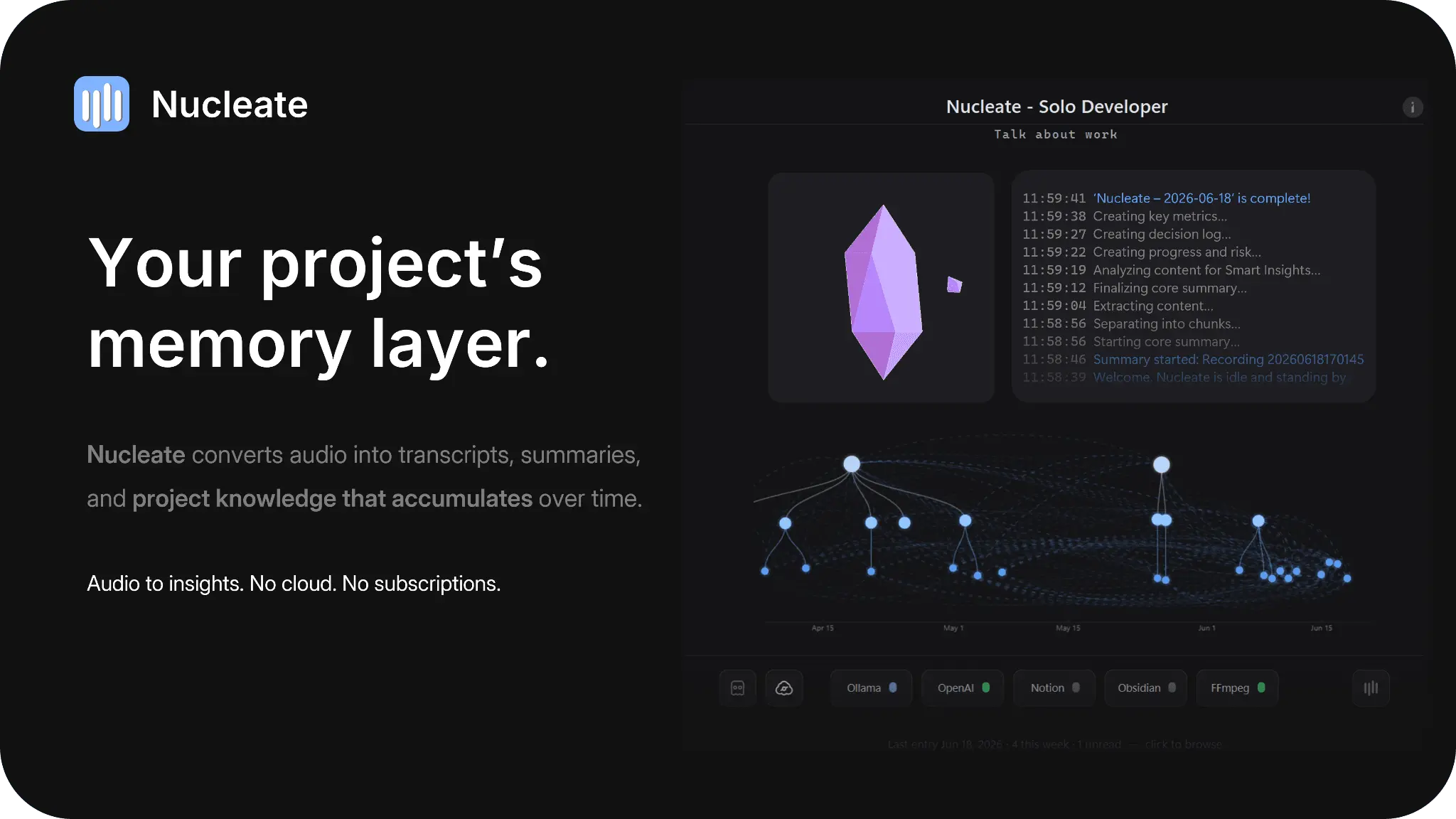
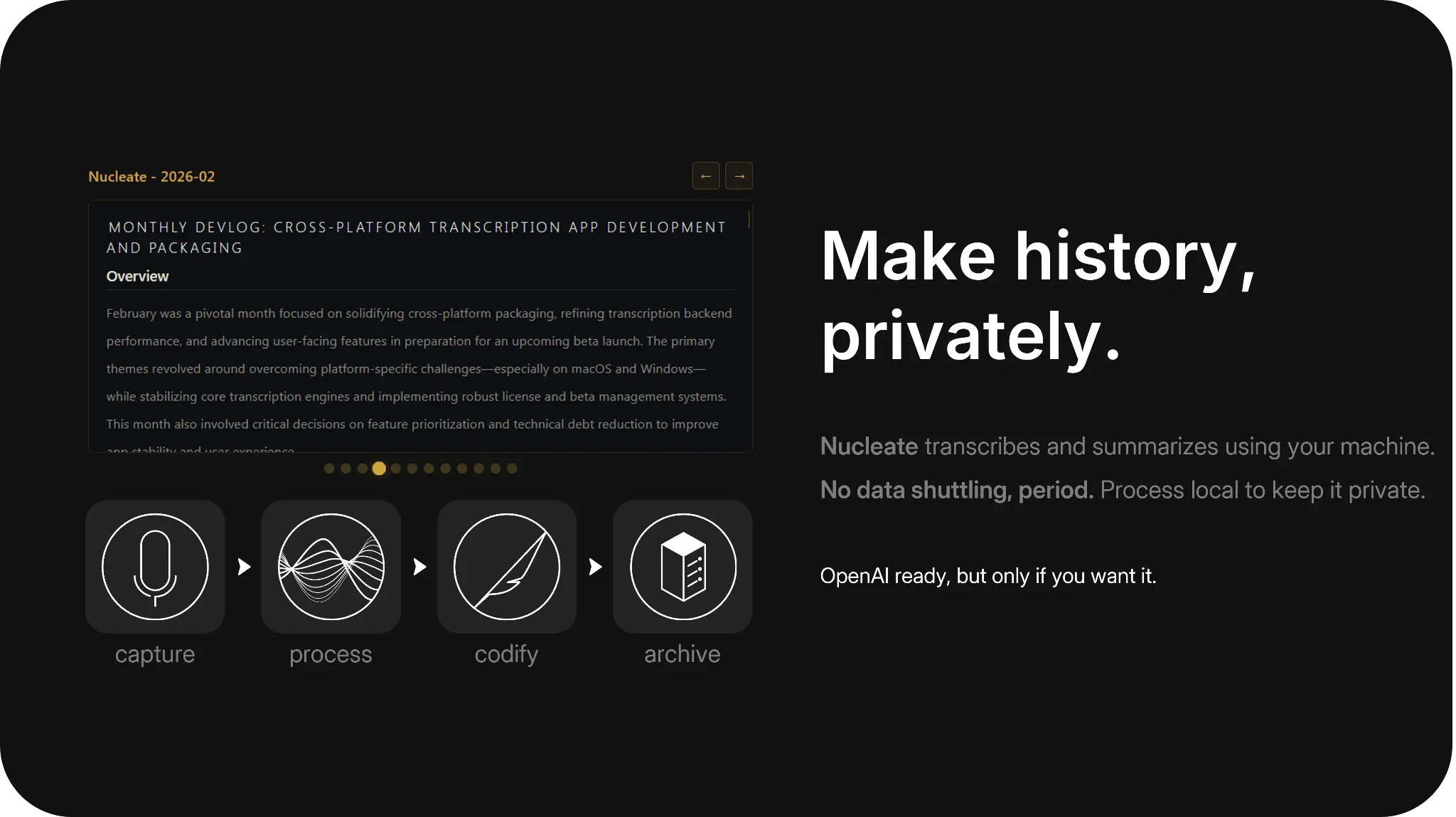
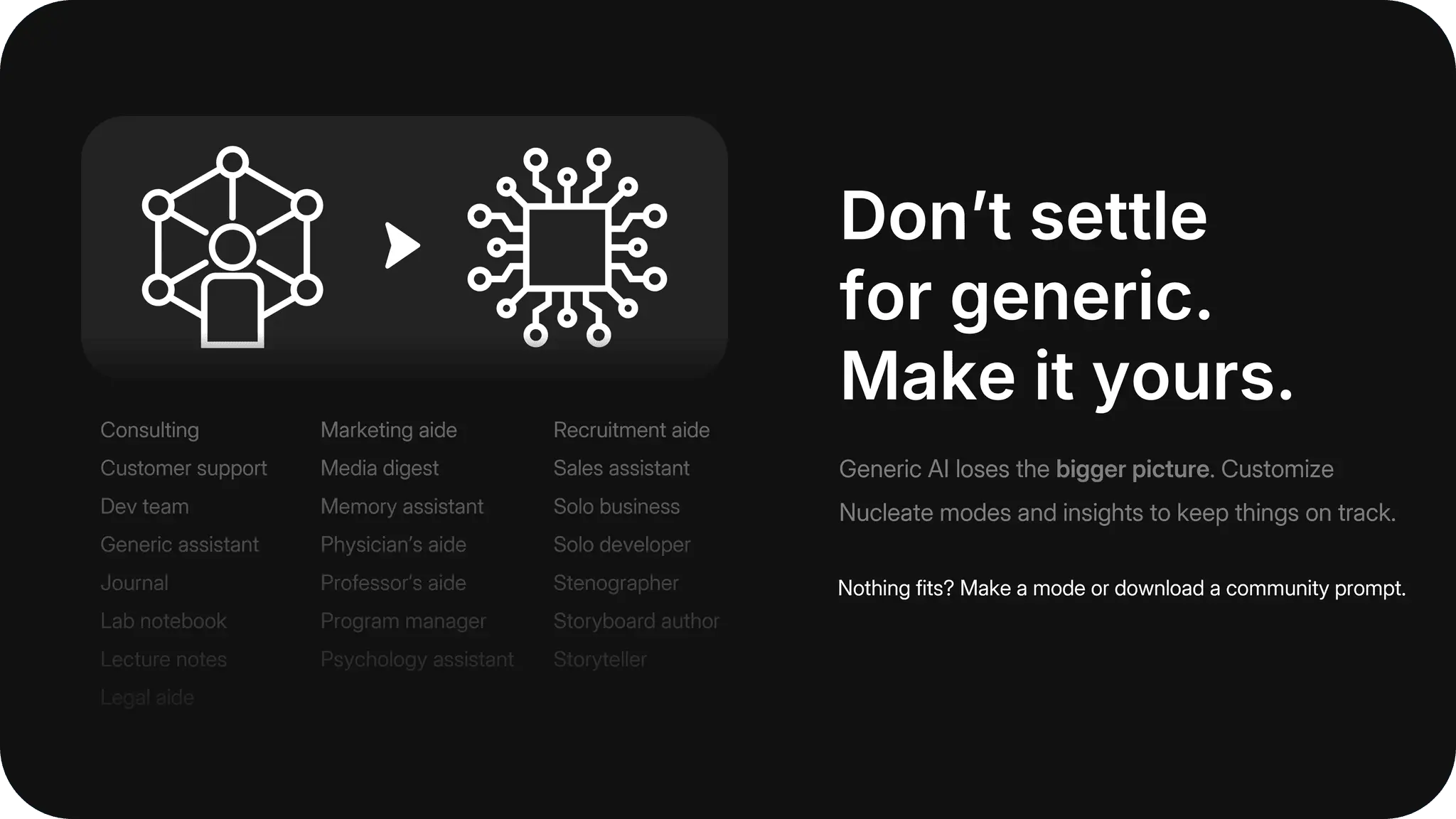
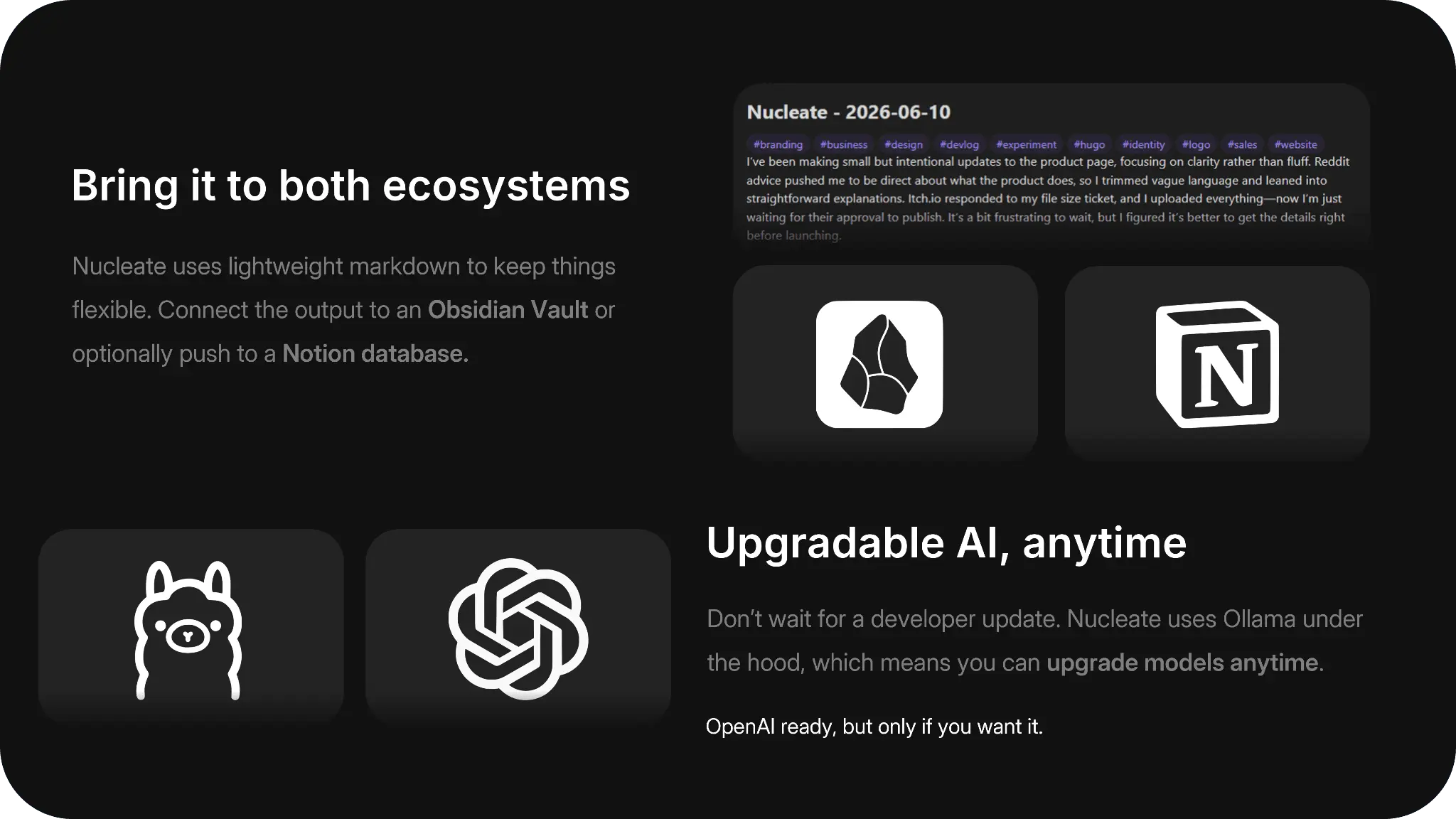
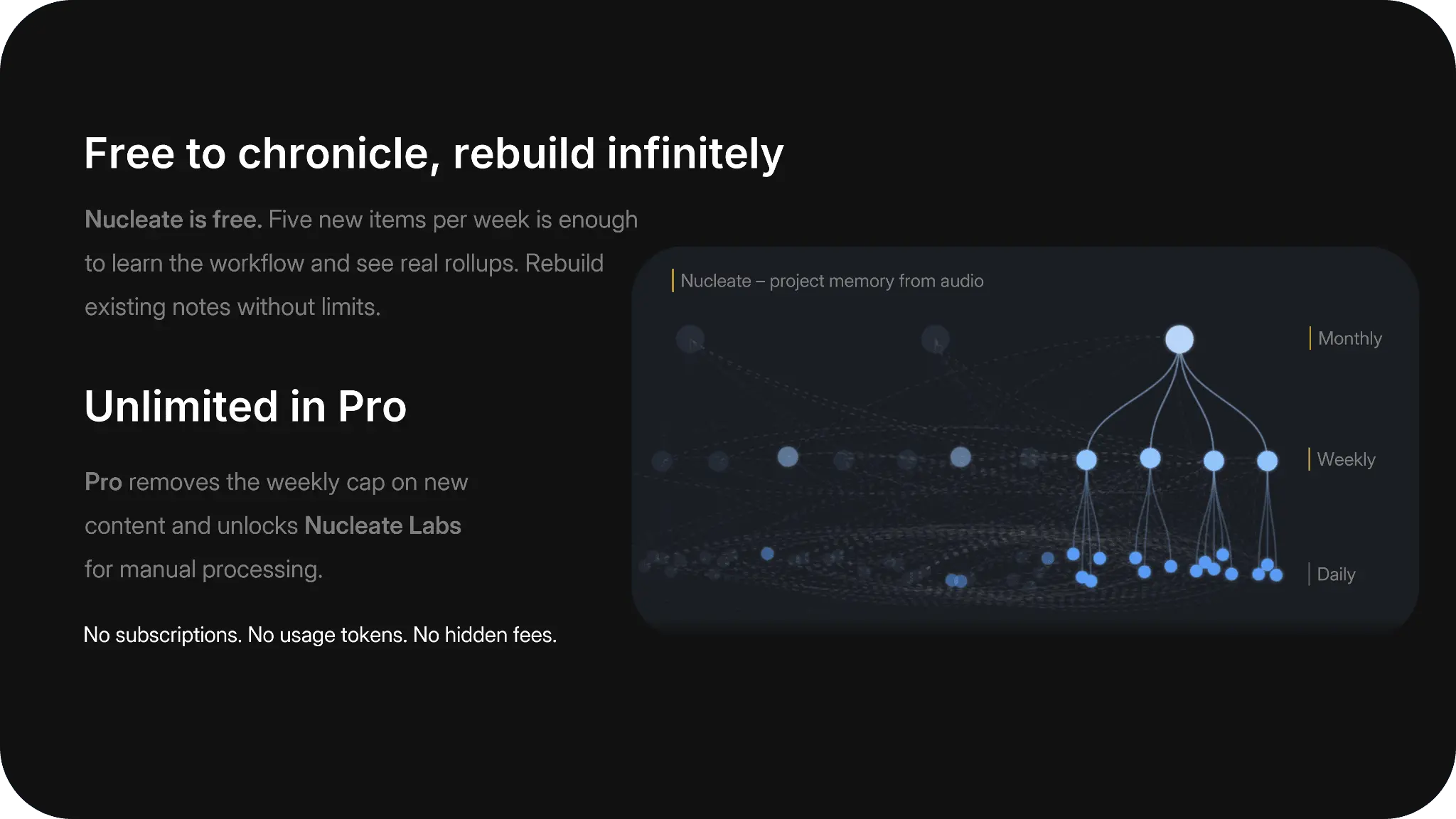
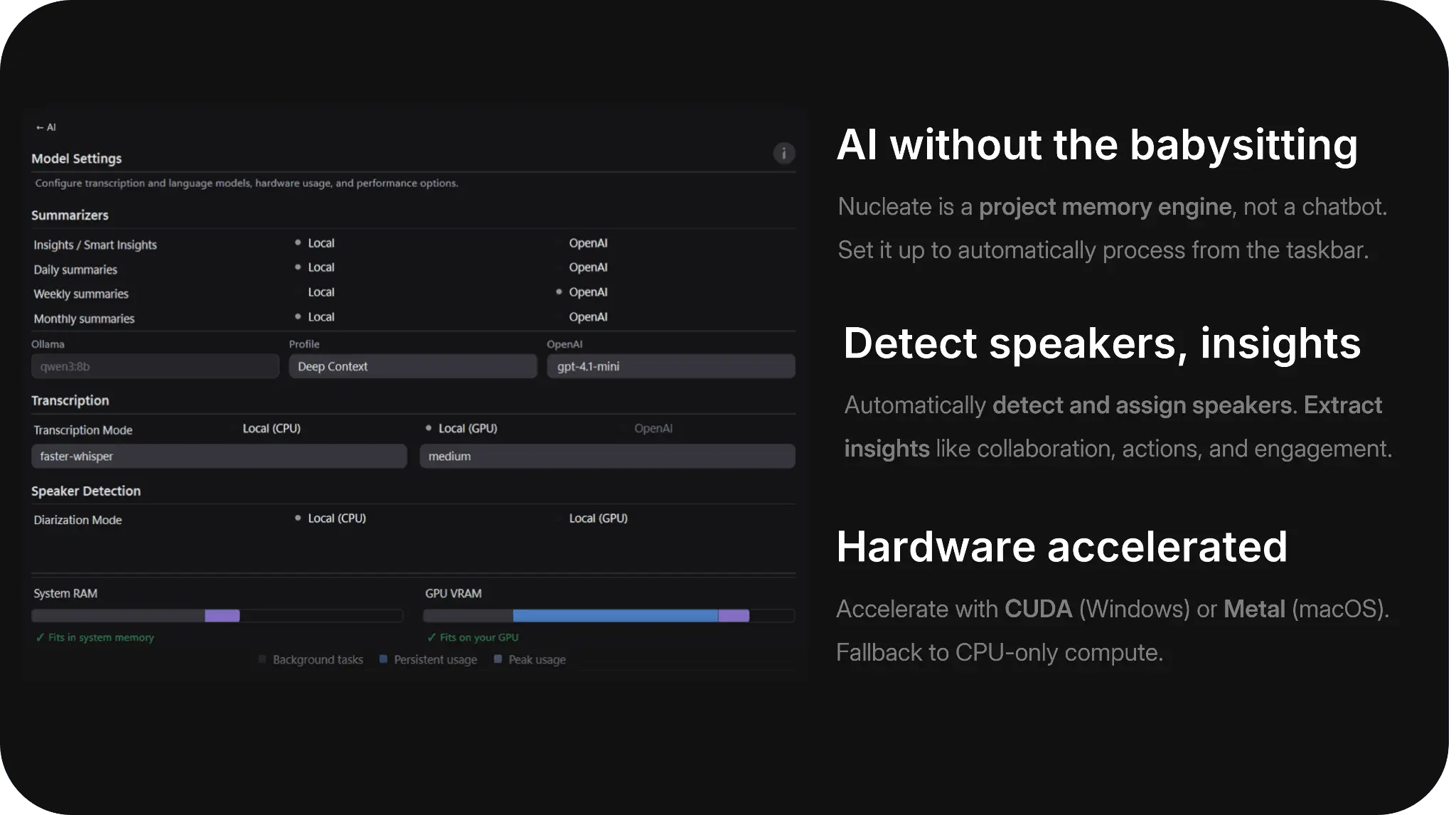
## Intro Talk about anything. Nucleate turns unstructured audio into organized project history — automatically, on your machine. Free to use and fully functional. No subscription. Donation-driven and ad-free. ## Capturing project history Capturing project history isn't easy or natural, at least for me. I like to make things and move fast, and I find it incredibly challenging to carve out space to capture day-by-day problem solving, actions, barriers, and direction. Days or weeks slip by, and I lose track of what ***actually*** happened. Project managers exist for this very reason. In some ways, they are historians that help keep teams aligned to a goal. Folks in these positions are invaluable, yet often inaccessible, to solo builders and small teams. I can't hire a project manager, so I tried to build one. More specifically, I built a tool that extracts project history from unstructured, freeform audio notes and monologs. I'm not the first to realize that people talk fast, and there's a lot of data in audio. Most people speak at 150 words per minute. Typing runs closer to ~40, but that assumes you know what to write. There are plenty of apps that can transcribe audio and write short summaries, but none that can extract history out of a month of scattered voice memos. > Nucleate is my attempt at what an ASR, project history tool *should* look like... Free, powerful, private, and flexible. It's not perfect, but it's a powerful and heavily customizable tool for those who would rather talk through projects instead of writing things down. ## What a week looks like Nucleate is designed as an engine. After setup, it lives in the system tray and watches for new audio. When new content arrives, Nucleate automatically processes the file(s), summarizes the content, and connects the new summary into the larger project history. The ASR pipeline can also manually process files if desired, but project history is automatic. - **Monday** — record a 15-minute memo about blockers on the drive to work. Nucleate transcribes, summarizes, and writes Markdown. - **Through the week** — drop in more recordings when you have something to say. I record daily, even if only to check in. Daily notes produce the richest weekly rollups. - **Weekend** — skim the weekly rollup in Obsidian, Notion, or the Summaries panel. Recurring themes and insights surface across the week. The more content, the better. Folks tend to talk about like-kind topics, so the models have multiple shots at identifying and raising real progress and barriers that are unique to your specific projects. Don't worry about stumbling, pausing, or backtracking during recordings. The models will handle it. > The best advice I can give is to just start talking. I monolog on my drive to work about dev, games, and weird little apps that grow out of control! It doesn't really matter what you talk about or even if there are multiple speakers. Nucleate's flexible enough to handle most content. ## Who is it for? By design, Nucleate is an audio-first, automation tool. Its job is to be an engine that extracts content and pushes it to an endpoint note taking app like Notion or Obsidian. It's quite powerful for users who are willing to record regular audio content but is not a good fit if you're looking for a replacement note taking app or a chatbot. I will be the first to admit that Nucleate is not perfect. It's not coming from a AAA-studio, but rather from a solo-developer who wanted to learn something new and share it with the world. I've done my best and hope that it differentiates in ways that exceeds its imperfections. Nucleate doesn't replace a typing-first workflow. **Audio is the input.** If you won't record or drop audio files, this isn't the right tool. There are three ways to add audio into Nucleate: 1. **Record in-app** — saves to Incoming Audio when you're done. 2. **Manually drop files** — copy recordings into the watched Incoming Audio folder. 3. **Sync from elsewhere** — phone voice memos or cloud sync into that folder. ## Flexibility and customization I like to make stuff and code, but maybe you've got different interests. I wanted Nucleate to be as flexible as possible, so I pre-loaded 20+ user modes and 50+ Insights. Mix and match to find a specific setup that works for you. If none of the pre-loads work, make your own! I did not want a 'one-size-fits-all' kind of tool, so I enabled custom mode building and community sharing. **Nucleate Labs** (Pro) is a space for one-off ASR processing outside of your main project history. It uses the same backend services but doesn't plumb the output into long-term tracking. #Free and Pro Nucleate is donationware. Automatic transcription, summarization, user modes, Insights, rollups, and local processing are all included. Access Pro with a donation-driven license. Pro removes the weekly cap on new content and unlocks Nucleate Labs for manual processing. No subscriptions, no usage tokens, no hidden fees.
Screenshots
Reviews (1)
Average 5.0 out of 5
Based on 1 review

Comments (1)
After a year of night-owl, solo dev, I'm delighted to share "Nucleate." It's a 100% local audio-to-notes pipeline that converts unstructured audio into meaningful project chronology.