
Omni Flash
Create AI-generated videos in seconds with Gemini Omni Flash

Details
- Categories
- Video & Audio Tools
- Target Audience
- Content CreatorsMarketersSocial Media Managers
- Pricing
- Freemium
- Platforms
- Web
Discovery signals
How AI and people discover Omni Flash on PeerPush
About Omni Flash
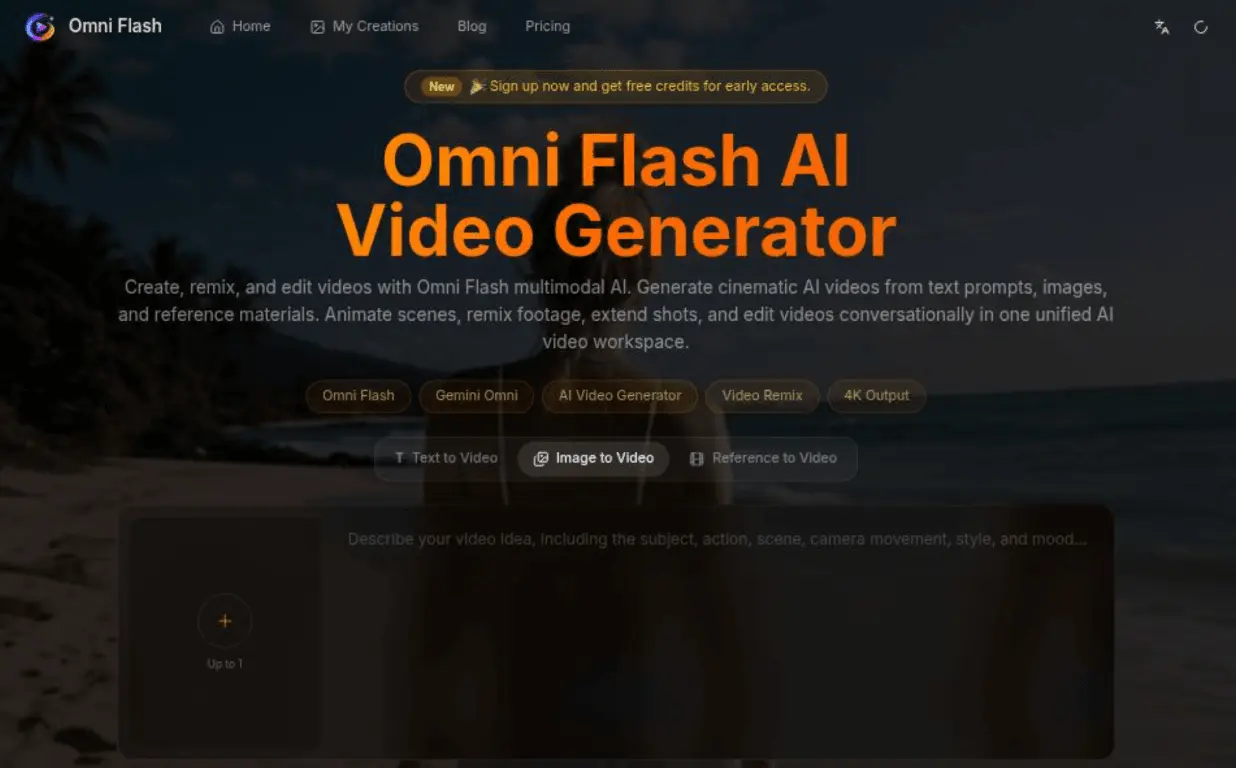
What is Omni Flash? Omni Flash is an advanced, independent AI video generator powered by the Gemini API that enables users to create high-quality, cinematic HD videos in seconds. The platform supports a unified multimodal workspace where creators can transform text prompts, static images, and reference materials into production-ready video content. Additionally, it features conversational AI video editing, allowing users to modify scenes, change camera angles, and remix existing video footage naturally through chat instructions without needing complex editing timelines. How to use Omni Flash? To use Omni Flash, first select your desired workflow, such as Text to Video, Image to Video, AI Video Remix, or Conversational Video Editing. Next, upload your assets or describe your scene by entering a text prompt, image, or video reference. The AI will understand the multimodal input to generate and refine your video. Finally, preview the output, adjust it conversationally if needed, and download the high-resolution video to publish on your desired platform. Omni Flash's Core Features AI Text to Video generation AI Image to Video animation Conversational Video Editing via chat instructions AI Video Remix workflow to modify existing footage Character Consistency across multiple scenes using reference materials Multimodal AI Workflow integrating text, image, and video understanding Support for multiple aspect ratios and up to 4K output Omni Flash's Use Cases #1 Generating cinematic AI videos from detailed written descriptions #2 Animating static product photos, illustrations, or AI artwork into dynamic videos #3 Remixing existing videos to replace scenes, change styles, or remove specific objects #4 Maintaining stable character appearance and visual identity across various story scenes #5 Creating optimized vertical or horizontal videos for social media platforms like TikTok, YouTube Shorts, and Instagram Reels FAQ from Omni Flash What is Omni Flash? Can Omni Flash maintain character consistency? Does Omni Flash support AI video remixing and conversational editing? Omni Flash Support Email & Customer service contact & Refund contact etc. Here is the Omni Flash support email for customer service: [email protected] . More Contact, visit the contact us page() Omni Flash Company Omni Flash Company name: Omni Flash . Omni Flash Company address: . More about Omni Flash, Please visit the about us page(). Omni Flash Login Omni Flash Login Link: https://omniflash-ai.net/ Omni Flash Sign up Omni Flash Sign up Link: https://omniflash-ai.net/sign-up
Product Video
Watch a video demo of Omni Flash.
Screenshots
Reviews (4)
Average 4.8 out of 5
Based on 4 reviews


super easy, clean ui and ux, super good overall.


Works really well and is has smooth onboarding!
Comments (0)
No comments yet. Be the first to share your thoughts!