
One Step Ahead -Offline Security Manager
Offline smart splitting for secure data protection

Details
- Follow on
- Categories
- Target Audience
- Platforms
Discovery signals
How AI and people discover One Step Ahead -Offline Security Manager on PeerPush
- ChatGPT
- Claude
- Perplexity
- +3 other AI crawlers
Reads by these AI engines
Crawlers behind these engines read this listing on PeerPush.About One Step Ahead -Offline Security Manager
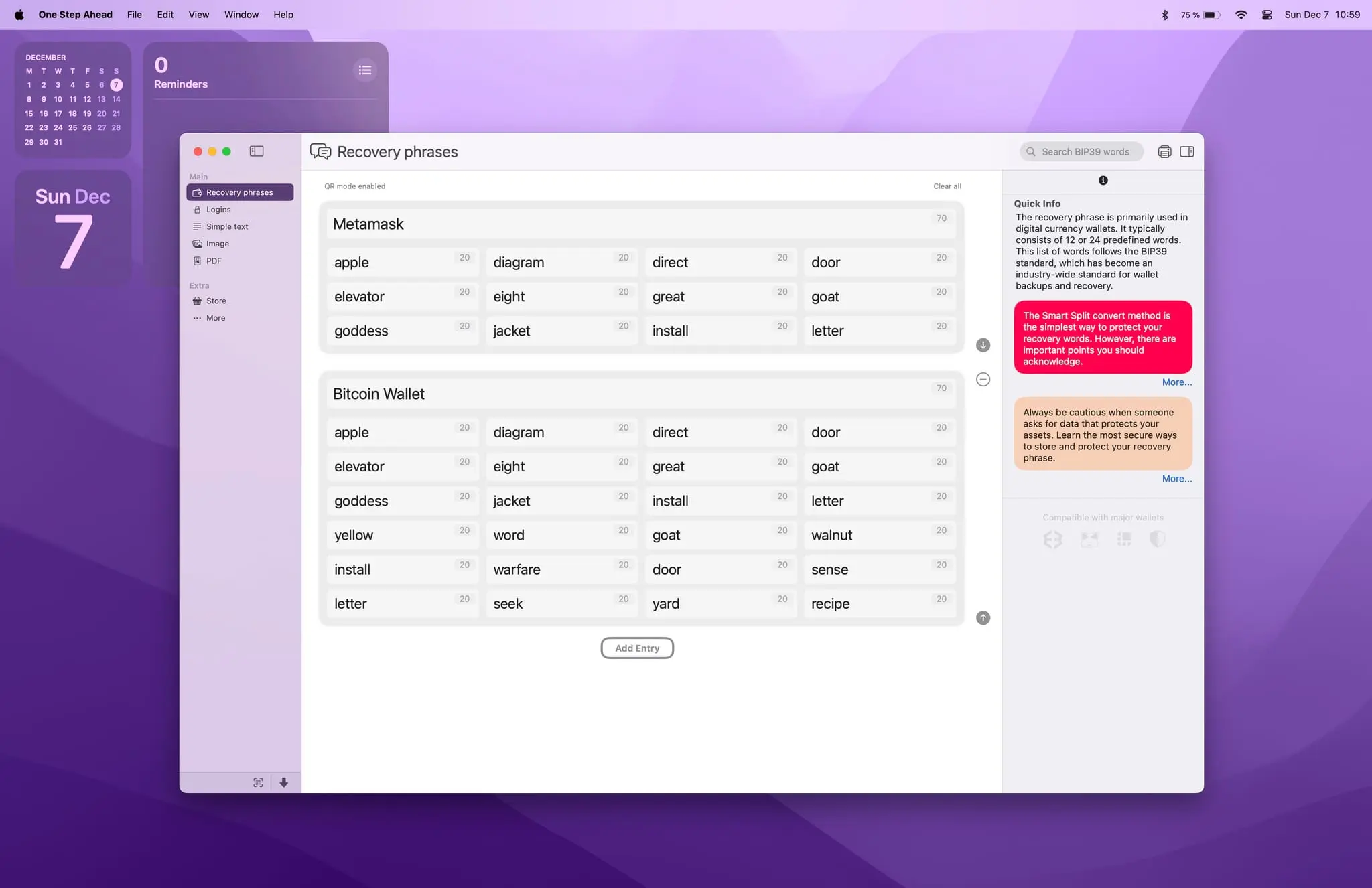
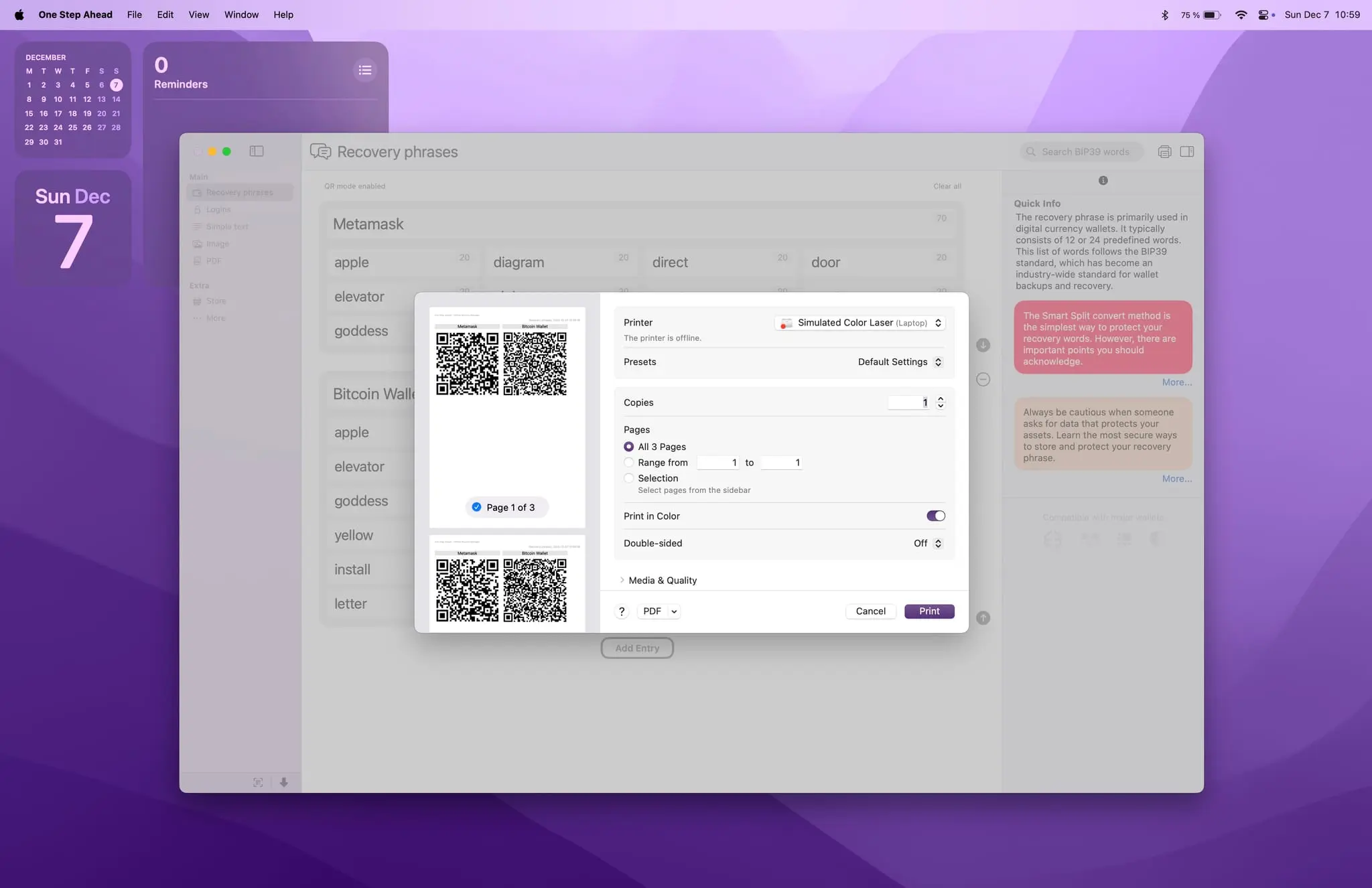
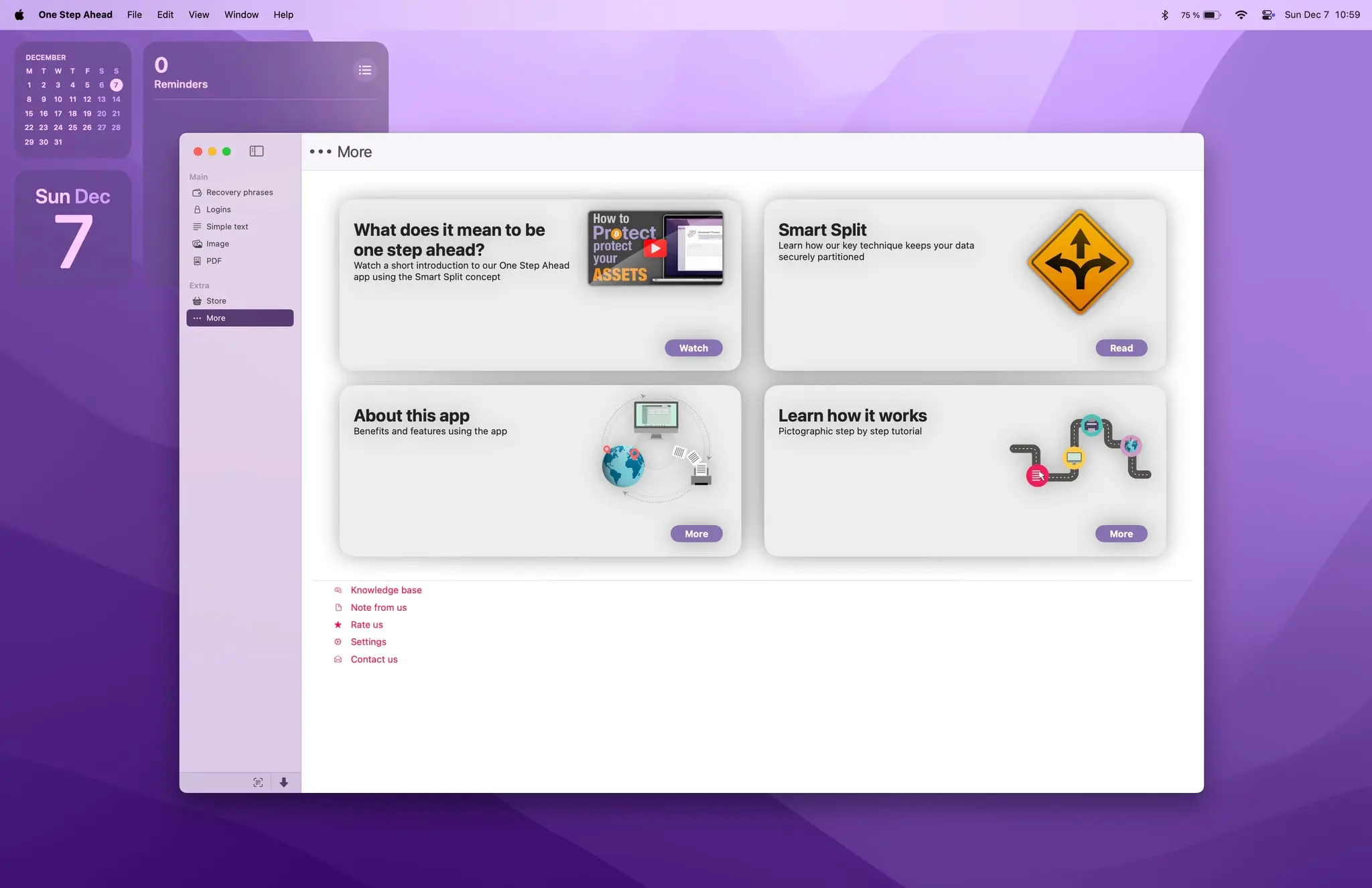
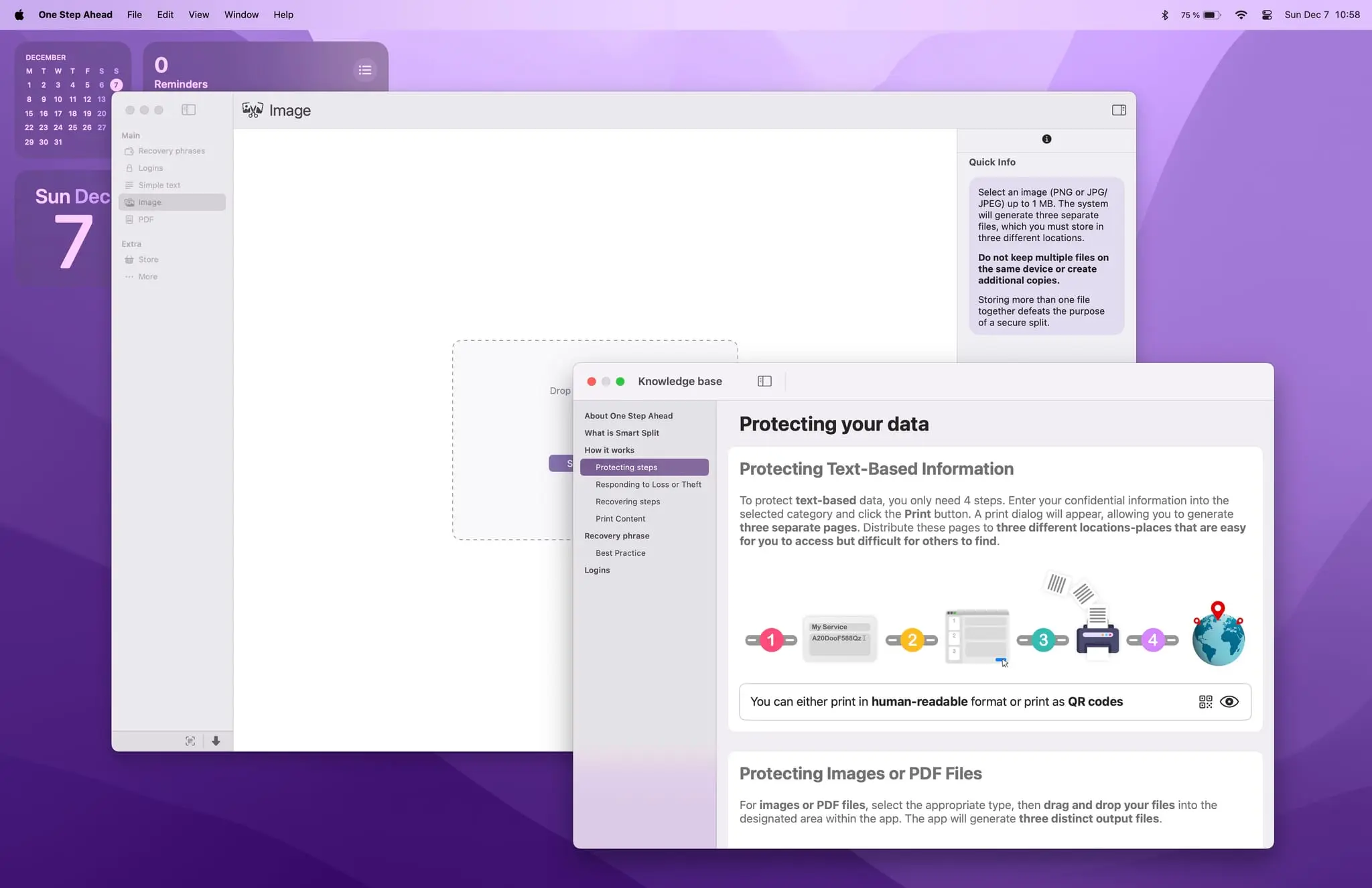
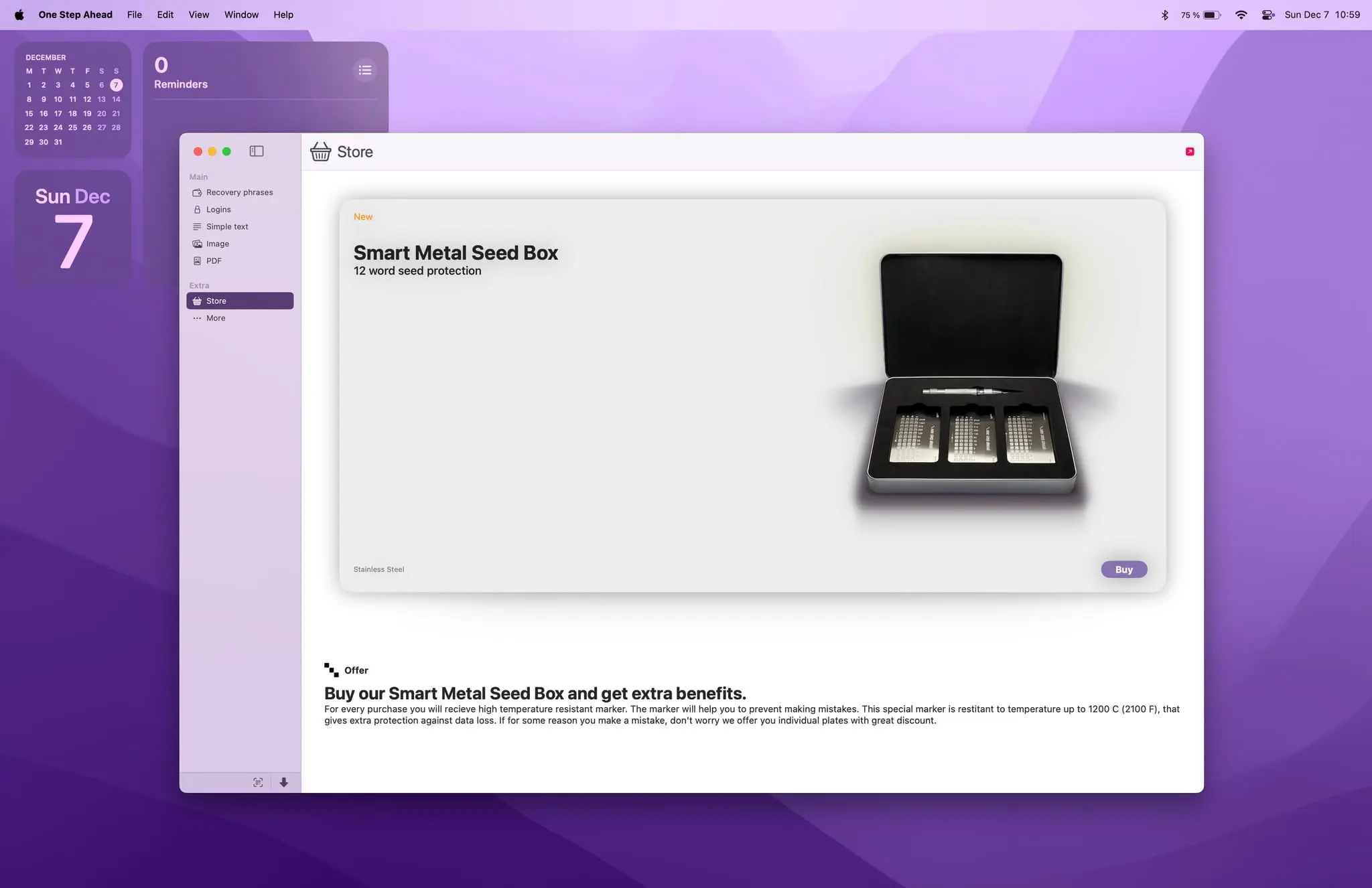
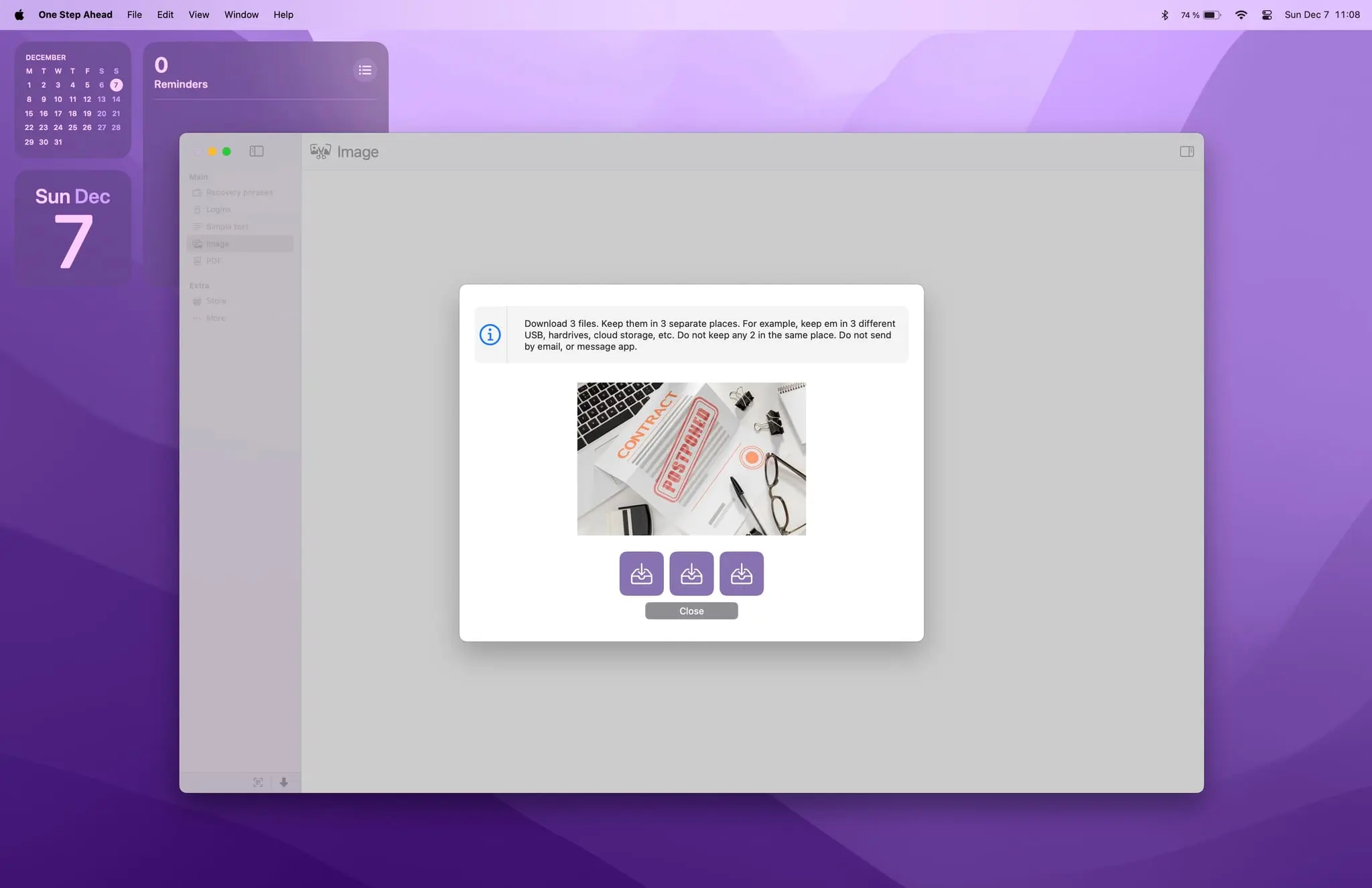
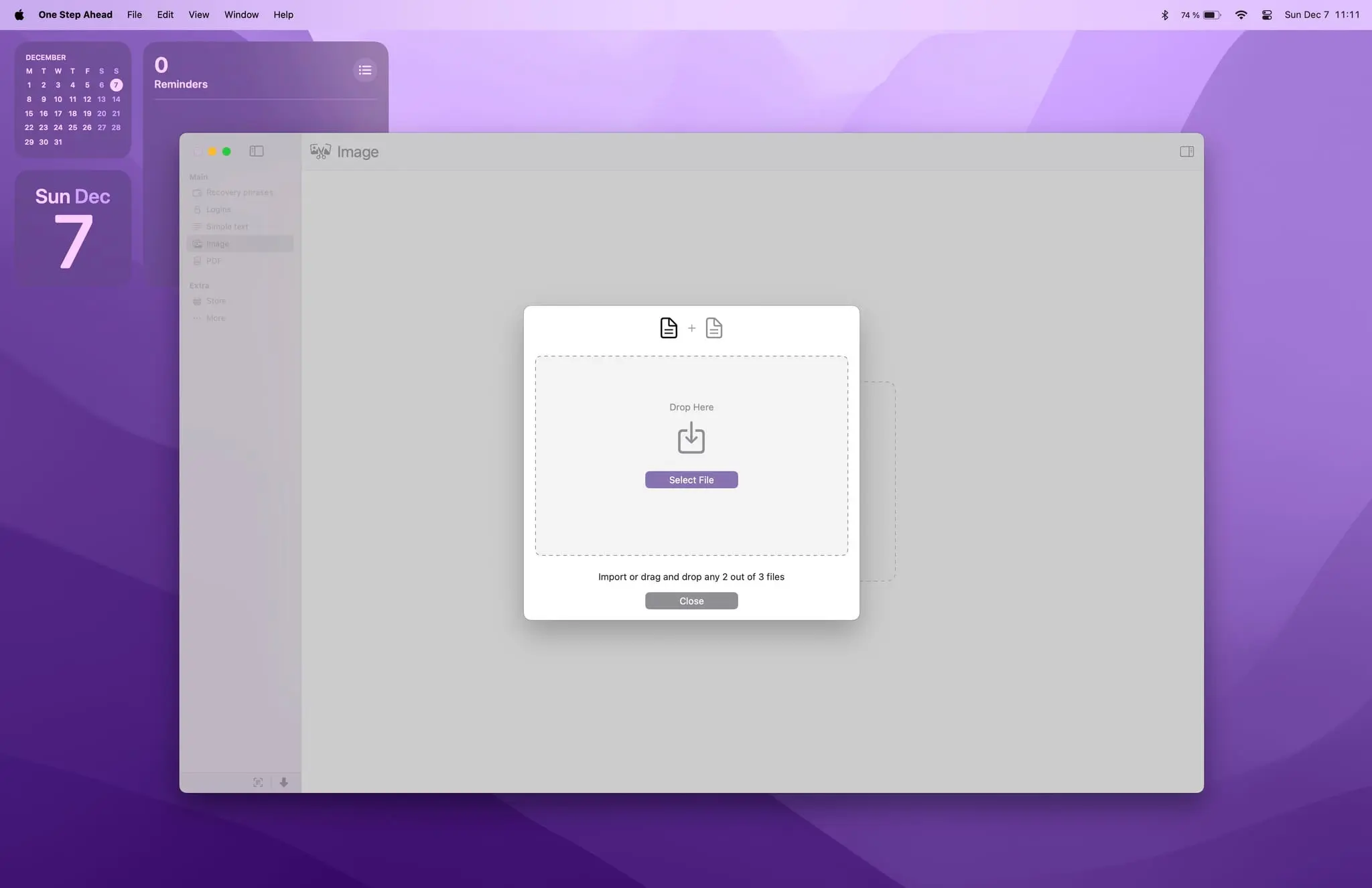
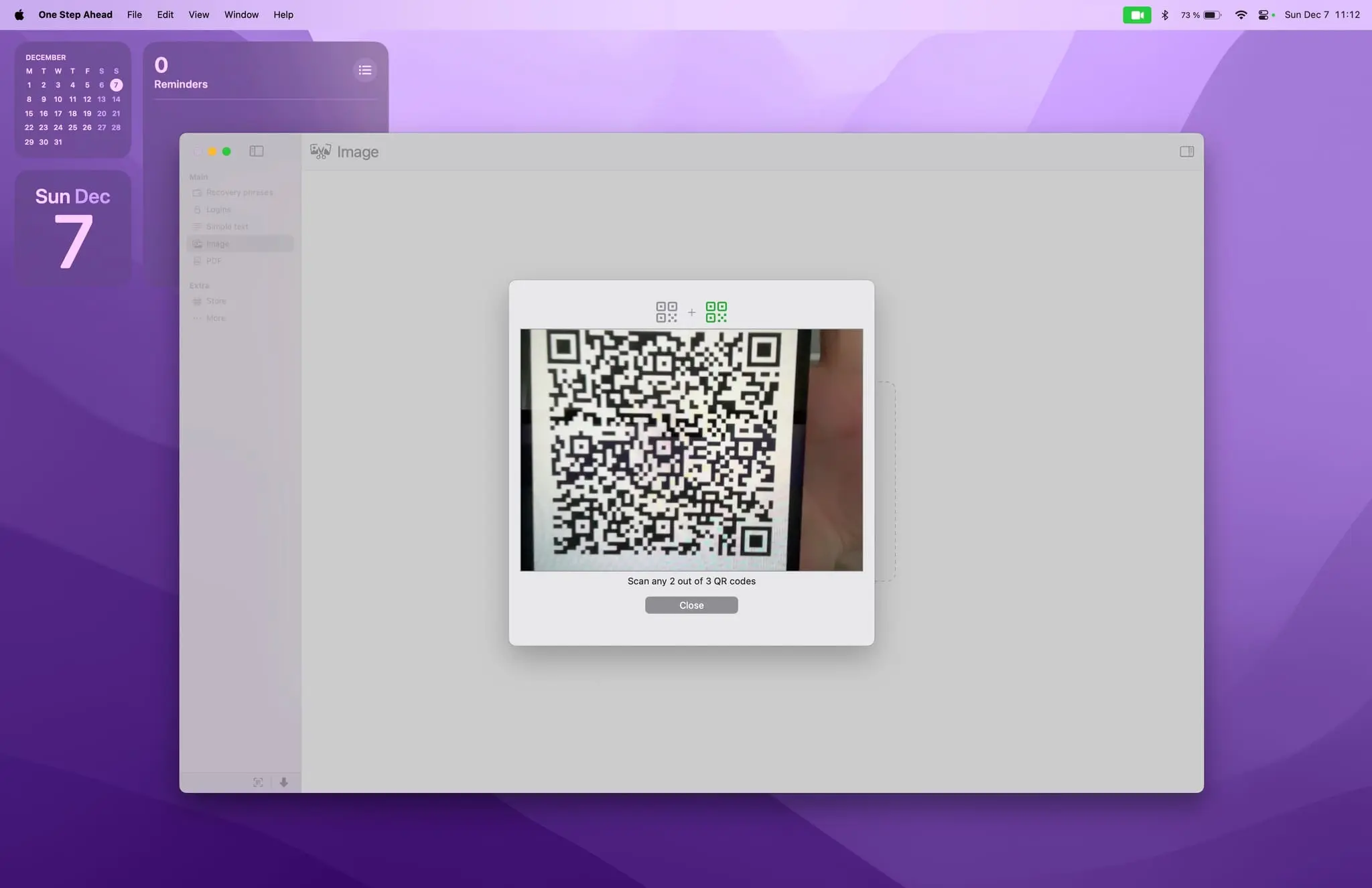
One Step Ahead provides intelligent, secure offline protection for your confidential data, including crypto recovery phrases, logins, text, images, and PDF files. One Step Ahead brings advanced Smart Split data protection to your Mac. Protect your confidential information in a way that ensures no single event can cause data loss or exposure. With a single click, you can print and securely store your data offline — or split any image or PDF into three parts and distribute them across separate, easy-to-access locations. One Step Ahead helps keep your data safe even in cases of data breaches, device loss, or natural disasters such as fire or flood. Using the application is simple. Just enter your data, print it, and securely store copies in at least three different locations that are easy for you to access. Key features include: - Educational knowledge base - BIP39 validation support - Search for BIP39 words and their corresponding binary codes - Protection for recovery phrases, passwords, private keys, images, and PDF files - QR scanner to recover split data - Drag-and-drop recovery for split images and PDF files We designed One Step Ahead to make protecting your crypto recovery phrases safer and more comfortable. You can enter only part of your recovery words and complete them manually after printing, or print a recovery sheet template to fill out by hand. The application works completely offline. Nothing is saved to your hard drive unless you explicitly choose to do so. There are no third-party plugins and no tracking of any kind.
Screenshots
Reviews (0)
No reviews yet. Be the first to rate this product!
Comments (5)
Please watch - step by step tutorial how to use the app: https://www.youtube.com/watch?v=QIedV6HZRtU
Always download the app from the Apple AppStore: https://apps.apple.com/us/app/one-step-ahead/id1592642367
Just to let everyone know, the iOS version of One Step Ahead application is also available :)
I like that fact that its offline!
Thank you! I really appreciate it. Keeping everything offline is a core part of One Step Ahead app :)
Excited to share One Step Ahead for macOS. First offline manager app that helps protect sensitive data by securely splitting and printing it for safe storage. Built with privacy in mind.