PadPad
Turn your tablet or phone into a drawing pad

@roeehrl

Details
- Categories
- Target Audience
- Pricing
- Free
- Featured in
Discovery signals
How AI and people discover PadPad on PeerPush
About PadPad
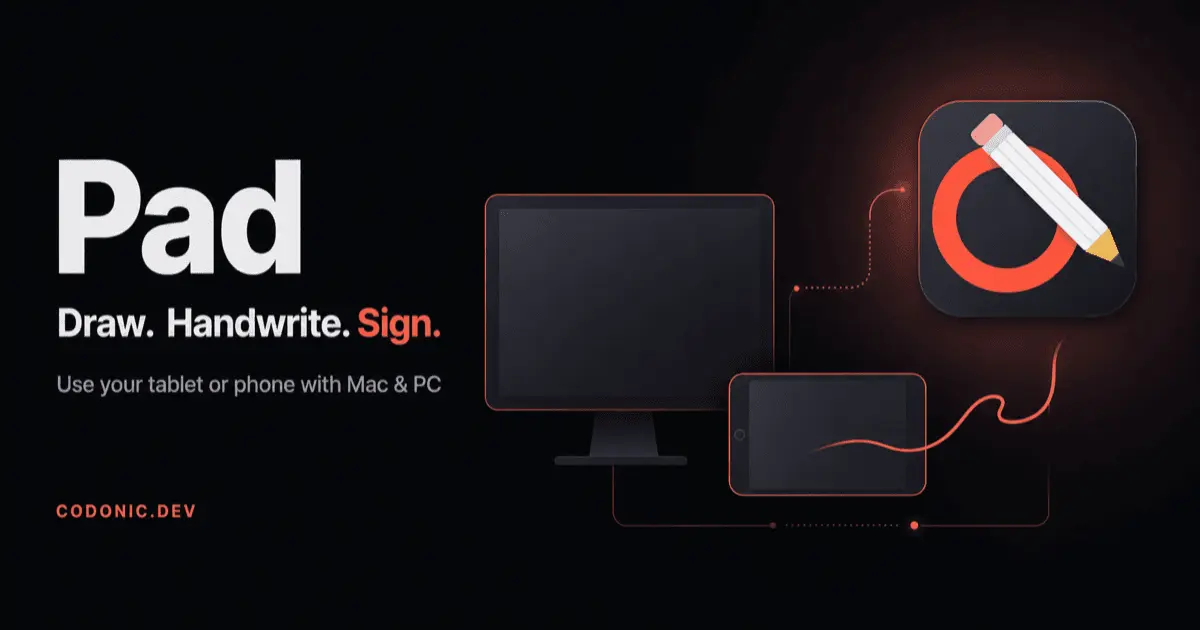
Pad enables you to use an iPad, Android tablet, or phone as a dedicated drawing and writing surface for Mac or Windows computers. It provides a bridge for creative and administrative tasks, allowing you to create digital art, take handwritten notes, perform screen annotations, and sign documents directly from your mobile device.
Screenshots
Reviews (0)
No reviews yet. Be the first to rate this product!
Comments (1)
Reusing a tablet or phone you already own as a drawing surface for your Mac or PC saves buying a pen tablet. Signing documents and annotating the screen by hand covers a lot of everyday tasks beyond art too.