
PageUnfold
Save any long webpage as one continuous PDF
Details
- Categories
- Use Cases
- Target Audience
- Pricing
- Freemium
- Platforms
Discovery signals
How AI and people discover PageUnfold on PeerPush
By AI reads among Productivity & Notes tools
13,984 AI reads since launch, ranked against every Productivity & Notes tool listed.About PageUnfold
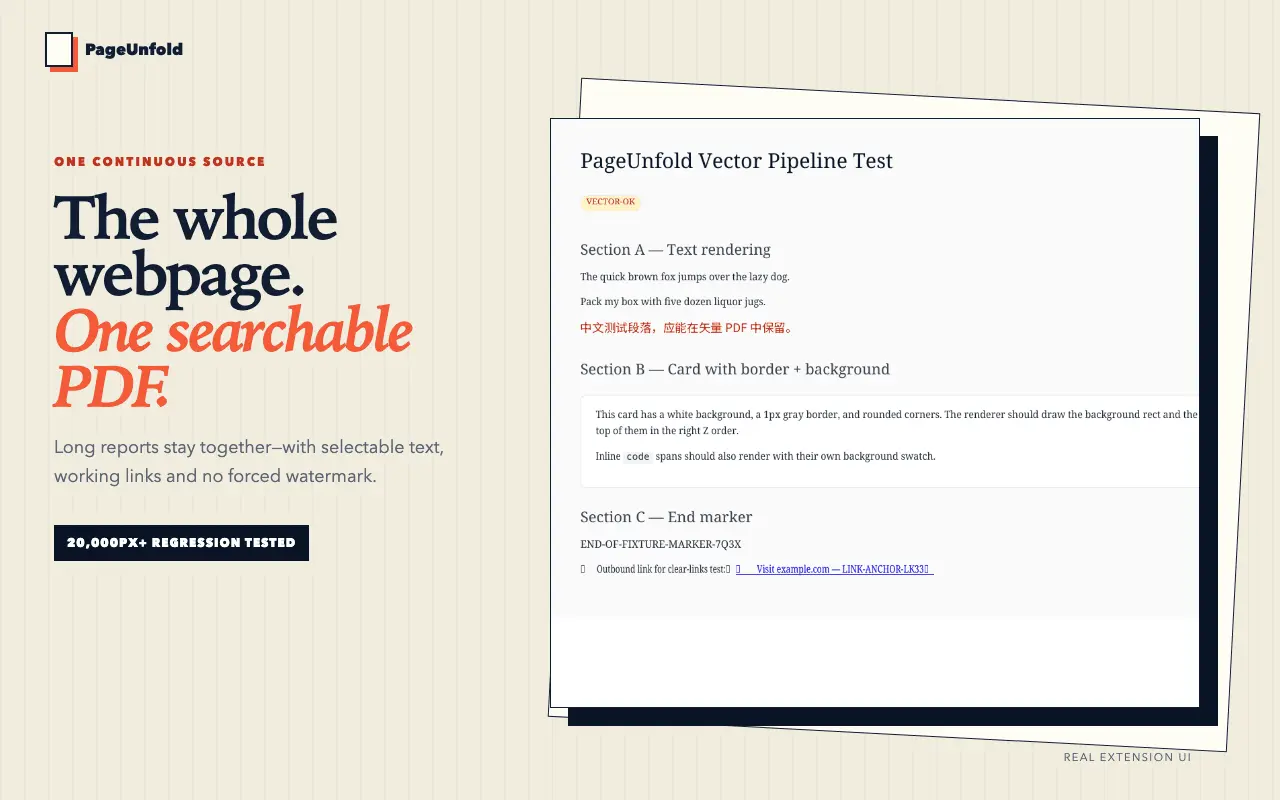
PageUnfold is a Chrome extension for anyone who archives, reads or files long web pages — researchers, PKM and note-taking users, people saving documentation, and anyone who has watched a browser's built-in Save as PDF chop a page into fragments. A normal PDF export slices a webpage into paper-sized pages, and whatever sits on a boundary — a table row, a code block, a chart, a paragraph — gets cut in half. PageUnfold produces one continuous page instead, however tall the content is. The result keeps real, selectable, searchable text rather than flattening everything into an image, so it can still be found by search, quoted and annotated later. Because it captures the page you already have open in your own logged-in session, it works on content behind a login that server-side URL-to-PDF services cannot reach. Core webpage-to-PDF conversion runs locally inside the extension, so the page and the generated PDF are not uploaded to a conversion server. Beyond whole-page capture it also does precision capture (pick an element or drag a rectangle), multi-page pagination, Reader View, batch capture across links, tabs or local HTML files, document templates (cover, table of contents, header, watermark, page frame), PDF merging, PNG export and a searchable history of everything you have captured. Every feature is free and unlocked — Reader View, batch capture, custom headers and custom paper width. Nothing is feature-gated; only the number of PDF downloads is metered, and there is no watermark on any output at any tier.
Screenshots
Reviews (0)
No reviews yet. Be the first to rate this product!
Comments (1)
Built PageUnfold because the browser's own Save as PDF kept slicing long pages in half. It saves the page you already have open as one continuous, searchable PDF — logged-in pages included. Every feat