
PaletteWright™
Build accessible color systems. Ship them everywhere.


Details
- Follow on
- Categories
- Use Cases
- Target Audience
- Pricing
- Freemium
- Featured in
Discovery signals
How AI and people discover PaletteWright™ on PeerPush
About PaletteWright™
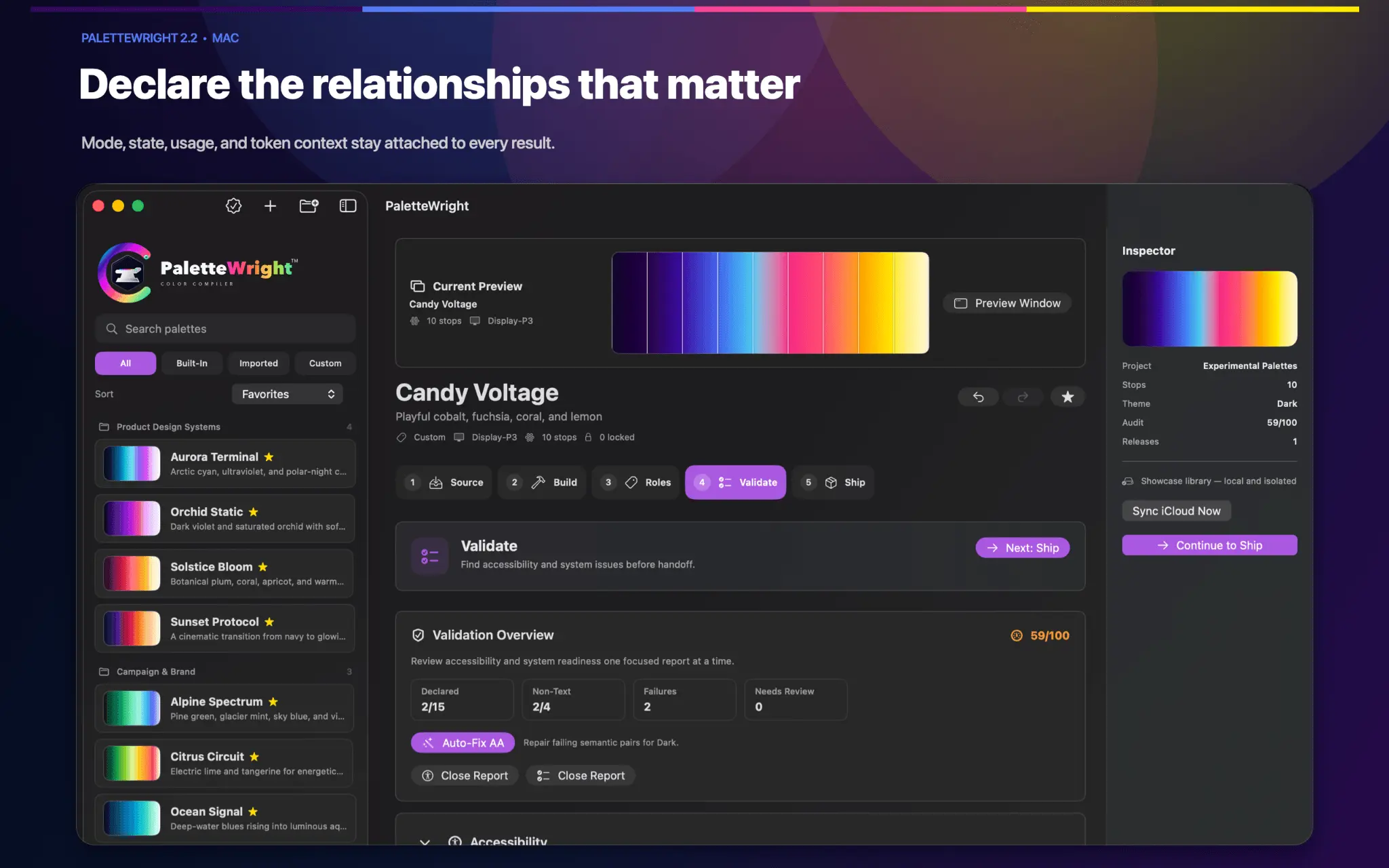
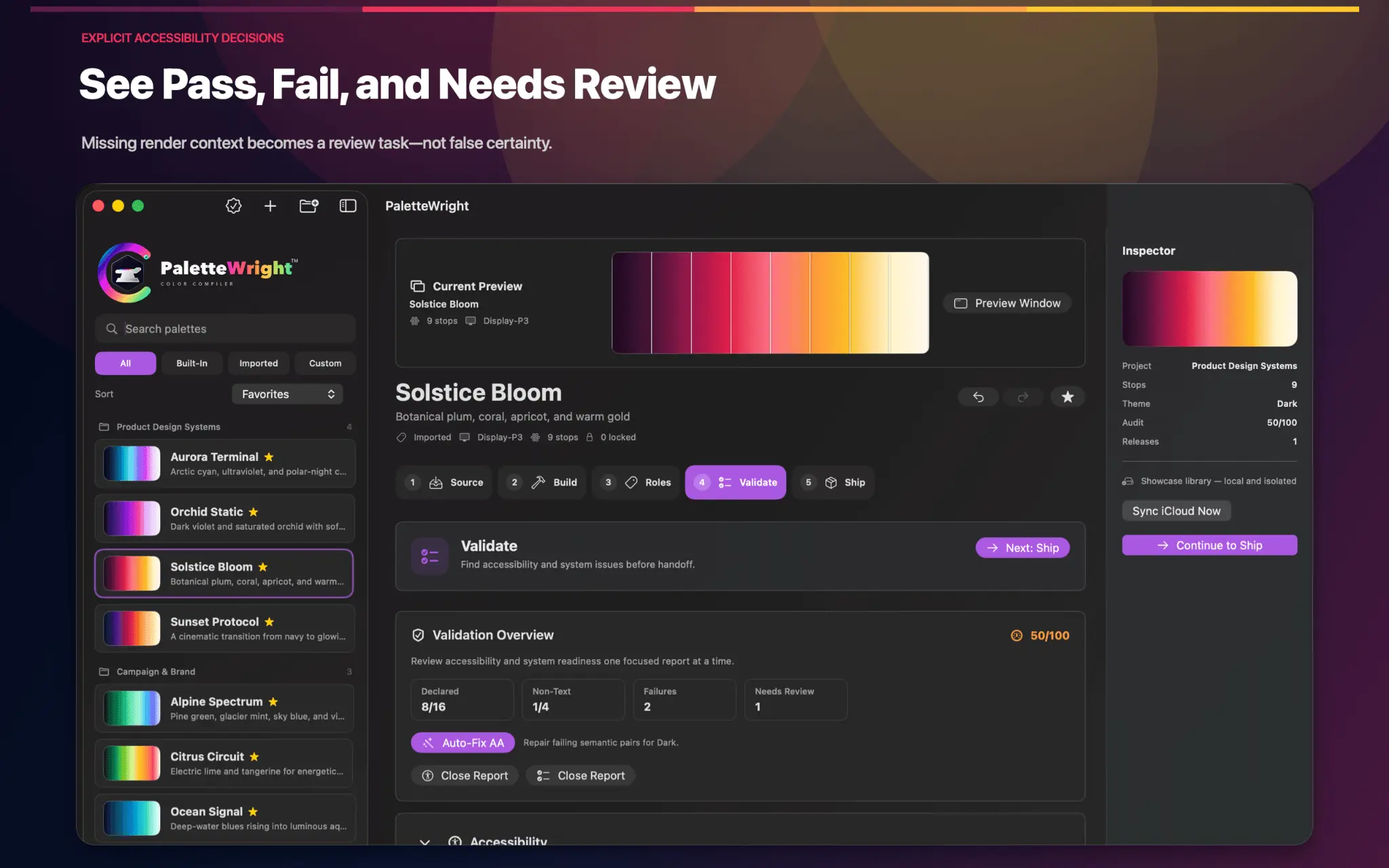
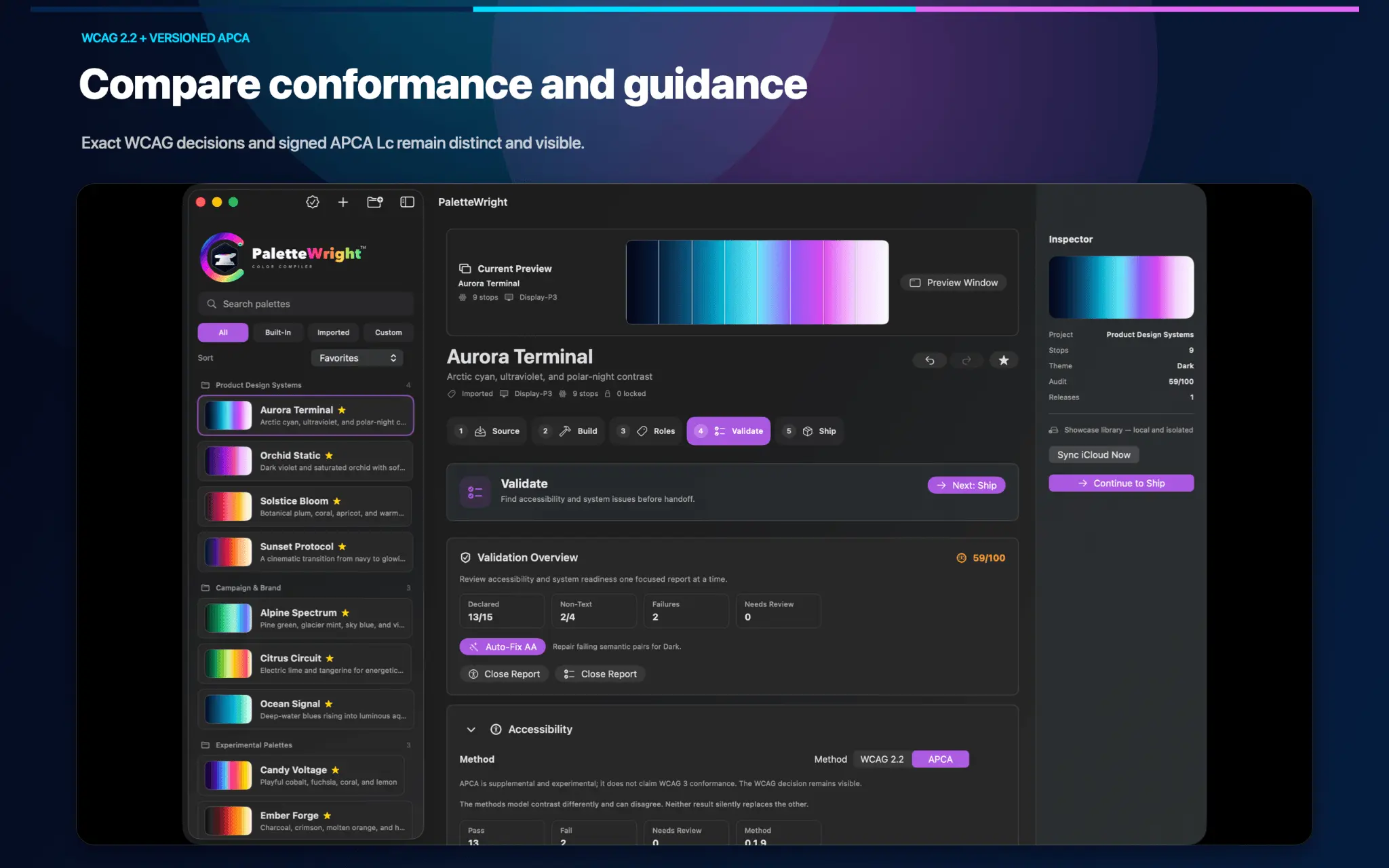
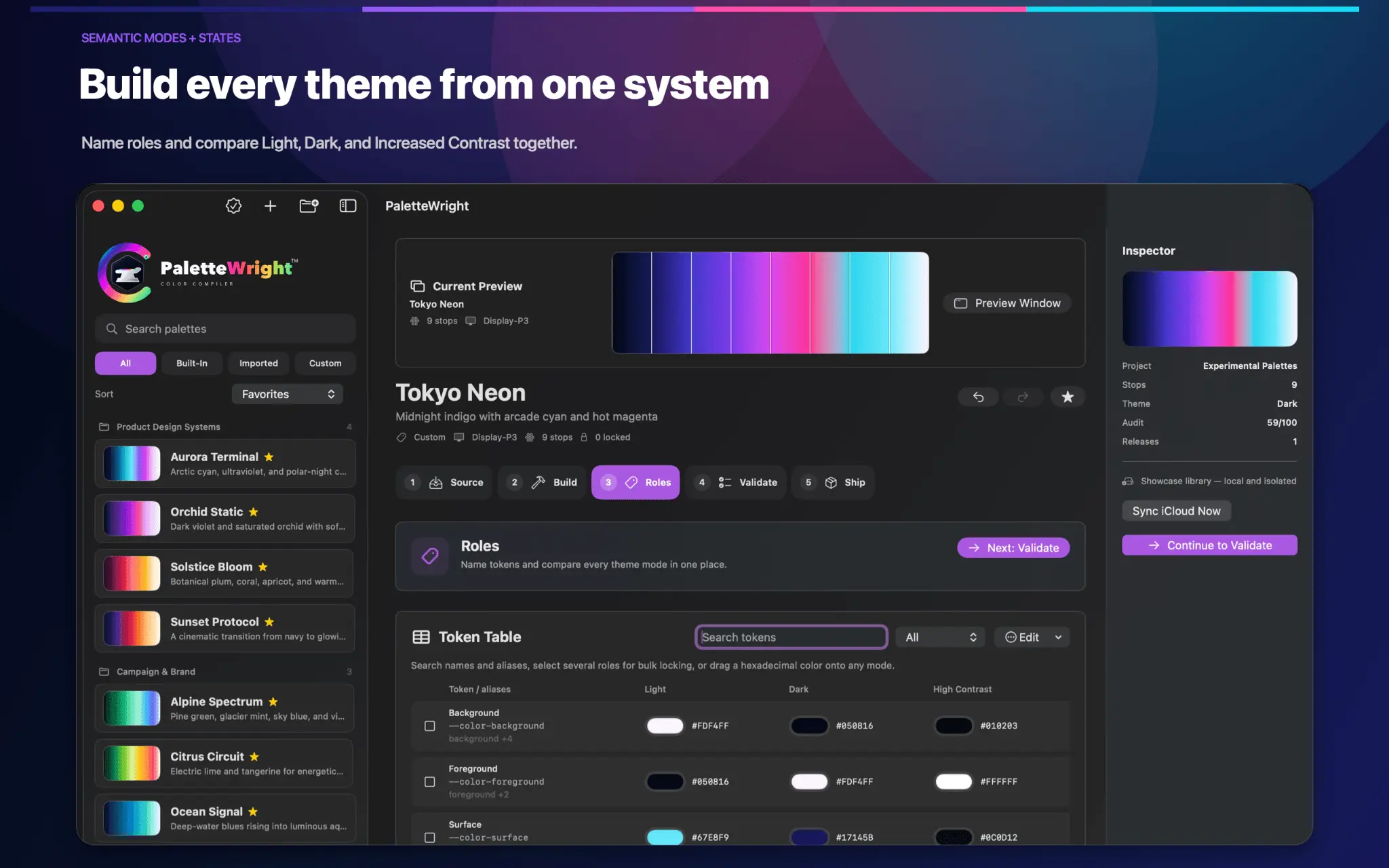
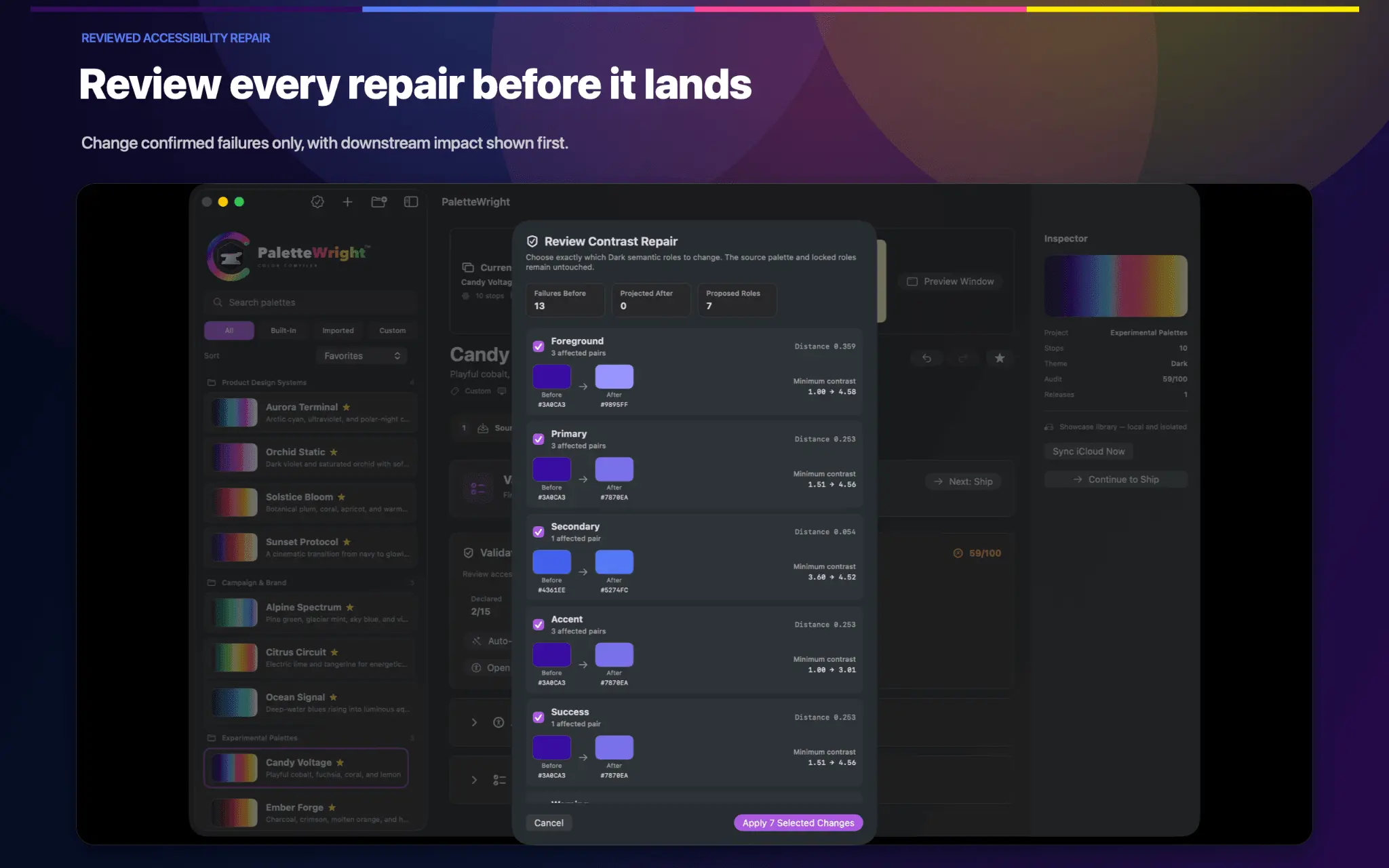
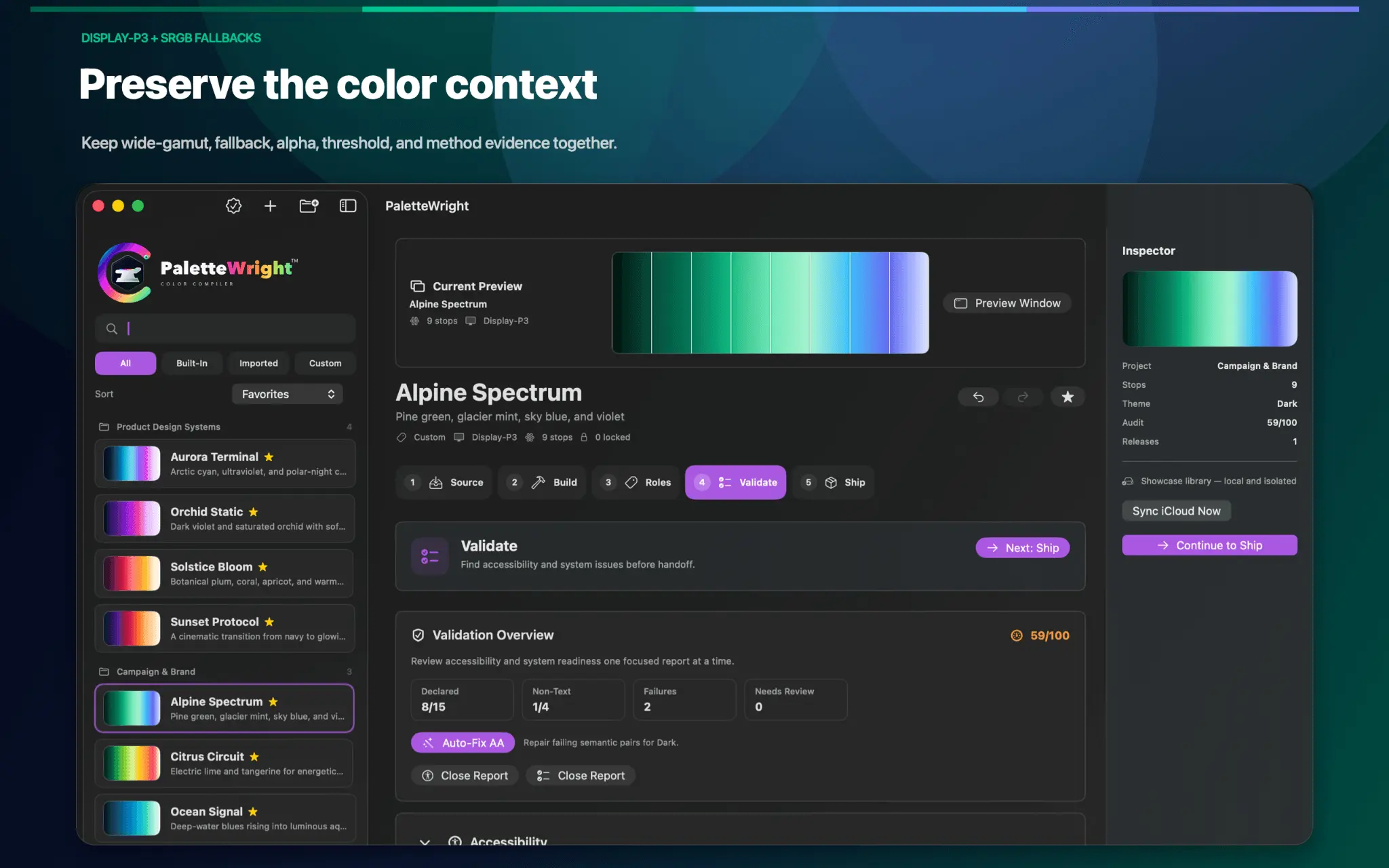
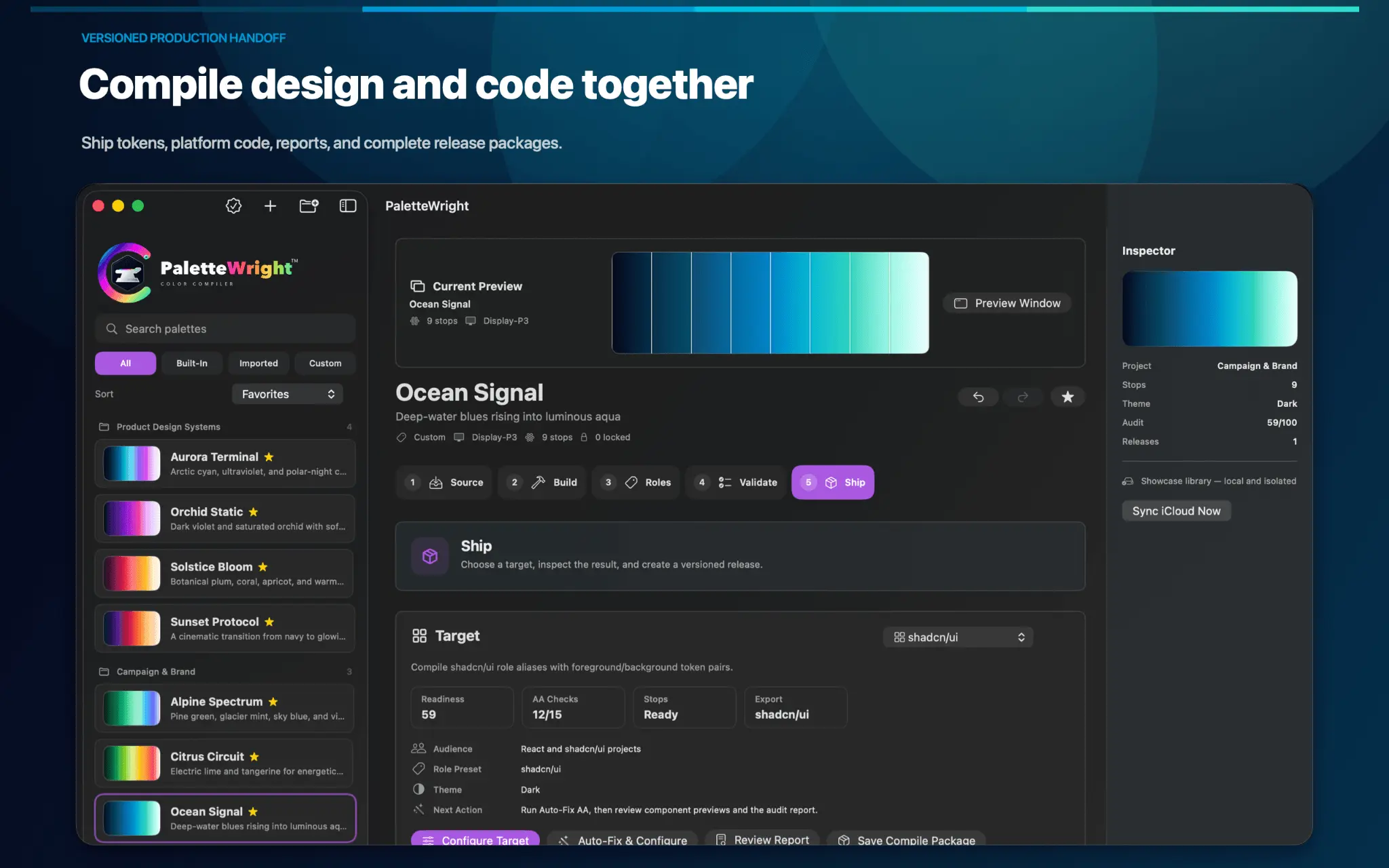
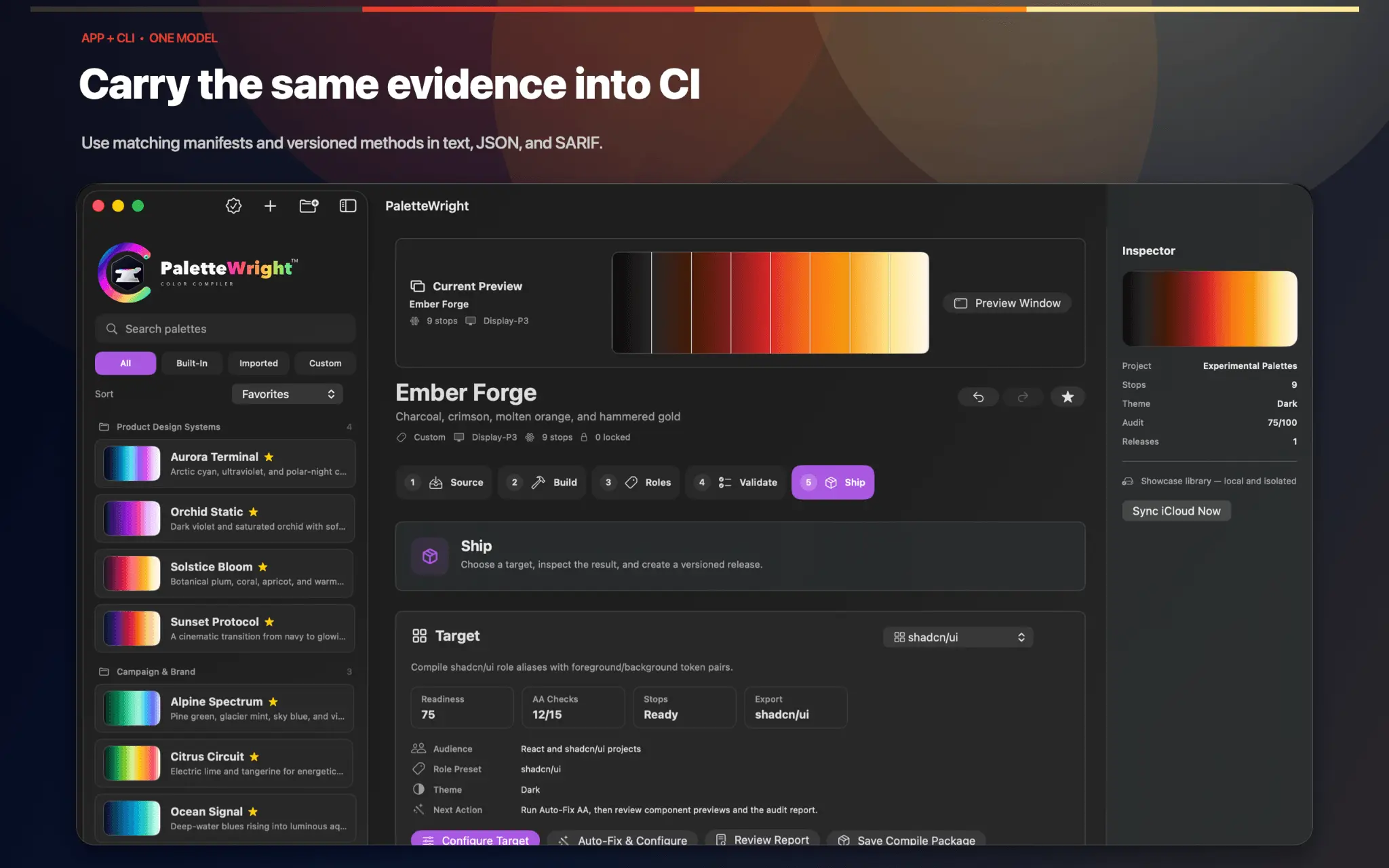
PaletteWright is the accessibility-first color-system compiler for Mac and iPad. Turn captured or connected colors into a semantic, tested, versioned system—then carry the same decisions into Figma, code, repositories, and CI. The complete Source-to-Ship workflow is localized in 16 languages. The Mac app, iPad app, public CLI, text reports, JSON, and SARIF now share declared relationships, method versions, source locations, review reasons, and repair impact. Validate semantic foreground/background pairs, non-text contrast, color-vision previews, component states, and exportable audit notes. Move from an audited palette to Figma Variables, semantic roles, component aliases, CSS, SwiftUI, Tailwind, and token files. Scan source files, review detected colors, turn project values into a palette, then sync refined values back with backups. A focused color-system workspace from source to release. PaletteWright combines native Mac and iPad capture with project libraries, five focused workflow stages, semantic roles, declared accessibility relationships, exact WCAG 2.2 color-contrast decisions, Machado color-vision simulation, constrained repair, live Figma and rendered-page audits, adaptive exports, safe source sync, automation, and a 16-language interface.
Product Video
Watch a video demo of PaletteWright™.
Screenshots
Reviews (0)
No reviews yet. Be the first to rate this product!
Comments (1)
Tying the contrast evidence to the actual tokens in the repo is the part most palette tools skip. If a designer overrides a token in Figma, do you flag it right there, or only when the CI check fails?
@support6714 Thanks for your comment & great question. I'm responding here & in the next comment. You can catch contrast problems in Figma before CI by running the local plugin’s Audit Selection or Audit Current Page.
@mdstebel It checks the current layer colors and lets you jump to the affected layer. Today, that’s an on-demand audit. It doesn’t automatically warn on every edit or continuously compare Figma with the repo.
@mdstebel CI checks the repository’s token values and declared contrast relationships, so a Figma-only override won’t reach that check until it’s exported and incorporated into the repo.
@mdstebel An override that still passes contrast also won’t be flagged simply for differing from the repository.
@mdstebel More: https://palettewright.com/how-to-figma-variables https://palettewright.com/how-to-project-tokens https://palettewright.com/user-guide/mac