
Pastery
A native macOS clipboard manager with visual history
Details
- Follow on
- Categories
- Use Cases
- Target Audience
- Pricing
- Subscription from $24.99
- Platforms
- Alternatives
 Paste alternatives
Discovery signals
How AI and people discover Pastery on PeerPush
- Perplexity
- ChatGPT
- Claude
- +4 other AI crawlers
Reads by these AI engines
Crawlers behind these engines read this listing on PeerPush.About Pastery
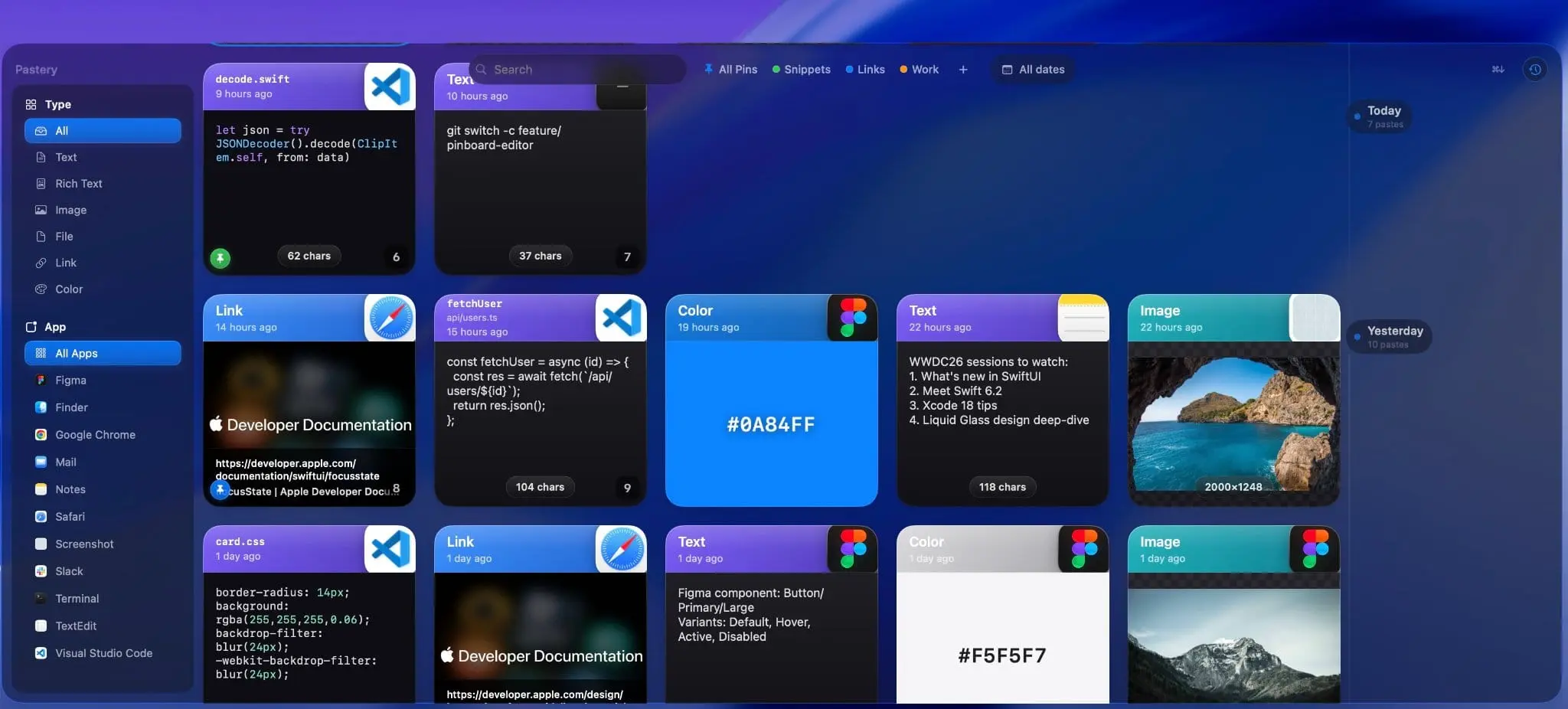
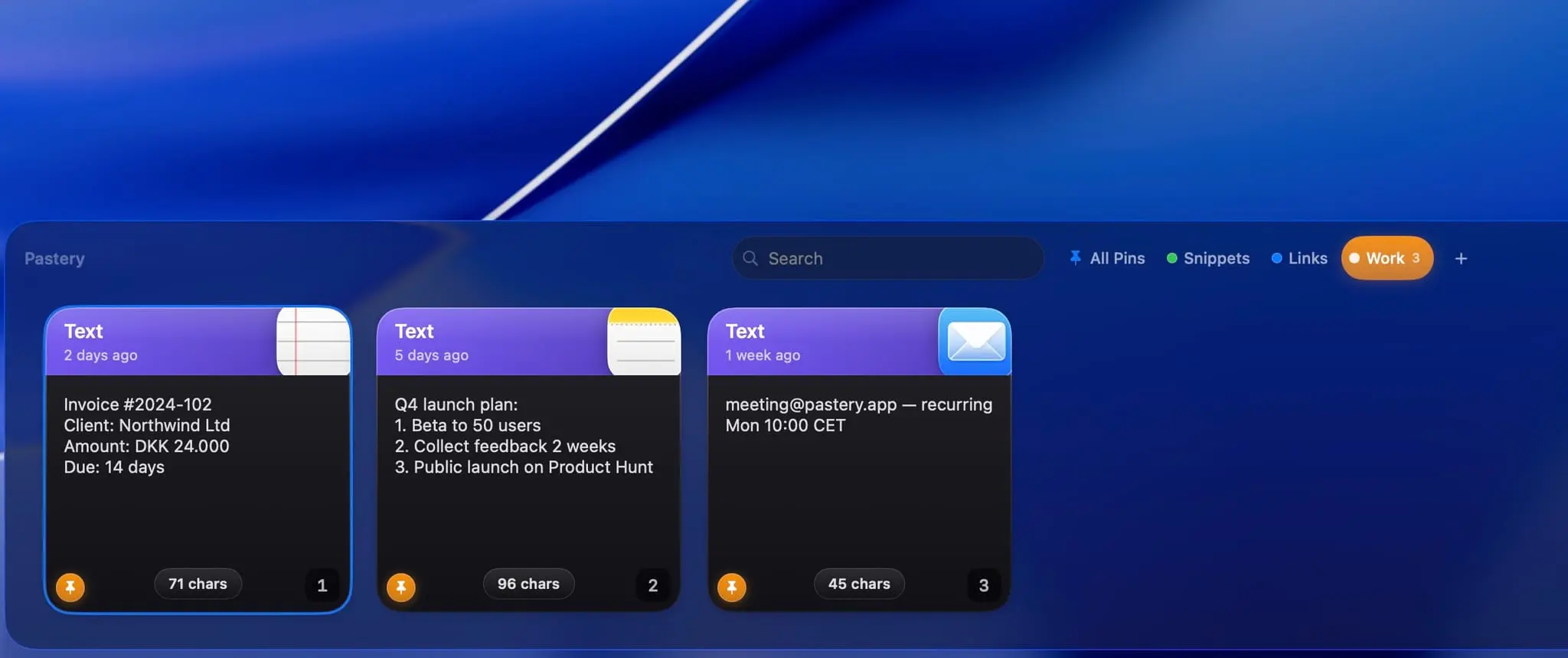
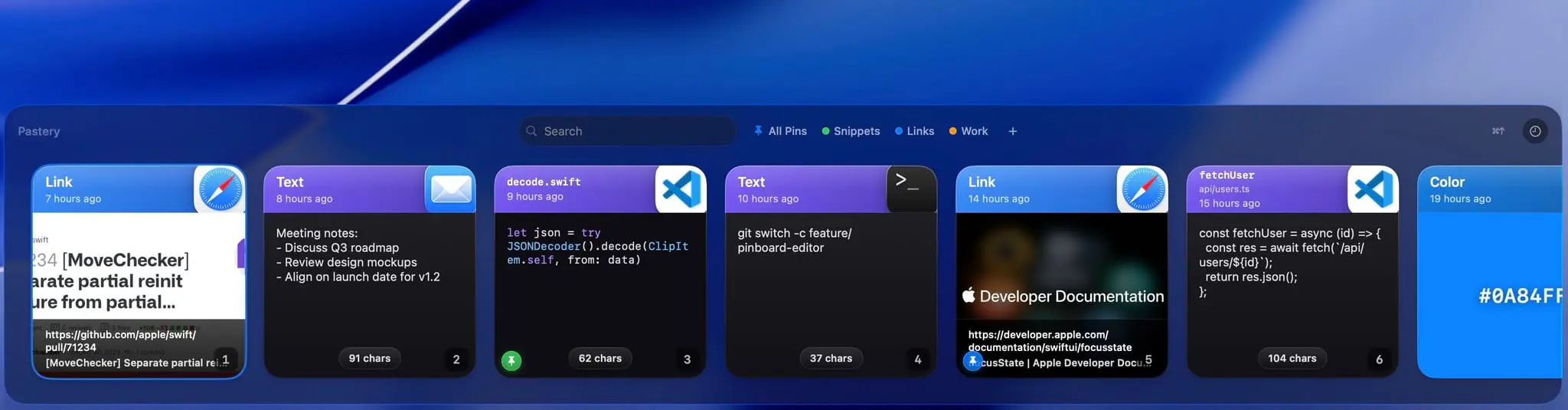
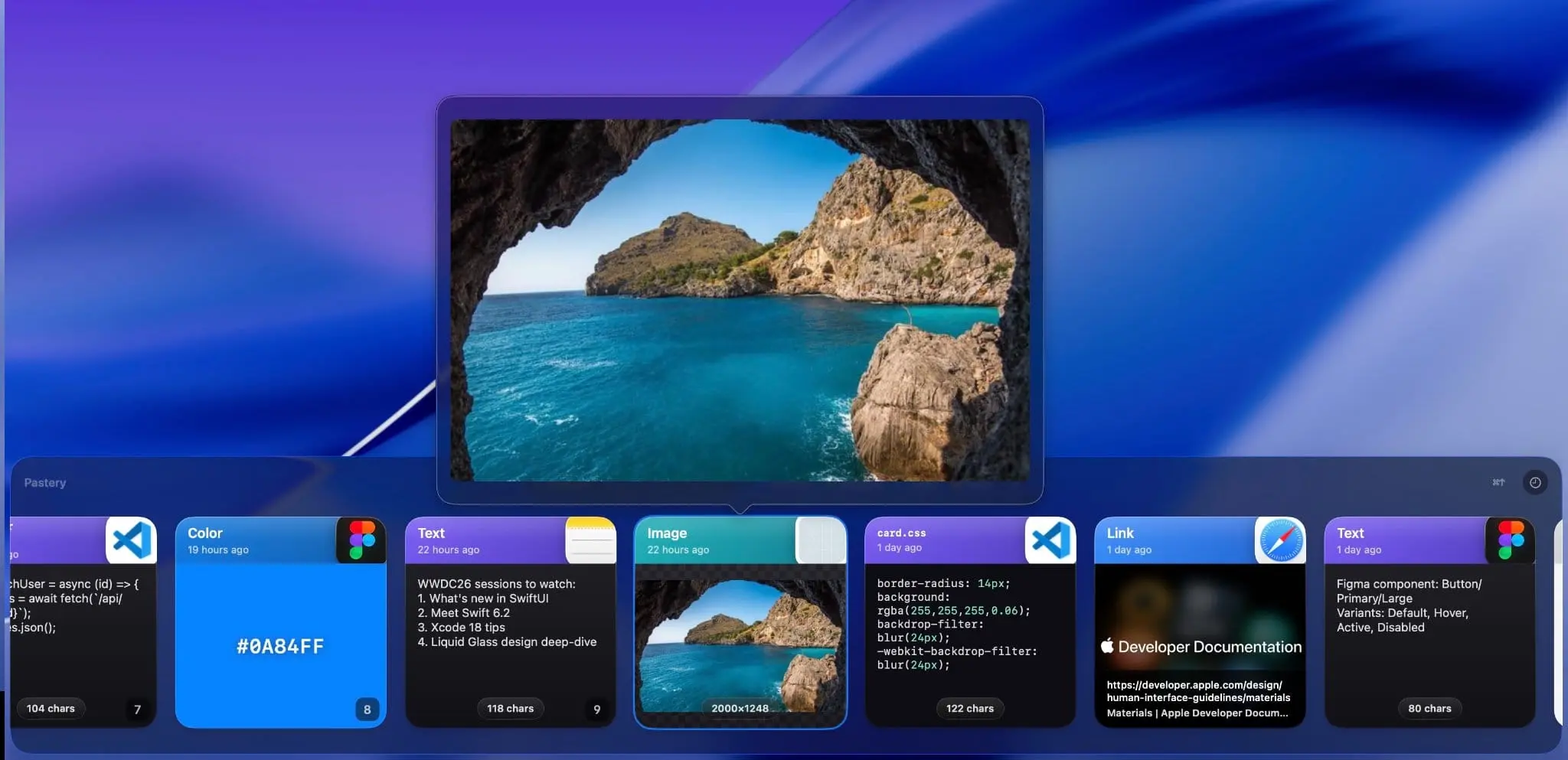
Pastery is a native Swift clipboard manager built exclusively for macOS. Every item you copy becomes a typed, visual card in your history — text, screenshots, links, colors, and file paths. Invoke it with a keyboard shortcut (default ⌘⇧V) and the panel opens instantly. Search works across all content types, so you can find that screenshot, code snippet, or link you copied hours ago in seconds. Built-in text manipulation lets you transform clips on the fly, and OCR pulls text straight out of images. Pastery is designed to feel indistinguishable from a first-party Apple app — every scroll, selection, and open/close is immediate and smooth. It runs natively on both Apple Silicon and Intel Macs. Privacy first: all data is stored locally on your Mac. Nothing leaves the device — no cloud sync, no telemetry.
Screenshots

Reviews (0)
No reviews yet. Be the first to rate this product!
Comments (3)
Clipboard history goes bad around twenty items in, when every row is a grey line of text and the thing you want was a screenshot. Colours and file paths showing up as their own card type makes it scannable again.
i will try to see if its better than other i know, thnks for your work
Hey everyone 👋 I'm Jannik, the maker of Pastery. I built it to be the best dreamable clipboard manager!