PDF Toolbox: All tool in one
Local-first PDF editor and workspace for iOS
A
@admin7077

Details
- Target Audience
- Pricing
- Freemium from $9.99
Discovery signals
How AI and people discover PDF Toolbox: All tool in one on PeerPush
Read by AI engines 30dEngines readingHow many times AI crawlers read this listing, and which engines those crawlers belong to.
447
- ChatGPT
- Perplexity
- Claude
- +4 other AI crawlers
Reads by these AI engines
Crawlers behind these engines read this listing on PeerPush.About PDF Toolbox: All tool in one
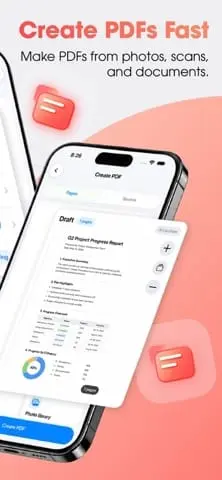
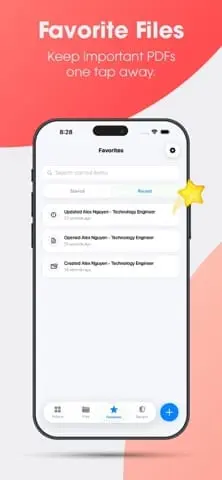
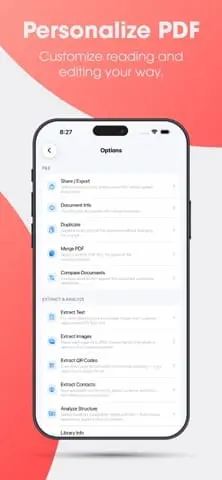
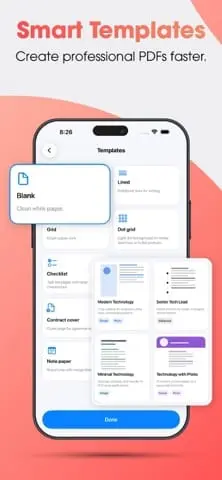
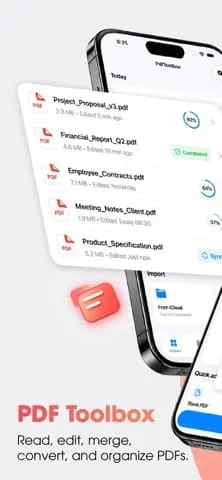
PdfToolbox is a local-first workspace for creating, scanning, editing, and managing PDF documents on iPhone and iPad. It allows you to create PDFs from photos, scans, HTML, and Markdown, or import them directly from Files and iCloud. The tool provides a full suite of editing capabilities including annotation, form filling, and digital signatures. You can organize files using folders, perform OCR to recognize text in scans, and protect sensitive data with redaction, watermarks, and password encryption.
Screenshots
Reviews (0)
No reviews yet. Be the first to rate this product!
Comments (1)
Excited to launch PDF Toolbox 🚀 Scan, edit, sign, merge, compress and convert PDFs in one app — with local-first processing for better privacy. Try it and let me know what you think!