
Peekabop
Karaoke lyrics for your Mac, word by word, around the notch

Details
- Categories
- Target Audience
- Pricing
- One-time from $12
- Platforms
Discovery signals
How AI and people discover Peekabop on PeerPush
About Peekabop
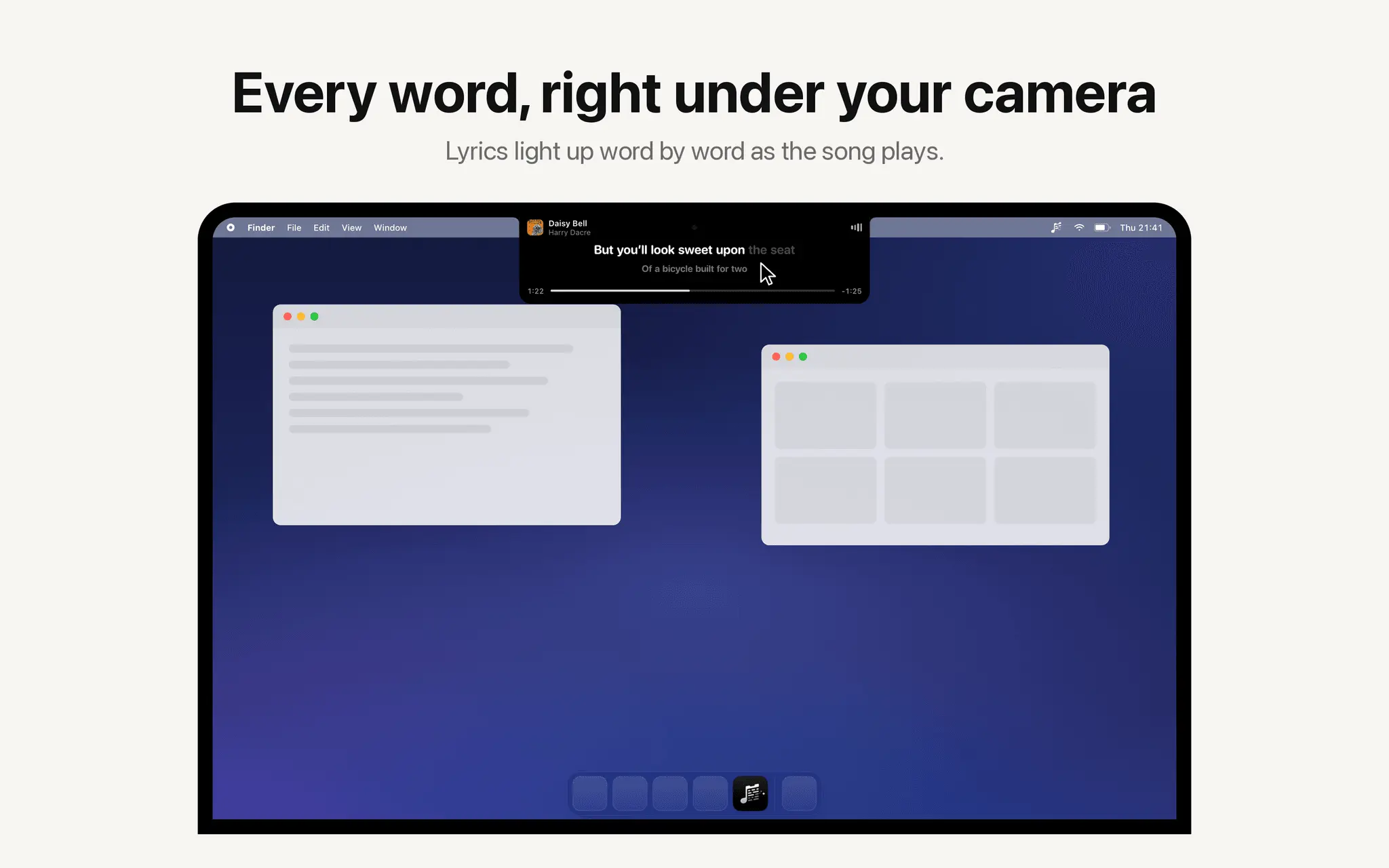
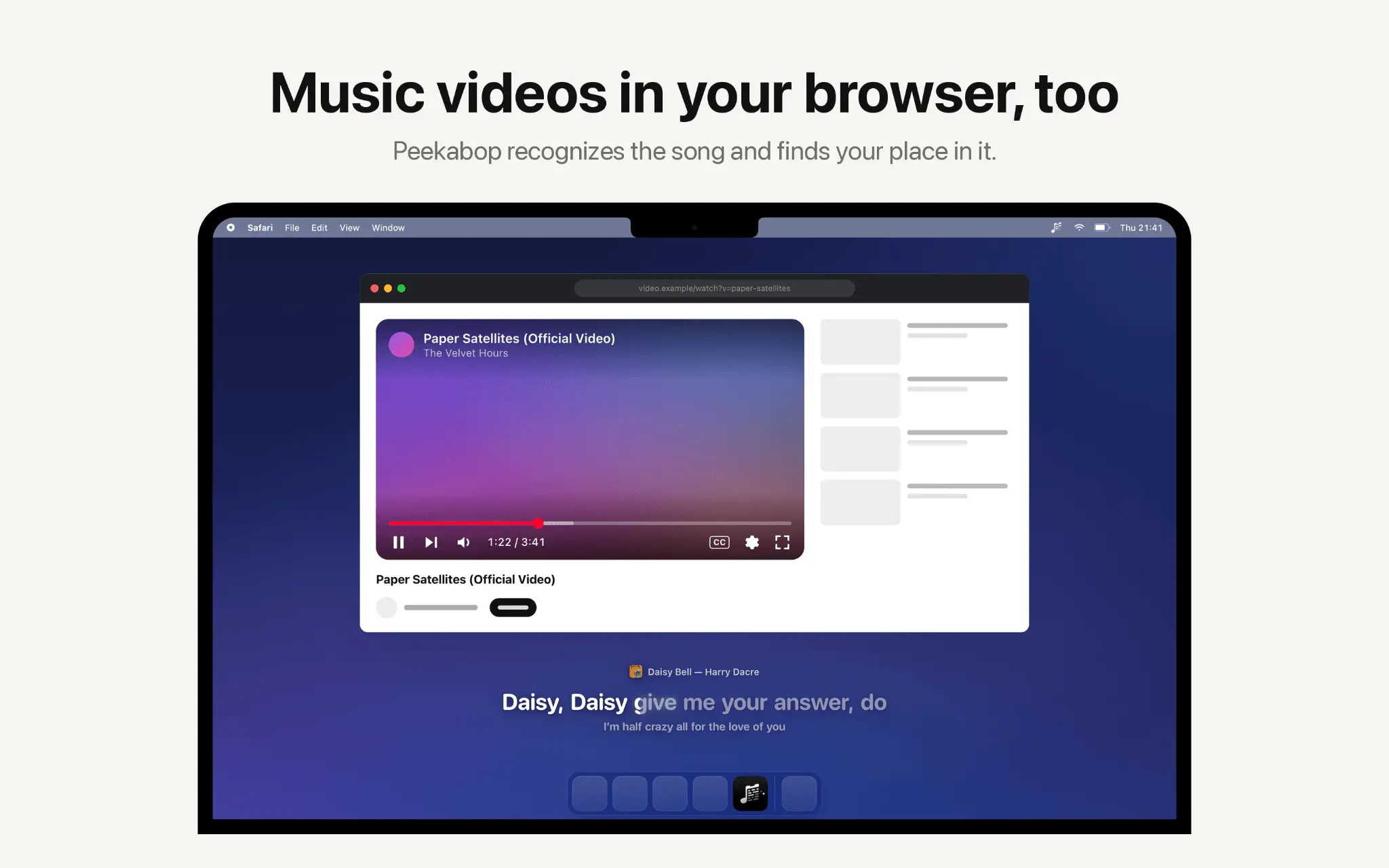
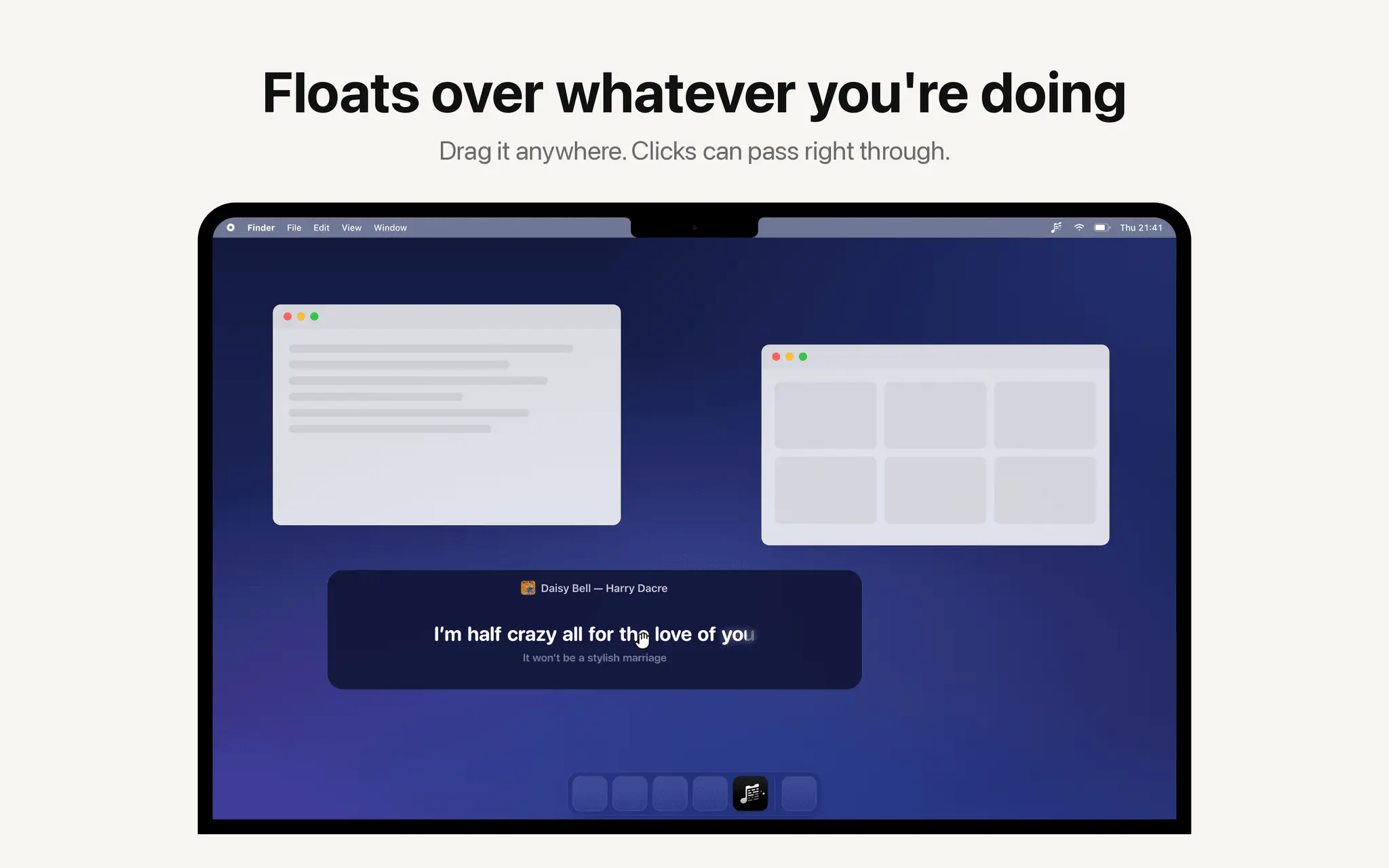
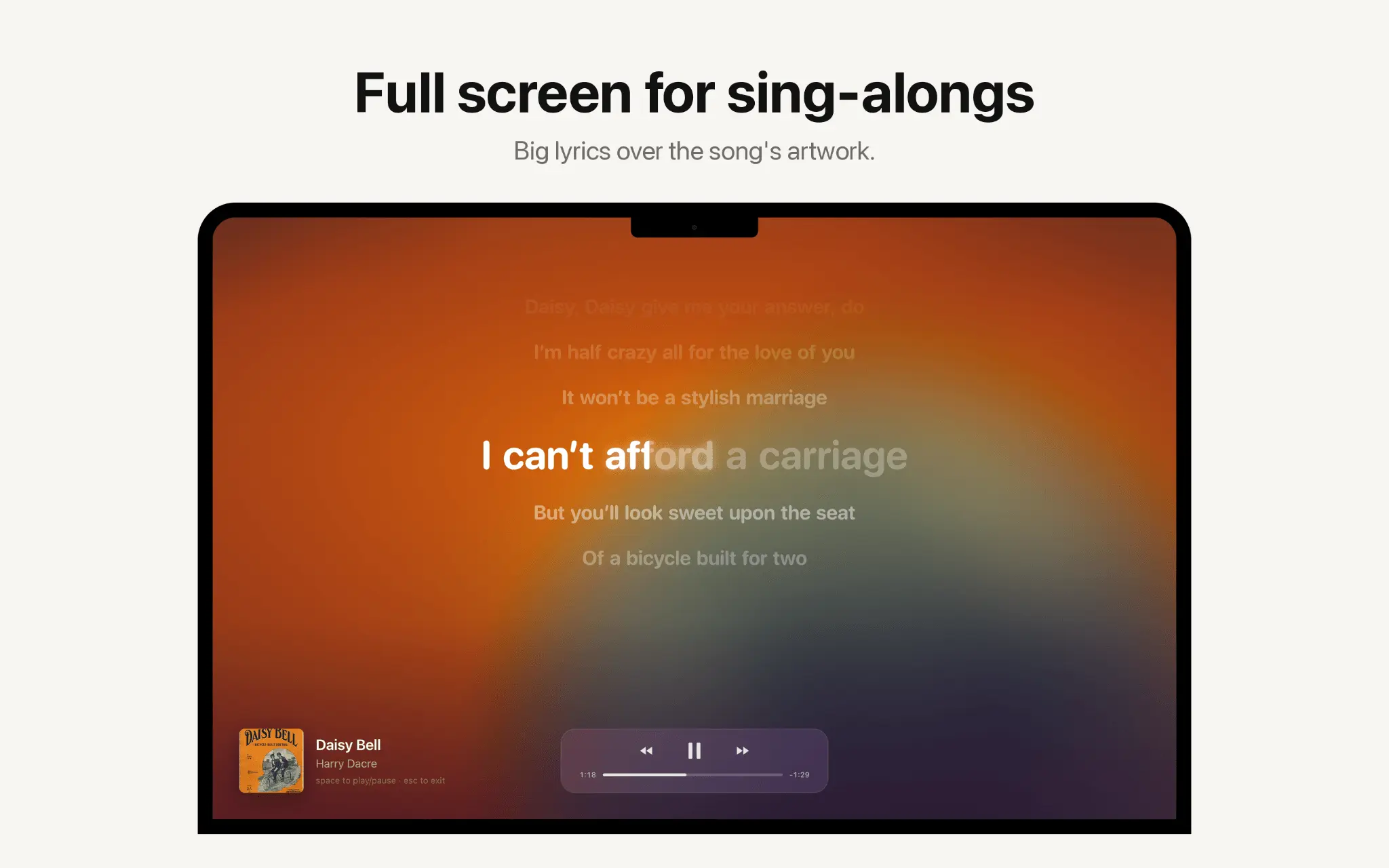
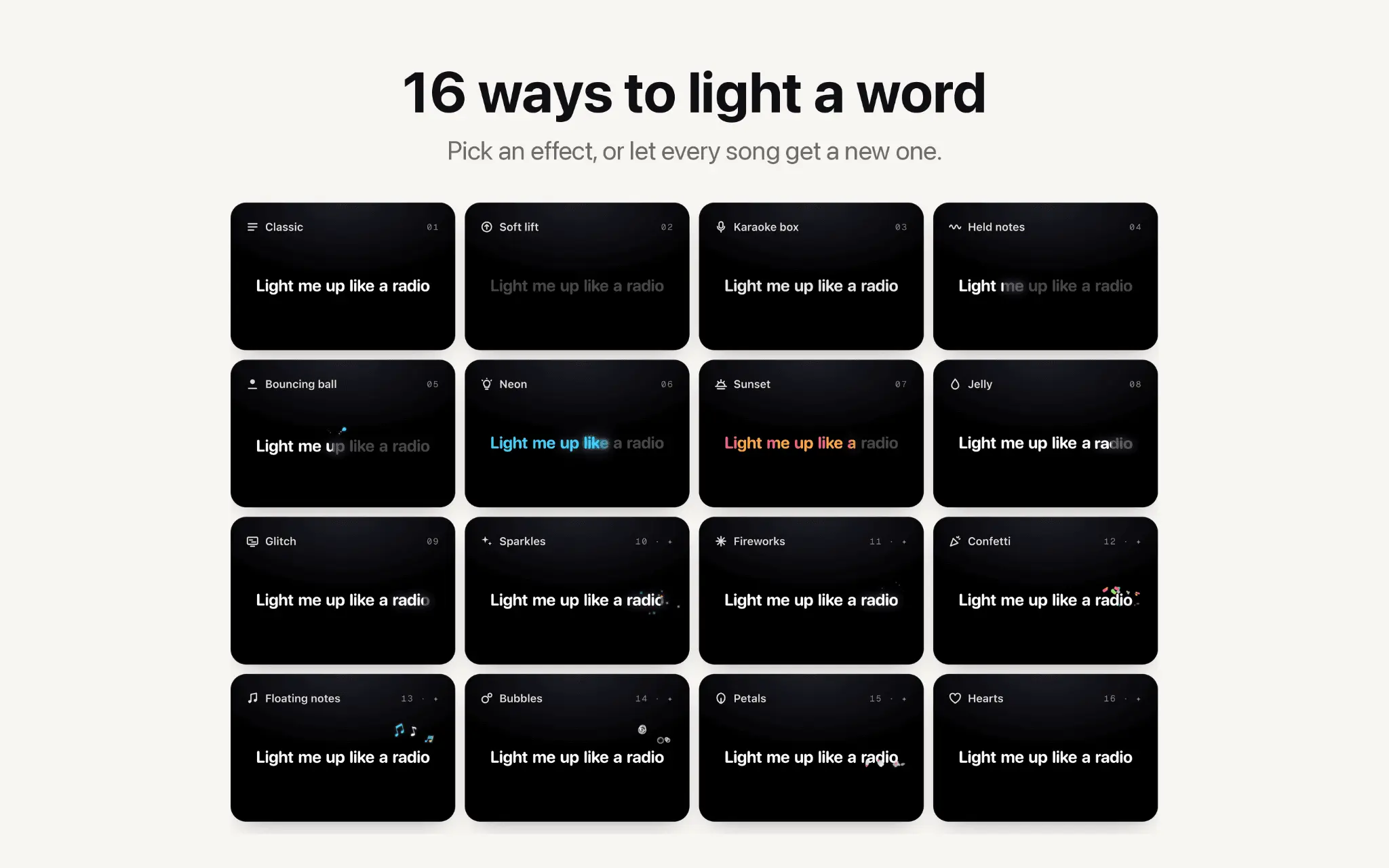
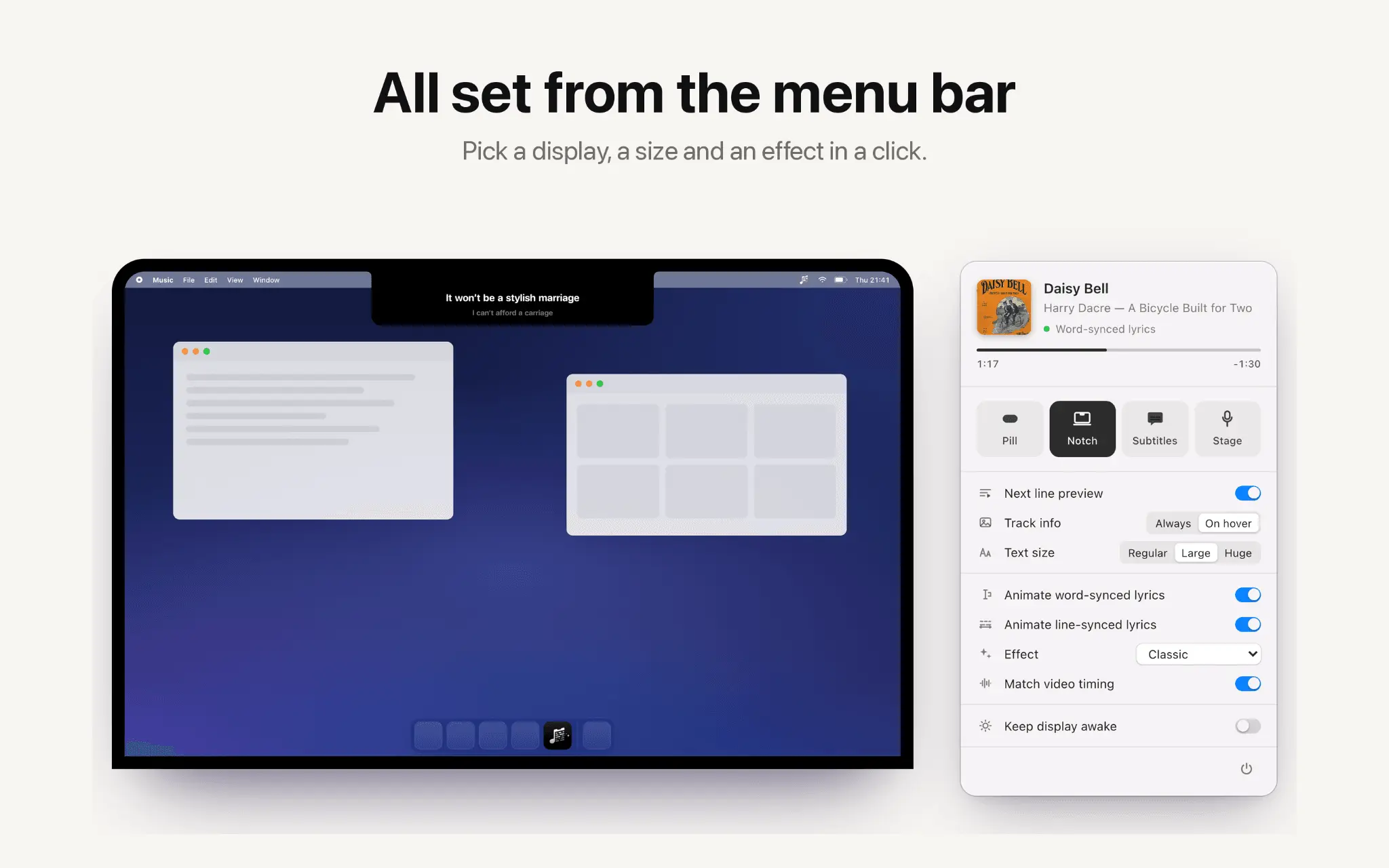
Peekabop lives in your Mac's menu bar and shows the lyrics of whatever is playing: Spotify, Apple Music, or YouTube and other sites in any browser. Words light up one by one in time with the music, so you can sing along without keeping a player window open. Pick how lyrics appear: - Notch: right under your camera, around the MacBook's notch - Pill: a small floating window you can put anywhere - Subtitles: at the bottom of the screen, like a film - Stage: full screen karaoke Add effects like Sparkles, choose the text size, preview the next line, and let Peekabop line lyrics up with music videos automatically (macOS 26). Privacy first: no account and no analytics. Only the song's title, artist, album and length are sent to find lyrics, and video matching listens to the Mac's audio on-device, never the microphone. €9.99, paid once, no subscription. License for 3 Macs, 14-day money-back guarantee, and a 7-day free trial with every feature and no account or card. Requires macOS 15 or later. Made by chewingcode, an independent developer.
Screenshots
Reviews (0)
No reviews yet. Be the first to rate this product!
Comments (1)
Hi! I built Peekabop because I kept opening Spotify just to read lyrics. Now they sing along around my notch, word by word. 7-day free trial, no account. Feedback welcome!