
Pointer Cue
Highlight your cursor and focus areas on screen

Details
- Target Audience
- Sales TeamsEducatorsContent Creators
- Pricing
- Paid
- Platforms
- Desktop
Discovery signals
How AI and people discover Pointer Cue on PeerPush
By AI reads among Video & Audio Tools tools
718 AI reads in the last 30 days, ranked against every Video & Audio Tools tool listed.About Pointer Cue
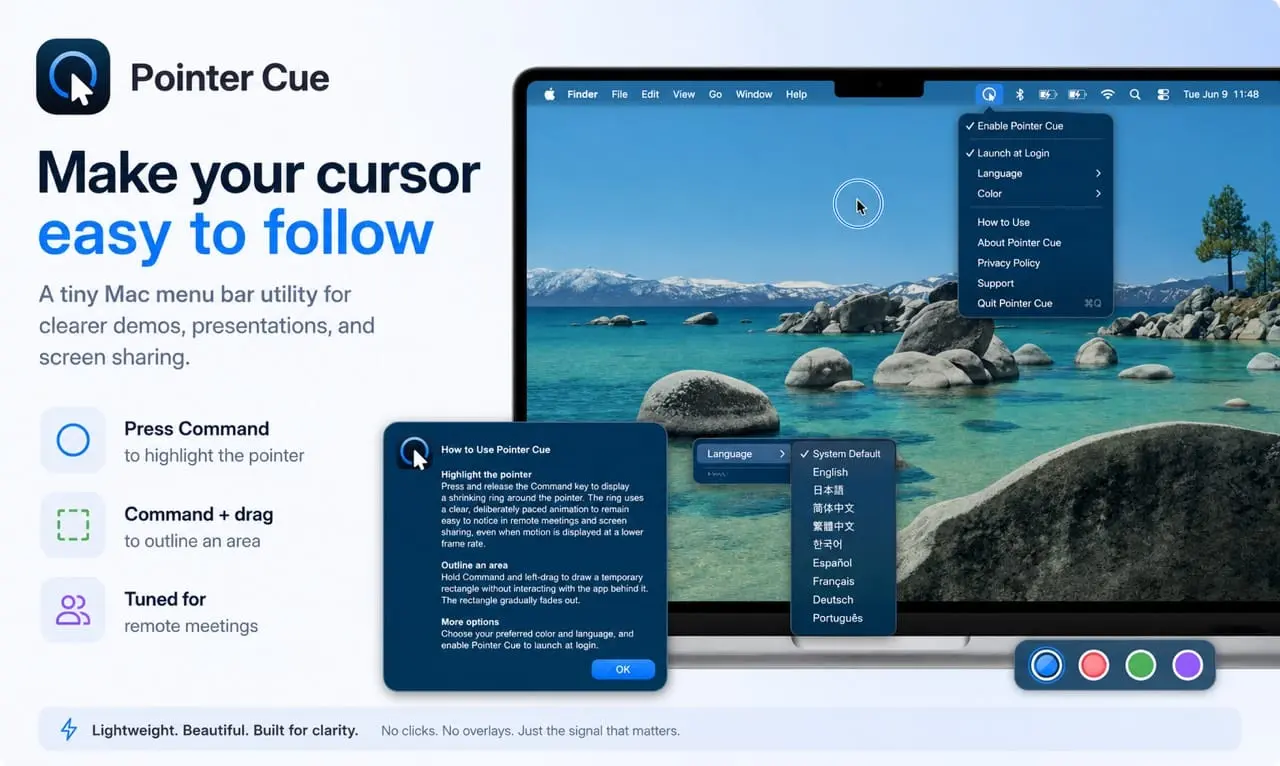
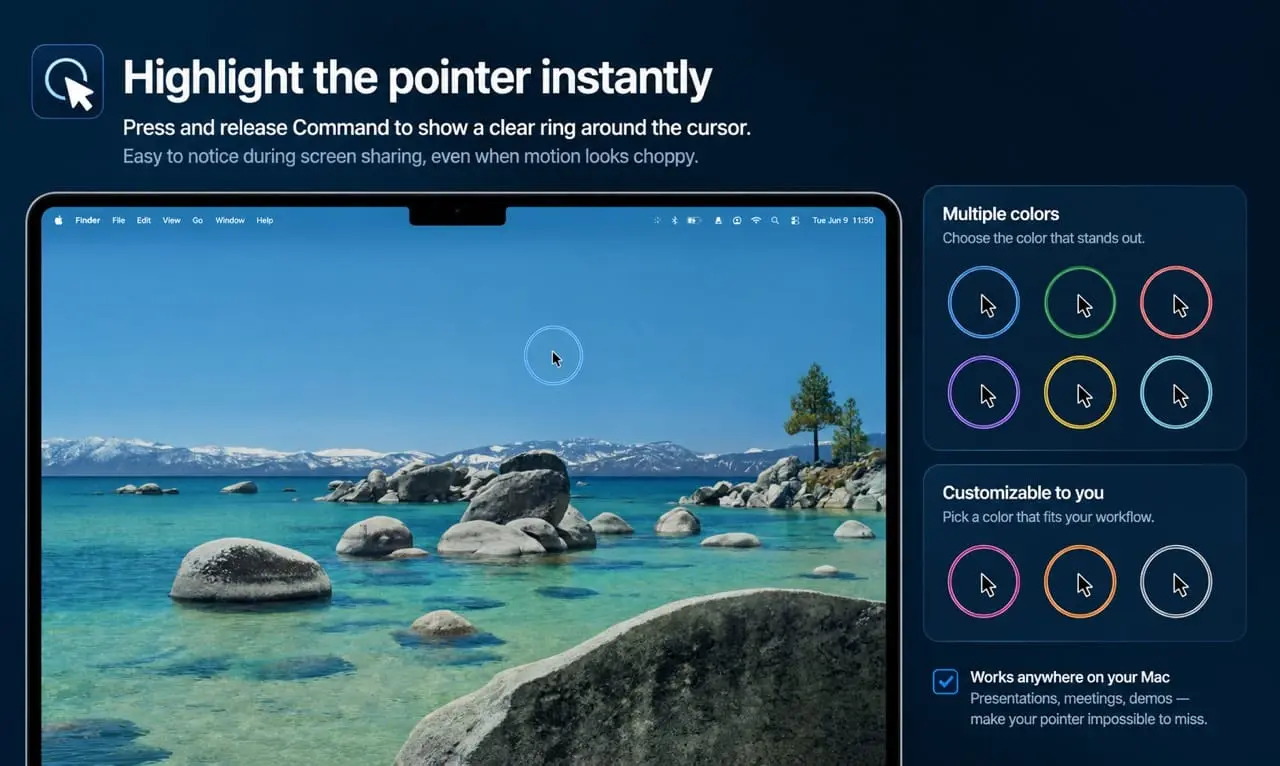
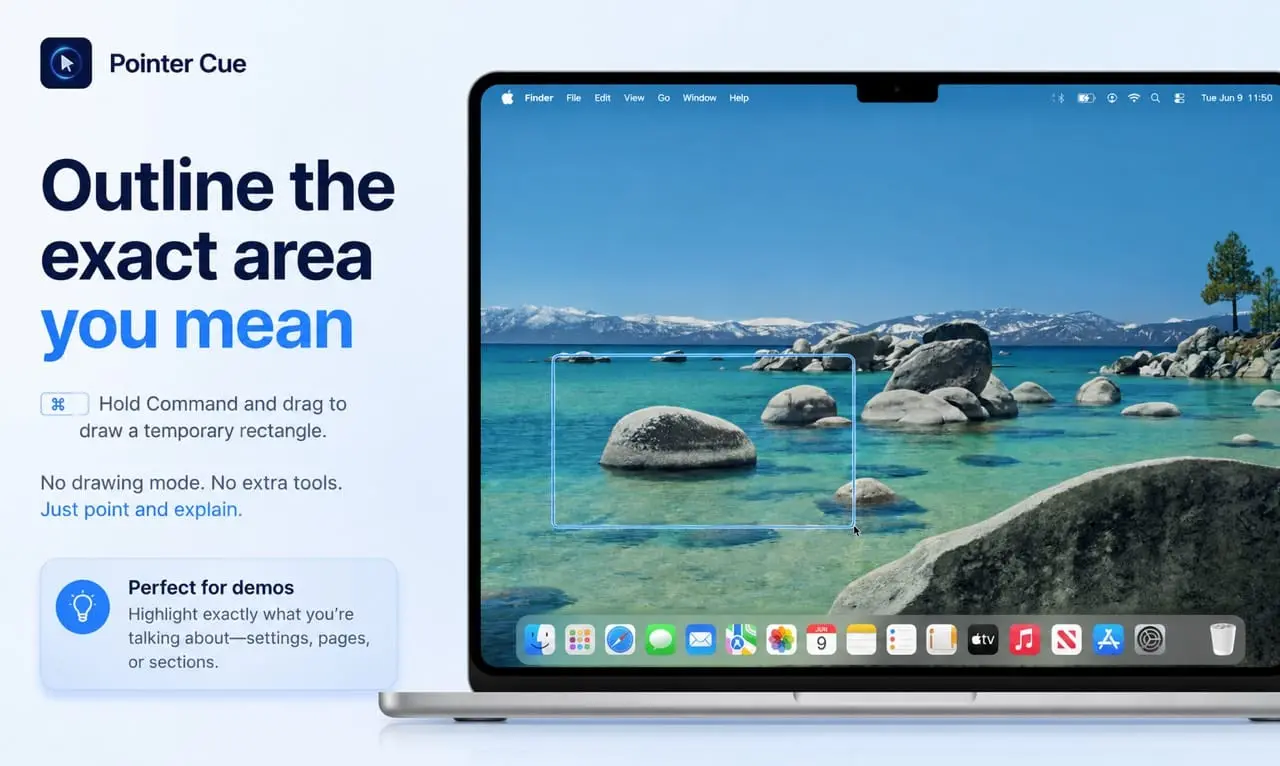
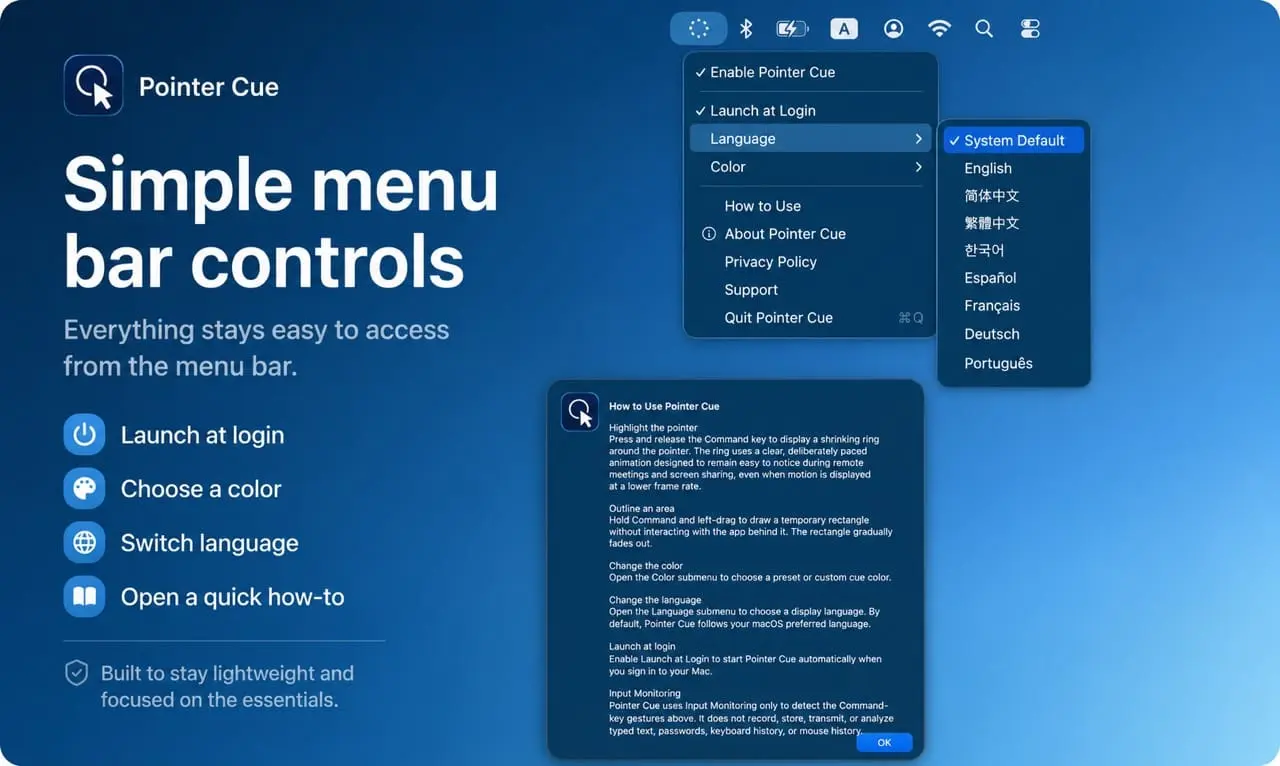
Pointer Cue is a lightweight desktop utility for macOS and Windows that makes on-screen explanations easier to follow. Use a keyboard shortcut to display a clear ring around the pointer, or drag to draw a temporary rectangle around an important area. It is designed for presentations, software demos, training, tutorials, remote support, online meetings, and screen sharing. Pointer Cue stays focused on simple visual cues rather than becoming a full annotation or recording tool. Cue colors can be customized, and all processing takes place locally on your device. The macOS and Windows versions are both available as one-time purchases. Pricing differs by platform and region. The Windows version includes a 30-day free trial, while the macOS version does not include a free trial.
Screenshots
Product Updates (1)
Keep the active window in focus
Pointer Cue can now highlight the window you’re actively working in while subtly dimming the other windows around it. Combined with the cursor ring and temporary focus frame, it makes demos, presentations, tutorials, and screen sharing easier to follow without adding a full annotation layer. The highlight follows you as you switch between windows, while keeping the underlying apps fully interactive.
Comments (0)
No comments yet. Be the first to share your thoughts!
Reviews (1)
Average 5.0 out of 5
Based on 1 review

Comments (2)
Highlighting your cursor during presentations and recordings is underrated. It helps viewers follow your actions, especially when you're moving fast or clicking small UI elements. This would be super helpful for tutorial creators and sales
@omribenshoham Thanks! That's exactly what I built Pointer Cue for — making demos, presentations, and screen sharing easier to follow without getting in the way.
I built Pointer Cue to make on-screen explanations easier to follow. Highlight the pointer or draw a temporary focus rectangle during demos, meetings, training, and screen sharing.