
Private Image Resizer and Compressor
Resize, compress, and export images without uploading them

Details
- Follow on
- Categories
- Target Audience
- Pricing
- Free
- Platforms
- Featured in
Discovery signals
How AI and people discover Private Image Resizer and Compressor on PeerPush
About Private Image Resizer and Compressor
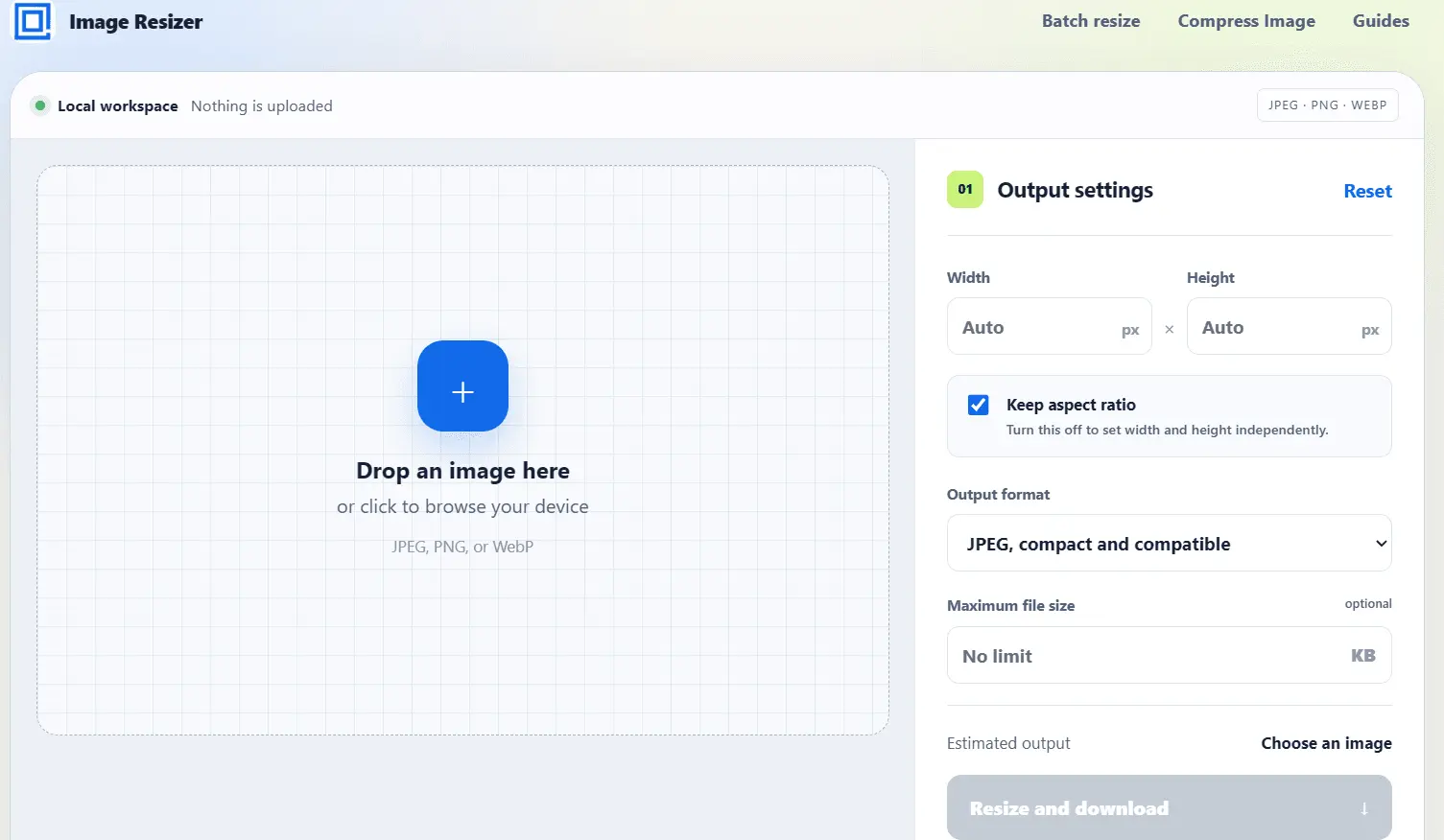
Image Resizer is a practical, privacy-focused image utility for resizing, compressing, converting, and exporting images without sending them through an unnecessary upload pipeline. The web app runs image processing directly in your browser. You choose a JPEG, PNG, WebP, or supported image file, preview the selected image, enter exact dimensions, preserve or unlock the aspect ratio, choose an output format, and download the finished result. For file-size limits, Image Resizer can compress images toward a maximum size while keeping the workflow simple and visible. It is built for people who regularly need clean image files for forms, websites, social media, documents, email attachments, marketplaces, profiles, banners, and publishing tools. Instead of guessing what happened after an upload, you can see the source image, control the output, and save a processed copy in a few steps. Image Resizer also supports batch resizing, dedicated image compression, and common preset workflows. The broader toolkit includes browser extensions, an Obsidian plugin, and an Android app, making it easier to resize images from the places where users already work. The core idea is simple: image resizing should be predictable, fast, and respectful of privacy. No account is required, and the website is designed around local processing rather than cloud upload.
Screenshots
Reviews (0)
No reviews yet. Be the first to rate this product!
Comments (0)
No comments yet. Be the first to share your thoughts!