
QuikZip
Edit files inside ZIP archives without extracting them
Details
- Follow on
- @compilererrors
- Categories
- Developer ToolsProductivity & Notes
- Target Audience
- Data EngineersDevelopersSoftware Developers
- Pricing
- One-time
- Platforms
- Desktop
- Featured in
- Best File Encryption Tools
Discovery signals
How AI and people discover QuikZip on PeerPush
About QuikZip
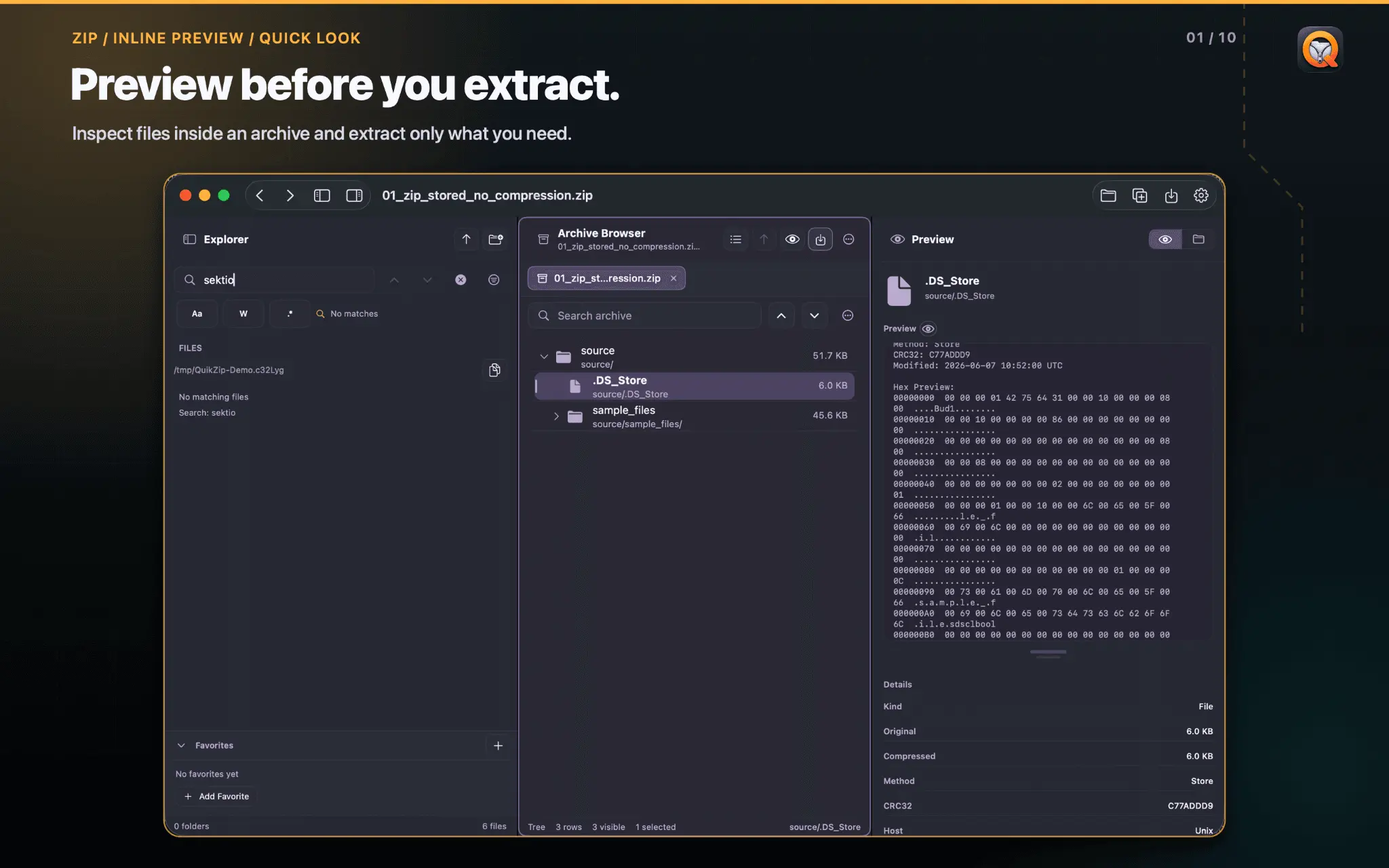
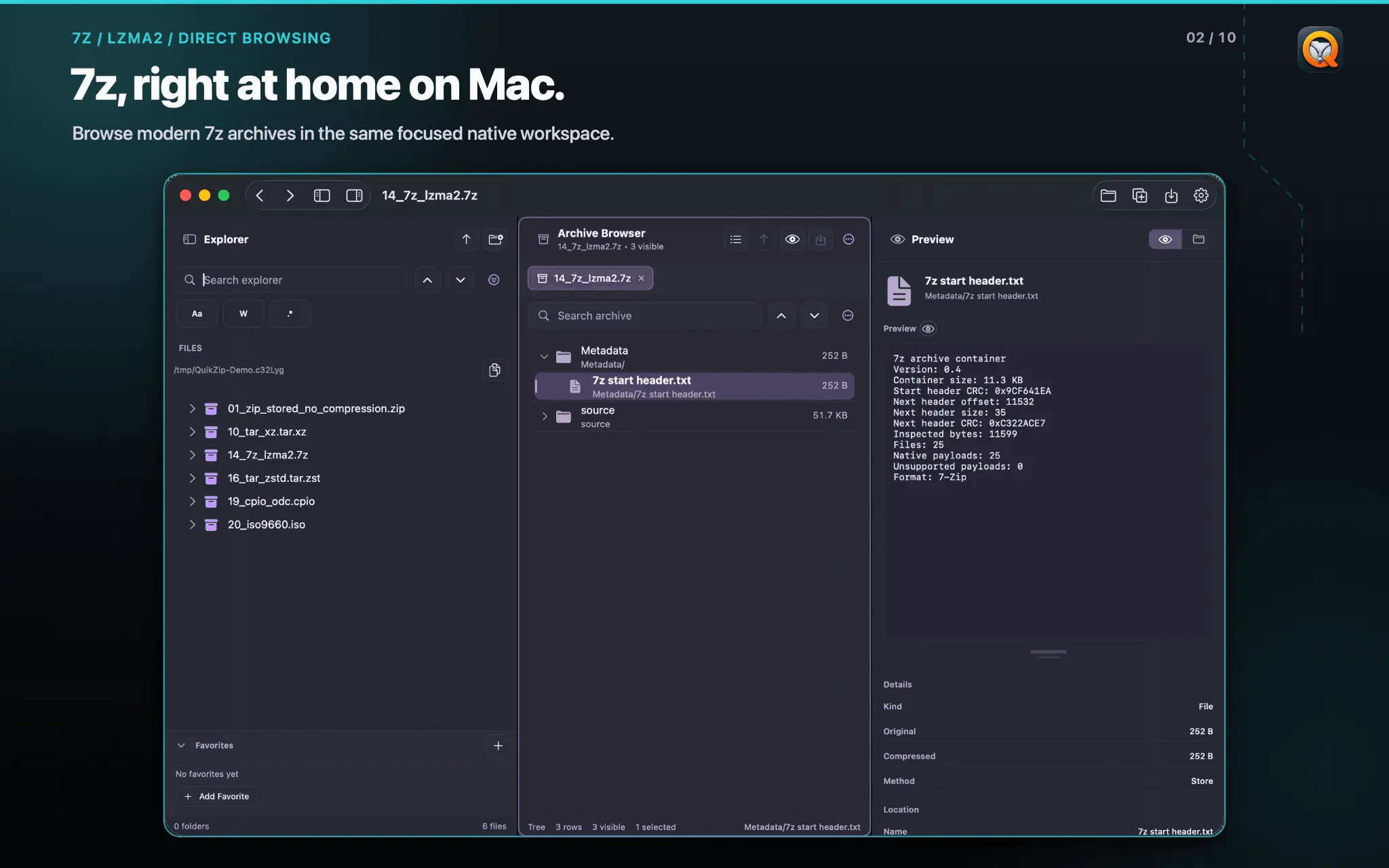
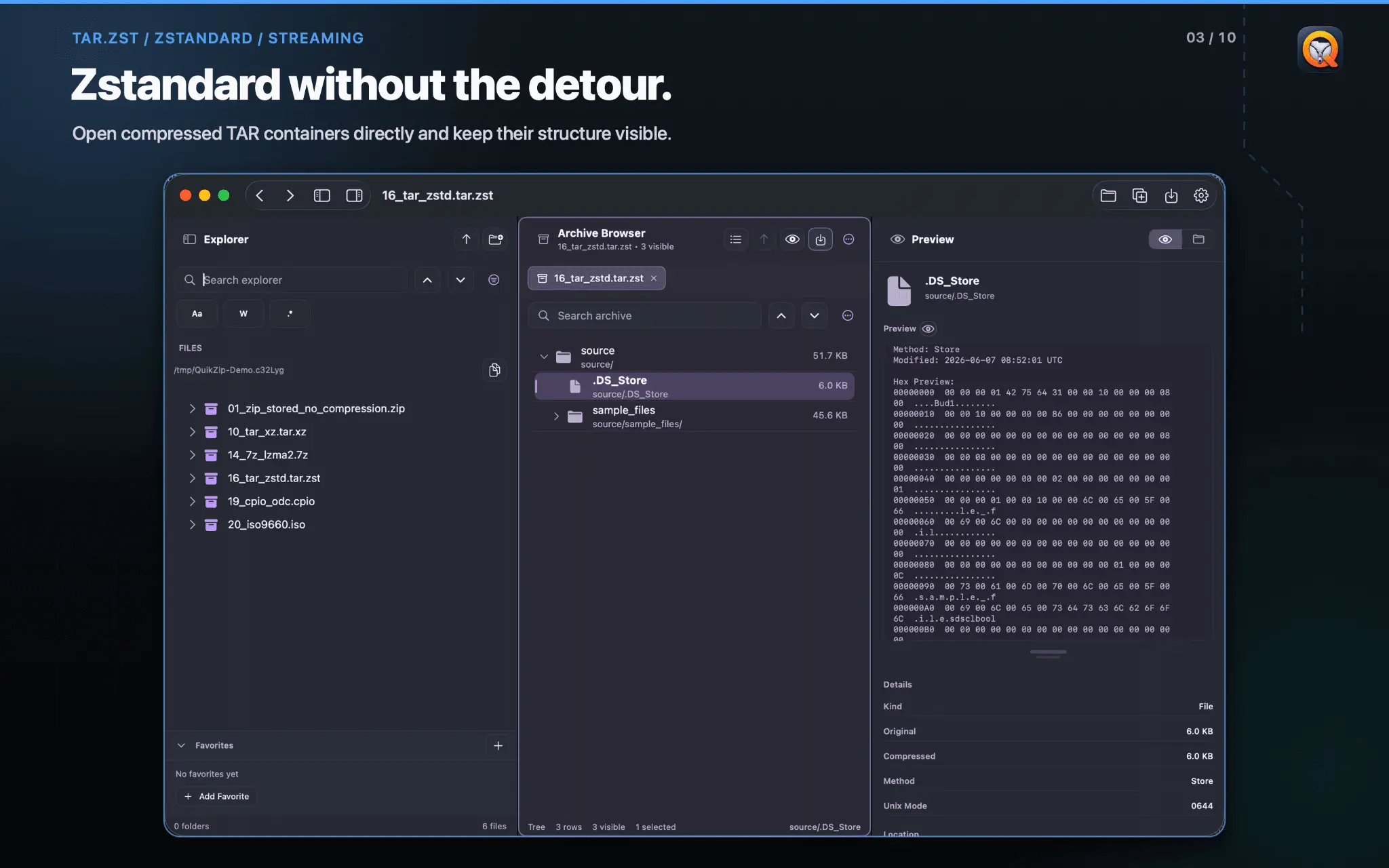
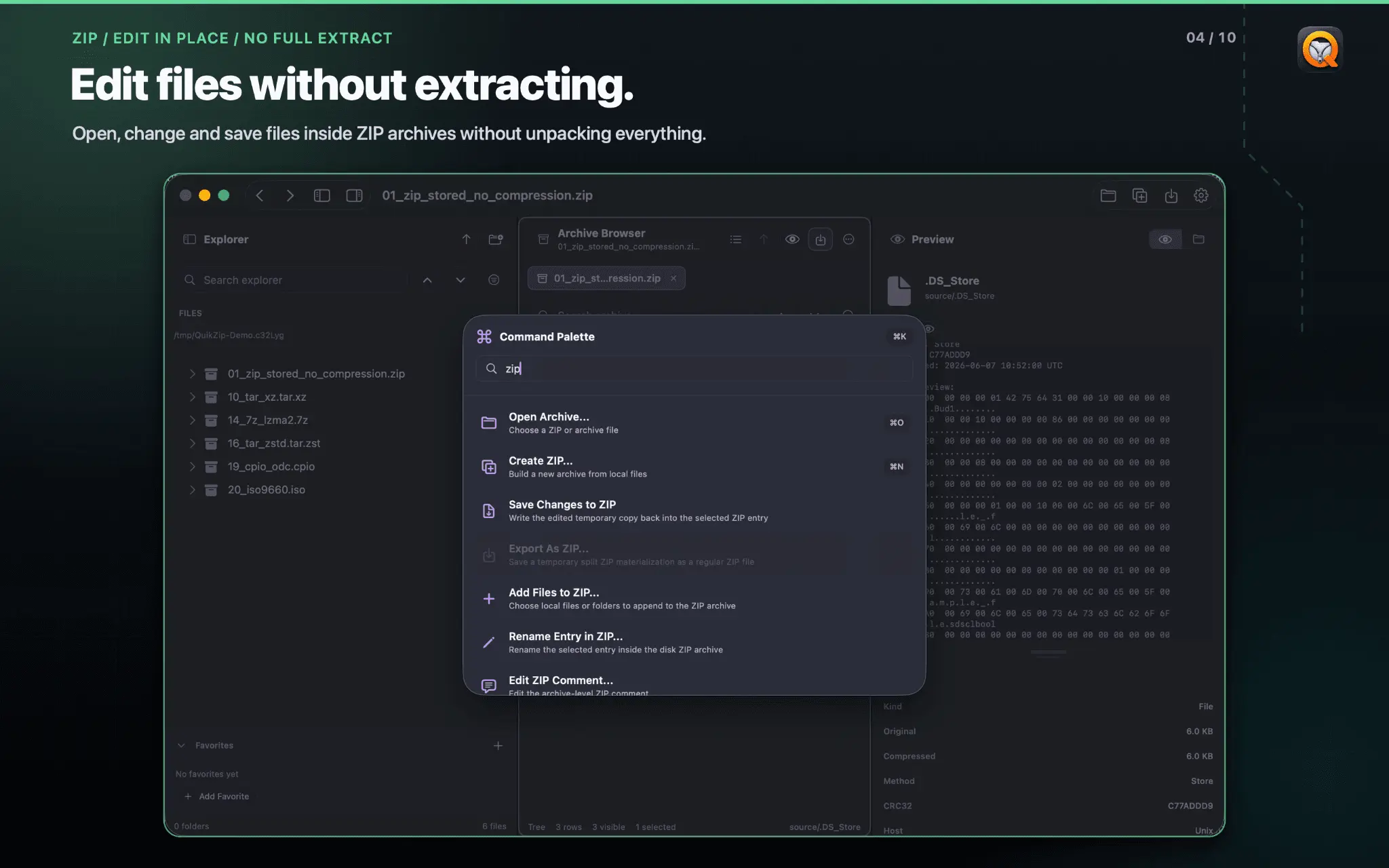
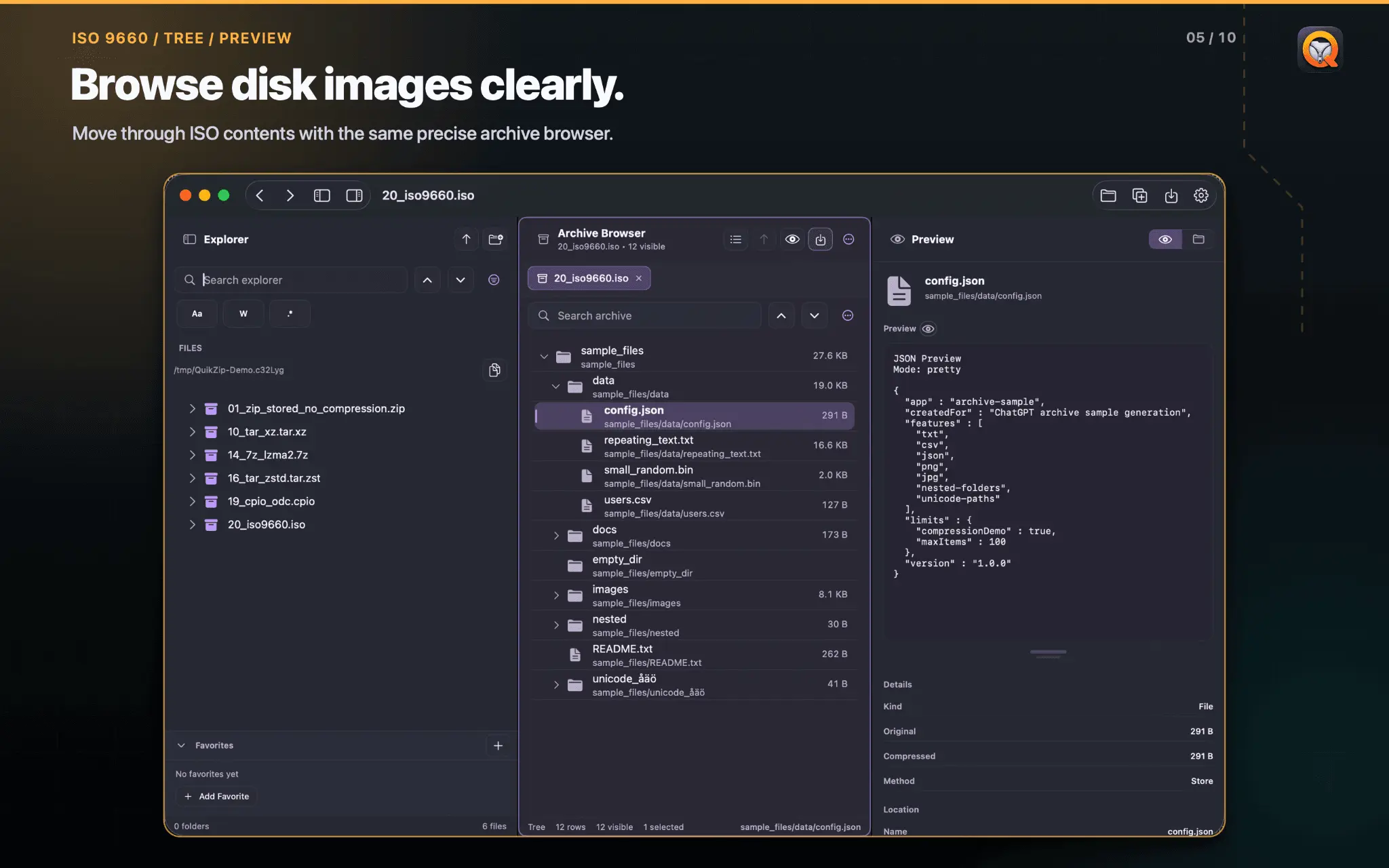
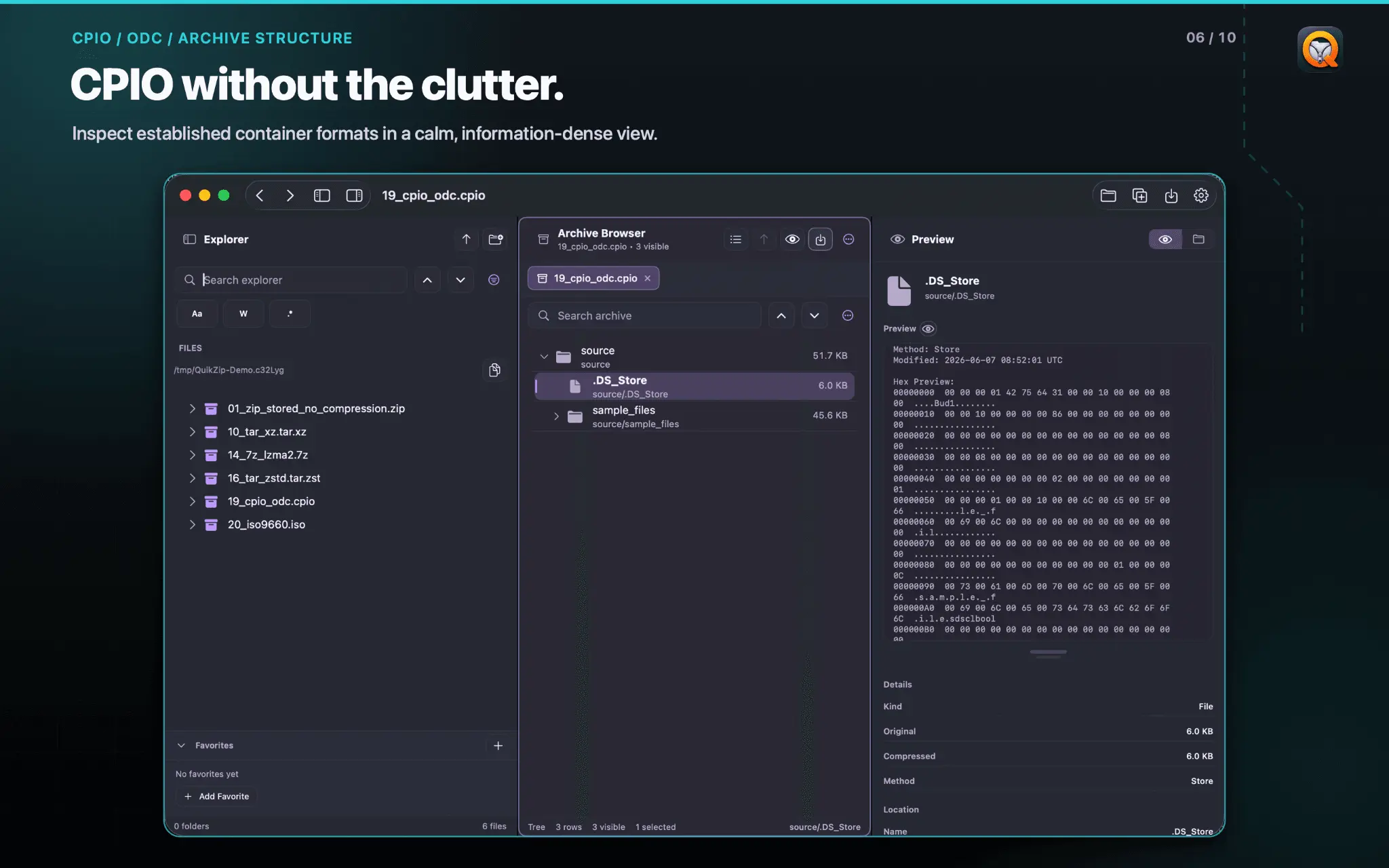
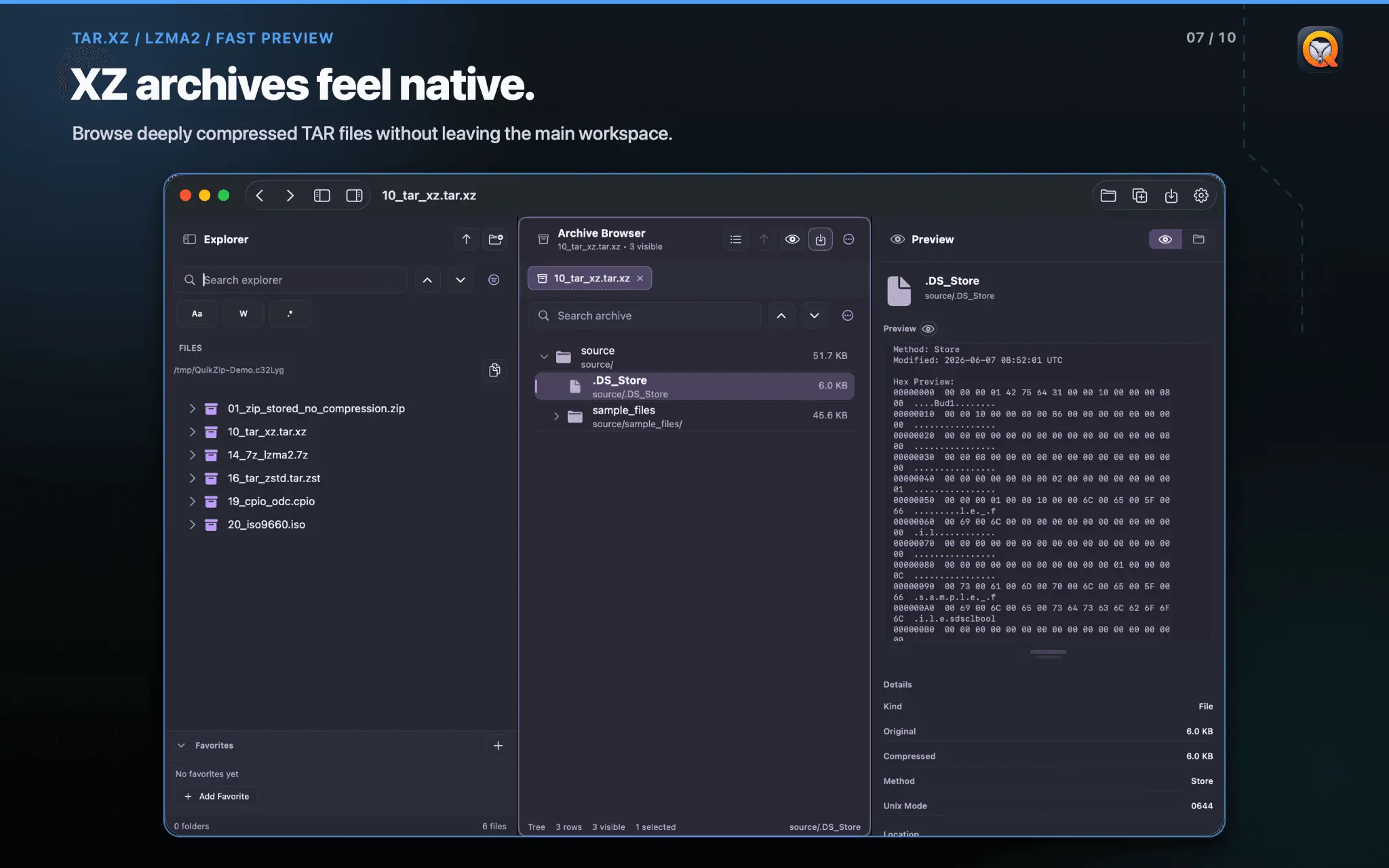
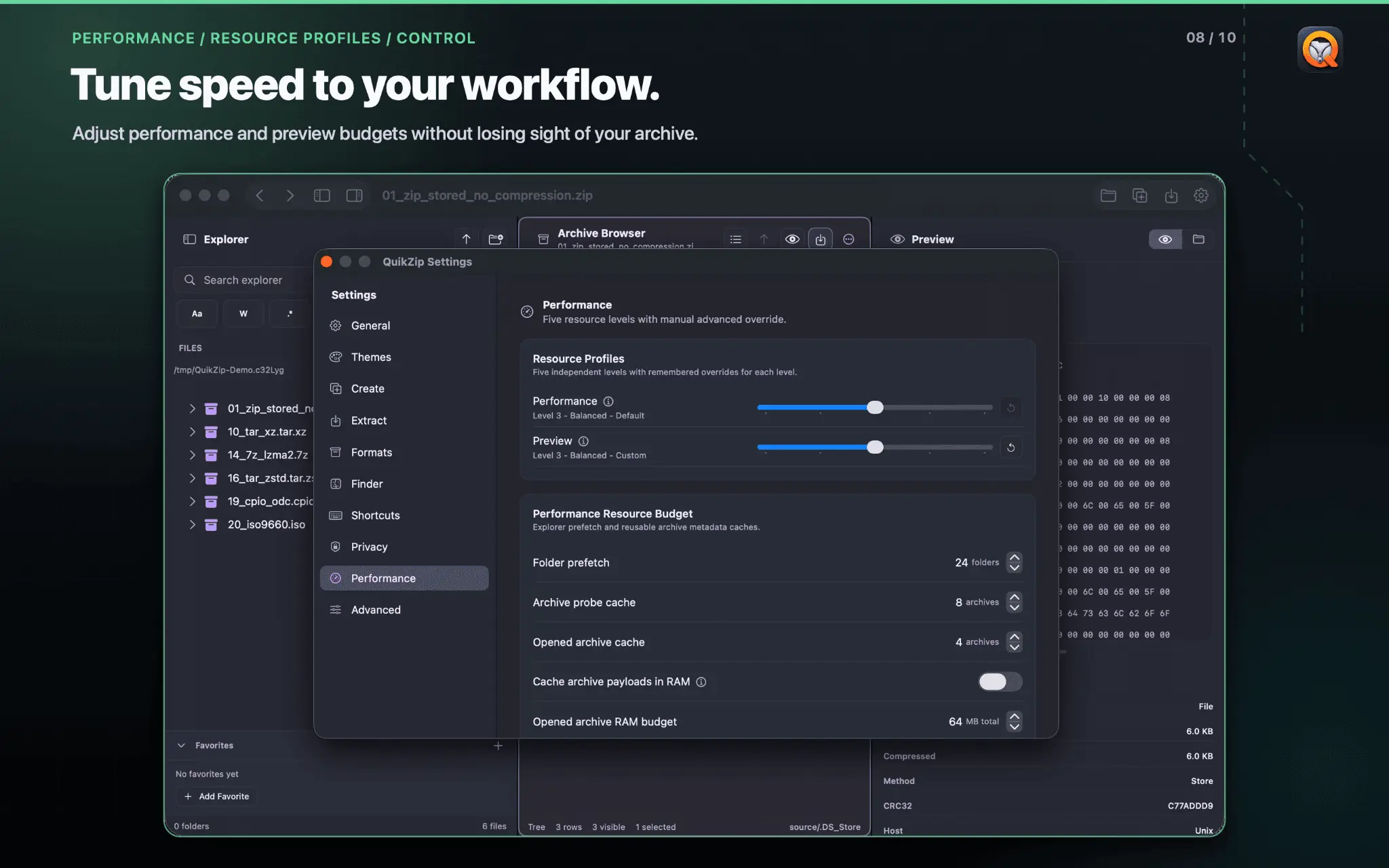
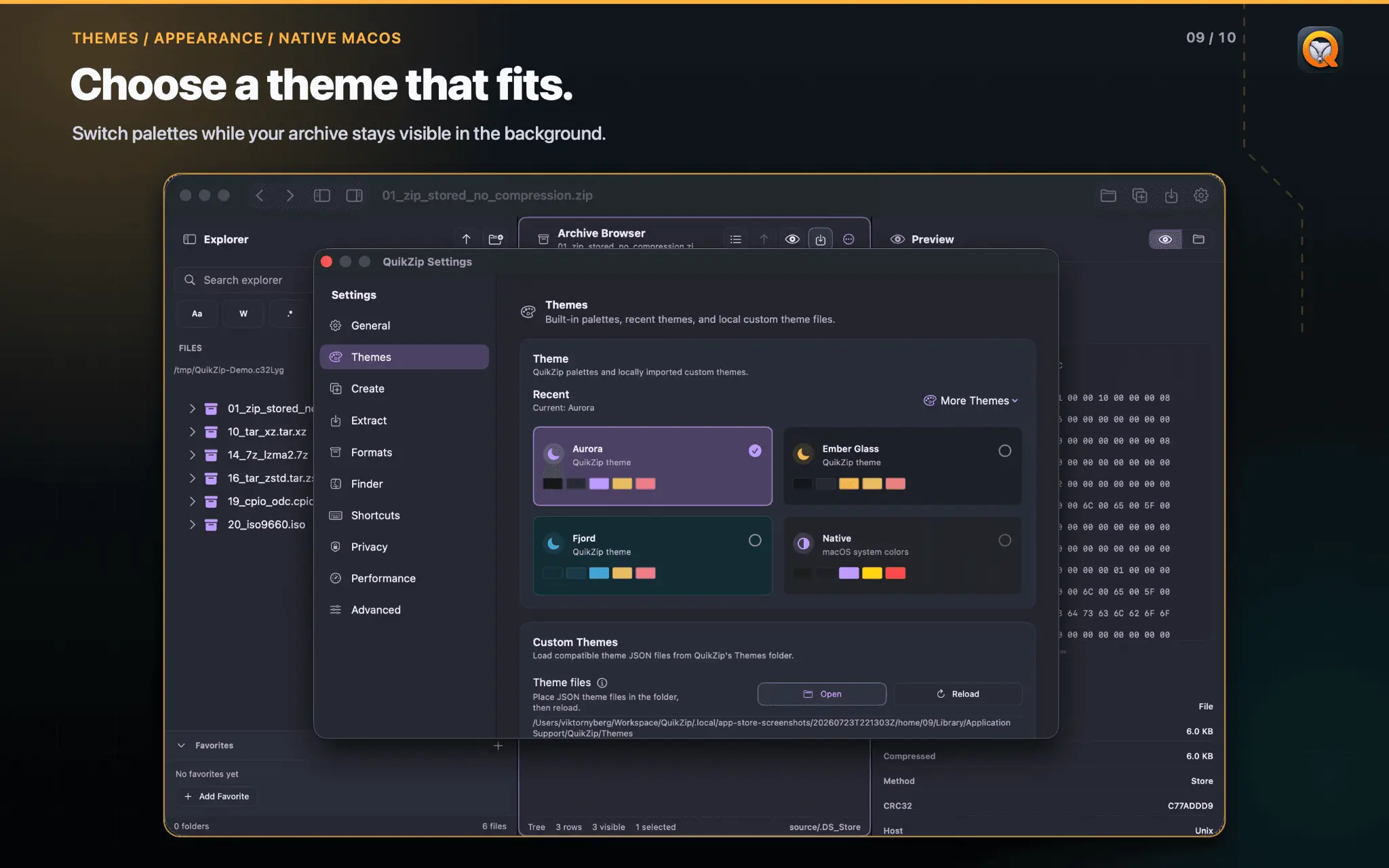
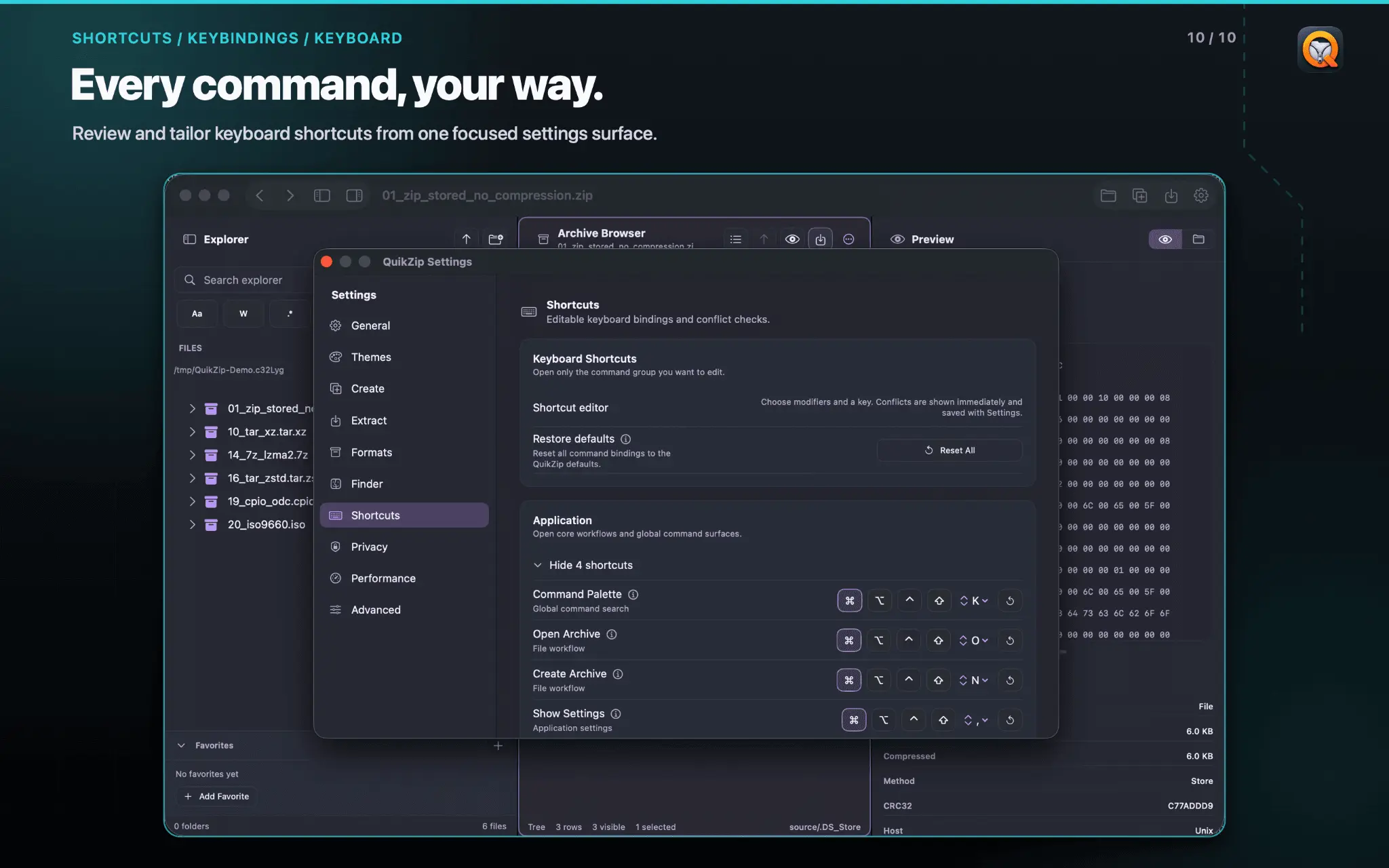
QuikZip is a native macOS archive manager for developers, IT professionals, and power users who regularly work with compressed files. I built it after getting tired of extracting an entire archive just to inspect or change one JSON, log, configuration, or source file and then rebuilding the archive afterward. QuikZip turns archives into a Finder like workspace. Browse their contents, search and preview supported files, and extract only what you need. With regular ZIP archives, you can also edit supported files and save the changes back without manually unpacking and recompressing everything. QuikZip recognizes 75+ archive, compression, disk-image, package, and container formats, including ZIP, 7z, RAR, TAR, GZIP, BZIP2, XZ, Zstandard, ISO, and CAB. Available actions vary by format. Nested archive browsing is available where supported. Key features: - Browse, search, and preview files before extracting - Edit supported files inside regular ZIP archives - Selectively extract files and create archives in supported formats - Browse nested archives where supported - Drag and drop with Finder, Quick Look, multiple tabs, and keyboard shortcuts QuikZip is useful for source archives, log bundles, backups, exported datasets, configuration files, and compressed build artifacts. Built in Swift using native macOS technologies, QuikZip keeps archive processing on your Mac. It requires no account and performs no cloud upload or remote processing. Stop extracting entire archives just to reach one file.
Screenshots
Reviews (0)
No reviews yet. Be the first to rate this product!
Comments (1)
If you want to preview or edit zipped files? Look no further. Swift native for MacOS