
RenameClick – Offline AI File Organizer
Rename and auto-sort files with offline AI

Details
- Categories
- Target Audience
- Platforms
- Featured in
Discovery signals
How AI and people discover RenameClick – Offline AI File Organizer on PeerPush
- ChatGPT
- Claude
- Perplexity
- +4 other AI crawlers
Reads by these AI engines
Crawlers behind these engines read this listing on PeerPush.About RenameClick – Offline AI File Organizer
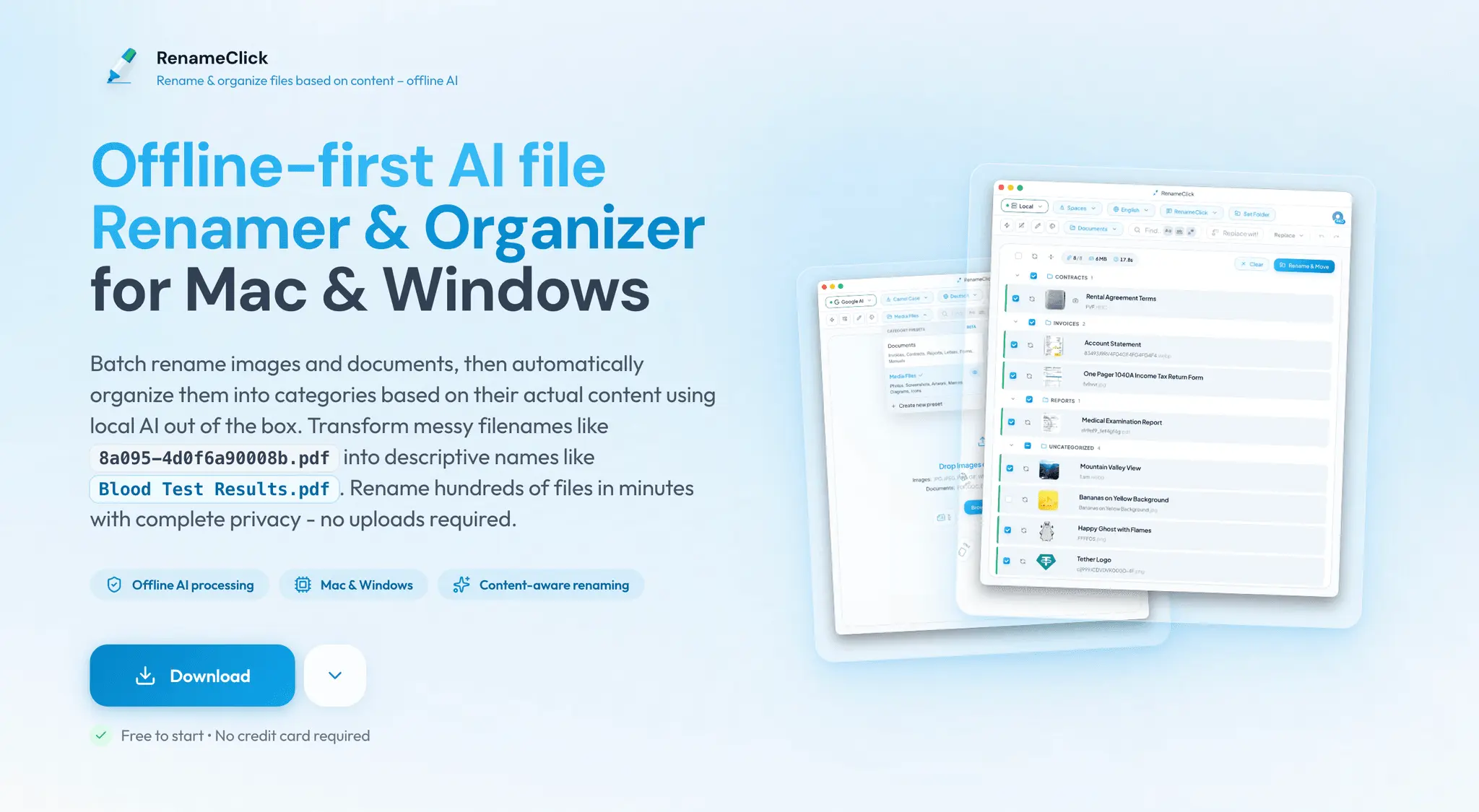
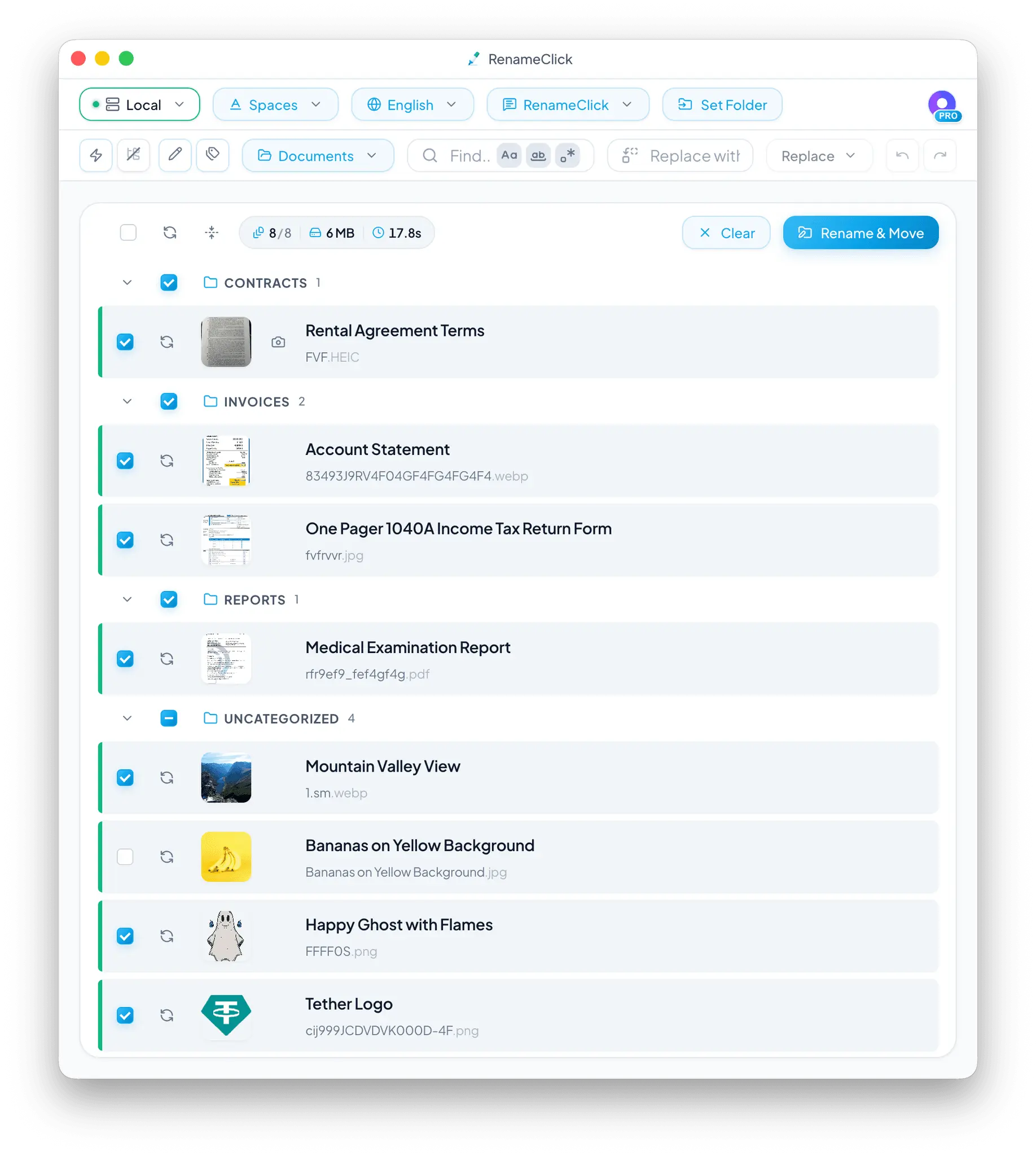
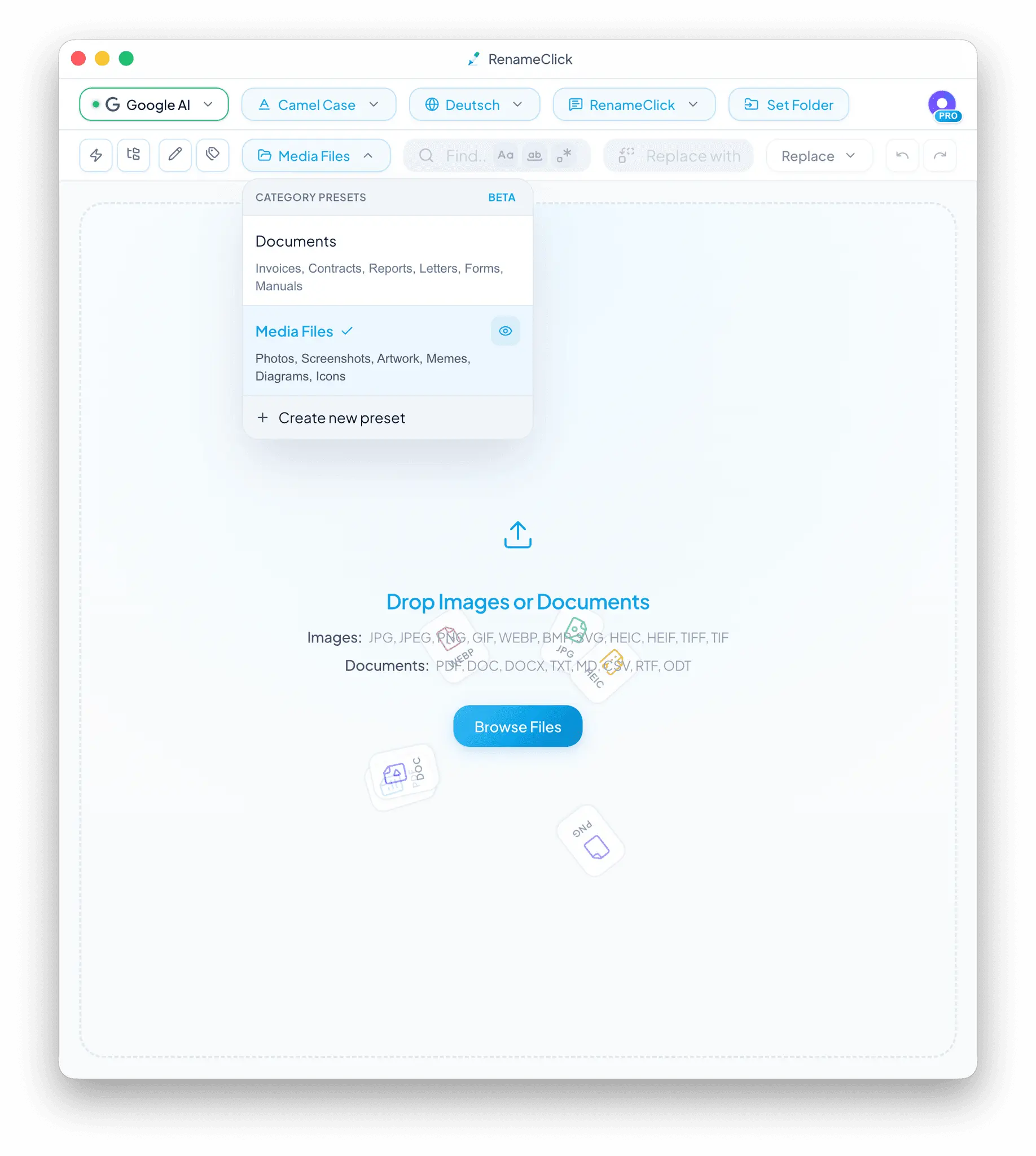
RenameClick is an offline-first AI tool that intelligently renames and organizes files based on their actual content. Designed for macOS and Windows, it helps keep real-world workflows tidy by transforming messy, meaningless file names into clear, descriptive ones - and automatically sorting files into the right folders. By default, all processing happens locally on your computer using a built-in AI model. Files are not uploaded anywhere, ensuring privacy and full control over your data. For users who want more flexibility, RenameClick also supports optional cloud providers as well as local LLM integrations such as LM Studio and Ollama. The app supports a wide range of file formats, including common image types like JPG, JPEG, PNG, and GIF, as well as documents such as PDF, DOC, and DOCX. With batch processing, you can rename and organize hundreds of files in minutes. RenameClick analyzes each file’s content and suggests meaningful names, which you can review and apply in a single click. File Organizer. In addition to renaming, RenameClick can automatically categorize files and move them into folders using presets. By default, it includes two ready-to-use presets, but the real power comes from creating your own preset with categories that match your workflow. You define the category names and structure, and RenameClick sorts files accordingly. RenameClick also supports multiple languages for generated file names, making it suitable for international and multilingual workflows. For advanced use cases, RenameClick allows you to define custom AI instructions (custom prompts). This makes it possible to control naming behavior in detail, enforce your own naming conventions, extract specific fields like dates or amounts, and adapt file names and categorization to domain-specific workflows.
Screenshots
Reviews (0)
No reviews yet. Be the first to rate this product!
Comments (10)
Privacy-first file organizing is excellent!
This is an amazing tool love it . Hoping to try soon.
Thanks a lot! Hope it'll be useful for you
very nice utility
nice
🙏
Hi there, great idea. I will evaluate it. Just by curiosity: Which LLM do you use for the local version? Is there already any documentation available?
Hi, thanks! The local version currently runs on a quantized Qwen3 model. I’m constantly tracking new local LLMs, and if a more efficient option shows up, I’ll update it. No documentation yet though, what would you like to see covered?
Very cool and helpful idea!
Thanks a lot, I really appreciate it and I’m happy you liked it. The app is still in preview. I’m fixing bugs and adding features together with user feedback, so there’s a good chance this simple idea will reach its full potential
Love that it works fully offline. Batch renaming with AI without sending files to the cloud is a big win.
Thanks @rupinderdev for the feedback! We really appreciate your support.
Love the offline push for AI features!
Why send your files over the internet if you can process them right on your own computer 🙂 That said, some users asked for cloud options too, so those are available as an option.
what's the possibilities of getting my entire drive deleted by this? or getting all the files renamed?
Zero chance of files being deleted. RenameClick is not agent based and cannot perform destructive actions. The model does not access raw files, only encoded representations. Renaming applies only to files you explicitly load and confirm
Hey everyone! I’ve been working on a small desktop tool that automatically renames files based on what’s inside them (images, PDFs, scans, etc). It runs fully on your device - I wanted something simp